

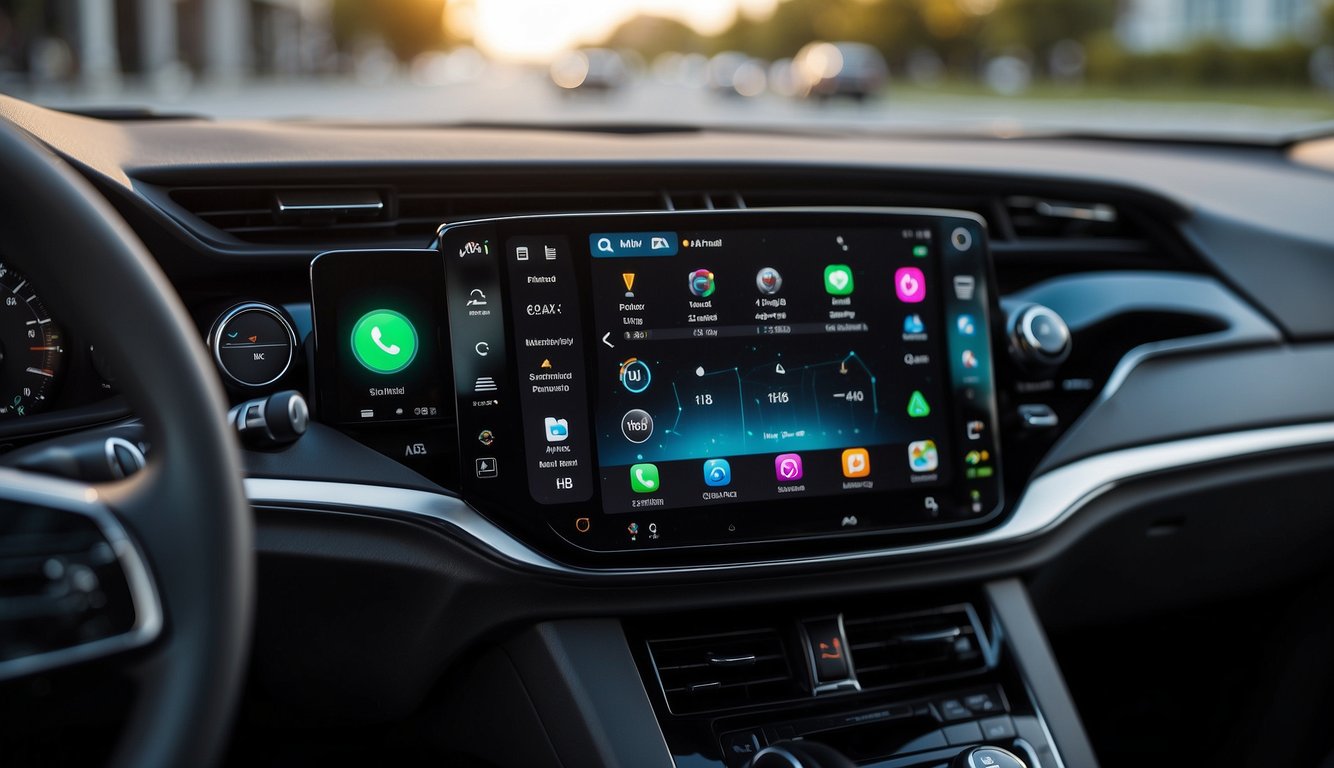
What Are Android Auto and Apple CarPlay?
Android Auto and Apple CarPlay are smartphone-mirroring systems that project your phone's apps onto your car's infotainment screen. Android Auto works with Android phones (Android 6.0+), while Apple CarPlay works with iPhones (iOS 7.1+). Both let you navigate, play music, send messages, and make calls using your car's display and voice controls, keeping your hands on the wheel and eyes on the road.
What Is Android Auto?
Android Auto is Google's system that connects your Android phone to your car. It shows a simplified interface on your car's screen with large icons and voice commands, so you can stay focused while driving. You can use Google Maps for navigation, stream music through Spotify, and send WhatsApp messages — all hands-free. The wireless version, CARLUEX AIR, lets you connect wirelessly so you don't need to plug in every time you get in the car.
What Is Apple CarPlay?
Apple CarPlay is Apple's system that mirrors your iPhone onto your car's display. It uses a clean, intuitive interface with large icons and Siri voice control. You can navigate with Apple Maps, play music through Apple Music or Spotify, send iMessages, and make calls — all without touching your phone. For a wireless experience, CARLUEX PRO lets you use CarPlay wirelessly in any car that already has wired CarPlay.
What Are the Key Differences Between Android Auto and Apple CarPlay?
Both systems aim to reduce driver distraction, but they differ in a few important ways:
- Navigation: Android Auto defaults to Google Maps, widely regarded as more accurate than Apple Maps. CarPlay uses Apple Maps, which has improved but still lags behind Google in some regions.
- Voice assistant: Android Auto uses Google Assistant, which handles natural language commands well. CarPlay uses Siri, which integrates tightly with iOS apps and services.
- App selection: Android Auto supports Google Maps, Waze, WhatsApp, and Spotify. CarPlay supports Apple Maps, Apple Music, Spotify, and iMessage. The overall library is comparable, though each has some exclusive apps.
- Customization: Android Auto lets you rearrange the home screen. CarPlay keeps a fixed layout across all vehicles.
- Phone compatibility: Android Auto only works with Android. CarPlay only works with iPhone. Your choice of phone is the biggest factor in which system you should use.
Which Should You Choose: Android Auto or Apple CarPlay?
Pick the system that matches your phone. Here's a quick breakdown:
Choose Android Auto If You...
- Have an Android phone and want seamless Google Maps integration.
- Use apps like Waze or WhatsApp regularly while driving.
- Prefer a customizable home screen layout.
Choose Apple CarPlay If You...
- Have an iPhone and rely on Siri for hands-free control.
- Use Apple Music or other Apple services.
- Value a consistent, simple interface across any car.
Both systems make driving safer by letting you keep your phone out of your hands. If you drive an older car without built-in support, CARLUEX AIR adds wireless Android Auto and CarPlay to your vehicle without installation or upgrades.
Which Cars and Phones Support Android Auto and Apple CarPlay?
Supported Vehicles
Both systems are available in most new cars from major brands, including Honda, Ford, Hyundai, Kia, Mazda, BMW, Mercedes-Benz, Volkswagen, Subaru, and Volvo. Not every trim level supports them, so check with your dealer or the manufacturer's website before buying.
Operating System Requirements
- Android Auto: Android 6.0 or higher
- Apple CarPlay: iOS 7.1 or higher (iPhone 5 and newer)
If your car doesn't have either system built in, a CARLUEX PRO wireless adapter can add CarPlay or Android Auto to most vehicles with a USB port.
How Do Android Auto and Apple CarPlay Compare in User Experience?
Interface Design
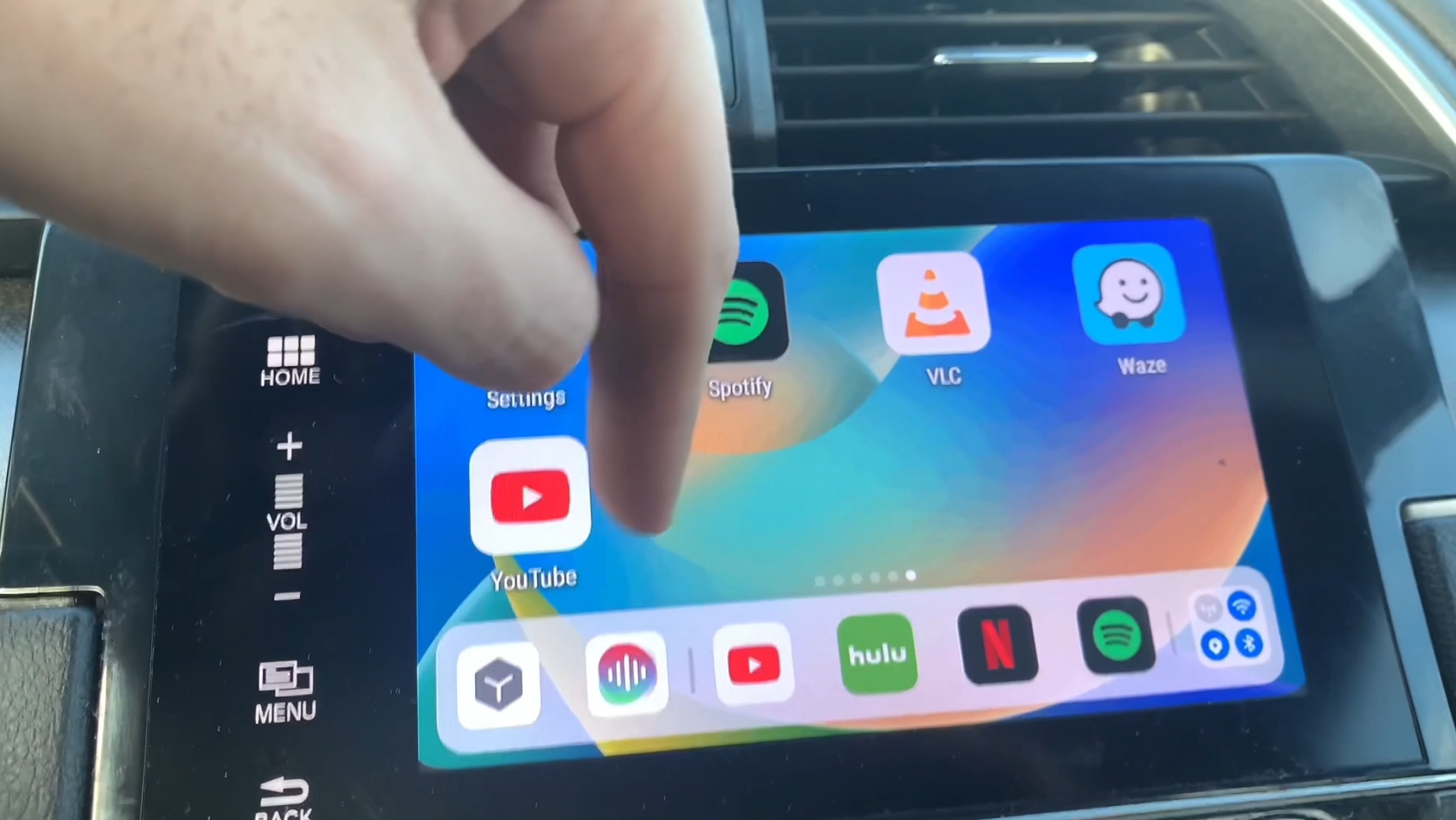
Apple CarPlay has a clean, standardized look — apps are arranged in a grid on the home screen. The layout stays the same whether you're in a Honda or a BMW, making it familiar across vehicles.
Android Auto has a more flexible design. It supports split-screen mode, showing navigation and music side by side. The home screen can be customized to show your most-used apps first.
Voice Control
Google Assistant in Android Auto handles natural language well. Say "navigate to the nearest gas station" or "reply to John's message" without memorizing specific commands. Siri in CarPlay works similarly and integrates deeply with iPhone apps, though some users find it slightly more limited in scope.
What Connectivity Options Do Android Auto and Apple CarPlay Offer?
Both systems support wired (USB) and wireless connections:
- Wired (USB): Connect your phone to the car's USB port. This also charges your phone while you drive.
- Wireless: Both Android Auto wireless and wireless CarPlay work over Bluetooth and Wi-Fi. CARLUEX AIR provides wireless CarPlay and Android Auto for cars that only have a USB port — no need to plug in every trip.
How Do Android Auto and Apple CarPlay Keep You Safe?
Safety is the core reason both systems exist. They reduce distraction by:
- Displaying only essential apps in a simplified, large-icon format.
- Enabling hands-free voice commands for calls, messages, and navigation.
- Reading incoming messages aloud so you don't need to look at the screen.
- Providing real-time traffic updates and turn-by-turn directions.
Both systems also automatically limit what you can do while the car is in motion, preventing potentially dangerous interactions.
Conclusion
Android Auto and Apple CarPlay both make driving safer and more convenient. Choose Android Auto if you have an Android phone and want Google Maps and a customizable layout. Choose Apple CarPlay if you have an iPhone and prefer Siri's tight integration with Apple's ecosystem.
If your car doesn't have either system built in, a CARLUEX PRO or CARLUEX AIR wireless adapter adds seamless smartphone connectivity to your vehicle in minutes.
Frequently Asked Questions
Can I use both Android Auto and Apple CarPlay in the same car?
Most cars with one of these systems can only run one at a time. You choose which to activate based on the phone you connect. Some aftermarket receivers support both.
Does Android Auto work with iPhones, or only Android phones?
Android Auto only works with Android phones running Android 6.0 or higher. For iPhone users, Apple CarPlay is the equivalent system.
Can I add wireless CarPlay to a car that only has wired CarPlay?
Yes. CARLUEX AIR wireless CarPlay adapter adds wireless functionality to cars with existing wired CarPlay — just plug it in once and connect wirelessly from then on.
Is Android Auto free to use?
Yes. Android Auto is a free app and service. You'll need an Android phone and a compatible car or aftermarket head unit. Data usage for navigation and streaming comes from your phone plan.


Laat een reactie achter
Deze site wordt beschermd door hCaptcha en het privacybeleid en de servicevoorwaarden van hCaptcha zijn van toepassing.