

Quick answer: An Android Auto adapter with better app and device switching is worth considering if you often move between maps, music, calls, messages, or more than one phone in the same vehicle. A basic adapter may be enough if you only need one phone to connect wirelessly and you rarely change apps on the car screen.
The safer way to compare them is not to assume the more advanced option is automatically better. It is this: check what your car already supports, what your phone and apps allow in Android Auto, and whether the adapter's product page clearly matches your use case before you buy.
Safety note: Change settings only when the vehicle is parked. Do not adjust phone or infotainment settings while driving.
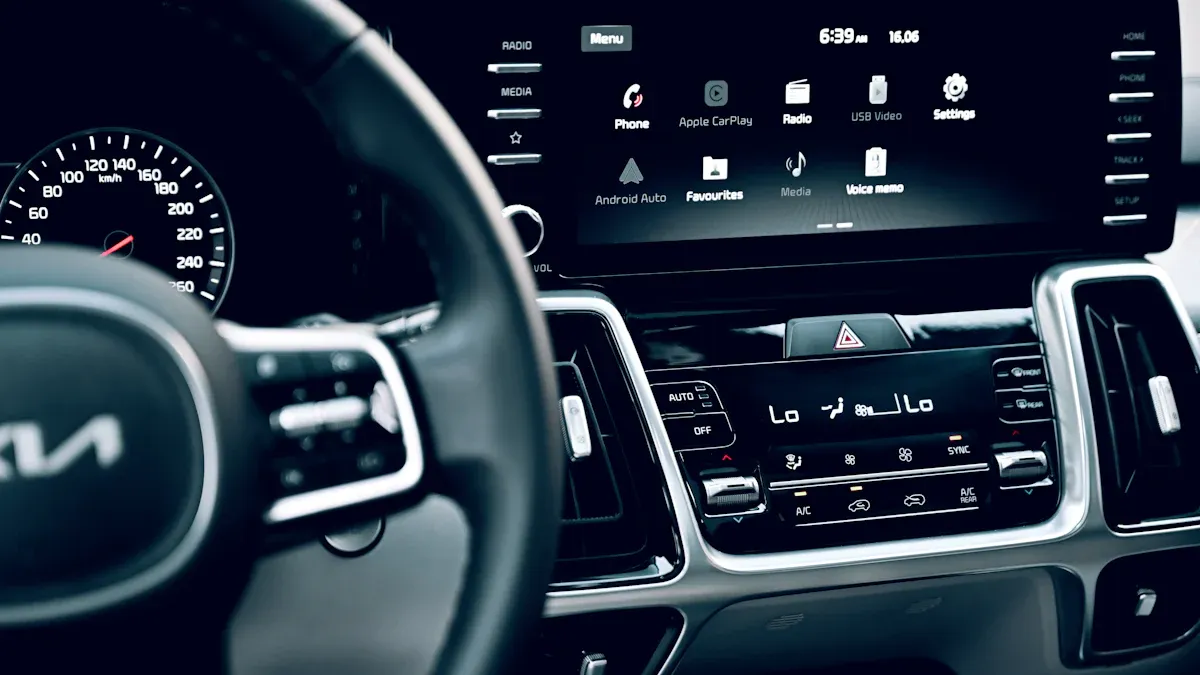
Dynamic App Switching vs Basic Android Auto Adapters
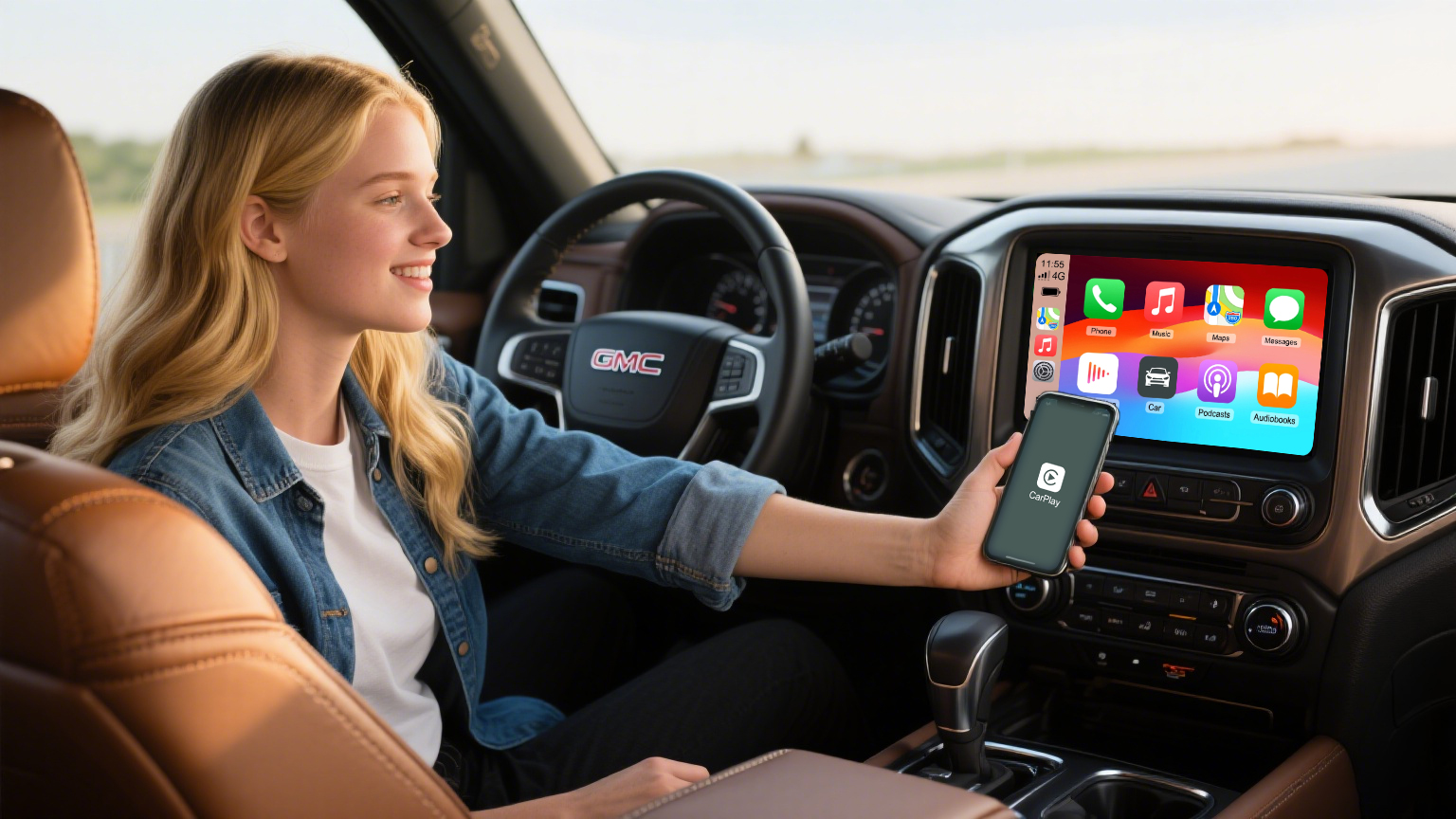
Google describes Android Auto as a way to bring supported apps to your car display for navigation, maps, calls, text messages, and music. That matters because app switching is not only about the adapter. The real experience also depends on Android Auto, your phone, the app provider, the vehicle display, and the car or aftermarket head unit.
A basic wireless adapter usually focuses on one job: turning an existing wired Android Auto or CarPlay connection into a wireless connection. A more capable adapter may add smoother reconnection, multi-device memory, or easier movement between navigation, audio, calling, and selected app screens. Those benefits are useful, but they should be checked against the specific product page and your vehicle setup.
| Question | Basic adapter | Dynamic switching-focused adapter |
|---|---|---|
| Main job | Make a wired connection wireless. | Make wireless connection plus app or device changes easier. |
| Best for | One regular driver, one phone, simple navigation and music. | Shared cars, frequent app changes, road trips, or drivers comparing multiple CARLUEX options. |
| What to verify | Vehicle compatibility, phone compatibility, USB stability, and reconnect behavior. | All basic checks plus multi-device behavior, app support, screen control, and product-specific requirements. |
| Risk if ignored | You may buy more than you need. | You may assume an app or vehicle feature is supported when it still needs confirmation. |
What Dynamic App Switching Actually Means
In plain language, dynamic app switching means the setup feels easier when you move between common in-car tasks: opening maps, changing audio, answering a call, checking a message prompt, or letting another paired phone take over. It does not mean every app works in every car, and it does not override Android Auto's safety limits.
Android's car app guidance is built around driver distraction rules and car-friendly templates. That is why some app types, screens, or interactions may be limited while driving. If a seller or article says an adapter unlocks every app in every situation, treat that as a claim that needs source review.
Good signs to look for
- The product page explains whether the adapter is for wired CarPlay, wired Android Auto, or both.
- The product page explains app access or app behavior without promising that every third-party app will work forever.
- The adapter remembers paired devices or makes switching between phones easier.
- The product page links back to compatibility guidance or tells you to verify your vehicle before purchase.
When A Basic Adapter May Be Enough
A basic adapter can still be the right choice. If you drive alone, use one Android phone, mainly rely on Google Maps and music, and already know your car supports the required wired connection, a simpler adapter may meet your needs.
Before upgrading beyond a basic model, ask yourself three questions:
- Do I share the vehicle with another driver who needs their own phone connected?
- Do I often switch between navigation, audio, calls, and messages on the car display?
- Do I need product features beyond wireless connection, such as app access, screen control, or multimedia use cases?
If the answer is no, keep the buying path simple. Check compatibility, read the product page, and avoid paying for features you will not use.
When Dynamic Switching Is Worth Checking
Dynamic switching becomes more valuable when the car is shared, the trip is longer, or the driver uses several supported apps during one route. For example, a family car may need one phone for navigation, another phone for audio, and quick access to calls or messages. A commute-heavy driver may care more about stable reconnection and fewer manual steps each morning.
The benefit is convenience, not magic. A wireless adapter may improve how your phone connects to a compatible car, but it does not fix unsupported vehicles, damaged USB ports, blocked phone settings, app account limitations, or Android Auto restrictions.
Check These Before Buying Any Android Auto Adapter
| Check | Why it matters | Safe action |
|---|---|---|
| Vehicle support | Android Auto does not work with every car or every USB port. | Confirm your vehicle or aftermarket head unit supports Android Auto. |
| Wired connection first | Many wireless adapters depend on an existing wired CarPlay or Android Auto path. | Test the wired connection before judging a wireless adapter. |
| Phone and app settings | Android Auto behavior can vary by Android version, phone brand, permissions, and app settings. | Check Android Auto settings on the phone and keep supported apps updated. |
| Product-page claims | Adapter models do not all share the same feature set. | Use the linked product page as the source before relying on a feature. |
| BMW and special systems | Some vehicles may need a BMW-specific or system-specific CARLUEX product path. | For BMW vehicles, review the CARLUEX BMW product page before buying. |
CARLUEX Options To Compare
CARLUEX compatibility depends on the adapter model and your vehicle's factory infotainment system. Use these links as a starting point, then confirm the final fit on the product page and compatibility page.
- CARLUEX AIR Wireless CarPlay/Android Auto Adapter: worth checking if you want a compact wireless CarPlay / Android Auto adapter and your vehicle meets the product-page requirements.
- CARLUEX LINK Wireless CarPlay and Android Auto Adapter: worth checking if you want a simpler wireless CarPlay and Android Auto adapter path.
- CARLUEX PRO+ 2.0 Multimedia AI Box: worth checking if you want broader app and multimedia use cases and have confirmed compatibility.
- CARLUEX Multimedia Streaming Box for BMW: BMW drivers should review the BMW-specific CARLUEX option rather than assuming a standard adapter fits.
Before purchase, use the CARLUEX compatible vehicles page or the CARLUEX compatibility quiz. Please confirm your vehicle, model year, factory system, phone, and app needs before purchase.
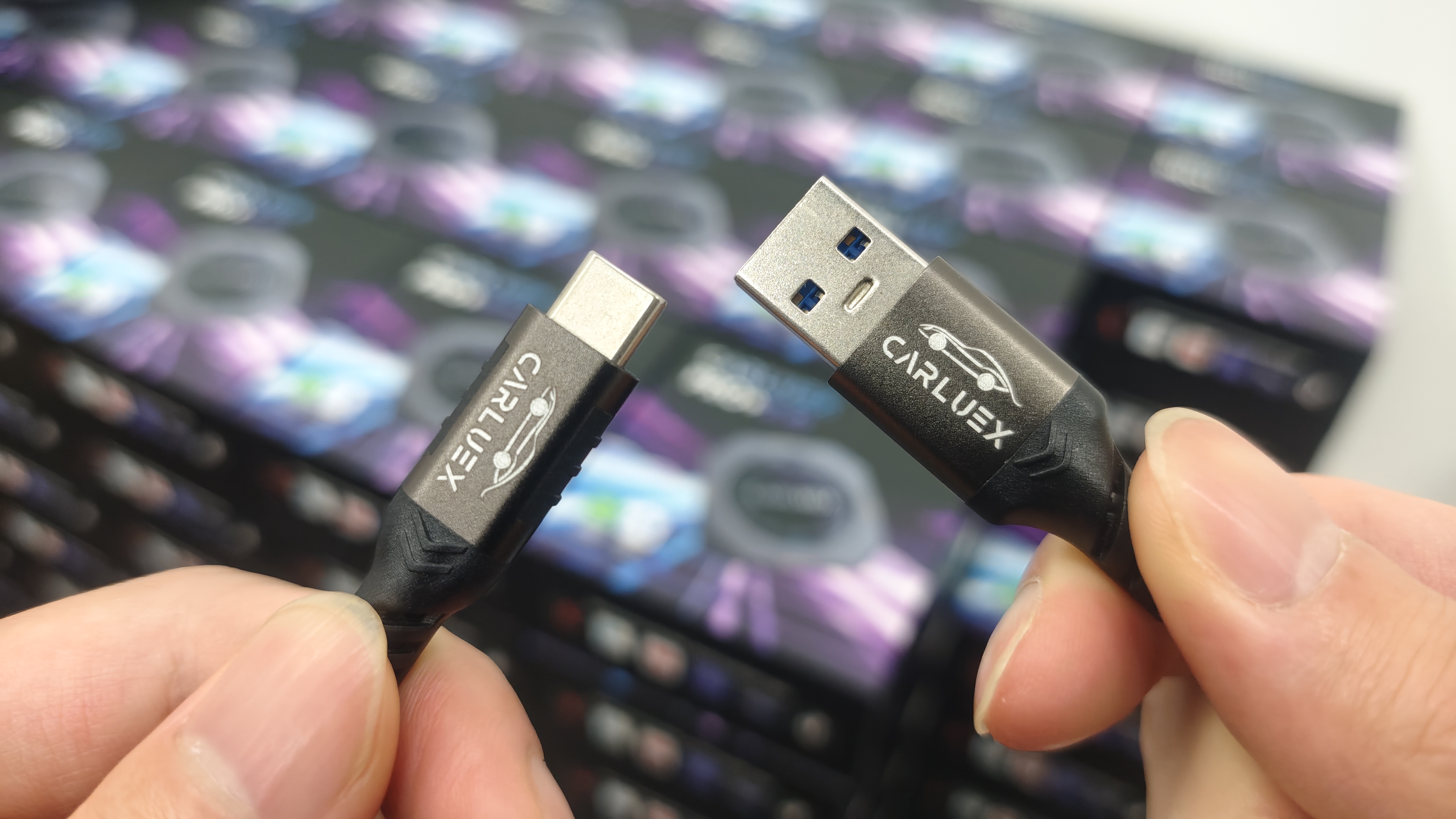
Dynamic Switching Buying Checklist
- You have already confirmed that wired Android Auto or wired CarPlay works in the vehicle, if the product requires it.
- You know whether you need Android Auto, CarPlay, or both.
- You have checked whether the product page mentions the app behavior you need.
- You understand that third-party app performance can depend on the app provider, phone, account, region, firmware, and vehicle display.
- You have reviewed shipping and return/refund policy pages before purchase.
Related CARLUEX Guides
- How to Set Up and Use an Android Auto Wireless Adapter
- CARLUEX App Compatibility: Which Apps Work in Your Car?
- Android Auto Adapters for Dynamic App Switching
- CarPlay Adapter with Multi-Device Pairing
Official Sources Used
FAQ
Is dynamic app switching necessary for every driver?
No. If you use one phone and only need simple wireless Android Auto or CarPlay, a basic adapter may be enough. Dynamic switching is more useful for shared cars, frequent app changes, and drivers comparing broader adapter features.
Does an Android Auto adapter make every app work on the car screen?
No. Android Auto and car app behavior depend on Google, the app provider, your phone, your vehicle display, and the adapter model. Check official Android Auto support and the product page before relying on a specific app.
Can a wireless adapter fix Android Auto if wired Android Auto does not work?
Usually no. A wireless adapter may help after the required wired connection already works. It does not fix unsupported vehicles, damaged USB ports, blocked phone settings, or vehicle software problems.
Which CARLUEX adapter should I compare first?
Start with the product that matches your vehicle and use case. Compare CARLUEX AIR or LINK for simpler wireless adapter needs, PRO+ 2.0 for broader multimedia use cases, and the BMW-specific CARLUEX product for BMW vehicles. Final compatibility still needs product-page review.
Should I change the old article URL for SEO?
No URL change is recommended for this update. Keeping the existing handle avoids redirect risk unless Dom or the user separately approves a slug change and redirect plan.



Efterlad en kommentar
Alle kommentarer er modereres, før de bliver offentliggjort.
'Denne side er beskyttet af hCaptcha, og hCaptchas Politik om beskyttelse af persondata og Servicevilkår er gældende.