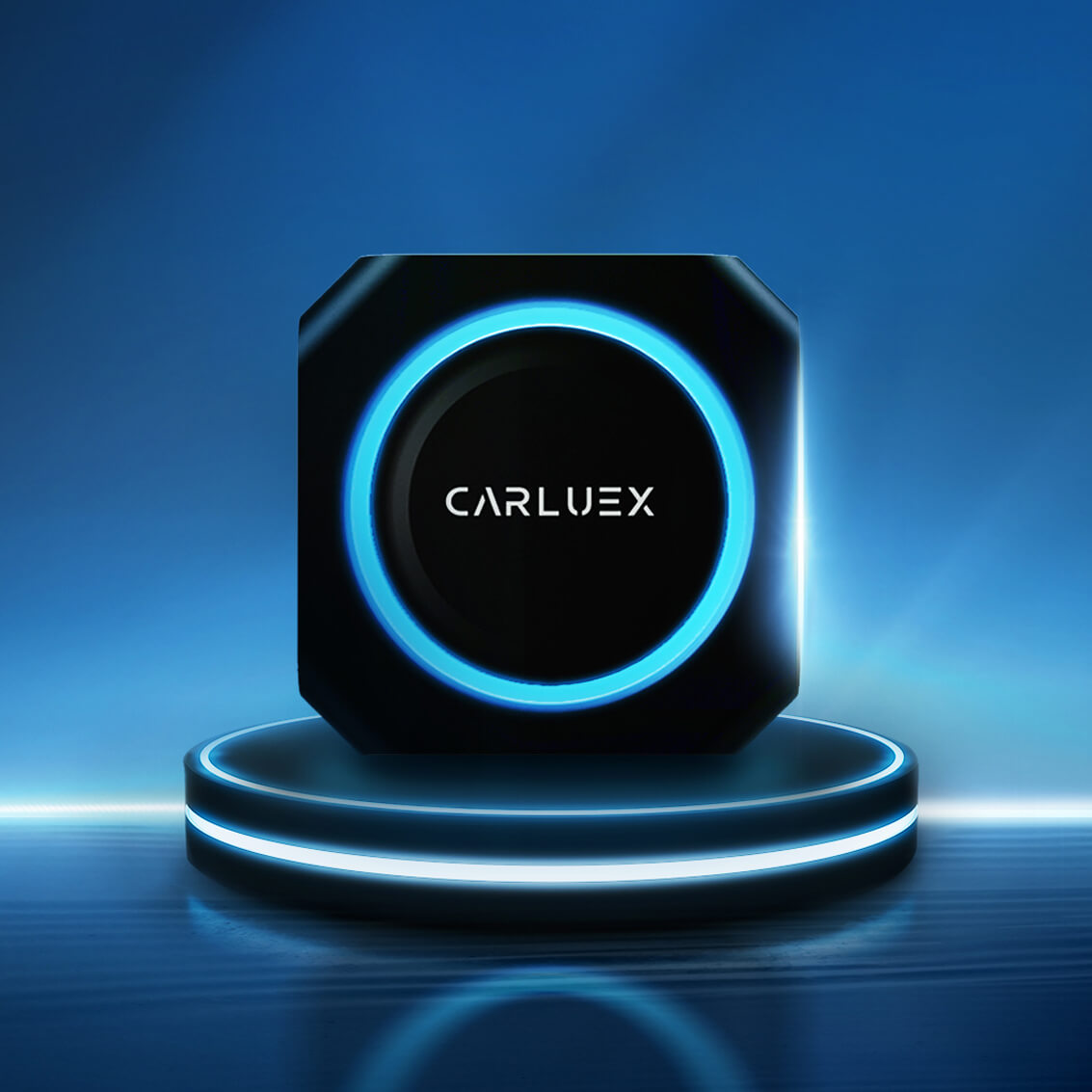
Quick answer: CARLUEX app compatibility depends on three things: your vehicle's factory CarPlay or Android Auto support, the CARLUEX device model you choose, and whether the app itself supports in-car use. LINK focuses on wireless CarPlay and Android Auto. AIR, GO, VISION, BMW, and PRO+ 2.0 add Android-based app access for media, navigation, and offline playback where available. Always confirm your vehicle on the CARLUEX compatible vehicles page before purchase.
If the old version of this article felt like a long app list, this updated guide gives you the decision logic behind that list. Some apps run through Apple CarPlay. Some run through Android Auto. Some run on the Android system inside selected CARLUEX smart boxes. Those are different layers, and mixing them up can lead to the wrong purchase.
Start Here: Three Types of App Compatibility
Before comparing CARLUEX models, separate app compatibility into three categories:
- Apple CarPlay apps: iPhone apps that Apple allows inside CarPlay, such as supported navigation, calls, messaging, music, and audio apps. Apple describes CarPlay as a way to get directions, make calls, send and receive messages, and listen to music while staying focused on the road through CarPlay on iPhone.
- Android Auto apps: Android apps that Google allows in Android Auto. Google says Android Auto supports categories such as music, messaging, news, and more, and users should check compatible apps in Google Play or with the app developer through Android Auto app compatibility.
- Android system apps on CARLUEX smart boxes: apps that run on the Android-based system inside models such as CARLUEX AIR, GO, VISION, BMW, and PRO+ 2.0. These may include media, navigation, browser, and local playback apps where available, but third-party app performance can depend on the app provider.
This distinction matters because a simple wireless adapter is not the same as a multimedia AI box. If you only need phone projection without a cable, LINK may be enough. If you want more standalone app access from the car screen, compare AIR, GO, VISION, BMW, and PRO+ 2.0.
CARLUEX App Compatibility by Device
Use this table as a practical starting point. It is not a universal guarantee. Vehicle support, phone system, app region, subscription status, and the app provider's own rules can all affect what you see on the screen.
| CARLUEX device | Best fit | App access | Important limits |
|---|---|---|---|
| CARLUEX LINK | Drivers who want simple wireless CarPlay or wireless Android Auto | Uses the apps already supported by CarPlay or Android Auto on your phone | Wireless CarPlay requires factory wired CarPlay. Wireless Android Auto requires factory wired Android Auto. |
| CARLUEX AIR | Drivers who want a compact Android-based adapter with broader app access | Wireless CarPlay, wireless Android Auto, Google Play app download, and supported media apps where available | Third-party app behavior depends on the app provider. Confirm vehicle compatibility first. |
| CARLUEX GO | Drivers who want wireless CarPlay, wireless Android Auto, local media, and phone mirroring support | Wireless CarPlay, wireless Android Auto, YouTube, Netflix, casting, offline media, and phone mirroring where supported | Use entertainment features only when parked. Vehicle and app availability still matter. |
| CARLUEX VISION | Drivers who want screen control support and Android-based app download | Wireless CarPlay, wireless Android Auto, split-screen, video streaming, offline media, and Google Play app download | Specific vehicle compatibility still needs confirmation. |
| CARLUEX for BMW | BMW owners who should not be routed to PRO+ 2.0 by default | Wireless CarPlay, wireless Android Auto, Android system apps, local media, video streaming, and supported assistant features | BMW users should choose the BMW version and confirm model compatibility. |
| CARLUEX PRO+ 2.0 | Drivers who want a higher-spec multimedia AI box with Android app access | Wireless CarPlay, wireless Android Auto, built-in 4G LTE/SIM slot, GPS navigation, Google Play/APK installation, local media, and HDMI output | For built-in wired CarPlay vehicles; not compatible with BMW models. PRO+ 2.0 does not support phone mirroring. |
Which Apps Usually Belong in CarPlay or Android Auto?
CarPlay and Android Auto are built for driving-first tasks. That usually means navigation, calls, messages, music, podcasts, audiobooks, and selected communication or audio apps. Apple and Google decide what their platforms allow, so CARLUEX cannot force every phone app to appear in CarPlay or Android Auto.
For Android Auto, Google notes that compatible apps may require you to be signed in, and some apps may require a subscription or premium account. For media specifically, Google's Android Auto help says compatible media apps can play music and podcasts through your car's speakers, but app issues should be checked with the app provider through Android Auto media app guidance.
For CarPlay, Apple says users can get turn-by-turn directions, make calls, send and receive messages, and listen to music. If your question is "why does this one iPhone app not appear in CarPlay?" the answer is often that the app is not CarPlay-enabled, the app is restricted by settings, or your iPhone/car connection needs troubleshooting.
When You Need More Than CarPlay or Android Auto
If you want apps beyond the normal CarPlay or Android Auto categories, look at CARLUEX models with an Android-based system rather than only a wireless projection adapter. That is where AIR, GO, VISION, BMW, and PRO+ 2.0 become more relevant.
For example, CARLUEX AIR supports Google Play app download and popular entertainment apps where available. CARLUEX PRO+ 2.0 adds higher-spec hardware, Google Play/APK installation, local media support, GPS navigation, and HDMI output. CARLUEX GO is the better fit when phone mirroring is part of the requirement, because PRO+ 2.0 should not be described as supporting phone mirroring.
Keep the safety boundary clear: video and entertainment apps should be used only when parked or by passengers where local law and vehicle safety allow. Do not watch video or operate distracting apps while driving.
How to Choose the Right CARLUEX Device for App Compatibility
If you mainly want wireless phone projection
Choose CARLUEX LINK if your vehicle already has factory wired CarPlay or factory wired Android Auto and you simply want to remove the daily phone cable. LINK does not turn every phone app into a dashboard app. It lets your existing CarPlay or Android Auto experience run wirelessly.
If you want streaming and Play Store flexibility
Choose CARLUEX AIR if you want a broader Android-based app experience in a compact adapter. AIR is better suited to drivers comparing app access, media use while parked, Google Play download, and everyday wireless CarPlay/Android Auto convenience.
If you need phone mirroring
Look at CARLUEX GO, because the current product fact rule allows GO to be described with phone mirroring support. Do not choose PRO+ 2.0 for phone mirroring unless CARLUEX later changes and confirms that product fact.
If you drive a BMW
Use the CARLUEX for BMW product page as your starting point. BMW owners should not be pushed toward PRO+ 2.0 by default, because the general PRO+ 2.0 compatibility rule excludes BMW models.
If you want the highest-spec multimedia box
Compare CARLUEX PRO+ 2.0. It is the better fit for users who want stronger hardware, Android system apps, local media, Google Play/APK installation, GPS navigation, SIM/4G LTE support, and HDMI output, provided the vehicle compatibility conditions are met.
Compatibility Checks Before You Buy
App compatibility starts with vehicle compatibility. Before choosing a device, check these points:
- Does your car support factory wired CarPlay or wired Android Auto? Many CARLUEX adapters depend on the factory system already launching correctly through USB.
- Is your car a BMW? If yes, start with the BMW version rather than PRO+ 2.0.
- Are you using an aftermarket head unit? CARLUEX product rules say aftermarket units are not supported.
- Does the app itself support in-car use? Some apps are not allowed in CarPlay or Android Auto even if they work on your phone.
- Do you need video, local media, or phone mirroring? Pick a model that supports that feature instead of assuming every adapter does the same thing.
You can also compare your vehicle against Apple's public CarPlay available models list, then confirm final CARLUEX fit on the CARLUEX compatible vehicles page.
Common App Compatibility Problems and What They Mean
| Problem | Likely meaning | What to check |
|---|---|---|
| An app appears on your phone but not in CarPlay | The app may not support CarPlay, or it may be hidden by iPhone settings | Check CarPlay app settings on your iPhone and confirm whether the app officially supports CarPlay |
| An Android app does not appear in Android Auto | The app may not be Android Auto-compatible | Check Google's compatible Android Auto apps and the app developer's support page |
| YouTube or Netflix does not behave as expected | Third-party app rules, subscriptions, region, updates, or parked-use restrictions may apply | Check the app account, app version, network connection, and safety/legal limits |
| Wireless Android Auto does not launch on LINK | Your vehicle may not have factory wired Android Auto or Android Auto may not launch correctly through USB | Test wired Android Auto first before adding an adapter |
| BMW compatibility is unclear | The general PRO+ 2.0 route may be wrong for BMW | Use the BMW version and confirm the exact model/year before purchase |
Related CARLUEX Guides
- How to reset Apple CarPlay on iPhone
- How to use Apple CarPlay: setup, connect, and customize
- How to reduce wireless CarPlay lag
- Wireless CarPlay adapter troubleshooting checklist
FAQ
Can every iPhone app work through CARLUEX?
No. For CarPlay, the app must be supported by Apple's CarPlay environment. A CARLUEX adapter can change how your phone connects to the car, but it cannot force every iPhone app to appear in CarPlay.
Can every Android app work through Android Auto?
No. Android Auto only shows compatible app categories and supported apps. Some Android apps can run on Android-based CARLUEX smart boxes, but that is different from Android Auto app compatibility.
Which CARLUEX model is best for app compatibility?
If you only need wireless CarPlay or Android Auto, LINK may be enough. If you want broader Android app access, compare AIR, GO, VISION, BMW, and PRO+ 2.0. If you need phone mirroring, GO is the safer match under the current product fact rules.
Does CARLUEX PRO+ 2.0 support phone mirroring?
No. Under the current CARLUEX product fact rules, PRO+ 2.0 supports Android system apps via Google Play, but it should not be described as supporting phone mirroring.
Do streaming apps work while driving?
Entertainment and video apps should only be used when parked or by passengers where local law and vehicle safety allow. Do not watch video or operate distracting apps while driving.
Bottom Line
The right CARLUEX device depends on the app layer you actually need. Use LINK for wireless CarPlay or Android Auto. Use AIR, GO, VISION, BMW, or PRO+ 2.0 when you need Android-based app access beyond standard phone projection. Most importantly, confirm your vehicle first, because app compatibility only matters after the adapter itself fits your car.
Start with the CARLUEX compatibility checker, then compare the LINK, AIR, GO, VISION, BMW version, and PRO+ 2.0 product pages before you buy.


Leave a comment
All comments are moderated before being published.
This site is protected by hCaptcha and the hCaptcha Privacy Policy and Terms of Service apply.