

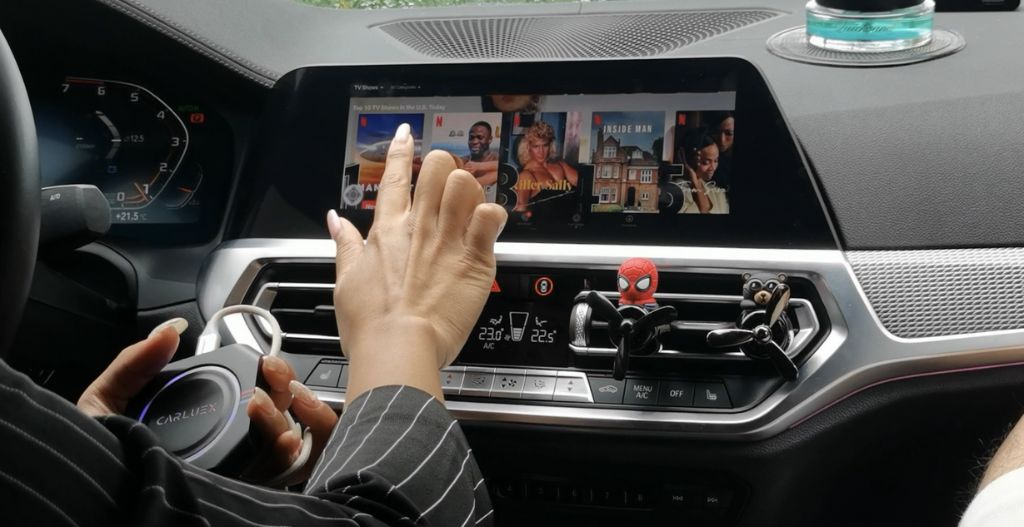
Can you watch video on Android Auto? The safest answer is: not while driving. Android Auto is designed around navigation, calls, messages, and audio so drivers can stay focused. Video should only be used when the vehicle is parked, when local law allows it, and when your car, app, or compatible adapter supports that kind of parked entertainment.
Do not watch, search for, or control video while driving. If you need to change media, park first or let a passenger use their own device.
Quick Answer: Android Auto Video Is a Parked-Car Feature
- Standard Android Auto is primarily for navigation, communication, and audio while driving.
- Google has announced more in-car entertainment options, including video streaming while parked, but availability depends on your vehicle, software, region, and app support.
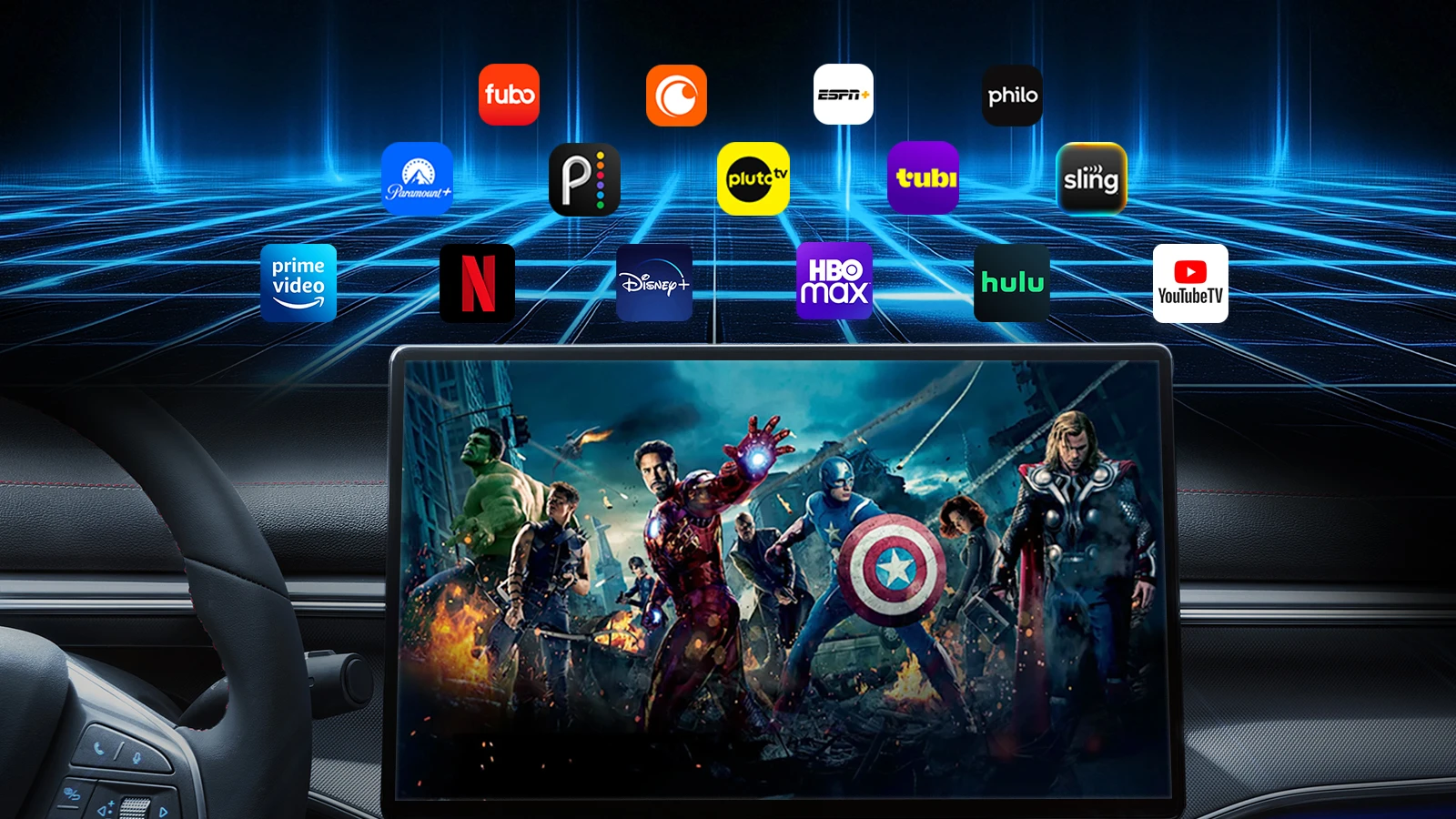
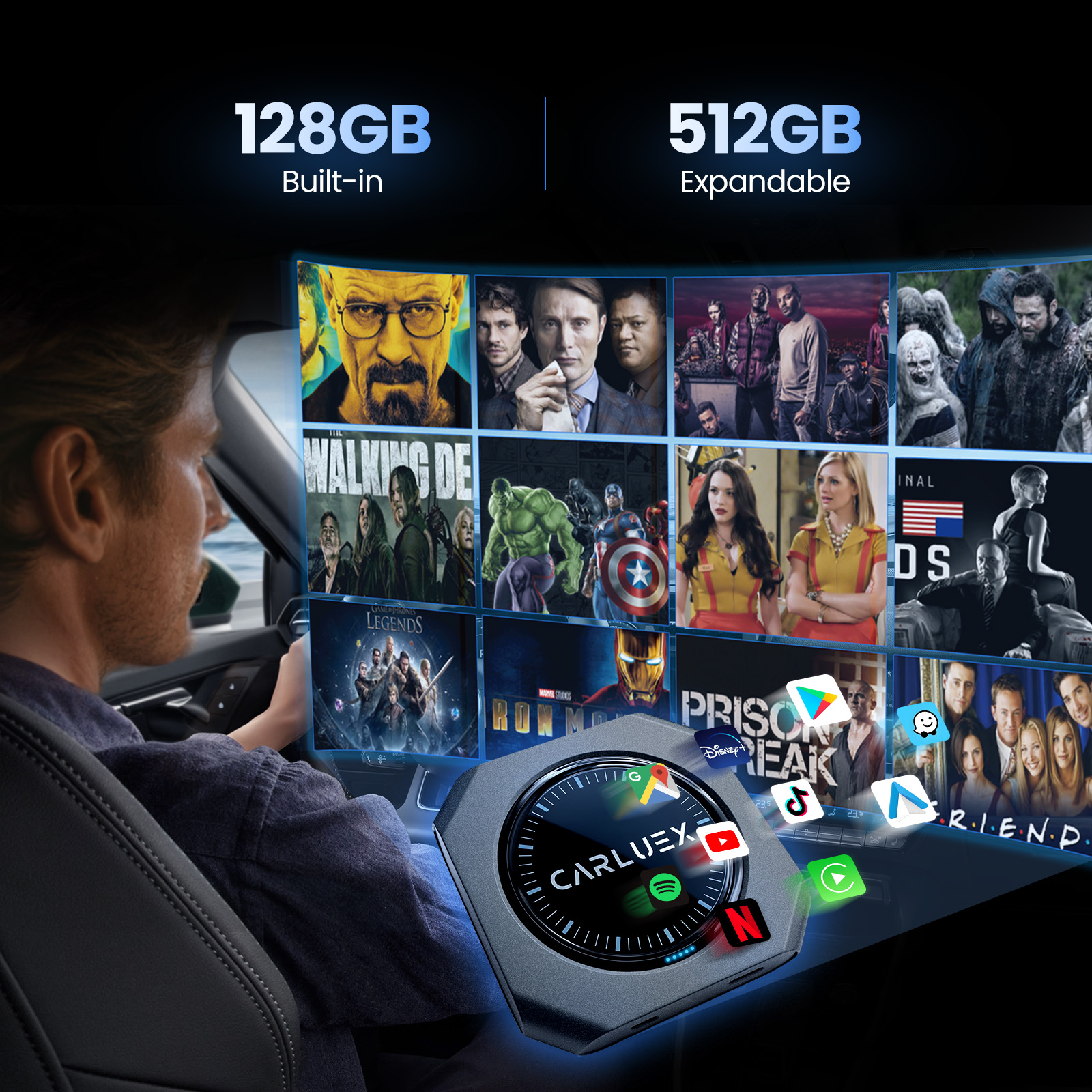
- A compatible CARLUEX multimedia adapter can provide a separate in-car entertainment interface, but it does not override traffic laws or make video safe while driving.
- Avoid sideloaded or unofficial Android Auto video hacks. They can break after updates, create security risks, and may violate platform or local safety rules.
- Before buying any adapter, confirm your vehicle and factory infotainment system are compatible.
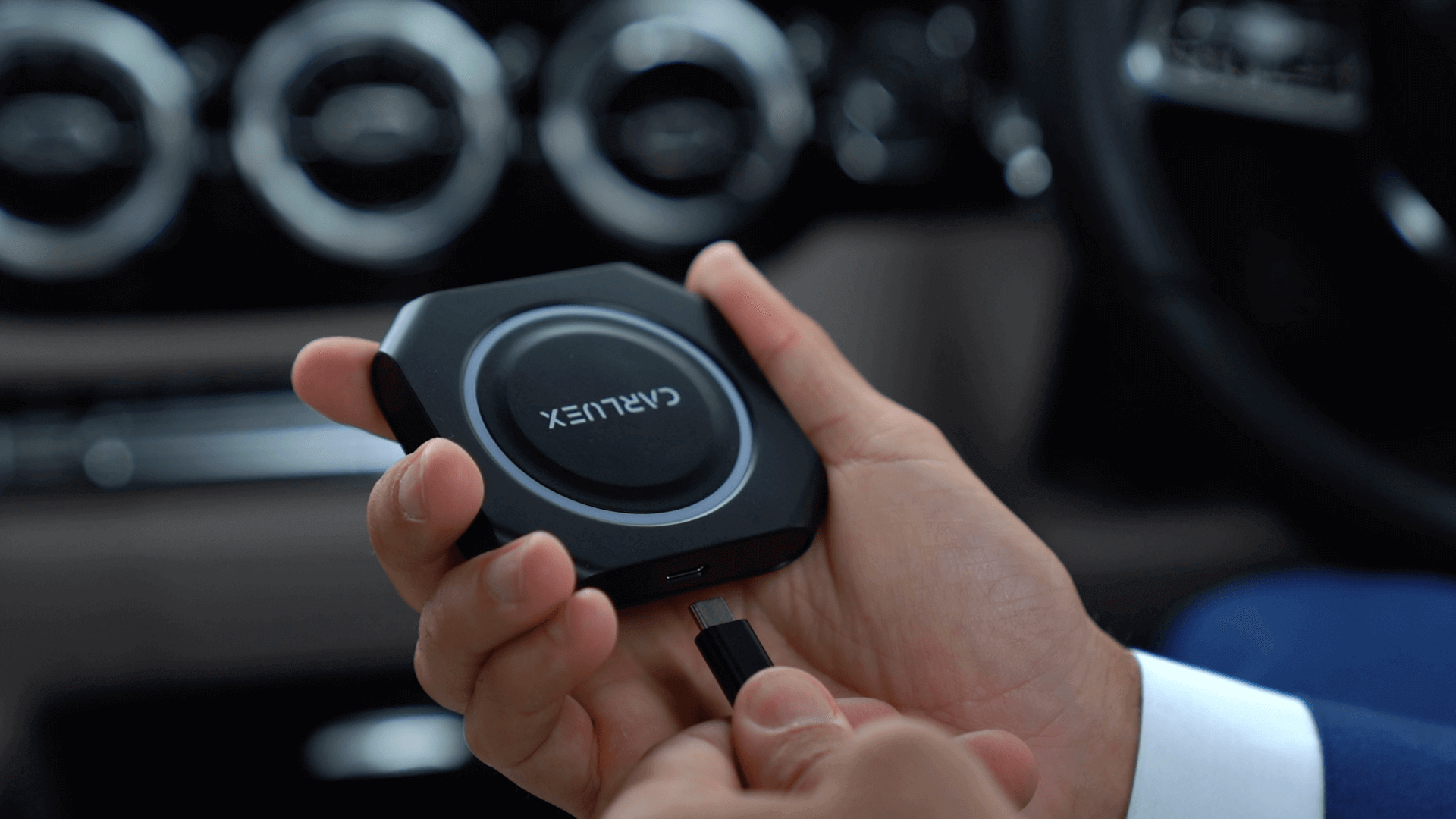
Why Android Auto Does Not Work Like a Phone Video App
Google describes Android Auto as a way to bring apps to your car display so you can focus while driving, including navigation, maps, calls, text messages, and music. The official Android Auto setup guide is built around those driving-safe categories, not open-ended phone mirroring.
That is why many users are confused. Your phone can play YouTube or Netflix, but Android Auto does not simply mirror every phone app onto the dashboard. In-car displays are treated differently because they sit in the driver's line of sight.
Safety First: Do Not Watch Video While Driving
Video on a dashboard can become a driver distraction very quickly. Google explains in its Android Auto developer guidance that Android Auto uses approved in-car templates to reduce driver distraction and restrict dashboard interactions compared with a phone screen.
For CARLUEX content, the rule is simple: video entertainment belongs in parked, passenger, camping, charging, waiting, or break-time scenarios. The driver should not watch video while the vehicle is moving.
Official Android Auto and Google Built-In Video Updates
Google has discussed expanded in-car entertainment, including video streaming while parked, as part of Android Auto and cars with Google built-in updates. Its official Android in cars update notes that these features can roll out by vehicle and over time, which means they are not guaranteed for every car or every Android Auto setup.
If your vehicle has Google built-in or a newer infotainment platform, check the vehicle's own app store, owner's manual, and software update notes. Built-in Google apps, Android Auto phone projection, and a CARLUEX multimedia adapter are different systems, so one working does not automatically mean the others support video.
What About Third-Party Android Auto Video Apps?
Some online guides suggest sideloading apps, enabling developer options, rooting a phone, or using unofficial installers to force video onto Android Auto. This article does not recommend those methods as a primary solution.
They may stop working after Google, Android, or vehicle software updates. They may also create security, warranty, privacy, and legal risks. If a method depends on bypassing normal Android Auto behavior, treat it as unstable and avoid relying on it for a family vehicle or daily driver.
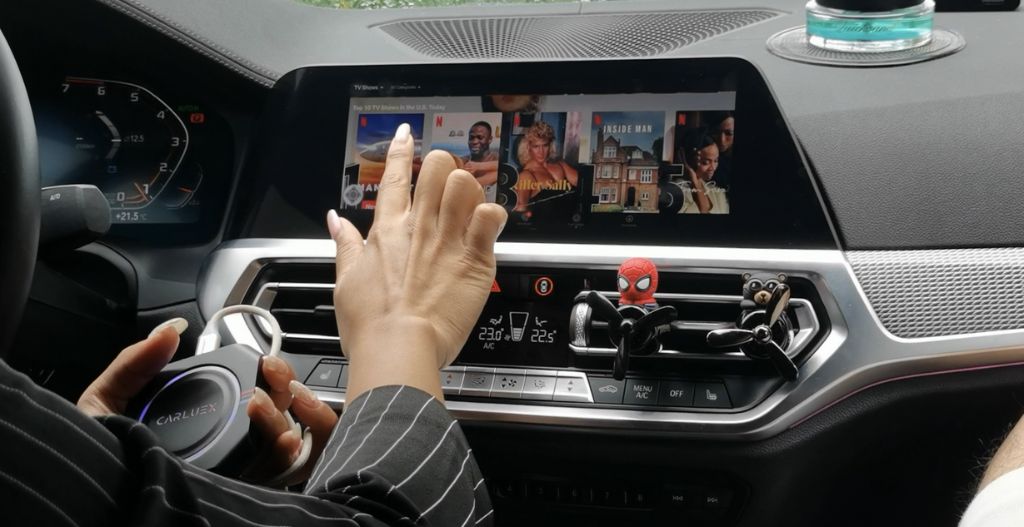
Safer Ways to Watch Video in a Parked Car
| Option | Best for | Important limit |
|---|---|---|
| Passenger phone or tablet | Simple passenger entertainment | Driver should not watch or control it while moving |
| Vehicle's native parked apps | Cars with Google built-in or supported infotainment apps | Availability depends on vehicle, region, app, and software |
| Compatible CARLUEX multimedia adapter | Parked-car streaming, local media, and adapter-based entertainment | Compatibility must be confirmed before purchase |
Where CARLUEX Fits
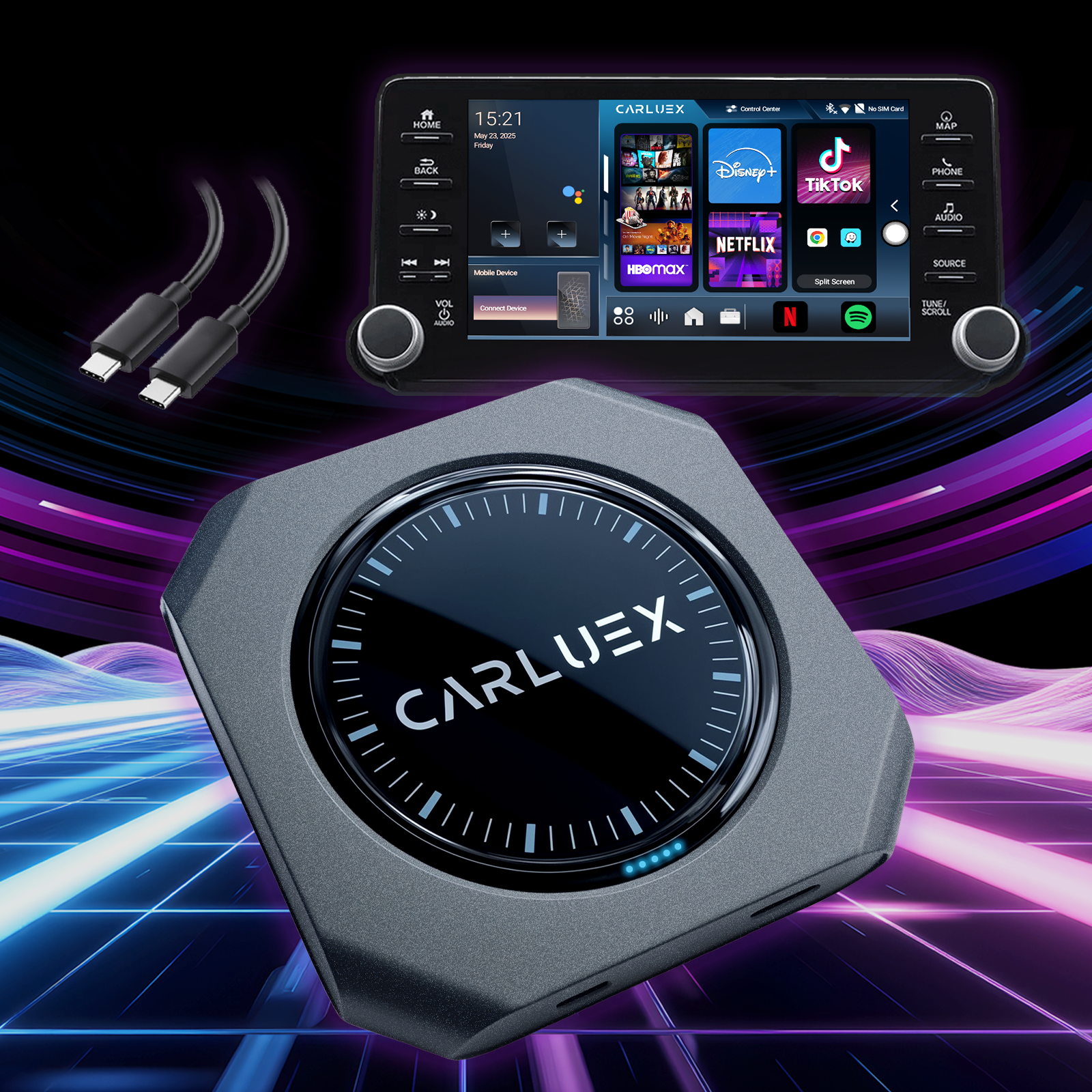
CARLUEX multimedia adapters are not Android Auto hacks. They connect to compatible factory infotainment systems and can provide a separate multimedia interface for parked entertainment, depending on the product and vehicle. Compatibility depends on the adapter model and your vehicle's factory infotainment system.
For simple wireless CarPlay and Android Auto conversion, compare CARLUEX LINK. If you want a multimedia-focused setup, compare CARLUEX GO, CARLUEX AIR, and CARLUEX PRO+ 2.0. For vehicles without a touchscreen, CARLUEX REMOTE may improve parked operation.
Before purchasing, check CARLUEX compatible vehicles or contact support if your vehicle is not listed. Do not assume every adapter works with every car.
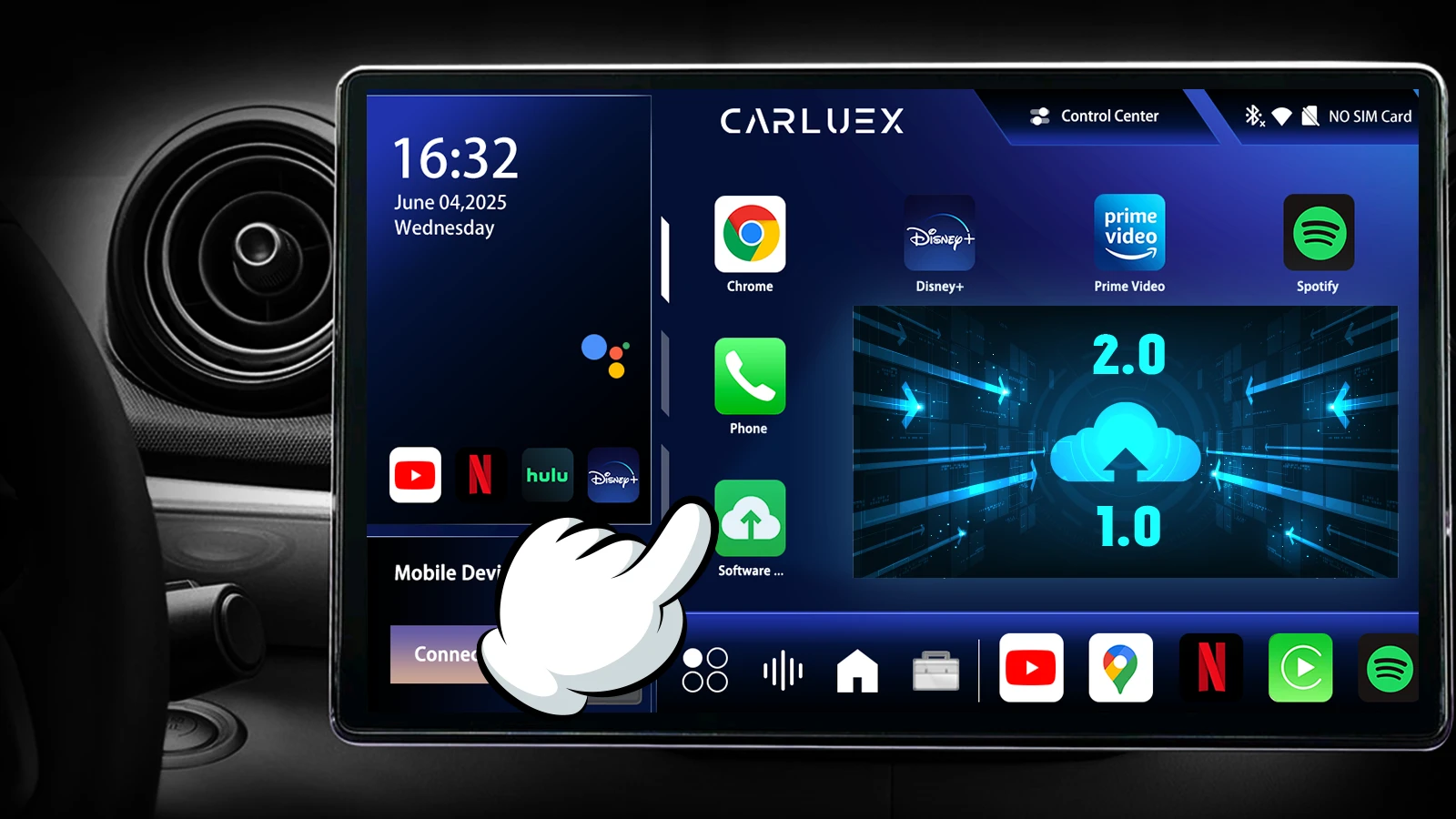
CARLUEX Product Comparison for Parked Entertainment
| Product | Use case | Compatibility note |
|---|---|---|
| CARLUEX GO | Wireless CarPlay / Android Auto plus parked entertainment features | Confirm vehicle compatibility before purchase |
| CARLUEX AIR | Wireless CarPlay / Android Auto and app-based multimedia where available | Third-party app performance may depend on app provider |
| CARLUEX PRO+ 2.0 | Android-based multimedia AI box for compatible built-in wired CarPlay vehicles | Not for BMW models; BMW users should choose the BMW version |
| CARLUEX VISION | Touchscreen-assisted setup for selected use cases | Check compatibility and screen-control needs first |
What to Check Before You Buy
- Confirm whether your car has factory wired CarPlay, factory wired Android Auto, or both.
- Check whether your vehicle is on the CARLUEX compatibility page.
- Decide whether you need simple wireless conversion or a multimedia AI box.
- Confirm whether your car has a touchscreen. If not, consider whether a remote is needed.
- Use video only when parked and legal in your location.
Related CARLUEX Guides
- Why Android Auto Is Not Working and How to Fix It
- Stop Android Auto from Auto-Launching or Reconnecting
- Stop Spotify from Auto-Playing on Android Auto
- Use Waze with CarPlay, Android Auto, or a Wireless Adapter
- Is It Legal to Stream Netflix or YouTube in the Car?
FAQ
Can you watch YouTube or Netflix on Android Auto?
Standard Android Auto is designed for driving-focused apps such as navigation, communication, and audio. Video availability depends on parked-car support, vehicle software, app support, region, and hardware. Do not watch video while driving.
Can CARLUEX play video in the car?
Selected CARLUEX multimedia adapters support parked entertainment features where available, but compatibility depends on the product and the vehicle's factory infotainment system. Check compatibility before purchase.
Is it safe to watch video on the dashboard while driving?
No. The driver should not watch or control video while the vehicle is moving. Video entertainment should be limited to parked scenarios or passenger devices that do not distract the driver.
Should I install unofficial Android Auto video apps?
They are not the recommended path. Unofficial apps and sideloaded methods can create security risks, break after updates, and may conflict with local laws or platform restrictions.
Which CARLUEX product should I choose?
If you only want wireless CarPlay and Android Auto conversion, start with CARLUEX LINK. If you want parked multimedia features, compare GO, AIR, PRO+ 2.0, and VISION, then confirm vehicle compatibility before buying.


Lämna en kommentar
Alla kommentarer modereras innan de publiceras.
Denna webbplats är skyddad av hCaptcha och hCaptchas integritetspolicy . Användarvillkor gäller.