

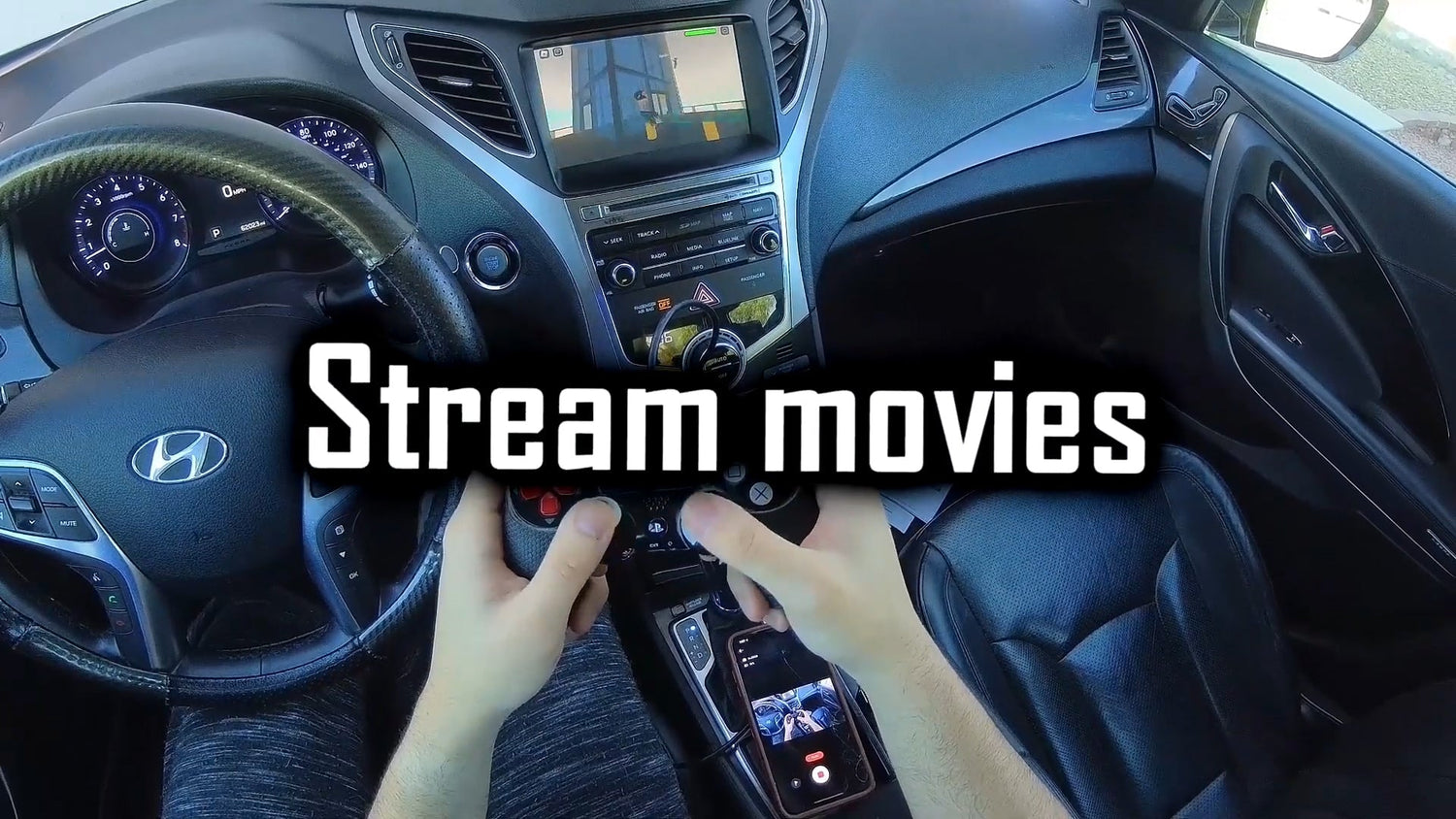
Quick answer: This GozBrian video review is about using CARLUEX PRO+ as an Android-based multimedia box for games, movies, streaming apps, and wireless CarPlay in a compatible vehicle. The important detail is that the entertainment experience is not ordinary Apple CarPlay or Android Auto magically unlocking every app. It comes from the CARLUEX PRO+ system shown in the review, while compatibility, current specs, app behavior, and safe parked use still need to be checked before buying.
This updated article keeps the original YouTuber review angle and preserves the original video facts. It simply makes the article easier to scan: what the video says, what CARLUEX PRO+ changes, what to check before purchase, and where the limits are.
Watch the original GozBrian video here: CARLUEX PRO video review on YouTube.

What This Video Review Is Really Showing
The original review presents CARLUEX Pro Plus as a way to expand an in-car screen beyond the standard phone-projection experience. In regular CarPlay, Apple says supported iPhone apps appear on the vehicle display for directions, calls, messages, music, and similar driving-focused tasks. That is useful, but it is not the same as having a full Android-style entertainment system on the car display.
In the video-based article, CARLUEX Pro Plus is described as adding wireless CarPlay convenience while also turning the car screen into an Android-based multimedia environment. That is the core review point to keep: the article is not saying every car can play every game through native CarPlay or Android Auto. It is describing what the reviewer saw with CARLUEX Pro Plus.
Original Review Highlights
| Review topic | What the original article says | Buyer check |
|---|---|---|
| Hardware | The review describes Android 13, a Qualcomm Snapdragon chip, 4GB running memory, and expandable storage. | Check the current CARLUEX PRO+ 2.0 product page for today's official specs before purchase. |
| Streaming apps | The article says apps such as YouTube, Netflix, and Disney+ are part of the entertainment experience. | Third-party app access can depend on app provider, account, subscription, region, updates, and network connection. |
| Games | The review describes lightweight games and Bluetooth controller use as part of the in-car entertainment angle. | Treat gaming as a parked entertainment use case, not a driving activity or a game-console replacement. |
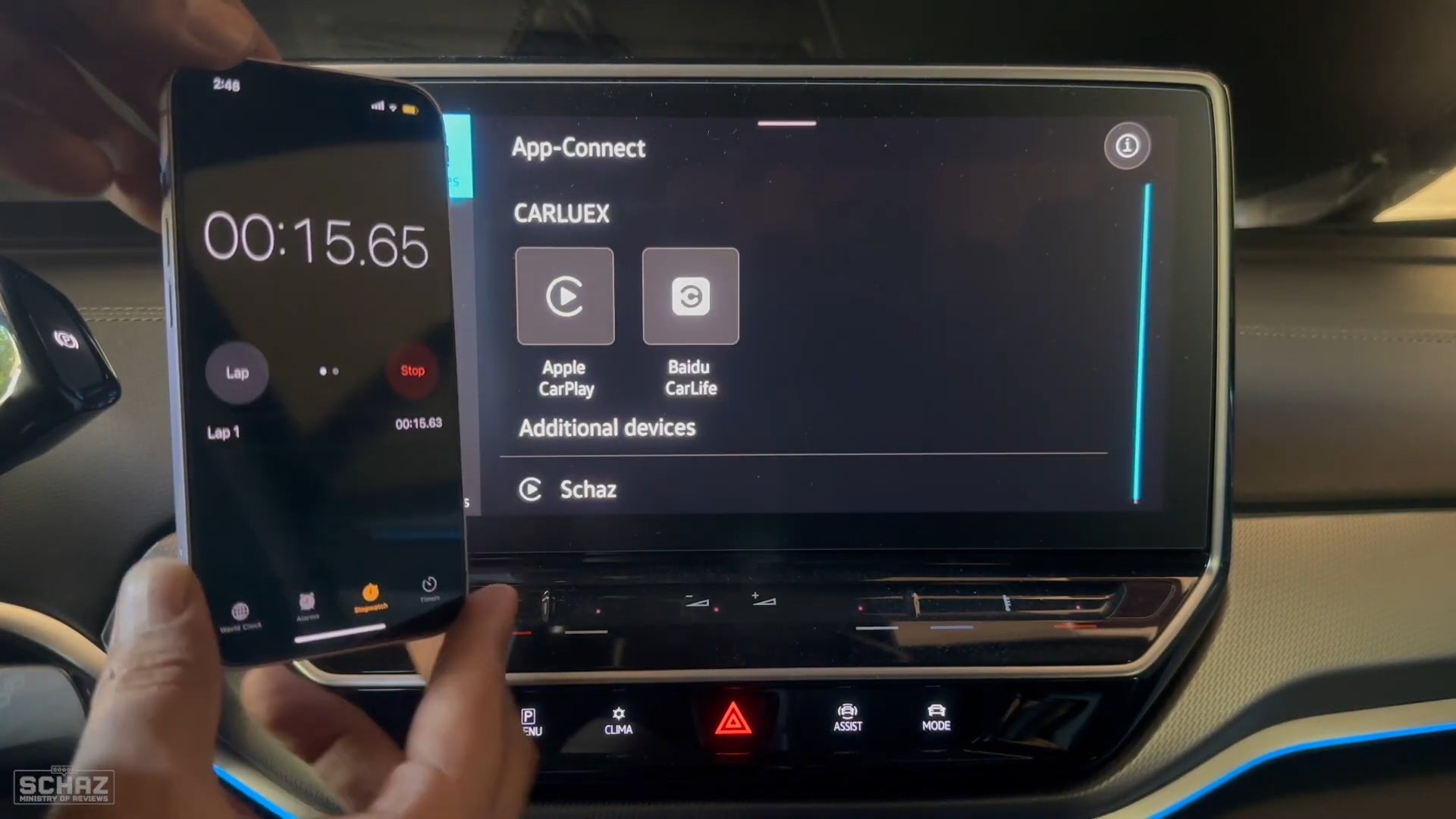
| Wireless CarPlay | The review says users can return to the familiar CarPlay interface after setup. | Confirm the vehicle already supports the required factory wired CarPlay path and is compatible with the adapter. |
| Network connection | The original article notes that a continuous network connection can be a drawback for streaming and online use. | Plan for hotspot, SIM, Wi-Fi, or local/offline media options depending on the situation. |
Can You Play Games or Watch Movies through Apple CarPlay?
For most users, the safer answer is: not through standard Apple CarPlay in the way people usually mean it. CarPlay is designed around supported iPhone apps for navigation, calls, messages, audio, and other driving-friendly tasks. Only apps supported by CarPlay appear on the display, and the exact app list is controlled by Apple, iOS, the app developer, and the vehicle system.
That is why the CARLUEX PRO+ review matters. The entertainment part in the video is tied to the CARLUEX Android-based system, not to ordinary CarPlay suddenly allowing every video or game app. This distinction protects the article from overpromising and helps shoppers understand what they are actually buying.
Movies, Streaming Apps, and Parked Entertainment
The original article says CARLUEX Pro Plus can be used with popular video apps and describes movie and TV viewing on the car display. That video-review fact can stay, but it should be framed carefully. App availability and playback can depend on the app provider, account sign-in, subscription, region, network stability, and future app updates.
Use video and entertainment features only when parked or by passengers where local law and vehicle safety allow. Do not watch video, play games, or operate distracting apps while driving.

Gaming Experience in the Review
The original article describes CARLUEX Pro Plus as capable of running lightweight mobile games and connecting a controller through Bluetooth. To preserve the video facts without overstating them, this should be treated as a review observation, not a universal promise that every game will run smoothly in every vehicle.
If gaming is one of your reasons for buying, check three things first:
- whether the app or game you want is available on the device and in your region;
- whether your controller, account, and network setup are compatible;
- whether the use case is parked entertainment rather than driver distraction.
Wireless CarPlay and the Original Driving Experience
The review also keeps an important daily-driving point: CARLUEX Pro Plus does not replace CarPlay as a familiar interface for calls, maps, and music. It can let users return to a wireless CarPlay experience in a compatible setup while using the CARLUEX system for broader entertainment features when appropriate.
Apple notes that CarPlay can connect through a USB port on supported cars, and that the port may be marked with a CarPlay or smartphone icon. Before considering any adapter, confirm that your vehicle supports the required CarPlay path and that wired CarPlay works normally.
Network Connection: The Main Limitation Mentioned in the Review
The original article calls network connection the obvious drawback. That is worth keeping because it is a real buyer expectation issue. Streaming, app downloads, account sign-in, and online games may need stable internet. A phone hotspot or SIM card can help, but disconnections can still affect the experience.
For a more dependable setup, consider which activities need the internet and which can work offline. Local media, downloaded content, and shorter parked sessions may be easier to manage than relying on a weak mobile signal.

Compatibility Checks Before You Buy
CARLUEX compatibility depends on the adapter model and the vehicle's factory infotainment system. For PRO+ 2.0, the current project product rules say it is for vehicles with built-in wired CarPlay and is not compatible with BMW models. BMW owners should start with the CARLUEX for BMW page instead of assuming the general PRO+ path is correct.
- Confirm your vehicle has factory wired CarPlay before buying PRO+ 2.0.
- Check the CARLUEX compatible vehicles page.
- Review the current CARLUEX PRO+ 2.0 product page for official specs and current details.
- If you drive a BMW, compare the dedicated CARLUEX BMW version.
- If your main goal is simpler wireless CarPlay / Android Auto instead of a multimedia AI box, compare CARLUEX LINK or CARLUEX AIR.
What CARLUEX PRO+ 2.0 Will Not Fix
CARLUEX PRO+ 2.0 is an upgrade for a compatible factory wired CarPlay setup. It should not be treated as a repair tool for every car screen or phone issue. It will not fix an unsupported vehicle, a damaged USB port, blocked phone permissions, a charge-only cable, or vehicle software problems.
It also should not be described as supporting phone mirroring. Under the current CARLUEX product fact rules, PRO+ 2.0 supports Android-system apps through Google Play, but it does not support phone mirroring.
Related CARLUEX Guides
- CARLUEX app compatibility guide
- Wireless CarPlay adapter troubleshooting checklist
- How to set up Apple CarPlay
- Android Auto video guide
FAQ
Can Apple CarPlay play movies and games by itself?
Usually no. Standard CarPlay is built around supported iPhone apps for driving-focused use. This review is about CARLUEX PRO+ adding an Android-based multimedia system in a compatible vehicle.
Can Android Auto play games?
Android Auto experiences are controlled by Google, the app developer, the phone, the vehicle, and region availability. Google has described parked games for Android Auto, but users should still treat games as parked-use entertainment and not assume every app or vehicle supports them.
Does CARLUEX PRO+ 2.0 work with every car?
No. It is for compatible vehicles with built-in wired CarPlay, and BMW models should use the dedicated BMW version. Always confirm compatibility before purchase.
Does the review's hardware description replace the current product page?
No. Because this article is based on a YouTuber video review, the original review details are preserved as review context. For current official specs, use the CARLUEX PRO+ 2.0 product page.
Do streaming apps always work on CARLUEX PRO+ 2.0?
No universal promise should be made. Third-party app behavior can depend on the app provider, account, subscription, region, network connection, and updates.
Bottom Line
GozBrian's video is useful because it shows the CARLUEX PRO+ idea in a practical entertainment scenario: wireless CarPlay for familiar driving tasks, plus an Android-based system for apps, movies, and lightweight games when parked. The right buying decision is still compatibility-first: check your vehicle, check the current PRO+ 2.0 product page, and treat video, games, and streaming as app-dependent entertainment features rather than universal promises.


Lämna en kommentar
Alla kommentarer modereras innan de publiceras.
Denna webbplats är skyddad av hCaptcha och hCaptchas integritetspolicy . Användarvillkor gäller.