
Filtre
8 produse


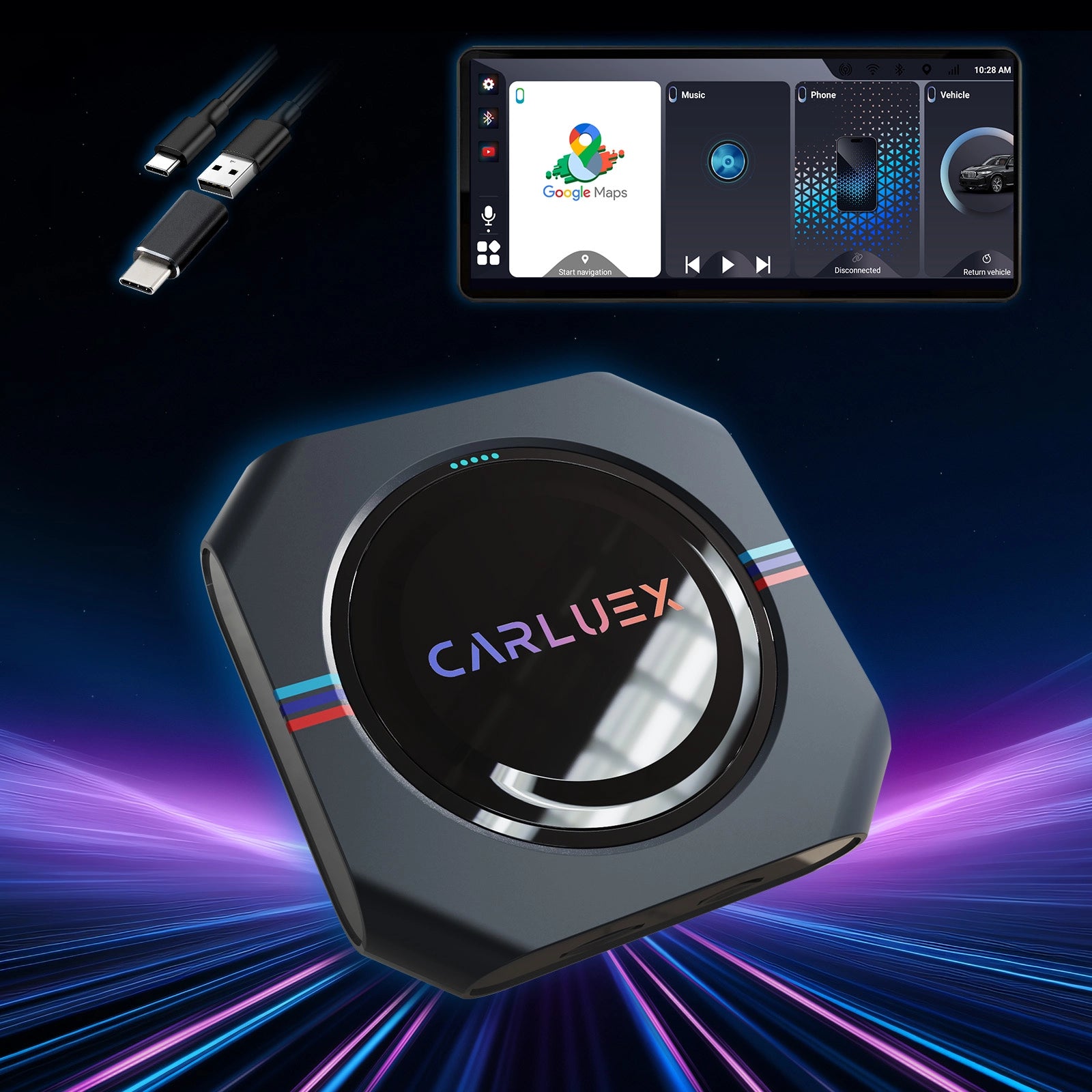
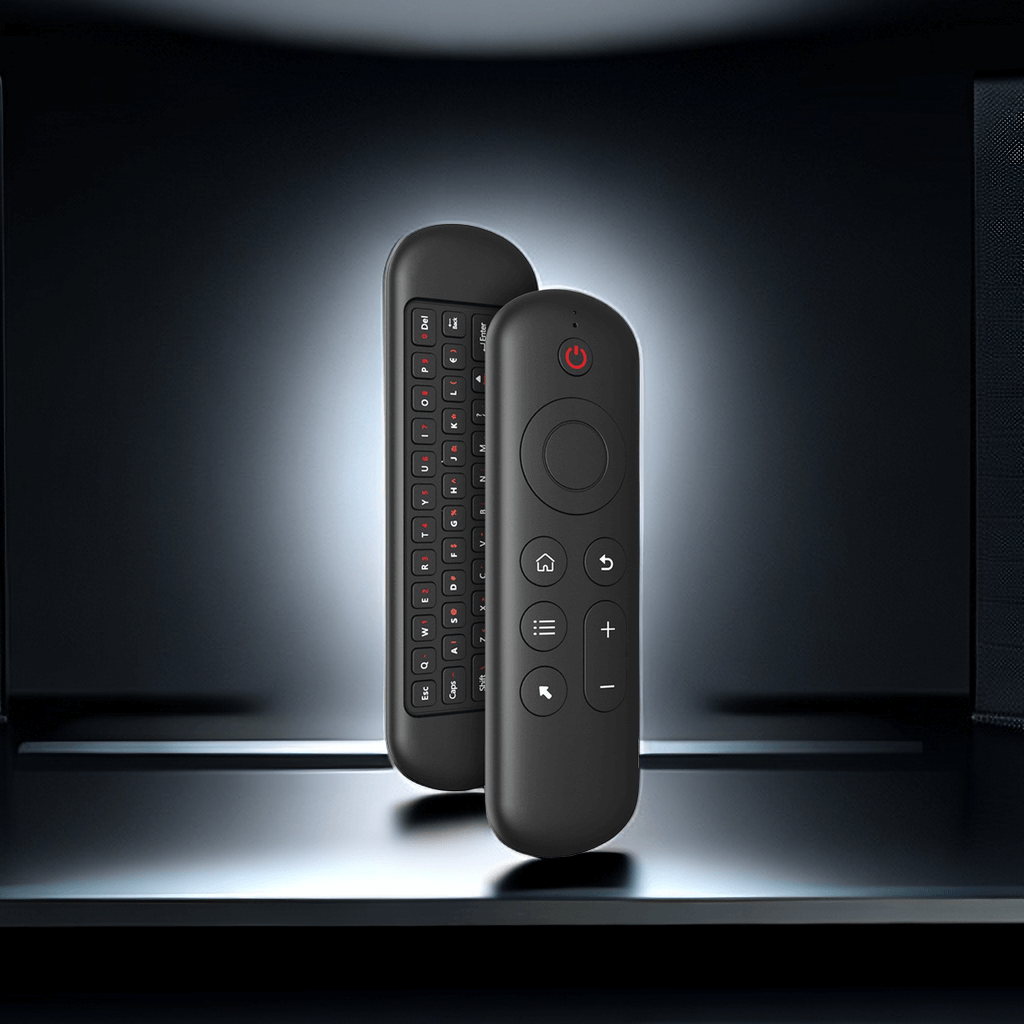

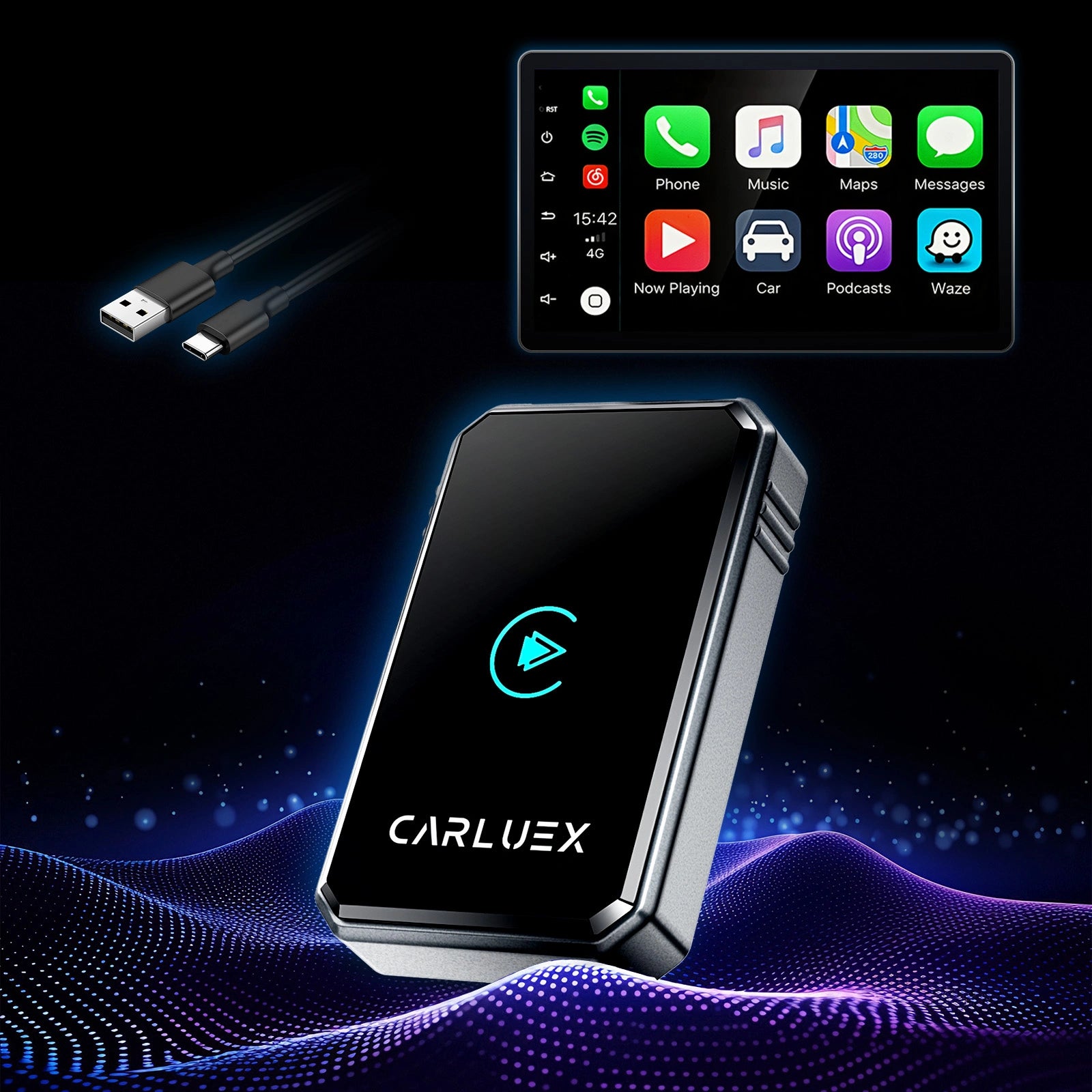
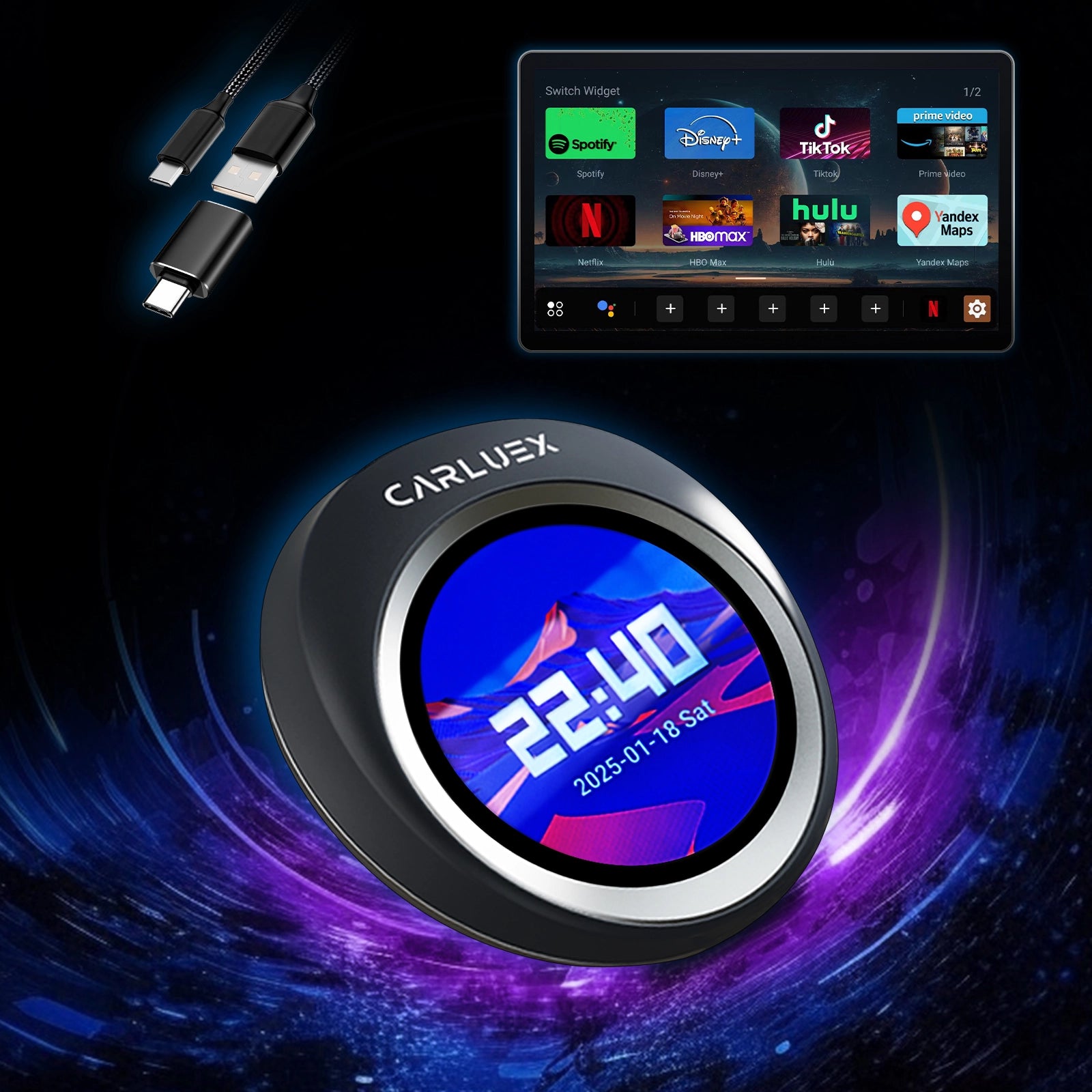
Imagine starting your morning commute in your Vauxhall Astra: no more digging for a cable, no awkward fumbling while the engine idles, just hop in, and your favorite playlist or navigation picks up right where you left off. A CarPlay wireless converter for Vauxhall Astra makes this reality by transforming your factory wired CarPlay into effortless wireless freedom. This Vauxhall Astra infotainment upgrade suits models with built-in wired CarPlay (common in many Astra K and later versions). Installation? Truly plug-and-play—no tools, no dashboard mods, done in under 5 minutes.
Why Upgrade to Wireless CarPlay on Your Vauxhall Astra?
Wired CarPlay gets the job done, but the daily friction adds up fast.
The Limitations of Wired CarPlay in the Vauxhall Astra
Every drive starts with plugging in—cables tangle in the cupholder, wear out over time, and limit where you place your phone. In the Astra's cozy cabin, that constant reach distracts you, especially during rush hour or when juggling kids in the back.
Benefits of a Seamless Wireless iPhone Connection Astra
Picture this: You slide into the driver's seat after a long day—the car senses your iPhone, connects in seconds via Bluetooth and Wi-Fi. Siri greets you hands-free, Apple Maps resumes your route without interruption (even if you stepped out for coffee), music flows uninterrupted, and calls come through crystal clear. No cable clutter means a cleaner console, less distraction, and more focus on the road—perfect for commutes, weekend getaways, or family errands where every second counts.
How This Vauxhall Astra Infotainment Upgrade Enhances Your Daily Drive
Your factory interface stays familiar, with steering wheel controls intact, but now apps load faster and connect automatically. It's an affordable modernization that feels premium: smoother navigation on busy UK roads, hands-free messaging during school runs, and that satisfying "just works" moment every time you drive.
Step-by-Step Plug-and-Play CarPlay Adapter Installation Guide
The process is beginner-friendly and quick.
Confirm Compatibility with Your Vauxhall Astra Model
Most Vauxhall Astra models from 2016 onward with factory IntelliLink and wired CarPlay are ideal. Head to Settings > Apple CarPlay—if it's there, you're set.
What You'll Need Before Starting the Installation
Your iPhone (iOS 10+), the wireless adapter, and the Astra's USB port (typically in the center console armrest or storage). No apps or extra gear needed.
Plugging In the Adapter – The Quick First Step
Find the CarPlay USB port, insert the adapter securely. Your screen should display a pairing prompt or CarPlay icon almost immediately.
Pairing Your iPhone for Instant Wireless Connection
Turn on Bluetooth and Wi-Fi on your iPhone. Accept the prompt, select the adapter, and allow access. Initial setup takes 30-60 seconds; from then on, it reconnects automatically when you start the car.
Troubleshooting Common Setup Issues in Under a Minute
No prompt? Restart the car or toggle CarPlay settings. Keep your iPhone unlocked for the first pair. Lag from interference? Move away from home Wi-Fi routers briefly.
Discover the Best Solution: CARLUEX Plug-and-Play CarPlay Adapter
For Astra owners seeking reliable, hassle-free wireless CarPlay with quick loading and stable performance, CARLUEX delivers exactly that—minimal delay, automatic reconnection every drive, and broad iPhone compatibility.
Why CARLUEX Delivers Reliable Wireless Performance for Vauxhall Astra Owners
CARLUEX adapters prioritize fast, consistent connections so you spend less time waiting and more time driving stress-free. Plug in once, pair, and enjoy cable-free convenience that lasts. Explore the CARLUEX PRO+2.0 for enhanced stability or the compact CARLUEX AIR. Visit the CARLUEX HOMEPAGE for full details, including 1-year warranty and free shipping.
FAQ
Does this work on all Vauxhall Astra models?
Yes, if your Astra has factory wired CarPlay via the IntelliLink system (common in 2016+ models).
Will it drain my iPhone battery faster?
No—efficient Bluetooth/Wi-Fi often matches or beats wired usage; many report better life thanks to no constant plugging.
Can I still charge my phone?
Yes, use a separate charger, wireless pad, or accessory port while the adapter uses the CarPlay USB.
What if it doesn't connect automatically?
Re-insert the adapter, restart your phone, or check Bluetooth. Issues usually clear in seconds.
Recommended Reads
Curious about evolving CarPlay? Read How CarPlay Ultra Compares to Classic CarPlay in 2025 for insights.
Planning adventures? Check Upgrade Your Road Trips with Wireless CarPlay for tips.
Quick fixes? See Why Your Apple CarPlay Isn't Working and How to Fix It.


