

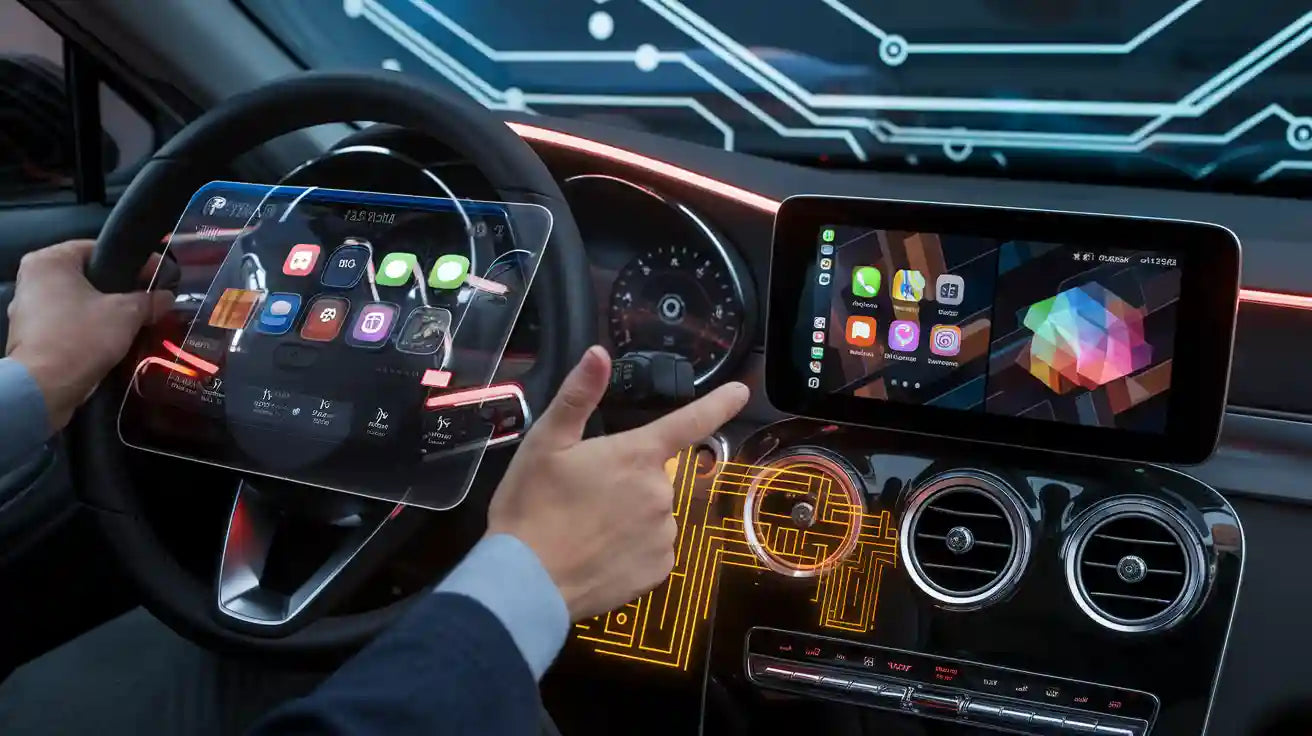
Quick Answer: Will CarPlay Ultra Work on an Older Car?
Usually not. CarPlay Ultra is not a phone-only update and it is not something a USB wireless adapter can add to a vehicle. It depends on support built into the car by the automaker, including integration with driver displays, gauges, vehicle data, and supported controls.
There is an important exception: an automaker may approve a software update for a specific existing vehicle whose infotainment hardware was already designed for CarPlay Ultra. Apple's May 2025 rollout said selected existing Aston Martin vehicles with the brand's next-generation infotainment system would qualify for a dealer-installed update. That does not mean every older Aston Martin—or every car with regular CarPlay—can be upgraded.
If your older car already has compatible factory wired CarPlay, a wireless CarPlay adapter may remove the daily phone cable after setup. It will still provide regular CarPlay, not CarPlay Ultra.
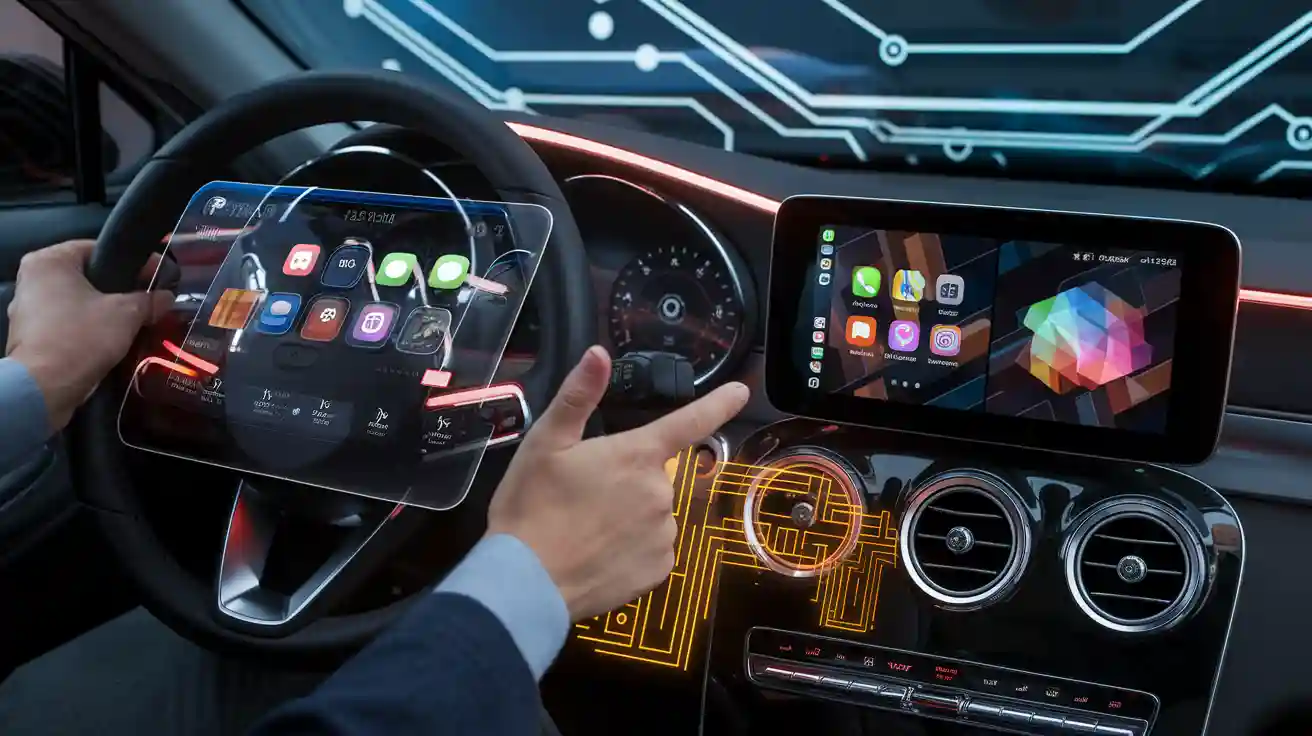
Three Possible Upgrade Paths for an Older Car
| Your vehicle situation | Can it get CarPlay Ultra? | Practical next step |
|---|---|---|
| The automaker confirms your exact vehicle and infotainment system are eligible | Possibly, through the automaker's approved update process | Verify the VIN, model, market, infotainment generation, software requirement, and dealer procedure. |
| The car has regular wired CarPlay but no automaker CarPlay Ultra announcement | No confirmed Ultra path | Keep regular CarPlay or consider a compatible wireless adapter for connection convenience. |
| The car has no CarPlay | A wireless adapter cannot add CarPlay Ultra | Check whether a compatible aftermarket system can add regular CarPlay; confirm retained vehicle controls and installation requirements with a qualified installer. |
The key word is exact. A brand name, model year, digital gauge cluster, or current CarPlay support does not by itself confirm CarPlay Ultra eligibility.
Why CarPlay Ultra Needs Vehicle-Side Support
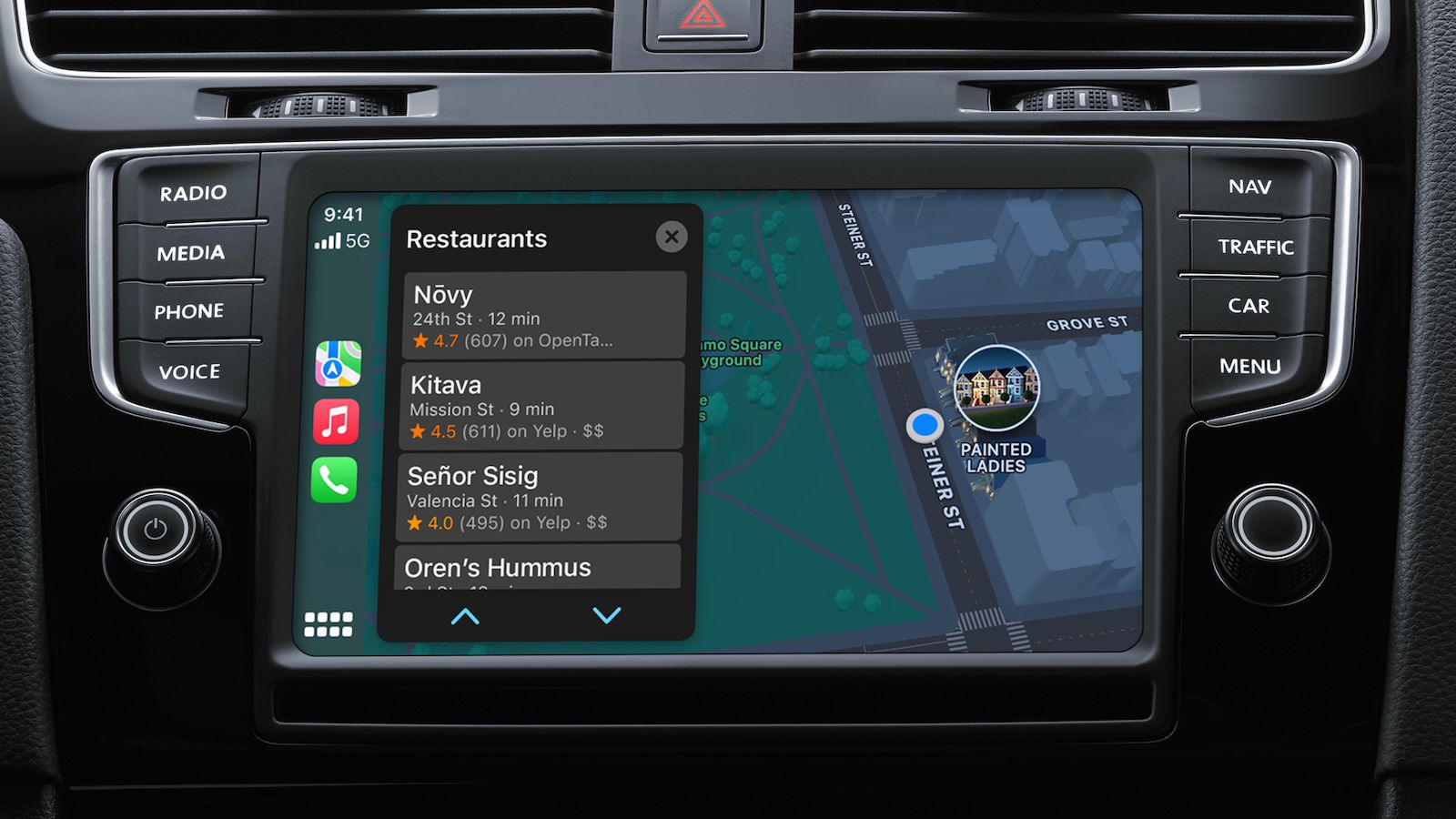
Regular CarPlay mainly brings supported iPhone apps and functions—such as navigation, audio, calls, and messages—to a compatible vehicle display. CarPlay Ultra goes deeper. Apple says it can provide information across the driver's screens, including gauges and real-time vehicle information, while supporting selected radio, climate, and vehicle-specific controls.
That integration requires the automaker to connect Apple's interface with the vehicle's hardware, software, data, safety systems, controls, and brand-specific design. This is why a newer iPhone alone is not enough. It is also why an aftermarket dongle cannot simply “unlock” CarPlay Ultra on a car that was not designed or approved for it.
Apple's official CarPlay Ultra rollout announcement describes this automaker collaboration and vehicle integration in detail.
Why Some Existing Aston Martin Vehicles Were an Exception
Apple's May 2025 announcement provided a useful example of how an “older car” update can work. It said CarPlay Ultra launched with new Aston Martin orders in the United States and Canada and would also become available to selected existing Aston Martin vehicles equipped with the brand's next-generation infotainment system through a software update at local dealers.
This was not a universal retrofit. The vehicle already needed the correct Aston Martin infotainment architecture. Apple's announcement also specified iPhone 12 or later with iOS 18.5 or later for that rollout.
Aston Martin's official CarPlay Ultra overview shows why the vehicle side matters: the system reaches beyond the center display into the instrument cluster, supported vehicle controls, widgets, and automaker-designed themes.
Do not generalize this exception. If another automaker has discussed CarPlay Ultra, that does not confirm that your model, trim, market, or existing hardware will receive it. Use a current official model-level announcement or ask the automaker with the VIN.
CarPlay Ultra Compatibility Checklist
Before assuming an update is available, verify all of the following:
- Exact vehicle: model, model year, trim, production date, market, and VIN.
- Infotainment generation: the vehicle must have the automaker-approved hardware and software platform.
- Official availability: look for a current automaker or Apple announcement naming the eligible vehicle or system.
- Update path: confirm whether activation is factory-installed, over the air, or performed by a dealer.
- iPhone requirement: confirm the current supported iPhone and iOS version for that vehicle.
- Regional availability: a supported model in one country may not have the same rollout in another.
Apple maintains a broad list of vehicles that support regular CarPlay. That list should not be treated as a CarPlay Ultra compatibility list.

Can a Wireless CarPlay Adapter Add CarPlay Ultra?
No. A wireless CarPlay adapter and CarPlay Ultra solve different problems.
| Capability | Compatible wireless CarPlay adapter | CarPlay Ultra |
|---|---|---|
| Primary purpose | Make an existing compatible wired CarPlay connection wireless | Integrate iPhone and supported vehicle systems across driver displays |
| Add CarPlay to a car with no CarPlay | No | No; vehicle-side support is required |
| Add instrument-cluster themes or gauges | No | Possible only on supported vehicles |
| Control vehicle climate or other car systems | No | Possible when the automaker supports those controls |
| Reduce daily phone-cable use | Yes, on a compatible setup after installation | CarPlay Ultra's connection behavior depends on the supported vehicle |
CARLUEX compatibility depends on the adapter model and the vehicle's factory infotainment system. A CARLUEX adapter should not be described as a CarPlay Ultra retrofit kit.
If your vehicle already has compatible factory wired CarPlay and your goal is a wireless daily connection, compare the CARLUEX AIR Wireless CarPlay / Android Auto Adapter or review the CARLUEX wireless CarPlay box collection. Confirm the exact product and vehicle requirements on the CARLUEX compatible vehicles page before purchase.
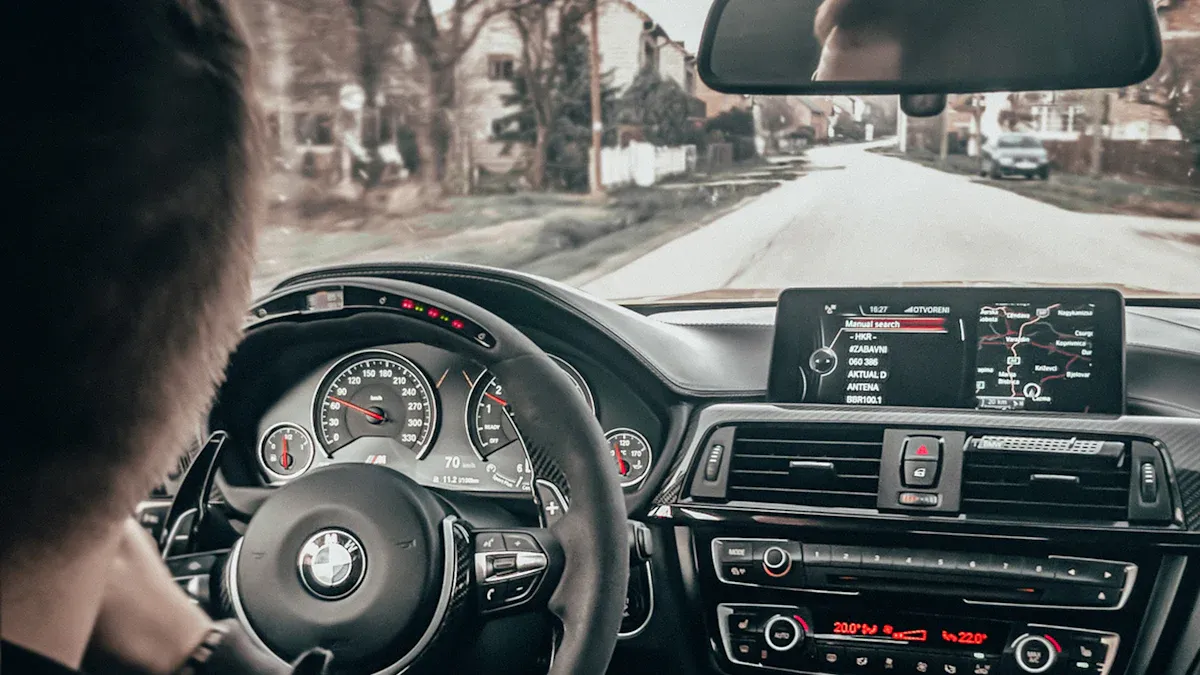
What Can You Do If Your Older Car Cannot Get CarPlay Ultra?
For most drivers, regular CarPlay remains the practical option. Apple's current CarPlay page lists more than 800 supported models and also identifies aftermarket system manufacturers that can add regular CarPlay to some vehicles.
- Your car already has wired CarPlay: keep the wired connection or confirm a compatible wireless adapter.
- Your car has factory wireless CarPlay: no adapter is needed for the basic wireless connection.
- Your car has no CarPlay: ask a qualified installer whether an approved aftermarket head unit or vehicle-specific retrofit can add regular CarPlay while retaining necessary controls.
- Your carmaker promises a future update: wait for a model-specific official notice rather than buying a product that claims to unlock Ultra.
Apple's CarPlay overview is the best starting point for regular CarPlay capabilities and supported iPhones. Vehicle manuals and automaker support remain the controlling sources for a specific car.
Safety Note
Research compatibility, install hardware, pair devices, and change settings only while parked. Do not adjust a phone or infotainment system while driving. Review the NHTSA distracted-driving guidance and follow local laws and the vehicle manufacturer's instructions.
Frequently Asked Questions
Will CarPlay Ultra come to every older car with regular CarPlay?
No. Regular CarPlay support does not confirm CarPlay Ultra support. The automaker must approve and integrate CarPlay Ultra with the exact vehicle hardware and software.
Can an iOS update add CarPlay Ultra to my car?
An iOS update can add or change iPhone-side CarPlay features, but it cannot create missing vehicle-side integration. The car must also be officially supported.
Can a dealer install CarPlay Ultra on an older vehicle?
Only when the automaker provides an approved update for that exact vehicle and infotainment platform. Apple's 2025 Aston Martin rollout included selected existing vehicles with the required next-generation infotainment system; it was not a universal dealer retrofit.
Does a digital instrument cluster mean my car can run CarPlay Ultra?
No. A digital cluster is only one part of the vehicle. CarPlay Ultra also requires automaker software, data, controls, display integration, and official support.
Can CARLUEX add CarPlay Ultra?
No. A compatible CARLUEX adapter may make an existing wired CarPlay connection wireless or provide product-specific multimedia features, but it cannot add CarPlay Ultra's factory instrument-cluster or vehicle-control integration.
What should I buy if I only want wireless CarPlay?
First confirm that your vehicle has the factory wired CarPlay condition required by the adapter you are considering. Then compare the product page and compatibility information for the exact car and adapter model.
Bottom Line
Most older cars cannot be upgraded to CarPlay Ultra because Ultra depends on automaker-approved vehicle hardware and software, not just an iPhone or USB accessory. A small number of existing vehicles may qualify when the automaker explicitly supports a software or dealer update.
If your car only supports regular wired CarPlay, a compatible wireless adapter can improve connection convenience—but it will not turn the car into a CarPlay Ultra vehicle. Confirm the exact vehicle, infotainment system, market, and product requirements before making an upgrade decision.


Leave a comment
All comments are moderated before being published.
This site is protected by hCaptcha and the hCaptcha Privacy Policy and Terms of Service apply.