

Filtros
produtos 3
Enhancing In-Car Entertainment: Pairing Wireless CarPlay Adapters with Streaming Apps
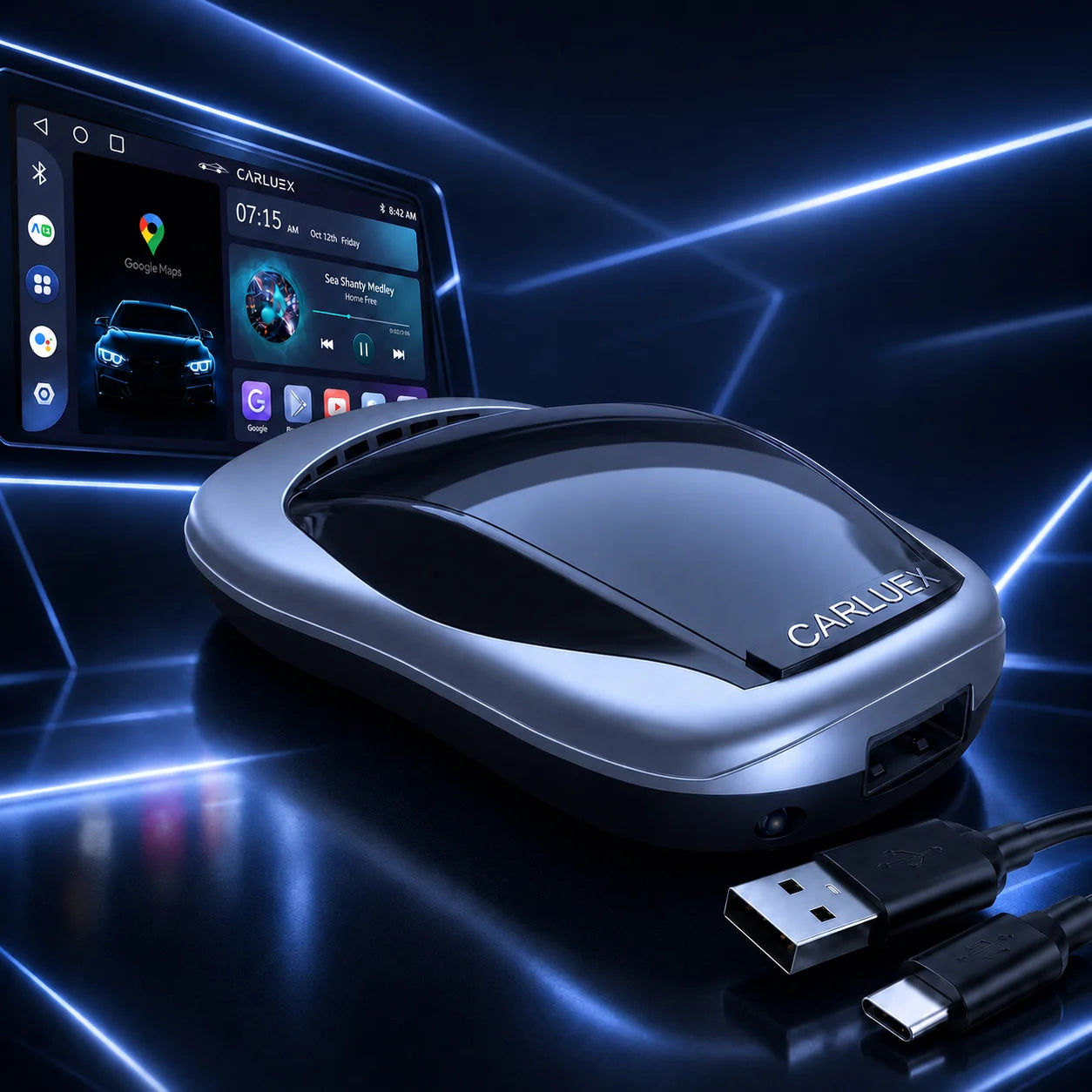
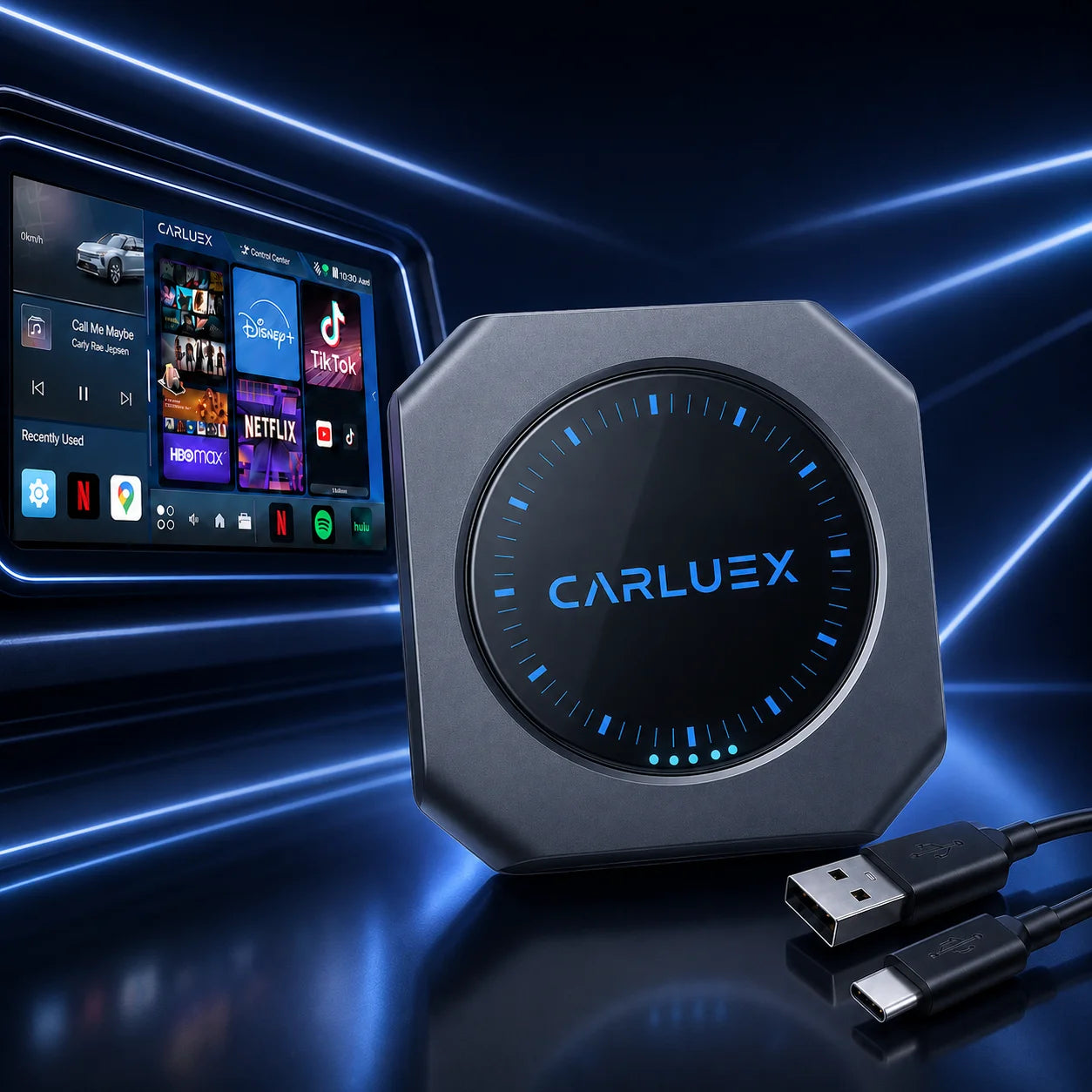
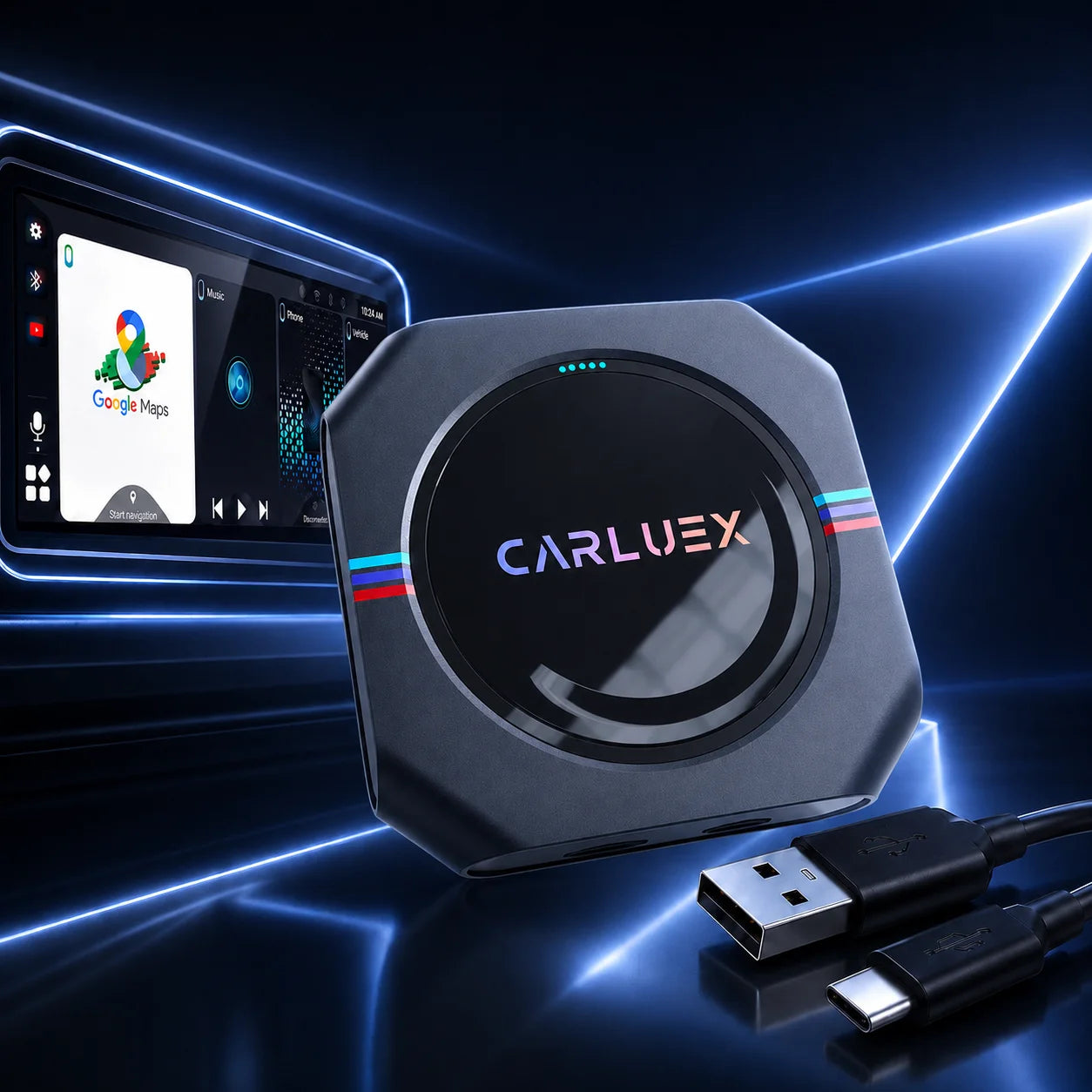
Streaming media players have transformed how we enjoy content, extending their magic from home entertainment devices to the open road. By pairing wireless CarPlay adapters with streaming apps, drivers can turn their vehicles into smart entertainment hubs. This article explores how CARLUEX adapters, featuring Type-C interfaces, integrate with music and podcast platforms, offering setup tips and hands-free operation for seamless commutes or long drives.
Seamless Streaming with Wireless CarPlay Adapters
Why Wireless CarPlay Adapters Are Game-Changers for In-Car Streaming
Wireless CarPlay adapters act like streaming media players for your car, delivering an in-car streaming experience on the go. By connecting your iPhone wirelessly via a Type-C interface, these devices provide access to music, podcasts, and navigation apps without cables, enhancing convenience and reducing clutter. Unlike traditional home entertainment devices, they prioritize driver safety with voice-activated controls.
Compatibility with Popular Streaming Apps
These adapters ensure media player compatibility with apps like Spotify, Apple Music, and Audible. For example, the CARLUEX PRO+ supports seamless streaming for CarPlay and Android Auto, letting you enjoy playlists or audiobooks on your car’s display. This versatility mirrors home streaming devices, making your car a mobile entertainment center. Learn more in Unlocking App Compatibility with CARLUEX Devices.
Benefits of Hands-Free Operation for Drivers
Hands-free operation, powered by Siri, allows drivers to control streaming apps safely. Whether switching playlists or launching navigation, voice commands keep your focus on the road. This feature makes wireless adapters ideal for daily commutes or road trips, offering an in-car streaming experience tailored for driving.
Elevate Your Drive with CARLUEX Wireless CarPlay Adapters
Easy Setup for CARLUEX Adapters
Setting up a CARLUEX AIR is simple, provided your vehicle supports wired CarPlay. Plug the adapter into your car’s Type-C port, pair it with your iPhone via Bluetooth, and follow the on-screen prompts. This plug-and-play design ensures quick integration. For details, see How to Connect Your CARLUEX PRO+.
Optimizing Streaming Performance with CARLUEX
To maximize streaming quality, ensure a stable Wi-Fi or Bluetooth connection and keep your adapter’s firmware updated. CARLUEX PRO+ offers advanced features like Android Auto and screen mirroring, rivaling home entertainment devices. Updates, as outlined in How to Perform Online Upgrades and Retrieve Issue Logs, enhance compatibility with the latest apps.
Enhancing Long Drives with CARLUEX’s Seamless Integration
CARLUEX adapters turn every road trip into a personalized concert or podcast marathon by supporting uninterrupted streaming of music and podcasts. Whether you’re diving into a podcast series or curating a playlist, these adapters deliver a home entertainment device-like experience. Explore their capabilities in CARLUEX AIR: Elevate Your Driving Experience with Cheapest Price.
Tips for Building the Ultimate In-Car Streaming Setup
Choosing the Right Streaming Apps for Your Drive
Select apps like Spotify, Audible, or Pocket Casts to enhance your driving experience. These apps integrate seamlessly with CARLUEX adapters, offering an in-car streaming experience on your car’s display. Ensure apps are updated for optimal performance.
Pairing Adapters with Car Audio Systems
For the best audio quality, connect your CARLUEX adapter to your car’s audio system via Bluetooth or AUX, with the Type-C interface handling data and power. High-end systems amplify the experience, making your car a mobile theater with full media player compatibility.
Troubleshooting Common Streaming Issues
If you encounter connectivity issues, try restarting your adapter, checking your iPhone’s Bluetooth settings, or updating your car’s firmware. For detailed fixes, refer to How to Troubleshoot and Fix Wireless CarPlay Adapter Connection Issues Yourself.
Conclusion
Wireless CarPlay adapters, like those from CARLUEX, redefine in-car entertainment by integrating streaming media players with popular apps. With easy setup via Type-C interfaces, hands-free Siri controls, and robust media player compatibility, they transform your vehicle into a mobile entertainment hub, ensuring every drive is seamless and enjoyable.
FAQ
- Which apps work best with CARLUEX adapters?
- CARLUEX adapters support Spotify, Apple Music, Audible, and more, offering seamless streaming for music and podcasts.
- How do I set up my CARLUEX adapter?
- Plug the adapter into your car’s Type-C port, pair it with your iPhone via Bluetooth, and follow the on-screen instructions.
- Will CARLUEX adapters work with my car?
- Most CARLUEX adapters require wired CarPlay support. Check compatibility at CARLUEX.
- Why does my streaming app lag with CARLUEX, and how can I fix it?
- Ensure a stable connection, update your adapter’s firmware, and restart your device to resolve lag issues.


