
フィルター
8 製品


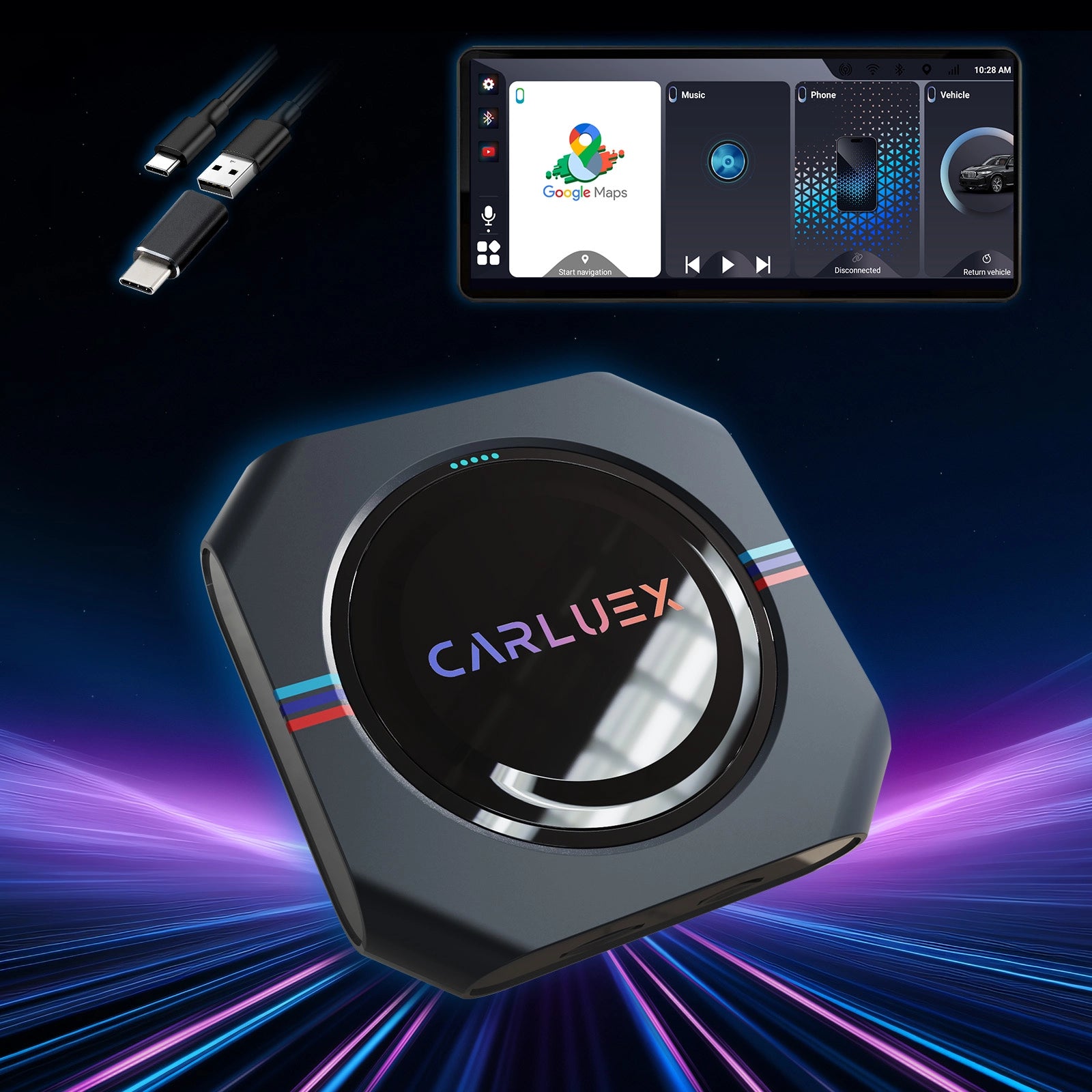
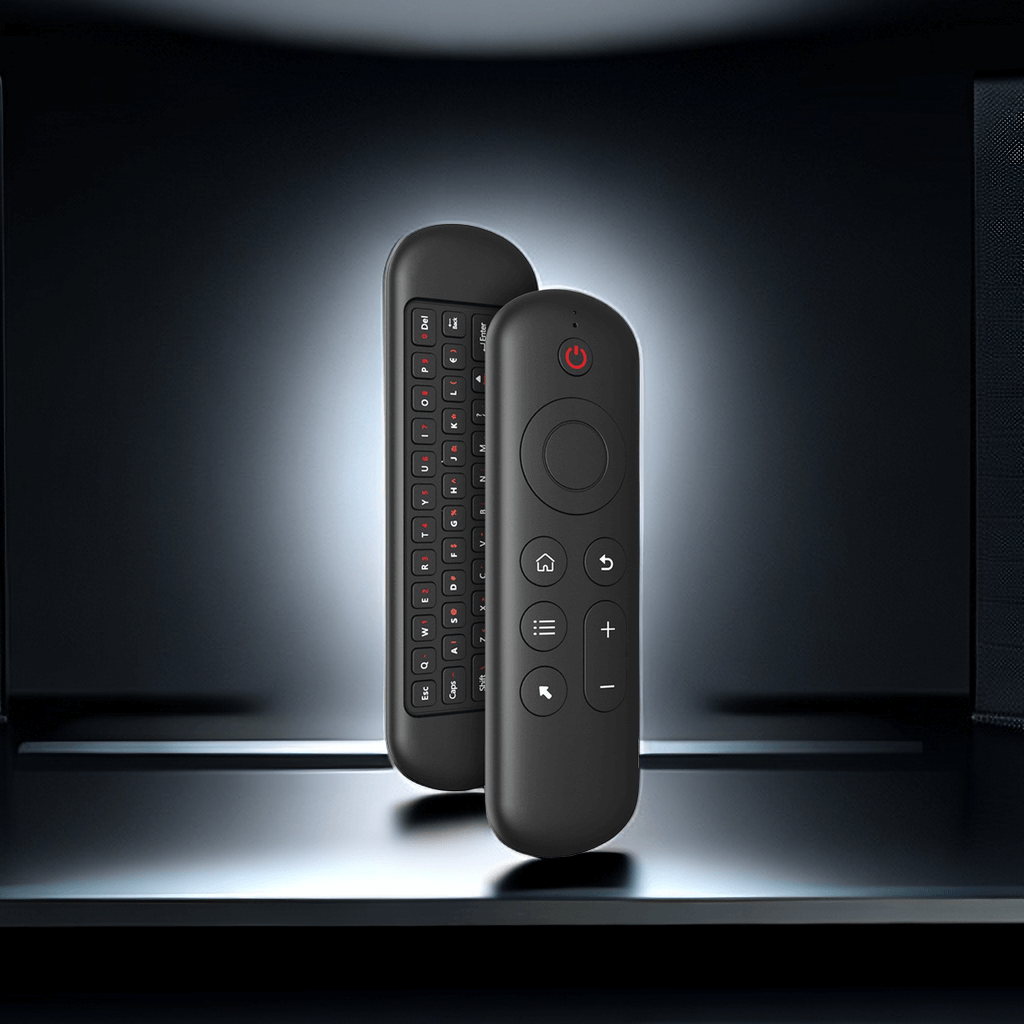

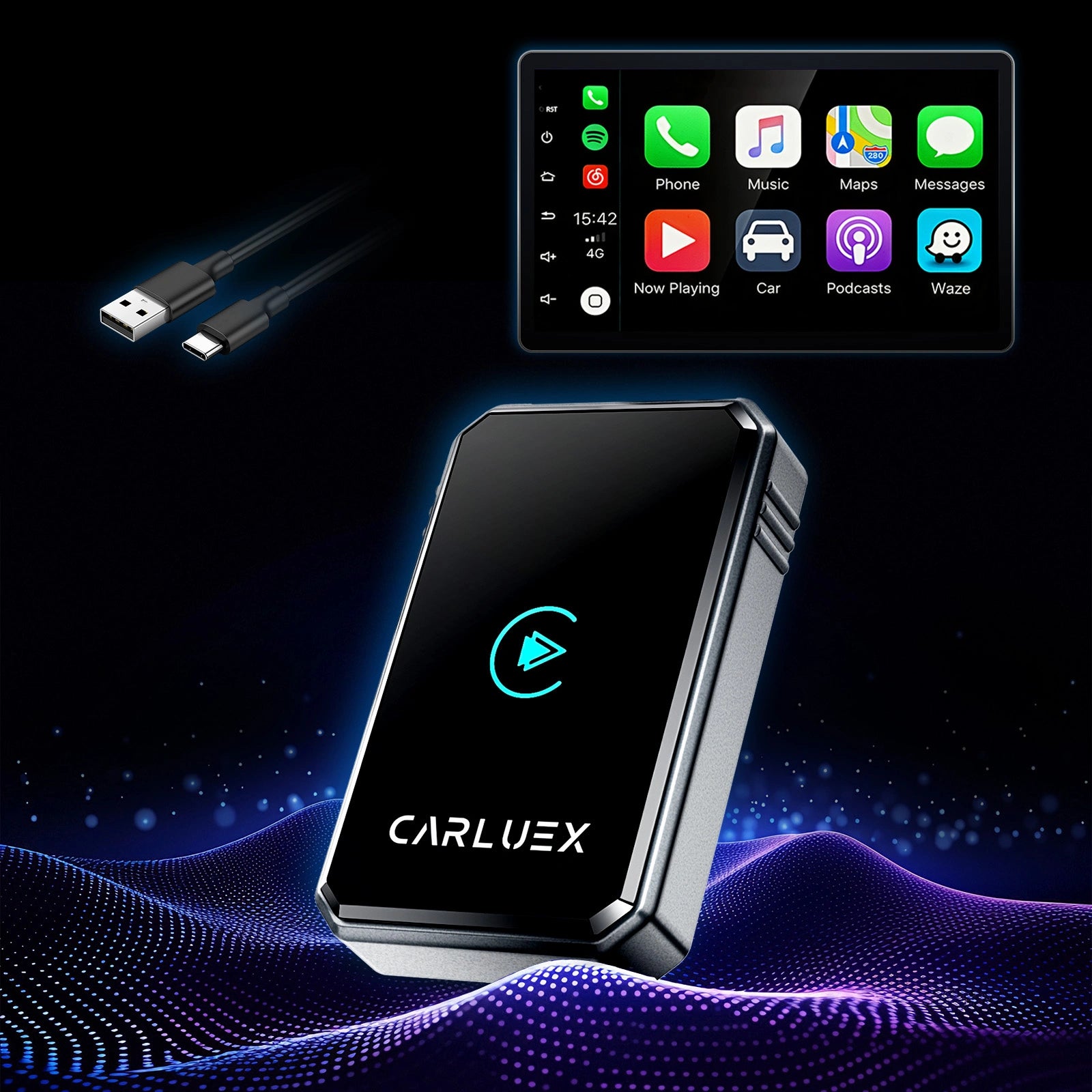
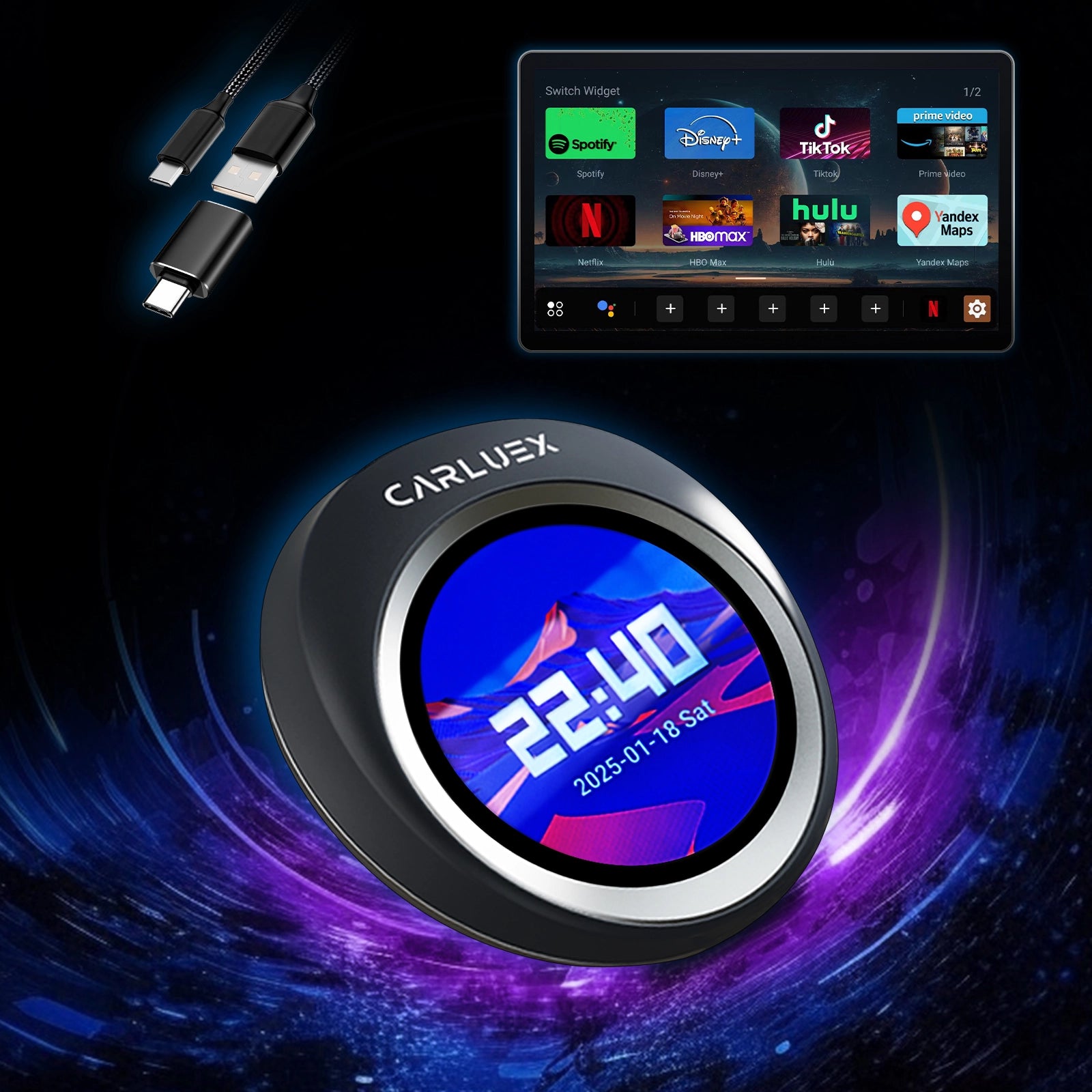
Adding a Wireless CarPlay dongle for Polestar 2 transforms your daily drives. Imagine hopping in after a long day—no fumbling for cables, just instant access to your favorite apps, music, and navigation on the big screen while the Polestar 2's sleek interface stays perfectly complemented.
Why Choose a Wireless CarPlay Dongle for Your Polestar 2?
The Polestar 2 delivers a premium Android Automotive experience, but for iPhone users, wired CarPlay means constant plugging in. A wireless dongle changes that—no vehicle changes needed.
The Limitations of Wired CarPlay in the Polestar 2
Wired connections demand a cable every time, creating clutter in the clean console and risking port wear over time. It breaks the flow when you're rushing out the door or managing errands.
Key Benefits of Going Wireless for Daily Driving
Picture this: You start the car, and CarPlay appears automatically. Siri handles calls hands-free, Spotify queues your road-trip playlist, and Waze guides you around traffic—all without touching a wire. It cuts distractions, preserves your phone battery, and keeps the EV's minimalist cabin tidy and focused on the drive ahead.
How a Plug-and-Play CarPlay Polestar Solution Fits Seamlessly
These adapters plug directly into the car's USB port with no software tweaks, keeping your warranty intact. They leverage the Polestar 2's responsive touchscreen for smooth app navigation and quick switches between maps and media.
Step-by-Step Setup Guide for Adding Wireless CarPlay
No tools, no modifications—just minutes to freedom from cables. Here's how it works in real life.
What You’ll Need Before Starting
An iPhone (iOS 10+), the dongle, updated Polestar 2 software, and Bluetooth/Wi-Fi enabled on your phone. Have your favorite apps ready—setup is that quick.
Locating the Right USB Port in Your Polestar 2
Use one of the USB-C ports under the center display (the media/data port—often marked or the one that supports CarPlay when wired). Avoid rear charging ports.
Initial Plug-In and Power-On Process
Insert the dongle. Start the car—the device powers on (LED indicator lights up), ready in seconds.
Pairing Your iPhone Wirelessly – First-Time Connection
On your iPhone, go to Settings > General > CarPlay (or Bluetooth), connect to the dongle's network. Approve the prompt on the Polestar screen. In future drives, it reconnects automatically—like magic.
Enabling Automatic Reconnection for Future Drives
Toggle auto-connect in CarPlay settings. Test it: Restart the car, and your personalized interface loads instantly—no delays, no hassle.
Get the Best Experience with CARLUEX
For Polestar 2 owners seeking reliable wireless upgrades, CARLUEX offers tailored adapters that prioritize stability and ease.
Why CARLUEX Stands Out for Polestar 2 Wireless Adapter Users
CARLUEX focuses on lag-free, compact designs with strong compatibility. The CARLUEX AIR delivers quick connections and seamless performance, while the CARLUEX PRO+2.0 adds OTA updates for long-term reliability—all plug-and-play for your Polestar.
Tips for Optimal Performance and Troubleshooting
Keep Wi-Fi stable; restart if needed. For streaming tips, see best apps. Simple fixes like iOS updates usually resolve issues fast.
Ready to Upgrade? Start Your Wireless Journey Today
Make every Polestar 2 drive effortless—grab the CARLUEX AIR or explore more on our homepage. Feel the difference from your first drive.
Article Recommendations
Enhance your setup with these guides:
- CARLUEX New Product — PRO+ 2.0 Multimedia AI Box Review: Gets Smarter With Latest Tech Trends – Explore the latest in AI-driven car tech.
- CarPlay Adapter with Waze Integration Surprises Drivers with Smart Navigation – Tips for better routes on the go.
FAQ
Is the dongle compatible with all Polestar 2 models?
Yes, for 2020+ models with USB-C media ports.
How long does setup take?
About 5-10 minutes.
Does it support Android?
CARLUEX offers dual-support options; check our homepage for details.
What if connection drops?
Restart the car or dongle—usually resolves in seconds.


