


Quick answer: GPT-5.5 can help with planning, writing, research, and voice-led workflows, but a wireless CarPlay adapter does not turn every car into a built-in AI vehicle. What it can do is make your compatible iPhone or Android Auto connection faster to start each trip, so supported voice, navigation, music, and assistant apps are easier to use from the car screen. The adapter still connects to your vehicle by USB, and final compatibility depends on your car, phone, app, and CARLUEX device model.
If the old version of this article made AI in the car sound automatic, this updated guide is more practical. It explains what GPT-5.5 can reasonably mean for drivers, where CarPlay and Android Auto still set limits, and when a CARLUEX wireless adapter or multimedia AI box may fit the job.
Change settings only when the vehicle is parked. Do not adjust phone or infotainment settings while driving.
What GPT-5.5 Actually Changes
OpenAI describes GPT-5.5 as a model for complex professional work such as coding, research, information analysis, document creation, spreadsheet work, and tool use. That matters because drivers increasingly expect voice assistants to handle multi-step requests instead of only short commands.
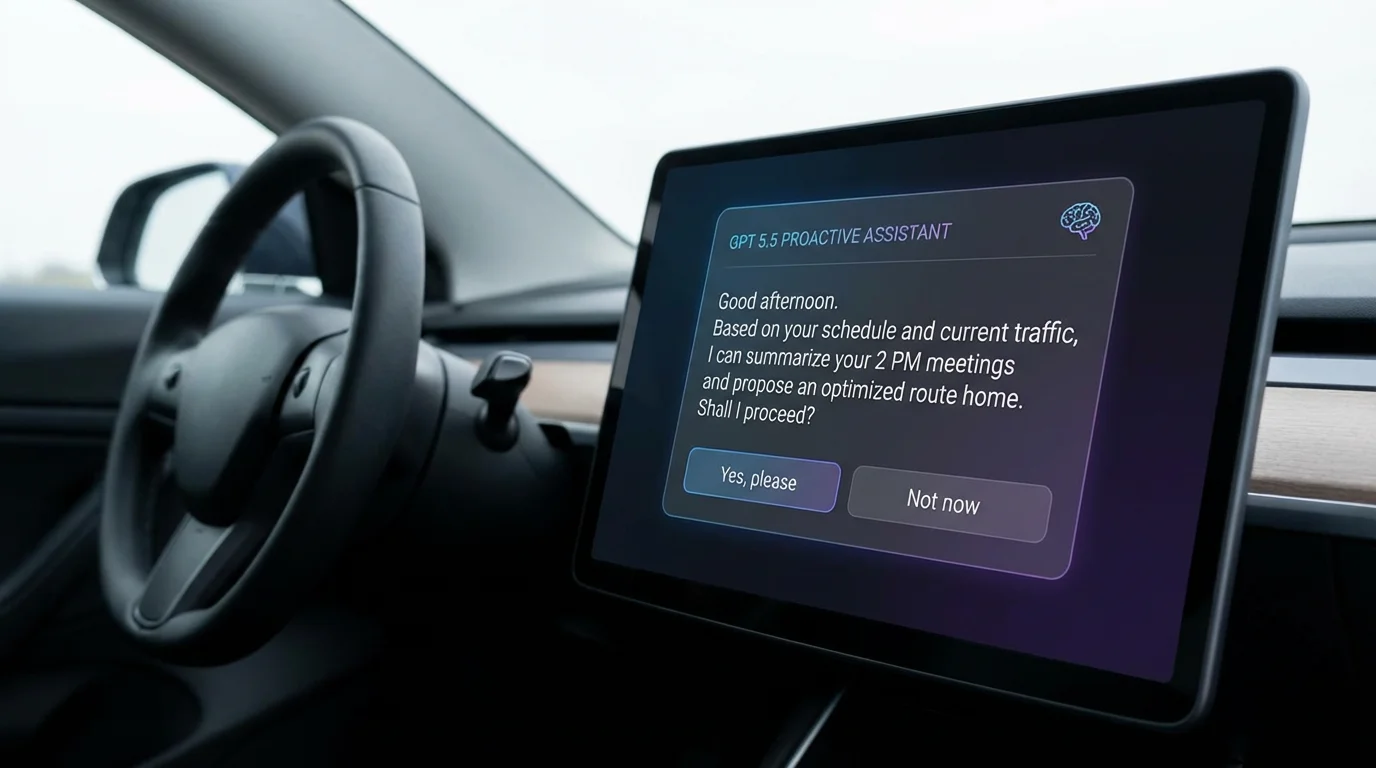
In a car, though, the important boundary is simple: GPT-5.5 is not built into every dashboard. Your real experience depends on the phone app you use, the vehicle display system, CarPlay or Android Auto support, internet access, microphone quality, and local safety rules.
Where a Wireless CarPlay Adapter Helps
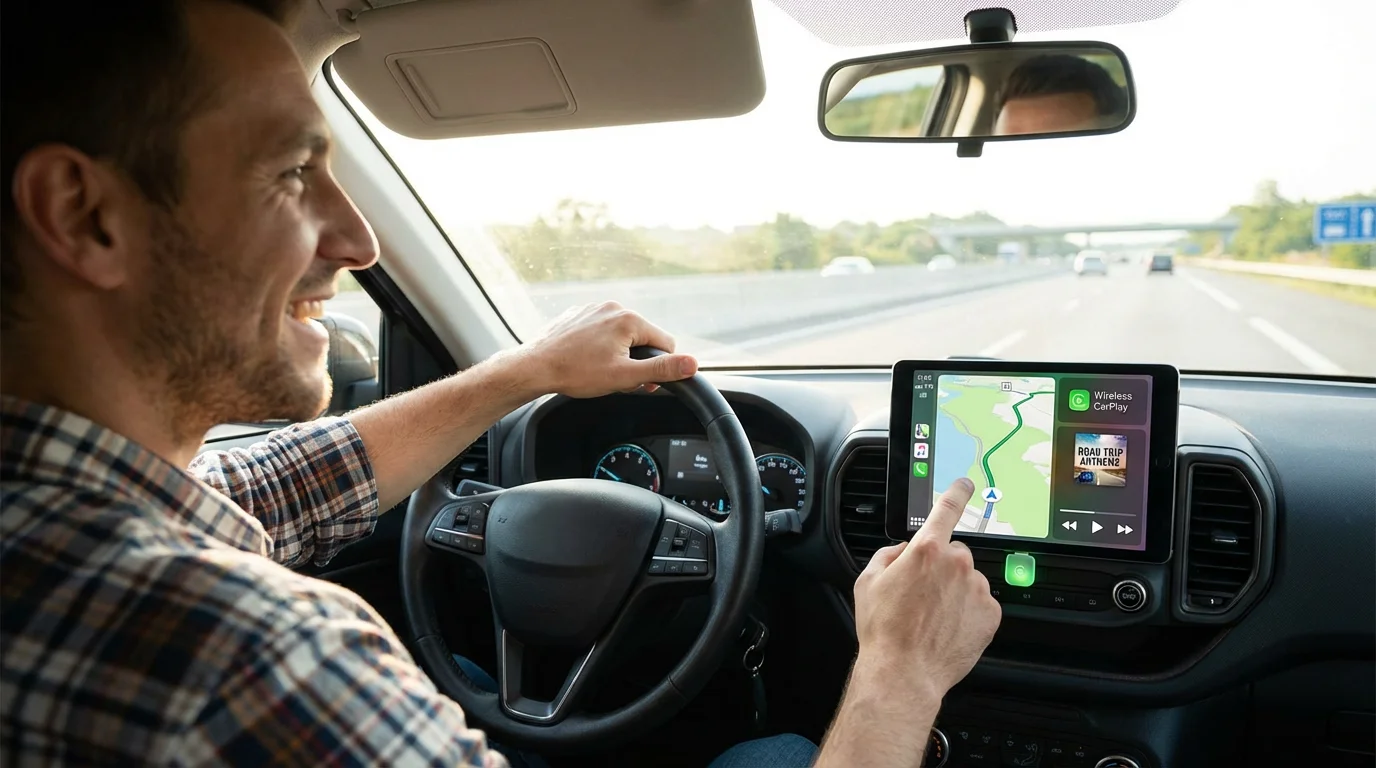
A wireless CarPlay adapter is mainly a connection upgrade. Instead of plugging your phone in for every trip, you connect the adapter to the car by USB and let your phone reconnect wirelessly after setup. That can make assistant-led tasks feel more natural because the system is ready sooner when you start the vehicle.
That convenience is useful for everyday tasks such as:
- Starting navigation before the drive.
- Resuming music, podcasts, or audiobooks.
- Using supported voice commands.
- Reading or sending supported messages through platform-approved voice features.
- Checking calendar or route information before departure.
It does not guarantee that every AI app will appear on the car screen. Apple and Google decide which app categories are allowed in CarPlay and Android Auto, and individual app providers decide what their apps support.
What It Does Not Do
Before choosing a device, separate the adapter role from the AI app role:
| Expectation | Reality | What to check |
|---|---|---|
| Run GPT-5.5 directly inside every car | The AI experience depends on the phone, app, internet connection, and platform support | Check whether your AI app works with your phone and car display setup |
| Make all iPhone apps appear in CarPlay | CarPlay only supports approved app categories and supported app behavior | Check Apple CarPlay app support and iPhone settings |
| Make all Android apps appear in Android Auto | Android Auto only shows compatible apps and categories | Check Android Auto app compatibility and app provider rules |
| Fix a car that does not support wired CarPlay | Many wireless adapters require factory wired CarPlay or wired Android Auto first | Confirm your vehicle on the CARLUEX compatible vehicles page |
How AI Fits Into CarPlay and Android Auto
Apple says CarPlay lets users get directions, make calls, send and receive messages, and listen to music while using the car display. Google describes Android Auto as a way to bring apps to the car display for navigation, calls, messages, and music. Those are driving-first categories.
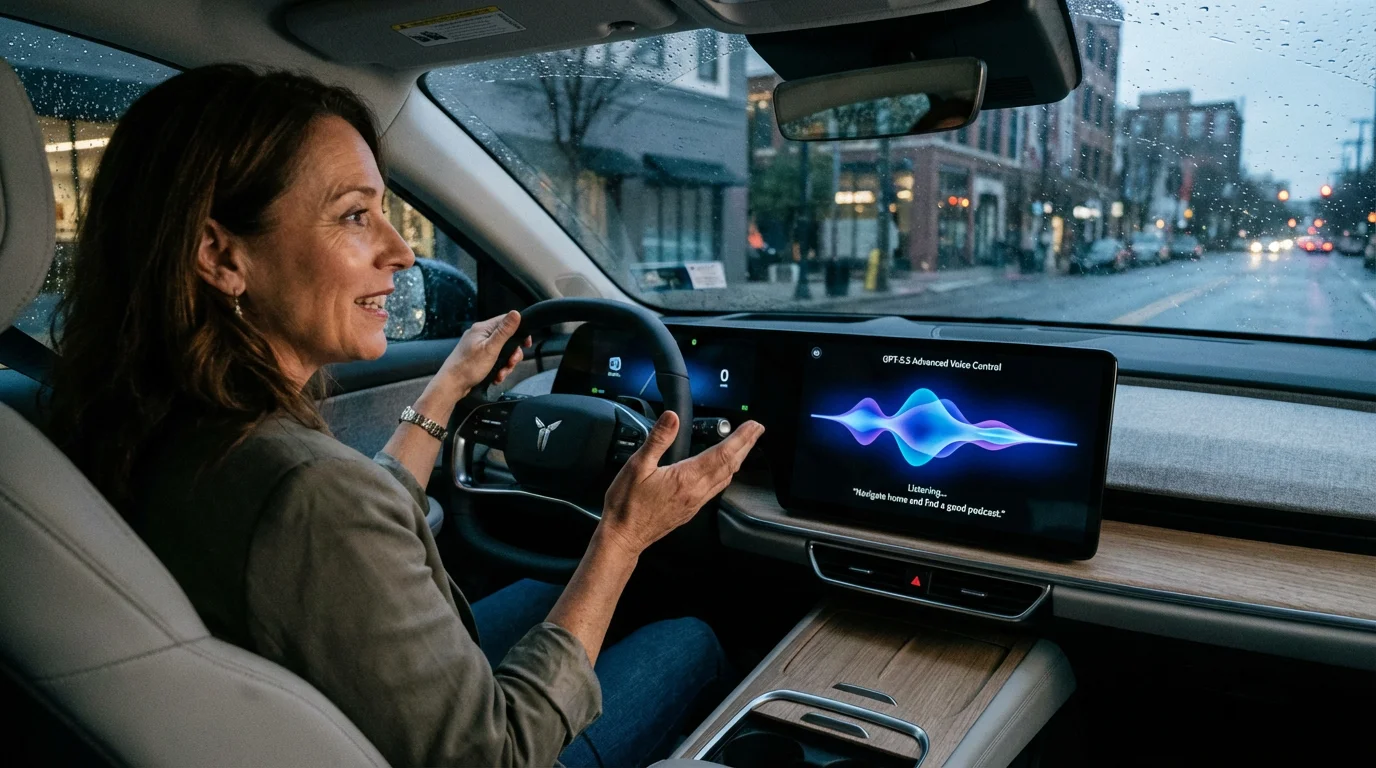
AI can support those workflows when the app and platform allow it. For example, you may use an assistant on your phone before the trip to summarize a meeting, plan stops, or prepare a message. During the drive, keep interaction voice-led and minimal. The adapter can improve connection convenience, but it does not remove the responsibility to keep attention on the road.
Which CARLUEX Device Should You Check?
Do not choose a CARLUEX device only because an article mentions AI. Choose based on your vehicle and the app layer you actually need.
| Need | CARLUEX option to check | Important boundary |
|---|---|---|
| Simple wireless CarPlay or wireless Android Auto | CARLUEX LINK | Wireless CarPlay requires factory wired CarPlay. Wireless Android Auto requires factory wired Android Auto. |
| Compact Android-based app access with wireless CarPlay and Android Auto | CARLUEX AIR | Third-party app performance depends on the app provider. AIR does not have split-screen. |
| Phone mirroring, casting, offline media, YouTube, and Netflix where available | CARLUEX GO | Entertainment features should be used only when parked or by passengers where allowed. |
| Higher-spec multimedia AI box with Google Play, APK installation, GPS, SIM/4G LTE, local media, and HDMI output | CARLUEX PRO+ 2.0 | Requires built-in wired CarPlay and is not compatible with BMW models. PRO+ 2.0 does not support phone mirroring. |
For BMW vehicles, start with the CARLUEX for BMW version instead of PRO+ 2.0. BMW users should confirm the exact model and system before purchase.
Smart Commute Examples That Stay Realistic
A practical AI-assisted commute is less about a futuristic dashboard and more about reducing friction before the drive starts. Here are safer examples:
- Before leaving: ask your AI app to summarize a meeting note, then start navigation through your supported phone or car platform.
- While parked: prepare a route, choose a playlist, or draft a message before the vehicle moves.
- During the drive: use supported voice controls for navigation, calls, and audio without looking away from the road.
- After arrival: review longer summaries, emails, or documents once parked.
NHTSA warns that non-driving activities can distract from the task of driving. Treat AI, messages, video, and screen controls as parked-first features unless your vehicle, phone, and local law clearly allow a safe hands-free interaction.
Compatibility Checks Before You Buy
Before buying a wireless adapter for AI-assisted driving workflows, check:
- Does your vehicle have factory wired CarPlay or factory wired Android Auto?
- Does wired CarPlay or Android Auto already launch correctly through USB?
- Are you using a factory infotainment system rather than an aftermarket unit?
- Is your vehicle a BMW that may need the BMW-specific CARLUEX version?
- Do you need simple wireless projection, Android-based apps, phone mirroring, or HDMI output?
- Does the AI or media app you want actually support your phone and in-car platform?
You can compare general CarPlay availability with Apple's CarPlay available models list, then confirm CARLUEX fit on the compatible vehicles page.
Related CARLUEX Guides
- CARLUEX app compatibility: which apps work in your car?
- Wireless CarPlay lag: how to reduce delay and choose an adapter
- Wireless CarPlay adapter troubleshooting checklist
- How to use Apple CarPlay: setup, connect, and customize
FAQ
Does GPT-5.5 work directly in CarPlay?
Not automatically. GPT-5.5 is an AI model, while CarPlay is Apple's in-car phone projection environment. Whether you can use a GPT-powered app in the car depends on the phone app, platform support, connection method, and safety limits.
Can a wireless CarPlay adapter make my car an AI car?
No. A wireless adapter mainly improves how your compatible phone connects to the car. It can make supported assistant, navigation, music, and messaging workflows easier to start, but it does not replace your car's factory software or guarantee every AI feature.
Which CARLUEX model is best for AI-style workflows?
For simple wireless CarPlay or Android Auto, check LINK. For broader Android-based app access, compare AIR, GO, and PRO+ 2.0. For BMW vehicles, check the BMW version first. The right model depends on your vehicle and the features you need.
Does CARLUEX PRO+ 2.0 support phone mirroring?
No. Under the current CARLUEX product fact rules, PRO+ 2.0 supports Android system apps through Google Play, but it should not be described as supporting phone mirroring. If phone mirroring is required, check CARLUEX GO.
Can I use AI, video, or long summaries while driving?
Keep distracting tasks parked-first. Use supported voice controls only when they do not take attention away from driving, and follow local laws and the app provider's rules.
Bottom Line
GPT-5.5 makes AI assistance more capable, but in the car the practical question is still compatibility. Your vehicle must support the right wired system, your phone and app must support the workflow, and the CARLUEX model must match the feature you want.
Start with the CARLUEX compatible vehicles page, then compare LINK, AIR, GO, PRO+ 2.0, and the BMW version before you buy.


Laisser un commentaire
Tous les commentaires sont modérés avant d'être publiés.
Ce site est protégé par hCaptcha, et la Politique de confidentialité et les Conditions de service de hCaptcha s’appliquent.