

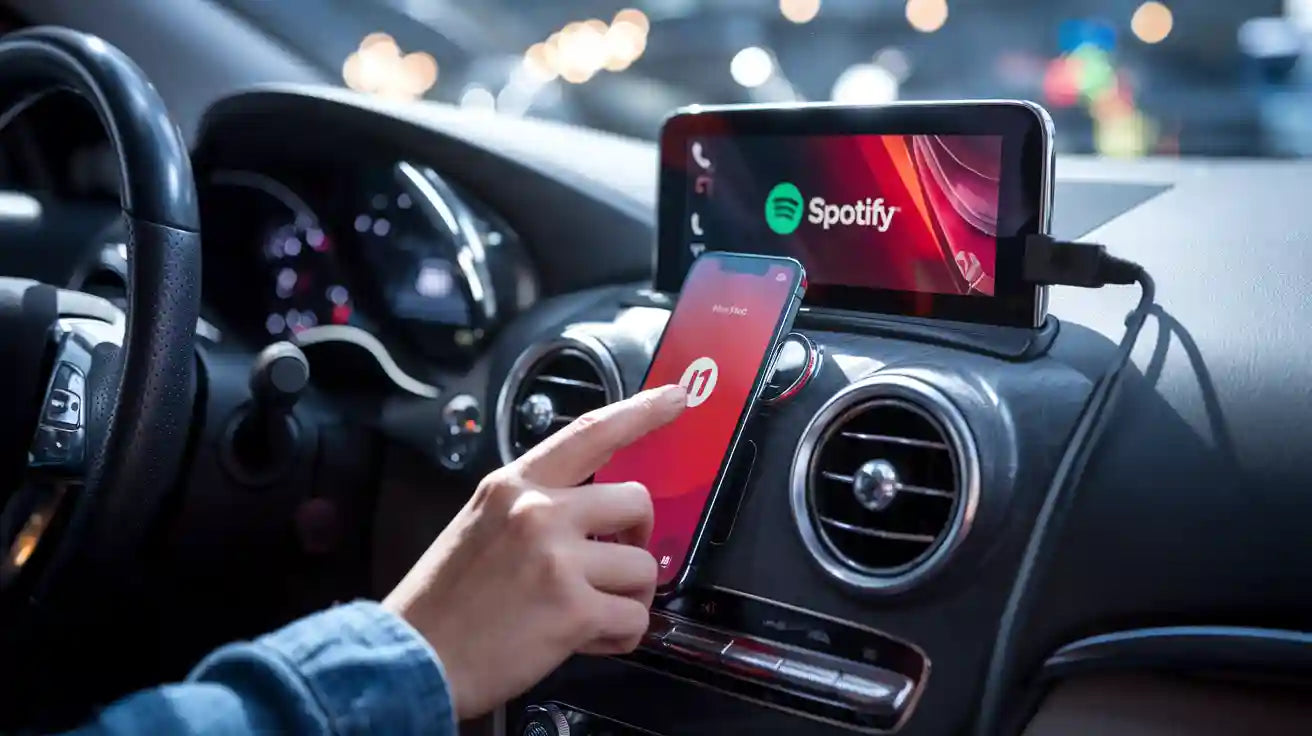
If Spotify is not showing, connecting, or playing smoothly through your CarPlay adapter, start with three checks: confirm your vehicle already supports wired CarPlay or wired Android Auto, update Spotify and your phone software, then reconnect the adapter while the vehicle is parked. A wireless adapter can make Spotify easier to launch without plugging your phone in every trip, but it does not replace the car's factory CarPlay or Android Auto requirement.
Change settings only when the vehicle is parked. Do not adjust phone or infotainment settings while driving.
Quick Answer: How to Use Spotify with a CarPlay Adapter
Goal |
What to check |
Where to start |
|---|---|---|
Use Spotify on Apple CarPlay |
Your iPhone, Spotify app, and vehicle CarPlay support |
Connect to CarPlay, then open Spotify from the CarPlay screen |
Use Spotify on Android Auto |
Your Android phone, Spotify app, and vehicle Android Auto support |
Connect to Android Auto, then open Spotify from the Android Auto app launcher |
Go wireless |
A compatible wireless adapter and a car that already supports the required factory wired protocol |
Plug the adapter into the car USB port and pair by Bluetooth/Wi-Fi during setup |
Fix playback issues |
Spotify update, phone permissions, USB cable, saved pairing, and car audio source |
Restart Spotify, reconnect the phone, and test wired CarPlay or Android Auto first |
Spotify's own support page lists several ways to use Spotify in the car, including Bluetooth, AUX or USB cable, Android Auto, and Apple CarPlay. This matters because a CarPlay adapter is only one connection path. If Spotify works over Bluetooth but not through CarPlay, the problem is probably in the CarPlay, Android Auto, adapter, USB, or app-permission chain rather than Spotify playback itself.
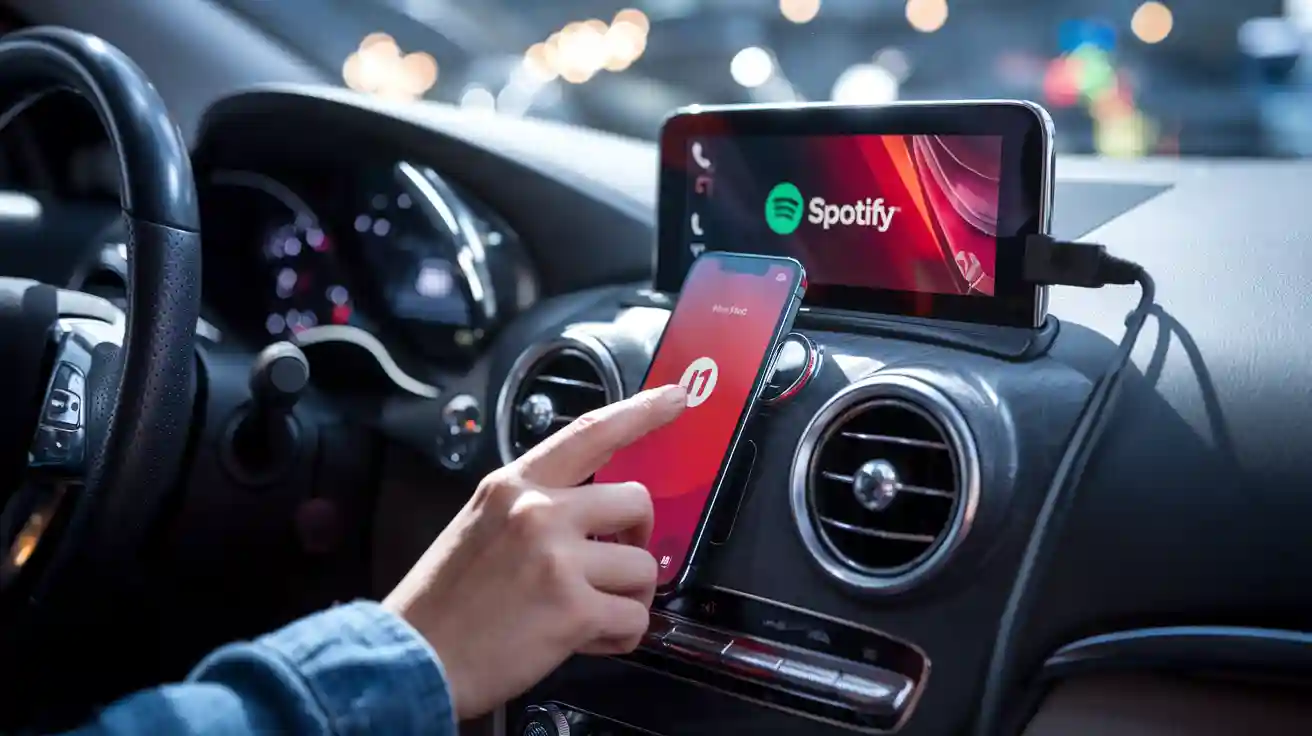
What You Need Before Setting Up Spotify
Before changing settings, confirm the basics. Apple says CarPlay is available on select vehicles and aftermarket systems, and Apple maintains a public CarPlay available models list. If your vehicle does not support CarPlay or Android Auto, a standard wireless adapter will not add the missing factory protocol by itself.
A compatible vehicle: many wireless CarPlay adapters require a vehicle with factory wired CarPlay. Wireless Android Auto support may require factory wired Android Auto, depending on the adapter model.
An updated phone: update iOS or Android before troubleshooting repeated connection problems.
An updated Spotify app: install the latest Spotify version from the App Store or Google Play.
The correct USB port and cable: use the vehicle's CarPlay/Android Auto USB port, not a charge-only port, if your vehicle separates them.
A compatible adapter: confirm the exact CARLUEX model and your vehicle before purchase.
Before buying or switching adapters, check CARLUEX compatible vehicles. If your model is not listed or you are unsure whether your car has factory wired CarPlay or Android Auto, contact support before ordering.
Apple CarPlay, Android Auto, and Spotify Are Separate Layers
It helps to separate the system into layers. Spotify is the music app. Apple CarPlay and Android Auto are phone-projection platforms. A wireless adapter changes how your phone connects to the car, usually by replacing the phone-to-car cable after the first setup. The adapter does not control Spotify's account, subscription, playlists, app bugs, offline downloads, or phone permissions.
Layer |
What it controls |
What it does not control |
|---|---|---|
Spotify |
Music, podcasts, playlists, downloads, account playback |
Vehicle USB ports, CarPlay permission, Android Auto pairing |
Apple CarPlay |
iPhone projection to a compatible vehicle screen |
Android phone settings or Android Auto app behavior |
Android Auto |
Android phone projection to a compatible vehicle screen |
iPhone CarPlay app layout or Siri settings |
Wireless adapter |
The connection bridge between phone and compatible vehicle USB system |
Unsupported vehicles, damaged USB ports, blocked phone settings, or Spotify account problems |
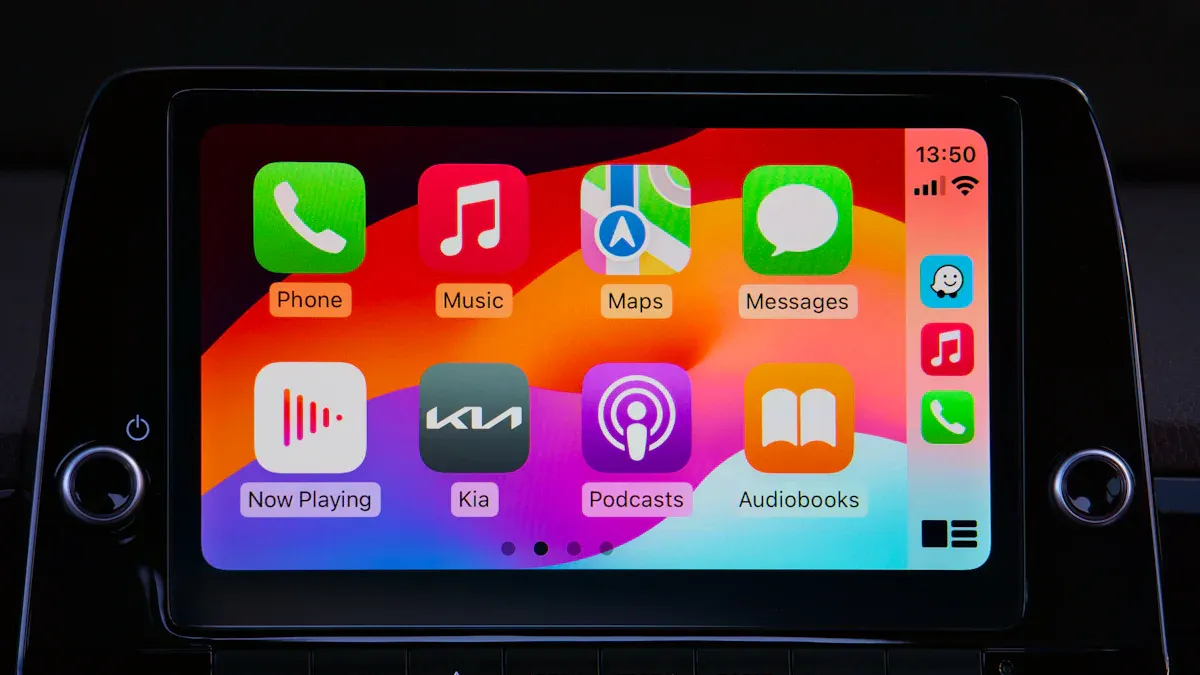
How to Set Up Spotify on Apple CarPlay
Apple's CarPlay setup guidance explains that CarPlay uses your iPhone with your car's display, and Apple also provides steps to arrange CarPlay apps from iPhone settings. Use those official steps if your iOS labels look different from the wording below.
Park the vehicle and start the infotainment system.
Connect your iPhone to wired CarPlay first, if you are testing the car before using a wireless adapter.
Open Spotify on your iPhone and confirm it plays normally.
On iPhone, open Settings and search for CarPlay. Select your vehicle if it appears. The exact label can vary by iOS version.
If Spotify does not appear on the CarPlay screen, open the CarPlay customization screen and add or move Spotify.
For wireless adapter setup, plug the adapter into the vehicle's CarPlay USB port, follow the adapter pairing screen, and keep Bluetooth and Wi-Fi enabled on iPhone.
After pairing, open Spotify from the CarPlay app screen and test playback while parked.
How to Set Up Spotify on Android Auto
If you use an Android phone, the setup path is different. Google's Android Auto site describes Android Auto as a way to use compatible apps on your car display, including media and entertainment apps, while helping you stay focused on driving. You can start from the official Android Auto overview if your phone menus differ.
Park the vehicle and connect the Android phone to the car by USB first, if you are testing factory Android Auto support.
Install or update Spotify from Google Play.
On Android, open Settings and search for Android Auto. On some phones, the path may appear under Connected devices, Google, Apps, or Android Auto app settings.
Confirm Spotify is allowed to run and is not restricted by aggressive battery settings.
If using a wireless adapter that supports Android Auto, confirm the adapter model requires factory wired Android Auto and follow the adapter pairing screen.
Open Spotify from the Android Auto launcher and test playback while parked.
If Spotify works on the phone but not in Android Auto, check app permissions, battery restrictions, and whether Android Auto can see other media apps. If no media app appears, the issue may be Android Auto setup rather than Spotify alone.
Choosing a CARLUEX Adapter for Spotify
For simple wireless music access, CARLUEX LINK is the cleanest fit when the vehicle already supports factory wired CarPlay or wired Android Auto. For users who also want Android-system apps and more entertainment features while parked, compare CARLUEX AIR, CARLUEX GO, and CARLUEX PRO+ 2.0.
Do not choose by Spotify alone. Choose by your vehicle's factory system, phone type, desired features, and compatibility. Many CARLUEX adapters require factory wired CarPlay, while wireless Android Auto support may require factory wired Android Auto on selected models. For BMW vehicles, use the dedicated BMW version rather than assuming a universal adapter is the right fit.
If wired CarPlay or wired Android Auto already works reliably in your car, compare CARLUEX adapter options and confirm compatibility before choosing a wireless setup.
Troubleshooting: Spotify Not Working with a CarPlay Adapter
Spotify Does Not Show on CarPlay
Update Spotify and iOS.
On iPhone, open Settings and search for CarPlay. Select your vehicle and check the app layout. The exact label can vary by iOS version.
Check Screen Time restrictions if apps are missing from CarPlay.
Delete the saved vehicle from CarPlay settings, then pair again while parked.
Test wired CarPlay without the wireless adapter. If Spotify still does not appear, fix the CarPlay/iPhone side before troubleshooting the adapter.
Spotify Does Not Show on Android Auto
Update Spotify, Android Auto, Google Play services, and your phone system.
On Android, open Settings and search for Android Auto. The exact path can vary by phone brand and Android version.
Make sure Spotify is installed from Google Play and is not disabled.
Check battery settings for Spotify and Android Auto if playback stops after a few minutes.
Test wired Android Auto first. If the car never launches Android Auto by USB, a wireless adapter cannot fix the missing factory connection.
Spotify Connects but Audio Is Silent or Choppy
Check that the car audio source is CarPlay or Android Auto, not radio or Bluetooth audio.
Restart Spotify, then restart the phone and infotainment system.
Try another USB cable and the vehicle's data-capable USB port.
Turn off VPN or low-data modes temporarily if streaming is unstable.
Download playlists in Spotify before a long trip if cellular coverage is unreliable.
The Adapter Connects, but Spotify Still Has Problems
A wireless adapter may help after wired CarPlay or wired Android Auto already works. It does not fix unsupported vehicles, damaged USB ports, blocked phone settings, Spotify account issues, or vehicle software problems. If the original wired connection is unstable, fix that first.
Related CARLUEX Guides
FAQ
Can I use Spotify with a wireless CarPlay adapter?
Yes, if your iPhone, Spotify app, adapter, and vehicle are compatible. In most cases, the car must already support wired CarPlay before a wireless CarPlay adapter can convert the phone connection to wireless.
Does a CARLUEX adapter make Spotify wireless?
It can remove the need to plug your phone in after setup, as long as your vehicle and adapter are compatible. The adapter connects to the car by USB, then pairs with your phone wirelessly.
Why is Spotify not appearing on my CarPlay screen?
Spotify may be missing because the app is outdated, restricted by iPhone settings, hidden from the CarPlay app layout, or blocked by a pairing issue. Update Spotify, check CarPlay settings from iPhone Settings, and test wired CarPlay before blaming the adapter.
Can I use Spotify offline in the car?
Spotify offline playback depends on your Spotify account, downloaded content, and app settings. Download playlists before driving if you expect weak cellular coverage.
Should I buy LINK, AIR, GO, or PRO+ 2.0 for Spotify?
If you mainly want wireless CarPlay or wireless Android Auto for music, start by comparing LINK and your vehicle compatibility. If you also want Android-system entertainment apps while parked, compare AIR, GO, and PRO+ 2.0. Always confirm compatibility before purchase.


Αφήστε ένα σχόλιο
Αυτή η τοποθεσία προστατεύεται από το hCAPTCHA και ισχύουν η Πολιτική απορρήτου και οι Όροι Παροχής Υπηρεσιών του hCaptcha.