

Φίλτρα
8 προϊόντα
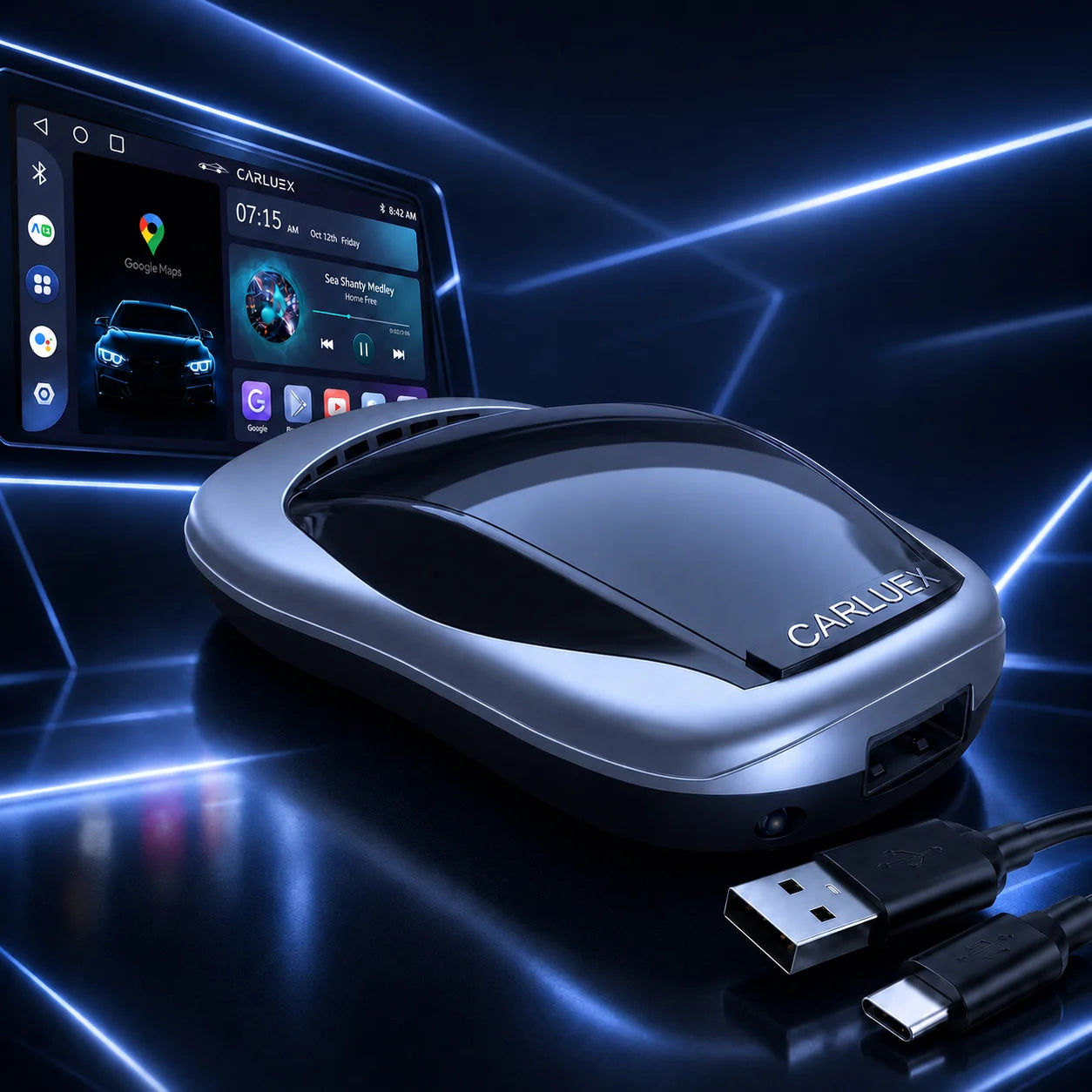
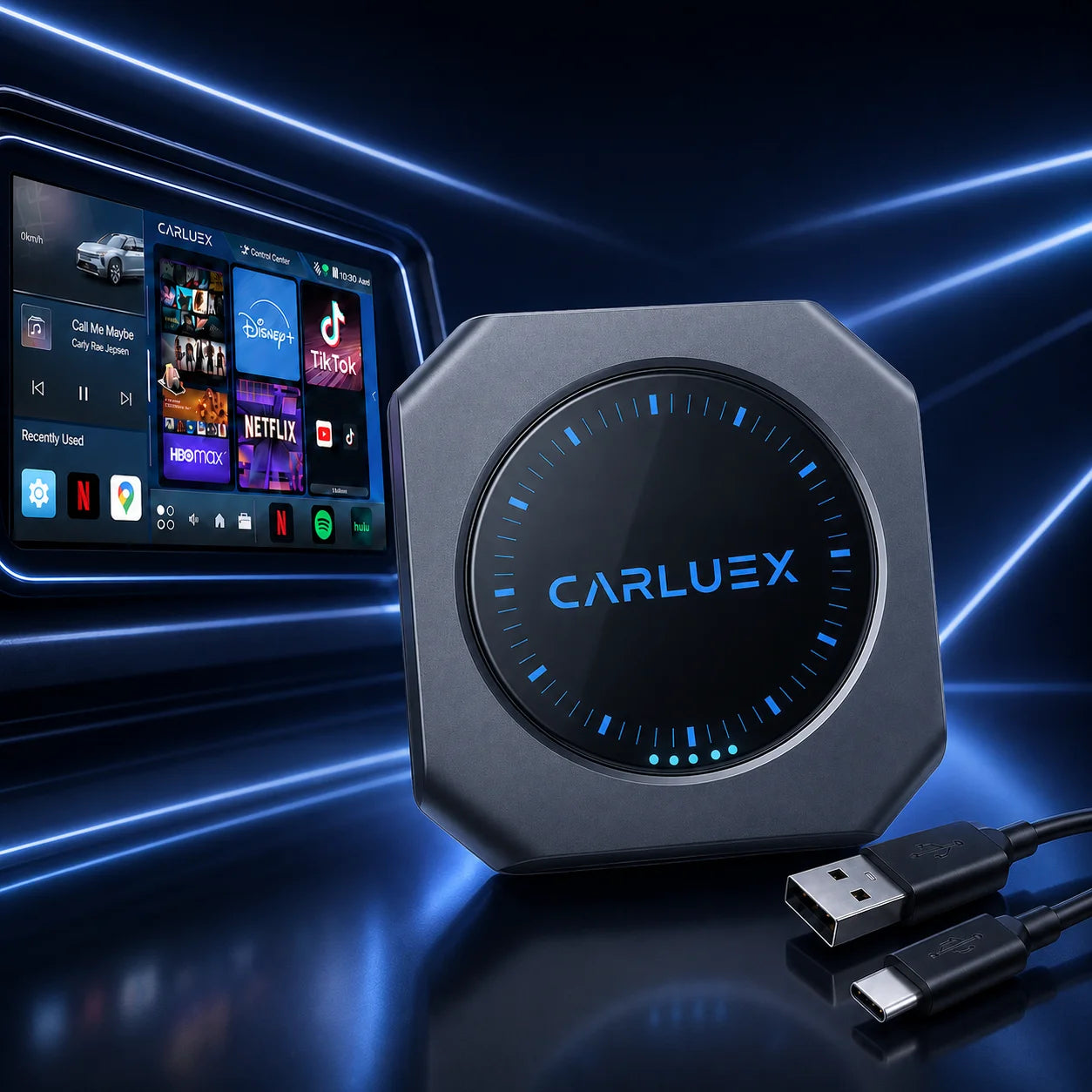
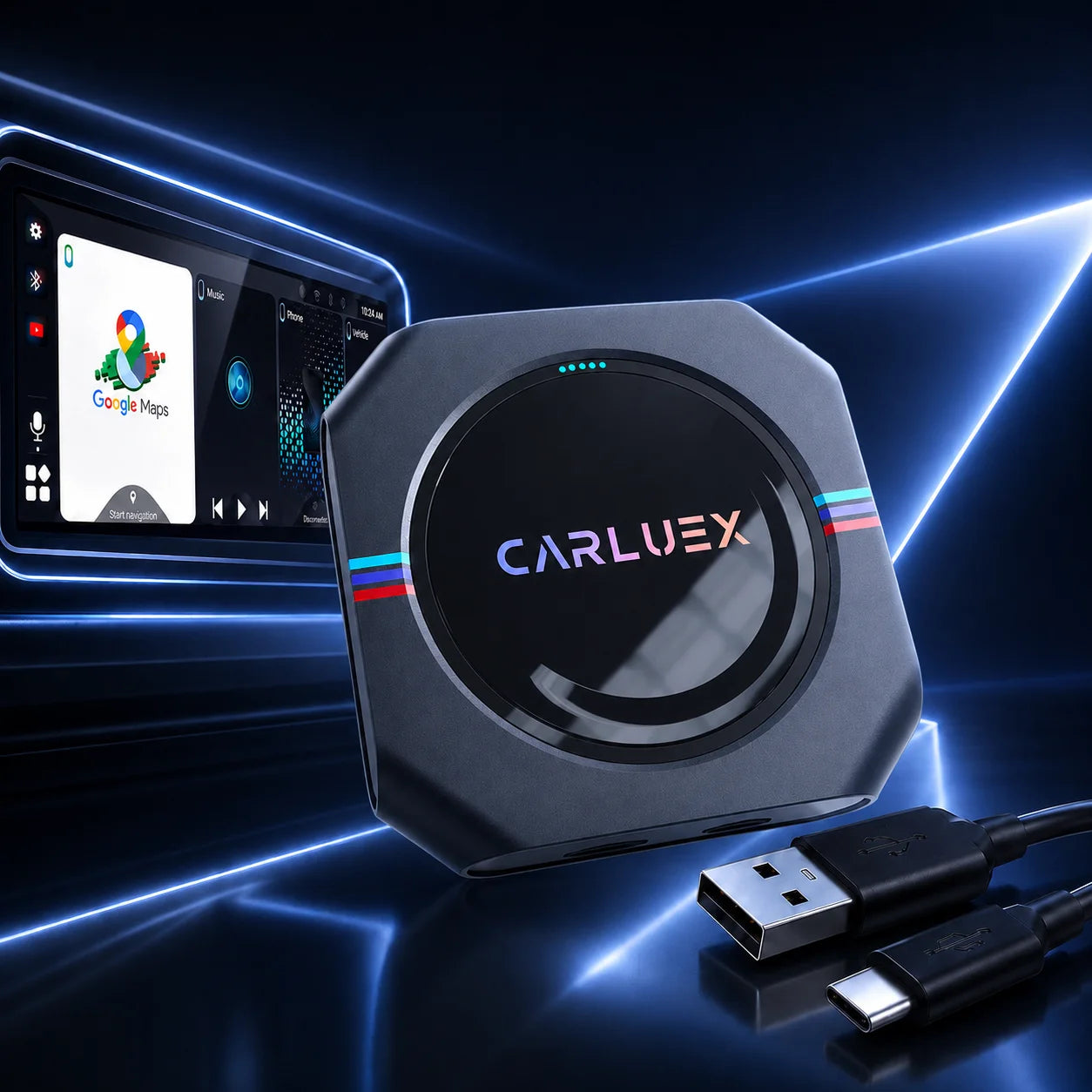
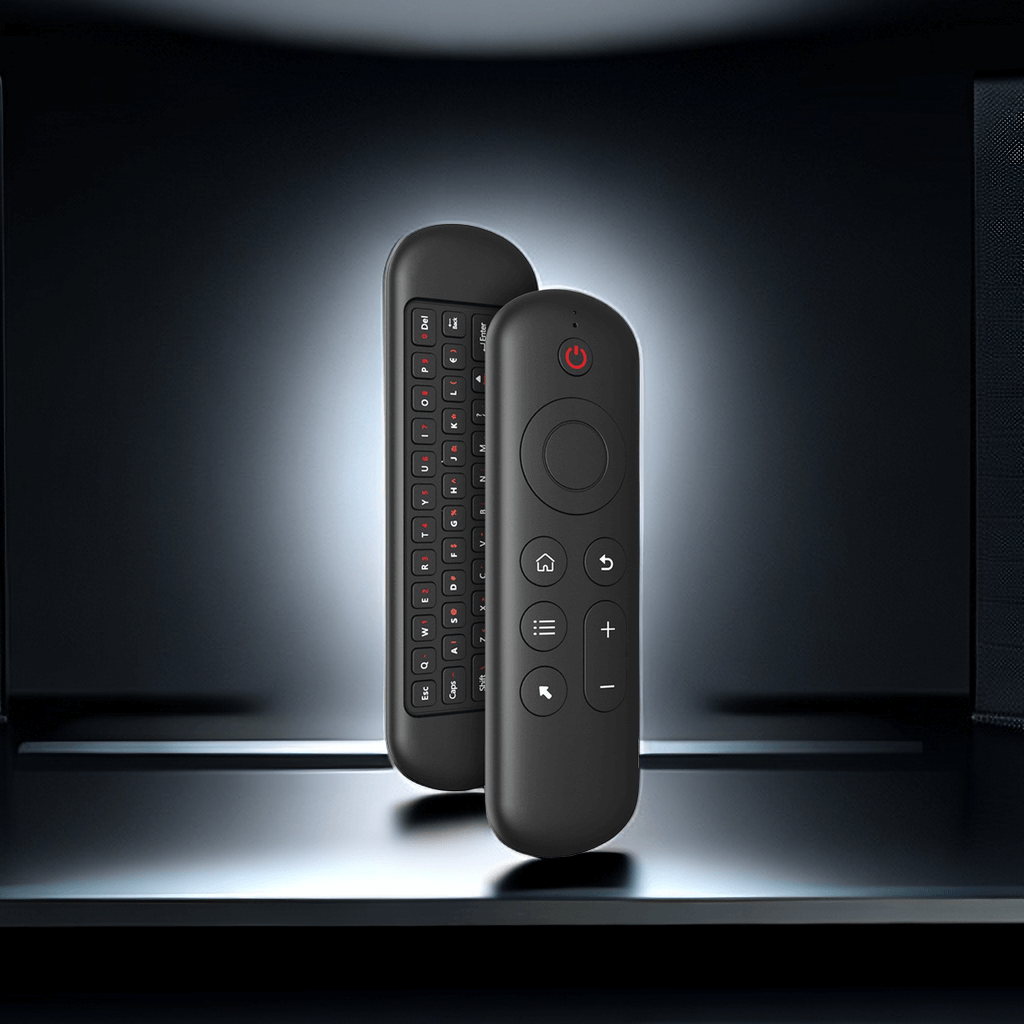
MG ZS EV owners are increasingly turning to wireless CarPlay boxes for a seamless MG ZS EV infotainment upgrade, moving away from the factory wired USB connection for true hands-free convenience. Drawing from MG EV forums, Reddit threads, and owner groups, this collection compiles authentic feedback on these upgrades, focusing on real-world pros, cons, and solutions to common issues like initial pairing delays.
Understanding the Appeal of Wireless Upgrades for MG ZS EV
Wireless CarPlay boxes let MG ZS EV drivers integrate their iPhones cable-free, making navigation, music, and calls feel effortless—no more plugging in every time you start the car.
Why MG ZS EV Owners Seek Wireless iPhone Mirroring MG Solutions
Many owners get frustrated with tangled cables snagging on seats or interfering during quick drives. Community posts show how wireless iPhone mirroring MG cuts distractions, letting you keep your phone safely mounted or in your pocket while focusing on the road.
How Plug and Play CarPlay MG EV Transforms Daily Driving
Plug and play CarPlay MG EV adapters simply connect via the existing USB port, unlocking instant wireless access. Forum users describe transformed commutes: easier app switching for real-time maps and podcasts, all without breaking your flow or safety.
Common Expectations vs. Real-World Performance from Community Feedback
Owners expect instant, flawless connections—but reality includes 10-20 second boot times on startup or minor tweaks needed. Many achieve near-instant links after simple adjustments, based on MG EV owner reviews.
Pros and Cons Based on Actual MG ZS EV Owner Reports
From MG EVs community discussions, owners share mostly positive long-term experiences, with reliability improving as you use it daily.
Top Advantages Highlighted by Users
Seamless auto-connections when you start the car top the list—no cables to plug in while the kids buckle up or traffic waits. Reduced clutter, crisp audio streaming, and freedom during long drives make trips feel more relaxing and enjoyable. Imagine firing up your EV and having CarPlay ready instantly for your favorite playlist or route guidance.
Frequent Drawbacks and Connection Challenges
Initial pairing can take 30-40 seconds on first use, with occasional dropouts in low-signal spots or after Bluetooth resets. Setup quirks are common but usually fixed quickly.
Audio Quality, Latency, and Reliability Insights
Audio stays clear for calls and music, though slight 1-2 second latency appears in playback for some. After firmware tweaks, most find it stable enough for everyday commuting and road trips.
Battery Drain and Heat Concerns from Long-Term Use
Heavy streaming sessions may drain your iPhone battery a bit faster, and the box can warm up. Owners suggest good ventilation and using your car's charger for longer drives to keep everything cool and powered.
Practical Tips and Solutions – Featuring CARLUEX
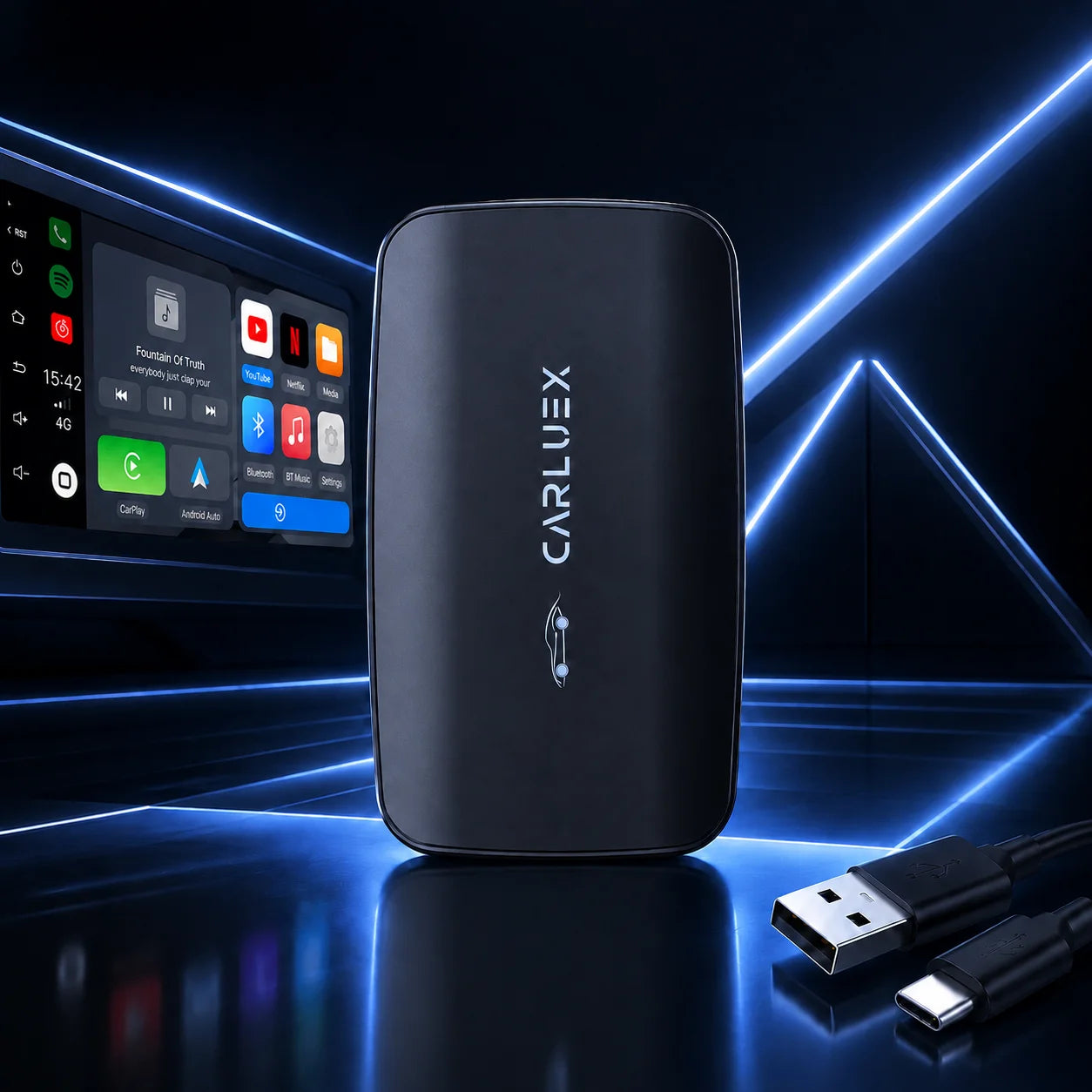
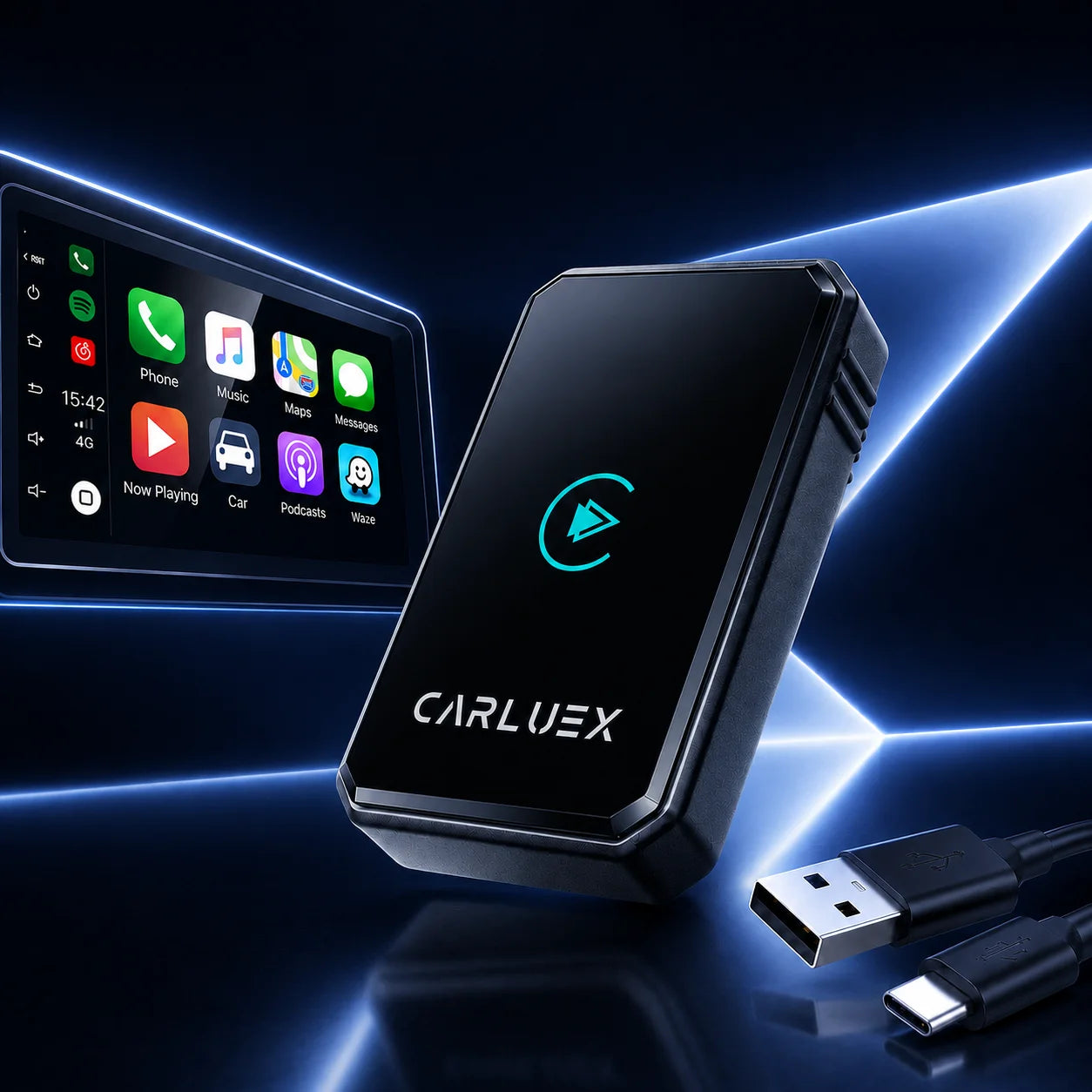
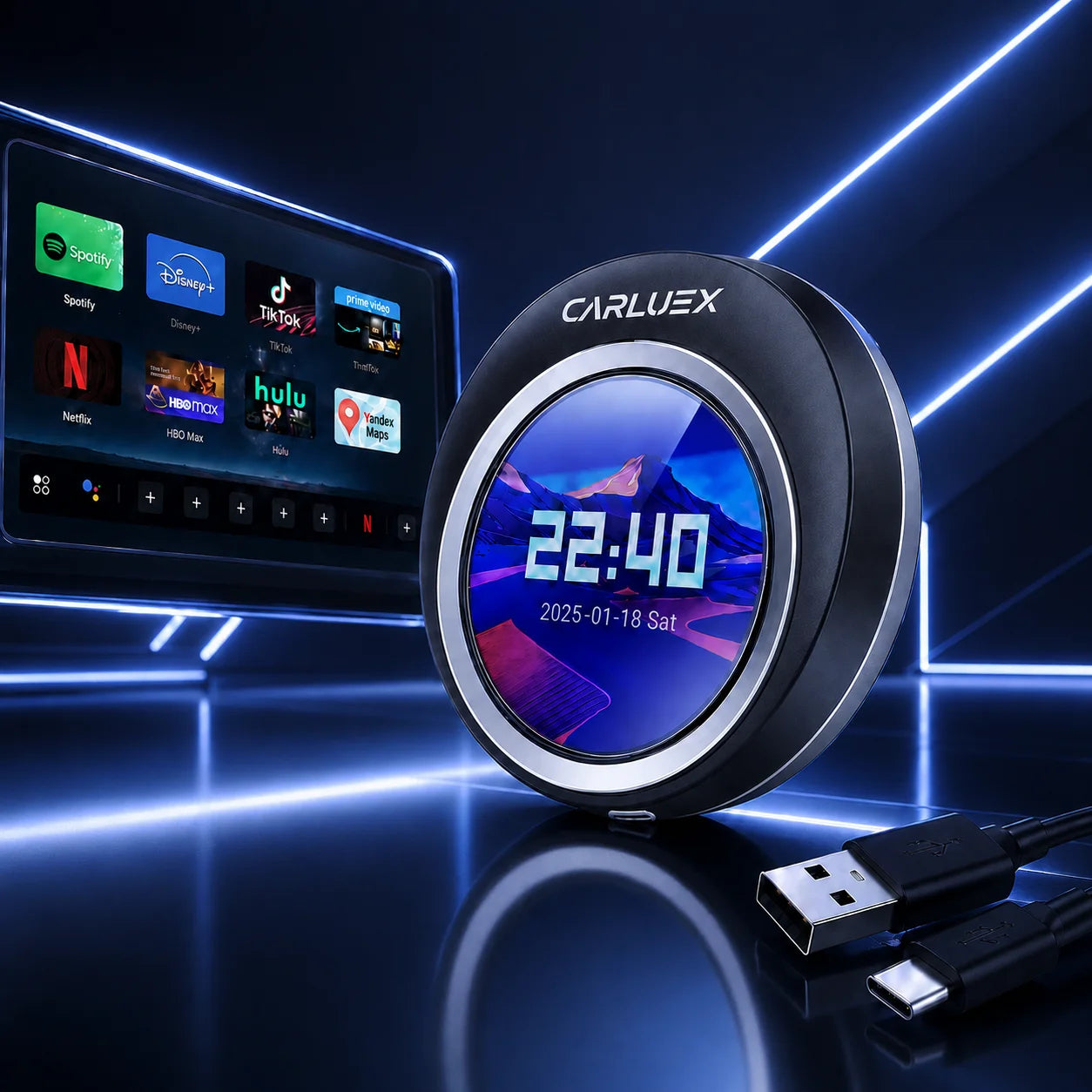
After hearing these real experiences, many MG ZS EV owners turn to reliable options like CARLUEX for smooth, dependable wireless performance. Explore the CARLUEX PRO+2.0 for advanced multimedia features or the CARLUEX AIR for a compact, capable upgrade. Visit the CARLUEX homepage to see more tailored solutions.
Essential Setup Steps for Smooth Plug-and-Play Installation
Plug into the USB port, pair Bluetooth on your iPhone, and follow prompts. A quick factory reset often resolves any stubborn first-time connections.
Fixing Common Initial Pairing and Boot Delay Issues
Clear your phone's Bluetooth cache, update iOS, and try in a low-interference spot. Restarting the car helps many owners eliminate delays.
Best Practices for Maintaining Stable Wireless iPhone Mirroring MG
Keep firmware updated, avoid heavy interference, and complete initial pairing once for reliable auto-connect. This keeps wireless iPhone mirroring MG lag-free and dependable.
Recommended Articles
For setup help, check this Step-by-Step Guide to Setting Up Waze with Your CarPlay Adapter – it simplifies navigation integration.
Stream music effortlessly with the How to Set Up Your CarPlay Adapter with Spotify Integration Step by Step.
Discover the CARLUEX New Product — PRO+ 2.0 Multimedia AI Box Review: Gets Smarter With Latest Tech Trends for smart upgrades.
Enjoy on-the-go entertainment via Enjoy Movies and Music on the Go with Wireless CarPlay Box and Streaming Apps.
FAQ
- Is a wireless CarPlay box compatible with all MG ZS EV models?
- Most work well with 2020+ models that have factory wired CarPlay; verify your infotainment system.
- How do I fix connection drops?
- Reset Bluetooth on your phone and minimize interference from nearby devices.
- Does it affect battery life?
- Slight additional drain is possible during heavy use; plug in your phone for longer sessions.
- Can I stream videos?
- Yes, but only when parked safely—great for waiting or breaks.


