

Ford Explorer Apple CarPlay Setup: Compatibility, Wireless Connection & Navigation
Quick answer: Many Ford Explorer configurations support Apple CarPlay, but the connection type depends on the model year, trim, SYNC system, and USB hardware. Ford's 2021 Explorer order guide lists Apple CarPlay compatibility with SYNC 3. Newer SYNC 4 vehicles may support wireless CarPlay, but you should verify your exact vehicle before assuming wireless support.
Use this Ford Explorer Apple CarPlay setup guide to check compatibility, connect an iPhone by USB or wirelessly when supported, use navigation apps, and troubleshoot the most common connection problems.
At a glance:
- Check your Explorer's model year, trim, SYNC version, and owner's manual.
- For wired CarPlay, use the vehicle's CarPlay-enabled USB data port and a suitable cable.
- For wireless CarPlay, the vehicle must support wireless mode; Bluetooth alone is not proof of wireless CarPlay.
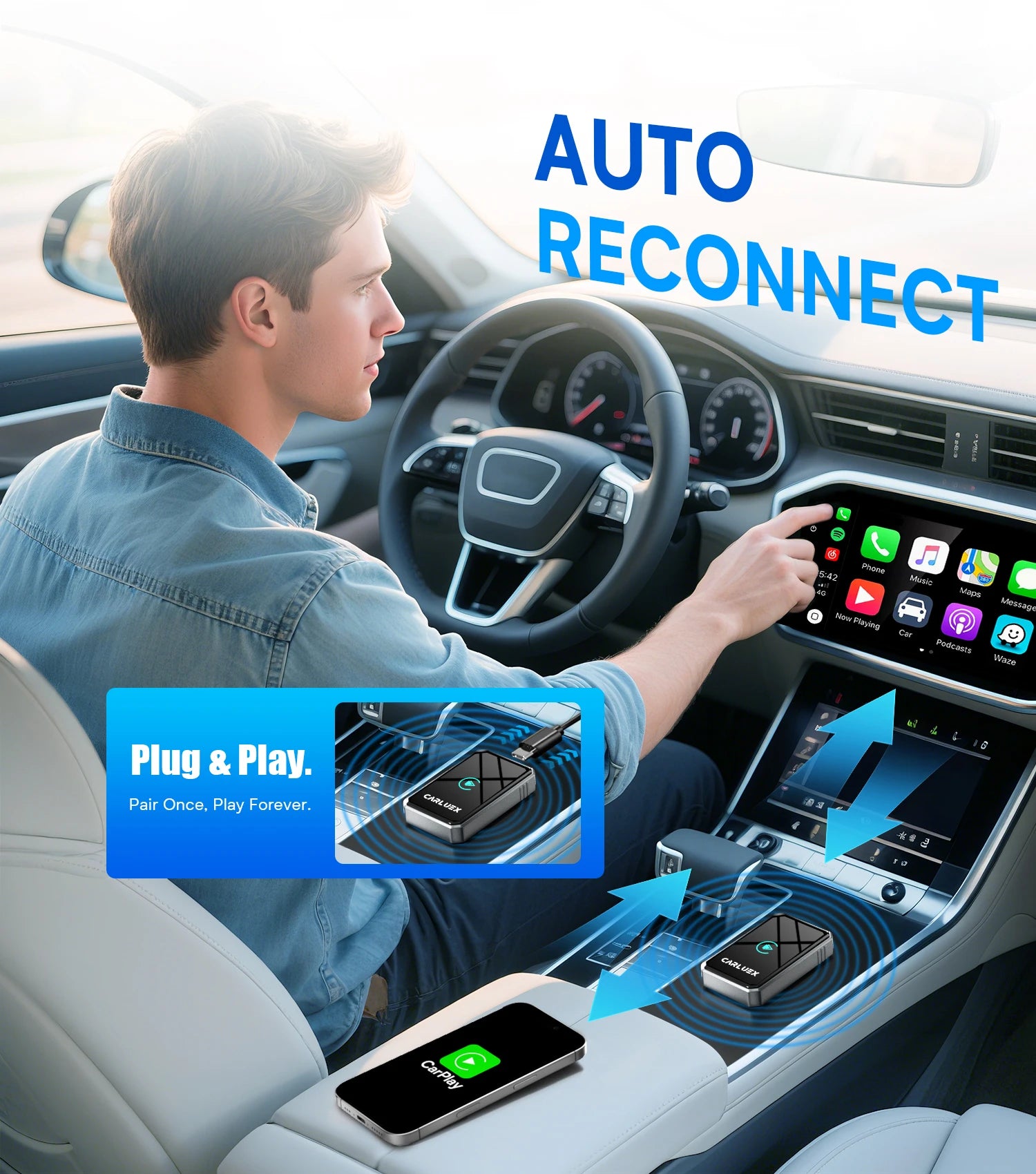
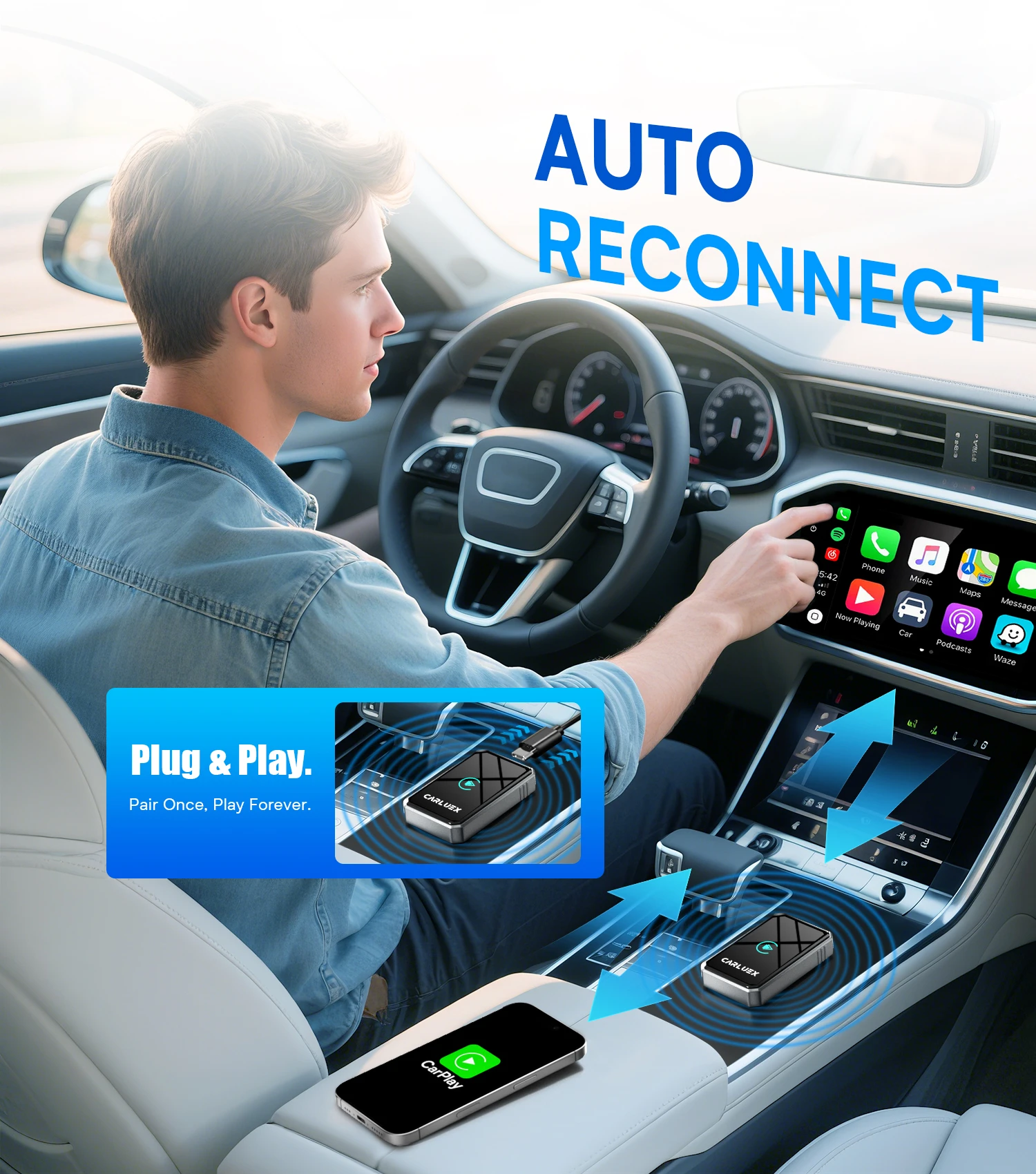
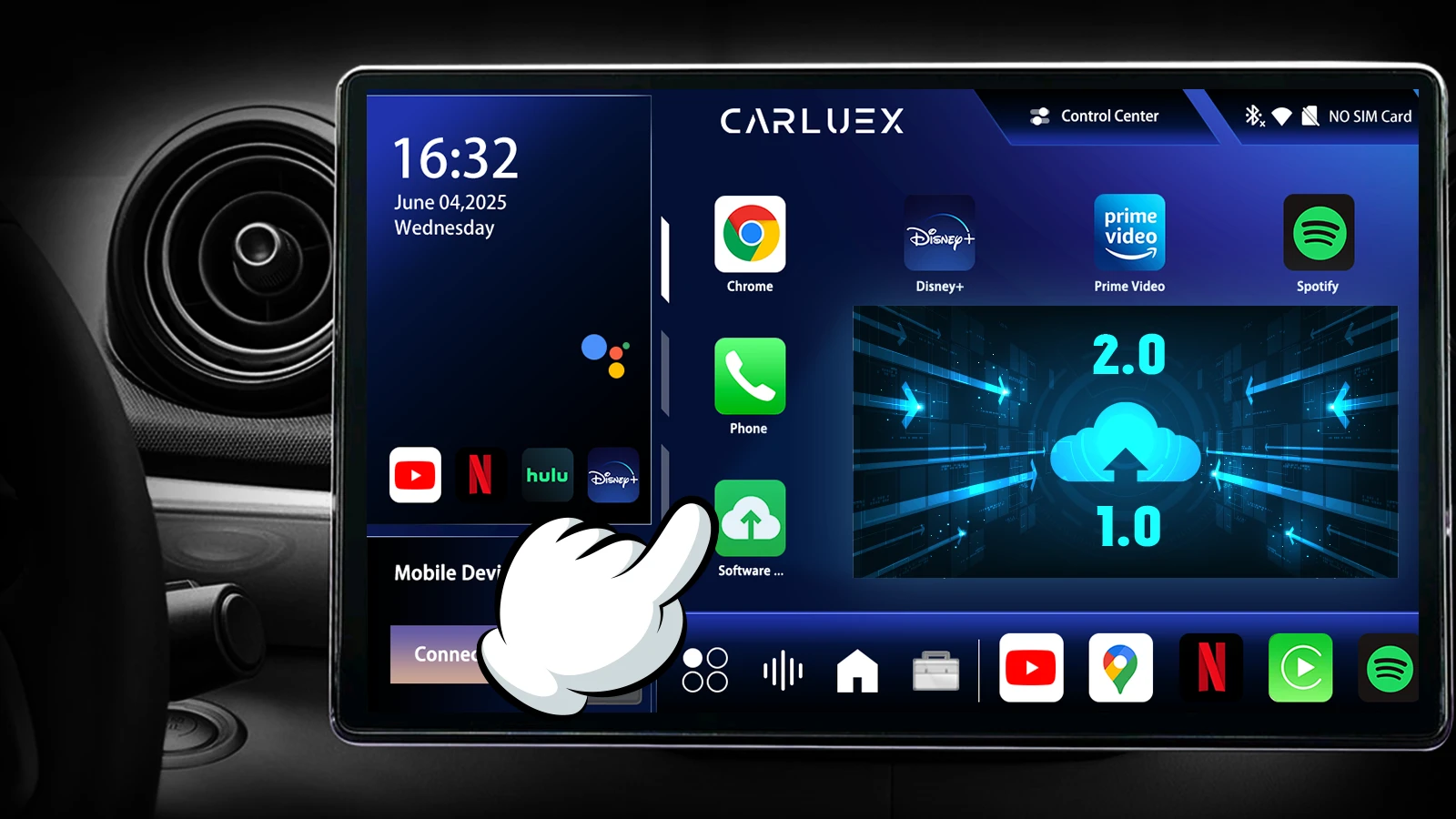
- If you are considering an adapter, verify the exact vehicle and SYNC combination in the CARLUEX compatibility list before buying.
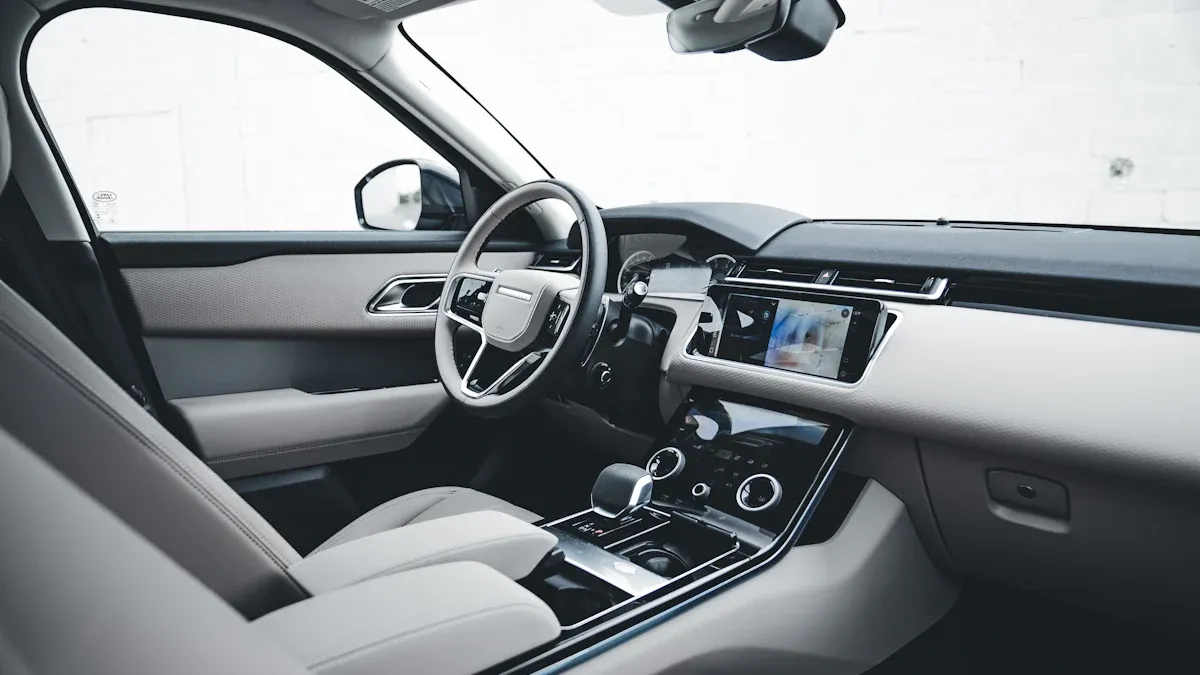
Does the Ford Explorer support Apple CarPlay?
Support varies by model year and configuration. As one verifiable example, Ford's 2021 Explorer order guide lists Apple CarPlay and Android Auto compatibility with the vehicle's SYNC system. That document should not be treated as a blanket specification for every Explorer year or trim.
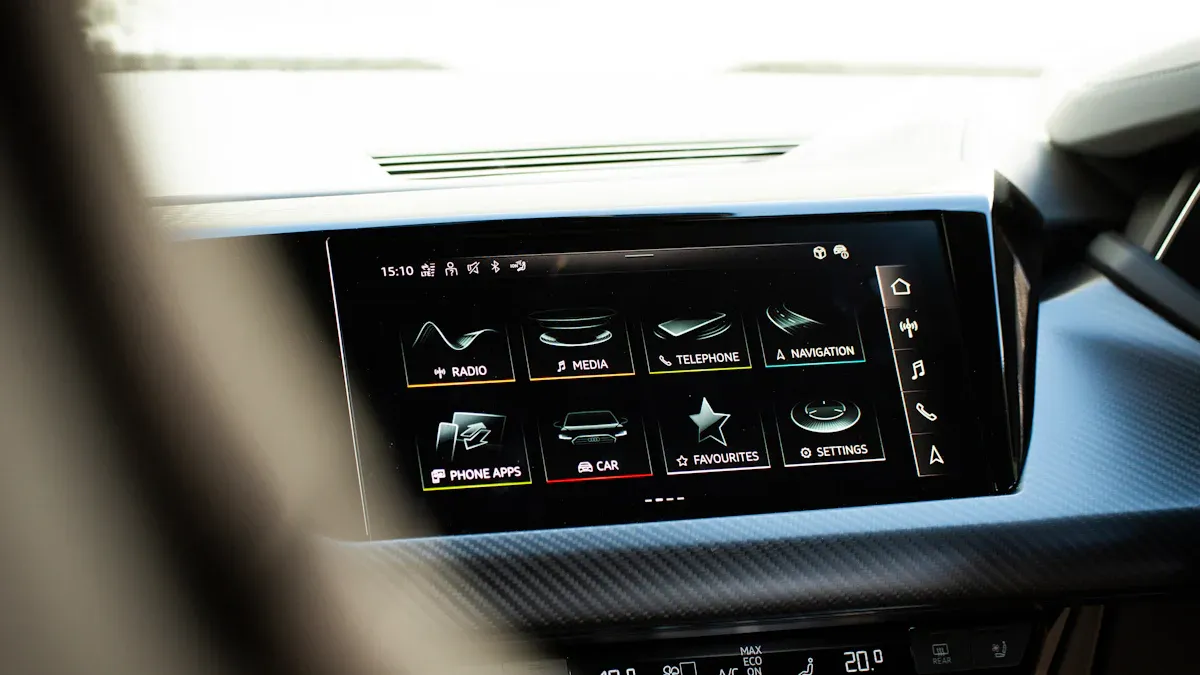
To check your own vehicle, look for the CarPlay logo or smartphone icon near a USB data port, review the SYNC version in the vehicle settings, and confirm the model and trim in Ford's documentation. Apple's connection guidance also recommends checking that both the vehicle and the country or region support CarPlay.
Before setup: confirm your connection type
USB CarPlay
Wired CarPlay needs a compatible USB data connection. A USB port that only supplies power will not start CarPlay. If your Explorer has more than one USB port, try the port marked with a CarPlay or smartphone icon and use a known-good data cable.
Wireless CarPlay depends on the vehicle and SYNC version
Ford describes SYNC 4 as supporting wireless Apple CarPlay compatibility, but that does not mean every Explorer with an older SYNC system supports it. Check your vehicle manual and the SYNC screen before choosing a wireless setup. Bluetooth pairing by itself does not prove that wireless CarPlay is available.
How to set up Apple CarPlay in a Ford Explorer
Prepare the iPhone and vehicle
- Park safely, start the vehicle, and make sure Siri is enabled on the iPhone.
- Install current iOS and vehicle software updates when available.
- Remove unnecessary old phones or CarPlay profiles if the SYNC device list is full.
Connect by USB
- Unlock the iPhone and connect it to the Explorer's CarPlay-enabled USB data port.
- Read the prompts on the iPhone and vehicle display, then allow CarPlay when asked.
- If the CarPlay home screen does not appear, select the CarPlay logo on the vehicle display.
Connect wirelessly when supported
- Put the vehicle in its wireless or Bluetooth pairing mode.
- Keep Bluetooth and Wi-Fi enabled on the iPhone.
- Open Settings > General > CarPlay, choose the vehicle under Available Cars, and follow the prompts.
- If the vehicle supports both USB and wireless CarPlay, the first USB connection may offer wireless pairing for later drives.
Apple's connection steps are vehicle-specific, so use the Explorer owner's manual when the SYNC screen uses different names or menus.
Use CarPlay for Ford Explorer navigation
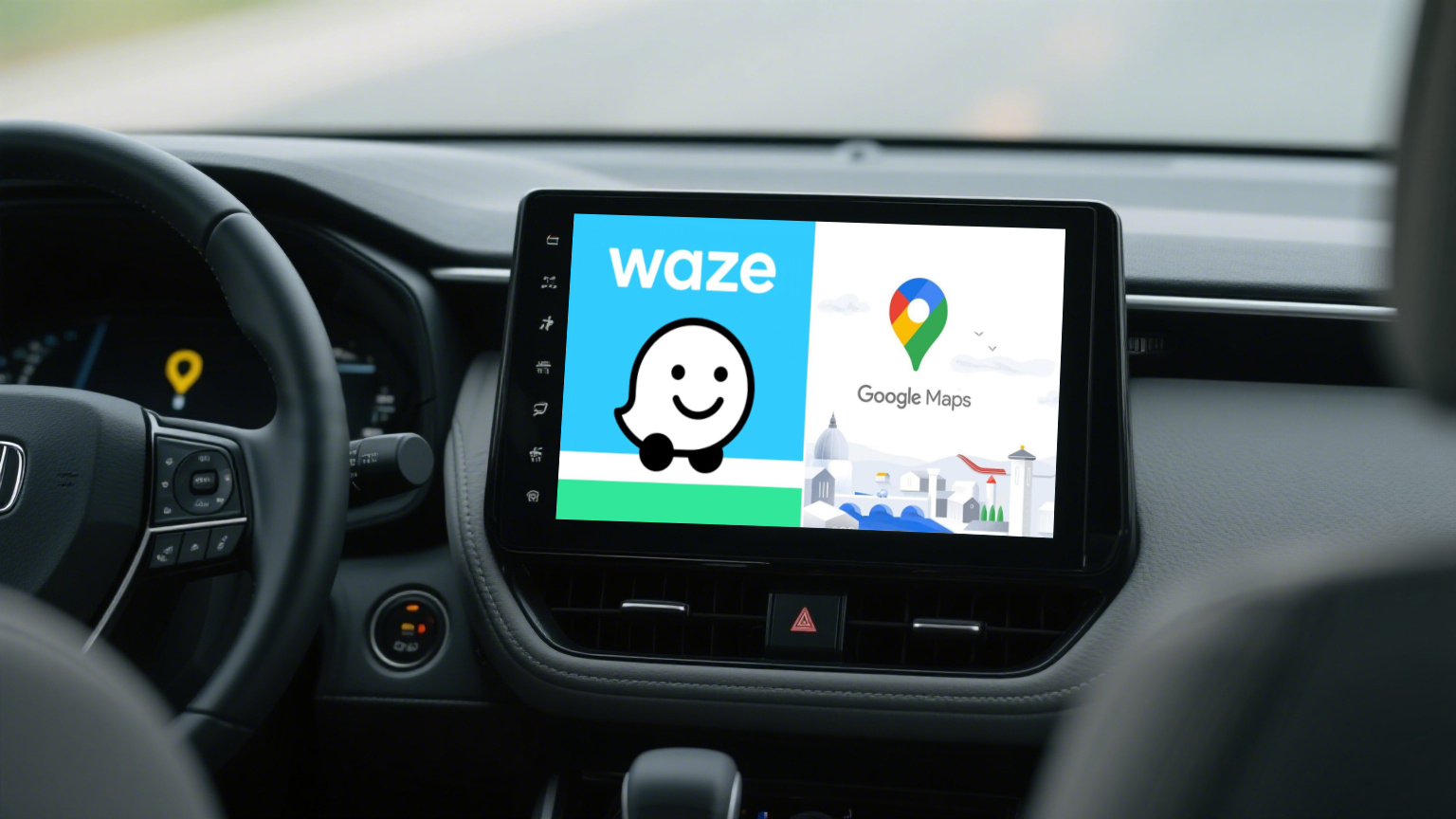
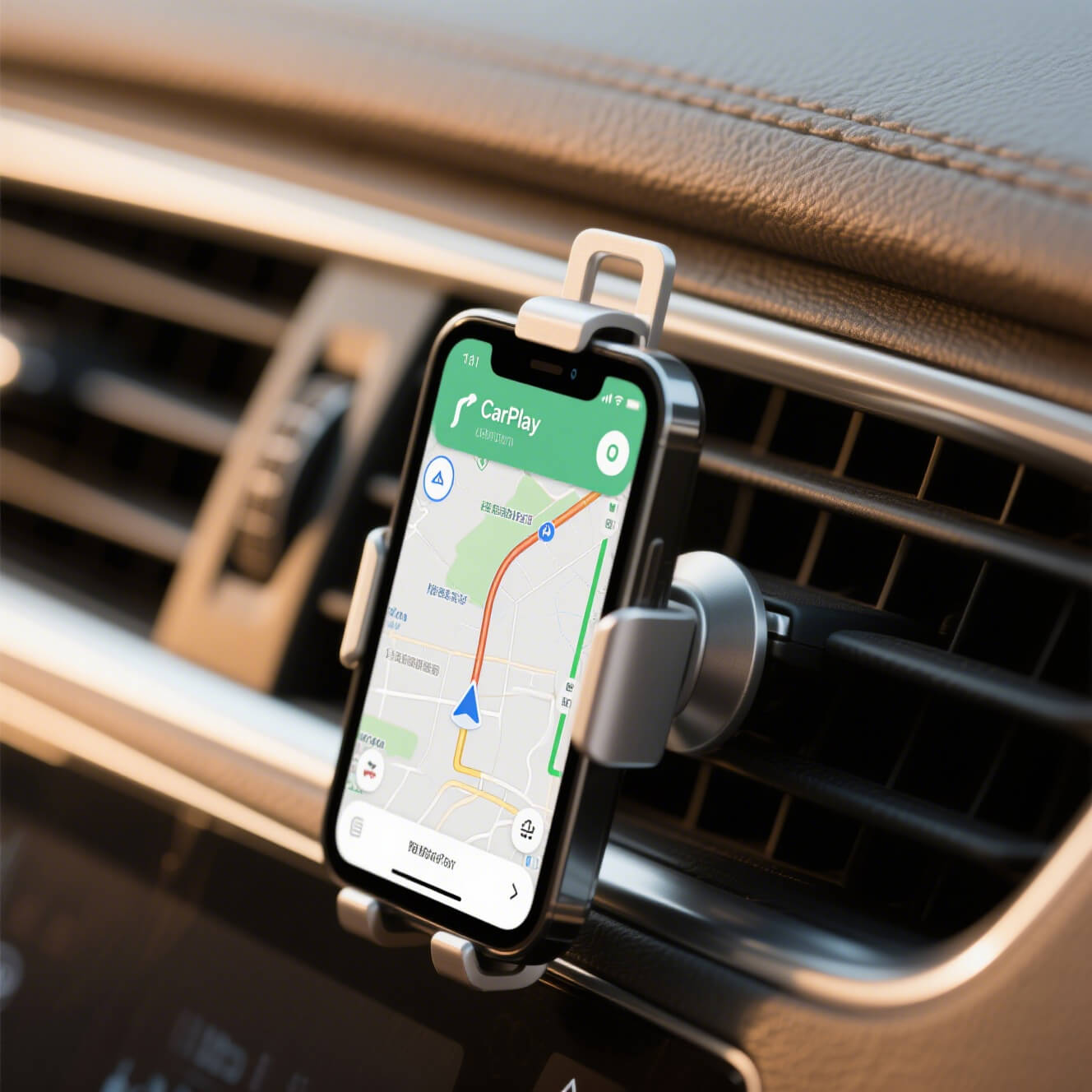
Once connected, CarPlay can display supported navigation apps such as Apple Maps, Google Maps, and Waze. Apple's CarPlay overview explains that supported features and apps can vary by region and device. Use the app that fits your route needs, and move your most-used navigation app to the front of the CarPlay home screen.
Siri can start directions, search for a destination, and read or send supported messages by voice. Set the route before moving and use the vehicle's built-in controls or voice command button while driving. For a separate Waze walkthrough, see the Waze setup guide.
CarPlay connection troubleshooting
Check the cable, port, and permissions
- Try another known-good data cable and another compatible USB port.
- Make sure the iPhone is unlocked and that Siri and CarPlay are allowed.
- Check the iPhone's Screen Time restrictions and the vehicle's SYNC device list.
- Restart the iPhone and the vehicle, then try the connection again.
Reset and pair again
- On the iPhone, open Settings > General > CarPlay and forget the vehicle.
- Remove the iPhone from the SYNC device list.
- Restart both devices, then complete the USB or wireless setup again.
- If the problem continues, check for vehicle software updates and use Ford or Apple support documentation before replacing hardware.
For broader Ford connection symptoms, use the Ford CarPlay troubleshooting guide. Keeping that broader troubleshooting intent in a separate article helps this page stay focused on Ford Explorer setup and navigation.
Should you use a CarPlay adapter?
An adapter is not a universal compatibility fix. Before buying one, confirm that your Explorer already has the type of wired CarPlay connection required by the specific product, that the USB port carries data, and that the exact model and SYNC configuration appears on the product compatibility page. You can also compare the CARLUEX AIR product page and CARLUEX LINK product page, then confirm your vehicle in the compatibility list.
Do not assume that a basic wireless adapter adds video apps, works with every Explorer, or converts a vehicle with no CarPlay support. If the product documentation does not state the required vehicle conditions, treat the claim as NEEDS_SOURCE and verify it before purchase.
FAQ
Does a 2021 Ford Explorer have Apple CarPlay?
Ford's 2021 Explorer order guide lists Apple CarPlay compatibility. Confirm your exact trim and SYNC configuration in the vehicle documents because equipment can vary.
Does every Ford Explorer support wireless Apple CarPlay?
No blanket answer is safe. Wireless support depends on the vehicle and SYNC version. Ford describes wireless CarPlay compatibility for SYNC 4, while a specific Explorer may require a wired connection.
Why will Apple CarPlay not connect in my Ford Explorer?
Check Siri, the iPhone software, vehicle software, the USB data cable or port, CarPlay permissions, and the SYNC device list. Restarting and pairing again identifies whether the problem is the phone, connection, or vehicle setup.
Can a CarPlay adapter make any Explorer wireless?
No. An adapter can only be evaluated against its documented vehicle requirements. Check the exact model, SYNC system, USB data connection, and compatibility list before purchase.
Can I use navigation through CarPlay while driving?
Set the route before moving and use supported voice controls and the vehicle's built-in controls while driving. Keep your attention on the road and follow local laws and the vehicle manual.


Napsat komentář
Tento web je chráněn službou hCaptcha a vztahují se na něj Zásady ochrany osobních údajů a Podmínky služby společnosti hCaptcha.