

Filters
10 products
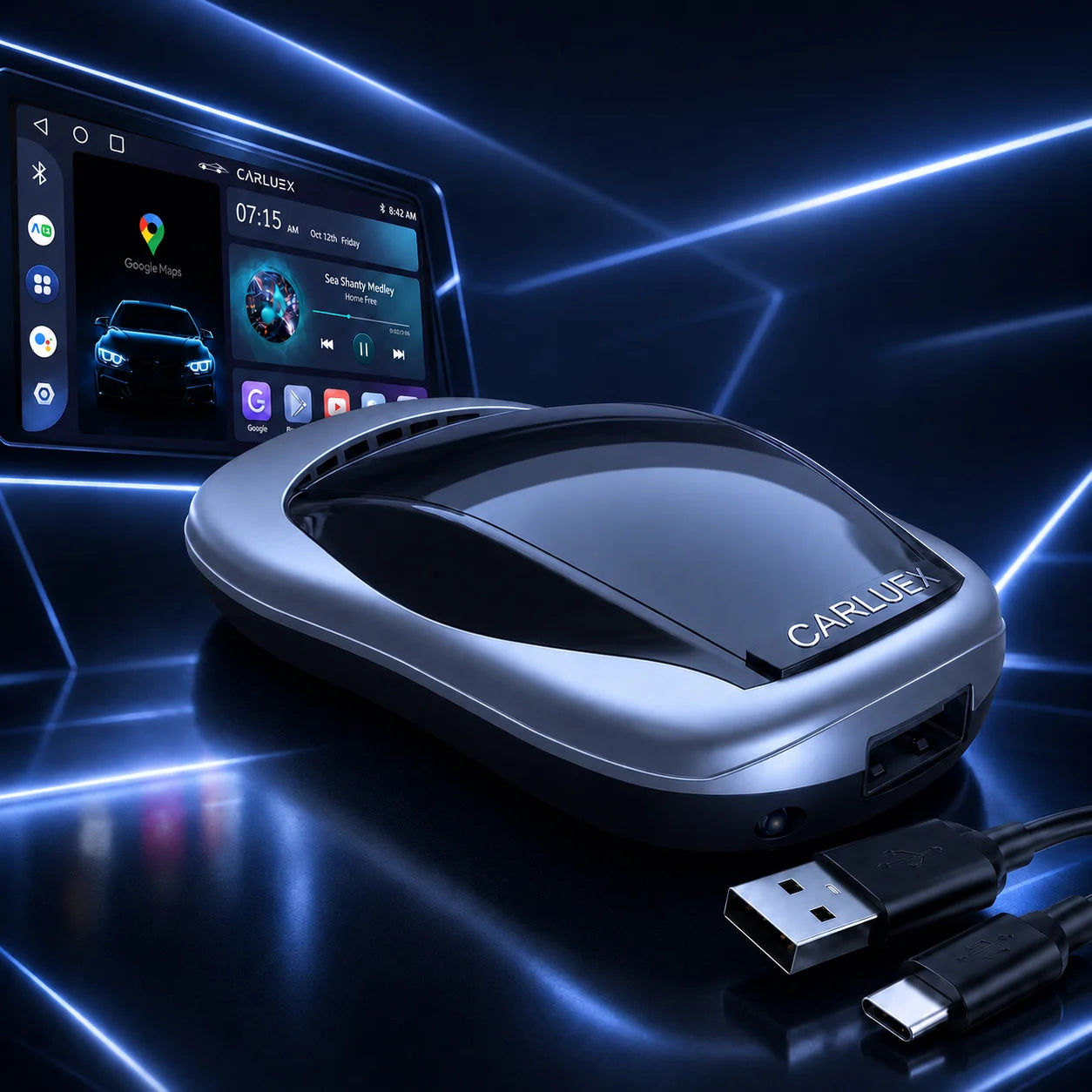
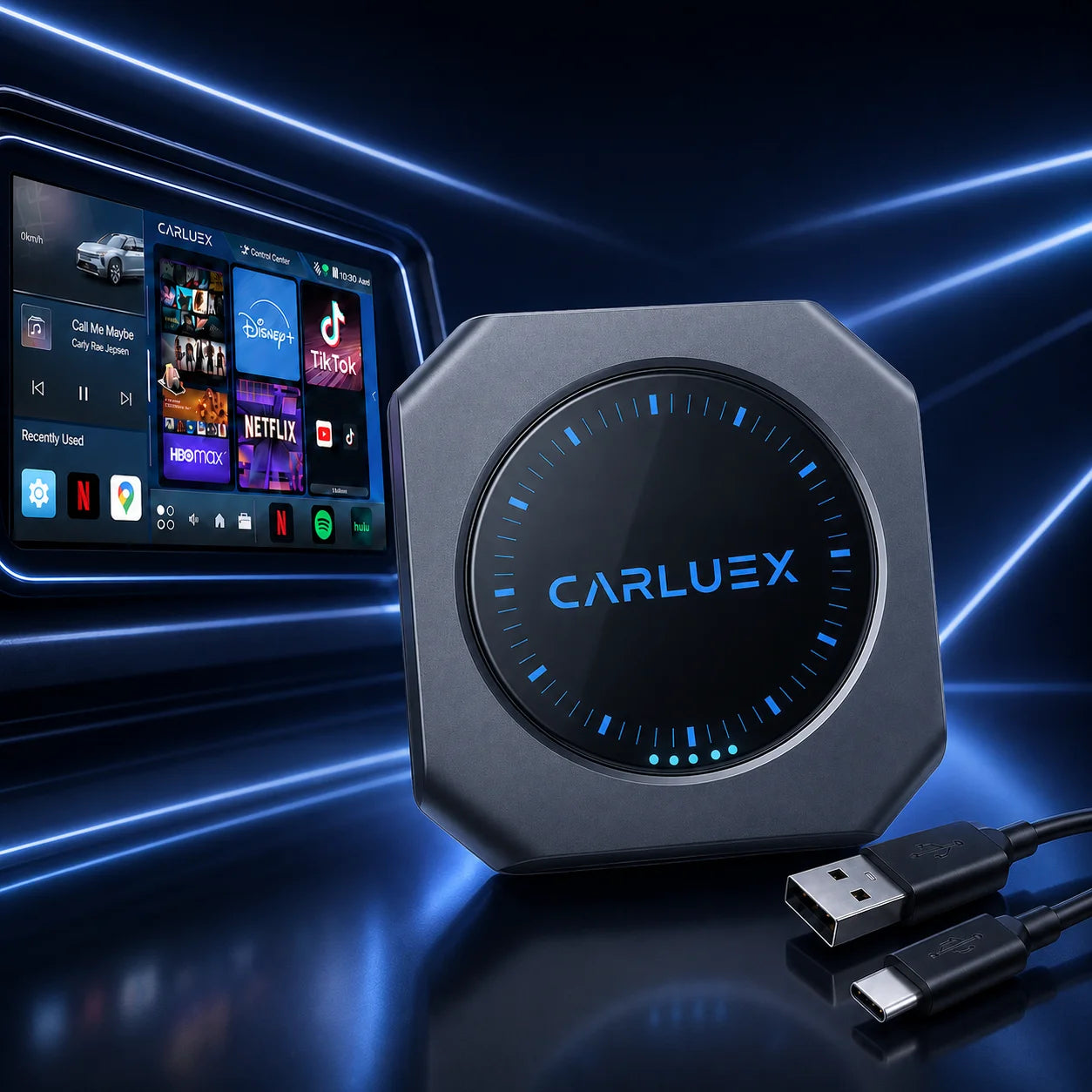
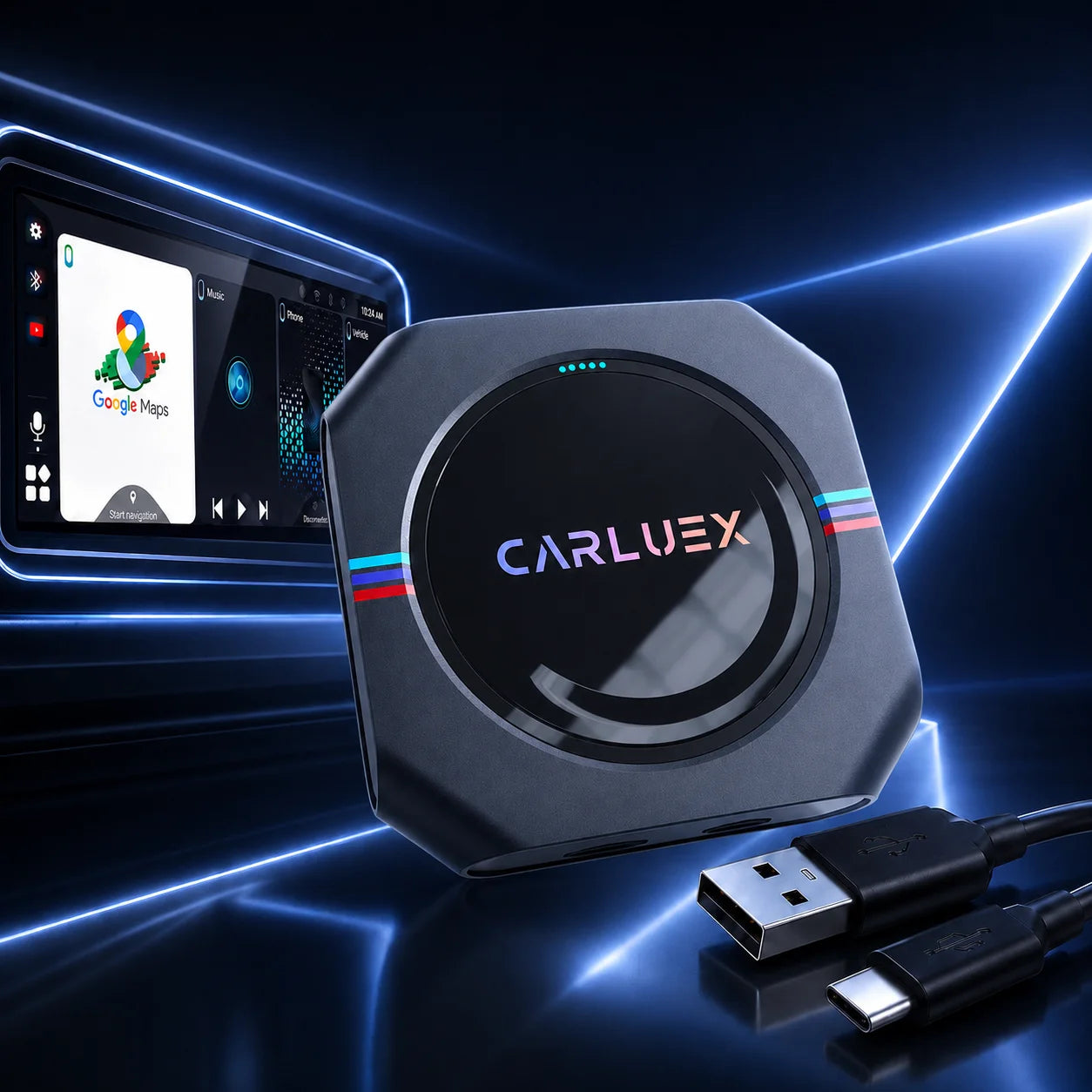
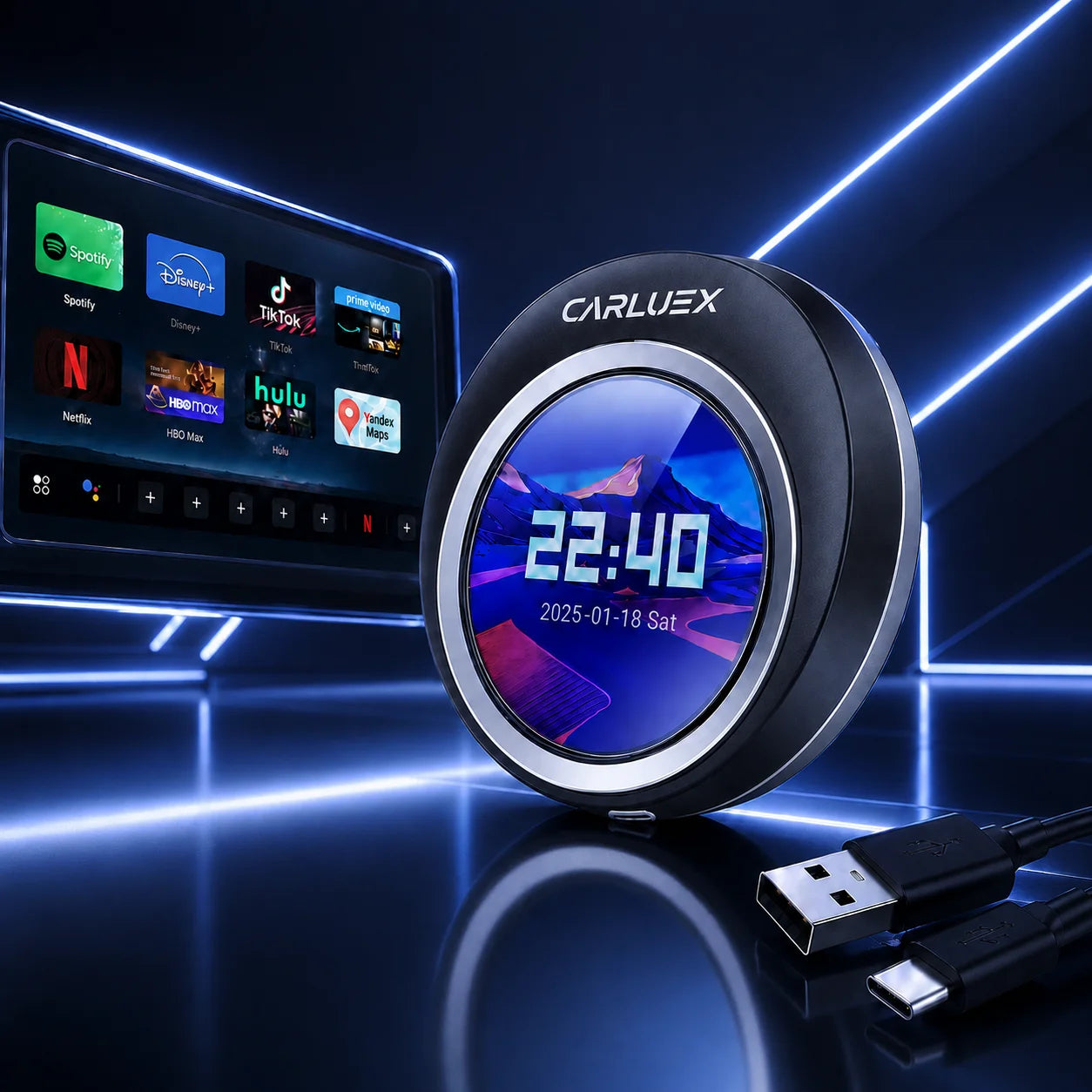
Bluetooth Android Auto Dongles with Quick Setup
Choose a CARLUEX wireless CarPlay and Android Auto adapter for a cleaner, cable-free driving setup. Compare quick connect car dongles, multimedia AI boxes, screen-control options, and BMW-specific solutions for navigation, music, calls, messages, apps, and in-car entertainment.
Buying note: Before buying, confirm your vehicle supports factory wired CarPlay or wired Android Auto and has a working USB data port. Bluetooth is typically used for pairing, while wireless Android Auto or CarPlay may also use Wi-Fi after setup.
Compare CARLUEX quick setup adapters
Which Wireless CarPlay Adapter Should You Choose?
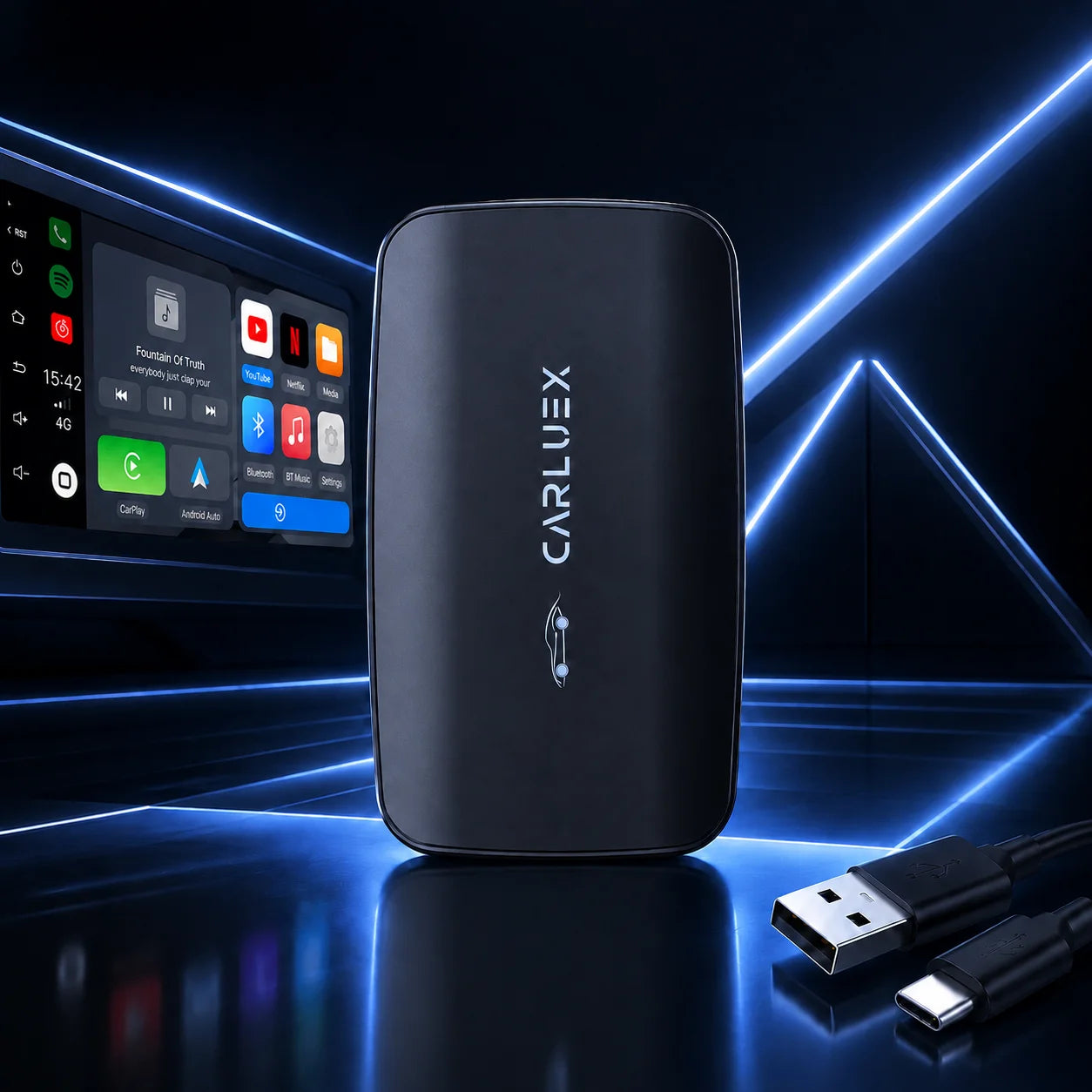
- Choose CARLUEX LINK if you want a simple wireless CarPlay and Android Auto adapter for navigation, music, calls, and messages.
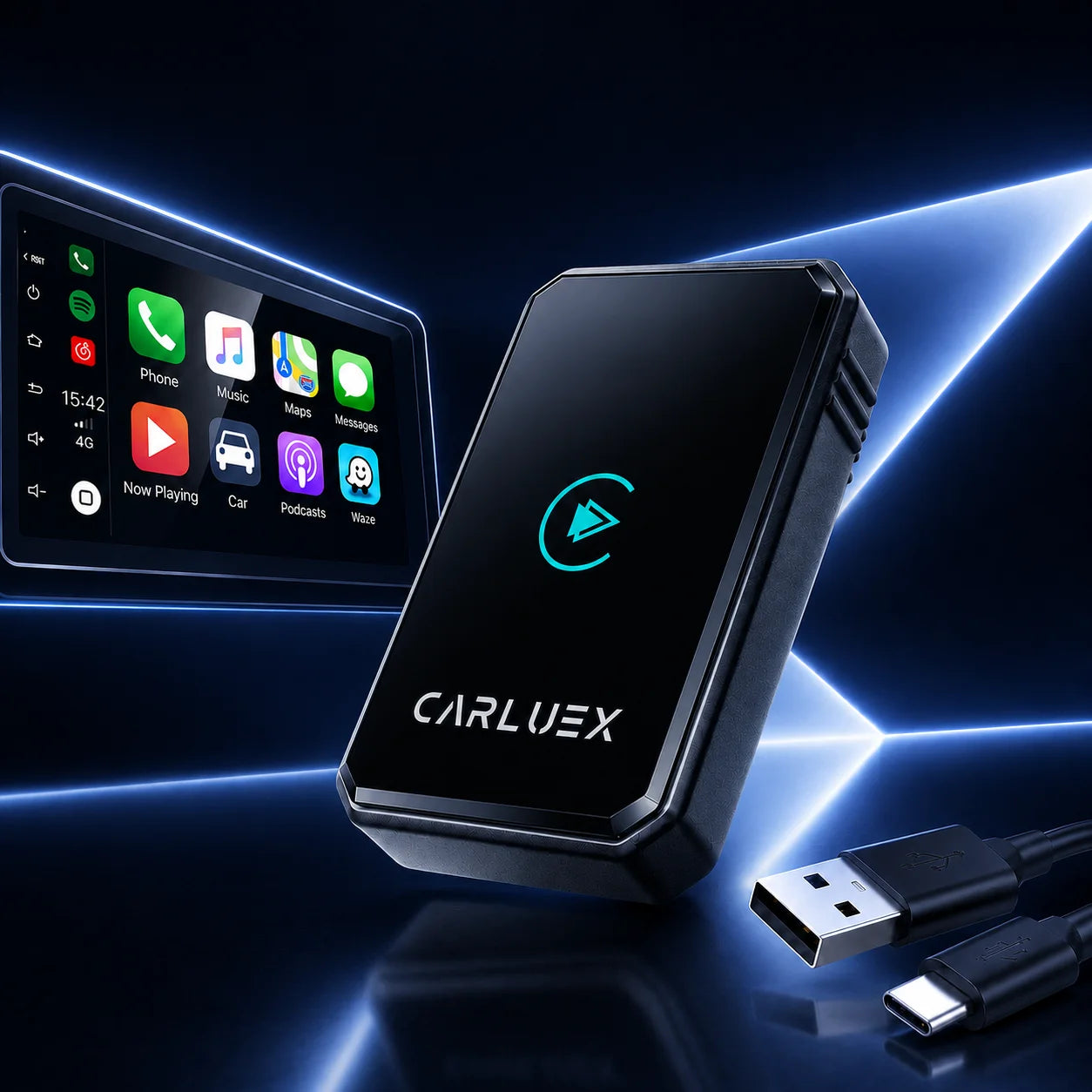
- Choose CARLUEX AIR if you want wireless CarPlay / Android Auto with entertainment features listed on the product page.
- Choose CARLUEX GO if you want wireless Apple CarPlay / Android Auto with phone mirroring and entertainment access listed in Shopify.
- Choose CARLUEX PRO+ 2.0 if you want a multimedia AI box with app access, wireless CarPlay / Android Auto, software updates, and Cloud SIM features listed in Shopify.
- Choose CARLUEX VISION if you want screen-control focused infotainment features.
- Choose CARLUEX Multimedia Streaming Box for BMW if you drive a BMW and need the BMW-specific version.
Product Grid Recommendation
| Product | One-Sentence Card Copy | Best For | Product URL |
|---|---|---|---|
| CARLUEX LINK | A simple wireless CarPlay and Android Auto adapter for navigation, music, calls, and messages. | Basic quick-connect upgrade | View product |
| CARLUEX AIR | Wireless CarPlay / Android Auto adapter with entertainment features listed in Shopify. | Drivers wanting quick setup plus media features | View product |
| CARLUEX GO | Wireless CarPlay / Android Auto adapter with phone mirroring and entertainment access listed in Shopify. | Phone mirroring and entertainment access | View product |
| CARLUEX PRO+ 2.0 | Multimedia AI box with app access, wireless CarPlay / Android Auto, software updates, and Cloud SIM listed in Shopify. | Premium wireless auto setup | View product |
| CARLUEX VISION | Wireless CarPlay adapter focused on screen control and upgraded infotainment use. | Screen-control focused users | View product |
| CARLUEX Multimedia Streaming Box for BMW | BMW-specific multimedia box for streaming services and app access. | BMW drivers | View product |
Compare CARLUEX Quick Setup Adapter Options
| Model | Best For | Key Features | Requirement / Compatibility | Recommended User | Product URL |
|---|---|---|---|---|---|
| LINK | Simple quick-connect setup | Wireless CarPlay and Android Auto; navigation, music, calls, messages | Check factory wired CarPlay / Android Auto before purchase | Daily commuters | View LINK |
| AIR | Quick setup with media features | Wireless CarPlay / Android Auto; streaming features listed in Shopify | Confirm vehicle compatibility before purchase | Drivers wanting media options too | View AIR |
| GO | Phone mirroring and entertainment | Wireless Apple CarPlay / Android Auto; phone mirroring; Netflix and YouTube listed in Shopify | Confirm vehicle compatibility and app availability | Users wanting phone mirroring features | View GO |
| PRO+ 2.0 | Premium multimedia AI box | App access, wireless CarPlay / Android Auto, software updates, Cloud SIM listed in Shopify | Confirm compatibility; BMW users should choose BMW version | Users wanting broader infotainment functions | View PRO+ 2.0 |
| VISION | Screen-control upgrade | Screen control and infotainment upgrade features | Confirm vehicle compatibility before purchase | Drivers who want screen-focused control | View VISION |
| BMW Streaming Box | BMW-specific setup | BMW-focused multimedia streaming and app access | BMW-specific; confirm model compatibility | BMW owners | View BMW box |
Check Before You Buy
- Confirm your vehicle supports factory wired CarPlay or wired Android Auto.
- Confirm your car's USB port supports data, not only charging.
- Confirm your phone supports the CarPlay or Android Auto features you want to use.
- BMW drivers should review the BMW-specific CARLUEX model first.
- Check CARLUEX Compatibility and Compatible Vehicles pages before purchase.
- Review return eligibility before ordering, especially if compatibility is uncertain.
Why Choose CARLUEX Wireless CarPlay Adapters?
Less Cable Clutter
Reduce cable clutter while keeping navigation, calls, music, and messages close to your car screen.
Multiple Upgrade Levels
Choose from simple wireless adapters, multimedia AI boxes, screen-control options, and BMW-specific solutions.
Everyday Driving Features
Use supported CarPlay or Android Auto features for everyday driving and longer trips.
Clear Pre-Purchase Checks
Check product pages, compatibility pages, FAQ, shipping, and return policies before choosing a model.
Quick Setup Use Cases
Daily Commute
Choose CARLUEX LINK if you mainly want wireless CarPlay / Android Auto for maps, calls, music, and messages.
Road Trips
Compare AIR, GO, PRO+ 2.0, and VISION if you want entertainment or app-focused infotainment features listed in Shopify.
BMW Setup
Review the CARLUEX Multimedia Streaming Box for BMW before choosing a standard adapter.
How Wireless Auto Setup Works
- Confirm your vehicle supports factory wired CarPlay or wired Android Auto.
- Choose the CARLUEX model that matches your vehicle type and feature needs.
- Connect the adapter to your car's USB data port and follow the product setup instructions.
- Pair your phone and confirm navigation, calls, music, messages, and compatible apps work as expected.
Recommended Accessories
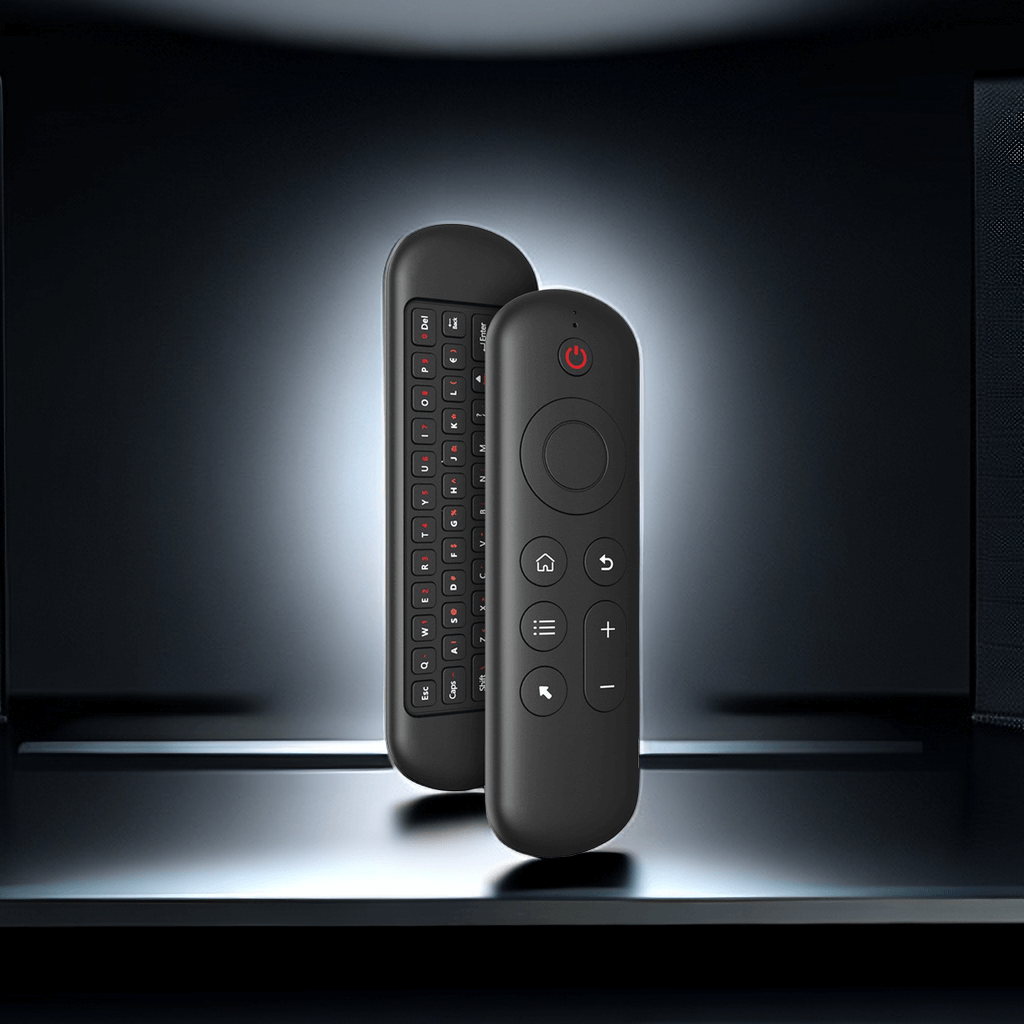
- CARLUEX Remote+: for vehicles without touchscreen displays or users who want remote-style screen control.
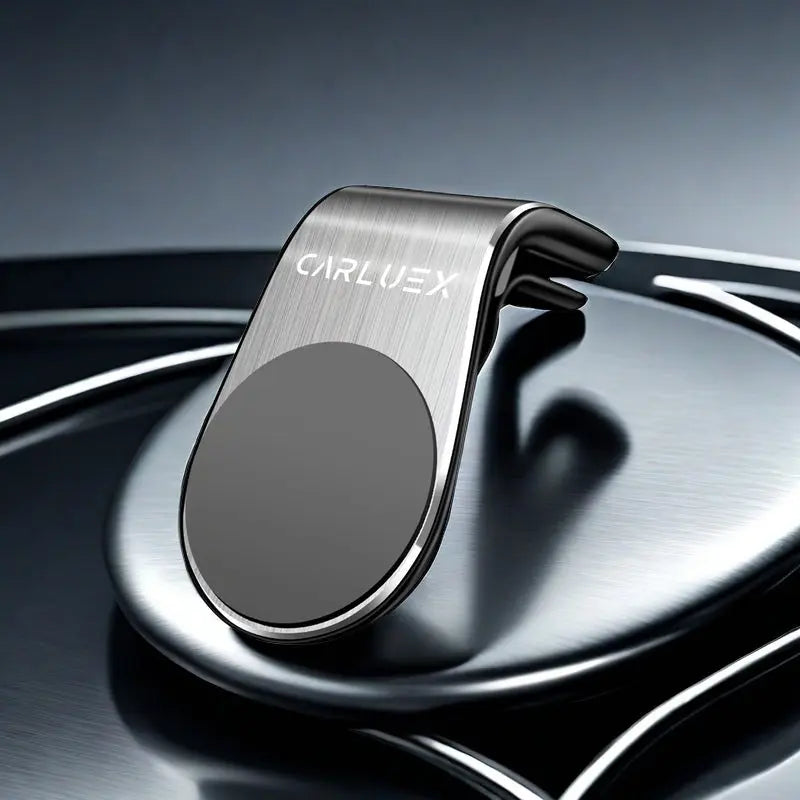
- CARLUEX CLIP: for positioning and securing the device.
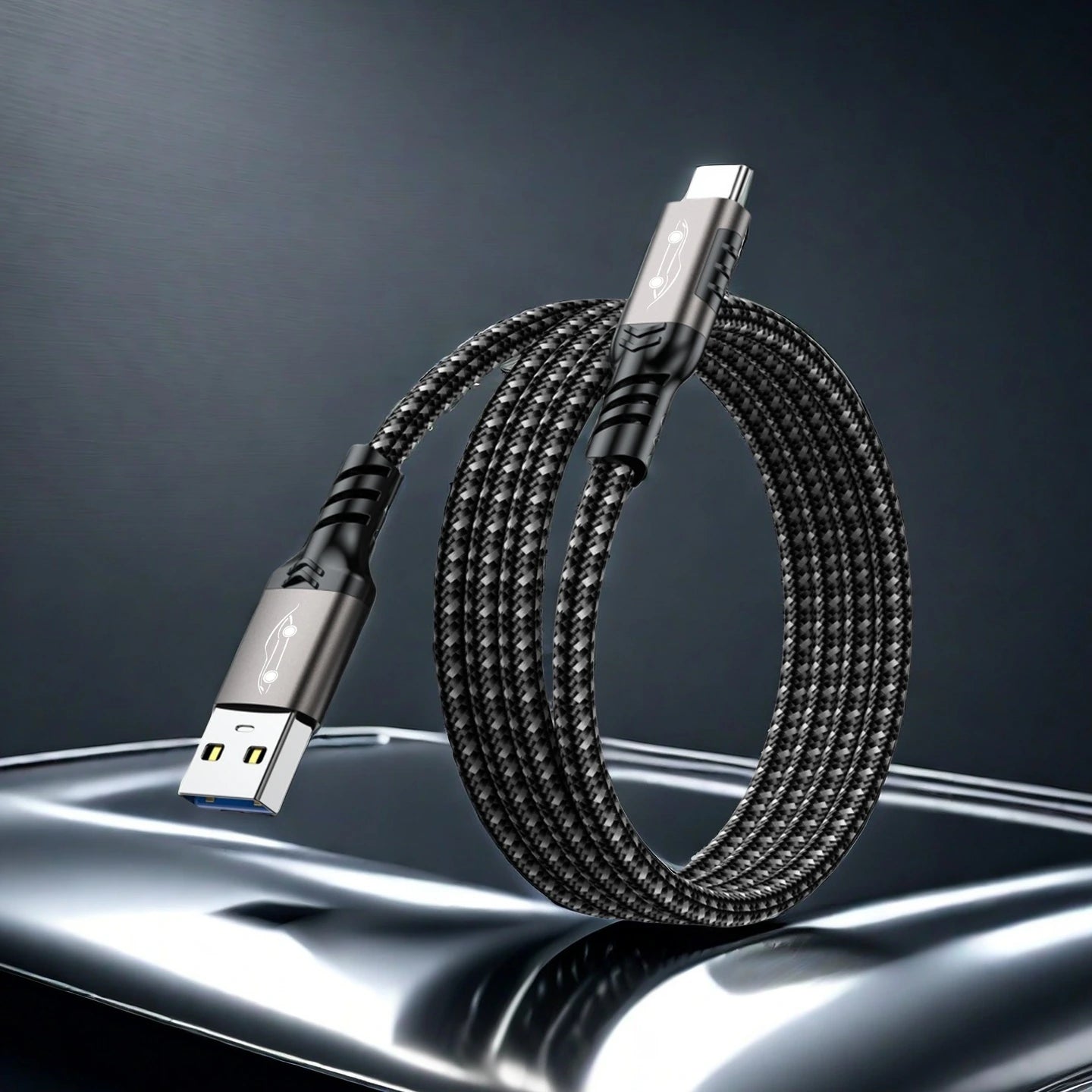
- CARLUEX CABLE+: USB-C 3.2 cable listed for data transfer and charging use.
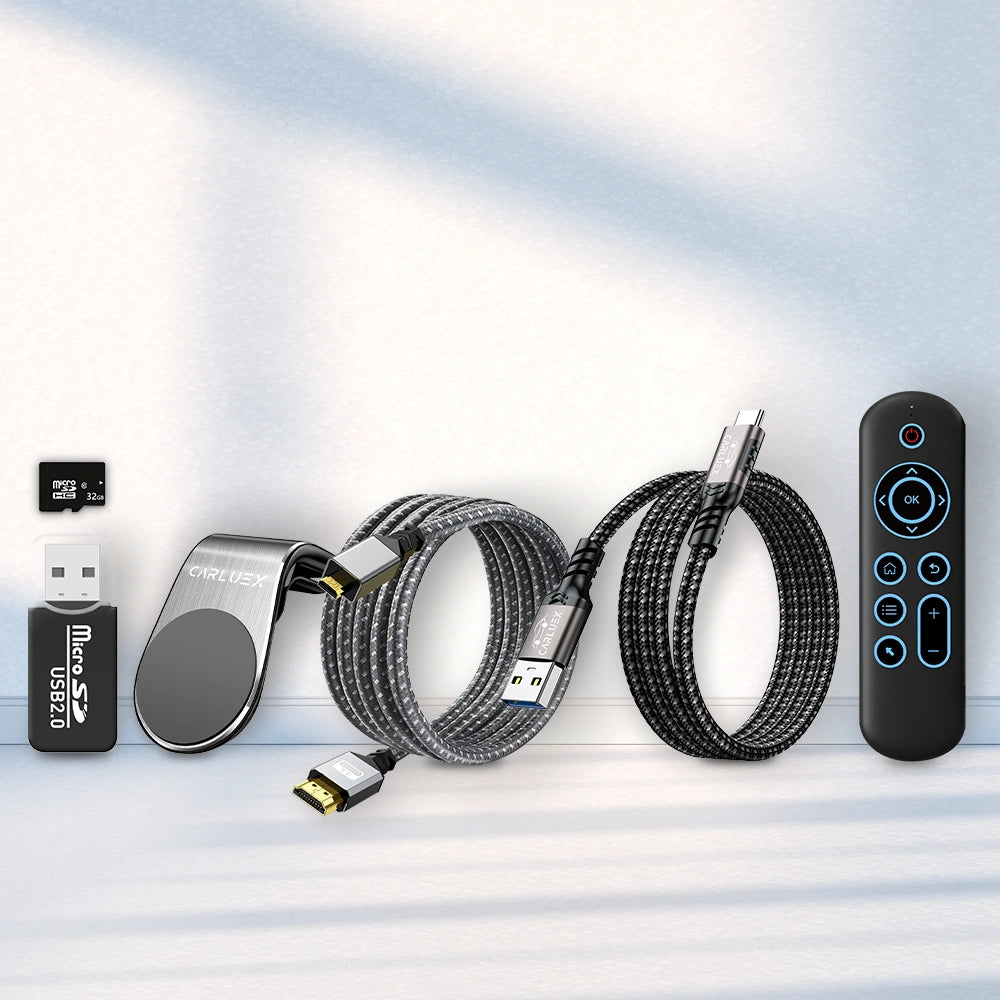
- CARLUEX Complete Accessories Bundle: bundle with cable, SD card/card reader, magnetic clip/cable strap, HDMI cable, and Remote+.
FAQ
Is Bluetooth the only connection used by these dongles?
Bluetooth is commonly used for pairing, while wireless Android Auto or CarPlay may also use Wi-Fi after setup. Confirm the setup flow on the specific product page.
Which CARLUEX model is best for quick setup?
CARLUEX LINK is the simplest option in this collection for wireless CarPlay and Android Auto navigation, music, calls, and messages.
Will this work with every car?
No. Compatibility must be confirmed. Check whether your vehicle supports factory wired CarPlay or wired Android Auto before choosing a wireless adapter.
Do I need a USB-A or USB-C port?
Confirm your car's USB data port type and check the product page before purchase.
Should BMW drivers choose a standard adapter?
BMW drivers should review the CARLUEX Multimedia Streaming Box for BMW before choosing a standard adapter.
Do I need Remote+?
Not always. The Shopify product description says CARLUEX Remote+ is designed for vehicles that do not feature touchscreen displays.
What should I check before ordering?
Check factory wired CarPlay / Android Auto support, USB data-port support, phone compatibility, CARLUEX compatibility pages, and return-policy eligibility.
What if my vehicle is incompatible?
The CARLUEX refund policy states that returns due to vehicle incompatibility or inactive/unactivated factory CarPlay are not covered under the return policy. Please confirm compatibility before purchase.
Helpful Links
| Anchor Text | URL | Link Type | Why Relevant |
|---|---|---|---|
| CARLUEX LINK Wireless CarPlay and Android Auto Adapter | Open | Product | Simple quick-connect adapter |
| CARLUEX AIR Wireless CarPlay/Android Auto Adapter | Open | Product | Wireless adapter with media features |
| CARLUEX PRO+ 2.0 Multimedia AI Box | Open | Product | Premium app and infotainment option |
| CARLUEX VISION Wireless CarPlay Adapter | Open | Product | Screen-control option |
| CARLUEX Multimedia Streaming Box for BMW | Open | Product | BMW-specific option |
| Compatibility | Open | Page | Purchase-before-check |
| Compatible Vehicles | Open | Page | Compatibility verification |
| FAQ | Open | Page | Pre-purchase questions |
| Return & Refunds Policy | Open | Policy/Page | Return eligibility |
| Shipping Policy | Open | Policy/Page | Shipping details |
| Ford CarPlay Not Connecting? Complete Fix Guide | Open | Blog | Related troubleshooting |
| Honda CarPlay Not Working? Causes, Fixes, and Upgrade Options | Open | Blog | Related troubleshooting |
| Top tips for solving Hyundai Android Auto Bluetooth connection problems | Open | Blog | Android Auto Bluetooth setup issue |
| Wireless CarPlay & Android Auto Adapter Buying Guide for 2026 | Open | Blog | Related buying guide |
| Bluetooth Android Auto Dongle with Instant Pairing | Open | Collection | Close topical cluster |
| Android Auto Wireless Dongles with USB-C Setup Options | Open | Collection | Setup / USB-C cluster |
| Android Auto Adapter with USB-A | Open | Collection | USB setup support |
Shipping, Returns, and Support
- Shipping: The CARLUEX Shipping Policy states that U.S. orders ship from local warehouses, with an estimated 2-5 business day delivery time. Shipping fees and free-shipping thresholds depend on order value.
- Returns: The CARLUEX Refund Policy states that eligible returns are accepted within 30 days of delivery, subject to policy conditions. Vehicle incompatibility or inactive/unactivated factory CarPlay may not be covered.
- Warranty support: For warranty or product-support questions, contact CARLUEX support before purchase or after setup.
- Support: Contact CARLUEX at hi@carluex.store.


