
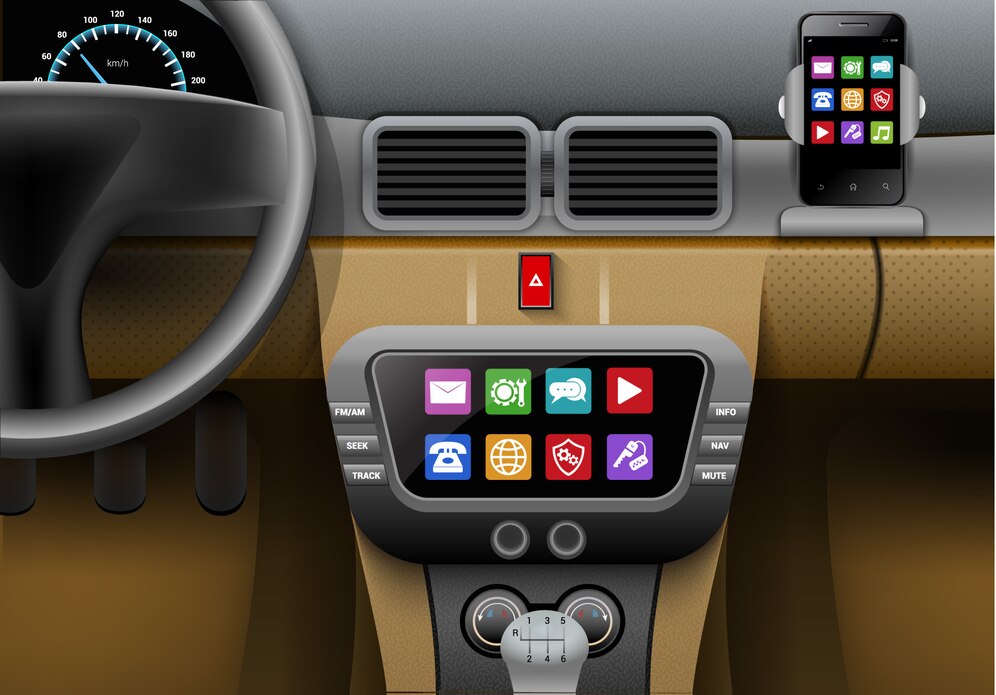
The safest way to check cars with Apple CarPlay is to use Apple's official model list, then verify the exact model year, trim, market, and infotainment system with the vehicle manual or seller. CarPlay availability can change by region and package, and a car that supports wired CarPlay does not automatically support wireless CarPlay.
Apple's official CarPlay available models page says there are more than 800 models to choose from and is the best starting point for current brand and model-year support. Use this article as a practical guide for how to read that information, what to check on a used car, and when a wireless adapter makes sense.

Quick Answer: Which Cars Have Apple CarPlay?
Most mainstream brands now sell vehicles with Apple CarPlay on many models, including brands such as Acura, Audi, BMW, Chevrolet, Ford, Honda, Hyundai, Jeep, Kia, Lexus, Mazda, Mercedes-Benz, Nissan, Subaru, Toyota, Volkswagen, and Volvo. The exact year and trim still matter, especially for older used cars and regional variants.
Instead of relying on a copied list that may go out of date, use this three-step check:
- Search Apple's official CarPlay available models page for your brand and model.
- Confirm your exact model year and trim in the owner's manual, window sticker, or infotainment settings.
- Test the car in person with your iPhone and a data-capable USB cable, or verify wireless pairing if the car claims wireless CarPlay support.
Why a Full CarPlay Model List Can Be Misleading
A model name alone is not enough. The same vehicle name may have different infotainment systems by country, trim level, production date, or optional package. A 2018 model in one market might support CarPlay while a similar-looking vehicle in another market might not.
CarPlay can also be factory-installed, added by a dealer update, included only on higher trims, or supported through an aftermarket receiver. That is why the owner's manual, vehicle settings screen, and real iPhone test are more reliable than a generic model-year claim.
How to Check If Your Car Supports Apple CarPlay
| Check | What to look for | Why it matters |
|---|---|---|
| Apple official list | Your brand, model, and listed model years | Best starting source for broad CarPlay support |
| Owner's manual | Apple CarPlay, smartphone projection, phone projection, or USB data port instructions | Confirms vehicle-specific setup steps and USB port location |
| Infotainment menu | CarPlay, Apple CarPlay, Phone Projection, Smartphone Connection, or device manager | Shows whether the installed head unit supports CarPlay |
| Physical test | Connect your iPhone with a data cable or pair wirelessly if supported | Confirms the exact car in front of you, not just the model name |
If you are new to setup, Apple's official Connect iPhone to CarPlay guide explains the basic wired and wireless connection paths. The exact prompts and button names can vary by vehicle.
Wired CarPlay vs Wireless CarPlay

When a car supports Apple CarPlay, it may support wired CarPlay, wireless CarPlay, or both. This distinction matters when you shop for a car or choose an adapter.
| Type | How it connects | Important note |
|---|---|---|
| Wired CarPlay | iPhone connects to the vehicle's CarPlay USB port with a data-capable cable | Common on many older CarPlay vehicles and often more stable for setup testing |
| Factory wireless CarPlay, if supported | Uses wireless pairing, usually involving Bluetooth and Wi-Fi | Do not assume wireless support unless the exact vehicle confirms it |
| Wireless adapter | Adapter plugs into a working wired CarPlay USB port, then your iPhone connects wirelessly | Works only for compatible vehicles where wired CarPlay already works |
Which Model Years Usually Have CarPlay?
CarPlay started appearing in some vehicles in the mid-2010s and became more common across mainstream models in later years. But there is no single universal starting year for every brand. A newer car is more likely to include CarPlay, but trim, region, package, and software still matter.
If you are buying used, treat any listing that says "has Bluetooth" as separate from "has Apple CarPlay." Bluetooth calling and audio do not prove CarPlay support. Ask the seller for a photo of the CarPlay screen or test with your own iPhone before buying.
Good Used-Car Checks Before You Buy
- Ask for the VIN, trim, and infotainment package, not just the model name.
- Check Apple's official model list and the automaker's manual or support page.
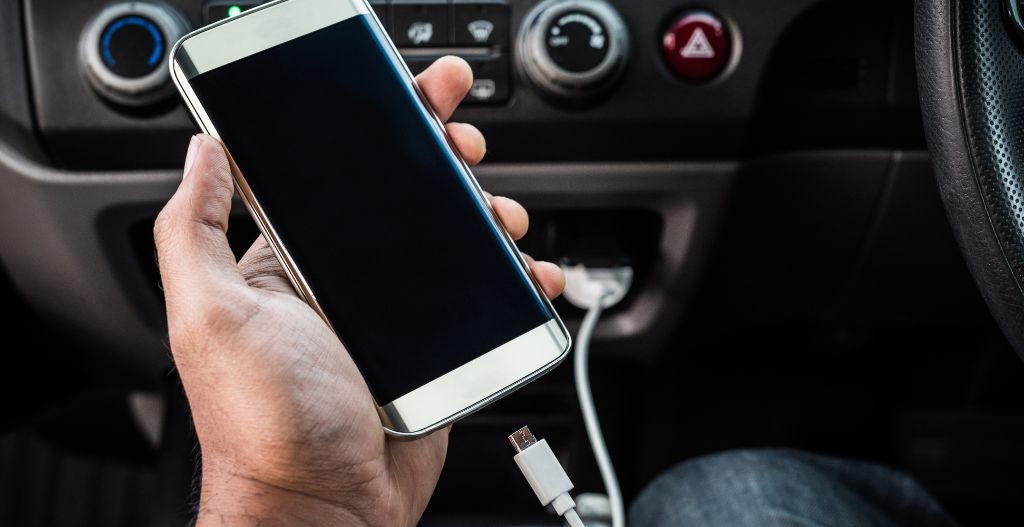
- Test the USB port with a data-capable cable; some ports are charge-only.
- Open the car's phone projection or device manager menu and look for Apple CarPlay.
- Confirm whether the car supports wired CarPlay, wireless CarPlay, or both.
- Check whether a previous owner disabled, restricted, or removed saved phone pairings.
If the car is listed as CarPlay-compatible but your iPhone does not connect, use Apple's CarPlay troubleshooting guidance before assuming the car lacks support. Cable, USB port, Siri, restrictions, and saved pairing issues can all block setup.
CarPlay, CarPlay Ultra, and Native Infotainment Are Different
Standard Apple CarPlay projects supported iPhone apps onto the car display. CarPlay Ultra is a newer, deeper vehicle integration that Apple says began rolling out with Aston Martin vehicles in 2025. Apple's CarPlay Ultra announcement describes integration across more vehicle screens and controls, but availability is much narrower than standard CarPlay.
Do not confuse CarPlay with a vehicle's built-in navigation, built-in Google services, manufacturer app store, Bluetooth audio, or Android Auto. These systems can coexist, but they are different connection paths.
Can You Add CarPlay to a Car That Does Not Have It?
If a car does not support CarPlay at all, a wireless adapter is usually not the right fix. The typical upgrade path is an aftermarket CarPlay receiver or a vehicle-specific retrofit solution, depending on the dashboard and infotainment design. Some modern vehicles are difficult to retrofit because climate controls, cameras, or vehicle settings may be integrated into the factory screen.
If your vehicle already has factory wired CarPlay and you simply want wireless convenience, then an adapter can make sense. That distinction is important: an adapter can improve connection convenience, but it does not create factory CarPlay support where none exists.

When a CARLUEX Adapter Makes Sense
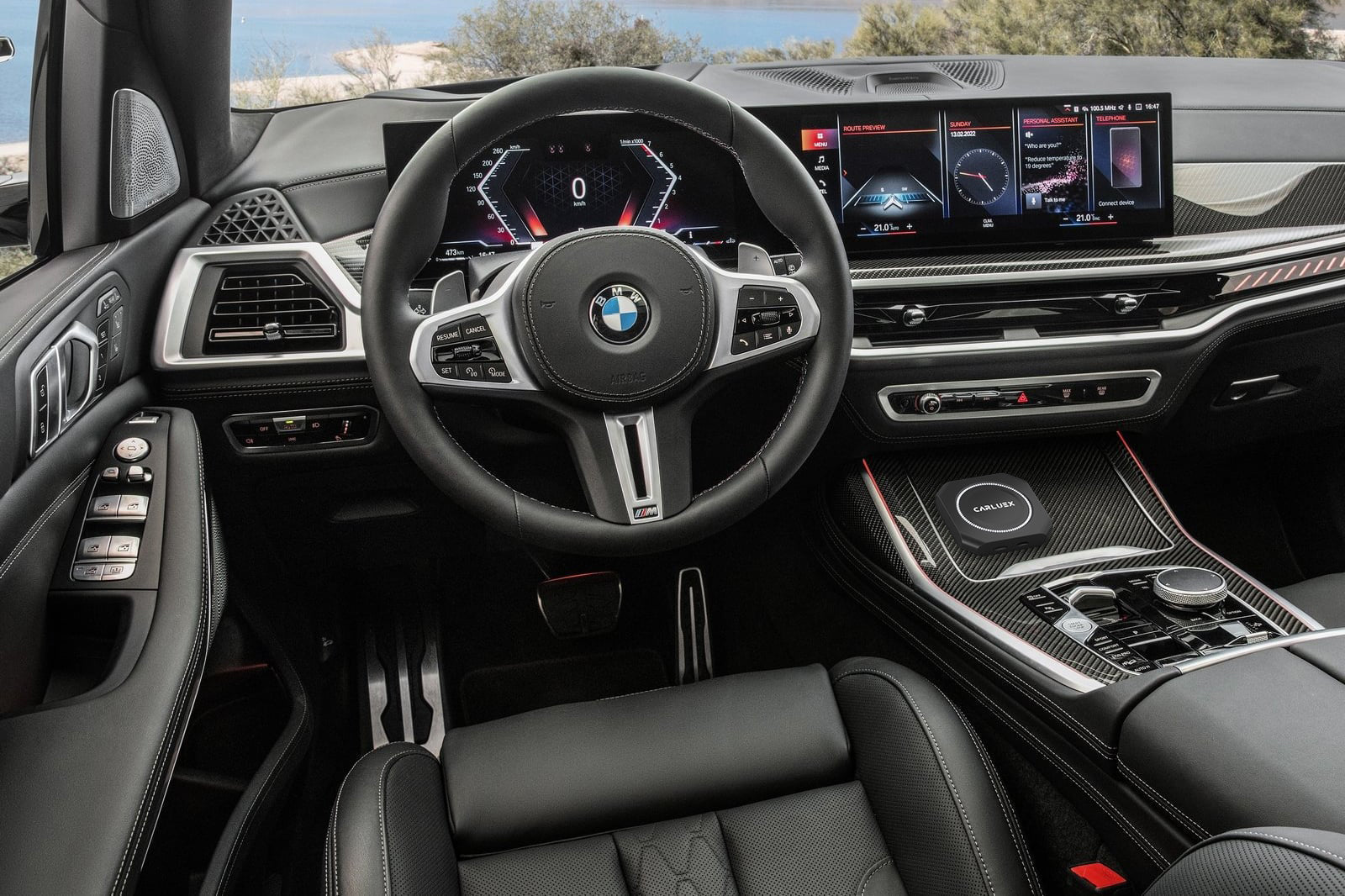
If your car has stable factory wired CarPlay and you want a cable-free daily setup, start by checking CARLUEX LINK. You can also compare CARLUEX AIR, CARLUEX GO, and CARLUEX PRO+ 2.0 if you need additional adapter or multimedia features for a compatible vehicle.
Before purchasing, check CARLUEX compatible vehicles and confirm your vehicle brand, model year, factory wired CarPlay support, and infotainment system. If wired CarPlay does not already work, fix that first before choosing a wireless adapter.
Related CARLUEX Guides
- How to Use Apple CarPlay: Setup, Tips and Fixes
- Why Your Apple CarPlay Isn't Working and How to Fix It
- How to Reset Apple CarPlay
- iPhone CarPlay Not Working? Fix Disconnects and Setup
- Browse CarPlay troubleshooting guides
FAQ
What cars have Apple CarPlay?
Many current vehicles from mainstream and luxury brands support Apple CarPlay, but exact availability depends on model year, trim, region, and infotainment system. Use Apple's official available models page and verify the exact vehicle before buying.
Do all new cars have Apple CarPlay?
No. CarPlay is common, but it is not guaranteed on every new vehicle, every trim, or every market. Some automakers also use their own native systems or may vary smartphone projection support by region.
Does wired CarPlay mean my car has wireless CarPlay?
No. Wired CarPlay and wireless CarPlay are different connection types. A car can support wired CarPlay only, wireless CarPlay, or both. Check the owner's manual or test pairing before assuming wireless support.
Can I add wireless CarPlay to a car with wired CarPlay?
Often, yes, if wired CarPlay already works and the vehicle is compatible with the adapter. Confirm compatibility first because adapter behavior can depend on the vehicle's USB port, infotainment system, and software.
Can I add CarPlay to a car that has no CarPlay?
A wireless adapter generally requires existing wired CarPlay. If the car has no CarPlay support, you may need an aftermarket receiver or a vehicle-specific retrofit, and some cars are difficult to upgrade cleanly.
Does Tesla support Apple CarPlay?
Tesla vehicles do not offer factory Apple CarPlay in the same way many CarPlay-listed vehicles do. If you are considering third-party workarounds, check safety, reliability, warranty, and local regulations carefully before modifying the vehicle experience.
Final Takeaway
The best answer to "which cars have Apple CarPlay?" is not a static copied list. Use Apple's official model page, verify the exact model year and trim, test the specific vehicle, and separate wired CarPlay from wireless CarPlay. If factory wired CarPlay already works and you want wireless convenience, compare CARLUEX adapter options after confirming compatibility.


Leave a comment
This site is protected by hCaptcha and the hCaptcha Privacy Policy and Terms of Service apply.