

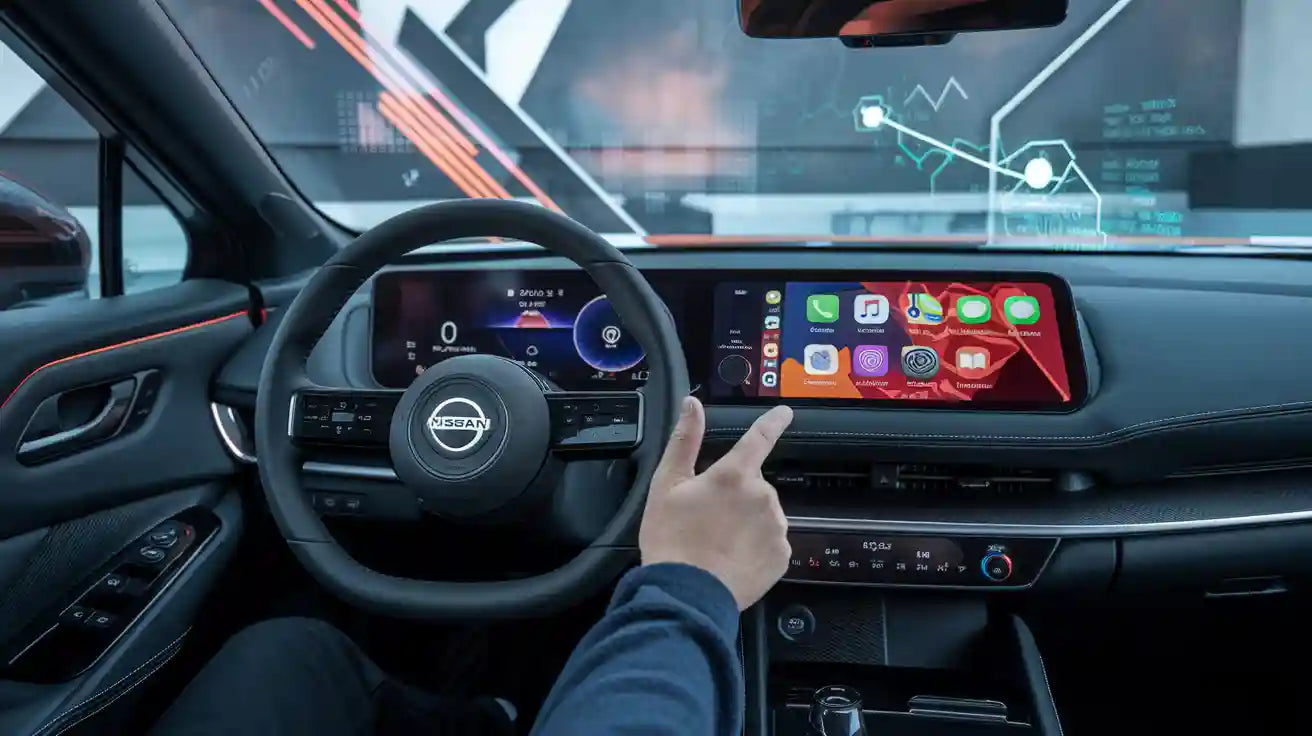
No current Apple or Nissan official source reviewed for this update confirms CarPlay Ultra for any Nissan model. Many Nissan vehicles support standard Apple CarPlay, and selected configurations support wireless CarPlay, but neither feature should be described as CarPlay Ultra. Until Apple or Nissan publishes a model-specific announcement, there is no verified Nissan CarPlay Ultra model list.
Safety: Check vehicle menus, pair phones, connect hardware, or install updates only while parked. Features vary by model year, trim, market, NissanConnect system, and software version.
Does Nissan Support CarPlay Ultra?
As of August 28, 2026, the evidence-based answer is not officially confirmed. Apple's CarPlay Ultra rollout announcement says the experience began with Aston Martin and names Hyundai, Kia, and Genesis as newly committed brands. Nissan is not named in that announcement.
Nissan's current U.S. Apple CarPlay guidance explains USB and wireless Apple CarPlay setup for compatible Nissan vehicles. It does not identify a Nissan CarPlay Ultra model, trim, release date, or software-update path.
| Question | Current evidence-based answer |
|---|---|
| Do Nissan vehicles support standard Apple CarPlay? | Yes. Many model families do, with availability varying by year, trim, market, and infotainment system. |
| Do some Nissan vehicles support wireless CarPlay? | Yes, on selected compatible configurations. Wireless CarPlay is still standard CarPlay, not CarPlay Ultra. |
| Which Nissan models have CarPlay Ultra? | No Nissan model was officially confirmed in the Apple and Nissan sources checked for this update. |
| Can an adapter add CarPlay Ultra? | No. An eligible adapter may convert working factory wired CarPlay to a wireless standard-CarPlay connection; it cannot add automaker-level Ultra integration. |
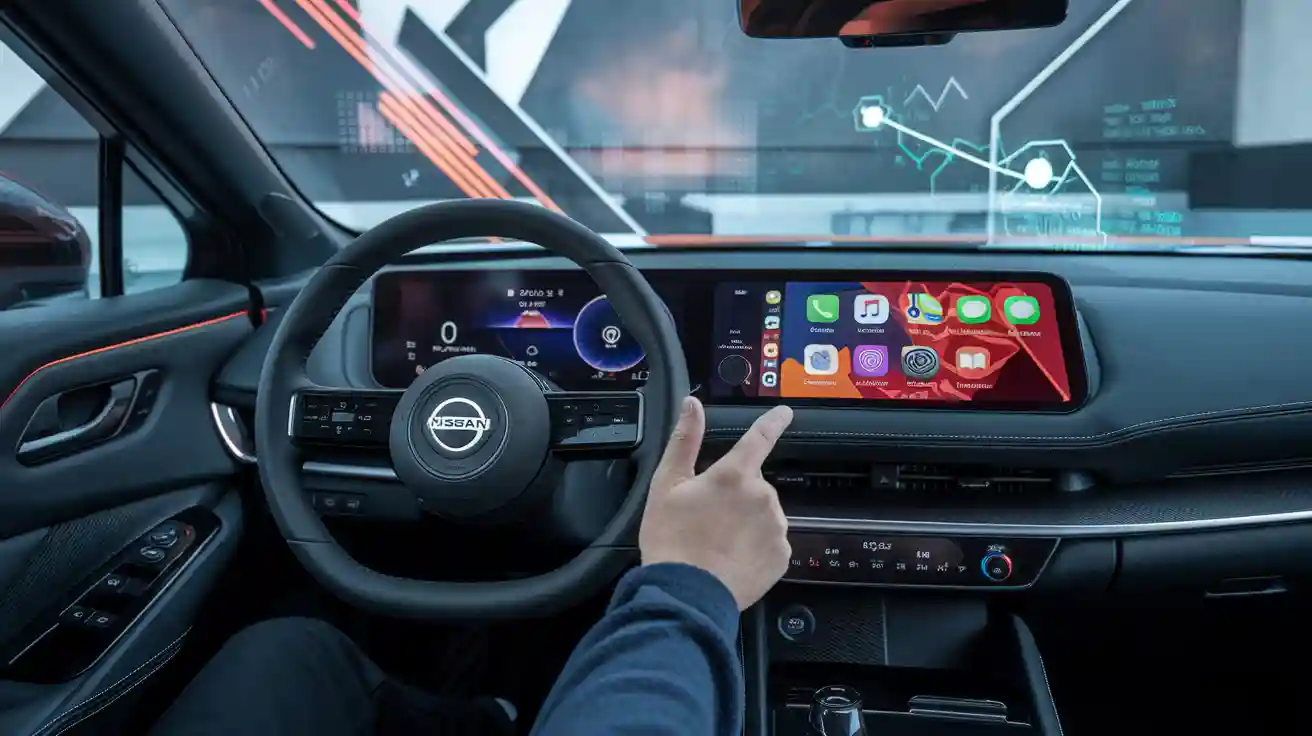
Standard CarPlay, Wireless CarPlay, and CarPlay Ultra Are Different
Standard Apple CarPlay brings supported iPhone apps—such as Maps, calls, messages, music, and podcasts—to a compatible center display. A wireless version changes how the iPhone connects, usually using Bluetooth for discovery and Wi-Fi for the active session.
CarPlay Ultra goes further. Apple says it can provide content across the driver's screens, including the instrument cluster, and can integrate vehicle information and supported controls such as radio and climate. The automaker must work with Apple to design and support that vehicle-level experience.
| Capability | Standard / wireless CarPlay | CarPlay Ultra |
|---|---|---|
| iPhone apps on the center display | Yes, on compatible vehicles | Yes, on supported Ultra vehicles |
| Cable-free connection | Available on selected vehicles or through an eligible adapter | Connection method is not what defines Ultra |
| Automaker-designed instrument-cluster themes | No | Part of Apple's described Ultra experience |
| Vehicle data and supported controls | Usually remain in the native vehicle interface | Can be integrated when the automaker and vehicle support it |
| Added by a generic USB wireless adapter | Wireless standard CarPlay may be possible | No |
Which Nissan Models Support Apple CarPlay?
Apple's current CarPlay available-models list includes Nissan model families such as Altima, Ariya, Armada, Frontier, Kicks, Leaf, Murano, Pathfinder, Rogue, Sentra, Versa, X-Trail, and Z for various model-year ranges. This is a standard CarPlay list, not a CarPlay Ultra list.
Do not rely on a model-family list alone. Equipment can differ across trims, production dates, countries, screen packages, and NissanConnect versions. A model appearing on Apple's list does not prove that every example has CarPlay, that the connection is wireless, or that the vehicle supports Ultra.
How to verify your exact Nissan
- Record the exact vehicle details. Note model year, trim, sales market, VIN, and the installed NissanConnect or infotainment system.
- Read the owner's manual and window sticker. Look specifically for “Apple CarPlay” and whether it says USB or wireless.
- Check Nissan's model-specific feature page. Do not infer compatibility from screen size alone.
- Test the designated data USB port while parked. A charging-only port does not establish CarPlay support.
- Ask for model-specific Ultra evidence. A valid claim should link to Apple or Nissan and identify the exact model, market, required hardware, and activation or update process.
Can CARLUEX Add CarPlay Ultra to a Nissan?
No CARLUEX adapter should be described as a Nissan CarPlay Ultra retrofit. CarPlay Ultra depends on vehicle hardware, displays, data, controls, and automaker software integration. A plug-in adapter cannot create those capabilities.
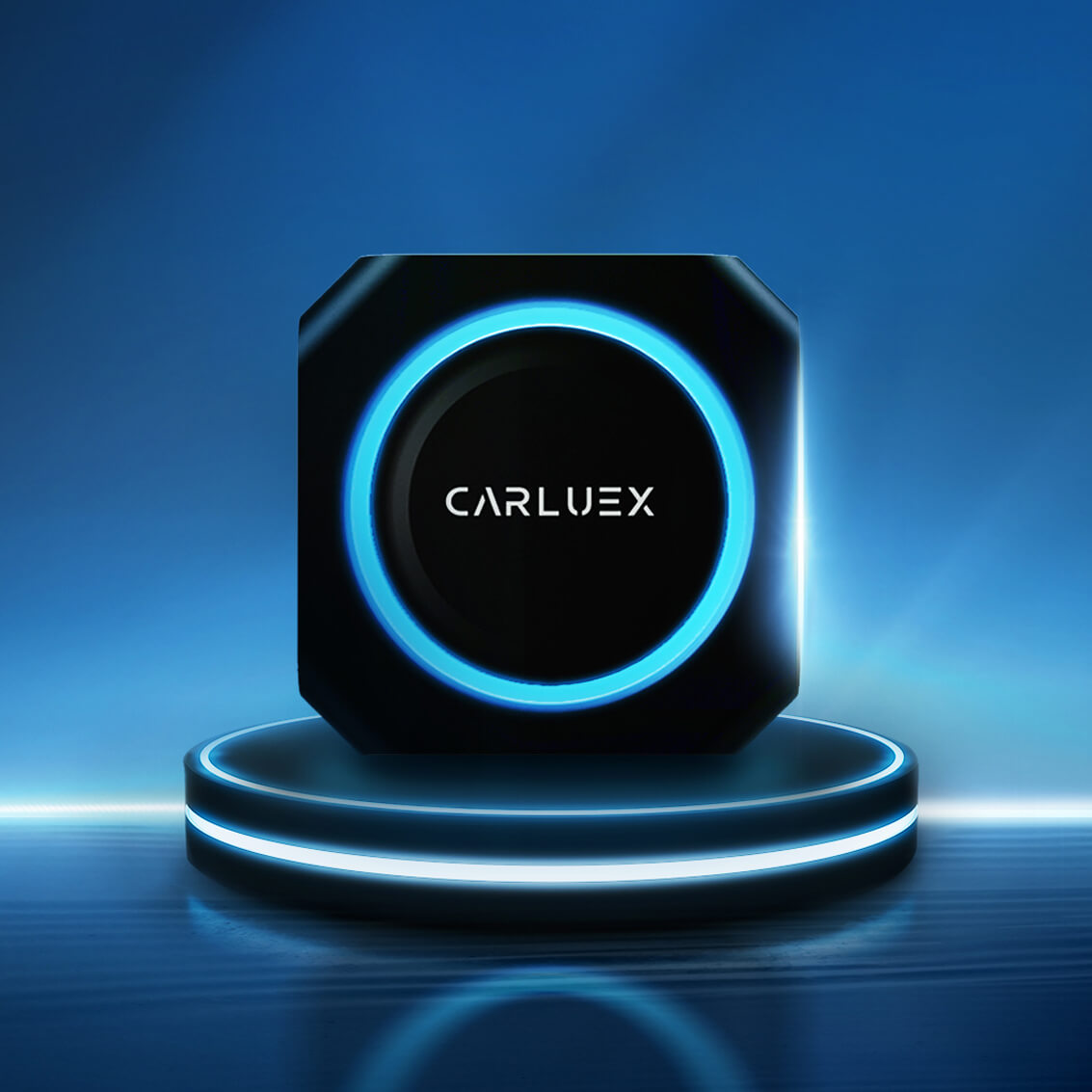
If your Nissan already has working factory wired CarPlay, a compatible wireless adapter may remove the need to connect the iPhone by cable. Compatibility depends on the exact adapter and factory system. Check the CARLUEX compatibility information and the relevant product requirements before purchasing.
What an eligible wireless adapter may do
- Convert a compatible factory wired CarPlay connection to wireless standard CarPlay.
- Reconnect a previously paired iPhone automatically, subject to the product and vehicle.
- Provide separately documented product features when the required factory system is present.
What it cannot do
- Add CarPlay to a Nissan that never had the required factory system.
- Add Ultra gauges, cluster themes, climate controls, radio integration, or vehicle data.
- Repair a damaged USB port, blocked iPhone setting, incompatible head unit, or Nissan software fault.
- Guarantee compatibility from model name or screen size alone.
For an eligible wired-CarPlay vehicle, you can review CARLUEX AIR or browse the Apple CarPlay device collection. Confirm the exact Nissan configuration before ordering.
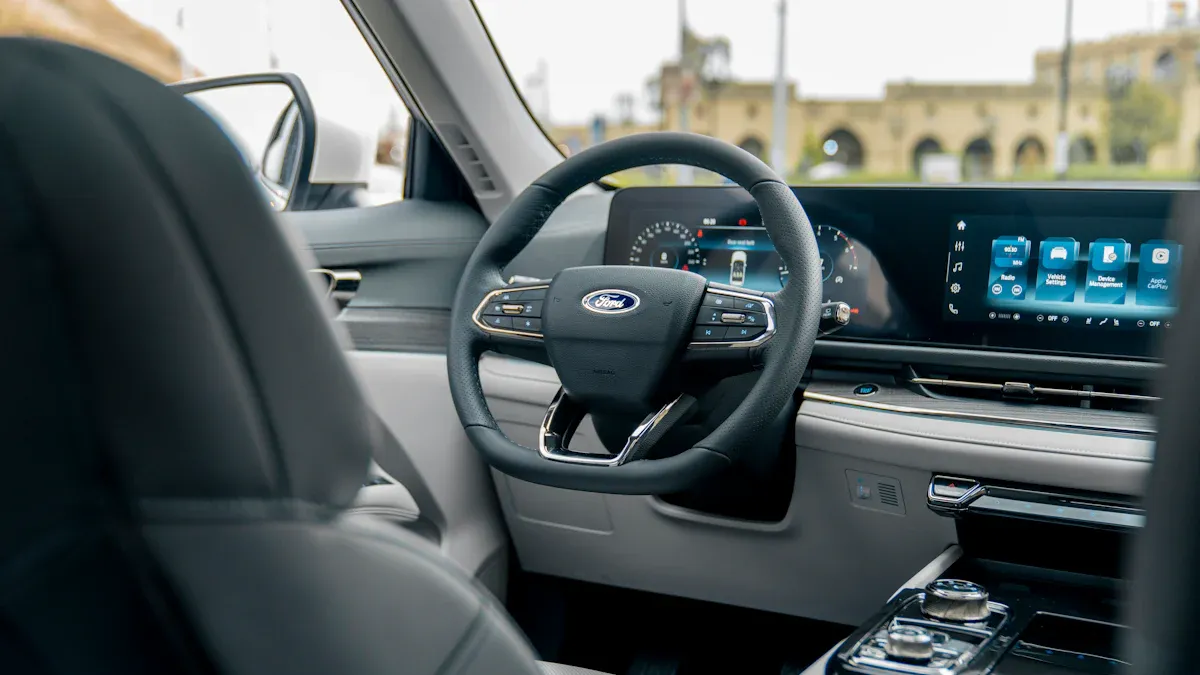
How to Set Up Standard Apple CarPlay in a Compatible Nissan
Nissan's exact menu labels can vary. Follow the owner's manual for your vehicle and make changes only while parked.
- Make sure Siri, Bluetooth, and Wi-Fi are enabled as required by your connection method.
- For USB CarPlay, connect the iPhone to the Nissan's designated data USB port with a suitable cable.
- For factory wireless CarPlay, hold the steering-wheel voice button if Nissan's instructions specify it, then choose the vehicle under Settings > General > CarPlay on the iPhone.
- Accept the prompts on the iPhone and Nissan display.
- If CarPlay does not start, use Apple's official CarPlay troubleshooting steps, then check the Nissan manual or dealer guidance.
The option will normally be labeled Apple CarPlay—not CarPlay Ultra—unless Nissan and Apple officially release an Ultra implementation for that exact vehicle.
What Would Confirm Nissan CarPlay Ultra?
A reliable Nissan CarPlay Ultra announcement should come from Apple or Nissan and answer these questions:
- Which models, model years, trims, and sales markets are supported?
- Which NissanConnect hardware and driver displays are required?
- Is Ultra factory-installed or available through an official software update?
- Which iPhone and iOS versions are required?
- Which gauges, vehicle data, radio, climate, and other controls are integrated?
- Does activation require a Nissan dealer visit?
Until those details appear in an official announcement, dealer comments, retailer copy, screenshots, and standard-CarPlay model lists should not be treated as Nissan CarPlay Ultra confirmation.
Frequently Asked Questions
Which Nissan models have CarPlay Ultra?
No Nissan model was officially confirmed in the Apple and Nissan sources reviewed on August 28, 2026. Many Nissan models support standard CarPlay, which is a separate compatibility status.
Does the 2025 Nissan Rogue have CarPlay Ultra?
No official source reviewed here confirms CarPlay Ultra for the 2025 Rogue. Depending on trim and market, the vehicle may offer standard wired or wireless Apple CarPlay.
Does Nissan wireless CarPlay mean CarPlay Ultra?
No. “Wireless” describes how standard CarPlay connects. “Ultra” describes much deeper, automaker-supported integration with driver displays, vehicle data, and controls.
Can a software update add CarPlay Ultra to my Nissan?
No Nissan-specific Ultra update path was found in the official sources reviewed here. Do not assume an iPhone, NissanConnect, or dealer update can add Ultra unless Apple or Nissan identifies the exact supported vehicle and hardware.
Can a CARLUEX adapter add wireless CarPlay?
It may add a wireless standard-CarPlay connection when the exact adapter supports the vehicle and working factory wired CarPlay is already present. It does not add CarPlay Ultra or repair unsupported factory hardware.
Bottom Line
Nissan supports standard Apple CarPlay across many model families, and selected configurations support a wireless connection. That does not establish CarPlay Ultra support. The official sources reviewed for this update do not confirm any Nissan Ultra model, release date, trim list, or retrofit program.
Verify the exact Nissan's documented factory CarPlay capability, treat wireless adapters as connection upgrades only, and wait for a model-specific Apple or Nissan announcement before describing a Nissan as CarPlay Ultra compatible.


اترك تعليقًا
تخضع جميع التعليقات للإشراف قبل نشرها.
This site is protected by hCaptcha and the hCaptcha Privacy Policy and Terms of Service apply.