

篩選條件
9 件產品
Wireless CarPlay Latency Issues
Compare CARLUEX wireless CarPlay adapter options for shoppers who are researching CarPlay lag solutions, wireless connectivity troubleshooting, and in-car Wi-Fi optimization before choosing a product.
Buying note: This page does not promise latency removal. Confirm vehicle compatibility, required wired CarPlay or wired Android Auto conditions, phone setup, app needs, and product details before purchase.
Which Wireless CarPlay Adapter Should You Choose?
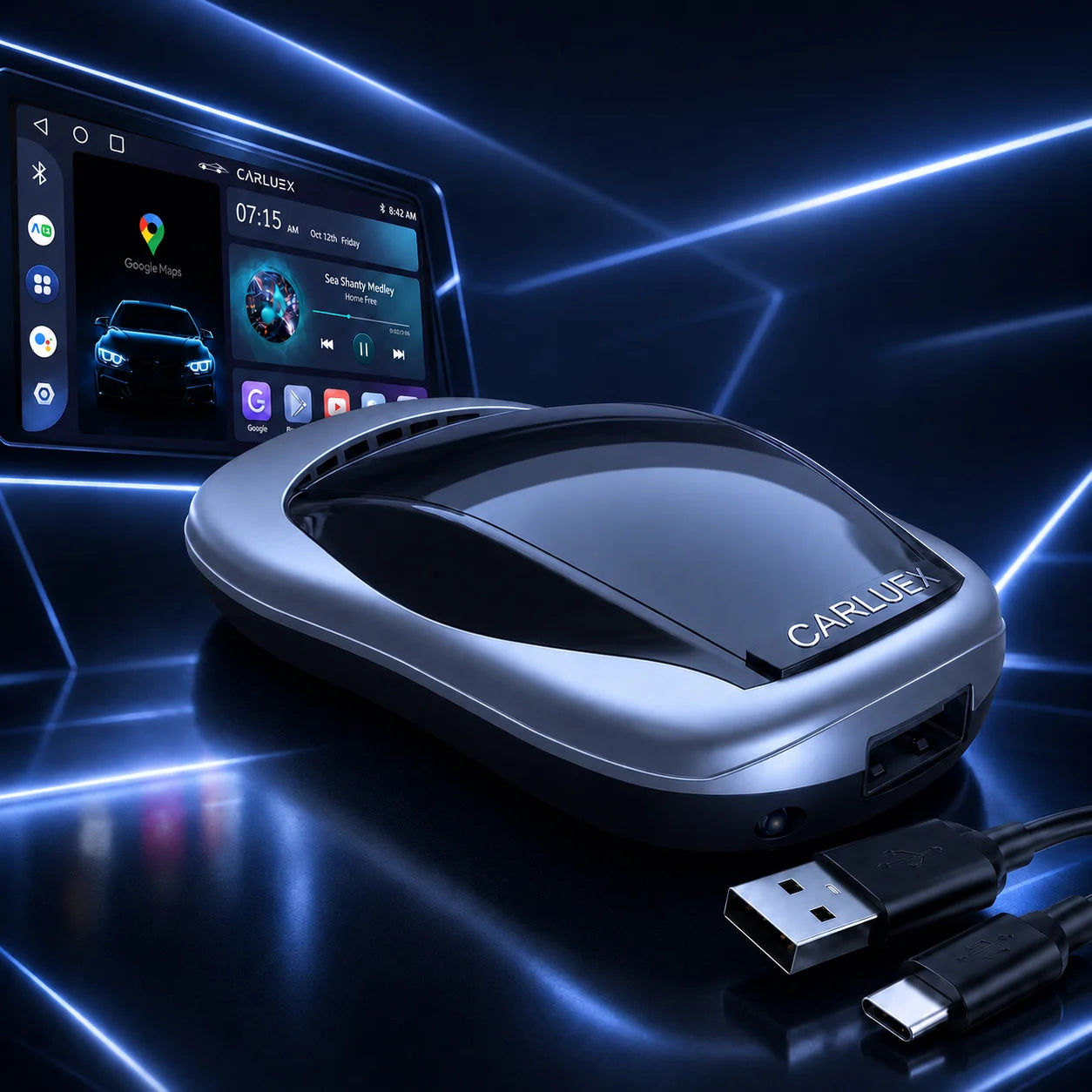
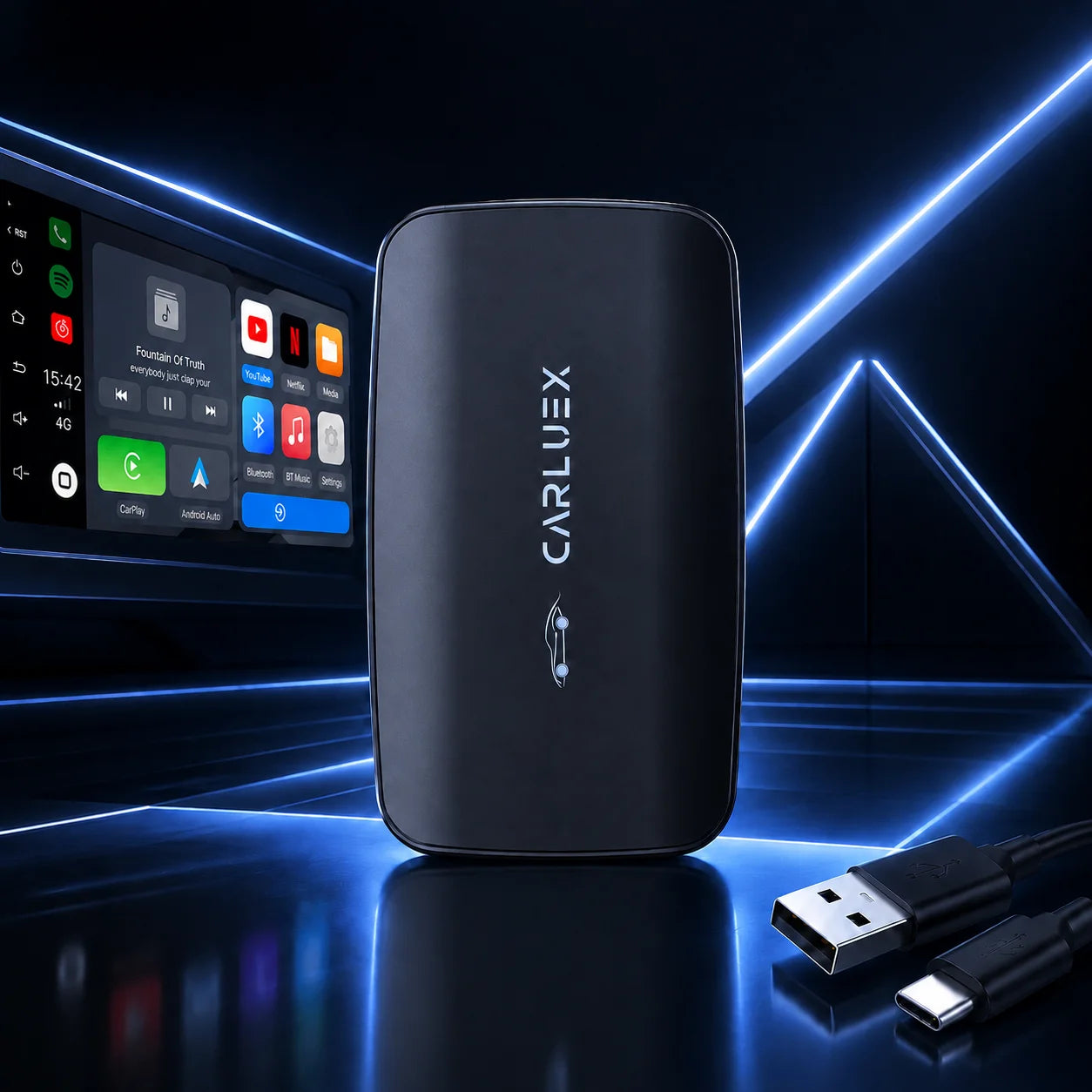
- CARLUEX LINK Wireless CarPlay and Android Auto Adapter: Drivers who want a simple wireless CarPlay and Android Auto adapter path.
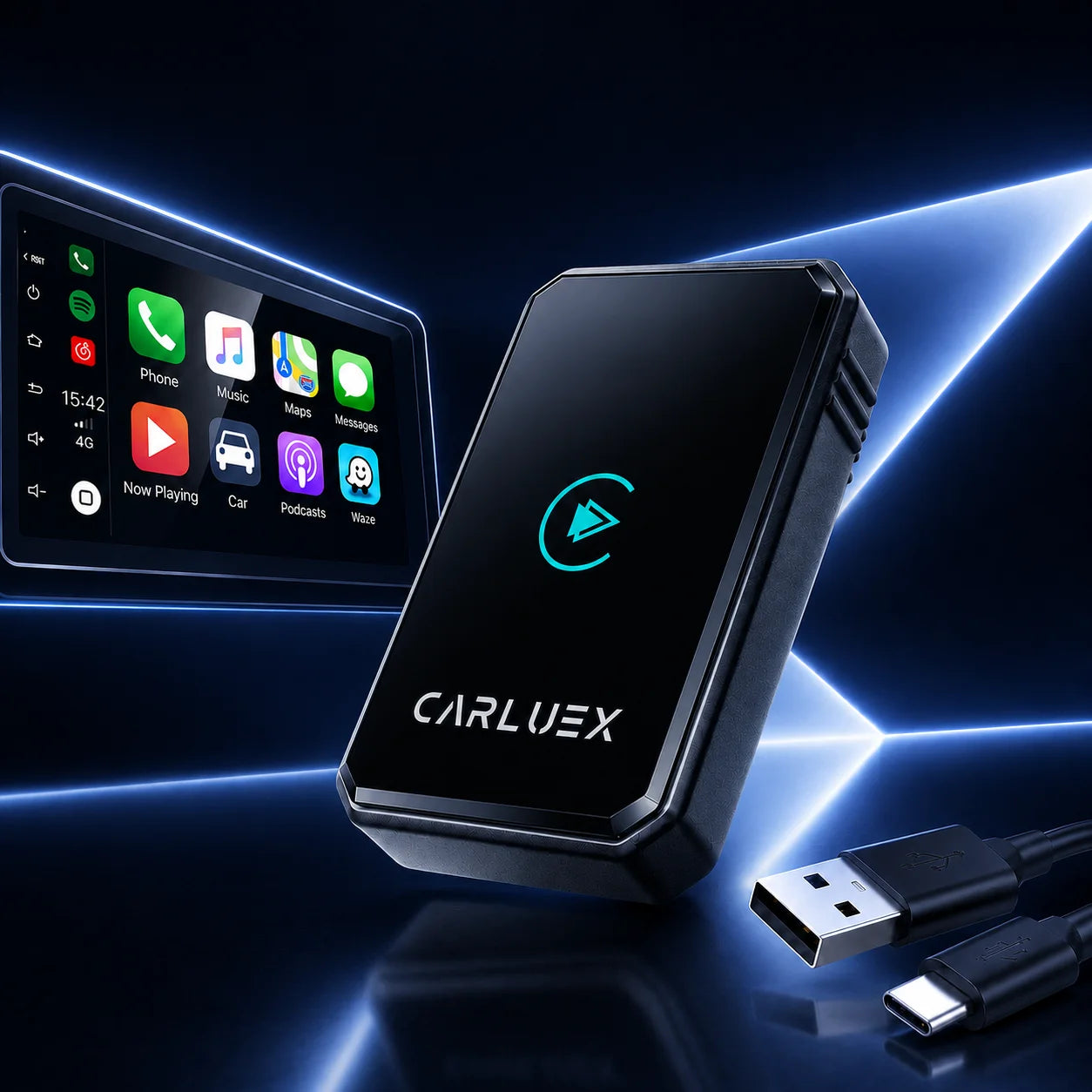
- CARLUEX AIR Wireless CarPlay/Android Auto Adapter: Drivers comparing wireless CarPlay / Android Auto with app access listed on the product page.
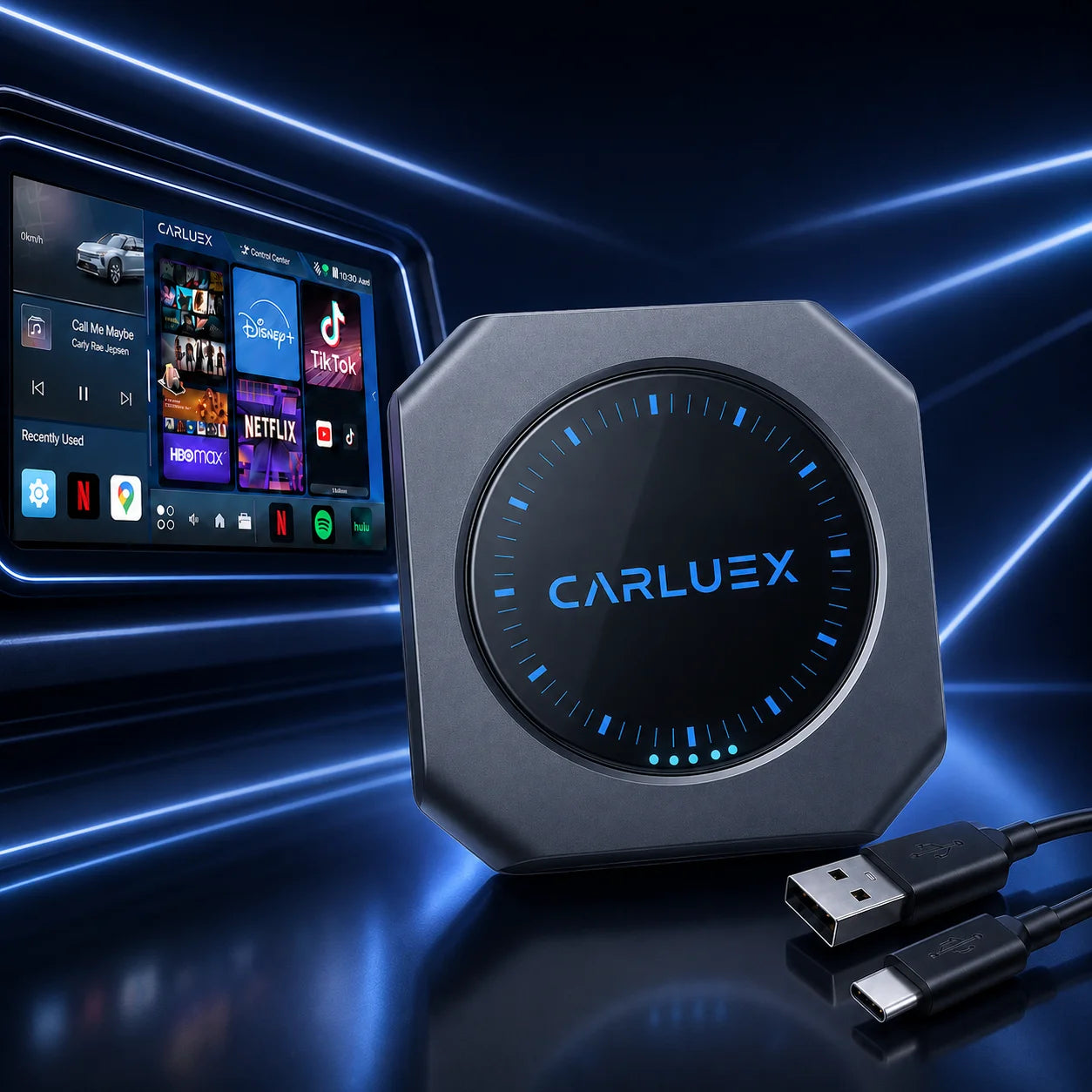
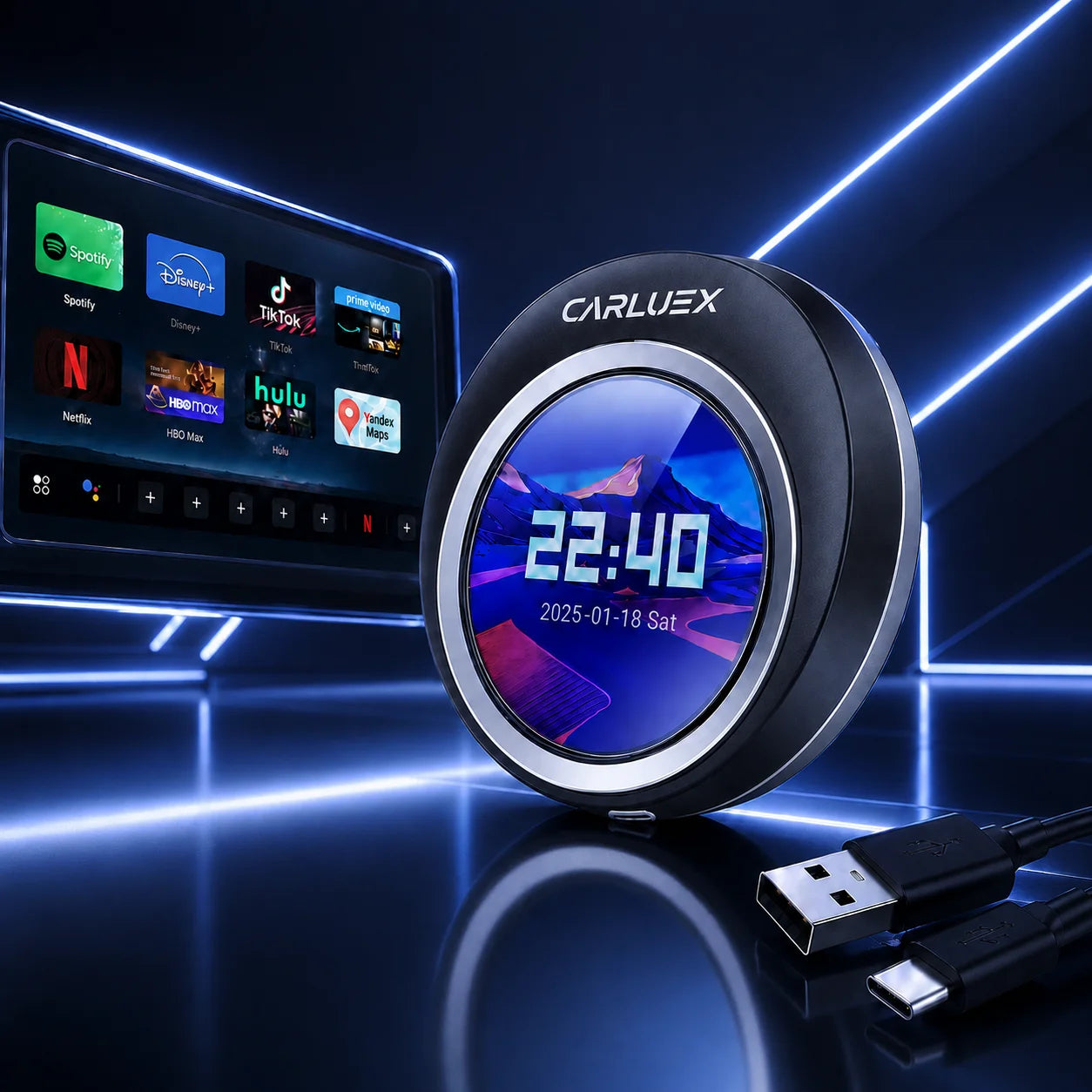
- CARLUEX GO Wireless CarPlay/Android Auto Adapter: Drivers who want wireless CarPlay / Android Auto plus entertainment options listed on the product page.
- CARLUEX® PRO+ 2.0 Multimedia AI Box: Drivers comparing a multimedia AI box with wireless CarPlay / Android Auto and app access.
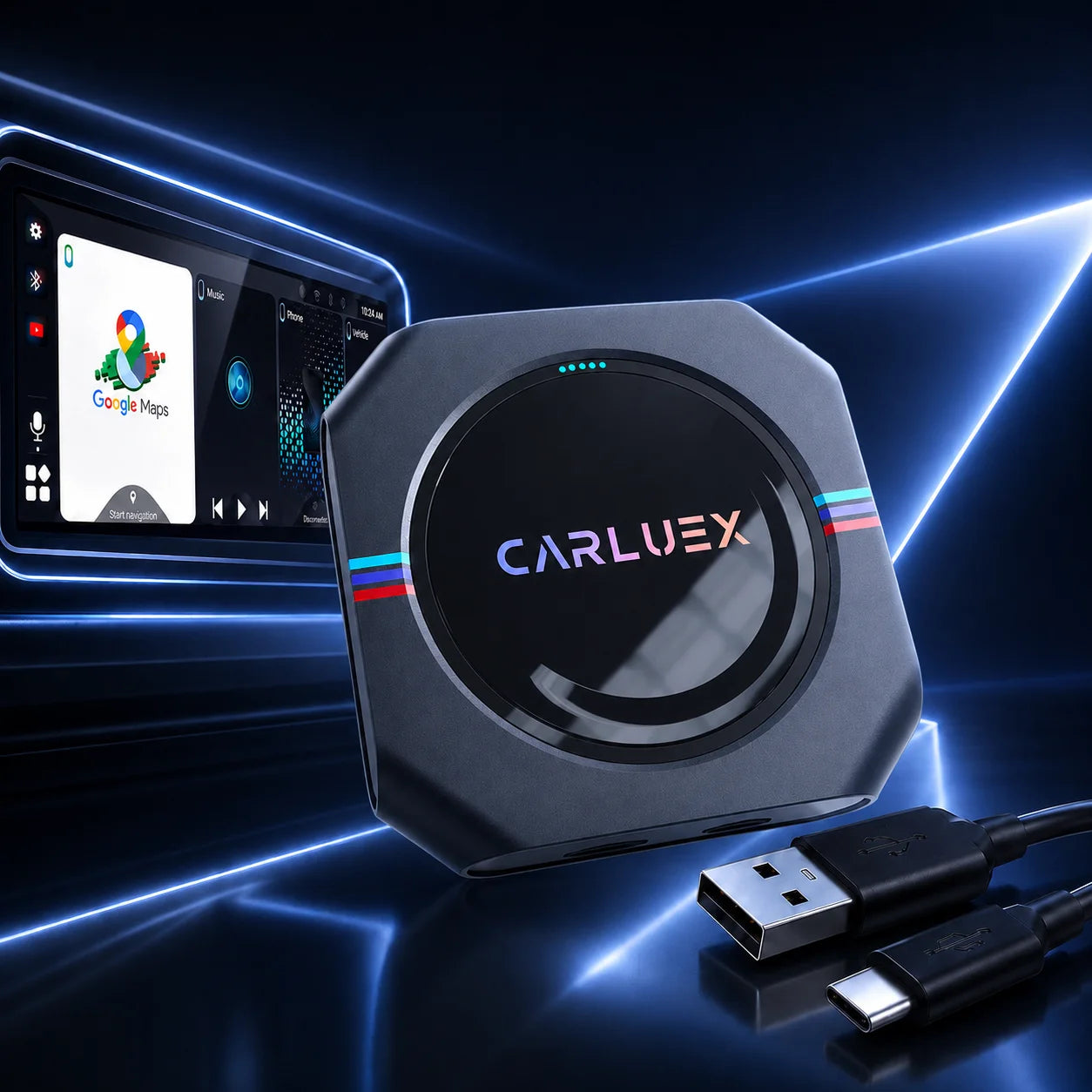
- CARLUEX VISION Wireless CarPlay Adapter with Screen Control: Drivers who want a model with screen control positioned on the product page.
- CARLUEX Multimedia Streaming Box for BMW: BMW drivers who need the BMW-specific CARLUEX product page path.
Product Grid Recommendation
| Product | One-Sentence Card Copy | Best For | Product URL |
|---|---|---|---|
| CARLUEX LINK Wireless CarPlay and Android Auto Adapter | A straightforward CARLUEX adapter option for shoppers comparing wireless CarPlay and Android Auto products. | Drivers who want a simple wireless CarPlay and Android Auto adapter path. | https://www.carluex.store/products/carluex-link |
| CARLUEX AIR Wireless CarPlay/Android Auto Adapter | A CARLUEX wireless CarPlay / Android Auto adapter option with entertainment-app language on its product page. | Drivers comparing wireless CarPlay / Android Auto with app access listed on the product page. | https://www.carluex.store/products/carluex-air |
| CARLUEX GO Wireless CarPlay/Android Auto Adapter | A CARLUEX adapter option for shoppers comparing wireless CarPlay / Android Auto and listed media features. | Drivers who want wireless CarPlay / Android Auto plus entertainment options listed on the product page. | https://www.carluex.store/products/carluex-go |
| CARLUEX® PRO+ 2.0 Multimedia AI Box | A multimedia AI box option for shoppers who want to review app access and connectivity details before buying. | Drivers comparing a multimedia AI box with wireless CarPlay / Android Auto and app access. | https://www.carluex.store/products/products-carluex-pro-plus-2 |
| CARLUEX VISION Wireless CarPlay Adapter with Screen Control | A screen-control model for shoppers who want to compare display operation before choosing. | Drivers who want a model with screen control positioned on the product page. | https://www.carluex.store/products/carluex-vision-wireless-carplay-android-auto-adapter-with-screen-control |
| CARLUEX Multimedia Streaming Box for BMW | The BMW-specific CARLUEX product path for BMW shoppers who should not assume a universal adapter fit. | BMW drivers who need the BMW-specific CARLUEX product page path. | https://www.carluex.store/products/carluex-for-bmw |
Comparison Table
| Model | Best For | Key Features | Requirement / Compatibility | Recommended User | Product URL |
|---|---|---|---|---|---|
| CARLUEX LINK Wireless CarPlay and Android Auto Adapter | Drivers who want a simple wireless CarPlay and Android Auto adapter path. | Wireless CarPlay; Wireless Android Auto; navigation, music, calls, and messages mentioned in Shopify product copy. | Needs confirmation: verify factory wired CarPlay / wired Android Auto requirement on the product page or compatibility page. | Drivers who want a simple wireless CarPlay and Android Auto adapter path. | https://www.carluex.store/products/carluex-link |
| CARLUEX AIR Wireless CarPlay/Android Auto Adapter | Drivers comparing wireless CarPlay / Android Auto with app access listed on the product page. | Wireless CarPlay; Android Auto; entertainment-app language; voice commands and steering wheel functions mentioned in Shopify product copy. | Needs confirmation: verify vehicle/head unit compatibility before purchase. | Drivers comparing wireless CarPlay / Android Auto with app access listed on the product page. | https://www.carluex.store/products/carluex-air |
| CARLUEX GO Wireless CarPlay/Android Auto Adapter | Drivers who want wireless CarPlay / Android Auto plus entertainment options listed on the product page. | Wireless Apple CarPlay; Android Auto; Netflix and YouTube mentioned in Shopify product copy. | Needs confirmation: verify vehicle/head unit compatibility before purchase. | Drivers who want wireless CarPlay / Android Auto plus entertainment options listed on the product page. | https://www.carluex.store/products/carluex-go |
| CARLUEX® PRO+ 2.0 Multimedia AI Box | Drivers comparing a multimedia AI box with wireless CarPlay / Android Auto and app access. | Wireless CarPlay; Android Auto; app access; software updates; Cloud SIM mentioned in Shopify product copy. | Needs confirmation: verify compatibility and BMW exception before purchase. | Drivers comparing a multimedia AI box with wireless CarPlay / Android Auto and app access. | https://www.carluex.store/products/products-carluex-pro-plus-2 |
| CARLUEX VISION Wireless CarPlay Adapter with Screen Control | Drivers who want a model with screen control positioned on the product page. | Screen control; wireless CarPlay; Android Auto; YouTube, Netflix, and Hulu mentioned in Shopify SEO/product copy. | Needs confirmation: verify screen, controls, and vehicle/head unit compatibility before purchase. | Drivers who want a model with screen control positioned on the product page. | https://www.carluex.store/products/carluex-vision-wireless-carplay-android-auto-adapter-with-screen-control |
| CARLUEX Multimedia Streaming Box for BMW | BMW drivers who need the BMW-specific CARLUEX product page path. | BMW-specific positioning; wireless CarPlay; streaming services and app download language mentioned in Shopify product copy. | BMW-specific product path; still verify BMW compatibility details before purchase. | BMW drivers who need the BMW-specific CARLUEX product page path. | https://www.carluex.store/products/carluex-for-bmw |
Check Before You Buy
- Confirm whether your vehicle or aftermarket head unit requires factory wired CarPlay, factory wired Android Auto, or another setup condition.
- For BMW vehicles, review the BMW-specific CARLUEX product path instead of assuming the same adapter fits every vehicle.
- Confirm your phone, car screen, USB port, control method, and app expectations on the final product page.
- Third-party app availability and behavior should be treated as Needs confirmation unless the product page and app provider support your use case.
- Review shipping, return/refund, warranty, and support information before purchase.
Why Choose CARLUEX Wireless CarPlay Adapter?
Benefit 1: The page separates main adapter choices from accessories so shoppers can compare products faster.
Benefit 2: Product links and product names are pulled from Shopify API data instead of invented URLs.
Benefit 3: The copy keeps latency-related language cautious and points shoppers to compatibility checks before purchase.
Benefit 4: Policy and support links use Shopify-returned URLs where available, with missing items marked as Needs confirmation.
Use Cases
Scenario 1: You are comparing CARLUEX adapters after noticing Wireless CarPlay lag, delayed controls, or inconsistent wireless behavior.
Scenario 2: You want to check which products are main adapters and which products are accessories before opening product pages.
Scenario 3: You drive a BMW and need to follow a BMW-specific product path rather than assuming a general adapter fit.
How It Works
- Start with your vehicle/head unit setup and confirm compatibility requirements.
- Use the Quick Choice and Comparison Table to narrow the CARLUEX models worth reviewing.
- Open the Shopify product page for the model that matches your setup and feature needs.
- Review policy links, support options, and any Needs confirmation notes before purchase.
Recommended Accessories
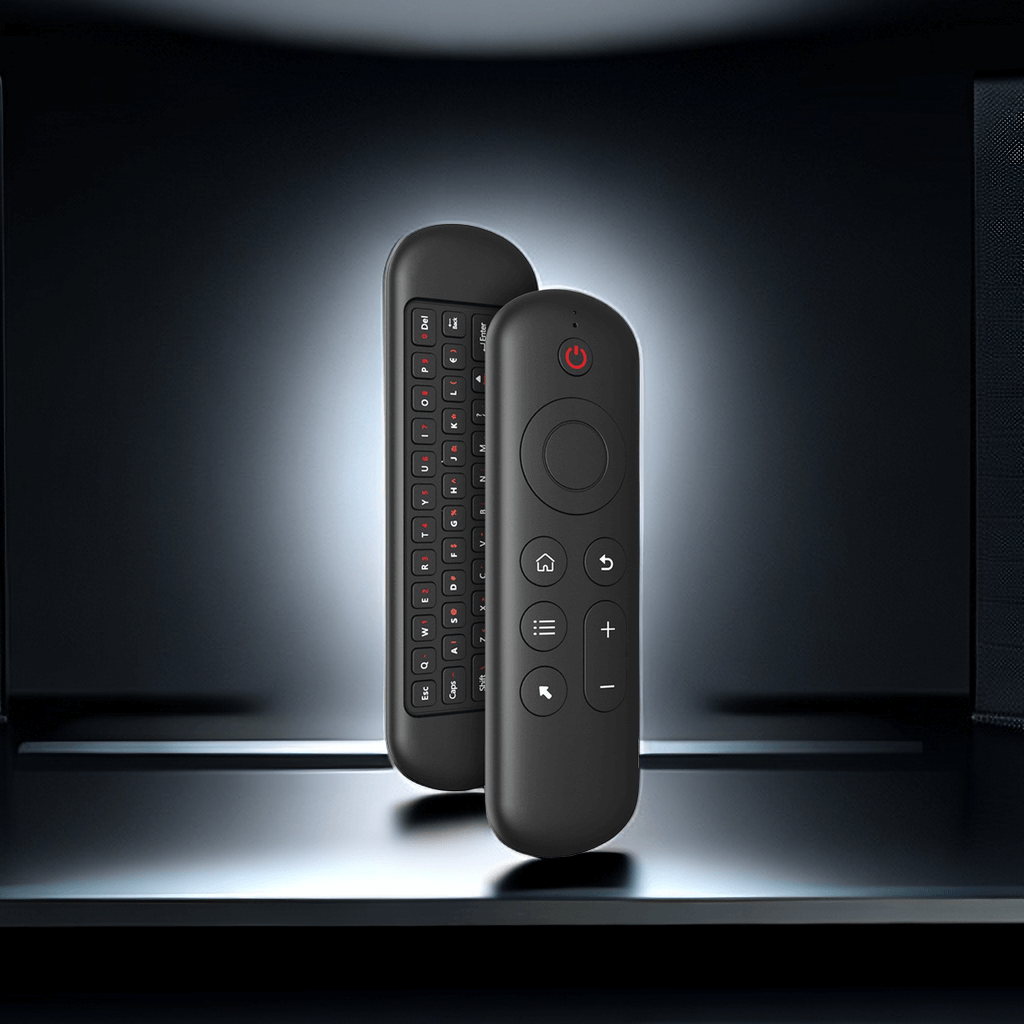
- CARLUEX Remote+: Accessory for shoppers who need extra screen control support; confirm whether your vehicle setup requires it.
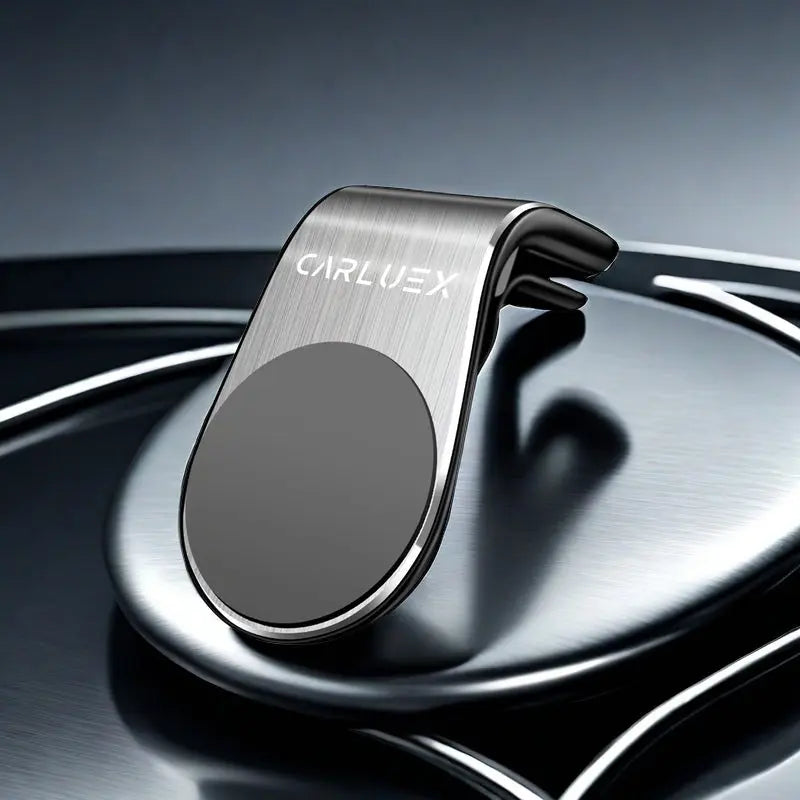
- CARLUEX CLIP: Accessory for product placement; confirm whether it is needed for your setup.
Not placed in the main recommendation area:
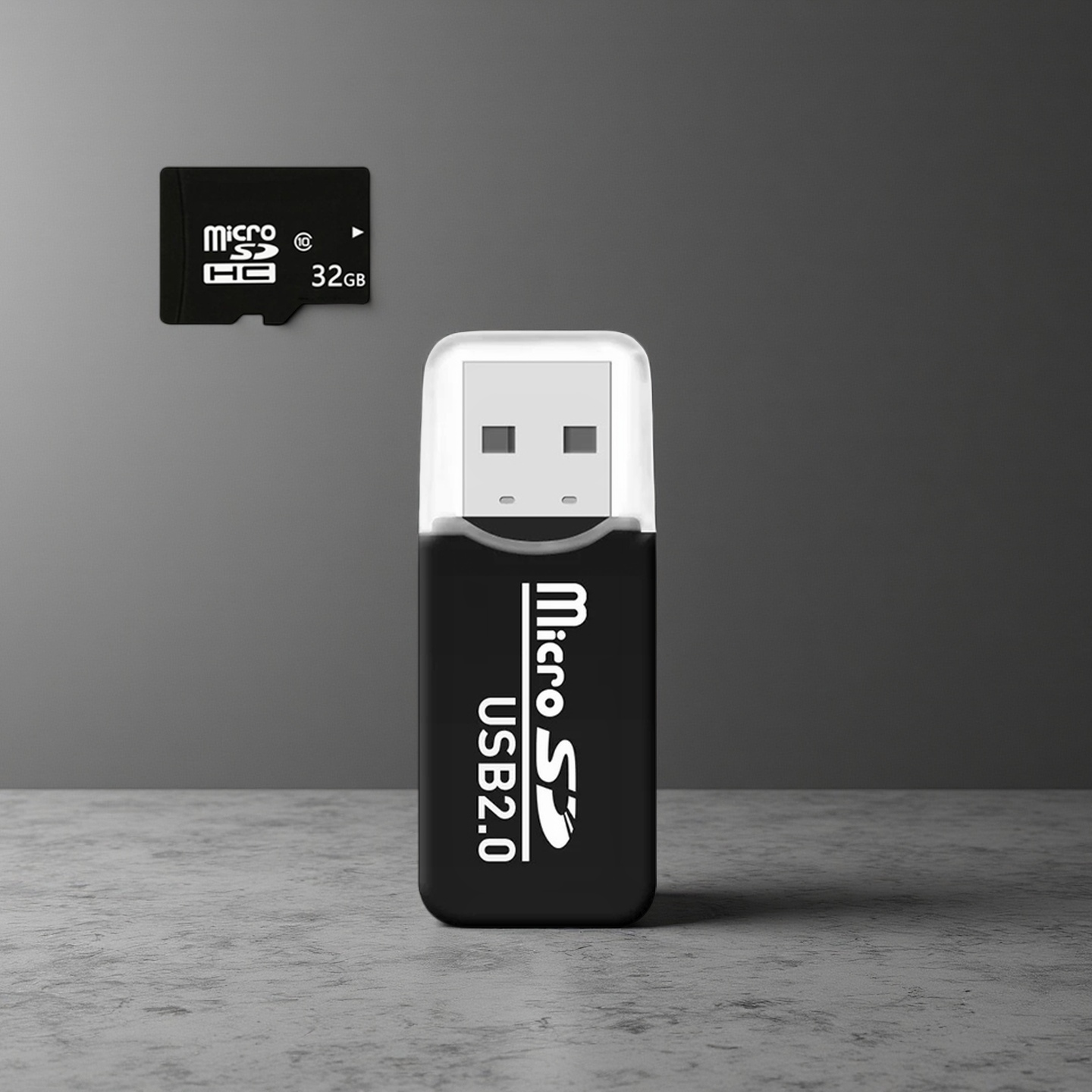
- CARLUEX Card Reader with 32GB Memory Card: Needs confirmation before placing in the main product or accessory recommendation area.
FAQ
Will these products work with every vehicle?
No. Compatibility must be confirmed before purchase. The safest next step is to review the product page and the CARLUEX compatibility page.
Do I need factory wired CarPlay or factory wired Android Auto?
Needs confirmation. Requirements can vary by product and vehicle setup, so verify the specific product page and compatibility guidance before purchase.
Should BMW shoppers choose the same adapter as non-BMW shoppers?
No. Shopify API returned a BMW-specific CARLUEX product in this Collection, so BMW shoppers should review that product path and confirm fit before purchase.
Can a CARLUEX adapter promise that Wireless CarPlay latency disappears?
No. This page does not make a promised latency-removal claim. Latency can depend on vehicle hardware, phone setup, wireless environment, app behavior, and product configuration.
Are third-party apps promised to work in every setup?
Needs confirmation. App availability and behavior may depend on the app provider, account status, region, phone, firmware, and product setup.
Are Remote+ and CLIP required?
Needs confirmation. They are accessories, not the main adapter choice. Review your vehicle controls and product setup before adding accessories.
Where can I confirm shipping, returns, warranty, and support?
Shipping, refund, and contact URLs were returned by Shopify API and are linked below. Warranty is Needs confirmation because a dedicated warranty policy URL was not returned by the API.
Helpful Guides and Related Pages
| Anchor Text | URL | Link Type | Why Relevant |
|---|---|---|---|
| Ford CarPlay Not Connecting? Complete Fix Guide | https://www.carluex.store/blogs/posts/ford-carplay-not-connecting | Blog | Troubleshooting guide returned by Shopify API. |
| Honda CarPlay Not Working? Causes, Fixes, and Upgrade Options | https://www.carluex.store/blogs/posts/honda-carplay-not-working | Blog | Troubleshooting guide returned by Shopify API. |
| Nissan Wireless CarPlay Not Working? Fix It or Upgrade the Right Way | https://www.carluex.store/blogs/posts/nissan-wireless-carplay-not-working | Blog | Wireless CarPlay troubleshooting article returned by Shopify API. |
| Best Wireless CarPlay Adapters to Ditch Wired Cables 2026 | https://www.carluex.store/blogs/posts/best-wireless-carplay-adapters-2026 | Blog | Wireless CarPlay buying guide returned by Shopify API. |
| CarPlay Wireless Dongle with Low Latency | https://www.carluex.store/collections/carplay-wireless-dongle-with-low-latency | Collection | Related Collection returned by Shopify API. |
| CarPlay Adapter with Multi-Device Pairing | https://www.carluex.store/collections/carplay-adapter-with-multi-device-pairing | Collection | Related Collection returned by Shopify API. |
| Compatibility Check | https://www.carluex.store/pages/compatibility | Page | Compatibility page returned by Shopify API. |
| Shipping Policy | https://www.carluex.store/policies/shipping-policy | Policy | Shipping policy returned by Shopify API. |
| Return / Refund Policy | https://www.carluex.store/policies/refund-policy | Policy | Refund policy returned by Shopify API. |
| Contact CARLUEX Support | https://www.carluex.store/policies/contact-information | Policy | Contact policy returned by Shopify API. |
Shipping, Returns, Warranty, and Support
Shipping: Review the shipping policy.
Returns: Review the return/refund policy.
Warranty: Needs confirmation. A dedicated warranty policy URL was not returned by Shopify API.
Support: Contact CARLUEX support.
Compatibility: Review compatibility information.


