

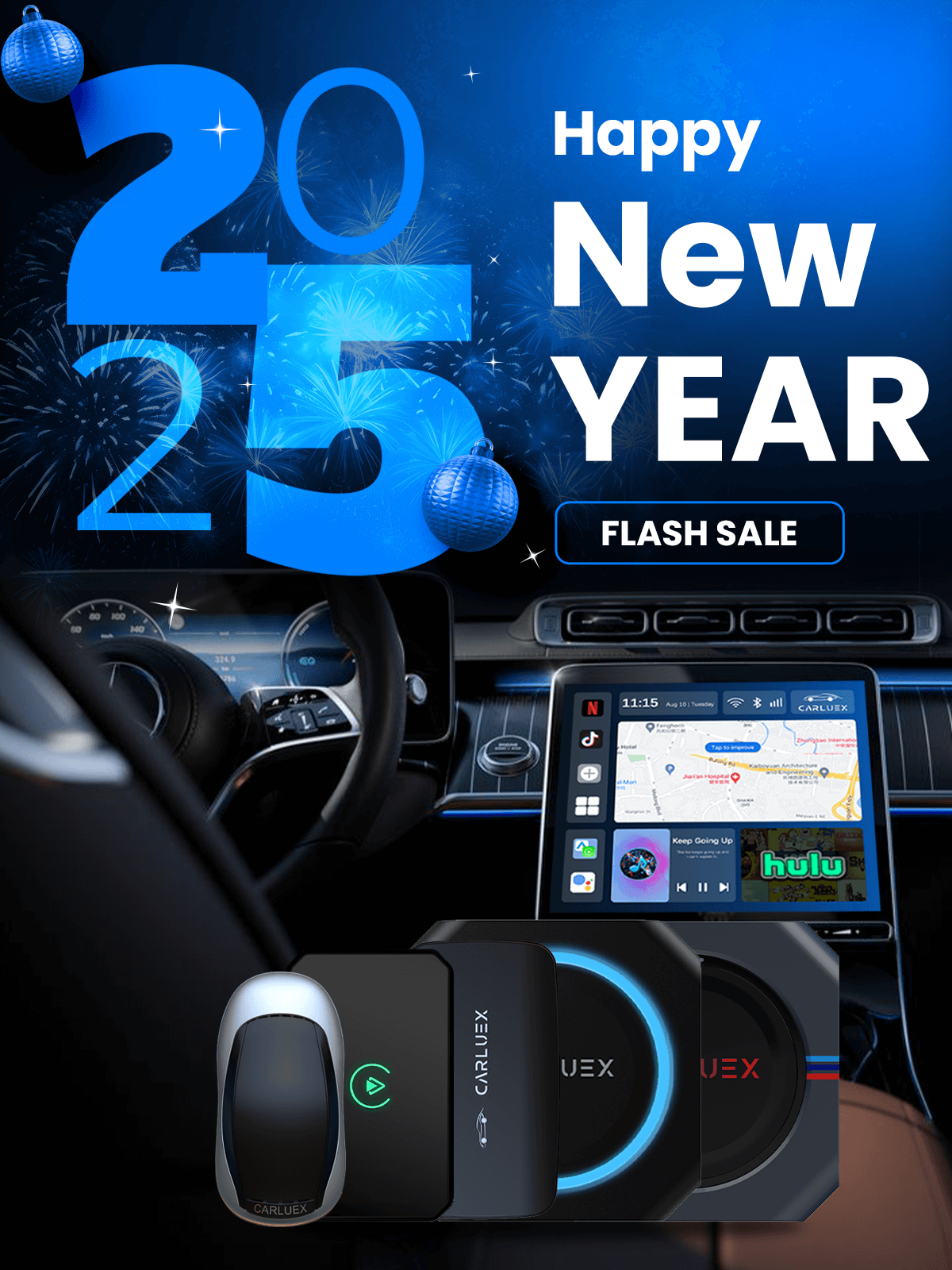
Quick answer: The best CarPlay adapter is not the same for every car. The right choice depends on whether your vehicle already supports factory wired CarPlay, whether you also need Android Auto, whether you want only a cable-free phone connection or a broader Android-based app experience, and whether your exact vehicle is compatible with the adapter model.
This updated guide replaces the older 2025 marketing-style version with a practical 2026 buying framework. It does not claim that one adapter is the best for every driver. Instead, it shows what to check before buying, how to compare CARLUEX options, and which claims need extra caution.
Start With Compatibility Before Features
Many wireless CarPlay adapters are designed to convert an existing wired CarPlay connection into a wireless phone connection. That means a USB port alone is not enough. Your vehicle's infotainment system usually needs to launch wired CarPlay first.
Apple's CarPlay setup guidance separates USB CarPlay, vehicles that support both wired and wireless CarPlay, and vehicles that support wireless CarPlay directly. Apple also advises checking whether your car supports CarPlay and contacting the vehicle manufacturer if you are unsure. You can use Apple's CarPlay available models list as a starting point, then confirm the exact adapter fit through the CARLUEX compatible vehicles page or CARLUEX support.
| Before you buy | What to confirm | Why it matters |
|---|---|---|
| Factory CarPlay | Wired CarPlay already works through the car's original USB port. | Most wireless CarPlay adapters need an existing wired CarPlay path. |
| Android Auto need | Your car and adapter both support the required Android Auto connection. | CarPlay support does not automatically mean Android Auto support. |
| BMW vehicle | BMW shoppers compare the BMW-specific CARLUEX version first. | Standard PRO+ style recommendations should not be assumed for BMW models. |
| Aftermarket unit | Your head unit and adapter model are explicitly supported. | Factory systems and aftermarket units can behave differently. |
| Main use case | You know whether you need simple wireless projection or multimedia apps. | A compact adapter and a multimedia AI box solve different problems. |
What Makes A CarPlay Adapter "Best"?
A useful adapter should match your car first, then make daily use easier. Look for a clear compatibility path, stable first pairing, predictable reconnection, clean audio behavior, working steering wheel controls where supported by the vehicle, and a product page that explains limitations instead of promising universal fit.
Apple's CarPlay troubleshooting guidance recommends checking compatibility, connection, iOS version, Bluetooth, Wi-Fi, Siri, restrictions, and vehicle firmware when CarPlay does not work as expected. That same logic applies before blaming or buying an adapter: if wired CarPlay is already unstable, a wireless adapter may inherit that issue instead of solving it.
CARLUEX Adapter Paths To Compare
CARLUEX compatibility depends on the adapter model and your vehicle's factory infotainment system. Use the table below as a starting point, then review the product page and compatibility page before purchase.
| Your goal | CARLUEX option to compare | Important boundary |
|---|---|---|
| Make wired CarPlay wireless with a simpler adapter | CARLUEX LINK Wireless CarPlay and Android Auto Adapter | Wireless CarPlay requires factory wired CarPlay. Wireless Android Auto requires factory wired Android Auto. |
| Add wireless CarPlay, wireless Android Auto, and app-based features where available | CARLUEX AIR Wireless CarPlay/Android Auto Adapter | Confirm vehicle compatibility and third-party app availability before purchase. |
| Compare parked entertainment, casting, and offline media scenarios | CARLUEX GO Wireless CarPlay/Android Auto Adapter | Entertainment features should be used only while parked or by passengers where allowed. |
| Use a multimedia AI box with stronger hardware and broader app needs | CARLUEX PRO+ 2.0 Multimedia AI Box | Built for compatible vehicles with built-in wired CarPlay; BMW models should use the BMW route. |
| Add screen-control style use cases | CARLUEX VISION Wireless CarPlay Adapter with Screen Control | Confirm vehicle, display, and control needs before choosing this route. |
| Upgrade a BMW vehicle | CARLUEX Multimedia Streaming Box for BMW | BMW users should compare the BMW-specific version instead of assuming a standard PRO+ recommendation fits. |
Simple Adapter Or Multimedia AI Box?
If your only goal is to stop plugging in your iPhone every drive, a compact wireless adapter may be enough. If you want an Android-based interface, app downloads where available, local media, or passenger entertainment while parked, compare multimedia-style CARLUEX options instead.
Do not treat streaming apps, Android Auto, Apple CarPlay, phone mirroring, and offline media as one identical feature. CarPlay is Apple's in-car iPhone interface. Android Auto is Google's in-car Android phone interface. A multimedia AI box can add an Android-based system where supported, but third-party app performance may depend on the app provider, your network, your phone hotspot, and your vehicle setup.
Connection Quality Checks
Good connection quality is about daily behavior, not just the first setup. Before choosing a CarPlay adapter, check whether reviews or product information discuss these real-world details:
- first pairing with your phone;
- automatic reconnection after starting the car;
- behavior after a short stop;
- maps, calls, music, and app switching tested separately;
- steering wheel controls where supported by the vehicle;
- multi-phone behavior if more than one driver uses the car;
- firmware or OTA update path where the product supports it.
If CarPlay does not work with a cable, fix that baseline first. Try the correct USB port, a reliable cable, phone settings, Siri, Bluetooth, Wi-Fi, CarPlay restrictions, and vehicle firmware checks before adding a wireless adapter.
Safety Note: Set It Up While Parked
Set up pairing, apps, routes, audio, and entertainment only while parked. NHTSA describes distracted driving as any activity that takes attention away from safe driving, including phone use and interaction with entertainment or navigation systems. A CarPlay adapter can make connection more convenient, but it does not remove the driver's responsibility to stay focused on the road.
Best CarPlay Adapter Buying Checklist
| Checklist item | Pass condition |
|---|---|
| Vehicle fit | Your exact make, model, year, trim, and infotainment setup are listed or confirmed. |
| Wired baseline | Factory wired CarPlay or wired Android Auto already works before the upgrade. |
| Phone compatibility | Your iPhone or Android phone meets the product and platform requirements. |
| Use case | You have chosen simple wireless projection, dual CarPlay/Android Auto, or multimedia app features. |
| BMW routing | BMW shoppers start with the BMW-specific CARLUEX product path. |
| Safety and policy review | You review current product details, warranty, shipping, return policy, and parked-use expectations before purchase. |
FAQ
What is the best CarPlay adapter for 2026?
The best choice depends on your vehicle and use case. Start with compatibility, confirm wired CarPlay or wired Android Auto requirements, then compare whether you need a compact wireless adapter or a multimedia AI box.
Will a CarPlay adapter work in any car with a USB port?
No. A USB port may only charge a phone. Many wireless CarPlay adapters require a compatible vehicle that already supports factory wired CarPlay.
Can a wireless CarPlay adapter fix CarPlay that does not work?
Usually no. A wireless adapter is a convenience upgrade after wired CarPlay works. It is not a repair tool for unsupported vehicles, damaged USB ports, blocked phone settings, or vehicle software issues.
Which CARLUEX product should BMW owners compare?
BMW owners should start with the CARLUEX Multimedia Streaming Box for BMW and confirm the exact vehicle fit before purchase.
Do CarPlay adapters support video apps?
Some multimedia-style CARLUEX devices support app-based entertainment where available. Drivers should not watch video or adjust entertainment apps while driving; use those features only while parked or by passengers where allowed.
Related CARLUEX Guides
- Wireless CarPlay adapter troubleshooting checklist
- Wireless CarPlay adapter reviews buying guide
- What a wireless CarPlay adapter does
- Browse CARLUEX wireless CarPlay adapters


Lasă un comentariu
Toate comentariile sunt moderate înainte de a fi publicate.
Acest site este protejat de hCaptcha și hCaptcha. Se aplică Politica de confidențialitate și Condițiile de furnizare a serviciului.