

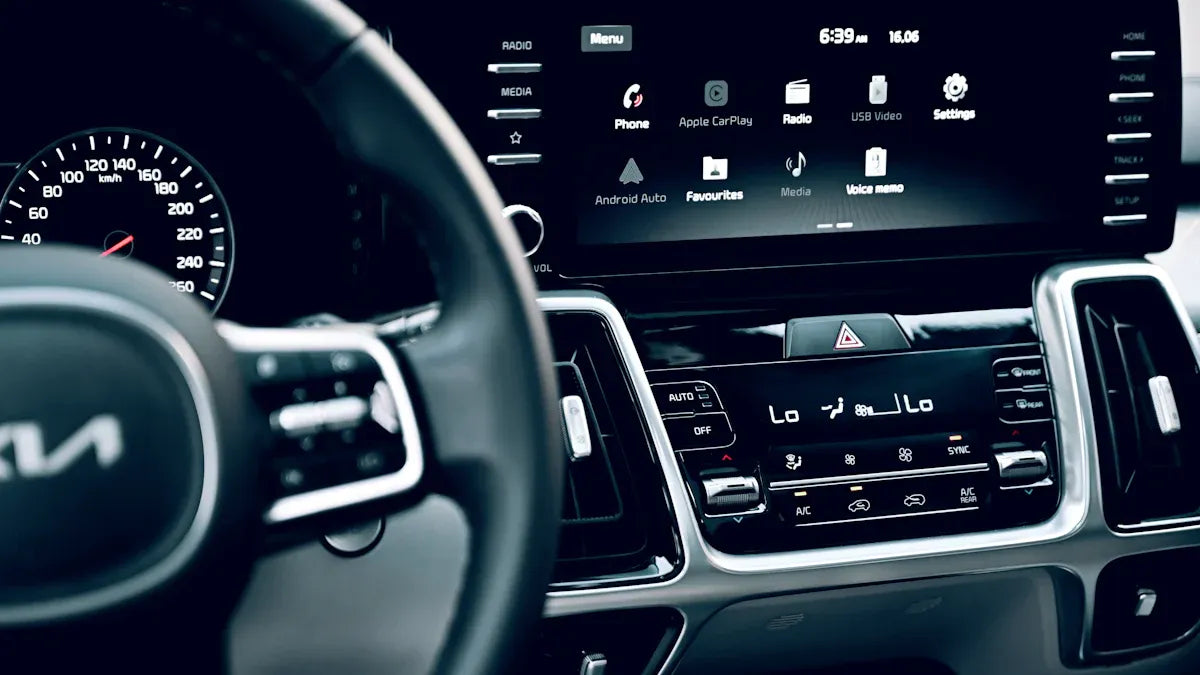
Many Mercedes-Benz vehicles support Apple CarPlay, Android Auto, or both, but support depends on the model year, trim, region, phone, and the vehicle's Smartphone Integration or infotainment package. If your Mercedes already supports wired CarPlay or wired Android Auto, a wireless adapter may help you remove the daily phone cable. If the car does not support CarPlay or Android Auto at all, a simple wireless adapter is not a repair or retrofit kit.
Use this guide to check your Mercedes, set up CarPlay or Android Auto safely, and decide whether a CARLUEX adapter is the right next step. Before buying any adapter, confirm your exact vehicle on the CARLUEX compatible vehicles page or ask support with your model year and infotainment details.
Quick Answer: What To Check First
- For iPhone users: confirm that your Mercedes supports Apple CarPlay, then set it up by USB or wireless pairing depending on your vehicle.
- For Android users: confirm that your Mercedes supports Android Auto, then connect by USB first unless your vehicle clearly supports wireless Android Auto.
- For wireless upgrades: a wireless adapter can help only when the vehicle already has the required factory wired CarPlay or wired Android Auto function.
- For older Mercedes models: do not assume compatibility from the badge alone. Check the owner manual, Mercedes-Benz system menus, dealer information, or a compatibility list.
- For BMW vehicles: choose the CARLUEX for BMW version, not the standard PRO+ 2.0 path.
How To Tell If Your Mercedes Has Apple CarPlay
Start with the source that is closest to your car. Check your Mercedes-Benz owner manual, the infotainment settings, the USB port labels, and the Smartphone Integration menu if it appears. Apple also maintains a public CarPlay available models list, but your exact trim, market, and vehicle software can still matter.
Apple's setup guidance says CarPlay can connect by USB or wirelessly when the vehicle supports it. For a wired setup, connect your iPhone to the car's USB port, often marked with a CarPlay or smartphone icon. For wireless setup, Apple recommends making sure Siri is enabled and using the vehicle's wireless or Bluetooth pairing mode where supported.
How To Tell If Your Mercedes Has Android Auto
For Android Auto, check the Mercedes-Benz Smartphone Integration menu, your owner's manual, and your infotainment screen after connecting an Android phone with a quality USB cable. Google's Android Auto help page says users should connect the phone to the vehicle's USB port and follow the on-screen setup instructions. Google also recommends checking the vehicle manual or contacting the manufacturer when compatibility is unclear.
Mercedes-Benz Mobile provides separate setup instructions for Android Auto that begin with locating the USB port in the centre console, connecting the Android phone by USB, and accepting the relevant terms on the car display. That is useful because many Mercedes searches are really asking a practical question: "Where do I plug in, and why does nothing appear?"
Wired vs Wireless In A Mercedes
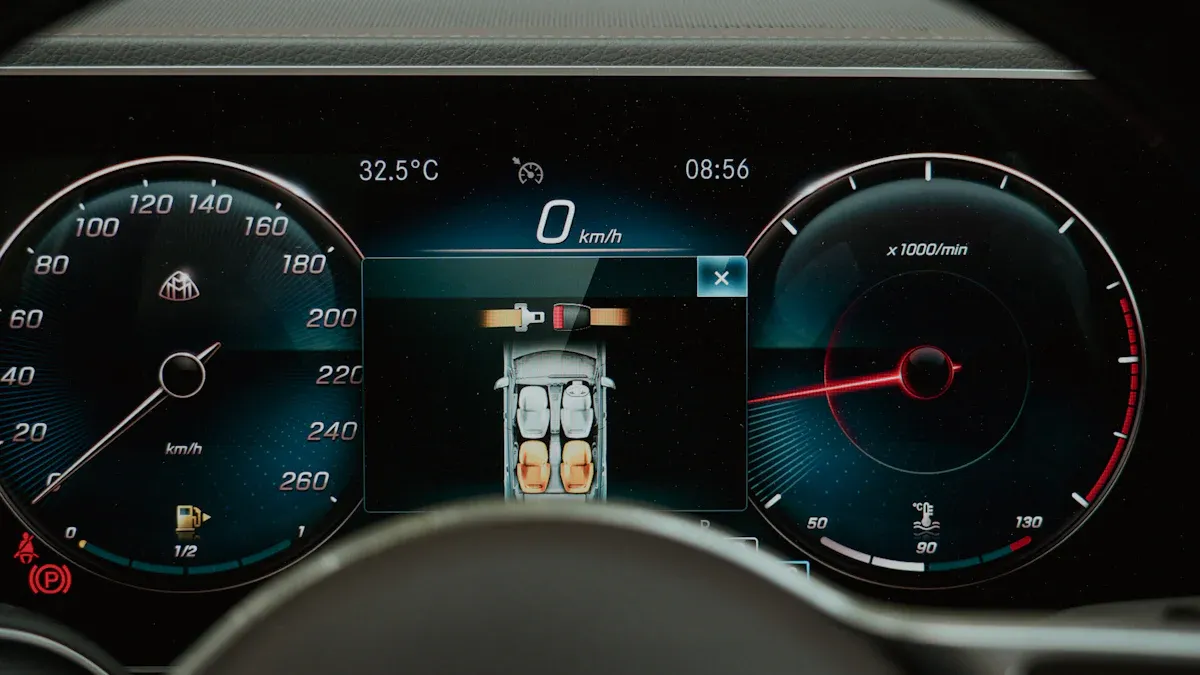
Do not treat "has CarPlay" and "has wireless CarPlay" as the same thing. Many vehicles support CarPlay or Android Auto through a cable, while wireless support depends on the vehicle hardware and software. A wireless adapter is usually designed to convert an existing wired connection into a wireless daily connection; it does not add the underlying CarPlay or Android Auto protocol to a vehicle that lacks it.
Question |
What It Means |
What To Do |
|---|---|---|
My Mercedes has wired CarPlay. |
Your iPhone can use CarPlay through USB. |
Check whether a CARLUEX wireless CarPlay adapter fits your vehicle. |
My Mercedes has wired Android Auto. |
Your Android phone can use Android Auto through USB. |
Check adapter compatibility before trying wireless Android Auto. |
My Mercedes has no CarPlay or Android Auto menu. |
The factory system may not support the protocol. |
Ask Mercedes-Benz support or a qualified installer before buying an adapter. |
My connection drops or fails. |
The cause may be the cable, phone settings, vehicle software, USB port, or app state. |
Run troubleshooting before assuming an adapter will solve it. |
Mercedes CarPlay Setup For iPhone
If your Mercedes supports CarPlay by USB, start the car, make sure Siri is enabled, and plug your iPhone into the vehicle's USB port. Use a reliable cable and choose the CarPlay prompt on the screen if it appears. If your Mercedes supports wireless CarPlay, follow the pairing flow shown by the vehicle and then check Settings > General > CarPlay on your iPhone.
If CarPlay does not appear, Apple recommends checking whether CarPlay is restricted in Screen Time, forgetting the car in iPhone CarPlay settings, and setting up CarPlay again. The exact label can vary by iOS version, so searching iPhone Settings for "CarPlay" is often faster than following a fixed path.
Mercedes Android Auto Setup For Android Phones
For Android Auto, start with a wired connection. Plug the Android phone into the Mercedes USB port that supports Smartphone Integration, then follow the on-screen instructions. Your phone may ask you to update Android Auto or approve permissions before the car display works.
If you use Samsung, Pixel, OnePlus, or another Android phone, the settings labels can vary. Look for Android Auto under Google settings, connected devices, or Android Auto app settings. If your Mercedes supports only wired Android Auto, do not expect wireless Android Auto until you confirm that both the car and adapter support that path.
When A CARLUEX Adapter Can Help
A CARLUEX adapter can be useful when your Mercedes already has a working factory wired CarPlay or wired Android Auto connection and you want a cleaner daily setup. It may reduce the need to plug in your phone every trip, but it does not repair unsupported vehicles, damaged USB ports, blocked phone settings, or vehicle software issues.
For a simple wireless upgrade, start with CARLUEX AIR if your vehicle is compatible. If you want an Android-based multimedia box with app access, storage, 4G LTE support, GPS navigation, OTA updates, and HDMI output for supported parked or passenger entertainment use cases, review CARLUEX PRO+ 2.0. Product fit still depends on your Mercedes infotainment system, so check vehicle compatibility before purchase.
Safety note: Do not watch video or operate entertainment apps while driving. Use navigation, calls, messages, and music in ways that follow local laws and keep your attention on the road.
What If Your Mercedes Is Older?
Older Mercedes vehicles can be more complicated because the head unit, trim, region, and factory options matter. If your Mercedes does not show Apple CarPlay or Android Auto after a correct USB setup, do not assume a plug-in wireless adapter will add the missing factory protocol. Review your owner manual, ask a dealer or qualified installer, and compare your case with CARLUEX's older Mercedes upgrade guide.
If your current problem is connection failure rather than compatibility, use the Mercedes Android Auto troubleshooting guide first. That page should handle cable checks, phone permissions, reconnection steps, and software-update checks so this page can stay focused on support and upgrade decisions.
Common Mistakes To Avoid
- Assuming every Mercedes has CarPlay: model year alone is not enough; trim and market can matter.
- Assuming wired and wireless are identical: wired CarPlay support does not automatically mean wireless CarPlay support.
- Buying before checking compatibility: confirm the factory system before ordering any adapter.
- Using low-quality cables during setup: a poor USB cable can make a supported system look broken.
- Expecting an adapter to fix the car: an adapter can improve connection convenience after the factory function works; it is not a vehicle repair tool.
Related CARLUEX Guides
- Mercedes Android Auto setup and usage guide
- Mercedes Android Auto connection troubleshooting
- Wireless Android Auto adapter benefits for Mercedes
- Android Auto compatible cars guide
- How to reset Apple CarPlay on iPhone
FAQ
Does every Mercedes have Apple CarPlay?
No. Apple CarPlay support depends on the Mercedes model, year, trim, region, and infotainment package. Check the owner manual, infotainment menus, Apple available-models list, or Mercedes-Benz support before assuming compatibility.
Does every Mercedes have Android Auto?
No. Android Auto support also depends on the vehicle and system configuration. Google recommends checking the vehicle manual or contacting the manufacturer when compatibility is unclear.
Can I make wired CarPlay wireless in a Mercedes?
Often, yes, if the vehicle already has working factory wired CarPlay and the adapter supports your vehicle. Confirm compatibility before purchase.
Can I make wired Android Auto wireless in a Mercedes?
Only if your Mercedes already supports the required Android Auto connection and the adapter is compatible. For CARLUEX LINK, wireless Android Auto requires factory wired Android Auto.
Which CARLUEX adapter should Mercedes drivers check first?
For simple wireless convenience, check CARLUEX AIR. For an Android-based multimedia box with broader app features, check CARLUEX PRO+ 2.0. In both cases, confirm your exact Mercedes compatibility before buying.


Zostaw komentarz
Ta strona jest chroniona przez hCaptcha i obowiązują na niej Polityka prywatności i Warunki korzystania z usługi serwisu hCaptcha.