

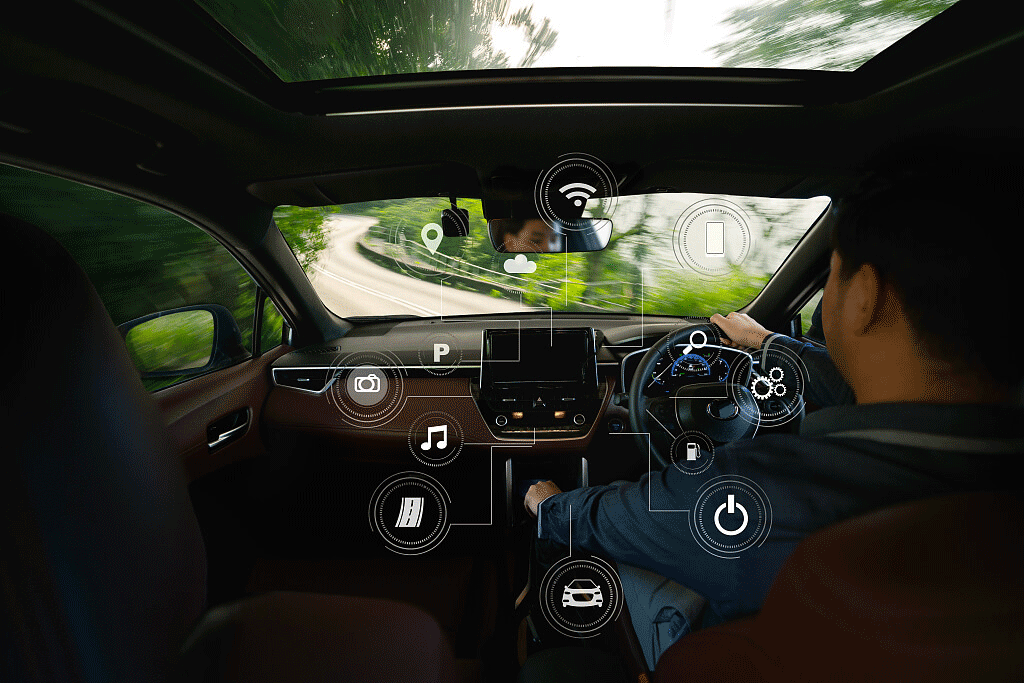
If your car already has a screen, USB port, or factory wired CarPlay / Android Auto, the smartest in-vehicle entertainment upgrade in 2026 is usually not a full dashboard replacement. Start by checking what your current system already supports, then decide whether you need wireless phone projection, a multimedia AI box, a BMW-specific solution, or a simpler adapter.
For most drivers, the practical upgrade path is clear: keep the factory infotainment system when it works, add wireless CarPlay or Android Auto when compatibility is confirmed, and use parked entertainment features only when the vehicle is safely stopped.
Quick Answer: Which In-Vehicle Entertainment Upgrade Makes Sense?
| Driver need | Best upgrade direction | Check before buying |
|---|---|---|
| Cleaner daily CarPlay use | Wireless CarPlay adapter | Factory wired CarPlay support |
| Wireless Android Auto | Adapter that supports Android Auto | Factory wired Android Auto or model-specific requirement |
| Parked video, apps, and more media options | Multimedia AI box | Compatible vehicle, app availability, and parked-use safety rules |
| BMW factory screen upgrade | BMW-specific CARLUEX version | Do not assume a standard PRO+ adapter fits BMW |
| Old car with no compatible factory system | Head unit retrofit or vehicle-specific hardware | Adapter alone may not solve this |
Why In-Vehicle Entertainment Systems Are Changing
Modern infotainment is no longer just a radio plus a map screen. Apple describes CarPlay as a way to use iPhone features in the car, including directions, calls, messages, and music. Google positions Android Auto around navigation, calls, messages, and media from a compatible Android phone. That matters because many drivers now judge a car's entertainment system by how well it works with the phone they already use every day.
The biggest shift is practical, not futuristic: drivers want a familiar interface, fewer cables, stable navigation, easy audio control, and fewer distractions. A full vehicle platform may include climate controls, vehicle settings, EV charging information, or driver profiles, but an adapter upgrade is usually focused on connectivity and media access. Those two categories should not be mixed up.

Trend 1: Wireless CarPlay and Android Auto Are Becoming the Everyday Upgrade
For many cars, the most noticeable entertainment improvement is removing the phone cable after setup. Wireless CarPlay and wireless Android Auto can make short drives, errands, and shared vehicles feel cleaner because the phone can connect without being plugged in every time.
The important detail is compatibility. A wireless adapter normally relies on the car's existing factory wired CarPlay or Android Auto foundation. If wired CarPlay does not work first, a wireless adapter should not be treated as a repair tool for the car, the USB port, or the phone settings.
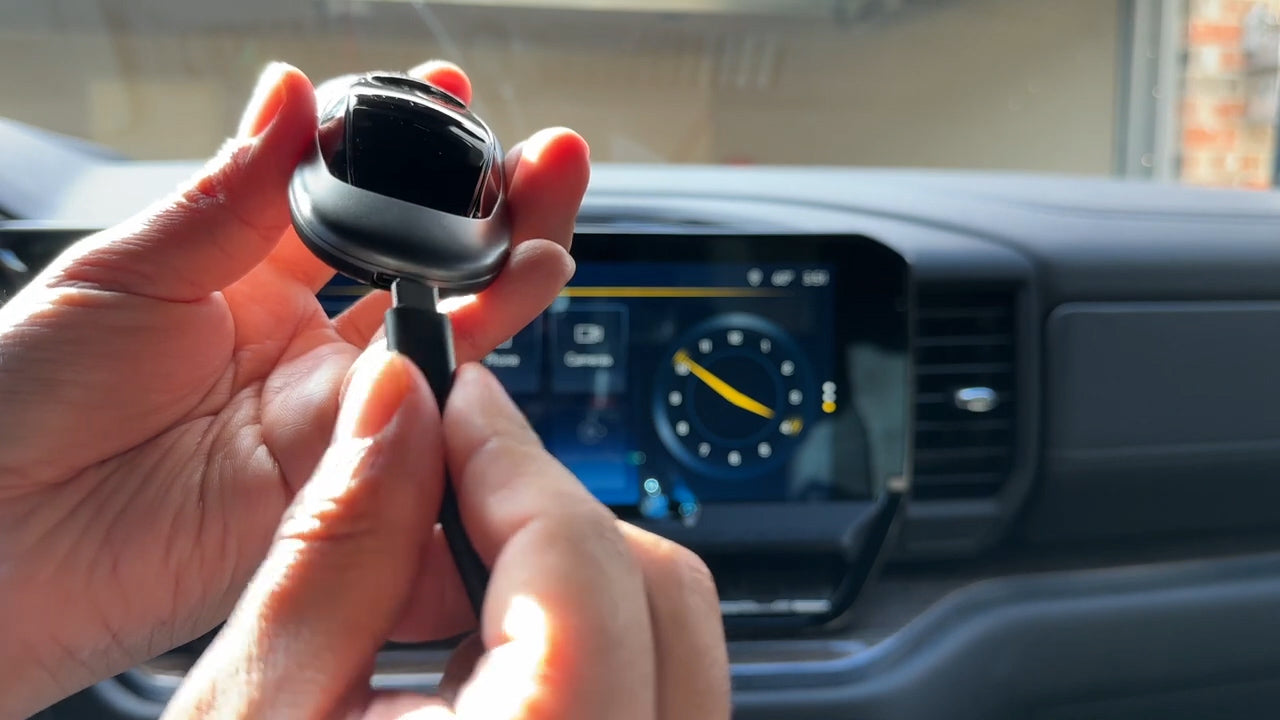
If your main goal is simple wireless phone projection, compare CARLUEX AIR, CARLUEX LINK, and CARLUEX GO against your vehicle's factory infotainment system. CARLUEX compatibility depends on the adapter model and your vehicle, so always check the product page and the compatible vehicles list before purchase.
Trend 2: Built-In Vehicle Platforms Are Getting More Powerful, But Not Every Car Has Them
Newer vehicles may include deeper built-in software platforms, app stores, voice assistants, EV route planning, and vehicle settings on the central screen. Google built-in, for example, is designed to bring Google apps and services into compatible vehicles without relying only on phone projection.
That does not mean every driver needs a new vehicle or a full head unit replacement. If your current car already supports factory wired CarPlay or Android Auto, an adapter can often improve the daily experience with a smaller change. If your vehicle does not have a compatible factory system, a model-specific retrofit may be more realistic than a plug-in adapter.
Trend 3: Parked Entertainment Needs a Clear Safety Boundary
Streaming video, app access, and larger in-car screens are a major part of the entertainment conversation. They are useful for parked waiting, charging stops, camping breaks, passenger downtime, and road-trip pauses. They should not be positioned as something the driver uses while driving.
NHTSA's distracted-driving guidance is clear that taking attention away from driving is dangerous. For CARLUEX content, the safer editorial boundary is simple: use video and entertainment features only when parked, and keep navigation, calls, and music controls simple while driving.
If you want more app and media flexibility in a compatible vehicle, start with CARLUEX PRO+ 2.0 Multimedia AI Box. For BMW vehicles, use the CARLUEX Multimedia Streaming Box for BMW instead of assuming a standard PRO+ model is the right fit.
Trend 4: Voice Control Matters More Than Bigger Screens
Bigger screens look impressive, but the better upgrade is often easier control. Voice assistants, steering-wheel controls, and simplified app layouts help drivers reduce unnecessary taps. Apple and Google both design their in-car experiences around common driving tasks such as directions, calls, messages, and audio.
Before upgrading, ask whether the new setup keeps your normal controls comfortable. A good entertainment upgrade should not make basic actions harder. It should help you start navigation, control audio, answer calls, and return to the car's native interface without confusion.

Trend 5: Compatibility and Updates Matter More Than Hype
The old way to talk about in-car entertainment was to list futuristic features. The better 2026 approach is to ask what is compatible, what is updateable, and what the driver can actually use in the current vehicle.
- Check the factory system first: confirm whether your car has factory wired CarPlay, factory wired Android Auto, or neither.
- Check the vehicle list: use the product page and compatibility list instead of assuming all cars work the same way.
- Check BMW separately: BMW vehicles may need the CARLUEX for BMW version.
- Check app expectations: third-party app availability and performance can depend on the app provider, region, account, and device.
- Check update support: updateable software is useful, but it does not guarantee that every future app or vehicle change will work forever.
How to Choose a CARLUEX Upgrade
Use this decision path before buying:
- Confirm your car's original capability. If factory wired CarPlay or Android Auto already works, a wireless adapter may be a good fit.
- Decide whether you need simple wireless use or more multimedia features. For simple wireless projection, compare AIR, LINK, and GO. For a broader multimedia experience in compatible vehicles, compare PRO+ 2.0 and the BMW-specific version.
- Confirm the exact product page requirement. Do not use one product's compatibility rule for every CARLUEX device.
- Keep safety in the workflow. Set up the adapter while parked, and use entertainment apps only when parked.
- Keep the original URL and support resources handy. If setup or compatibility is unclear, contact support before assuming the product is wrong for the vehicle.
For a broader buying comparison, see Wireless CarPlay Adapter Reviews. For a general trend overview, see In-Car Entertainment Trends.
FAQ
Can I upgrade any car with an in-vehicle entertainment adapter?
No. Compatibility depends on the adapter model and your vehicle's factory infotainment system. Many adapter-style upgrades require factory wired CarPlay, factory wired Android Auto, or a listed compatible vehicle.
Is a wireless CarPlay adapter the same as a full infotainment replacement?
No. A wireless adapter changes how your phone connects to a compatible factory system. A full infotainment replacement changes the vehicle hardware or head unit. If your car has no compatible factory system, an adapter may not be enough.
Which CARLUEX product should BMW drivers check?
BMW drivers should check the CARLUEX Multimedia Streaming Box for BMW. Do not assume a standard PRO+ 2.0 / PRO+ product is the right fit for BMW vehicles.
Can I watch video while driving?
No. Video and entertainment apps should be used only when the vehicle is parked. While driving, keep the system focused on navigation, calls, messages, and audio controls that can be used safely.
Will future software updates guarantee every app works?
No. OTA updates can improve supported products, but third-party apps, phone systems, regions, accounts, and vehicle software can change. Treat app availability as something to confirm, not a permanent guarantee.
Bottom Line
The future of in-vehicle entertainment is not just bigger screens or more apps. The useful upgrade is the one that fits your actual car, keeps daily controls simple, and gives you wireless or multimedia features without making unsafe promises. Start with compatibility, choose the CARLUEX product that matches your vehicle, and keep entertainment features for parked moments.


Leave a comment
All comments are moderated before being published.
This site is protected by hCaptcha and the hCaptcha Privacy Policy and Terms of Service apply.