

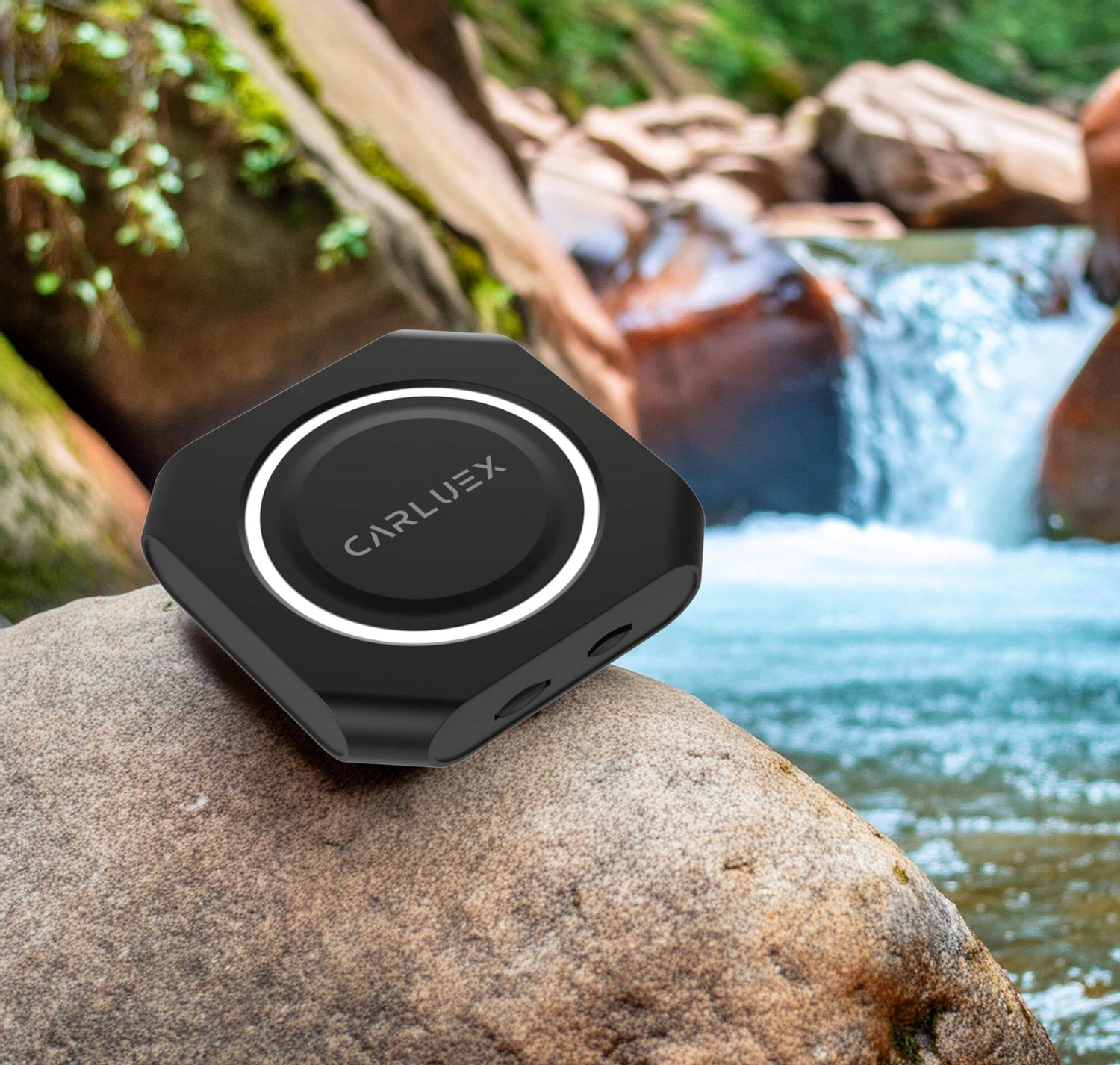
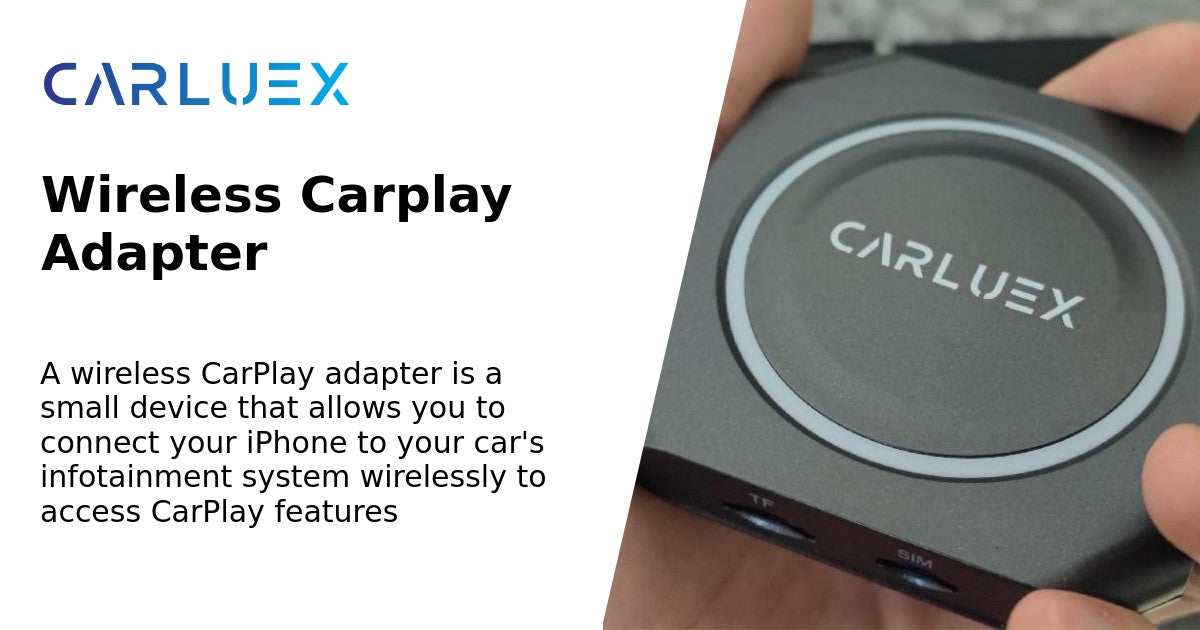
Quick answer: A wireless CarPlay adapter is a small device that plugs into your vehicle's USB port and lets your iPhone connect to Apple CarPlay without plugging the phone in every drive. It is useful if your car already supports wired CarPlay and you want a cleaner, faster daily connection. It is not a repair tool for cars that do not support CarPlay, damaged USB ports, blocked phone settings, or incompatible aftermarket head units.
If you only have a minute, here is the practical version: check that wired CarPlay works first, confirm your vehicle is compatible with the adapter model, then choose the device based on whether you only want wireless connection, Android Auto support, or extra parked entertainment features.

What Is a Wireless CarPlay Adapter?
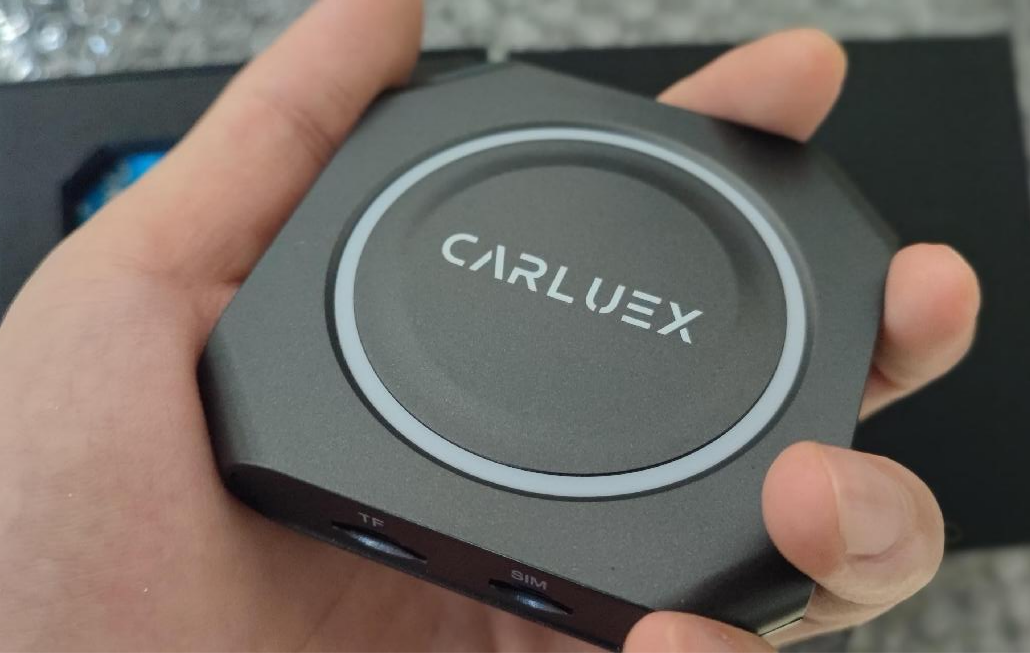
A wireless CarPlay adapter creates a bridge between your phone and a compatible factory infotainment system. Instead of connecting your iPhone with a cable every time, you plug the adapter into the car once, pair your phone, and use CarPlay through the car display.
Apple explains that CarPlay lets supported iPhones show navigation, calls, messages, music, and other supported apps on the vehicle display. Apple also notes that car support matters, so if you are unsure whether your vehicle supports CarPlay, you should check your car manual or the manufacturer before buying any accessory. You can review Apple's own setup guidance here: Use CarPlay with your iPhone.
What Does It Actually Change?
The adapter mainly changes the connection method. Your phone still runs CarPlay, and the car still provides the display and built-in controls. The adapter removes the daily phone cable after setup, but the adapter itself still connects to the vehicle by USB.
| Question | Short answer | Why it matters |
|---|---|---|
| Does it add CarPlay to any vehicle? | No. | Most wireless adapters require a car that already has factory wired CarPlay. |
| Does it remove every cable? | No. | Your phone can connect wirelessly, but the adapter still plugs into the car. |
| Does it control app settings? | No. | Notifications, app permissions, and phone settings stay on your iPhone or Android phone. |
| Can passengers use entertainment apps? | It depends on the adapter model. | Some multimedia adapters support parked entertainment apps where available; basic wireless adapters focus on connection. |
Who Should Consider One?
A wireless CarPlay adapter makes sense if your current wired CarPlay works, but you dislike plugging in your phone for short trips, school runs, commuting, rentals, errands, or daily navigation. It is also useful when the USB cable often gets knocked loose or when multiple drivers want a simpler pairing routine.
It may not be the right first purchase if CarPlay already fails through the original cable. In that case, check the cable, USB port, iPhone restrictions, Siri settings, and vehicle software first. A wireless adapter may help after wired CarPlay already works. It does not fix unsupported vehicles, damaged USB ports, blocked iPhone settings, or vehicle software problems.
What Should You Check Before Buying?
Before choosing a wireless CarPlay adapter, confirm these five points:
- Factory support: Your car should already support wired CarPlay for most wireless CarPlay adapters.
- USB port type: Check whether your car uses USB-A or USB-C, and whether the adapter package supports your connection type.
- Vehicle system: Factory infotainment systems and aftermarket units behave differently, so confirm compatibility before purchase.
- Phone setup: Make sure Siri, Wi-Fi, Bluetooth, and CarPlay permissions are available on your iPhone.
- Use case: Decide whether you only need wireless CarPlay, need Android Auto too, or want a multimedia box for parked entertainment.
For Android users, Google describes Android Auto as a way to bring compatible apps to your car display for navigation, calls, messages, and music. If Android Auto matters to you, check whether your vehicle supports Android Auto and whether the adapter model requires factory wired Android Auto. Google's official Android Auto help is here: Get started with Android Auto.
Which CARLUEX Adapter Path Fits Your Situation?
CARLUEX compatibility depends on the adapter model and your vehicle's factory infotainment system. Use this as a starting point, then check the product page and CARLUEX compatible vehicles page before purchase.
| Need | CARLUEX path to review | Important boundary |
|---|---|---|
| Wireless CarPlay and Android Auto with app-based entertainment features | CARLUEX AIR Wireless CarPlay/Android Auto Adapter | Product facts and third-party app behavior should be reviewed on the product page before publishing or purchase. |
| A simpler wireless CarPlay and Android Auto connection adapter | CARLUEX LINK Wireless CarPlay and Android Auto Adapter | Wireless CarPlay needs factory wired CarPlay; wireless Android Auto needs factory wired Android Auto. |
| A wireless adapter with broader entertainment and media-use scenarios | CARLUEX GO Wireless CarPlay/Android Auto Adapter | Confirm compatibility and app-use expectations before purchase. |
Safety Note: Set It Up While Parked
Set up pairing, app permissions, music, maps, and notifications only while the vehicle is parked. NHTSA warns that distracted driving includes activities that take attention away from safe driving, including phone use and interacting with entertainment or navigation systems. See the official safety guidance here: NHTSA distracted driving guidance.
FAQ
Does a wireless CarPlay adapter work without factory CarPlay?
Usually no. Most wireless CarPlay adapters are designed to convert an existing wired CarPlay connection into a wireless phone connection. If the vehicle does not support wired CarPlay, check product compatibility before buying.
Will it connect automatically after setup?
In normal use, a compatible adapter can reconnect after the initial pairing, but reconnection behavior can depend on the phone, car system, adapter model, and previous paired device.
Can Android phones use the same adapter?
Only if the adapter model supports Android Auto and your vehicle meets the required Android Auto compatibility conditions. For example, CARLUEX LINK requires factory wired Android Auto for wireless Android Auto use.
Is a wireless adapter better than using a cable?
It depends on your goal. A cable can be simple and reliable, while a wireless adapter is more convenient for daily use after setup. If your wired CarPlay connection is unstable, fix the wired connection first.
Bottom Line
A wireless CarPlay adapter is worth considering when your car already has wired CarPlay and you want a cleaner everyday connection. Start with compatibility, decide whether you need only wireless connection or extra entertainment features, and choose the CARLUEX adapter model that matches your vehicle and use case. For the safest purchase path, review the product page and compatibility list before checkout.
Related CARLUEX Guides
- How to troubleshoot wireless CarPlay adapter connection issues
- How to reset Apple CarPlay
- How to set up Apple CarPlay
- Browse wireless CarPlay adapters


Leave a comment
All comments are moderated before being published.
This site is protected by hCaptcha and the hCaptcha Privacy Policy and Terms of Service apply.