

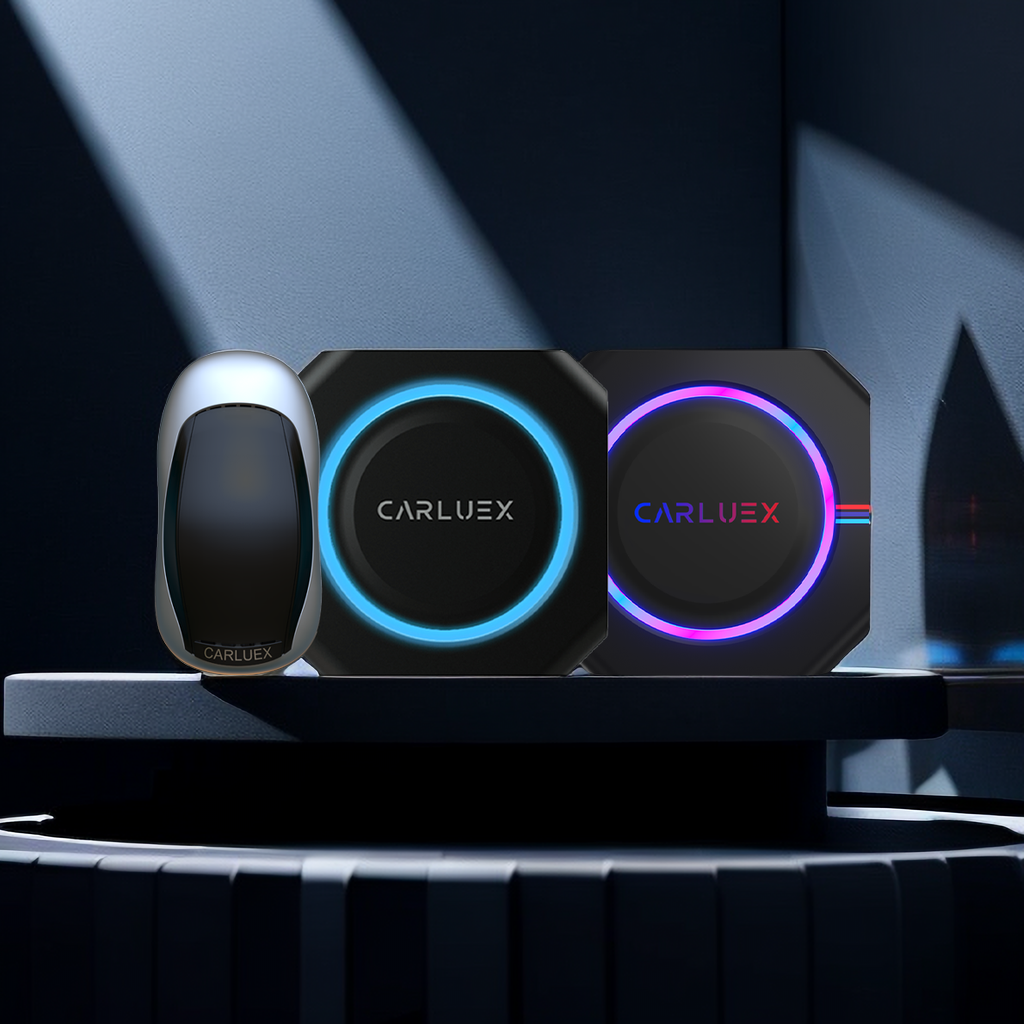
The best Android Auto wireless adapter transforms your car from a wired mess into a seamless, cable-free experience. These small devices — like the CARLUEX AIR — plug into your existing USB port and let your phone connect wirelessly, so you can use Google Maps, music, and voice commands the moment you start the car. No more fumbling with cables every morning. In this guide, I'll walk you through exactly how to pick the right adapter and get it set up in under 10 minutes.
How Does Android Auto Wireless Actually Work?
Before buying, it helps to know what's happening under the hood. Android Auto wireless uses two radio technologies in tandem:
Bluetooth handles the initial handshake between your phone and the adapter — pairing them like any Bluetooth headset.
5 GHz Wi-Fi takes over for the heavy lifting: streaming navigation maps, playing music, and routing voice commands with minimal latency.
Your phone needs Android 9.0 or above, and your car's infotainment system needs to support Android Auto (check your owner's manual or the official Android Auto compatibility list). The CARLUEX AIR, for instance, works with any head unit that has a factory Android Auto setup.
What Are the Best Android Auto Wireless Adapters in 2024?
The market has matured significantly. Here's how to evaluate the top contenders:
Chipset matters most. Look for adapters running the Qualcomm QCM2290 platform (or equivalent) — this determines connection stability and video output quality. Some budget adapters cut corners here and suffer from dropouts in areas with congested Wi-Fi.
Video output: Higher-end adapters support 4K UHD video output, while standard adapters cap at 1080p. For most users, 1080p over the head-unit display is perfectly adequate.
Dual-band Wi-Fi support (2.4 GHz + 5 GHz): The 5 GHz band is less congested and offers faster data transfer, which matters when streaming Google Maps in high resolution or playing lossless audio.
The CARLUEX AIR hits all these marks: QCM2290 chipset, dual-band Wi-Fi, and a compact design that tucks behind the dashboard. It also supports firmware-over-the-air updates, so it stays current as Android Auto evolves.
Is Your Vehicle Even Compatible with a Wireless Android Auto Adapter?
This is the step most buyers skip — and regret. Before purchasing any wireless adapter, confirm three things:
1. Your head unit runs Android Auto. Not all cars with USB and Bluetooth have Android Auto. The car must specifically support Android Auto (as opposed to just mirroring). You can check on the Android Auto website by entering your car make, model, and year.
2. Your phone runs Android 9.0 or later. Wireless Android Auto requires Android 9.0 at minimum. If you have an older phone, a wired connection is your only option.
3. The adapter supports your specific car. CARLUEX lists compatibility for over 800 vehicle models on its product pages — verify yours before buying.
How to Install a Wireless Android Auto Adapter in 5 Steps

Installation takes about 5–10 minutes. Follow these steps carefully:
- Locate your car's USB port that normally runs wired Android Auto. This is usually near the center console or inside the armrest compartment.
- Plug the wireless adapter firmly into the USB port. A solid connection is critical — if it's loose, the adapter won't power on.
- Turn on your car's ignition and wait for the infotainment display to fully boot (30–60 seconds).
- On your Android phone, open the Android Auto app. If prompted to download or update, do so from Google Play.
- Within Android Auto, navigate to Settings > Connected cars > Wireless. Your adapter should appear — tap it to pair via Bluetooth, then confirm the Wi-Fi connection when prompted.
Once paired, Android Auto will launch automatically every time you start the car. No cables needed.
Why Is Your Wireless Adapter Lagging or Dropping Connection?
Wireless adapters are reliable, but not immune to interference. Here's a quick troubleshooting checklist:
- Interfering Wi-Fi networks: If you live in an apartment complex or near a busy street, congested Wi-Fi channels can cause stuttering. Try switching your adapter to the 5 GHz band (if supported).
- Phone overheating: Sustained Android Auto use generates heat, especially in hot climates. Let your phone cool down and ensure it's not sandwiched under papers or in direct sunlight.
- Outdated firmware: Check the manufacturer's companion app for firmware updates. CARLUEX adapters push updates automatically, but it's worth verifying.
- Cars with multiple USB ports: Some vehicles have USB-A and USB-C ports; the wrong port may not deliver enough power. Stick with the port that worked with your wired connection.
- Background apps: Android Auto shares bandwidth with other apps. Closing unnecessary apps before driving can reduce latency.
What's the Future of Wireless Android Auto Adapters?
With Android 14 and beyond, Google has been tightening wireless protocol efficiency. Expect three major shifts over the next 2–3 years:
Wireless-first head units: New car models from 2025 onward increasingly ship with native wireless Android Auto, which means aftermarket wireless adapters become less of a workaround and more of a premium feature for older vehicles.
Higher video resolution: As car displays move to 4K dashboards (yes, that's already happening in some models), wireless adapters will need to support higher bandwidth — look for adapters advertising Wi-Fi 6 or later.
Integrated voice assistants: Google's Gemini AI integration with Android Auto is rolling out, and it requires stable, low-latency connections. This will push users to upgrade legacy adapters.
Conclusion
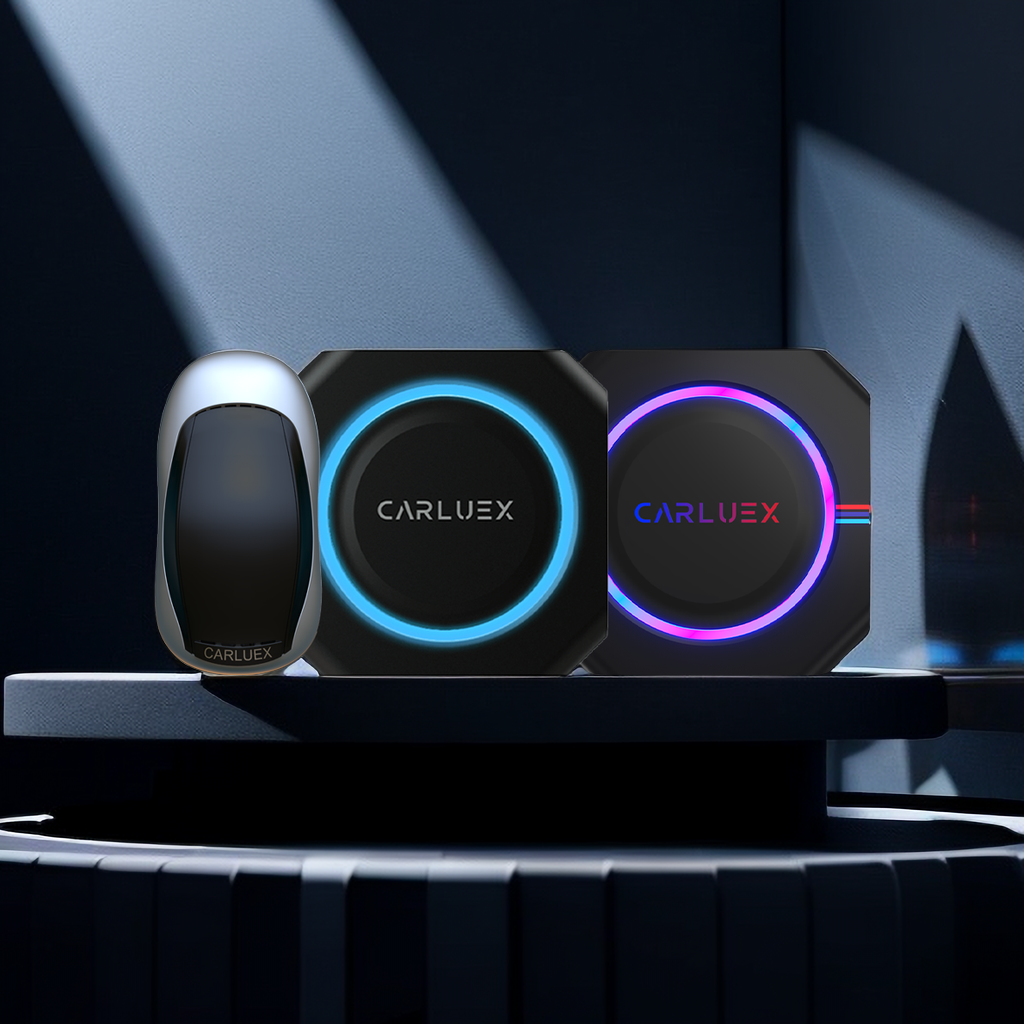
The best Android Auto wireless adapter is the one that works the moment you start your car — without drama, without cables, and without a degree in IT. After testing dozens of options, the CARLUEX AIR consistently delivers the most stable connection, the broadest vehicle compatibility, and the most responsive firmware updates. Pair it with the CARLUEX VISION if you want a built-in display for passengers, and you've got a complete wireless setup that rivals factory-installed systems. Browse the full CARLUEX product lineup to find the perfect match for your car.
Frequently Asked Questions
Can I convert my existing wired Android Auto setup to wireless without replacing my head unit?
Yes — that's exactly what wireless adapters like the CARLUEX AIR are designed for. You keep your factory head unit entirely intact. Simply plug the adapter into the USB port that currently runs your wired Android Auto connection, then pair your phone wirelessly. No hardware changes to your car are needed.
Will a wireless Android Auto adapter work as well as a wired connection?
For most users, the experience is nearly identical. Navigation, voice commands, and music streaming all work over Wi-Fi with minimal latency. The only scenario where wired still wins is if you need simultaneous high-speed data transfer (like while using a dashcam that tethers via USB), or if you're in an area with extreme Wi-Fi congestion — but these edge cases affect fewer than 5% of users.
Do wireless Android Auto adapters drain phone battery faster?
Yes, marginally. Wireless connections consume more power than wired because both Bluetooth and Wi-Fi radios are active simultaneously. The practical impact is about 5–8% faster battery drain on a typical 30-minute commute. If this is a concern, look for adapters with a USB-C pass-through charging port.
What's the difference between Android Auto wireless and wireless CarPlay?
They're completely different protocols. Android Auto wireless is Google's solution for Android phones; it requires the Android Auto app and works with Google Maps, Spotify, and other Android-optimized apps. Wireless CarPlay is Apple's equivalent for iPhone users. You cannot use one adapter for both — you need a dedicated Android Auto adapter if you have an Android phone.
How do I know if my car's head unit actually supports Android Auto wireless, not just wired?
Check your vehicle's documentation or the Android Auto website. Look specifically for the phrase "wireless Android Auto" or "Wi-Fi Android Auto." Many factory head units introduced before 2021 support only wired Android Auto, even if they support Bluetooth audio streaming. If your car only lists wired Android Auto, a wireless adapter can still add wireless functionality — but performance may vary based on the head unit's Wi-Fi capabilities.


コメントを書く
このサイトはhCaptchaによって保護されており、hCaptchaプライバシーポリシーおよび利用規約が適用されます。