
フィルター
8 製品


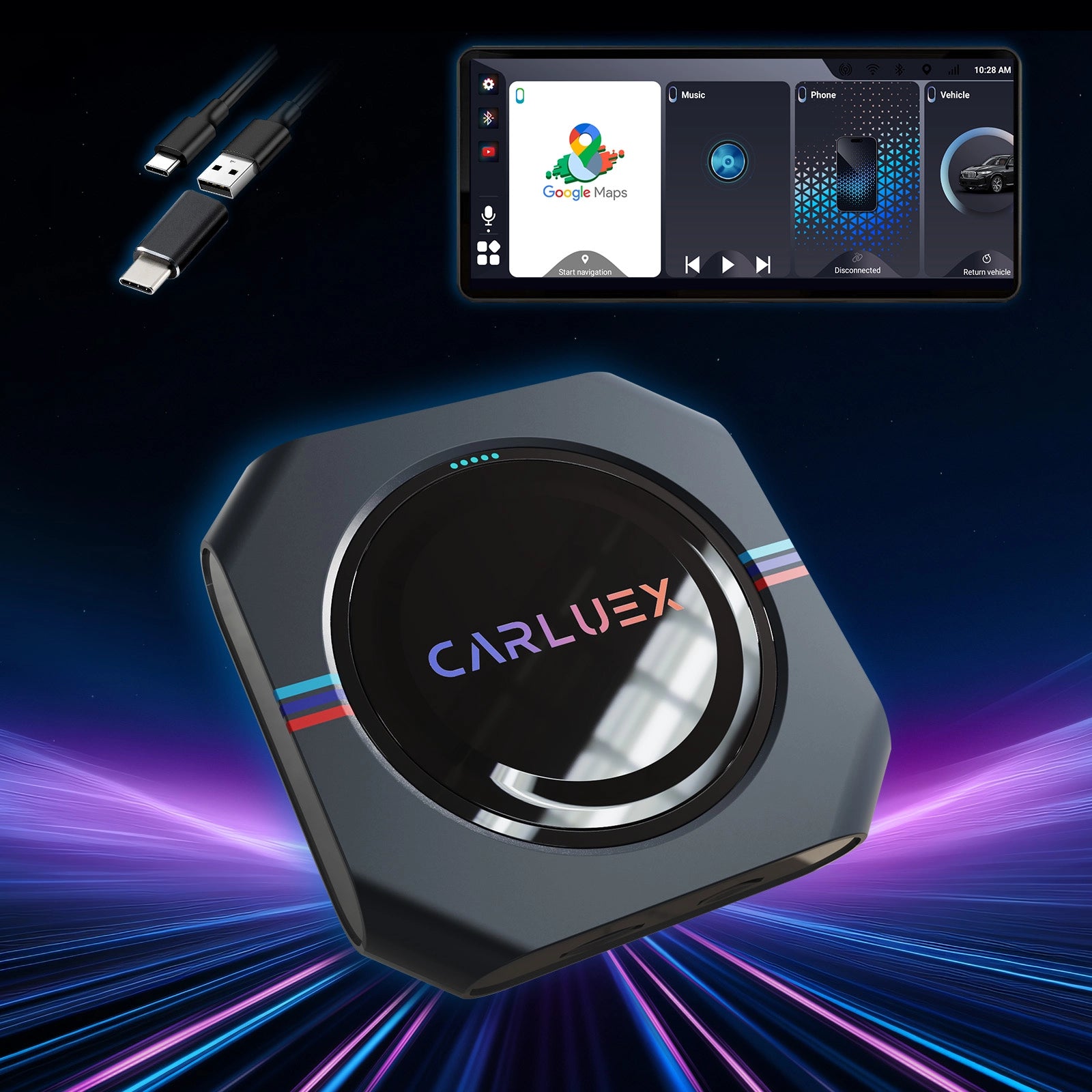
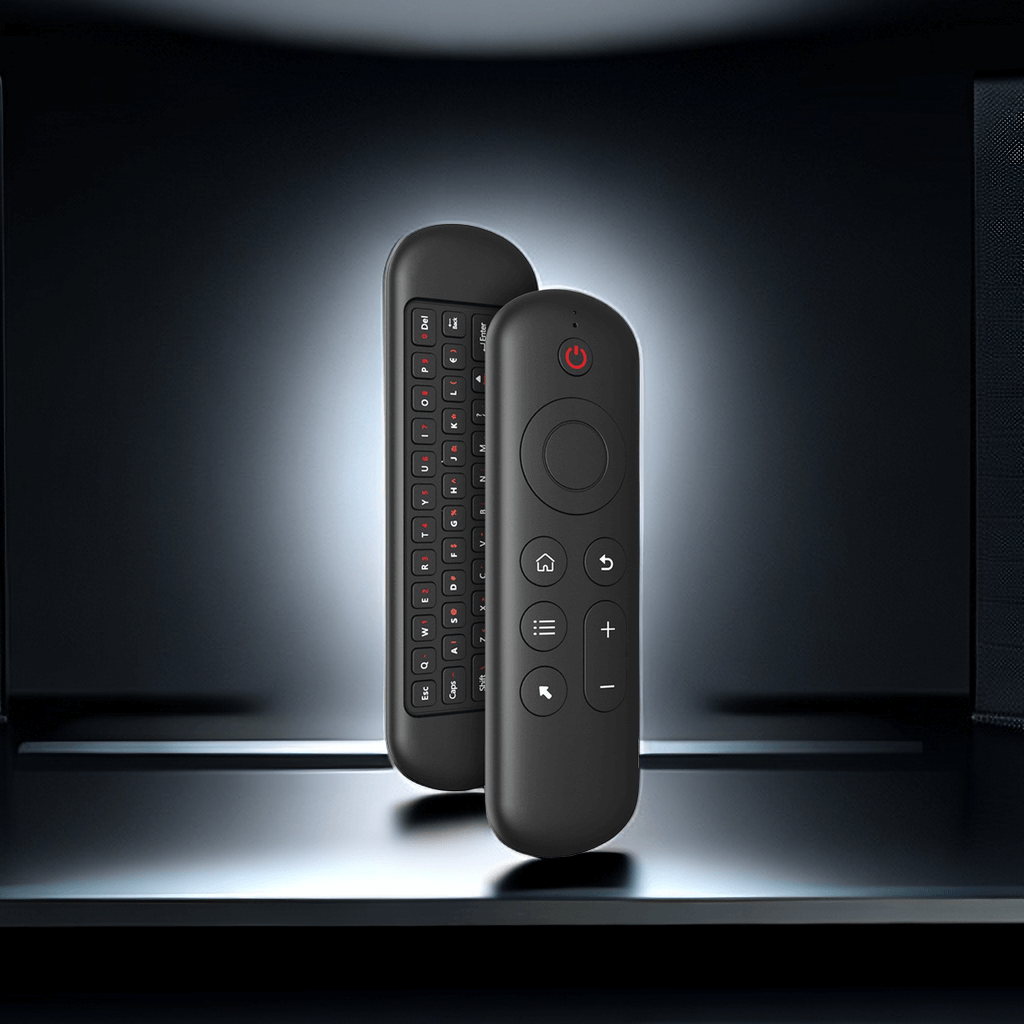
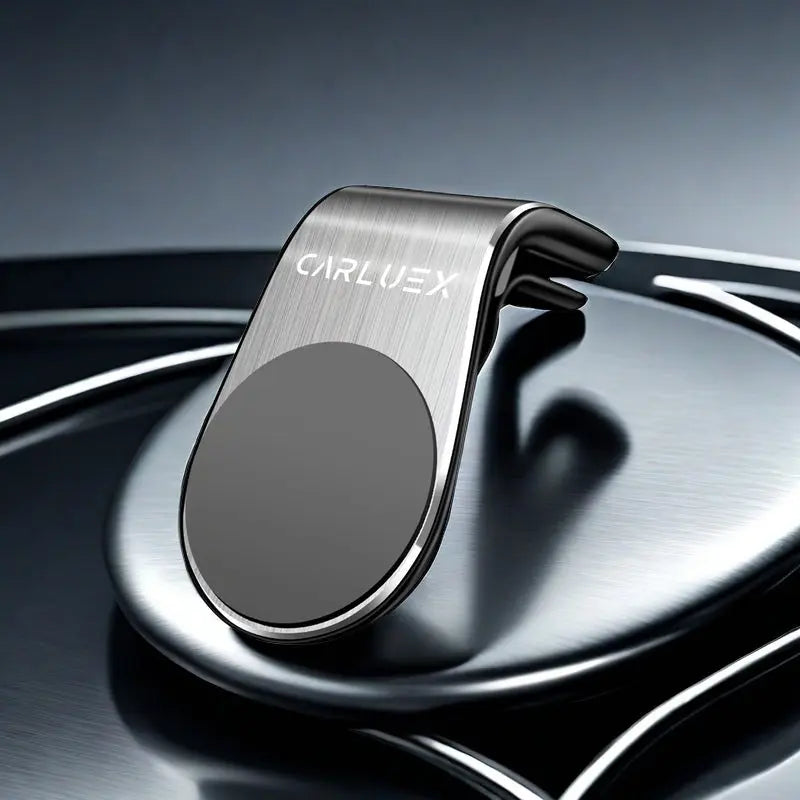

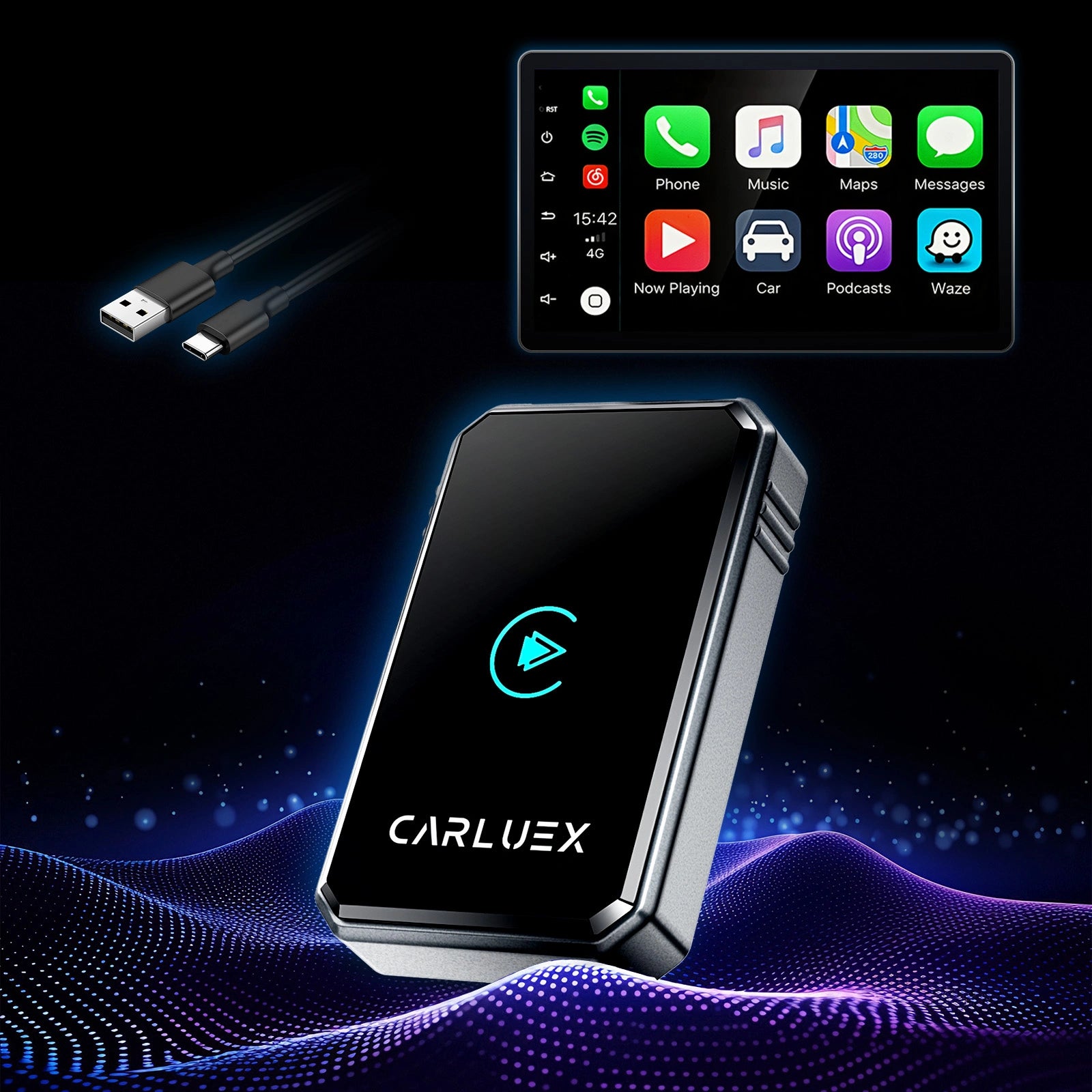
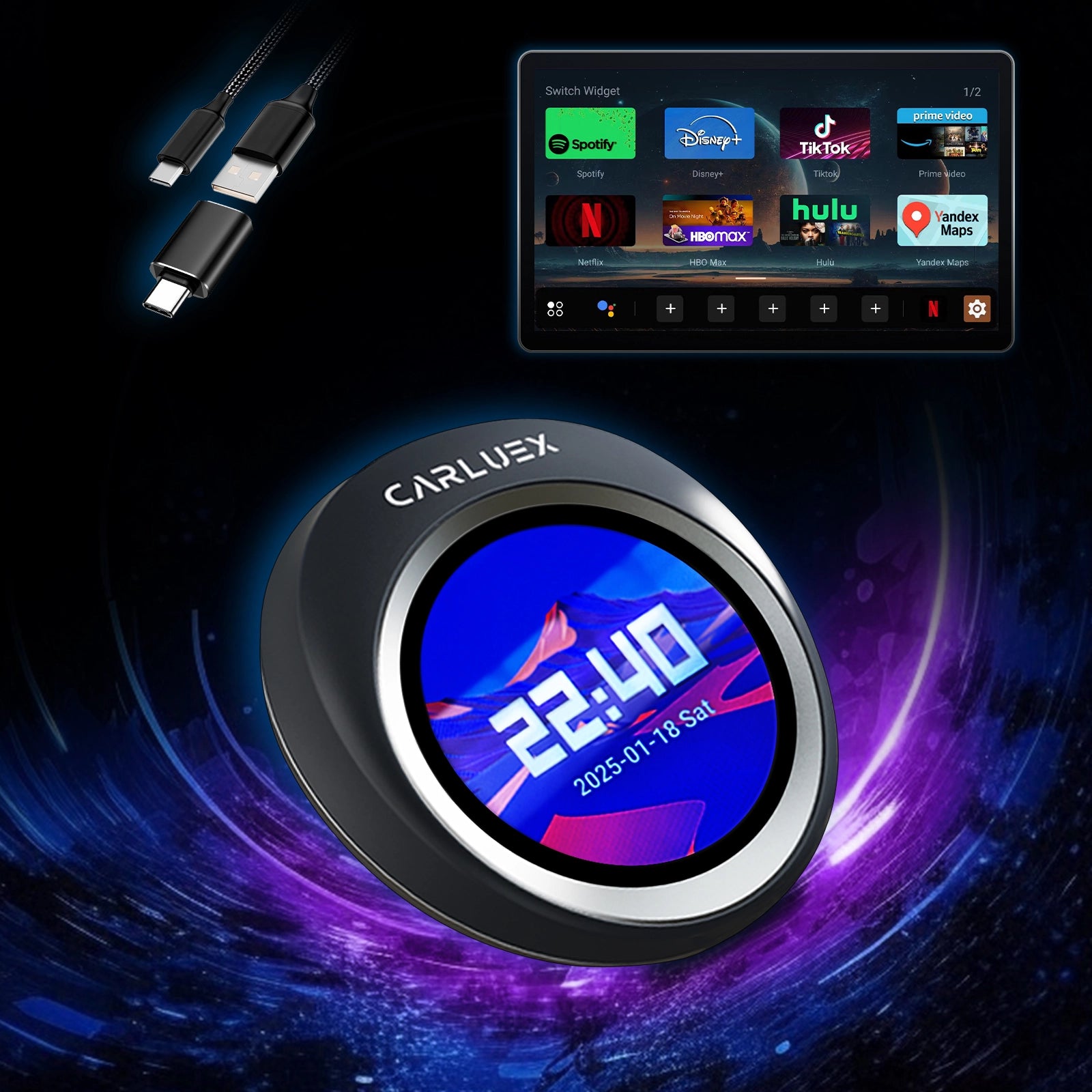
Tired of fumbling with cables every time you start your car? A CarPlay wireless converter with no-setup-required design changes that. It turns your existing wired CarPlay into a seamless wireless experience with true plug and play CarPlay upgrade simplicity. No apps to download, no complex menus—just plug in once, pair quickly, and enjoy instant wireless CarPlay connection every drive. This guide walks beginners through the basics, setup, and tips, making it perfect for non-tech-savvy drivers.
Understanding the Basics – What Is a No-Setup-Required CarPlay Wireless Converter?
This compact device plugs into your car's USB port and bridges your iPhone to the infotainment system wirelessly. Using Bluetooth for initial handshake and Wi-Fi for stable data, it delivers automatic CarPlay reconnect whenever you start the engine—no manual pairing needed after setup.
How a No-Setup-Required Design Eliminates Hassles for New Users
Forget cables tangling or forgetting to plug in. The no-setup-required approach means one-time installation and hands-free freedom, boosting safety by reducing distractions—like when you're rushing out the door on a busy morning, and your navigation kicks in automatically as you buckle up.
Key Differences Between Wired CarPlay and This Wireless Solution
Wired requires constant connection and drains your phone battery faster. Wireless offers cable-free convenience, reliable auto-reconnect, and often better long-term port protection—imagine pulling into a parking lot after a long day, your music fading out smoothly without unplugging hassles.
Who Benefits Most from This Plug and Play CarPlay Upgrade?
Busy commuters, families, and anyone who hates tech complexity. It's ideal if your car has factory wired CarPlay but lacks native wireless support—perfect for parents on school runs, where quick, distraction-free access to calls and directions keeps everyone safe and on time.
Simple Step-by-Step Setup – From Plug-In to Drive-Off in Minutes
The beauty lies in its simplicity. Follow these easy steps for a true plug and play CarPlay upgrade.
Preparing Your iPhone and Car Before the First Use
Ensure your iPhone runs iOS 10+ and Bluetooth/Wi-Fi are on. Park safely, turn on the car, and locate the USB port (usually in the center console).
The Actual Plug-In Process – True Plug and Play CarPlay Upgrade
Insert the converter firmly into the USB port. Your car's screen should detect it quickly—no extra tools required.
Completing the Quick Initial Pairing for Instant Wireless CarPlay Connection
A prompt appears on your screen. On your iPhone, go to Bluetooth settings, select the adapter, and confirm the pair. This takes under a minute.
What Happens Next – Enjoying Automatic CarPlay Reconnect Every Time
Once paired, CarPlay launches automatically on startup. Enjoy maps, music, calls, and Siri without lifting a finger.
Real Tips, Myths Busted, and Why CARLUEX Is the Perfect Choice
Beginners often worry about reliability, but real use proves these converters are stable and user-friendly.
Common Myths About Wireless CarPlay Converters – Busted!
Myth: They lag or drop often. Reality: Quality ones offer low-latency performance with automatic CarPlay reconnect.
Myth: Setup is complicated. Reality: True no-setup-required designs are plug-and-play.
What to Expect After Setup – Daily Driving Made Effortless
Expect cleaner dashboards, preserved phone battery, and safer driving with eyes on the road. It's reliable for commutes and road trips alike—picture waiting for a friend in your car, seamlessly streaming a quick video on your dashboard, turning idle time into a mini entertainment break that leaves them impressed by your smart setup.
Quick Troubleshooting Tips for Non-Tech-Savvy Drivers
Connection issues? Unplug/replug the adapter or restart devices. For persistent problems, check compatibility or reach out to support.
Why CARLUEX Stands Out for Beginners
CARLUEX delivers reliable, no-fuss wireless converters praised for fast auto-connect and broad compatibility. For budget-conscious drivers, the CARLUEX LINK at $59 offers instant wireless CarPlay and Android Auto support with rapid loading—ideal for simple upgrades in everyday cars. Upgrade to CARLUEX GO at $109 for added entertainment like YouTube and Netflix, perfect for long drives where you mirror your phone and relax with movies via USB accessories. For ultimate flexibility, CARLUEX AIR at $139 turns your car into a tablet-like hub with Android OS, app downloads, and even non-touchscreen compatibility via remote—envision family road trips where kids quietly watch Disney+ in the back, giving you peaceful focus on the wheel.
Ready to upgrade? Explore the CARLUEX homepage for options.
Article Recommendations
Discover more upgrades: Check out How to Choose a Wireless CarPlay Adapter for Long Road Trips for trip-ready tips.
For entertainment ideas, read Upgrade Your Road Trips with Wireless CarPlay.
FAQ
Q: Does this work with any car?
A: It works with most vehicles that have factory wired CarPlay (2016+ models). Check compatibility on the product page.
Q: Is the initial pairing really quick?
A: Yes—usually under 60 seconds for instant wireless CarPlay connection.
Q: Will it drain my phone battery faster?
A: No, wireless often saves battery compared to constant wired charging.
Q: What if it doesn't reconnect automatically?
A: Restart your car/phone or re-plug. CARLUEX models excel at automatic CarPlay reconnect.
Q: Can I use it for Android Auto too?
A: Many CARLUEX options support dual compatibility—see CARLUEX PRO+2.0 or CARLUEX AIR.


