

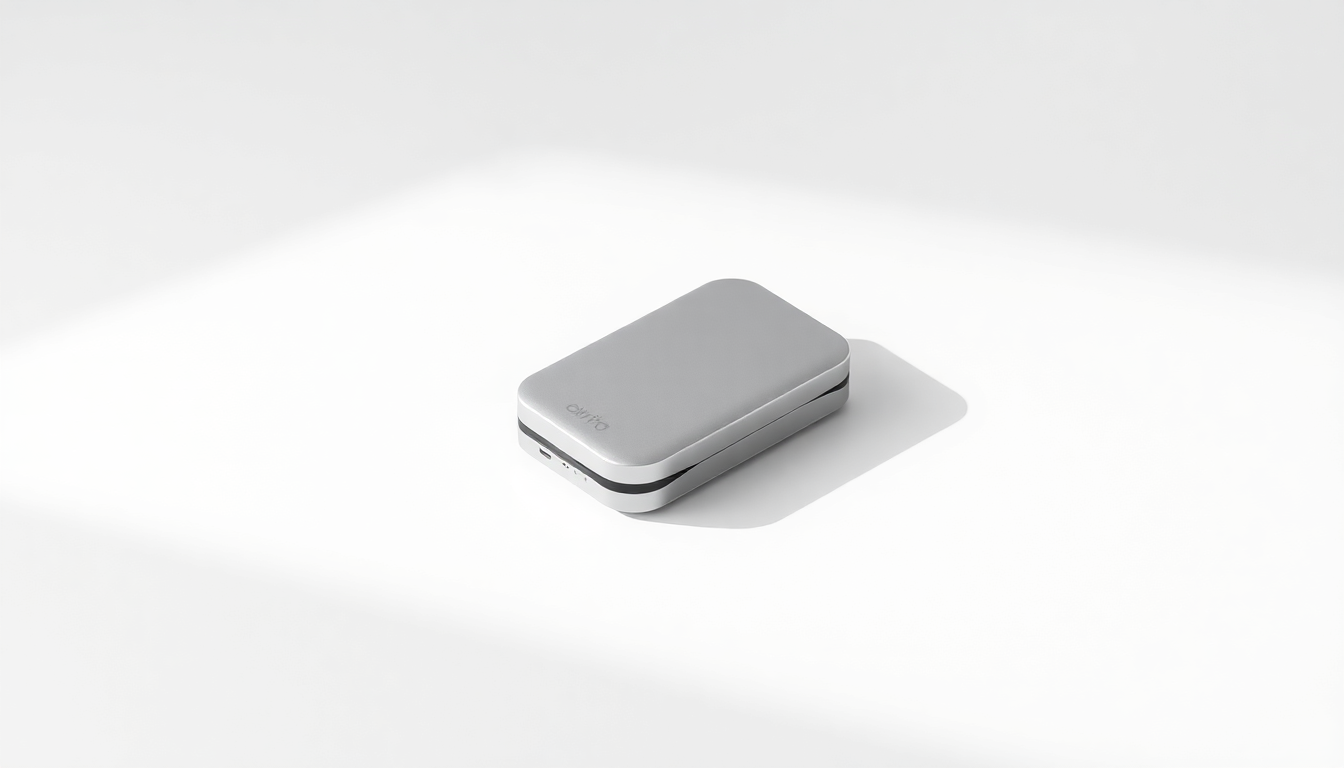
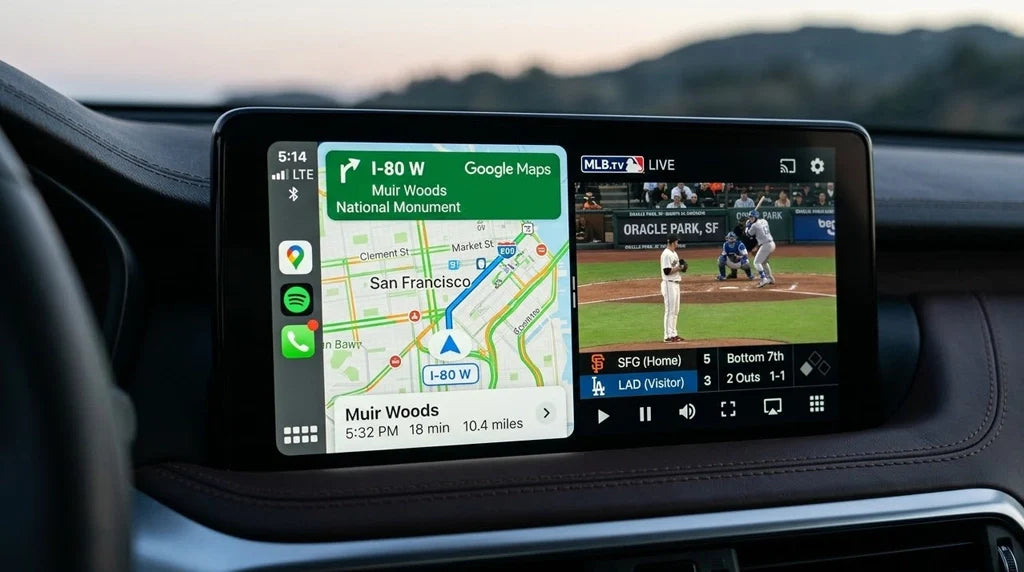
Looking for a way to use HDMI apps on your car's infotainment screen without cables? CARLUEX's innovative HDMI adapter converts wired Apple CarPlay/Android Auto to wireless, letting you stream Netflix, YouTube, and more on any CarPlay-equipped vehicle.
What Are the Limitations of Wired HDMI Adapters?
Traditional wired HDMI adapters for iPhones come with several pain points that can frustrate even the most patient users:
- Cable clutter - Extra cables dangling on your dashboard look messy and can obstruct your view
- Limited mobility - Your phone must stay connected via cable, restricting movement within the vehicle
- Wear and tear - Constant plugging and unplugging wears out connectors over time
- Inconvenient switching - Switching between drivers or devices requires reconnecting cables
How Does CARLUEX Solve Wireless Connectivity?
CARLUEX's smart car adapter addresses these issues by creating a seamless wireless bridge between your phone and car's display system. Here's what makes it special:
- One-cable setup - Simply connect the USB cable once, and the adapter handles the rest automatically
- Automatic reconnection - The adapter remembers your phone and reconnects instantly when you enter the vehicle
- Voice control ready - Works with Siri and Google Assistant for hands-free operation
- Broad compatibility - Supports both Apple CarPlay and Android Auto, plus HDMI input for third-party apps
How Does the Technology Work?
CARLUEX combines two wireless technologies to deliver a smooth experience:
- Bluetooth pairing - Handles initial device discovery and secure authentication between your phone and the adapter
- Wi-Fi Direct transfer - Provides the high-bandwidth, low-latency connection needed for video streaming and real-time navigation
What Are the Key Benefits of Going Wireless?
Making the switch to wireless connectivity transforms your driving experience in several ways:
- Clean aesthetics - No cables cluttering your dashboard for a tidier, more modern look
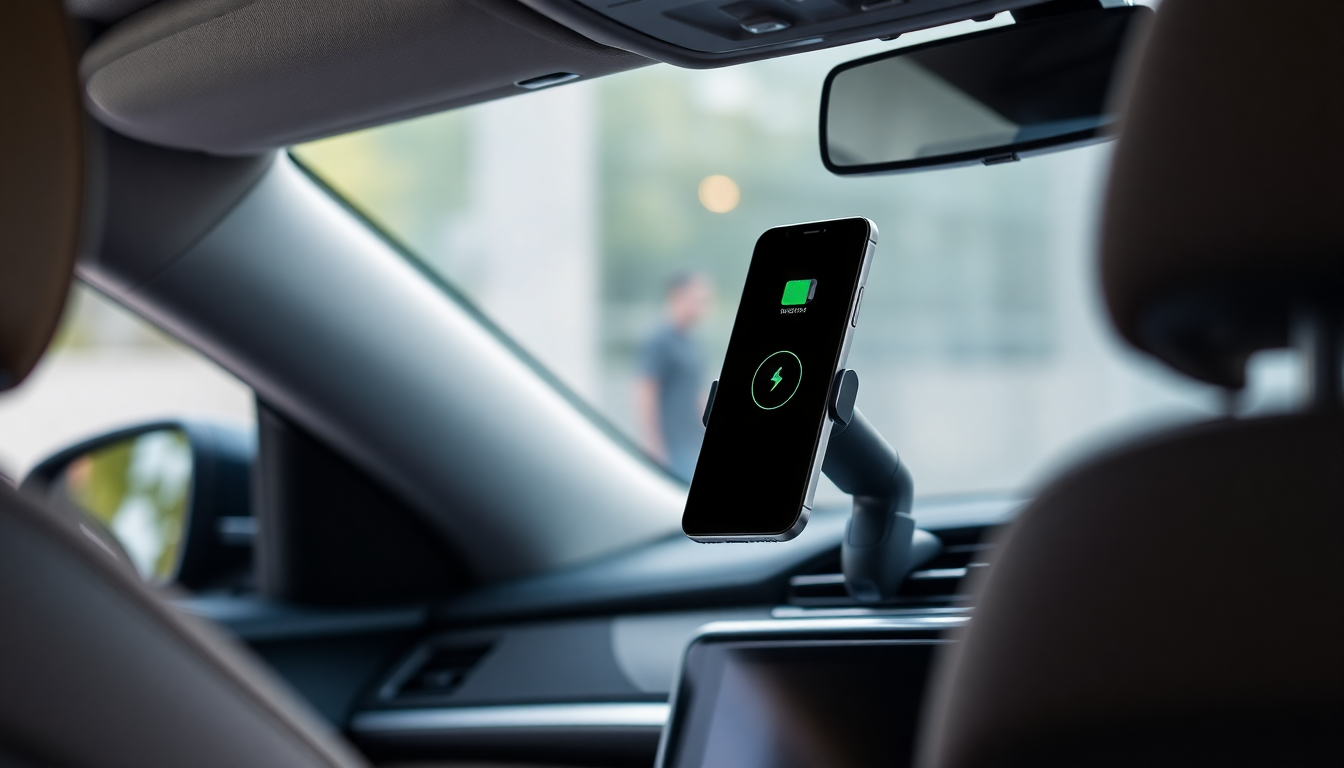
- Phone safety - Keep your phone safely in your pocket, bag, or wireless charging pad
- Flexibility - Easy to share between family members or switch between vehicles
- Always ready - Automatically connects when you enter the car, no fumbling with cables
What Cars and Phones Are Compatible?
CARLUEX adapters work with any vehicle equipped with factory Apple CarPlay or Android Auto from 2017 onwards. This includes over 500+ car models from major manufacturers including:
- BMW, Mercedes-Benz, Audi, Volkswagen, Porsche (European)
- Toyota, Honda, Ford, Chevrolet, Mazda, Subaru (American/Asian)
- Most 2017 and newer vehicles with USB CarPlay/Android Auto support
The adapter supports iPhones running iOS 9 and above, as well as Android devices with Android Auto 1.0 or higher.
How to Optimize Your Wireless Connection?
Follow these tips to get the best performance from your CARLUEX adapter:
- Keep your phone's operating system updated to the latest version
- Check for and install CARLUEX firmware updates regularly
- Position your phone near the center console for optimal signal strength
- Avoid placing metal objects between your phone and the adapter
- Periodically clear your phone's Bluetooth pairing list to remove stale connections
How to Troubleshoot Common Issues?
Quick fixes for frequent problems:
- Slow or delayed connection - Restart both the CARLUEX adapter and your phone, then try again
- Frequent disconnections - Check for Wi-Fi interference from other devices in the vehicle
- No connection at all - Go to your phone's Bluetooth settings, forget the CARLUEX device, and re-pair from scratch
- Audio stuttering or video lag - Close background apps on your phone that may be consuming bandwidth
Ready to Go Wireless?
Upgrade your driving experience with CARLUEX's wireless CarPlay and Android Auto adapters. Visit the official CARLUEX store to explore product options including the CARLUEX PRO+ 2.0 for full Android capability or the CARLUEX AIR for a streamlined wireless experience.
Before purchasing, check out our guide on how to verify your car supports CarPlay and avoid 6 common mistakes when adding wireless CarPlay to your vehicle.


Leave a comment
All comments are moderated before being published.
Ezt a webhelyet a hCaptcha rendszer védi, és a hCaptcha adatvédelmi szabályzata, valamint szolgáltatási feltételei vonatkoznak rá.