

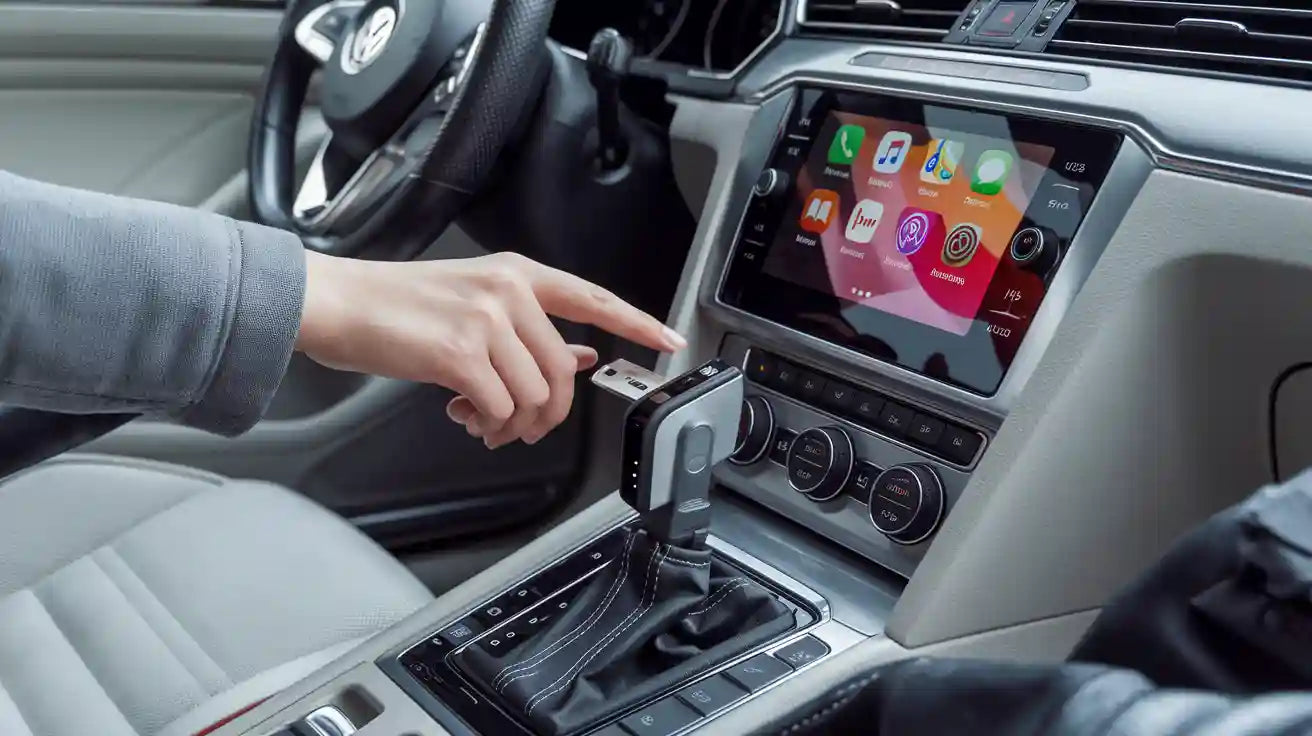
Volkswagen Passat CarPlay Adapter Guide: Setup and Controls
If your Volkswagen Passat already supports factory wired Apple CarPlay, a wireless CarPlay adapter can make daily use easier without replacing the head unit. The safest path is simple: confirm your Passat can launch wired CarPlay through a USB data port, check the model year and infotainment system, then choose an adapter that matches those requirements. Apple lists Volkswagen Passat models from 2016 to 2022 as CarPlay-capable, but real compatibility can still vary by region, trim, head unit, USB port, and previous vehicle modifications. Change settings only when the vehicle is parked, and test wired CarPlay before buying a wireless adapter.
Question |
Short answer |
|---|---|
Can a VW Passat use CarPlay? |
Apple lists Volkswagen Passat 2016-2022 as CarPlay-capable, but you should confirm your exact vehicle and infotainment system. |
Can an adapter make it wireless? |
Usually yes only when factory wired CarPlay already works through a USB data port. |
Will controls still work? |
Most factory touchscreen, knob, steering-wheel, and voice controls should continue to control CarPlay, but behavior depends on the Passat system. |
Should older Passats replace the radio? |
If your Passat has no factory CarPlay, a plug-in wireless adapter is not enough; you may need an aftermarket head unit or professional interface solution. |
Check Volkswagen Passat CarPlay Compatibility First
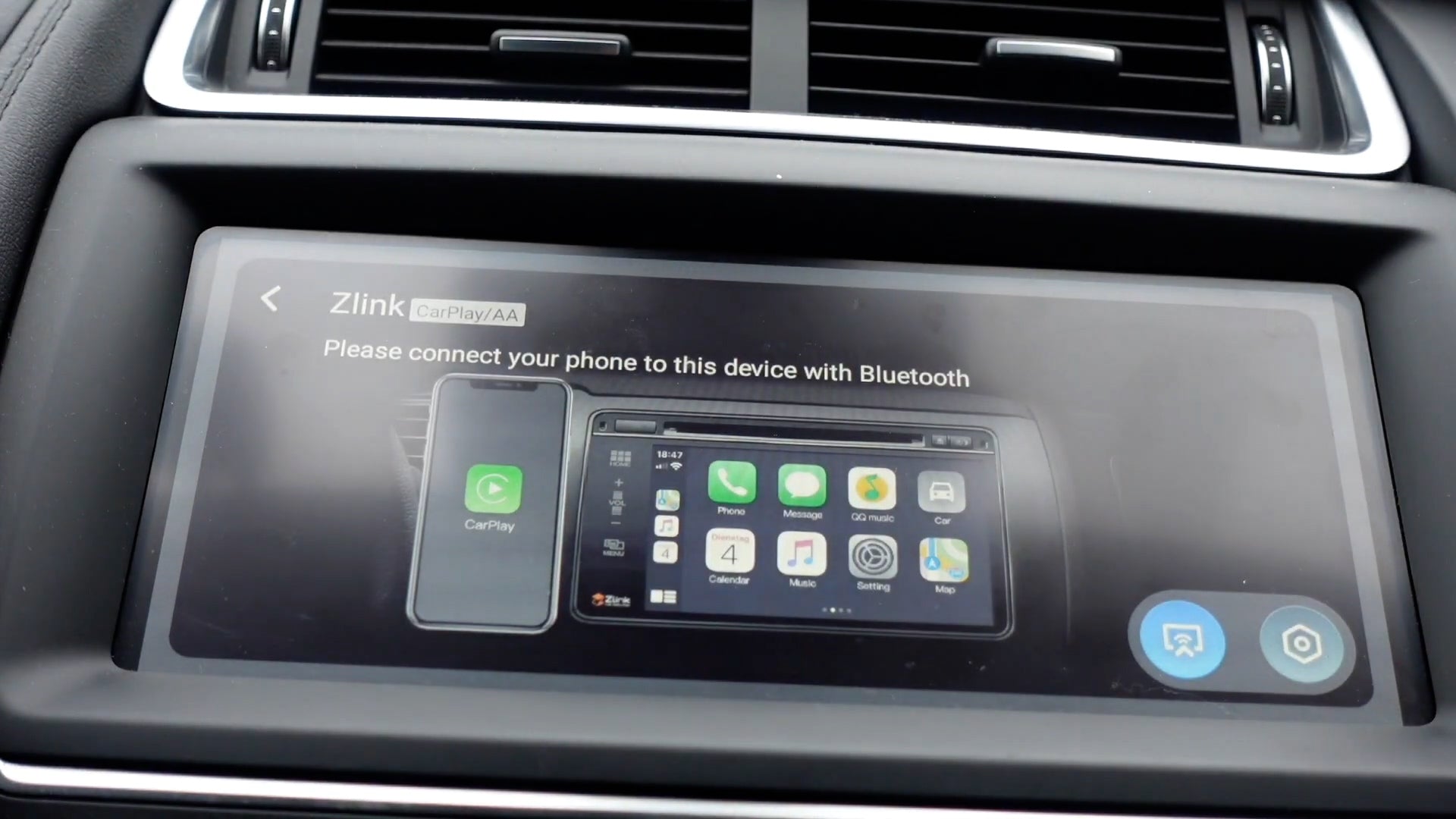
Start by confirming whether your Passat has Volkswagen App-Connect and Apple CarPlay. Apple?s official CarPlay availability list includes Volkswagen Passat 2016-2022, while Volkswagen describes App-Connect as the system that lets drivers use Apple CarPlay, Android Auto, and related smartphone features through the vehicle display. Those sources are helpful, but they do not replace checking your exact trim, country, and installed head unit.
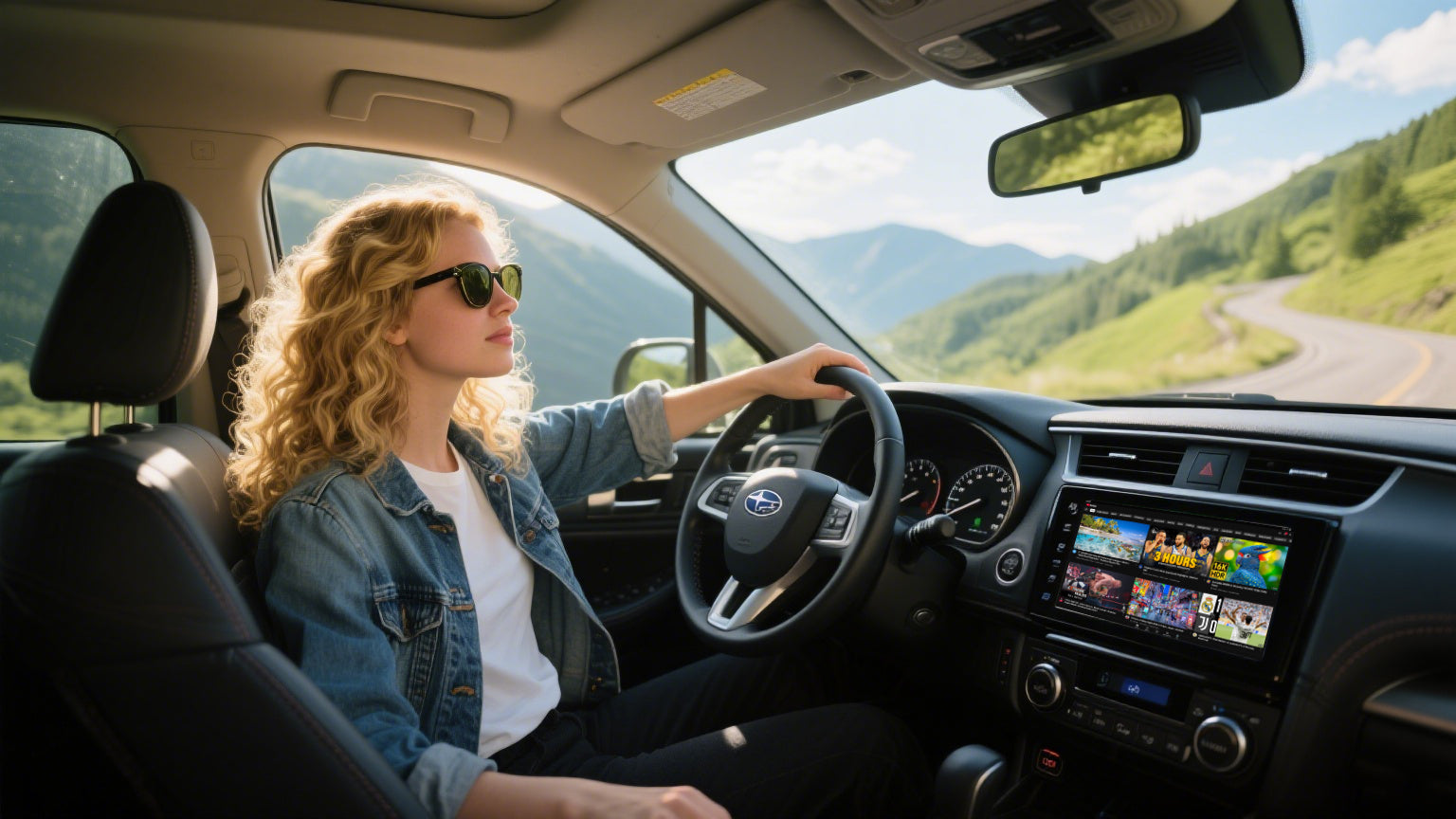
In the car, connect an iPhone with a known good USB data cable. If CarPlay appears on the Passat screen, the vehicle has the wired CarPlay base that most wireless adapters need. If the USB port only charges the phone, try another factory USB port. A charging-only port cannot establish a CarPlay data connection.
Check the Passat model year, trim, and infotainment system.
Confirm that Apple CarPlay appears when your iPhone is connected by cable.
Use the factory USB data port, not only a charging port.
Use Volkswagen?s official owner manual lookup if the menu labels or port locations are unclear.
For a CARLUEX-specific check, compare your vehicle against the CARLUEX compatible vehicles page and the compatibility list before purchase.
Factory Wired CarPlay vs. Aftermarket Radio Installation
The original article mixed two different upgrade paths: adding a plug-in wireless CarPlay adapter and replacing a radio/navigation unit. They are not the same job. A CARLUEX wireless adapter is designed for compatible vehicles that already have factory wired CarPlay or the required factory smartphone projection system. It does not add full CarPlay to a Passat that has no CarPlay-capable infotainment system.
Your Passat situation |
Recommended path |
Risk level |
|---|---|---|
Wired CarPlay works through USB |
Compare a wireless CarPlay adapter such as CARLUEX LINK or CARLUEX AIR. |
Lower, but still verify compatibility. |
USB charges only; CarPlay never appears |
Check another USB data port, iPhone settings, cable, and the owner manual before buying. |
Medium. |
No factory CarPlay/App-Connect |
Consider a compatible head unit or professional retrofit instead of a plug-in wireless adapter. |
High. |
Aftermarket radio already installed |
Confirm the radio supports wired CarPlay data over USB before choosing an adapter. |
High because compatibility depends on the radio. |
How to Set Up a Wireless CarPlay Adapter in a Passat
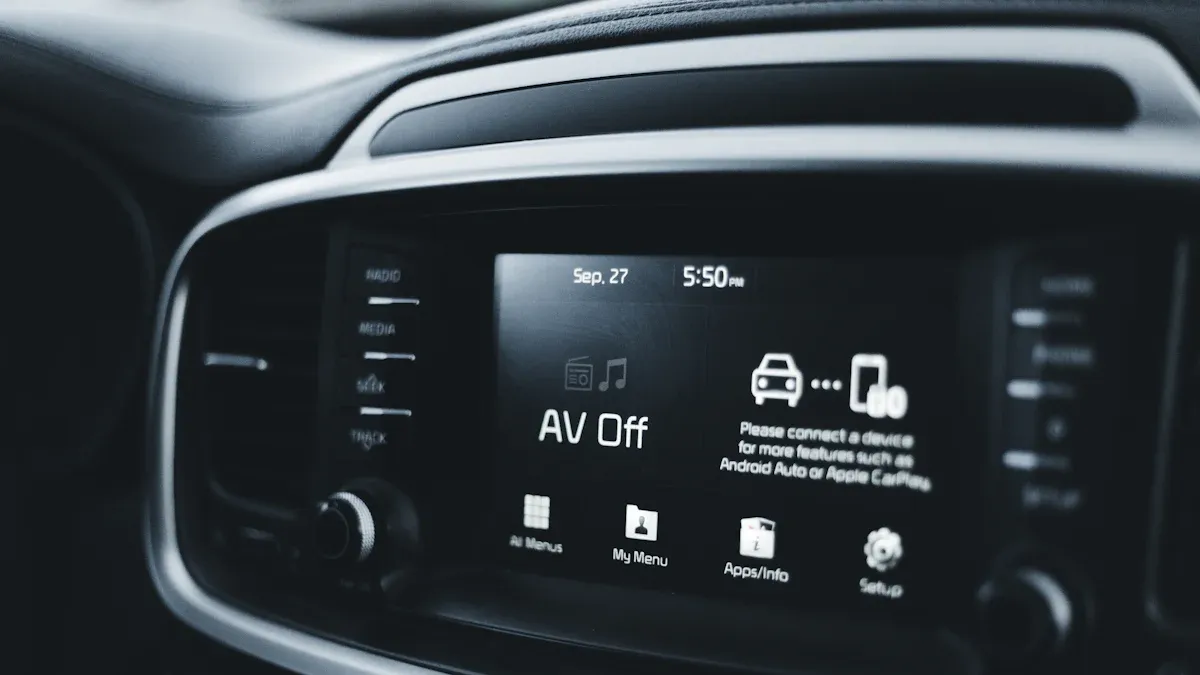
Use this process only after wired CarPlay works. Keep the vehicle parked during setup.
Start the Passat and keep the infotainment system on.
Plug the adapter into the same USB data port that successfully launches wired CarPlay.
Wait for the adapter interface to appear on the screen.
On your iPhone, enable Bluetooth and Wi-Fi. Apple?s setup guidance explains that CarPlay may use USB, Bluetooth, and Wi-Fi depending on the vehicle and system.
Select the adapter name from Bluetooth if prompted, then approve CarPlay on the iPhone.
After the first pairing, turn the vehicle off and on again to confirm automatic reconnect behavior.
If you need a general refresher on Apple?s setup flow, see Apple?s official CarPlay setup guide or CARLUEX?s guide on how to use Apple CarPlay.
How Passat Controls Work After the Upgrade
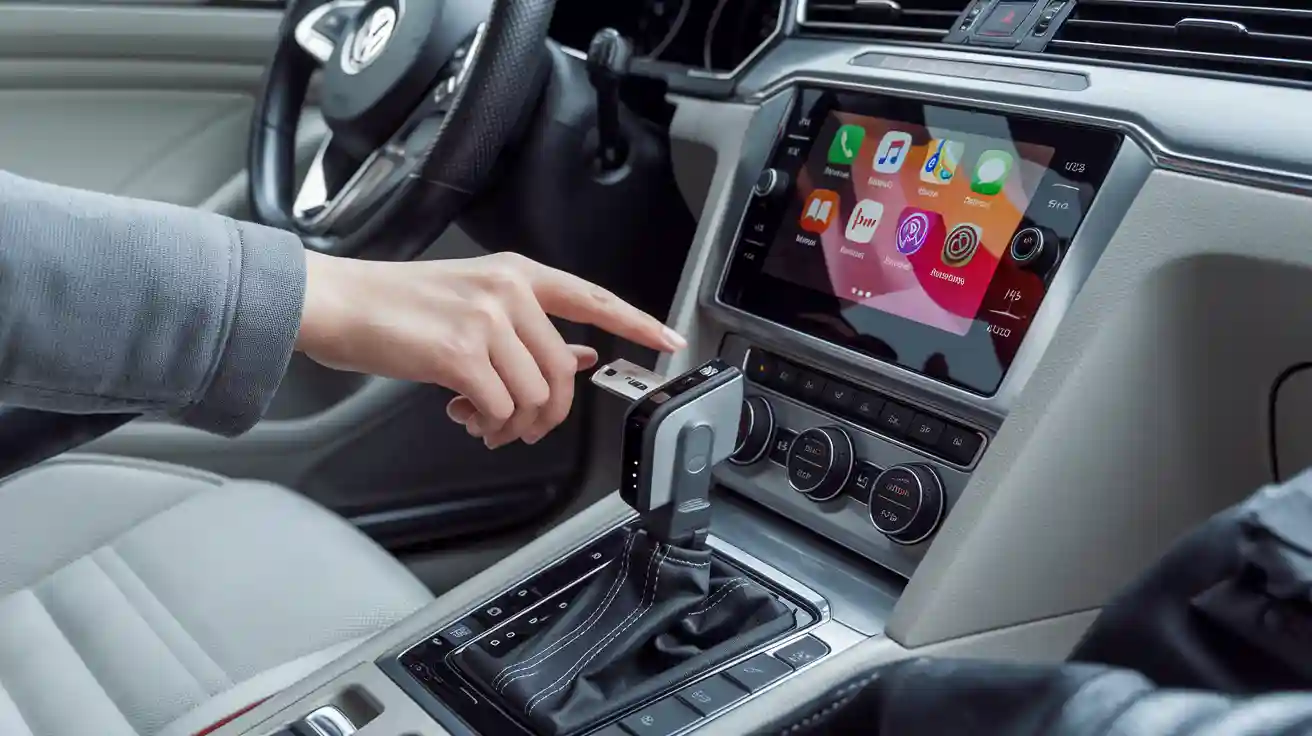
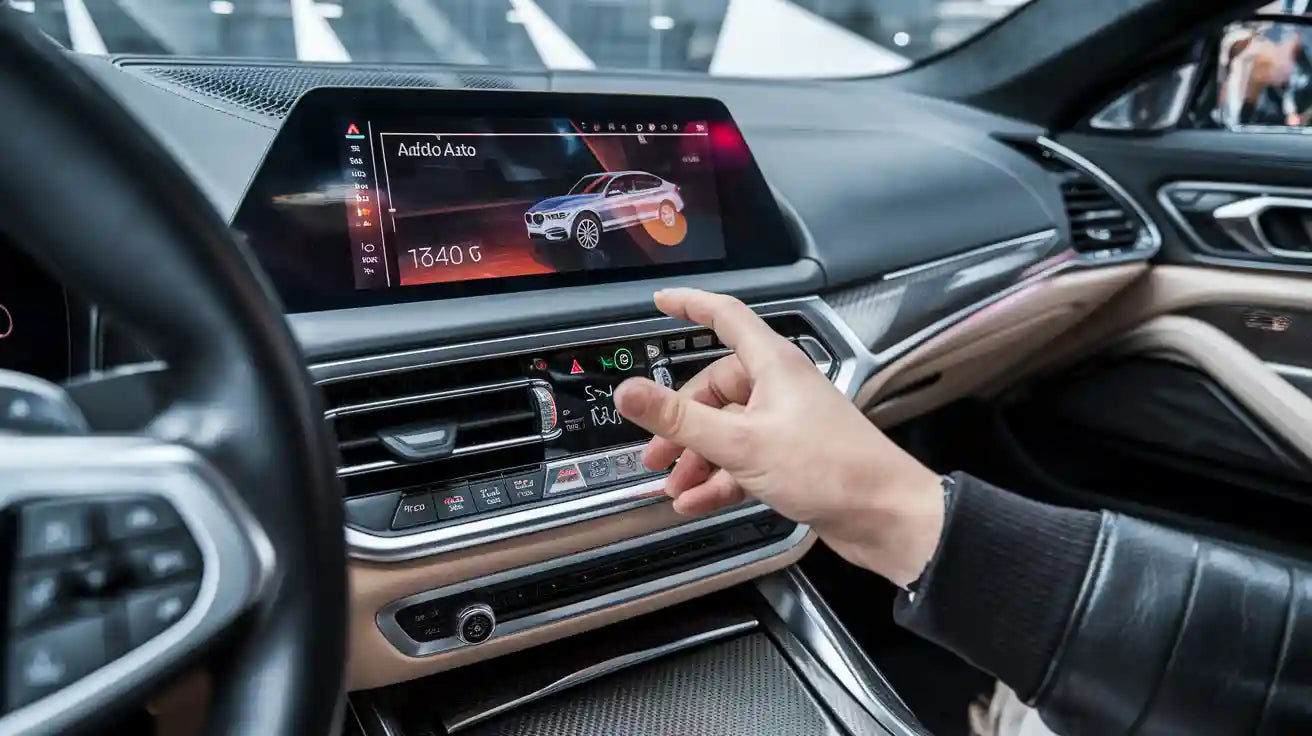
A wireless adapter changes the connection path; it does not redesign the Passat?s controls. In a compatible setup, CarPlay is still operated through the factory screen, control knob, steering-wheel buttons, and Siri voice control where supported by your vehicle. Volkswagen?s App-Connect materials describe Apple CarPlay as a way to use selected iPhone apps from the vehicle display, including touch and voice control where available.
Be conservative with control expectations. Steering-wheel volume and track controls may continue to work, but exact behavior can depend on the Passat infotainment system, adapter model, iOS version, and whether the vehicle has original or aftermarket hardware. If your Passat screen is not touch-enabled, a control accessory such as CARLUEX Remote+ may be worth reviewing, but confirm it fits your actual setup first.
Which CARLUEX Adapter Should Passat Owners Compare?
For a Passat where wired CarPlay already works, start with the simplest adapter that matches your goal. Do not choose a product only because it mentions CarPlay; compare the required vehicle conditions on the product page.
CARLUEX LINK Wireless CarPlay and Android Auto Adapter: a straightforward option to compare if you mainly want to reduce cables and keep phone-based CarPlay.
CARLUEX AIR Wireless CarPlay/Android Auto Adapter: a stronger option to review if you want wireless connection plus app-oriented features listed on the current product page.
CARLUEX PRO+ 2.0 Multimedia AI Box: consider only after checking product requirements and compatibility, especially if you want a broader multimedia upgrade.
Compatibility may vary by model year, trim, USB port, and infotainment system. Confirm that wired CarPlay works before choosing a wireless adapter.
Troubleshooting Common VW Passat CarPlay Adapter Issues
If the adapter does not connect, troubleshoot the wired CarPlay foundation first. A wireless adapter may help with cable convenience after wired CarPlay already works. It does not fix unsupported vehicles, damaged USB ports, blocked iPhone settings, or vehicle software problems.
Issue |
What to check first |
|---|---|
Adapter never appears |
Confirm the USB port is the same port that launches wired CarPlay. |
CarPlay appears then drops |
Restart the iPhone, adapter, and infotainment system; test a stable USB data cable if wired mode also fails. |
Audio or calls behave strangely |
Check iPhone Bluetooth/Wi-Fi, Siri, microphone permission, and vehicle audio input. |
Controls feel delayed |
Close unused apps, update iOS if needed, and keep the adapter firmware current when update instructions are provided. |
For Apple-side troubleshooting, use Apple?s CarPlay help page. For adapter basics, see CARLUEX?s wireless CarPlay adapter guide for first-time users.
FAQ
Does Volkswagen Passat support Apple CarPlay?
Apple lists Volkswagen Passat 2016-2022 as CarPlay-capable. Still, confirm your exact model year, region, trim, and infotainment system because availability can vary.
Can I make my VW Passat CarPlay wireless?
Usually yes if your Passat already launches factory wired CarPlay through a USB data port. If wired CarPlay does not work, a wireless adapter is not the first fix.
Will steering-wheel controls still work with a CarPlay adapter?
In many compatible factory systems, steering-wheel controls continue to handle volume, tracks, calls, or voice control. Exact behavior depends on the Passat infotainment system and adapter model.
Can a CARLUEX adapter add CarPlay to an older Passat with no CarPlay?
A plug-in wireless adapter generally cannot add full CarPlay to a vehicle with no CarPlay-capable head unit. Older or modified Passats may need an aftermarket head unit or professional retrofit.
Which product should I check first for a Passat?
Start with CARLUEX LINK or CARLUEX AIR if wired CarPlay already works. Check the product page and compatibility list before purchase.
Related CARLUEX Guides
Wireless CarPlay adapters for Volkswagen for Volkswagen-specific product browsing.
CARLUEX compatible vehicles to check whether your vehicle is a reasonable fit before purchase.
How to use Apple CarPlay for first-time setup basics.
Wireless CarPlay adapter guide for first-time users for adapter setup expectations.
Final Check Before You Buy
A Volkswagen Passat CarPlay adapter is a good upgrade candidate when the car already supports wired CarPlay and you want a cleaner wireless connection. Before buying, test wired CarPlay, confirm the USB data port, compare the product requirements, and avoid absolute compatibility assumptions. If your Passat has an aftermarket radio, no App-Connect, or an unreliable USB connection, solve that foundation first.


Leave a comment
Ezt a webhelyet a hCaptcha rendszer védi, és a hCaptcha adatvédelmi szabályzata, valamint szolgáltatási feltételei vonatkoznak rá.