

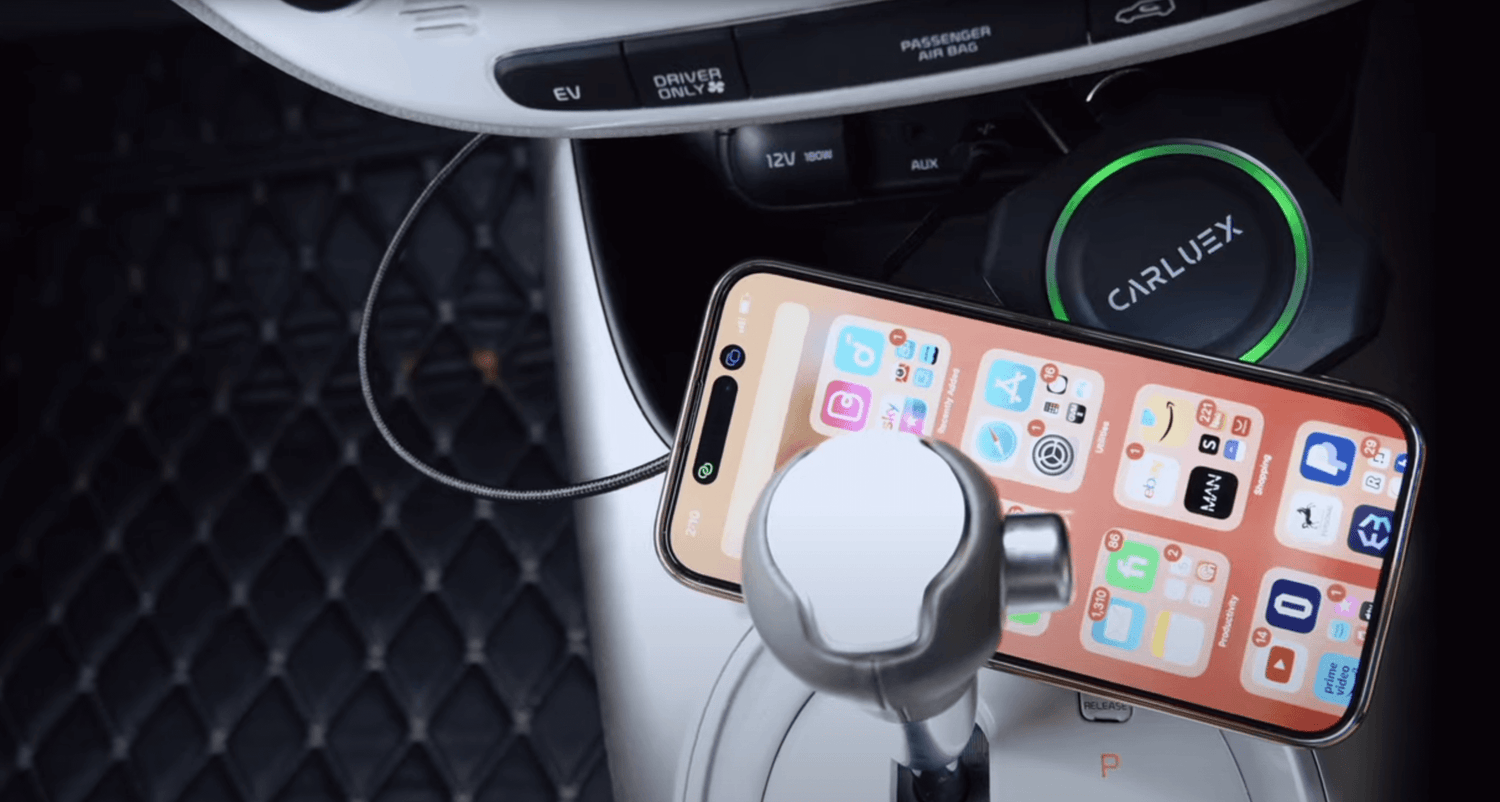
Quick answer: A wireless CarPlay adapter can make winter driving easier when your vehicle is compatible and factory wired CarPlay or Android Auto already works. Set it up while parked, keep the adapter connected through the correct USB port, use voice controls for calls and navigation when available, and save video or game-style entertainment for parked use or passengers only.
Winter changes the small routines inside a car. Thick gloves make a phone harder to handle, cables get stiff, the cabin feels cramped, and icy roads make distraction more dangerous. The right wireless CarPlay adapter does not remove the need for safe driving, but it can reduce how often you touch your phone once setup is complete.
Before using any adapter, confirm compatibility. Many CARLUEX adapters require a vehicle with factory wired CarPlay, while wireless Android Auto support may require factory wired Android Auto on selected models. If you are unsure, check the CARLUEX compatible vehicles page before purchase.
Why Winter Makes Wireless CarPlay More Useful
In cold weather, the main benefit is not novelty. It is fewer small distractions. After pairing, a compatible wireless adapter can help your phone reconnect without plugging in a phone cable every trip. That matters when your hands are cold, your phone is in a coat pocket, or you want the cabin to stay organized before pulling away.
Apple separates wired and wireless CarPlay setup paths in its official guidance. If your car supports CarPlay using a USB cable, Apple says to connect the iPhone to the vehicle's USB port. If your car supports wireless CarPlay, pairing can use the vehicle's wireless setup flow. A wired-to-wireless adapter sits in the middle: it connects to the car through USB, then pairs with your phone wirelessly when the vehicle and adapter are compatible.

Check Compatibility Before a Winter Trip
Do not treat a USB port as proof that an adapter will work. The safer rule is: the vehicle should already support factory wired CarPlay for a wireless CarPlay adapter use case, and factory wired Android Auto may be required if you want wireless Android Auto on supported models.
Before relying on the adapter for a winter trip, check these points while parked:
- Your vehicle appears in a supported compatibility source, or you have confirmed fit with CARLUEX support.
- Factory wired CarPlay or wired Android Auto works normally before adding the adapter.
- You are using the same USB port that normally launches CarPlay or Android Auto.
- Your phone has Bluetooth, Wi-Fi, Siri or Google Assistant, and CarPlay or Android Auto permissions enabled where required.
- The adapter is kept dry and connected securely, especially if the USB port is near a place where melted snow or drinks can reach it.
Apple's CarPlay available models list is useful for checking whether a vehicle generation supports CarPlay, but the exact result still depends on model year, trim, region, factory head unit, and adapter compatibility.
Set It Up Before You Start Driving
Winter is a bad time to troubleshoot while moving. Pair the adapter before the trip, preferably in your driveway or a safe parking spot. Plug the adapter into the vehicle's CarPlay USB port, follow the pairing prompt on your phone, and wait for the car display to load CarPlay or Android Auto.
If the vehicle asks for permission, accept the CarPlay or Android Auto connection only while parked. On iPhone, Apple also recommends making sure Siri is turned on for CarPlay. The exact label can vary by iOS version, so use Settings search if you do not see the same menu name.
Once pairing works, do one short test before leaving:
- Open maps and confirm the route appears on the car display.
- Start audio from your preferred app at low volume.
- Test a voice command if your vehicle and phone support it.
- Confirm the phone can stay in a pocket, mount, or safe storage area without needing to be handled.
Use Navigation and Road Alerts Without Handling Your Phone
Navigation is the strongest winter use case. Snow, early darkness, and changing road conditions make it important to keep your eyes up. A wireless CarPlay adapter can help display maps on the vehicle screen after setup, but it does not replace careful driving or local road judgment.
Before leaving, enter the destination while parked. If your route changes, pull over safely before adjusting maps. Use voice guidance where available, and keep the display simple: map, route, and audio are usually enough. NHTSA's winter driving guidance also emphasizes preparing before travel and adjusting for road conditions, so treat the adapter as a convenience tool, not a safety guarantee.
Calls, Messages, and Music With Gloves On
Cold fingers make phone taps clumsy. With a compatible setup, CarPlay or Android Auto can route calls, music, podcasts, and navigation through the car display and controls. That can reduce phone handling, especially when you use steering wheel buttons or supported voice commands.
Keep one boundary clear: notification settings are controlled by your phone, iOS, Android, and individual app settings. A wireless adapter can change how your phone connects to the car, but it does not manage message alerts for you. If calls, messages, or music do not behave the way you expect, check the phone and app settings first.
Parked Entertainment Is Different From Driving Use
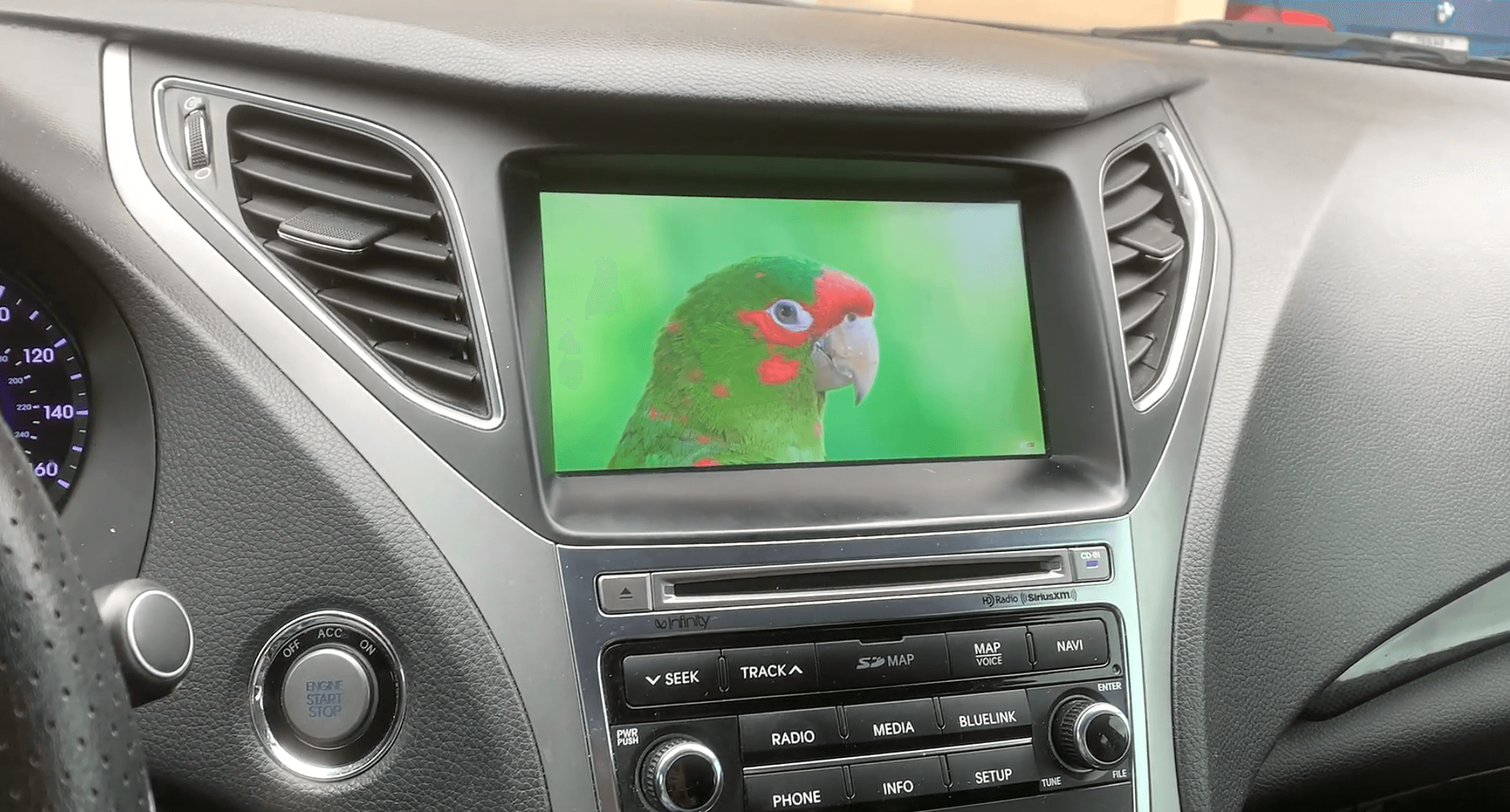
The original article mentioned winter movies and games. That idea needs a safety boundary. Video, streaming apps, and game-style entertainment should be used only when the vehicle is parked or by passengers where local laws and the vehicle setup allow it. Drivers should not watch video, use interactive entertainment, or adjust entertainment apps behind the wheel.
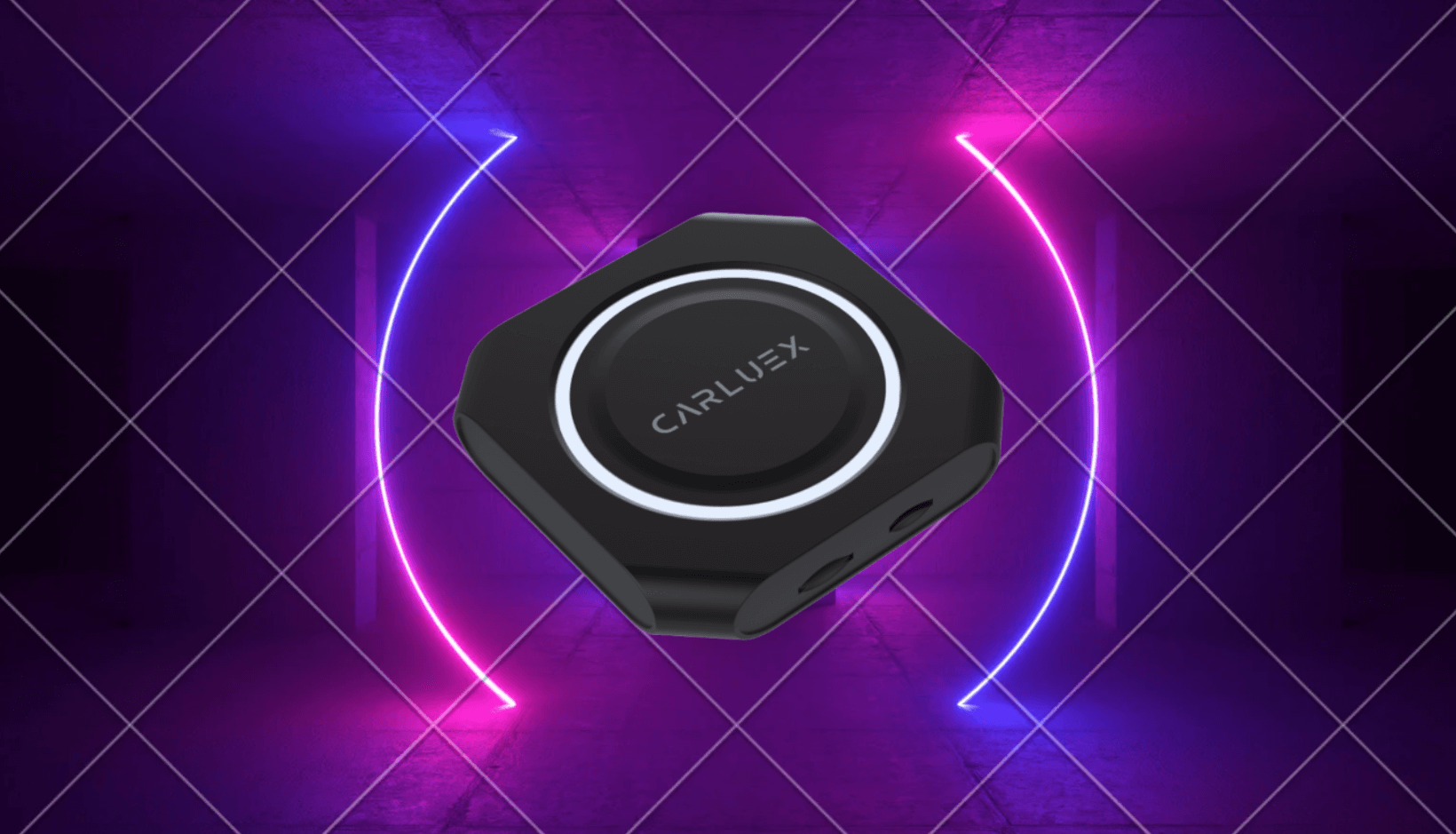
For simple cable-free CarPlay, compare CARLUEX LINK. It is designed around wireless CarPlay and wireless Android Auto in compatible vehicles. If you want a broader app experience for parked use, compare CARLUEX AIR or CARLUEX GO, then confirm the exact product fit for your vehicle before buying.

Which CARLUEX Adapter Should You Compare?
Start with the job you want the adapter to do. Not every CARLUEX product has the same feature set or compatibility path.
| Winter goal | CARLUEX option to compare | Compatibility note |
|---|---|---|
| Remove the daily phone cable for CarPlay | CARLUEX LINK | Wireless CarPlay requires factory wired CarPlay; wireless Android Auto requires factory wired Android Auto. |
| Use a richer Android-based app experience where available | CARLUEX AIR | Confirm vehicle compatibility and app availability before purchase. |
| Compare a compact option with YouTube, Netflix, casting, and offline media features | CARLUEX GO | Use entertainment features only when parked or by passengers where allowed. |
For BMW vehicles, do not assume a standard PRO+ or PRO+ 2.0 recommendation is correct. BMW users should compare the CARLUEX BMW version and confirm fit first.
Winter Troubleshooting Checklist
If the adapter does not reconnect on a cold morning, avoid guessing while driving. Park safely and work through the basics:
- Unplug and reconnect the adapter to the correct CarPlay or Android Auto USB port.
- Restart the phone and the vehicle infotainment system if the screen stays blank.
- Check that Bluetooth and Wi-Fi are enabled on the phone.
- Forget the old pairing and pair again if the car keeps selecting the wrong device.
- Confirm wired CarPlay or wired Android Auto still works directly with a cable.
- Keep the adapter and USB connection dry; moisture around ports can cause connection issues.
If CarPlay itself is not working, use Apple's CarPlay troubleshooting guidance before blaming the adapter. A wireless adapter is a convenience upgrade, not a repair tool for an unsupported vehicle, damaged USB port, disabled phone setting, or vehicle software fault.
Related CARLUEX Guides
- Wireless CarPlay adapter troubleshooting checklist
- How to set up and use an Android Auto wireless adapter
- CARLUEX compatible vehicles
- Browse CARLUEX wireless CarPlay adapters
FAQ
Can I use a wireless CarPlay adapter in winter?
Yes, if your vehicle and adapter are compatible and factory wired CarPlay already works. Set it up while parked and confirm the connection before driving.
Does a wireless CarPlay adapter work with any car that has a USB port?
No. A USB port alone is not enough. Many adapters require factory wired CarPlay, and wireless Android Auto may require factory wired Android Auto on supported vehicles.
Can I watch videos through a wireless CarPlay adapter in winter?
Only use video or entertainment features while parked or for passengers where local laws and your vehicle setup allow it. Drivers should not watch video or use interactive entertainment behind the wheel.
Why does my adapter fail to reconnect on cold mornings?
Common causes include the wrong USB port, old Bluetooth pairing, phone Wi-Fi or Bluetooth being off, a frozen infotainment system, moisture near the port, or wired CarPlay not working correctly. Test the wired connection first.
Which CARLUEX adapter is best for winter driving?
For simple cable-free CarPlay, compare CARLUEX LINK first. If you want app-based parked entertainment or broader multimedia features, compare AIR or GO after checking vehicle compatibility.


Leave a comment
All comments are moderated before being published.
Ezt a webhelyet a hCaptcha rendszer védi, és a hCaptcha adatvédelmi szabályzata, valamint szolgáltatási feltételei vonatkoznak rá.