


Quick answer: A premium car infotainment screen is only useful when your daily habits match the system. In 2026, the three habits that matter most are clean phone connection, safer screen customization, and regular app or firmware maintenance. Better hardware helps, but it does not replace compatibility checks, parked setup, and realistic expectations about CarPlay, Android Auto, and third-party apps.
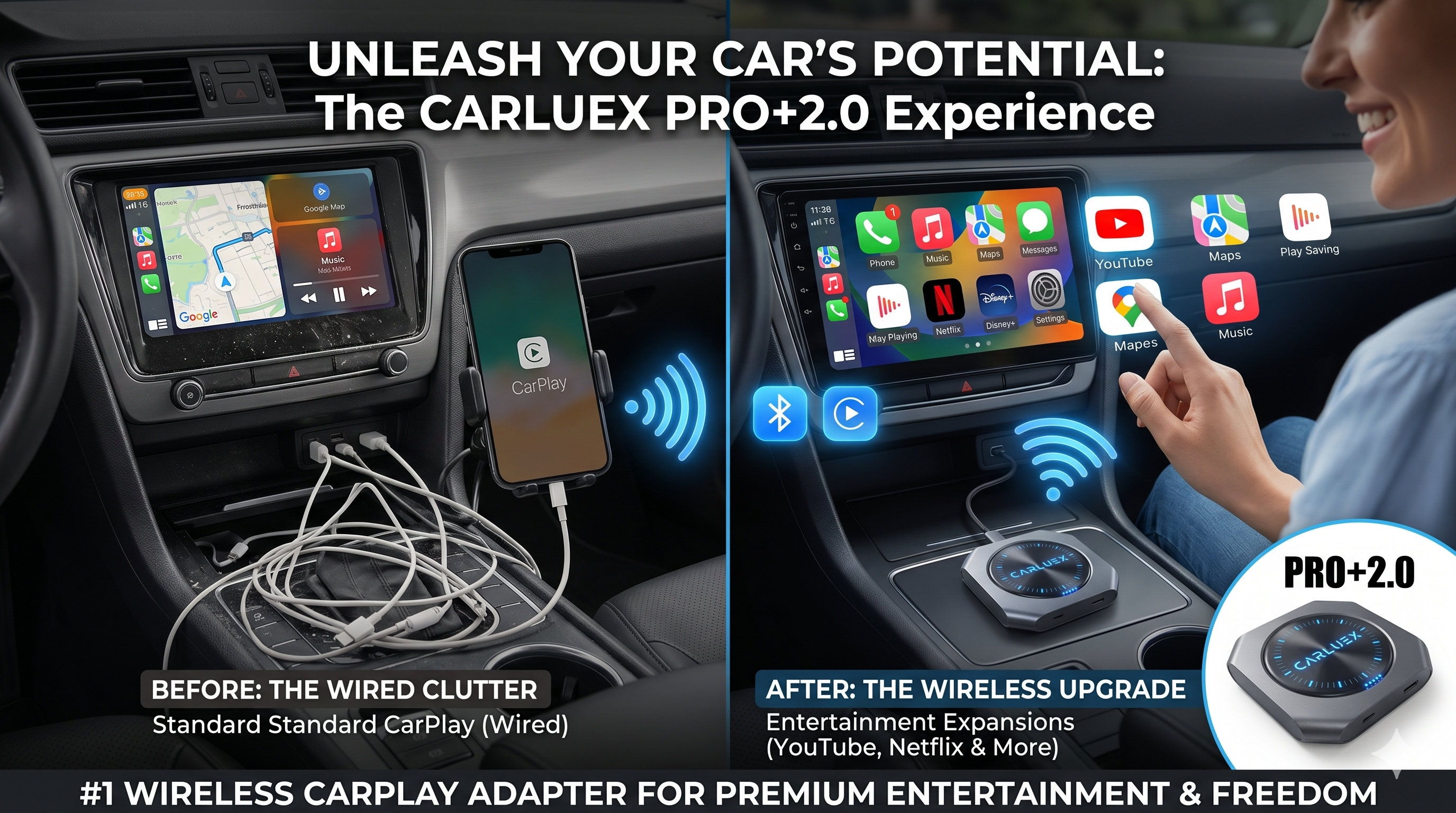
If your dashboard still feels clumsy, start with the basics: confirm that wired CarPlay or Android Auto works, organize only the apps you actually use, and keep your phone, vehicle system, and adapter firmware current. Then decide whether a basic wireless adapter or a fuller multimedia AI box such as CARLUEX PRO+ 2.0 fits your vehicle and use case.
Safety note: Change settings, pair devices, update apps, and test entertainment features only while parked. Do not adjust phone or infotainment settings while driving.

Why Expensive Infotainment Still Feels Underused
Many drivers pay for a large factory screen, a premium technology package, or an aftermarket head unit, then keep using the system like a basic phone holder. The screen can show maps, calls, music, messages, and supported apps, but the result depends on the phone, the vehicle, the app, and the way everything connects.
Apple's CarPlay guidance says car support matters and that USB or wireless setup depends on the vehicle. Google's Android Auto help also separates wired and wireless requirements, including phone and car compatibility. That is the real reason infotainment upgrades can disappoint: the screen is only one part of the connection chain.
Habit 1: Make the Connection Automatic, but Verify the Base System First
The first habit is not "buy the biggest screen." It is making the connection predictable. Before adding a wireless adapter or multimedia box, test your original wired CarPlay or Android Auto connection with a reliable data cable. If wired CarPlay already fails, fix that problem first. A wireless device does not repair unsupported vehicles, damaged USB ports, phone restrictions, or vehicle software issues.
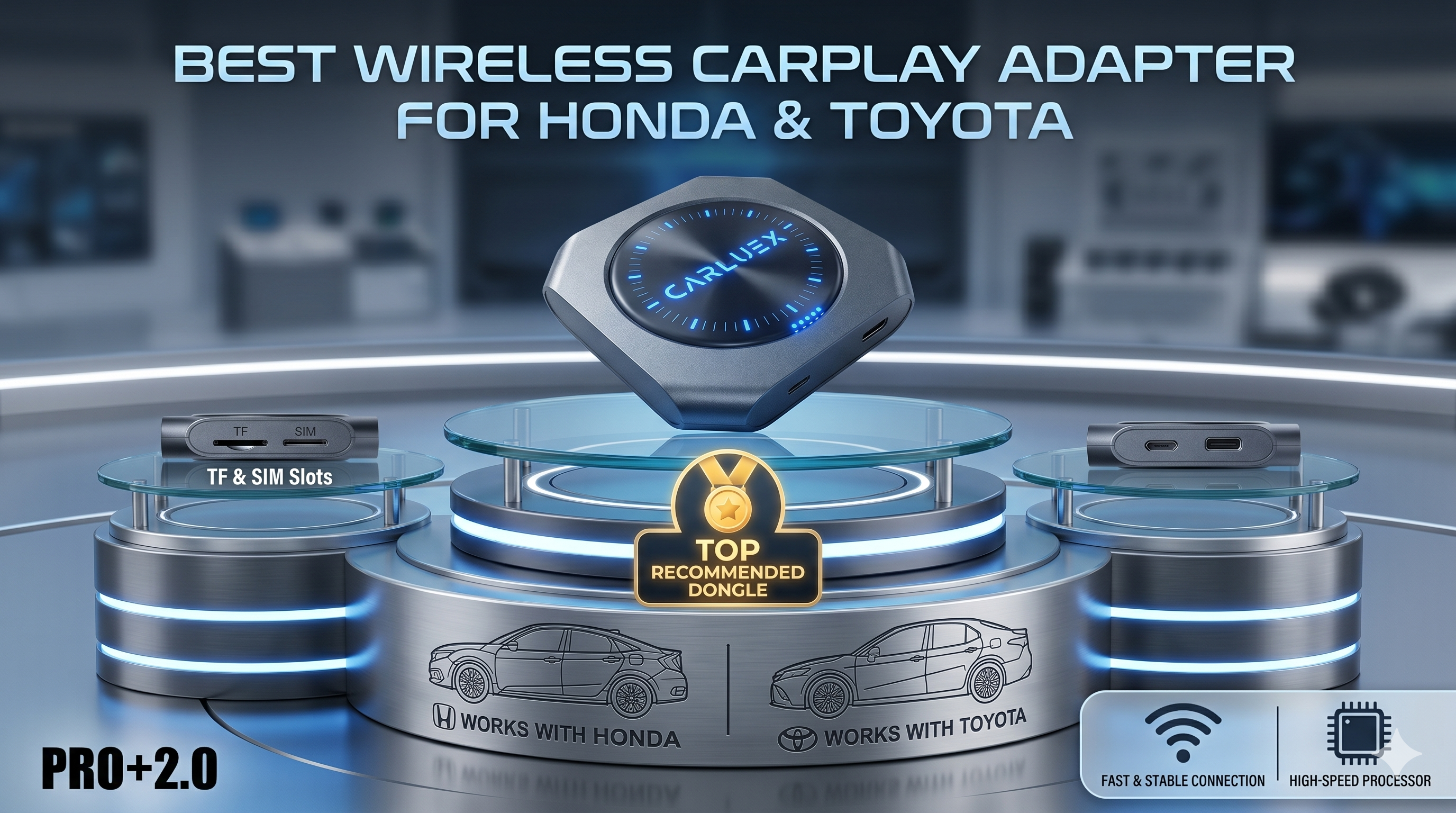
Once the base system works, a compatible adapter can reduce daily cable friction. For example, CARLUEX PRO+ 2.0 is positioned for compatible vehicles with built-in wired CarPlay when the buyer wants wireless CarPlay, wireless Android Auto, Android-based apps, and broader parked entertainment scenarios. If you only need a simpler wireless connection path, also compare CARLUEX LINK, CARLUEX AIR, or CARLUEX GO.

Habit 2: Customize the Screen for Driving, Not for Clutter
A good infotainment setup should make common actions easier while parked and reduce distraction on the road. Put navigation, calls, music, and the apps you use most often in predictable places. Remove apps you do not use. If your system supports widgets or split-screen layouts, keep them simple enough to scan quickly.
This matters because a dashboard is not a tablet on a desk. NHTSA describes distracted driving as any activity that diverts attention from driving, including interacting with an entertainment or navigation system. The practical habit is to do the organizing before the drive starts, then keep the driving screen quiet.

Habit 3: Treat Apps and Firmware Like Maintenance
Infotainment problems are often blamed on the car screen, but the cause may be the phone OS, app permissions, adapter firmware, vehicle software, a weak cable, or a poor network connection. A monthly maintenance habit can prevent many avoidable problems.
- Update carefully: Keep your phone OS, major apps, vehicle software, and adapter firmware current, then test while parked.
- Clear clutter: Remove apps you no longer use from the car interface when possible.
- Check permissions: Review Bluetooth, Wi-Fi, Siri, notification, and Android Auto permissions after major phone updates.
- Retest the cable path: If wireless behavior becomes unstable, test the original wired connection again.
- Watch third-party apps: App behavior can change by provider, region, account status, network, and firmware.

Which Upgrade Path Fits Your Habit?
Not every driver needs the same CARLUEX product. Start with the habit you are trying to improve, then verify your vehicle on the CARLUEX compatible vehicles page and the relevant product page.
| Driver goal | CARLUEX path to review | Important boundary |
|---|---|---|
| Reduce daily cable plugging for CarPlay or Android Auto | CARLUEX LINK | Wireless CarPlay generally needs factory wired CarPlay; wireless Android Auto needs factory wired Android Auto. |
| Add wireless connection plus app-based entertainment options | CARLUEX AIR or CARLUEX GO | Check the current product page and compatibility list before purchase. |
| Use a multimedia AI box with broader Android-based screen features | CARLUEX PRO+ 2.0 | Confirm built-in wired CarPlay and non-BMW fit before buying. |
| Upgrade a BMW infotainment setup | CARLUEX Multimedia Streaming Box for BMW | BMW users should review the BMW-specific product path first. |
| Focus on screen-control scenarios | CARLUEX VISION | Review the product page for the exact control and compatibility conditions. |
What Not to Expect from Any Infotainment Upgrade
A better infotainment setup should make the right tasks easier. It should not be treated as a guarantee that every app, car, phone, or route will behave perfectly. Keep these limits in mind before buying or publishing stronger claims:
- A wireless adapter does not add factory CarPlay to every vehicle.
- A multimedia AI box does not repair damaged USB ports or vehicle software problems.
- Third-party app availability can change by app provider, region, account, and firmware.
- Video and entertainment features should be treated as parked-use or passenger-use scenarios only, subject to local laws.
- BMW vehicles may require a BMW-specific CARLUEX product path rather than PRO+ 2.0.

Bottom Line
Your infotainment screen becomes more useful when the daily workflow is simple: confirm compatibility, make connection automatic, keep the screen uncluttered, and maintain apps and firmware. If those habits match your needs, then a CARLUEX adapter or multimedia AI box can be a practical upgrade rather than another unused dashboard feature.
FAQ
Can a wireless adapter make any car infotainment system useful?
No. Most wireless CarPlay adapters need a vehicle that already supports the required wired CarPlay or Android Auto path. Always check your vehicle, year, trim, region, and infotainment system before buying.
Is CARLUEX PRO+ 2.0 the right choice for every driver?
No. PRO+ 2.0 is better for compatible non-BMW vehicles when the buyer wants a multimedia AI box experience. Some drivers may only need LINK, AIR, GO, VISION, or the BMW-specific product path.
Should I update apps and firmware before a road trip?
Update and test before the trip, not during the drive. After major updates, check navigation, calls, music, Wi-Fi, Bluetooth, and app permissions while parked.
Can passengers use video apps on a car screen?
Only when it is safe and legal. Treat video or entertainment apps as parked-use or passenger-use features, and never let the driver watch or adjust them while driving.
Why does my infotainment still lag after an upgrade?
Lag can come from the phone, app, vehicle system, adapter firmware, cable path, or network connection. Retest wired CarPlay or Android Auto first, then check updates and compatibility.
Related CARLUEX Guides
- Wireless CarPlay Adapter: What It Does and Who Needs One
- Wireless CarPlay Adapter Reviews
- CARLUEX PRO+ 2.0 compatibility and setup guide
- Browse wireless CarPlay adapters


Leave a comment
All comments are moderated before being published.
This site is protected by hCaptcha and the hCaptcha Privacy Policy and Terms of Service apply.