

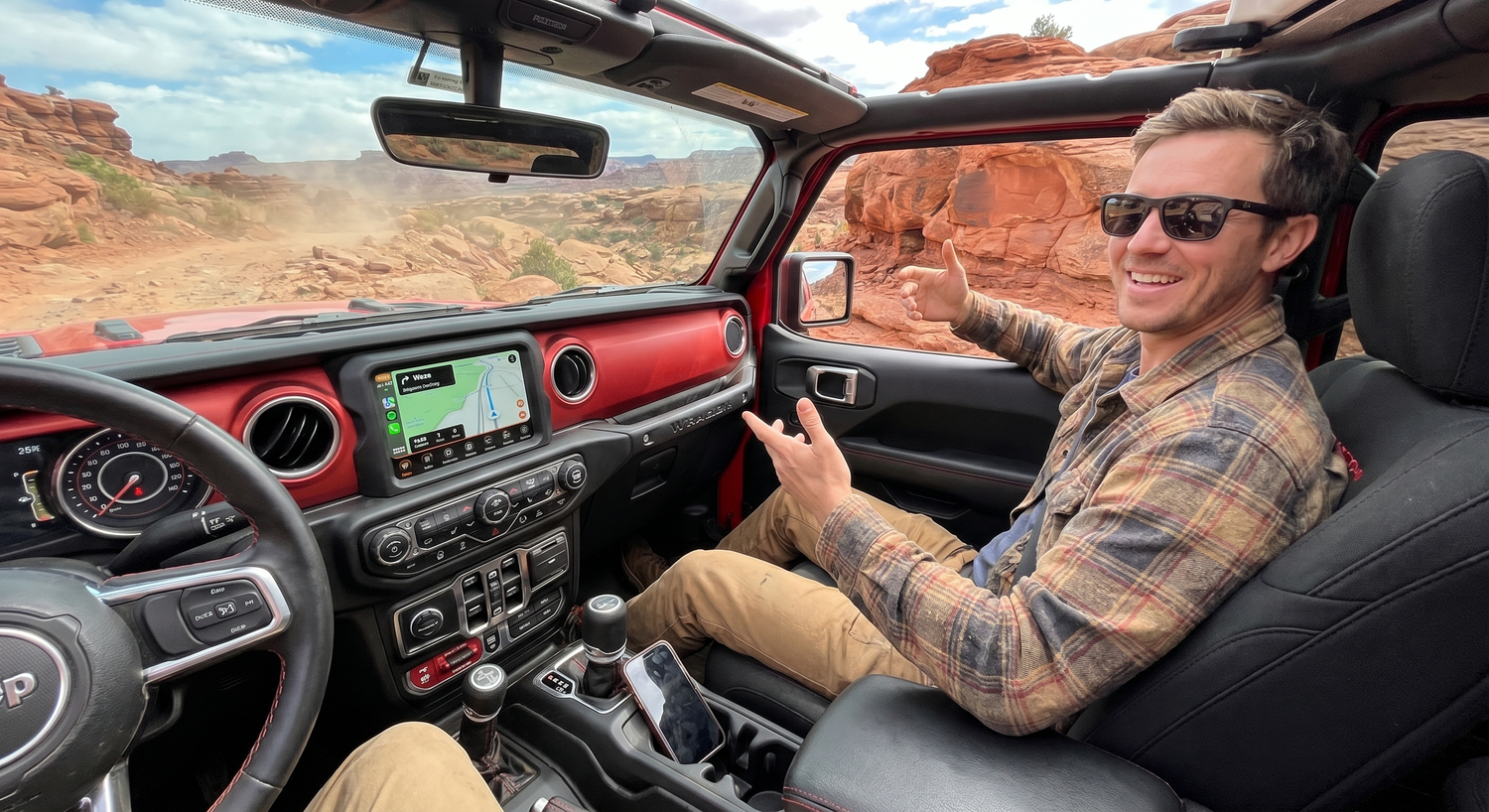
Quick answer: A Jeep wireless CarPlay adapter is worth considering when your Wrangler or Grand Cherokee already supports wired CarPlay, but you still have to plug in your iPhone every drive. If your Jeep has Uconnect 5 with built-in wireless CarPlay, you may not need an adapter. If your Uconnect system only supports wired CarPlay, a compatible adapter can reduce daily cable friction, but it will not repair unsupported vehicles, damaged USB ports, phone restrictions, or vehicle software issues.
For Jeep owners, the right question in 2026 is not simply "How do I stop using a cable?" It is "Which Uconnect system do I have, does wired CarPlay already work, and which upgrade path fits my driving habits?" Start there before choosing a CARLUEX adapter.
Safety note: Pair devices, change settings, test apps, and adjust infotainment options only while parked. Do not adjust phone or dashboard settings while driving.

First Check: Does Your Jeep Already Support CarPlay?
Apple's CarPlay available models page lists Jeep Wrangler from 2018 to 2025 and Jeep Grand Cherokee from 2018 to 2025 among supported models. That is a useful starting point, but it does not mean every trim, region, head unit, or 2026 configuration behaves the same way. Always confirm the exact year, trim, region, and Uconnect system in your vehicle.
Jeep / Uconnect guidance also separates wired and wireless behavior. Uconnect 5 can support wireless Apple CarPlay and Android Auto, while Uconnect 4 systems that support CarPlay generally use the USB connection path. That distinction matters because a wireless adapter is most useful when your Jeep has working wired CarPlay but not built-in wireless CarPlay.
| Your Jeep setup | What it usually means | Adapter decision |
|---|---|---|
| Uconnect 5 with wireless CarPlay already working | Your Jeep may already connect wirelessly without an adapter. | Fix pairing or software issues first; an adapter may be unnecessary. |
| Uconnect 4 with wired CarPlay working through USB | You likely have a good candidate for a wireless adapter. | Review a compatible CARLUEX wireless CarPlay adapter path. |
| Wired CarPlay does not work at all | The issue may be cable, USB port, phone settings, head unit software, or unsupported hardware. | Troubleshoot wired CarPlay first. A wireless adapter is not a repair tool. |
| Aftermarket Jeep head unit | Compatibility depends on the stereo, firmware, USB behavior, and CarPlay / Android Auto support. | Check the stereo and product page before buying. |
Why Wrangler and Grand Cherokee Owners Notice Cable Problems
Wrangler and Grand Cherokee owners often use their vehicles in different ways. A Wrangler may see more open-air driving, trail dust, vibration, and frequent in-and-out phone handling. A Grand Cherokee may be a family road-trip vehicle where navigation, calls, music, and passenger convenience matter more than rugged use. In both cases, the USB cable becomes one more item to manage.
A wireless adapter can make the daily routine cleaner after the base system is confirmed. Your phone can stay in a pocket, bag, or mount, and the adapter stays connected to the Jeep's USB port. The benefit is convenience, not magic: the vehicle still needs the right CarPlay or Android Auto foundation.

Which CARLUEX Path Should a Jeep Owner Review?
Do not treat every CARLUEX product as the same kind of Jeep upgrade. Start with your vehicle's existing system, then review the product page and the CARLUEX compatible vehicles page before purchase.
| Driver goal | CARLUEX path to review | Important boundary |
|---|---|---|
| Make wired CarPlay or wired Android Auto wireless with a simple adapter | CARLUEX LINK Wireless CarPlay and Android Auto Adapter | Wireless CarPlay needs factory wired CarPlay; wireless Android Auto needs factory wired Android Auto. |
| Add wireless connection plus app-based entertainment options to review | CARLUEX AIR or CARLUEX GO | Check the current product page, compatible vehicles page, and parked-use safety limits before purchase. |
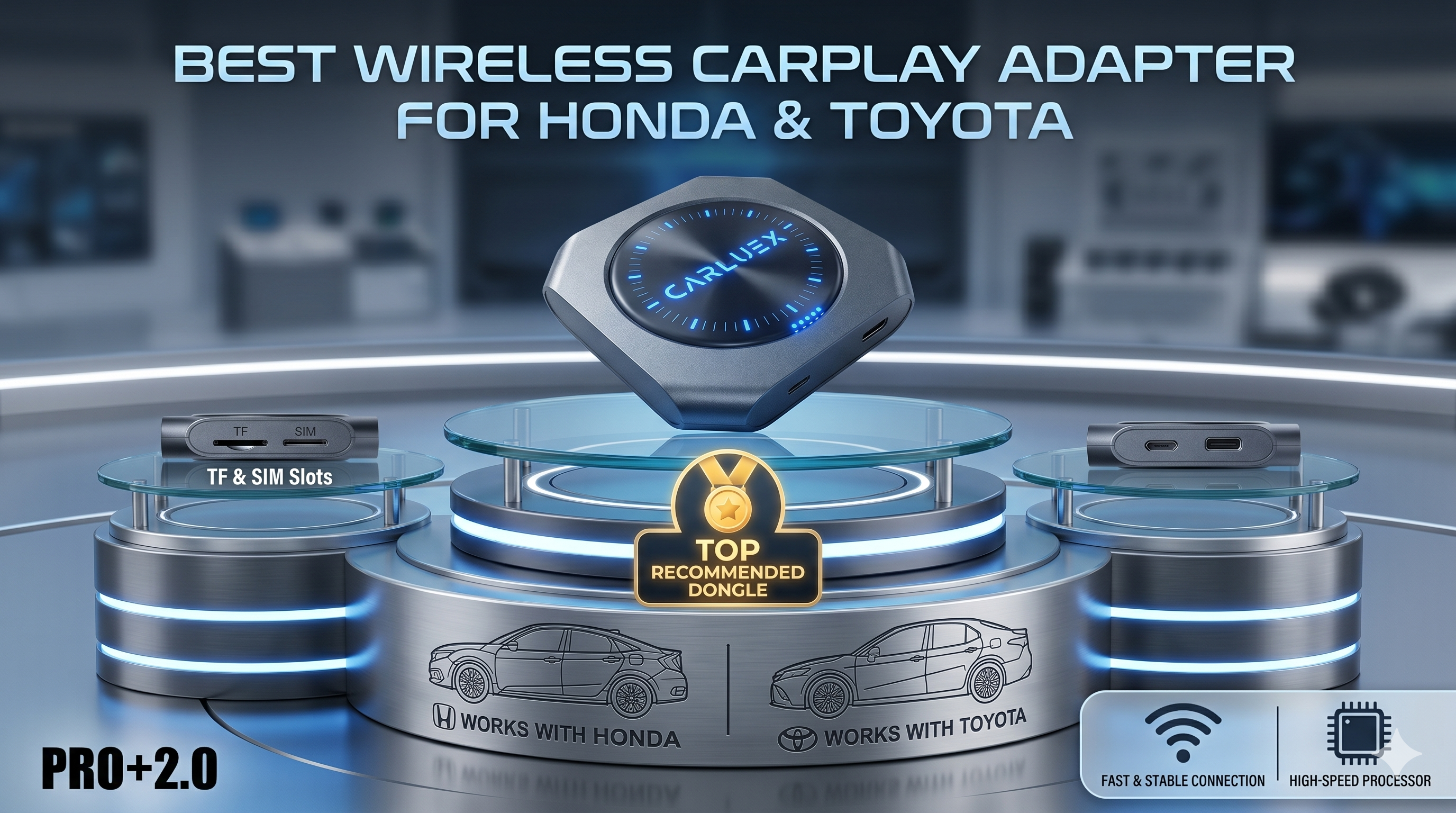
| Review a fuller multimedia AI box for compatible non-BMW vehicles | CARLUEX PRO+ 2.0 Multimedia AI Box | Confirm built-in wired CarPlay, USB behavior, phone requirements, and product compatibility first. |
| Need screen-control focused features | CARLUEX VISION Wireless CarPlay Adapter with Screen Control | Review exact control behavior and compatibility on the product page. |

How to Check Your Jeep Before Buying
Before you buy any Jeep wireless CarPlay adapter, run this quick parked check. It reduces returns, avoids compatibility disappointment, and makes the product choice clearer.
- Confirm your model and year: Check Apple CarPlay support for your Jeep model, then confirm the exact trim and region with your vehicle documentation or Uconnect screen.
- Identify the Uconnect system: Look for Uconnect 4, Uconnect 5, or an aftermarket head unit. Wireless behavior depends heavily on this step.
- Test wired CarPlay first: Use a known data-capable USB cable. If wired CarPlay fails, solve that before adding a wireless adapter.
- Check USB port behavior: Some ports are charge-only, loose, dusty, or unstable. Try the CarPlay-labeled port if your Jeep has one.
- Check phone settings: On iPhone, confirm Siri and CarPlay permissions. Labels may vary by iOS version.
- Review the product page: Confirm the adapter model, vehicle requirements, app behavior, and setup notes before purchase.
- Keep safety limits clear: Treat video or entertainment apps as parked-use or passenger-use features only, subject to local laws.
Installation: What the Upgrade Should Look Like
For a compatible Jeep with working wired CarPlay, setup is usually straightforward: plug the CARLUEX device into the CarPlay USB port, follow the pairing prompts, and test calls, maps, music, and steering-wheel controls while parked. The exact screen labels can vary by Uconnect version, phone OS, and adapter model.
If the connection is unstable, do not assume the adapter is the only cause. Retest wired CarPlay, restart the phone, check Bluetooth and Wi-Fi permissions, update firmware when available, and verify that the USB port is not loose or charge-only.

What a Wireless Adapter Cannot Fix
A wireless CarPlay adapter can remove the daily phone cable after the required base system works. It should not be presented as a universal fix. Keep these boundaries visible:
- It does not add CarPlay to a Jeep that lacks CarPlay support.
- It does not repair a broken USB port, damaged cable path, or vehicle software issue.
- It does not guarantee that every third-party app will always work.
- It does not remove the need to check product compatibility before purchase.
- It does not make driving-screen entertainment safe for the driver.
Bottom Line
If your Wrangler or Grand Cherokee already has reliable wired CarPlay and you want a cleaner daily setup, a Jeep wireless CarPlay adapter can be a practical upgrade. If your Jeep already has working Uconnect 5 wireless CarPlay, focus on pairing and software checks first. If wired CarPlay does not work, fix that foundation before buying an adapter.

Ready to compare options? Start with the CARLUEX compatible vehicles page, then review CARLUEX LINK, CARLUEX AIR, CARLUEX GO, or CARLUEX PRO+ 2.0 based on your Jeep's confirmed setup.
FAQ
Does every Jeep Wrangler or Grand Cherokee support wireless CarPlay?
No. Apple lists CarPlay support for many Wrangler and Grand Cherokee model years, but wireless behavior depends on the vehicle, trim, region, and Uconnect system. Uconnect 5 may support wireless CarPlay; Uconnect 4 systems generally rely on USB for CarPlay.
Do I need a wireless adapter if my Jeep has Uconnect 5?
Maybe not. If built-in wireless CarPlay already works, troubleshoot pairing, phone settings, and software first. A wireless adapter is more relevant when wired CarPlay works but built-in wireless CarPlay is not available.
Can CARLUEX fix Jeep CarPlay not connecting?
A compatible CARLUEX adapter can help reduce cable use after wired CarPlay works. It does not fix unsupported vehicles, damaged USB ports, blocked phone settings, or Uconnect software problems.
Which CARLUEX product should a Jeep owner compare first?
If the goal is a simple wireless CarPlay or Android Auto path, review CARLUEX LINK first. If you want app-based entertainment options or a multimedia AI box, compare AIR, GO, VISION, or PRO+ 2.0 after checking compatibility.
Can passengers watch Netflix or YouTube on a Jeep screen?
Only where the product, app, account, region, vehicle setup, and local laws allow it. Treat entertainment features as parked-use or passenger-use scenarios only, and never let the driver watch or adjust video while driving.
Related CARLUEX Guides
- Jeep Wrangler CarPlay Not Connecting
- Wireless CarPlay Adapter: What It Does and Who Needs One
- Best CarPlay Adapter: 2026 Buyer's Guide
- Browse wireless CarPlay adapters


Leave a comment
All comments are moderated before being published.
This site is protected by hCaptcha and the hCaptcha Privacy Policy and Terms of Service apply.