

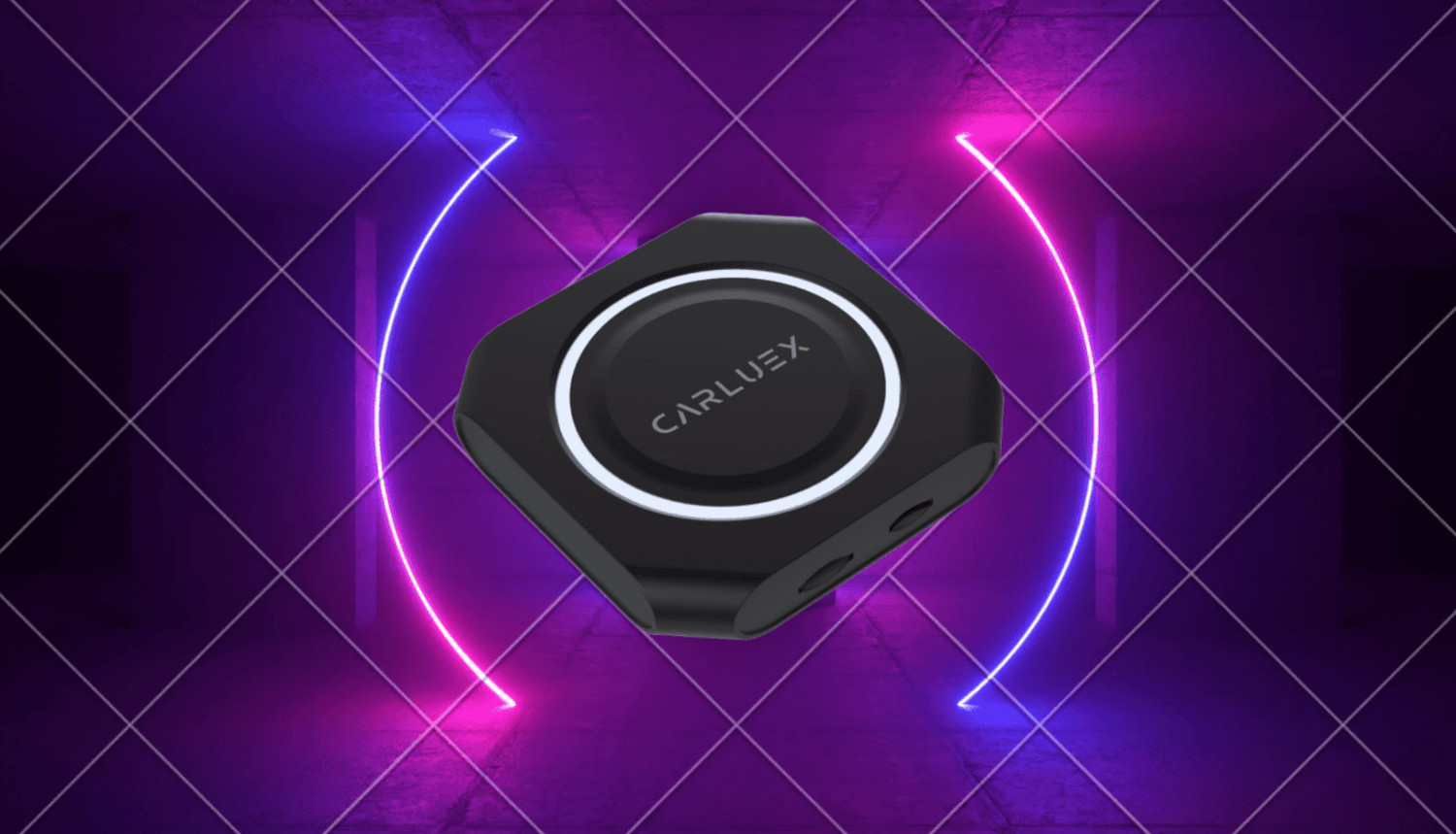
Quick Answer: What Does CARLUEX PRO+ 2.0 Add to Your Car?
CARLUEX PRO+ 2.0 is a multimedia AI box for compatible vehicles with built-in wired CarPlay. Instead of only removing the phone cable, it is designed for drivers who want wireless CarPlay, wireless Android Auto, Android-based apps, media options, and easier in-car entertainment while parked.
The important part is fit. PRO+ 2.0 is not a universal fix for every car, and it is not the right path for BMW models. Before buying, confirm that your vehicle has built-in wired CarPlay, check the CARLUEX compatible vehicles page, and review the current CARLUEX PRO+ 2.0 product page.
Safety note: Pair devices, change settings, and use entertainment apps only while parked. Do not watch video or adjust apps while driving.
Who Should Consider CARLUEX PRO+ 2.0?
PRO+ 2.0 makes the most sense if your car already supports factory wired CarPlay and you want more than a basic wireless CarPlay adapter. It is for shoppers who want a fuller in-car screen experience, such as app access, media playback, navigation flexibility, and wireless phone projection in one device.
If your goal is only to make CarPlay wireless, also compare simpler CARLUEX models such as CARLUEX LINK, CARLUEX AIR, or CARLUEX GO. If you drive a BMW, start with the CARLUEX Multimedia Streaming Box for BMW instead of assuming PRO+ 2.0 is compatible.

Compatibility Comes First
A USB port alone does not prove that your car can use a multimedia AI box. Apple says CarPlay use depends on car or stereo support, and its setup guidance separates wired USB setup from wireless setup. That is why your first check should be whether factory wired CarPlay works in your vehicle.
Use this pre-purchase checklist:
- Confirm wired CarPlay: Test CarPlay with a reliable data cable before considering an adapter.
- Check the vehicle: Model year, region, trim, and infotainment software can affect support.
- Check BMW separately: PRO+ 2.0 is not the recommended path for BMW models.
- Check phone platform: iPhone and Android requirements are different, especially for wireless Android Auto.
- Check the product page: Product features, app support, and compatibility notes can change over time.
If wired CarPlay does not work, fix that first. A multimedia AI box does not repair damaged USB ports, unsupported vehicles, blocked phone settings, or vehicle software problems.
What PRO+ 2.0 Can Improve
For a compatible car, PRO+ 2.0 can make the original screen feel less limited. The current CARLUEX product page positions PRO+ 2.0 around wireless CarPlay and Android Auto, app access, software updates, and Cloud SIM support. The project product fact table also lists PRO+ 2.0 features such as Android system support, Google Play or APK installation, MicroSD expansion, HDMI output, OTA updates, and wireless CarPlay / Android Auto.
Those features are useful for several common situations:
- Daily commuting: Use navigation, calls, music, and voice assistant access with less phone-cable friction after setup.
- Road trips: Give passengers more media options while the car is parked or when local laws and safety conditions allow passenger use.
- Camping or tailgating: Use media and HDMI-related scenarios only when the vehicle is safely parked.
- App flexibility: Use Android-based apps where available, while remembering that third-party app behavior can depend on the app provider, network, region, and product firmware.
This is a more useful promise than saying the device makes every car smarter. The real value is matching the right device to a compatible factory system and a realistic use case.
Wireless CarPlay, Android Auto, and Apps Are Different Needs
CarPlay, Android Auto, and Android-based app use are related, but they are not the same feature. Apple CarPlay is Apple's driving interface for compatible iPhones and supported vehicles. Android Auto is Google's in-car interface for compatible Android phones, cars, and stereos. PRO+ 2.0 can support a broader Android-based screen experience, but that does not mean every phone app or streaming app will behave the same in every car.
If you share the car with both iPhone and Android users, check both platforms before purchase. Google's Android Auto information notes that compatibility depends on the car or stereo and phone requirements. Wireless Android Auto can have additional phone and vehicle requirements, so do not assume iPhone support automatically proves Android support.
Installation: What to Expect
The old version of this article described installation as simple for almost any vehicle. A safer way to say it is this: setup is usually straightforward after compatibility is confirmed, but the product still needs the right factory system and the correct USB connection to the car.
Typical setup thinking looks like this:
- Park the vehicle before setup.
- Confirm factory wired CarPlay works with a cable.
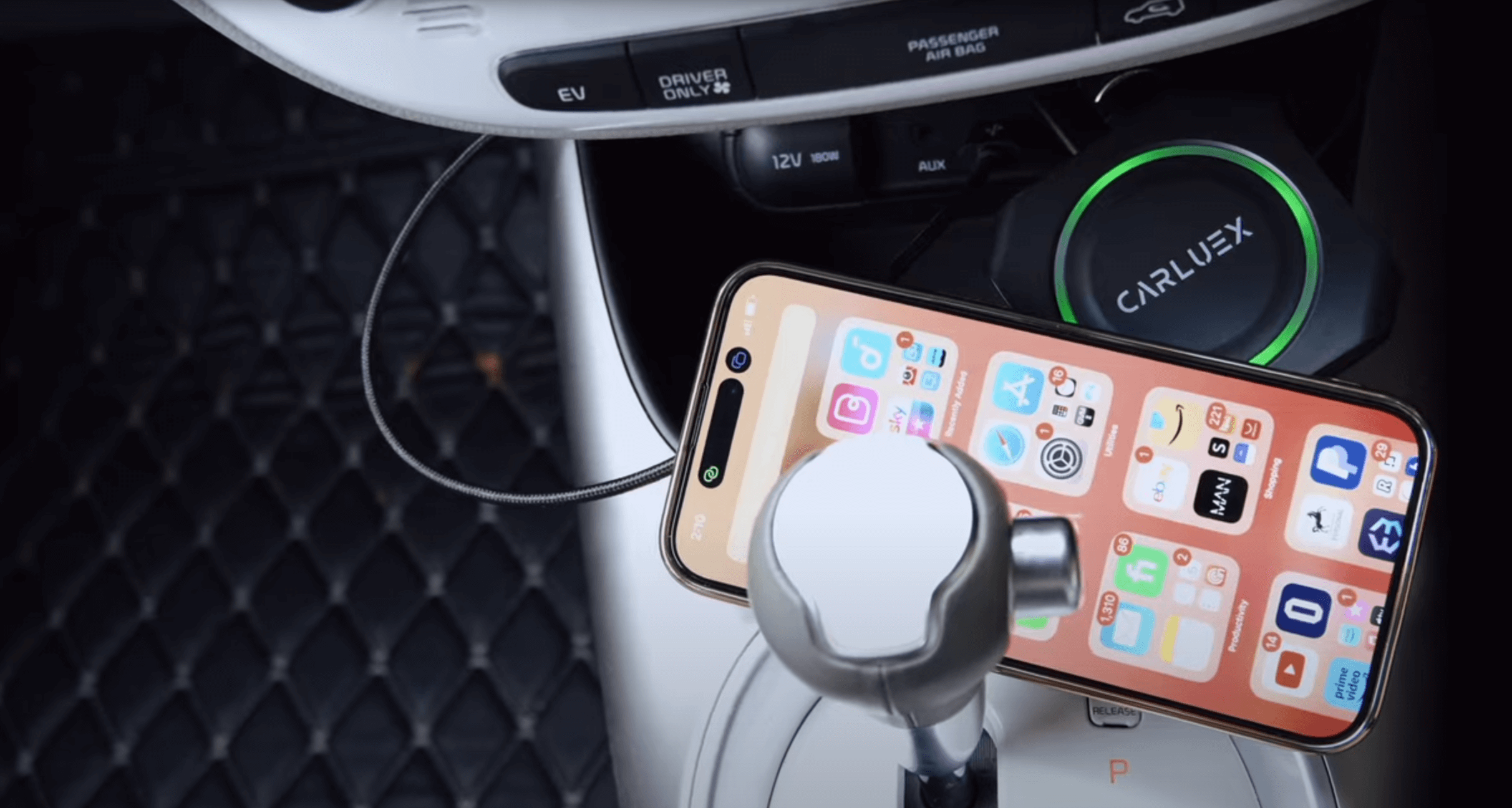
- Connect PRO+ 2.0 to the vehicle's CarPlay-capable USB port.
- Follow the product setup steps for phone pairing, Wi-Fi, Bluetooth, and system prompts.
- Test navigation, calls, music, and app behavior before relying on it for a trip.
- If setup fails, retest the original wired CarPlay connection and check vehicle compatibility before assuming the device is defective.

What PRO+ 2.0 Should Not Be Expected to Do
Good SEO copy should help the buyer avoid the wrong purchase. PRO+ 2.0 should not be described as compatible with every car, a repair tool for broken CarPlay, or a guarantee that every app will always work. It also should not be described as a BMW default option.
Keep these limits in mind:
- It does not add factory CarPlay to a vehicle that does not support the required connection path.
- It does not fix damaged USB ports, bad cables, or vehicle firmware issues.
- It does not override iPhone, Android, app-provider, or local-law restrictions.
- It does not make third-party app availability permanent or identical in every region.
- It is not the correct default recommendation for BMW models.
This kind of boundary actually makes the article stronger. Buyers who understand compatibility are more likely to choose the right product and less likely to run into avoidable setup frustration.
PRO+ 2.0 vs. Simpler CARLUEX Adapters
| Buyer need | Better CARLUEX direction to review | Compatibility reminder |
|---|---|---|
| Only remove the daily CarPlay cable | CARLUEX LINK or another simple wireless adapter | Wireless CarPlay generally requires factory wired CarPlay. |
| Wireless CarPlay / Android Auto plus app-based entertainment | CARLUEX PRO+ 2.0 | Confirm built-in wired CarPlay and non-BMW fit before purchase. |
| BMW-specific multimedia upgrade | CARLUEX for BMW | BMW models need separate compatibility checking. |
| Touchscreen or screen-control focused use | CARLUEX VISION | Check the product page for the exact control scenario. |
Bottom Line
CARLUEX PRO+ 2.0 can be a strong upgrade if your car is compatible and you want a multimedia AI box rather than only a basic wireless adapter. The safest buying path is simple: test wired CarPlay first, check the compatibility page, read the current product page, and choose PRO+ 2.0 only if its features match your real use case.

FAQ
Does CARLUEX PRO+ 2.0 work with every car?
No. PRO+ 2.0 is for compatible vehicles with built-in wired CarPlay and is not the default choice for BMW models. Check compatibility before purchase.
Can PRO+ 2.0 make CarPlay wireless?
PRO+ 2.0 supports wireless CarPlay in compatible vehicles. Your car still needs the correct factory system, and the device itself connects to the vehicle by USB.
Does PRO+ 2.0 support Android Auto?
PRO+ 2.0 supports wireless Android Auto in compatible conditions, but Android Auto requirements can differ from CarPlay requirements. Check your phone, car, and product page before buying.
Can I watch Netflix or YouTube while driving?
No. Treat video and entertainment apps as parked-use or passenger-use features only. Follow local laws and keep the driver's attention on the road.
Should BMW owners buy PRO+ 2.0?
BMW owners should review the CARLUEX BMW-specific product path first. Do not assume PRO+ 2.0 is the right product for BMW vehicles.


Leave a comment
All comments are moderated before being published.
This site is protected by hCaptcha and the hCaptcha Privacy Policy and Terms of Service apply.