

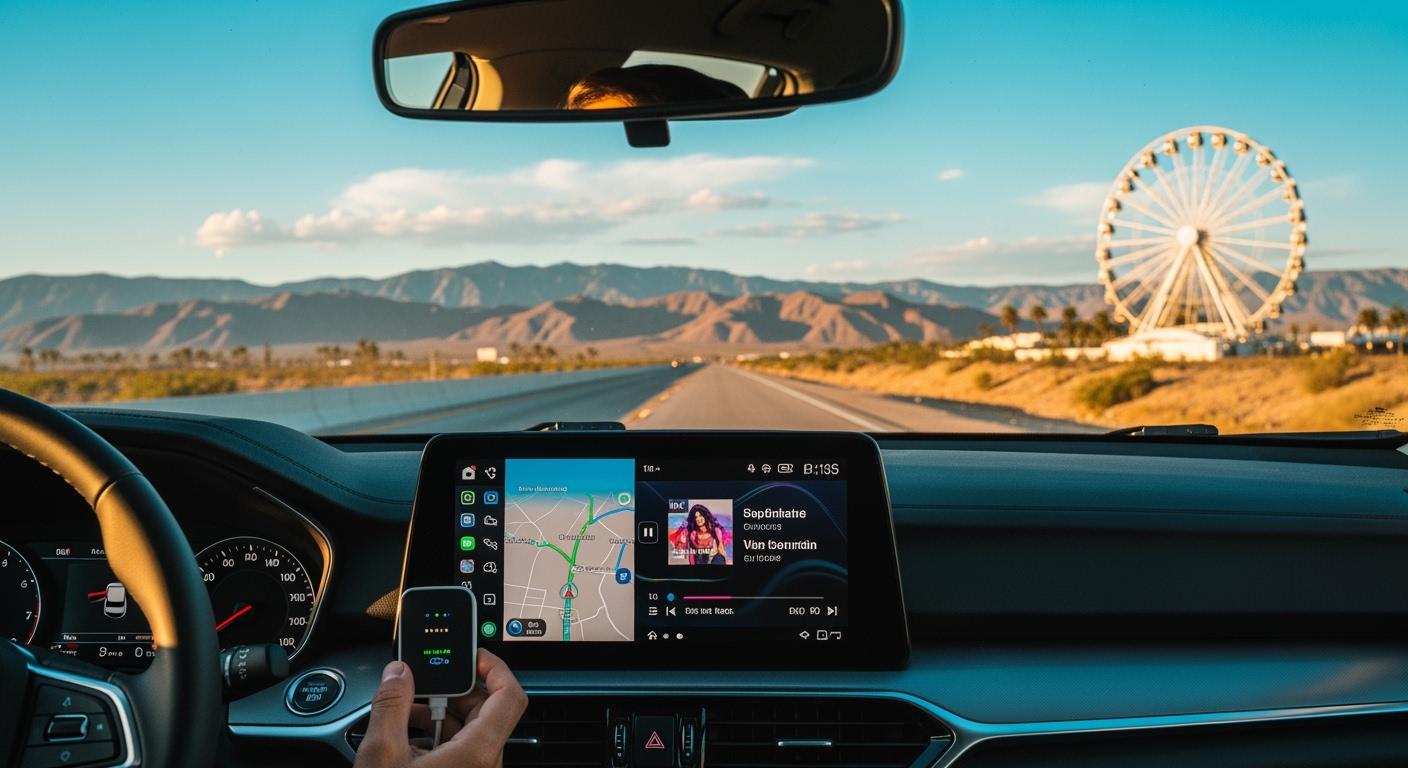
You can play your favorite festival playlists without wires by using a carplay android auto wireless adapter. This makes every mile to Coachella 2026 feel like a party. Wireless carplay lets you get music, maps, and calls right away. You do not need to deal with messy cords. You can enjoy the festival feeling before you get there. The new wireless features in the Coachella 2026 adapter make your drive better. CARLUEX AIR makes wireless CarPlay work in any car with a USB port. Browse CARLUEX wireless adapters to find the right fit for your car.
With wireless carplay, you can play and change playlists when you want. This keeps the energy up and makes the road trip fun.
What About Key Takeaways?
-
Use a wireless adapter to listen to music, use maps, and make calls without tangled cords on your road trip.
-
You can set up wireless CarPlay fast by turning on Bluetooth and Wi-Fi on your iPhone and following easy steps.
-
Make fun playlists for your trip to Coachella. Mix fast songs and slow songs for the best time.
-
Use voice controls so your hands stay on the wheel and your eyes stay on the road when you change music or use maps.
-
Keep your adapter updated for the best use. Fix connection problems with easy steps.
What Is a CarPlay Android Auto Wireless Adapter?
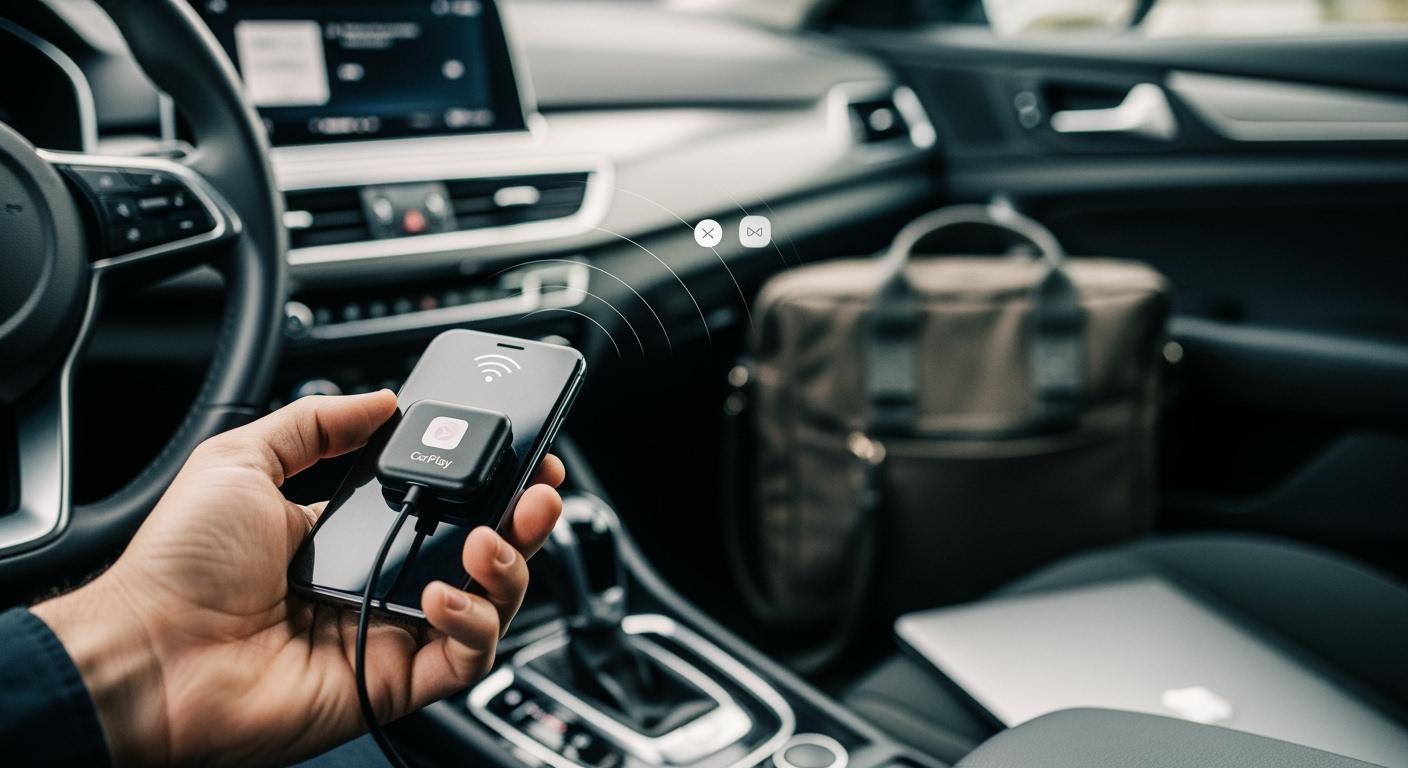
A carplay android auto wireless adapter lets you use apple carplay and Android Auto without plugging in your iphone. You do not need a cable to connect. This makes driving easier and more fun. You can play music, use maps, and answer calls on your car’s screen.
Key Features and Benefits
This adapter can make your car’s infotainment system smarter. The Coachella 2026 model has strong hardware and a good operating system. It works fast and the touch controls are smooth. You can listen to festival playlists and use entertainment apps with no slowdowns.
Here is a quick look at the main hardware and connectivity features:
|
Feature |
Description |
|---|---|
|
Installation |
Plug into the car’s USB port for a stable connection. |
|
Compatibility |
Works with iphone 6 and above (iOS 10+) and smartphones running Android 11+. |
|
Size |
Compact and lightweight design, ideal for leaving in the car. |
|
Heat Dissipation |
Built to dissipate heat, ensuring durability. |
|
Initial Connection Time |
Takes less than a minute to establish the initial connection. |
|
Requirement |
Vehicle must be equipped with wired apple carplay and wired Android Auto. |
You get better speed and a stronger connection. The adapter helps your music play without stopping. You can use more third-party apps on apple carplay. GPS and audio work better too.
Tip: Always check if your car has wired apple carplay before using the adapter.
Dual-Platform Support: Apple CarPlay & Android Auto
You can use both apple carplay and Android Auto with one adapter. This means you can switch between your iphone and Android phone fast. The adapter gives you a wireless connection for both. You do not need to change cables or settings. You can keep your eyes on the road and listen to your favorite playlists.
You can connect your iphone in less than a minute. The adapter works with new firmware and pairs with Bluetooth quickly. You get a strong connection every time you start your car.
How Does Wireless CarPlay Connection Work?
Wireless carplay lets you connect your iphone to your car without using a cable. You can enjoy music, maps, and calls with a wireless connection. This setup makes your drive easier and keeps your focus on the road.
Bluetooth and Wi-Fi Setup
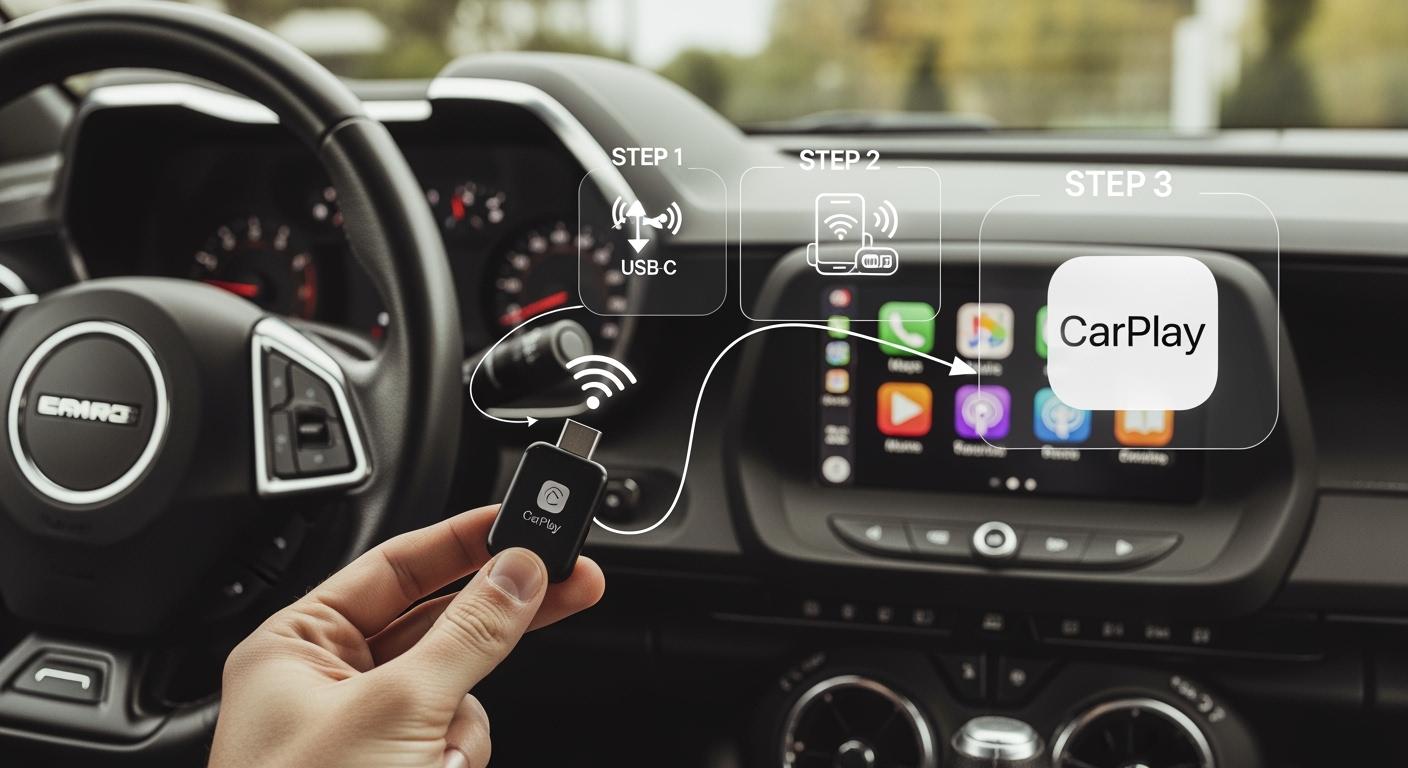
You can set up wireless carplay in just a few steps. First, make sure Bluetooth and Wi-Fi are on for your iphone. Go to Settings, then turn on Bluetooth and Wi-Fi. Next, start your car and open the apple carplay settings on your car’s screen. Look for the option to add a new device. Your car will find your iphone.
When your iphone shows a prompt, confirm the connection. Follow the instructions on your screen to finish the setup. You only need to do this once. After setup, your iphone will connect wirelessly every time you start your car.
Tip: If you have trouble with the wireless connection, restart your iphone and your car’s system. This often fixes most issues.
Compatibility with Car and Phone
Wireless carplay works best when your car and iphone meet certain requirements. Your car must have a built-in wired apple carplay or Android Auto interface. Most cars made after 2016 support this feature. Brands like Audi, GMC, Honda, Toyota, and Hyundai offer this in many models. Your iphone should be an iPhone 5 or newer, running iOS 10 or later. This ensures a smooth wireless connection and easy setup.
|
Requirement Type |
Details |
|---|---|
|
Car Support |
Built-in wired apple carplay or Android Auto interface needed |
|
Example Brands |
Audi, GMC, Honda, Toyota, Hyundai (2016-2020 models) |
|
iPhone Requirement |
iPhone 5 or newer, iOS 10 or later |
You can check your car’s manual or ask your dealer if you are not sure about compatibility. Always update your iphone to the latest software for the best wireless carplay experience.
What About Using Wireless CarPlay for Festival Playlists?
Accessing Music Apps
You can use wireless carplay to open your favorite music apps right from your car’s screen. This means you do not need to touch your iphone while driving. You can tap icons for spotify, Apple Music, or YouTube Music. Each app lets you search for songs, albums, or artists. You can switch between music apps with a simple tap.
Wireless carplay makes accessing apps and features easy and safe. You can play festival tunes, explore new tracks, and keep the energy high on your road trip. You do not need to worry about tangled cords or losing connection. Wireless carplay keeps your music apps ready for every moment.
Creating and Managing Playlists
You can build the perfect driving playlist for your Coachella trip using wireless carplay. Start by opening your favorite music apps. You can create different playlists for each part of your journey. Choose energetic tunes for long stretches and calming songs for scenic routes. You can also make playlists for your friends or family. This helps everyone enjoy the ride.
Many music apps let you discover new songs and add them to your driving playlist. You can keep your playlists fresh and exciting. Wireless carplay lets you manage your music without stopping the car. You can add, remove, or reorder songs with just a few taps.
Tip: Use balanced music with a moderate tempo to help you stay focused while driving.
Voice Controls for Safety
You can use voice controls with wireless carplay to keep your hands on the wheel and eyes on the road. Just say “Hey Siri” to play a driving playlist, skip a song, or open music apps. The simple interface helps you glance quickly at the screen without losing focus. Wireless carplay lets you reply to messages, make calls, or get directions using only your voice.
This hands-free system keeps you safe and reduces distractions. You do not need to look at your iphone or touch the screen. Wireless carplay makes every command easy and fast, so you can enjoy your festival tunes and drive safely.
What About Optimizing Sound and Entertainment on the Road?
Audio Settings and Quality
You can make your road trip more exciting by adjusting your car’s audio settings. Start by connecting your iphone to wireless carplay. Open your favorite music app and play a festival playlist. Use your car’s equalizer to boost the bass or make the vocals clearer. Try different settings until you find the sound you like best. Wireless carplay gives you high-quality audio, so every song sounds crisp and full.
If your car supports surround sound, turn it on for a concert-like experience. You can also adjust the balance and fade to make sure everyone in the car hears the music. Good sound makes every mile more fun.
Tip: Lower the volume before you start your car to protect your ears and speakers.
Split-Screen and App Expansion
You can do more with wireless carplay when you use split-screen and app expansion. This feature lets you see two apps at once. For example, you can watch a music video on one side and follow maps on the other. Passengers can enjoy YouTube or Netflix while you keep your eyes on the road. Wireless carplay helps you multitask without distractions. The Coachella 2026 adapter supports 4K video, so movies and shows look sharp and bright.
Here are some ways split-screen and app expansion improve your trip:
-
View navigation and music at the same time.
-
Watch videos while checking trip info or messages.
-
Keep kids entertained with educational content in the back seat.
-
Enjoy smooth performance with no lag.
|
Use Case |
Description |
|---|---|
|
Long Road Trips |
Passengers can watch movies while the driver navigates. |
|
Charging Wait Times |
Users can enjoy Netflix for immersive viewing experiences with car audio. |
|
Child Entertainment |
Educational content via YouTube keeps children engaged in the back seat. |
Wireless carplay turns your car into an entertainment hub. You can download more apps to your adapter and expand your options. Your iphone connects quickly, so you can switch between music, maps, and videos with ease. Wireless features make every trip feel special.
What About Recommended CarPlay Android Auto Wireless Adapter and Apps?
Coachella 2026 Adapter Overview
The Coachella 2026 adapter is a good choice for your road trip. It lets you use wireless carplay to get maps, music, and fun apps. The adapter works fast and the touch screen is easy to use. It supports both Apple CarPlay and Android Auto. You can download new apps and use split-screen to see more than one thing at a time.
You can also watch videos in 4K quality. The device uses triple-constellation positioning, so your directions are very accurate. You get help after you buy it and OTA updates keep your system new. People say the adapter is reliable and simple to use.
|
Rating |
Number of Reviews |
|---|---|
|
10,500 |
You can send logs if you need help and check for updates with one tap.
Best Music and Navigation Apps
Wireless carplay lets you use the best music and map apps for your festival trip. Music Roadtrip helps you plan your drive with special playlists and travel tools. Victorinox Festival Ready gives you packing lists, weather news, and helps you find your tent or friends. You can use maps to pick the best way to the festival and look around.
Spotify, Apple Music, and YouTube Music let you play songs and make playlists. Google Maps and Waze help you avoid traffic and find parking spots. You can switch between music and map apps quickly.
|
App Name |
Description |
|---|---|
|
Music Roadtrip |
Makes music travel plans and adds concerts, festivals, and cool places. |
|
Victorinox Festival Ready |
Gives you packing lists, weather news, and helps you find tents and friends. |
Try out different apps to see which ones you like best for music, maps, and fun on your trip.
What About Troubleshooting Wireless Connection Issues?
You may run into connection problems when using wireless carplay on your road trip. Troubleshooting helps you fix these issues quickly so you can get back to your music and maps. Here are steps you can follow for troubleshooting common issues:
Fixing Bluetooth and Wi-Fi Problems
You can solve most connection problems by checking a few things. Start with these steps:
-
Check compatibility. Make sure your car’s infotainment system supports wired CarPlay or Android Auto.
-
Plug the adapter into your car’s USB port. Follow the setup instructions.
-
Turn on Bluetooth and Wi-Fi on your phone. Search for the adapter and connect.
-
If you have no connection, restart your phone and the adapter. Make sure Bluetooth and Wi-Fi are both enabled.
-
If the connection drops, check for firmware updates. Try to avoid interference from other devices.
-
For audio issues, select the correct audio input and try pairing the adapter again.
Note: Sometimes, Bluetooth problems happen after an iOS update. You may need to toggle Bluetooth off and on more than once. Check for updates from Apple if you still have trouble.
You can also try these tips:
-
Make sure no other devices are trying to connect at the same time.
-
Move your phone closer to the adapter for a stronger connection.
System Updates and Log Uploads
Keeping your adapter updated helps prevent connection issues. The Coachella 2026 adapter lets you update the system over the air (OTA). To check for updates:
-
Open the “Software Update” app on the dashboard.
-
Tap “Check for Update.” Download and install if a new version is available.
If you need help with troubleshooting, you can upload system logs:
-
Go to “Settings” on the dashboard.
-
Scroll down and tap “Upload log.” The device will send logs to support for review.
Tip: After uploading logs, note the time so support can find your file faster.
Troubleshooting common issues keeps your wireless carplay running smoothly. You can enjoy your festival playlists without interruption.
Wireless carplay can make your Coachella road trip more fun. You can listen to music and use apps without any cords. This helps you pay attention to driving and still enjoy your favorite songs. It is easy to switch between music and maps with wireless carplay. You will have fewer things to distract you while you drive. Try out some of the suggested apps before your trip.
Get set for Coachella 2026 and have fun on every mile using wireless tech.
FAQ
How do you set up the Coachella 2026 wireless adapter?
You plug the adapter into your car’s USB port. Turn on Bluetooth and Wi-Fi on your phone. Follow the on-screen instructions to connect. Most users finish setup in less than five minutes.
Check your car’s manual for compatibility before starting.
Can you use both Apple CarPlay and Android Auto with this adapter?
Yes, you can switch between Apple CarPlay and Android Auto. The adapter supports both platforms. You choose which system to use based on your phone.
Make sure your car’s head unit supports wired CarPlay or Android Auto.
What should you do if the wireless connection drops?
Restart your phone and the adapter. Move your phone closer to the adapter. Update the adapter’s software if needed.
Try turning Bluetooth and Wi-Fi off and on again for a stronger connection.
How do you update the adapter’s software?
Open the “Software Update” app on the dashboard. Tap “Check for Update.” Download and install any available updates.
Keep your adapter updated for the best performance and new features.
Can you watch videos while using navigation?
Yes, you can use split-screen mode to watch videos and follow maps at the same time. The adapter supports 4K video playback.
Add your favorite apps to split-screen for a more entertaining drive.


Laisser un commentaire
Tous les commentaires sont modérés avant d'être publiés.
Ce site est protégé par hCaptcha, et la Politique de confidentialité et les Conditions de service de hCaptcha s’appliquent.