

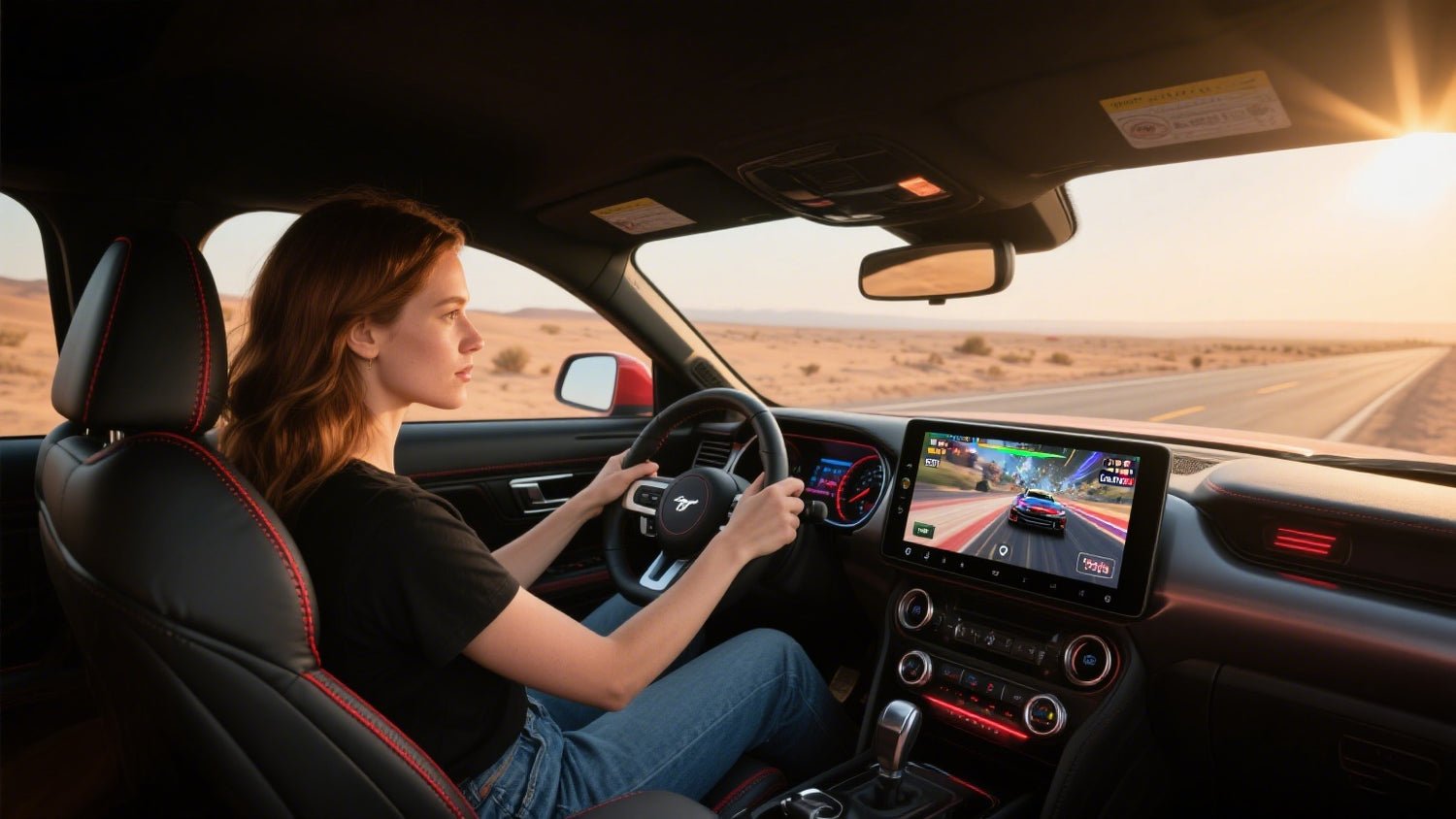
Ford Mustang Wireless CarPlay Adapter Guide: Compatibility and Setup
A Ford Mustang wireless CarPlay adapter is worth considering if your Mustang already launches factory wired Apple CarPlay through a working USB data port. The adapter does not create CarPlay in a Mustang that has no CarPlay-capable infotainment system; it mainly changes a working wired CarPlay connection into a wireless one. Apple currently lists Ford Mustang 2017-2025 as CarPlay-capable, but exact support can still depend on model year, market, trim, SYNC version, USB hub, and previous head-unit changes. Before buying, park the car, test wired CarPlay with a data cable, confirm your SYNC setup, and compare the product requirements.
Mustang situation |
Best next step |
|---|---|
Wired CarPlay works now |
Compare a wireless CarPlay adapter such as CARLUEX LINK or AIR. |
CarPlay does not appear by USB |
Fix cable, USB data port, iPhone settings, or SYNC support first. |
Older Mustang or modified head unit |
Verify the exact infotainment system before choosing any plug-in adapter. |
Want streaming or broader apps |
Review multimedia box requirements carefully before assuming fit. |
Which Ford Mustang Years Support Apple CarPlay?
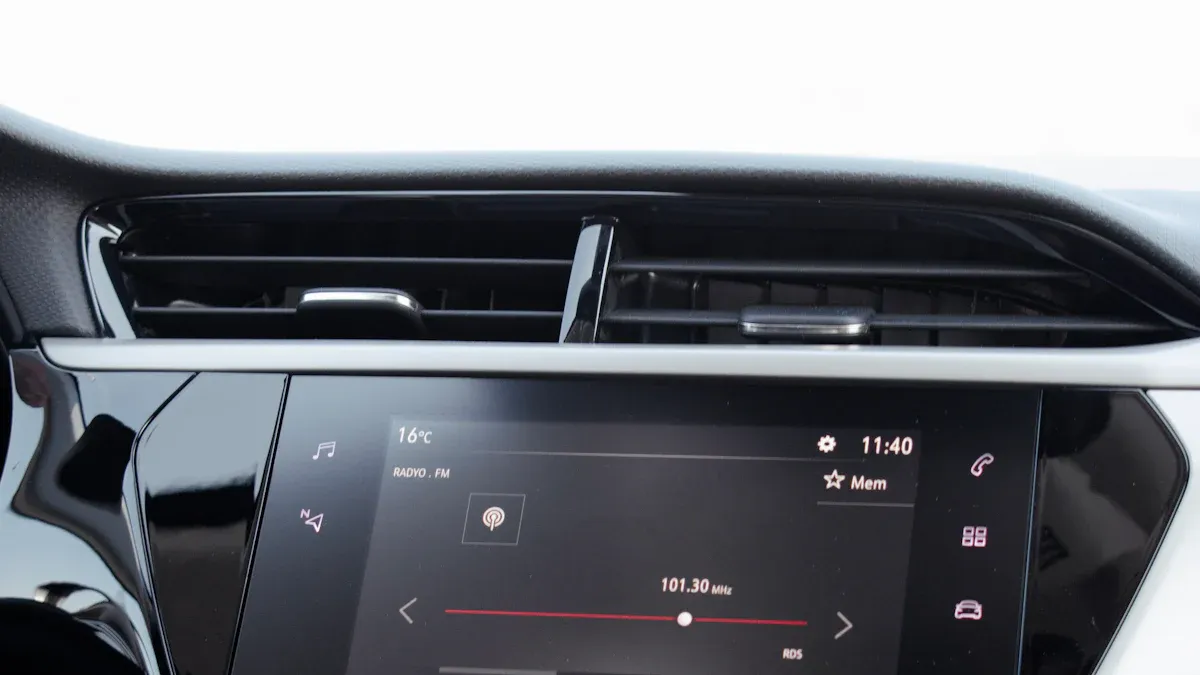
Apple?s official CarPlay model list includes Ford Mustang 2017-2025. Treat that as a starting point, not a guarantee for every vehicle on the road. A used Mustang may have a different region specification, a changed head unit, a damaged USB hub, or a SYNC version that affects setup.
Ford?s SYNC support materials also show that SYNC features depend on vehicle model and mobile capability, and that SYNC 3 includes separate support areas for touchscreen controls, steering-wheel controls, software updates, Android Auto, and Apple CarPlay. That matters because a wireless adapter depends on the factory system doing its job first.
Check whether your Mustang has factory SYNC 3, SYNC 4, or another head unit.
Confirm wired CarPlay appears when an iPhone is connected by USB.
Use a real USB data cable; a charging-only cable can hide the actual issue.
If your car has an aftermarket screen, verify that screen supports wired CarPlay before buying an adapter.
Wireless Adapter or Infotainment Upgrade: Choose the Right Path
The original article treated ?upgrade infotainment? and ?install a wireless CarPlay adapter? as one simple path. For a Mustang owner, these are different decisions. A wireless adapter is the lower-disruption choice when factory wired CarPlay already works. A head-unit or SYNC retrofit is a bigger project for Mustangs that lack CarPlay support or have outdated hardware.
Upgrade path |
When it makes sense |
Main risk |
|---|---|---|
Wireless CarPlay adapter |
Factory wired CarPlay works through USB. |
Adapter compatibility with the exact Mustang system. |
USB hub or SYNC repair |
SYNC supports CarPlay but wired connection fails. |
Part/version mismatch; should be diagnosed carefully. |
Aftermarket head unit |
No CarPlay-capable factory system exists. |
Wiring, steering-wheel controls, camera, amplifier, and trim integration. |
Multimedia AI box |
Wired CarPlay works and you want more app/streaming options. |
Product requirements and app availability must be verified. |
Wired CarPlay Requirement for Wireless Adapters
A wireless CarPlay adapter generally requires factory wired Apple CarPlay. It cannot fix an unsupported Mustang, a damaged USB data port, a blocked iPhone setting, or a SYNC software problem. Apple?s CarPlay setup guidance explains that the connection method depends on the vehicle; for many cars, USB is part of the initial CarPlay path.
Before comparing products, do this quick test while parked:
Start the Mustang and open the infotainment system.
Connect an iPhone with a known good USB data cable.
Approve CarPlay prompts on the iPhone and vehicle screen if they appear.
Confirm maps, music, calls, and Siri work through the Mustang display.
Only then test a wireless adapter through the same USB data port.
For phone-side setup details, use Apple?s official CarPlay setup guide.
How to Set Up a Ford Mustang Wireless CarPlay Adapter
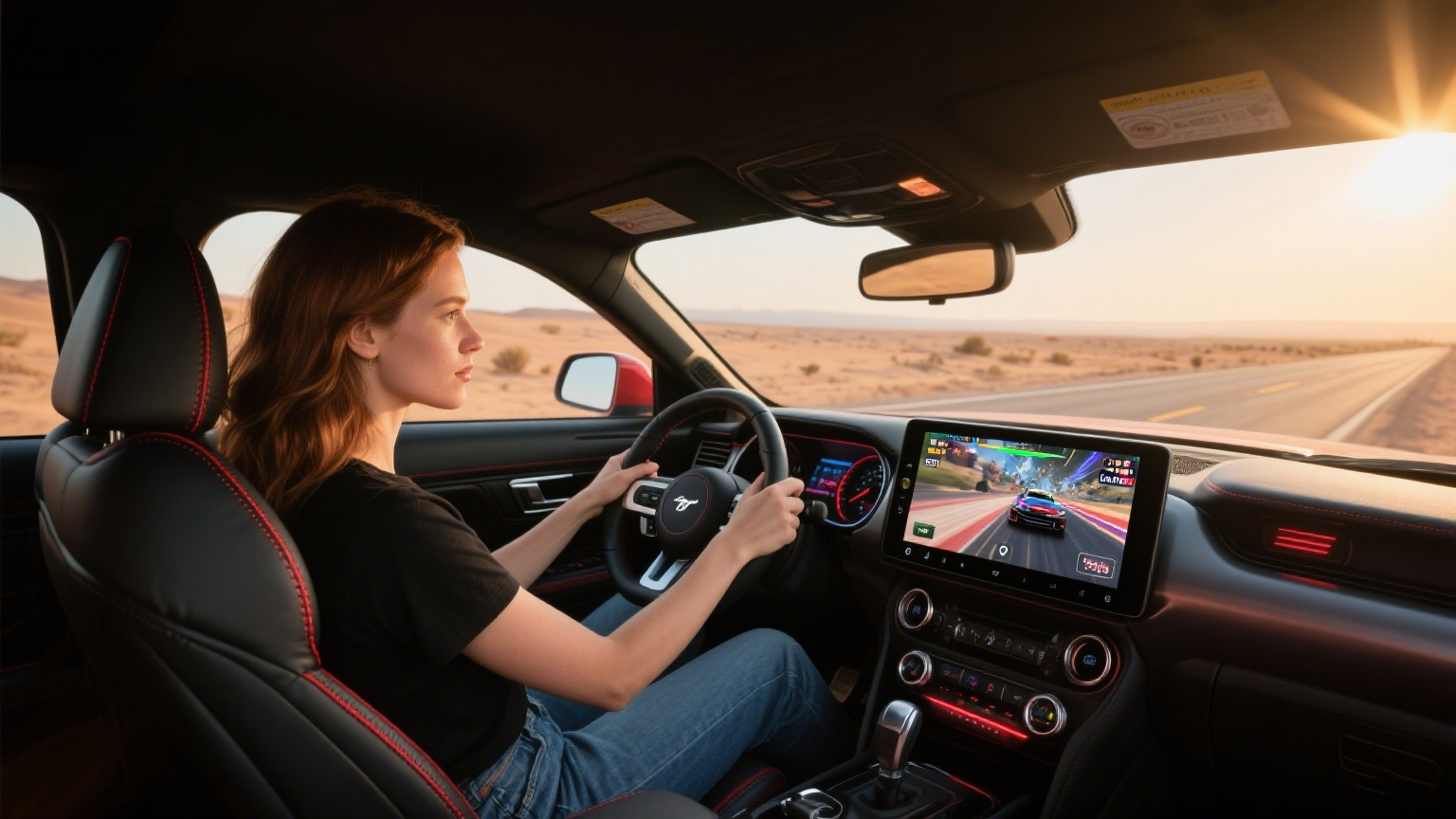
Once wired CarPlay works, installation is usually closer to a pairing process than a dashboard teardown.
Park the Mustang and keep the ignition/accessory mode stable.
Plug the adapter into the USB data port that launches wired CarPlay.
Wait for the adapter interface to appear on the Mustang screen.
On the iPhone, turn on Bluetooth and Wi-Fi.
Select the adapter name when prompted, approve CarPlay, and allow contacts or Siri permissions only if you want those features.
Restart the vehicle once to confirm automatic reconnection.
If menu names vary by iOS or SYNC version, search iPhone Settings for CarPlay and check the Mustang?s owner/SYNC menus rather than forcing one exact path.
Which CARLUEX Product Should Mustang Owners Compare?
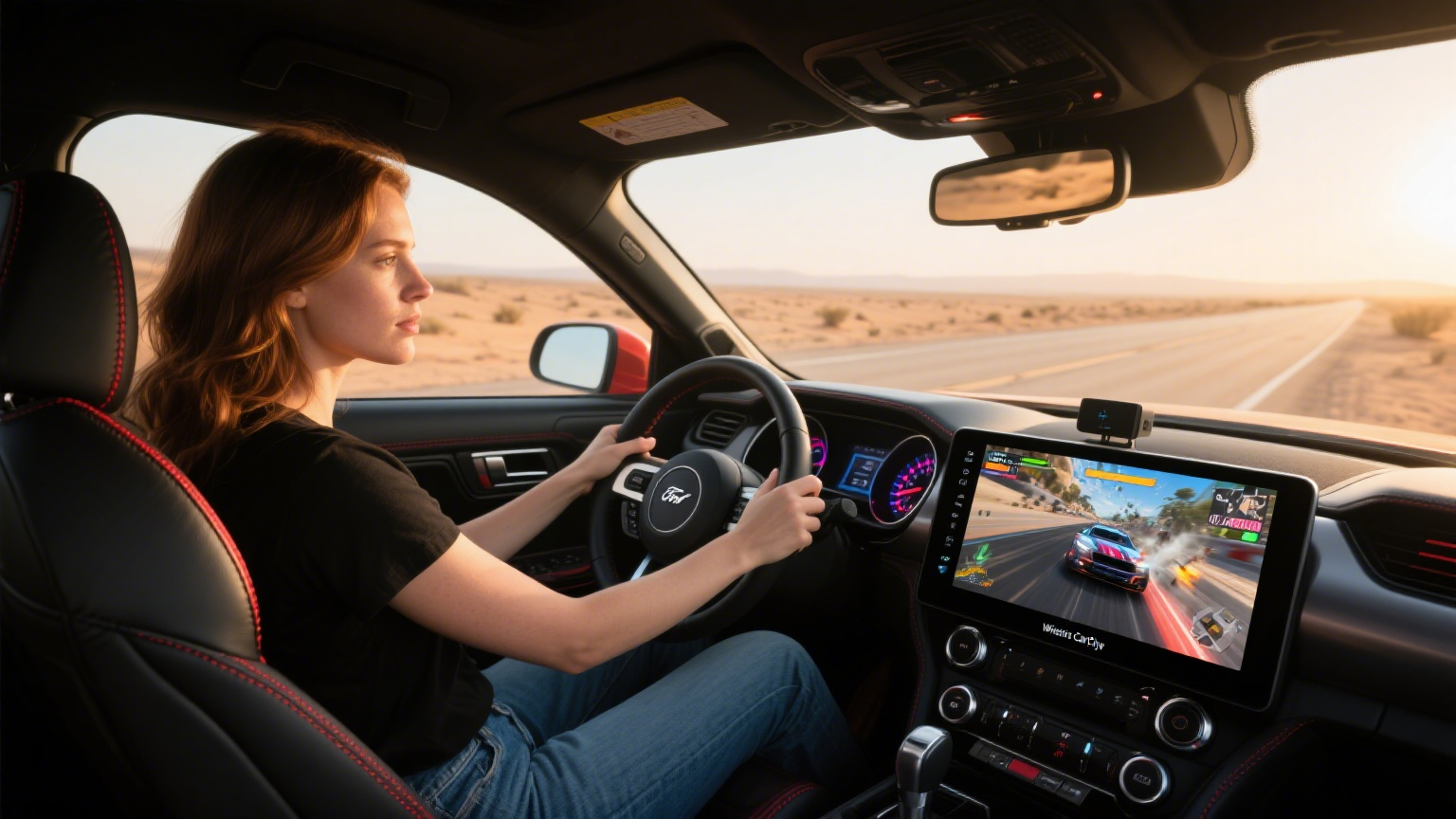
Do not pick a CARLUEX product only because the word ?CarPlay? appears. Match the product to your Mustang?s confirmed starting point.
CARLUEX LINK Wireless CarPlay and Android Auto Adapter: compare this first if your goal is a simple wired-to-wireless CarPlay upgrade.
CARLUEX AIR Wireless CarPlay/Android Auto Adapter: review this if you want wireless convenience plus app-oriented features listed on the current product page.
CARLUEX PRO+ 2.0 Multimedia AI Box: consider only if wired CarPlay works and you have confirmed product compatibility for a broader multimedia upgrade.
Use the CARLUEX compatible vehicles page before purchase. Compatibility may vary by model year, trim, USB port, region, and infotainment system.
Troubleshooting Mustang Wireless CarPlay Problems
If the adapter does not connect, separate Mustang/SYNC issues from adapter issues. A wireless adapter may improve convenience after wired CarPlay already works; it is not a repair tool for every CarPlay problem.
Problem |
Likely check |
|---|---|
No adapter screen appears |
Confirm the USB port is a CarPlay data port, not charging-only. |
Wired CarPlay also fails |
Try a different data cable, restart iPhone/SYNC, and check iPhone CarPlay restrictions. |
Connection drops after startup |
Remove old Bluetooth pairings, update iOS if needed, and reconnect while parked. |
Controls behave differently |
Check whether the Mustang uses factory SYNC or aftermarket hardware. |
For Apple-side fixes, see Apple?s CarPlay troubleshooting guide. For adapter expectations, read CARLUEX?s wireless CarPlay adapter guide for first-time users.
FAQ
Can I add wireless CarPlay to a Ford Mustang?
Yes, if your Mustang already supports wired CarPlay and the adapter matches your infotainment system. If wired CarPlay does not work, confirm the vehicle, USB port, iPhone, and SYNC setup first.
Which Mustang years support Apple CarPlay?
Apple lists Ford Mustang 2017-2025 as CarPlay-capable. Exact support may vary by market, trim, SYNC version, and previous modifications.
Can a wireless adapter add CarPlay to a 2015 or 2016 Mustang?
Not by itself if the car does not already have a CarPlay-capable system. Some older Mustangs may need SYNC hardware/software work or an aftermarket head unit, which should be verified separately.
Will steering-wheel controls still work?
In many compatible factory SYNC setups, steering-wheel controls continue to handle volume, calls, tracks, or voice control. Exact behavior depends on the Mustang system and adapter model.
Which CARLUEX adapter should I compare first?
Start with CARLUEX LINK for a simple wired-to-wireless CarPlay path, or CARLUEX AIR if you want additional app-oriented features. Review PRO+ 2.0 only after confirming multimedia box compatibility.
Related CARLUEX Guides
CARLUEX compatible vehicles for the first compatibility check.
Wireless CarPlay adapter guide for first-time users for setup expectations.
How to use Apple CarPlay for basic iPhone and CarPlay setup.
Final Check Before You Upgrade
The best Ford Mustang wireless CarPlay upgrade starts with proof that wired CarPlay already works. If your Mustang passes that test, a CARLUEX adapter can be a cleaner way to use CarPlay without plugging in your phone every drive. If it fails that test, solve the SYNC, USB, iPhone, or head-unit issue first, then choose the adapter.


Laisser un commentaire
Ce site est protégé par hCaptcha, et la Politique de confidentialité et les Conditions de service de hCaptcha s’appliquent.