

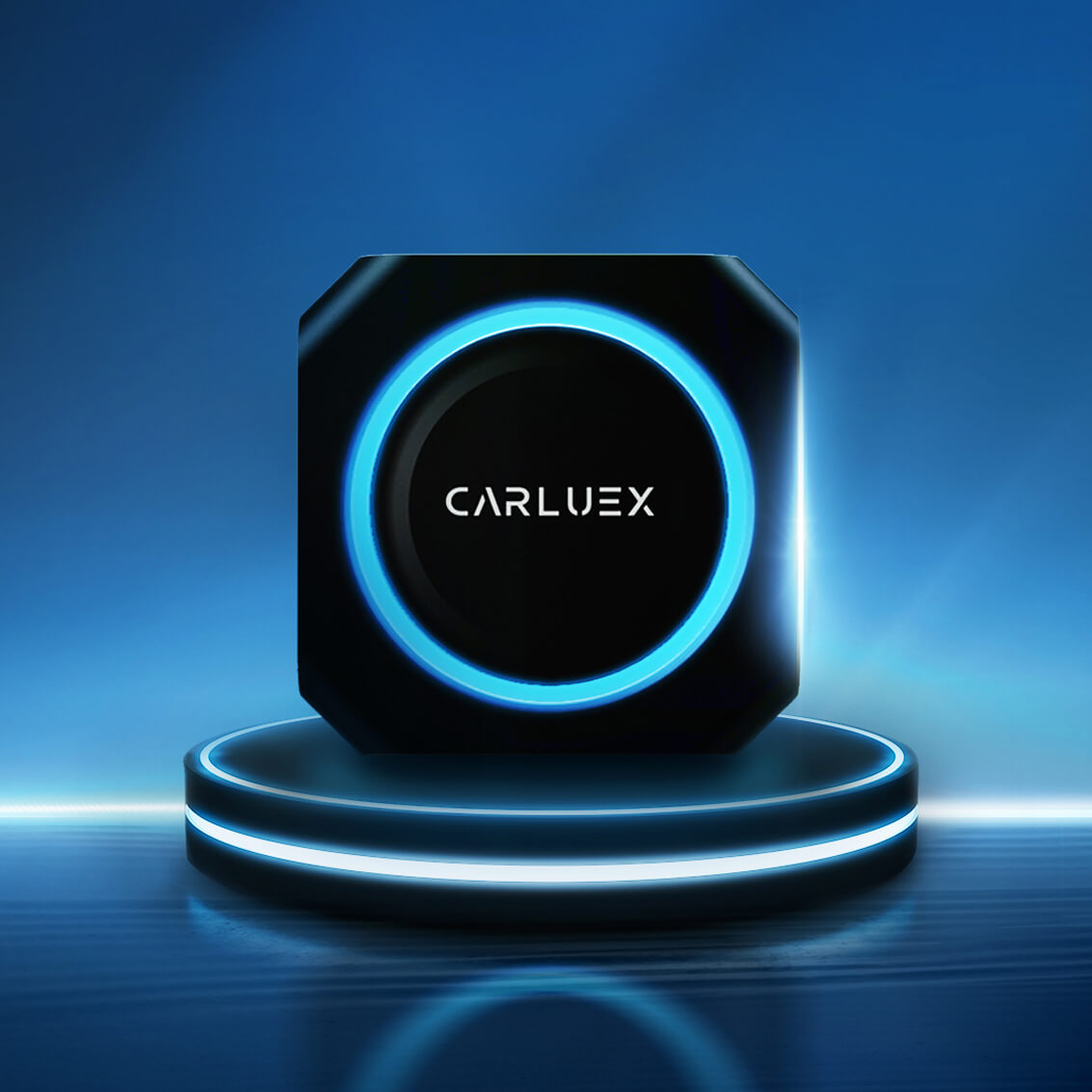
Quick Answer: What Is the CARLUEX Advantage?
The CARLUEX advantage is not one single feature. It is choosing the right in-car upgrade for your vehicle, your phone, and the way you actually use the screen. Some drivers only want to remove the daily phone cable. Others want a larger app experience for parked entertainment, road-trip planning, or a BMW-specific setup.
Before buying, confirm three things: your vehicle's factory infotainment support, whether you need CarPlay, Android Auto, or both, and whether you want a simple wireless adapter or a multimedia AI box. CARLUEX compatibility depends on the adapter model and your vehicle's factory system, so always check the product page and CARLUEX compatible vehicles page before purchase.
Safety note: Change settings, pair devices, and test entertainment apps only while parked. Do not adjust phone or infotainment settings while driving.
Start With Your Vehicle, Not the Adapter
A wireless adapter can make a compatible car feel cleaner and easier to use, but it does not turn every infotainment system into CarPlay or Android Auto. Apple explains that CarPlay setup depends on your car or stereo support, and Google notes that Android Auto also requires a compatible car or stereo. That is why the first buying step is compatibility, not price or screen size.
If your car already supports wired CarPlay, a wireless CarPlay adapter may help remove the phone cable after setup. If your car supports factory wired Android Auto, selected adapters may help with wireless Android Auto as well. If your vehicle is a BMW, check the BMW-specific CARLUEX option instead of assuming a universal adapter is the right fit.
Which CARLUEX Upgrade Fits Your Use Case?
| Need | Best-fit CARLUEX direction | Check before buying |
|---|---|---|
| Remove the daily CarPlay cable | CARLUEX AIR, CARLUEX LINK, or CARLUEX GO | Confirm factory wired CarPlay or Android Auto requirements on the product page. |
| Add a richer app and entertainment experience | CARLUEX PRO+ 2.0 Multimedia AI Box | Confirm compatibility, app availability, parked-use limits, and whether your vehicle is excluded. |
| Upgrade a BMW infotainment setup | CARLUEX Multimedia Streaming Box for BMW | BMW users should check the BMW version instead of buying PRO+ 2.0 by default. |
| Want a screen-control focused adapter | CARLUEX VISION | Confirm your car's infotainment system, control method, and supported phone platform. |
| Your car screen is not touch-friendly | CARLUEX Remote+ | Use it as an accessory for easier control, not as a compatibility fix. |
| You need a cleaner physical setup | CARLUEX CLIP | Use it for positioning and cable management around the device. |
Simple Wireless Adapter or Multimedia AI Box?
Most shoppers should start by deciding between two upgrade levels.
A wireless CarPlay or Android Auto adapter is for drivers who already like their factory screen but want a cleaner, cable-free connection after setup. It is best for navigation, calls, music, and everyday phone projection in compatible vehicles.
A multimedia AI box is for drivers who want a broader app experience on the car screen. That can include streaming and Android-based apps where available, but third-party app availability and performance can depend on the app provider, region, network, and product model. Treat entertainment as a parked-use feature and confirm the current product page before relying on it.
If you are not sure which direction fits, begin with the CARLUEX wireless CarPlay adapter collection, then compare the model page requirements against your vehicle.
Compatibility Checklist Before You Buy
- Check your factory system: Does your car already support wired CarPlay, wired Android Auto, or both?
- Check your phone: Apple CarPlay requires iPhone support, while Android Auto requirements depend on Android version, phone model, data plan, and wireless support.
- Check your vehicle model: Year, region, trim, head unit, and software version can affect compatibility.
- Check BMW separately: For BMW vehicles, review the CARLUEX BMW product page rather than assuming a standard adapter is correct.
- Check how you control the screen: If your vehicle does not have a touchscreen, a remote accessory may improve daily use.
- Check your intended app use: Navigation, calls, music, streaming, and app downloads are different needs; choose the product level that matches the job.
What CARLUEX Improves in Daily Driving
For compatible vehicles, a CARLUEX upgrade can make the in-car screen feel less limited. You can reduce cable clutter, keep navigation and audio easier to access, and make the dashboard feel more modern without replacing the original infotainment unit.
The biggest daily benefit is convenience. After setup, you spend less time plugging in a phone and more time using the screen for the tasks that matter before and during a drive: maps, music, calls, and voice control. For families or road trips, a multimedia box can also add more parked entertainment flexibility when the product model and app support fit your needs.
Still, the adapter is not a repair tool. It does not fix unsupported vehicles, damaged USB ports, blocked phone settings, outdated car software, or app-side restrictions. If wired CarPlay or Android Auto does not work at all, troubleshoot the car and phone connection first.
Official Setup Sources Worth Checking
Apple's CarPlay setup guidance explains how to connect an iPhone and where CarPlay settings may appear on the phone. If your iPhone is not detected, Apple's troubleshooting page also recommends checking restrictions, reconnecting the car, and reviewing stereo firmware.
Google's Android Auto help explains that Android Auto needs a compatible phone, a compatible car or stereo, and, for wireless use, wireless-capable hardware. If you use Android, check Google's current requirements before choosing an adapter.
NHTSA's distracted driving guidance is a useful reminder: screens, phones, and entertainment systems can distract drivers. Set up CARLUEX before driving, and keep video or entertainment use for passengers or parked situations only.
Recommended CARLUEX Path by Driver Type
If You Want the Easiest Cable-Free Upgrade
Look at CARLUEX AIR, CARLUEX LINK, and CARLUEX GO. These are the models to compare when your main goal is wireless CarPlay or Android Auto convenience in a compatible vehicle.
If You Want Apps and Entertainment While Parked
Review CARLUEX PRO+ 2.0 Multimedia AI Box. This direction fits shoppers who want more than wireless phone projection, but it also requires more careful product and compatibility review.
If You Drive a BMW
Start with CARLUEX Multimedia Streaming Box for BMW. BMW infotainment systems need separate compatibility attention, so do not assume the standard PRO+ 2.0 path is correct.
If You Want a Better Control Experience
Compare CARLUEX VISION and CARLUEX Remote+. These options are more about screen interaction and control comfort, so check your car's screen and control layout first.
Bottom Line
CARLUEX is best understood as a set of upgrade paths, not a one-size-fits-all promise. If your car is compatible, a wireless adapter can simplify everyday CarPlay or Android Auto use. If you want richer apps and parked entertainment, a multimedia AI box may be the better direction. If you drive a BMW, start with the BMW-specific product.
The safest buying path is simple: confirm your vehicle, choose the product category that matches your real use case, read the current product page, and check compatibility before purchase.
FAQ
Does CARLUEX work with every car?
No. Compatibility depends on your vehicle, factory infotainment system, phone platform, and the CARLUEX model. Check the product page and compatible vehicles page before buying.
Which CARLUEX adapter should I choose for wireless CarPlay?
If your main goal is cable-free CarPlay in a compatible vehicle, compare CARLUEX AIR, LINK, and GO first. Review each model's current requirements before purchase.
Should BMW owners buy CARLUEX PRO+ 2.0?
BMW owners should start with the CARLUEX BMW version and confirm compatibility there. Do not assume the standard PRO+ 2.0 model is the right choice for BMW vehicles.
Can I watch video apps while driving?
No. Treat video and entertainment apps as parked-use or passenger-use features only. Keep your attention on driving and follow local laws and safety guidance.
Is CARLUEX a fix for broken CarPlay or Android Auto?
No. A CARLUEX adapter may improve convenience after the factory connection works, but it does not repair unsupported vehicles, damaged USB ports, restricted phone settings, or vehicle software problems.


30 comments
d-change.net
I’m really enjoying the theme/design of your web site.
Do you ever run into any browser compatibility problems?
A small number of my blog readers have complained about my site not working correctly
in Explorer but looks great in Firefox. Do you have any recommendations to help fix this problem?
d-change.net
With havin so much content and articles do you ever run into any issues of
plagorism or copyright violation? My website
has a lot of unique content I’ve either created myself or outsourced but it
appears a lot of it is popping it up all over the web without
my permission. Do you know any techniques to help protect against content from being stolen? I’d truly
appreciate it.
d-change.net
Undeniably believe that that you said. Your favorite justification seemed to be on the internet the simplest
thing to be aware of. I say to you, I certainly
get annoyed even as other folks think about issues that they just do
not realize about. You managed to hit the nail upon the top and outlined out the whole thing with no need side
effect , people can take a signal. Will likely be again to get more.
Thank you
d-change.net
Hi there every one, here every one is sharing these kinds of knowledge, thus it’s good to read this weblog, and I used to go to see this blog daily.
d-change.net
Great post. I was checking constantly this weblog and I
am impressed! Very helpful info particularly the remaining phase :
) I maintain such information much. I used to be seeking this certain info for a long time.
Thank you and good luck.
Leave a comment
All comments are moderated before being published.
This site is protected by hCaptcha and the hCaptcha Privacy Policy and Terms of Service apply.