

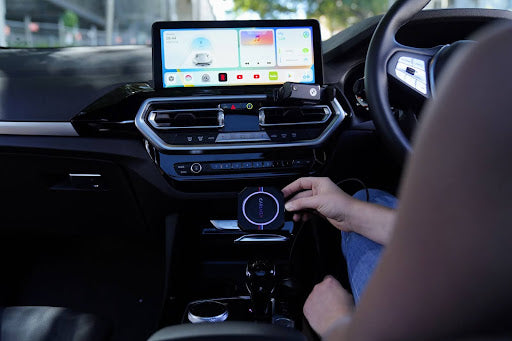
Looking for the best wireless CarPlay adapter in 2025? Tired of fumbling with cables every time you get in the car? You're not alone — and the good news is, upgrading to wireless CarPlay is easier than you think. With the right adapter, you can transform virtually any wired CarPlay system into a wireless one, typically connecting in under 30 seconds once paired.
In this guide, we'll break down everything you need to know before buying — from compatibility requirements to real-world performance benchmarks — and give you our top 5 picks for the best wireless CarPlay adapters available right now.

What Is a Wireless CarPlay Adapter and How Does It Work?

CarPlay 101: The Basics You Should Know
Apple CarPlay, launched by Apple in 2014, is a technology that mirrors your iPhone's key apps — Maps, Music, Messages, Phone, and more — onto your car's built-in infotainment screen. It was initially available only through a wired USB connection.
Wireless CarPlay takes this a step further by eliminating the cable entirely. The adapter communicates with your iPhone over Bluetooth first to establish a handshake, then switches to a dedicated 5GHz Wi-Fi link for stable, high-speed data transfer. This dual-protocol approach means you get the reliability of Wi-Fi for video and navigation data, while Bluetooth handles the quick initial pairing.
The latest adapters, including the CARLUEX AIR wireless CarPlay adapter, use dual-band Wi-Fi (2.4GHz + 5GHz) to automatically pick the least congested frequency in your area, resulting in smoother navigation and faster app loading compared to earlier single-band models.
Why Upgrade? Key Benefits at a Glance
- Cable-free convenience: No more plugging and unplugging every time you drive. The adapter auto-connects when you start the car.
- Better phone access: Keep your iPhone in your pocket or bag and use it through the car's screen without touching it.
- Full CarPlay experience: Siri voice control, hands-free calling, Apple Music, Maps — everything works just like wired, minus the wire.
- Works with most cars: Any vehicle with factory wired CarPlay (typically 2016 and newer) is a candidate for wireless upgrading. Check if your car is compatible.
How to Choose the Best Wireless CarPlay Adapter: 5 Things to Consider

Before diving into specific models, here are the most important factors to weigh. If you want a deeper dive, our essential buying guide covers everything you need to know before purchasing a wireless CarPlay adapter.
1. Vehicle Compatibility
Not all wireless CarPlay adapters work with all cars. Most require a factory-wired CarPlay system (aftermarket head units from Pioneer, Kenwood, Alpine, Sony, etc. are generally supported too). Check your car's documentation or use our compatibility checker before buying.
2. Connection Stability and Latency
Look for adapters that support 5GHz Wi-Fi in addition to Bluetooth — this dramatically reduces input lag for navigation inputs and improves streaming stability. Adapters that rely on Bluetooth-only data transfer tend to feel sluggish.
3. iPhone Compatibility
All wireless CarPlay adapters work with iPhone 5 or later, but for the smoothest experience, use iPhone 12 or newer. Apple has progressively optimized the wireless CarPlay protocol with each iOS update.
4. Dual-Mode Support (CarPlay + Android Auto)
Some adapters — like those from Carlinkit and CARLUEX — support both wireless CarPlay and wireless Android Auto. This matters if multiple household members use different phones.
5. Brand Reputation and Firmware Updates
Established brands like Carlinkit and CARLUEX push regular firmware updates that fix bugs and expand compatibility. Generic or unbranded adapters may stop working after an iOS update.
Best Wireless CarPlay Adapters: Top 5 Picks for 2025
After evaluating connection speed, compatibility range, build quality, and real-world user feedback, here are our top picks for the best wireless CarPlay adapters available right now.
Carlinkit 3.0: Best Budget Option
The Carlinkit 3.0 is a solid entry-level choice. It works well with most vehicles and aftermarket head units, sets up in minutes, and delivers a reliable wireless CarPlay experience at a budget-friendly price point. The trade-off: it uses 2.4GHz Wi-Fi only, so power users may notice slightly slower response compared to newer dual-band models.
Carlinkit 4.0: Improved Performance for Daily Drivers
The Carlinkit 4.0 builds on the 3.0 with a faster processor, better heat management, and 5GHz Wi-Fi support. Pairing is quick, and the connection stays stable even on longer drives. A good middle-ground if you want better performance without paying flagship prices.
OttoCast U2-Air: Premium Build, User-Friendly Interface
OttoCast's U2-Air stands out with its clean setup process and thermal vent design that keeps the adapter cool during extended use. It's compatible with a wide range of vehicles and aftermarket head units. The companion app is straightforward, though firmware updates come less frequently than some competitors.
CARLUEX AIR: Best Value with Dual-Band Wi-Fi
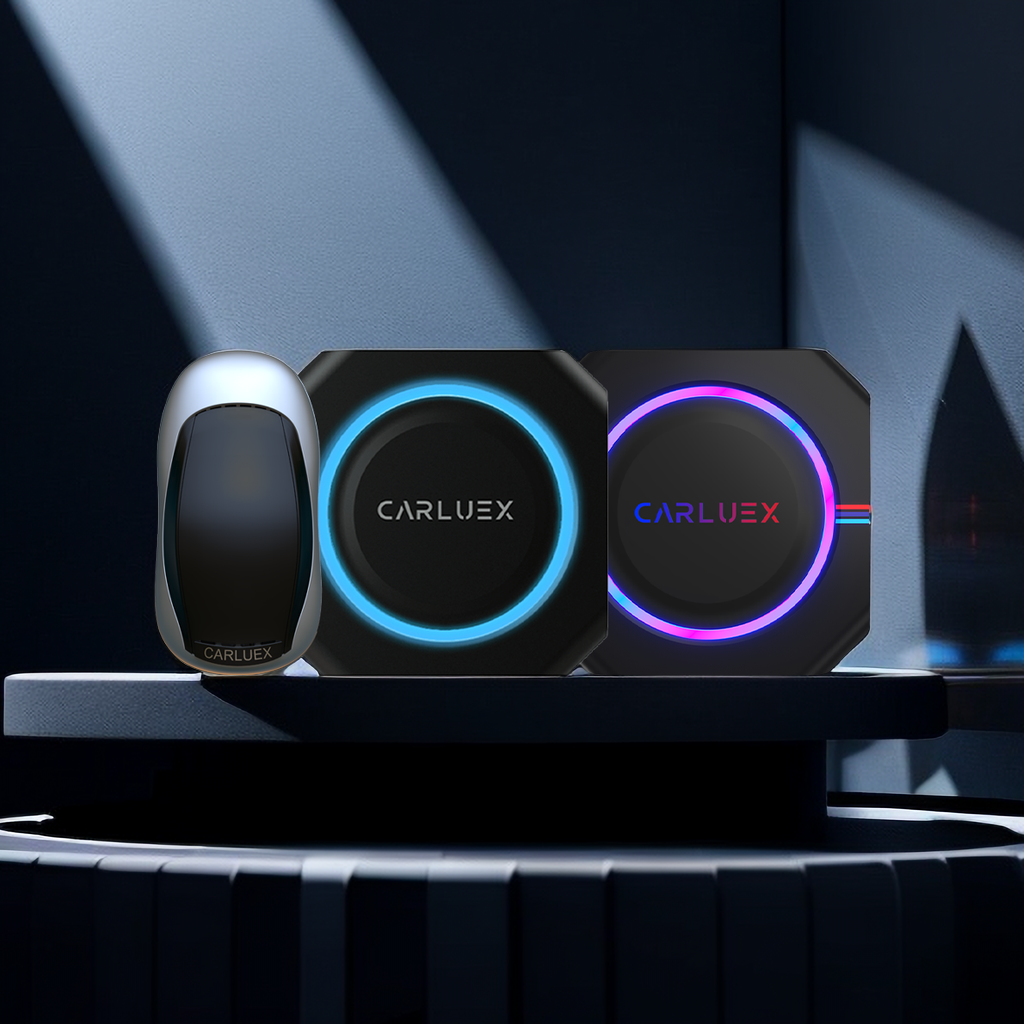
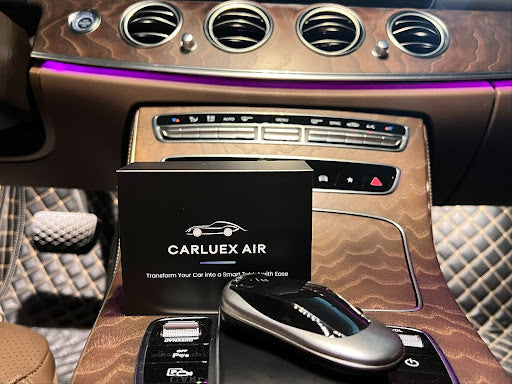
The CARLUEX AIR is one of the most capable adapters in its class. It supports both wireless CarPlay and wireless Android Auto in a single device, with dual-band (2.4GHz + 5GHz) Wi-Fi for stable, low-latency connectivity. Read our full CARLUEX AIR review to see how it compares.
Teeran and Autosky: Affordable Choices for Budget Shoppers
If you're on a tight budget, Teeran and Autosky offer functional wireless CarPlay adapters at lower price points. They won't match the performance or build quality of the options above, but for basic CarPlay use — calls, music, navigation — they get the job done. Just be aware that they may require more frequent reconnections.
How to Install a Wireless CarPlay Adapter: Step-by-Step
Step-by-Step Setup Guide
Installing a wireless CarPlay adapter is straightforward — no technical expertise required. Here's how to get up and running:
- Check compatibility: Confirm your car has factory wired CarPlay (usually listed under Settings > General > CarPlay in your vehicle) or an aftermarket CarPlay-compatible head unit.
- Purchase a compatible wireless CarPlay adapter — make sure it supports your specific car model and iPhone generation.
- Locate the USB port in your vehicle that your wired CarPlay cable normally plugs into.
- Plug the wireless adapter into that USB port.
- Start your vehicle and wait 15–30 seconds for the adapter to fully boot up (indicator light will turn solid).
- On your iPhone, go to Settings > Bluetooth and pair with the adapter (name will appear as something like "CARLUEX-XXXX").
- Then go to Settings > General > CarPlay and select your vehicle. CarPlay should launch wirelessly.
- For your next drive, the connection will happen automatically — just start the car and wait a few seconds.
Troubleshooting Common Issues
If you run into problems, check our comprehensive troubleshooting guide for wireless CarPlay adapter issues. Most common problems — slow connection, dropped signal, no auto-reconnect — have straightforward fixes like repositioning the adapter or clearing old Bluetooth pairings on your iPhone.
Keep the adapter's firmware updated: reputable brands release updates through their companion apps that fix iOS compatibility issues and improve connection stability.
Tips for Getting the Most Out of Your Wireless CarPlay Adapter

Optimize Your Setup for Lag-Free Performance
Placement matters: avoid tucking the adapter behind metal surfaces or near other electronics that generate interference. The USB port in the center console or under the armrest typically gives the best results.
On your iPhone, make sure Wi-Fi is turned ON (some users disable it thinking Bluetooth alone is enough — but 5GHz Wi-Fi is what handles the heavy data). Also, keep Bluetooth on and forget unnecessary Bluetooth devices to reduce radio congestion.
Make the Most of Entertainment and Navigation
With wireless CarPlay active, you can control Apple Music, Google Maps, Waze, Spotify, and more — entirely hands-free through Siri. Say "Hey Siri, navigate to home" or "play my driving playlist" without taking your eyes off the road. Your iPhone stays charged in your pocket while the car's screen becomes your command center.
Keep Your Adapter Running Smoothly Long-Term
Restart your adapter once a month by unplugging it for 10 seconds and plugging it back in. This clears the buffer and helps maintain a snappy connection. Also monitor heat: if the adapter gets unusually hot to the touch during summer months, give it some airflow or take it out between drives.
Frequently Asked Questions
Can I add wireless CarPlay functionality to an older vehicle?
Yes — if your car has factory wired CarPlay (typically model years 2016 and newer, though some 2015 models also support it), a wireless CarPlay adapter will work. If your car doesn't have CarPlay at all, you'll need a different solution such as an aftermarket CarPlay AI box that adds the full CarPlay/Android Auto experience independently of your factory head unit.
What are the most common drawbacks of wireless CarPlay adapters?
The two most frequently reported issues are occasional lag and slower initial connection compared to wired CarPlay. The 5GHz Wi-Fi handoff can take 10–30 seconds on some adapters, and you may notice slightly higher input latency when typing in search fields or zooming maps. Additionally, wireless adapters draw power from your car's USB port, so they may not be ideal in vehicles with limited USB power output. Our buying guide explains these trade-offs in detail.
Is it possible to watch Netflix using a wireless CarPlay adapter?
No — CarPlay's design intentionally restricts video playback while the vehicle is in motion (and in park for safety). If streaming video is a priority, consider a multimedia AI box like the CARLUEX PRO+ 2, which runs a full Android OS independently and supports Netflix, YouTube, and other streaming apps even while parked.
How do wireless CarPlay adapters compare to built-in factory wireless CarPlay?
Factory wireless CarPlay (available in many 2020+ vehicles) is fully integrated with the car's electronics and often includes additional features like vehicle-specific apps and steering wheel controls. A wireless adapter replicates the core CarPlay experience but through your car's existing wired CarPlay port — so the functionality is essentially the same, but the integration depth is less deep. For most users, the difference is imperceptible during daily driving. Learn more about how CarPlay works in our complete guide.
What should I look for when choosing a wireless CarPlay adapter?
Prioritize 5GHz Wi-Fi support (for stable, low-latency performance), dual-mode capability (CarPlay + Android Auto if applicable), and a brand with a track record of iOS firmware updates. Use our product selection guide to find the right adapter for your specific car and usage needs.
Are there wireless adapters that work with both CarPlay and Android Auto?
Yes. Several adapters — including the CARLUEX AIR and CARLUEX PRO+ — automatically detect which phone is connected and switch to the appropriate protocol (CarPlay or Android Auto). Some models require manual switching via a button on the device. Check the product specifications to confirm dual-mode support before purchasing.


Leave a comment
This site is protected by hCaptcha and the hCaptcha Privacy Policy and Terms of Service apply.