

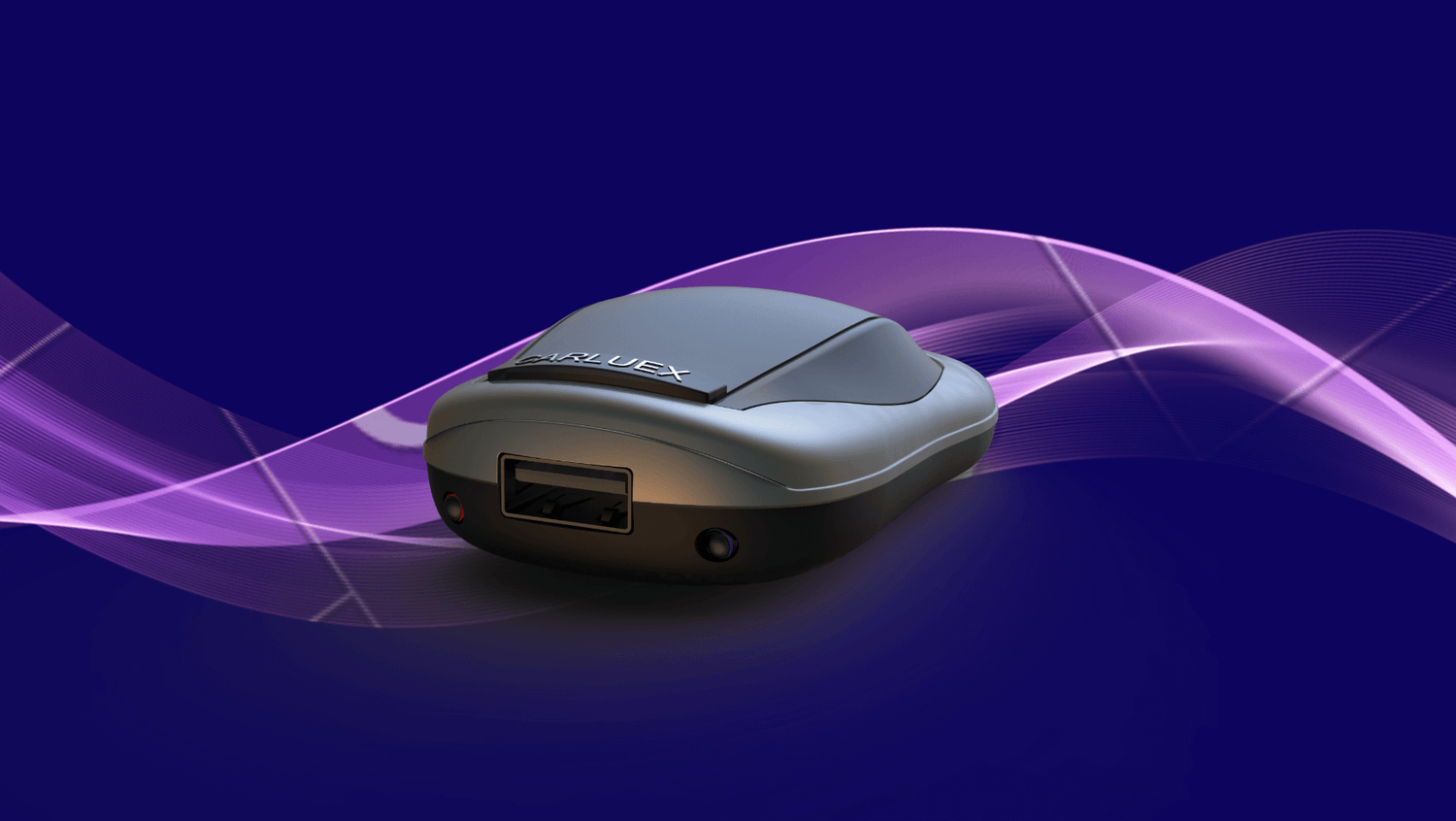
If you are looking at CARLUEX AIR because you want wireless CarPlay, wireless Android Auto, and parked entertainment features in one compact device, the most important question is not price first. It is fit. The right adapter depends on your vehicle's factory infotainment system, your phone, and the features you actually plan to use.
Quick answer: CARLUEX AIR is a wireless CarPlay / Android Auto adapter with Android-based app features for compatible vehicles. It can make everyday connection more convenient and add parked entertainment options where supported, but it still needs a compatible vehicle system and the device itself connects to the car by USB. Before buying, confirm wired CarPlay support, Android Auto needs, app expectations, safety limits, and the exact CARLUEX compatibility page.
What Is CARLUEX AIR?
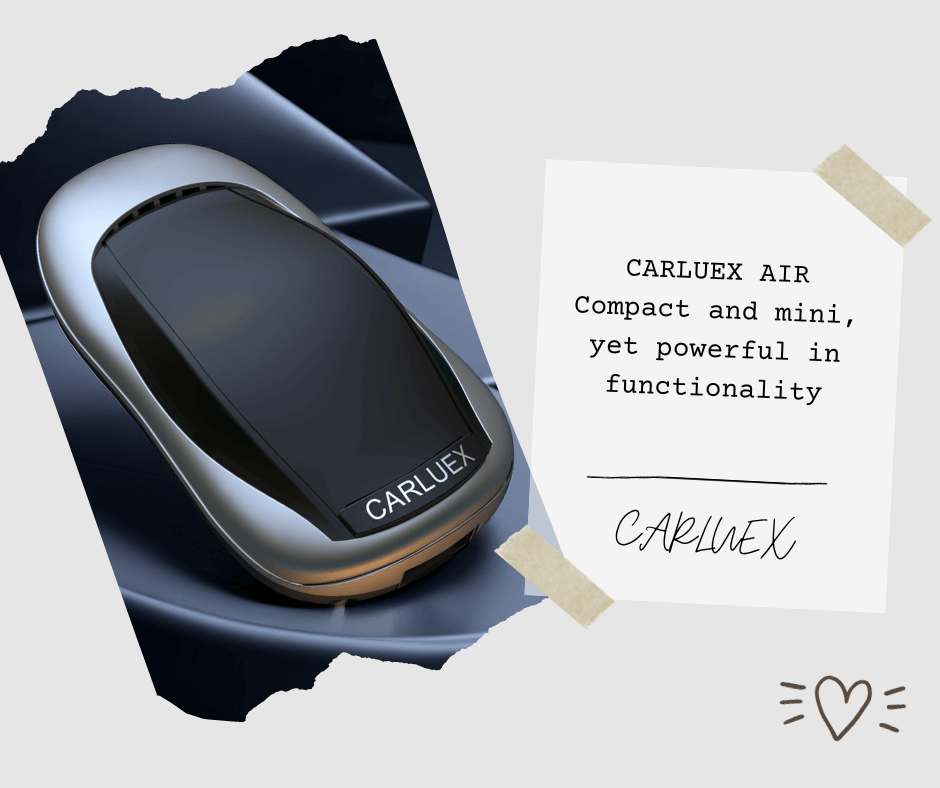
CARLUEX AIR is positioned as a wireless CarPlay and Android Auto adapter for drivers who want more than a basic cable-free connection. The CARLUEX product page lists wireless CarPlay, wireless Android Auto, voice-command support, steering-wheel function support, and streaming app use cases for supported situations.

Apple describes CarPlay as a way to use iPhone features such as directions, calls, messages, and music on a car's built-in display. Android Auto serves a similar role for Android phones, but the compatibility requirements are separate. That is why AIR should be checked against both your car and your phone, instead of treated as a universal USB accessory.
Check Compatibility Before You Compare Features
For this type of adapter, a working factory infotainment connection matters more than the product feature list. A USB port alone does not prove CarPlay or Android Auto support. Some vehicle ports charge only, some are media ports, and some support CarPlay only from a specific USB location.
Use this checklist before you buy:
| Check | What to confirm | Why it matters |
|---|---|---|
| Wired CarPlay | Your iPhone can launch CarPlay by cable in the vehicle. | If wired CarPlay does not work, a wireless adapter may not solve the real problem. |
| Android Auto | Your Android phone and vehicle support Android Auto if you need Android use. | CarPlay support and Android Auto support are not the same requirement. |
| Vehicle listing | Your brand, model, and year appear on the CARLUEX compatibility page, or you confirm support before purchase. | Trim, region, and infotainment version can affect fit. |
| BMW vehicles | BMW owners review the BMW-specific CARLUEX option. | BMW compatibility can require a dedicated version rather than a general adapter. |
Start with the CARLUEX compatible vehicles page. Apple also maintains a public CarPlay available models list, which can help you confirm whether a vehicle is listed for CarPlay support. Final compatibility should still be checked against the exact CARLUEX product and vehicle details.
What CARLUEX AIR Adds
The old version of this article focused heavily on a low-price message. That is not enough to help a buyer. AIR is better explained as a compact option for drivers who want wireless phone projection plus selected entertainment features in a compatible vehicle.
| Feature area | What AIR is meant to help with | Important limit |
|---|---|---|
| Wireless CarPlay | Reduce the need to plug in the iPhone every time after setup. | The car still needs compatible CarPlay support. |
| Wireless Android Auto | Support Android-phone use where the vehicle and phone meet Android Auto requirements. | Check Android Auto compatibility separately from CarPlay. |
| Apps and streaming | Support popular parked entertainment scenarios where available. | Third-party app performance and availability can depend on the app provider. |
| Updates | Keep the device software current when updates are available. | Updates do not override vehicle compatibility limits. |
| Voice and steering-wheel controls | Use familiar car controls where supported by the vehicle and app. | The adapter does not control every app or every vehicle function. |
Who Should Consider CARLUEX AIR?
CARLUEX AIR is worth reviewing if you already have a compatible car system and you want a cleaner connection plus selected app features. It is a better fit for a driver who wants one small device for CarPlay, Android Auto, and parked media use than for someone who only needs the simplest wired-to-wireless converter.
AIR may be a practical option if:
- Your vehicle already supports wired CarPlay and you want a cable-free phone connection after setup.
- You share the vehicle with both iPhone and Android users and need to check both ecosystems.
- You want app-based entertainment options for parked use, without moving to a larger multimedia AI box.
- You are willing to confirm your exact vehicle compatibility before purchase.
AIR is not the right answer for every situation. If wired CarPlay fails by cable, first check the cable, phone settings, USB port, vehicle software, and whether the vehicle actually supports CarPlay. An adapter should not be treated as a repair tool for unsupported or damaged systems.
CARLUEX AIR vs Other CARLUEX Options
If AIR is not the exact fit, compare it with the nearby CARLUEX choices instead of assuming every product has the same purpose.
| Product to review | Best-fit shopper | Compatibility note |
|---|---|---|
| CARLUEX AIR | Drivers who want wireless CarPlay / Android Auto plus compact app-based entertainment features. | Check AIR's product page and compatible vehicles page before purchase. |
| CARLUEX LINK | Drivers who mainly want simple wireless CarPlay and wireless Android Auto conversion. | Wireless CarPlay needs factory wired CarPlay; wireless Android Auto needs factory wired Android Auto. |
| CARLUEX PRO+ 2.0 | Drivers who want a broader multimedia AI box with Android system apps and more media options. | Designed for vehicles with built-in wired CarPlay; not for BMW models. |
| CARLUEX for BMW | BMW owners who need the BMW-specific CARLUEX path. | BMW users should not assume a general PRO+ 2.0 or universal adapter is the right fit. |
| CARLUEX VISION | Drivers who need touchscreen assistance or a display-control scenario. | Review the product page for the exact use case and compatibility requirements. |
Setup Checks Before First Use
Once compatibility is clear, setup should be treated step by step. Do this while parked, not while driving.
- Test wired CarPlay with the phone and original cable first.
- Identify the vehicle USB port that actually launches CarPlay.
- Plug CARLUEX AIR into that CarPlay-capable USB port.
- Follow the pairing instructions and allow the first connection to finish before switching apps.
- If connection fails, restart the phone and vehicle system, then test wired CarPlay again.
- If wired CarPlay also fails, troubleshoot the car, cable, phone settings, USB port, or vehicle software before blaming the adapter.
For Android users, check Google's Android Auto vehicle compatibility page and your phone requirements as a separate step. A car that supports CarPlay does not automatically prove Android Auto support.
Safety and App Expectations
Streaming and entertainment features should be used only when parked. NHTSA describes distracted driving as any activity that takes attention away from driving, including interacting with entertainment or navigation systems. Do not adjust apps, videos, settings, or pairing steps while driving.
Also keep app expectations realistic. CARLUEX AIR can support popular apps where available, but third-party app performance may depend on the app provider, software version, account status, network connection, and local rules. Avoid treating any adapter as a promise that every app will always work in every car.
Related CARLUEX Guides
- Wireless CarPlay adapter buying guide
- Wireless CarPlay adapter not connecting troubleshooting checklist
- Why many cars still force wired CarPlay
- How to reduce wireless CarPlay lag
FAQ
Does CARLUEX AIR work with every car?
No. Compatibility depends on the vehicle's factory infotainment system and the exact CARLUEX product requirements. Check the compatible vehicles page and confirm your model before purchase.
Is CARLUEX AIR only for iPhone users?
No. CARLUEX AIR is positioned for wireless CarPlay and wireless Android Auto use in compatible vehicles. If you use Android, check Android Auto compatibility separately.
Does CARLUEX AIR remove every cable?
No. The product can help make the phone connection wireless after setup, but the adapter itself still connects to the vehicle by USB.
Can I watch YouTube or Netflix while driving?
No. Entertainment apps should only be used while parked. Do not adjust phone, app, or infotainment settings while driving.
Should BMW owners choose CARLUEX AIR?
BMW owners should review the CARLUEX BMW-specific version and confirm compatibility before purchase instead of assuming a general adapter is the right fit.


Αφήστε ένα σχόλιο
Όλα τα σχόλια ελέγχονται πριν δημοσιευθούν.
Αυτή η τοποθεσία προστατεύεται από το hCAPTCHA και ισχύουν η Πολιτική απορρήτου και οι Όροι Παροχής Υπηρεσιών του hCaptcha.