

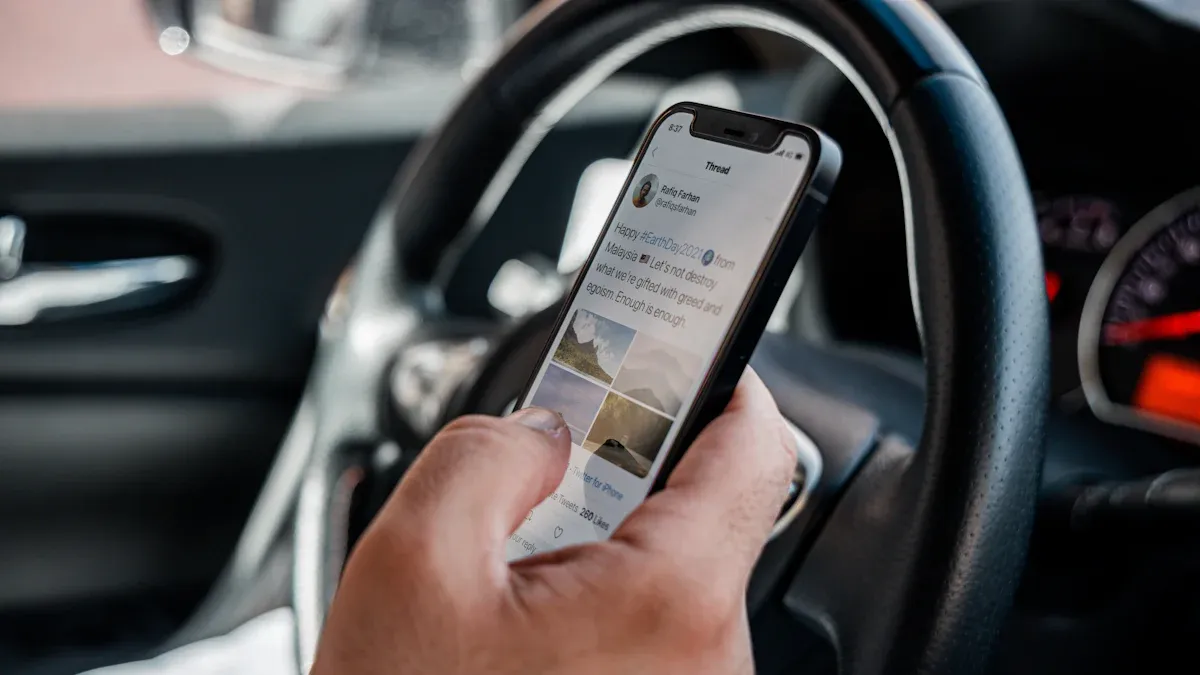
A wireless CarPlay adapter can be a practical Toyota Camry upgrade only when the car already has working factory wired Apple CarPlay. First plug an iPhone into the Camry's CarPlay data port and confirm that CarPlay opens reliably. If that wired test fails—or the car never had factory CarPlay—a standard wired-to-wireless adapter is not the right repair or retrofit.
Safety: Park in a safe place before connecting hardware, pairing an iPhone, changing CarPlay or Siri settings, or troubleshooting the multimedia system. Model year, trim, market, head unit, USB port, and software can change the correct procedure, so the owner's manual for the exact Camry takes priority.
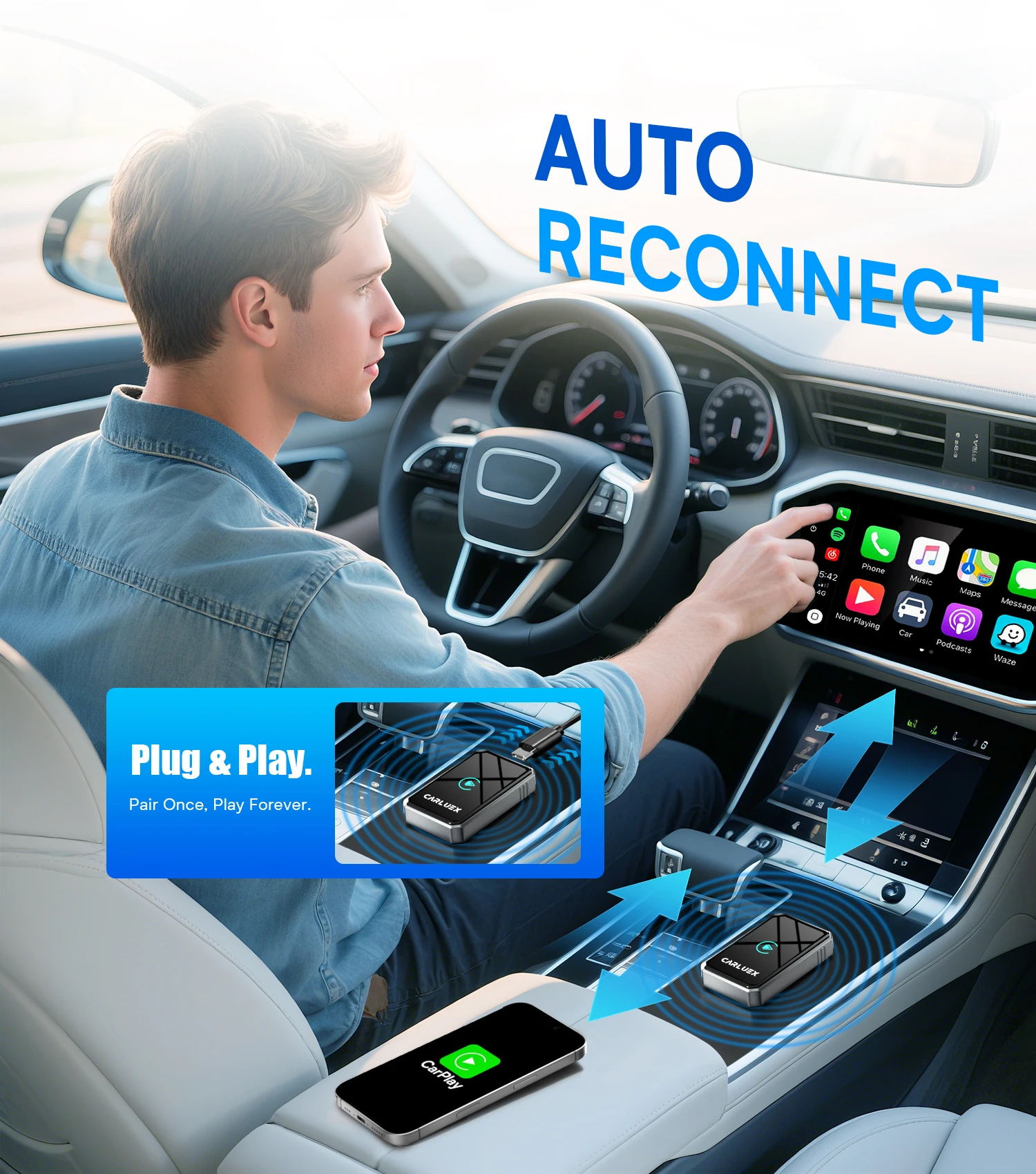
Will a Wireless CarPlay Adapter Work in Your Toyota Camry?
Start with evidence for the exact vehicle. Apple's current CarPlay available-models list includes Toyota Camry model years, but Apple also warns that availability can vary by model and region. A listing for CarPlay does not prove that every trim has it or that the factory connection is wireless.
Use this three-part check before buying:
- Check the exact Camry: Find the model year, trim, market, and multimedia-system section in the Toyota owner's manual.
- Run the wired test: Enable Siri, connect a compatible iPhone with a data-capable cable to the designated USB data port, and verify that Apple CarPlay opens and stays connected.
- Check the adapter requirement: Confirm that the product is designed for factory wired CarPlay and that the seller supports the exact head unit and USB connection.
Toyota's official 2025 Camry manuals portal provides the multimedia owner's manual, which documents USB and vehicle-native wireless CarPlay as separate connection paths. That does not establish the same features for a 2018, 2021, or 2024 Camry; use the manual for that exact year.
| What happens in your Camry? | What it means | Best next step |
|---|---|---|
| CarPlay already connects without a cable | The vehicle appears to have native wireless CarPlay. | Use the factory setup; a converter may be unnecessary. |
| CarPlay works reliably only through USB | The vehicle may be eligible for a wired-to-wireless adapter. | Confirm adapter compatibility with the exact Camry system. |
| The phone charges, but CarPlay never opens | The port may be charge-only, the cable may lack data, or CarPlay may be disabled or unsupported. | Fix the factory wired path before considering an adapter. |
| The Camry has an aftermarket radio | Factory-system adapter rules may not apply. | Follow the radio maker's compatibility and setup instructions. |
Choose the Right Type of Toyota Camry CarPlay Adapter
“Wireless CarPlay adapter” can refer to two different product categories. Choosing by category is more useful than comparing a long list of boxes with unrelated features.
Simple Wired-to-Wireless CarPlay Adapter
This is the focused option when factory wired CarPlay already works and the goal is to stop plugging in the iPhone on every drive. The adapter uses the Camry's existing CarPlay interface; it does not add CarPlay to an unsupported head unit or repair an unstable USB data connection.
After the wired test passes, CARLUEX LINK is the relevant CARLUEX category to evaluate. Its fit still depends on the exact vehicle and factory system, so check the current compatible-vehicles page before purchase.
CarPlay AI Box
An AI box is a different category for drivers who want supported standalone apps or a separate Android-based interface in addition to wireless phone projection. It adds complexity and should not be treated as automatically “better” for a driver who only wants wireless CarPlay. If that broader use case is the goal, compare the current requirements for CARLUEX AIR with the exact Camry setup.
How to Set Up a Wireless CarPlay Adapter in a Toyota Camry
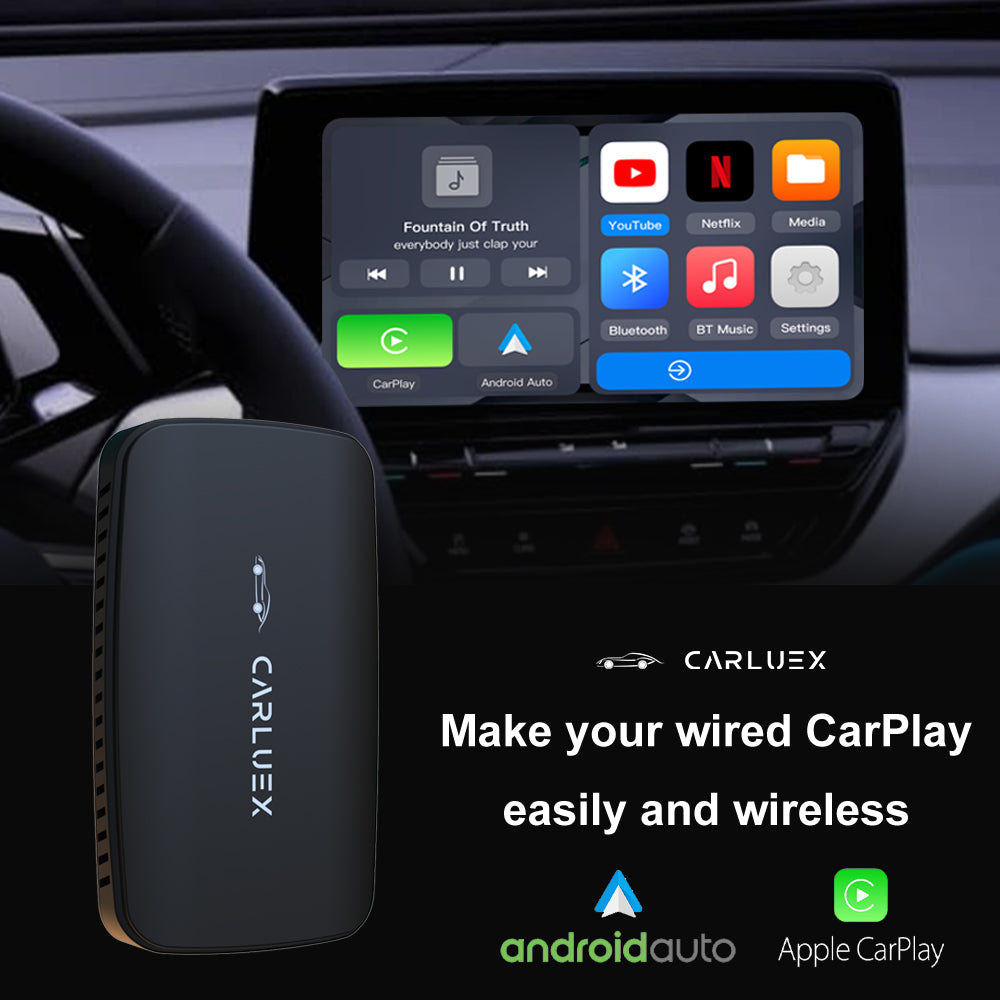
The exact pairing screen and device name depend on the adapter. Follow its current instructions, and use this sequence as a safe framework:
- Park the Camry and start the vehicle or place it in the multimedia system's required accessory mode.
- Confirm wired CarPlay one final time in the designated USB data port, then disconnect the iPhone.
- Connect the adapter to that same data port. Use only the included cable or an approved alternative.
- Turn on Bluetooth and Wi-Fi on the iPhone. Make sure Siri is enabled.
- Select the adapter's displayed pairing name and approve the CarPlay prompts on both screens.
- Wait for the CarPlay dashboard to load before moving the vehicle.
- On the next parked start, verify automatic reconnection before relying on it for a trip.
Apple's CarPlay setup guide distinguishes USB, mixed USB/wireless, and wireless-only vehicle paths. An adapter creates its own conversion path, so its pairing instructions supplement—not replace—the Camry and iPhone requirements.
How Siri Voice Control Works After the Upgrade
When CarPlay is active, Siri can handle supported requests such as navigation, calls, messages, and audio. Depending on the Camry and its settings, Siri may be started with the steering-wheel voice button, the CarPlay interface, or a supported wake phrase. Toyota's 2025 Camry manual documents steering-wheel and wake-word behavior for that system; other model years may differ.
The adapter does not give Siri control over every iPhone or third-party app. App availability, permissions, network access, iOS version, language, and the app's CarPlay support all matter. Test the functions you actually use while parked, and keep the vehicle controls as the primary interaction method while driving.
Toyota Camry Wireless CarPlay Adapter Not Connecting?
Apple's official CarPlay troubleshooting guide recommends checking that CarPlay is allowed, restarting the iPhone and vehicle, checking Siri, forgetting the car, and reviewing firmware where applicable. For an adapter installation, isolate the factory path from the adapter path:
- Remove the adapter and retest wired CarPlay. If wired CarPlay fails, troubleshoot the iPhone, data cable, USB port, Camry setting, or factory system first.
- If wired works, reconnect the adapter. Restart it according to the product instructions and remove stale adapter Bluetooth/Wi-Fi profiles before pairing again.
- Check competing phones. A previously paired phone may reconnect first. Temporarily disable its Bluetooth/Wi-Fi or change the adapter's preferred-phone setting if supported.
- Check software carefully. Review iOS, Toyota multimedia, and adapter firmware using only the official instructions for each device.
- Record the failure. Note whether it occurs at startup, during calls, after switching drivers, or only in one location. That pattern helps support distinguish pairing, power, interference, or factory-system issues.
Do not use a factory reset as the first step. It may erase saved phones and preferences without fixing a compatibility or hardware problem.
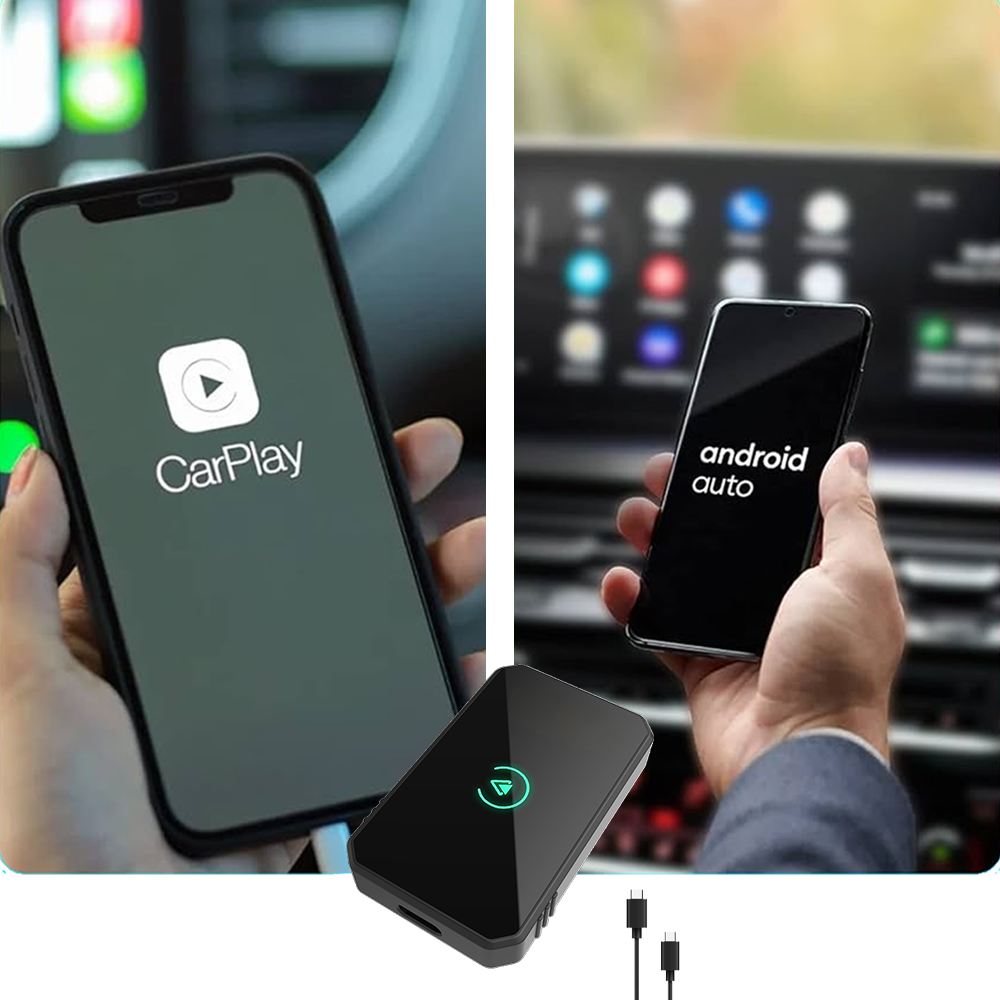
Buying Checklist for a Camry Wireless CarPlay Adapter
- Factory wired CarPlay opens reliably before the adapter is connected.
- The exact Toyota Camry year, trim, market, factory head unit, and USB port are covered by the seller's current guidance.
- The product supports the intended iPhone and current iOS version.
- The adapter includes the connector needed for the Camry's data port.
- Firmware-update and support instructions are available from the seller.
- The return and warranty terms have been read before purchase.
- The chosen category matches the goal: simple wireless CarPlay conversion or a broader AI-box experience.
Frequently Asked Questions
Does every Toyota Camry with Apple CarPlay support wireless CarPlay?
No. CarPlay availability and native wireless capability are separate questions. Check the exact Camry manual and multimedia system, then test whether CarPlay requires a USB data connection.
Can I add wireless CarPlay to a 2021 Toyota Camry?
A wired-to-wireless adapter may be an option if that exact 2021 Camry has factory wired CarPlay and it works reliably. Confirm the trim, market, head unit, USB data port, and adapter compatibility before purchase.
Does a 2024 Camry wireless CarPlay adapter fix a charging-only connection?
No. If the iPhone only charges and factory CarPlay does not open, first verify the correct USB data port, a data-capable cable, Siri and CarPlay settings, and the vehicle manual. The adapter is not a repair for a missing data connection.
Can a wireless CarPlay adapter add CarPlay to a 2018 Camry?
Not by itself. A standard converter requires working factory wired CarPlay. Some vehicles may have dealer or system-specific upgrade paths, but those must be confirmed for the exact vehicle rather than inferred from a model-year list.
Will steering-wheel voice control still work?
It may work through Siri when CarPlay is active, depending on the Camry's controls, software, adapter behavior, and iPhone settings. Confirm the exact vehicle instructions and test while parked. The adapter cannot guarantee voice control in every app.
Why does the adapter connect to the wrong iPhone?
Many adapters attempt to reconnect to a previously paired phone. Temporarily disable Bluetooth and Wi-Fi on the unwanted phone, remove stale pairing profiles, or use the product's preferred-device setting if it provides one.
Bottom Line
The best wireless CarPlay adapter for a Toyota Camry is not the box with the longest feature list. It is the product category that matches a verified factory system. If wired CarPlay works and the only goal is cable-free startup, evaluate a simple wired-to-wireless adapter. If wired CarPlay fails or never existed, fix or identify the factory path before buying hardware.
This approach answers the compatibility question first, protects the Camry's existing multimedia system, and makes setup or support much easier if something does not connect as expected.


Hinterlasse einen Kommentar
Diese Website ist durch hCaptcha geschützt und es gelten die allgemeinen Geschäftsbedingungen und Datenschutzbestimmungen von hCaptcha.