

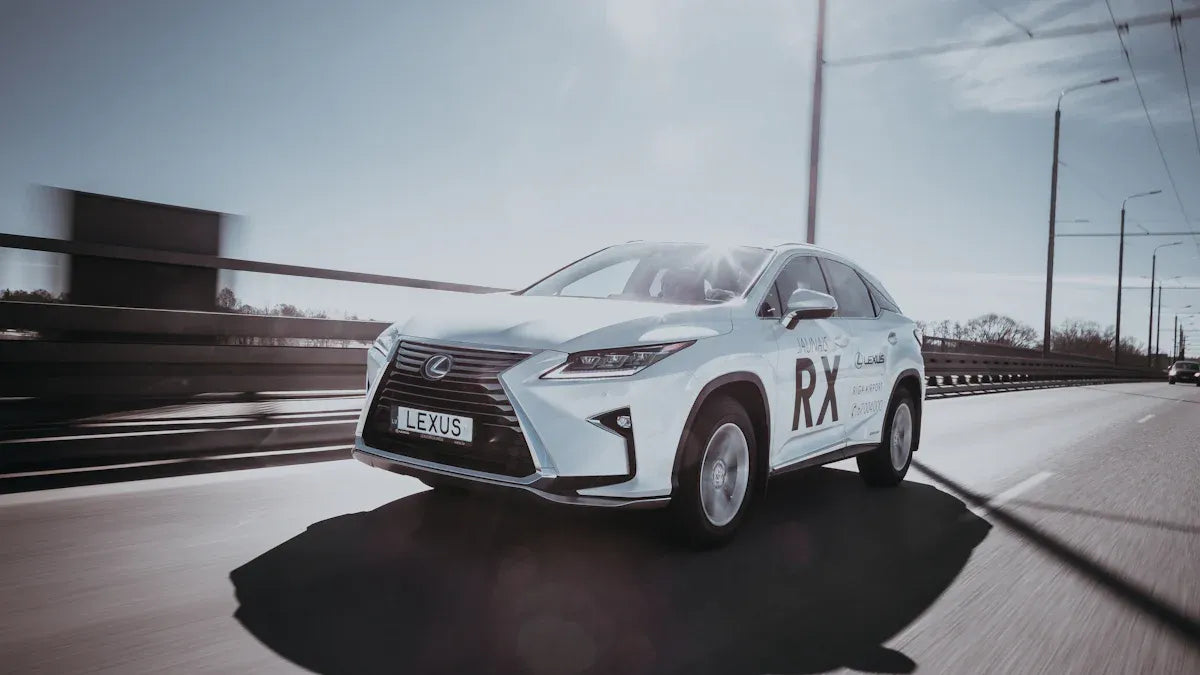
If you drive a Lexus RX450h and want Apple CarPlay, the most important question is not just “Can I add CarPlay?” It is whether your exact model year, trim, region, and multimedia system already support wired CarPlay, wireless CarPlay, or neither. Confirm that first, then choose the right setup or adapter path.
Park safely before pairing your phone, changing infotainment settings, or testing adapters. Do not troubleshoot CarPlay while driving.
Quick Answer: Does the Lexus RX450h Support Apple CarPlay?
Some Lexus RX and RX Hybrid model years support Apple CarPlay, but support varies by year, market, trim, and infotainment system. Apple lists Lexus RX Hybrid support on its official CarPlay available models page, while Lexus says owners should use its Connected Technology Support tool or the vehicle owner's manual to confirm exact compatibility.
If your RX450h has factory wired CarPlay, a compatible CARLUEX adapter may help you move to a wireless setup. If your RX450h does not have factory CarPlay or uses an aftermarket head unit, do not assume a wireless adapter will solve it.
Check Your Lexus RX450h Year, Trim, and Region First
Lexus compatibility can vary even when the model name looks similar. Before buying an adapter or upgrade kit, check three places:
- Apple's official CarPlay model list.
- The Lexus owner's manual or multimedia manual for your exact vehicle.
- The Lexus Connected Technology Support tool or a Lexus dealer if the manual is unclear.
Lexus' official Apple CarPlay compatibility FAQ directs owners to confirm compatibility through the Connected Technology Support tool or the owner's manual. That is safer than relying only on a broad model-year claim from a blog or forum.
Factory CarPlay vs Upgrade Options
| Your RX450h setup | What it means | Best next step |
|---|---|---|
| Factory wired CarPlay | The vehicle already supports CarPlay by USB | Confirm CARLUEX compatibility before choosing a wireless adapter |
| Factory wireless CarPlay, if equipped | The vehicle can connect wirelessly without an adapter | Use Lexus and Apple setup steps before buying extra hardware |
| No factory CarPlay | The original infotainment system may not support CarPlay projection | Ask Lexus or a qualified installer about retrofit options; do not assume a CARLUEX adapter is enough |
| Aftermarket head unit | Compatibility depends on that head unit, not only the Lexus model | Check the head unit maker's CarPlay support; CARLUEX products are not positioned for aftermarket units |
How to Set Up Apple CarPlay in a Compatible Lexus
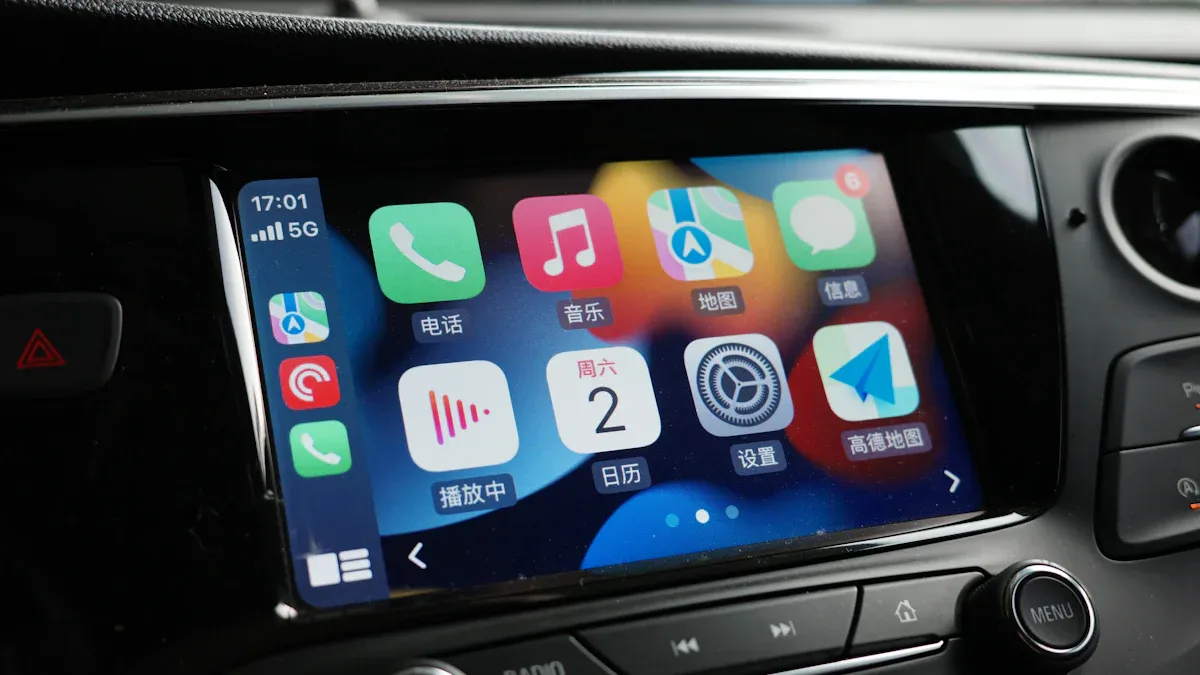
For compatible Lexus vehicles, Lexus provides official setup videos and owner resources for connecting Apple CarPlay. Its Apple CarPlay connection guide is a better setup source than forum threads because Lexus can tie the steps to its multimedia system.
- Update your iPhone and make sure Siri is enabled. On iPhone, open Settings and search for Siri. The exact label can vary by iOS version.
- Use an Apple-certified or data-capable USB cable for wired CarPlay.
- Use the Lexus multimedia menu to allow Apple CarPlay for your device when prompted.
- If wireless CarPlay is available on your model, keep Bluetooth and Wi-Fi on and follow the Lexus pairing flow.
- If setup fails, remove the saved phone from both the iPhone and Lexus device list, then pair again.
Lexus also notes in its Apple CarPlay FAQ that an Apple-certified USB cable is recommended for wired CarPlay. If your RX450h charges the phone but CarPlay does not launch, cable and USB-port checks should come before buying new hardware.
When a CARLUEX Adapter Makes Sense
A wireless CarPlay adapter may help after wired CarPlay already works. It does not fix unsupported vehicles, inactive factory CarPlay, damaged USB ports, blocked iPhone settings, or vehicle software problems.
If your Lexus RX450h has factory wired CarPlay and you want a cable-free connection, start by checking CARLUEX LINK. If you want additional multimedia features in a compatible vehicle, compare CARLUEX AIR, CARLUEX GO, and CARLUEX PRO+ 2.0.
Before purchasing, check CARLUEX compatible vehicles or contact support if your Lexus RX450h year and trim are not listed. Compatibility depends on the adapter model and your vehicle's factory infotainment system.
What If Your RX450h Does Not Have Factory CarPlay?
If your Lexus RX450h does not have factory CarPlay, a plug-in wireless adapter may not be the right first step. You may need a Lexus software option, a dealer-supported update, or a qualified retrofit solution. Because retrofit paths can affect the factory multimedia system, backup camera, steering wheel controls, warranty expectations, and resale value, confirm the route with Lexus or a qualified installer before buying parts.
Do not rely on a generic “works with Lexus RX450h” claim unless it identifies the exact year, trim, infotainment system, and connection requirement.
Troubleshooting Lexus RX450h CarPlay
- CarPlay does not show up: check Siri, Screen Time restrictions, the correct USB port, and the Lexus device permission prompt.
- Phone charges but CarPlay does not launch: test a different data-capable USB cable and confirm the port supports smartphone projection.
- Wireless CarPlay drops: remove the iPhone from the Lexus device list, forget the car on iPhone, restart both systems, and pair again.
- Adapter connects once then fails: reset the adapter Bluetooth/Wi-Fi records and check for firmware updates if your adapter supports OTA updates.
- Backup camera or steering wheel controls behave differently: check whether the issue is with the vehicle, infotainment system, retrofit hardware, or adapter setup before assuming normal behavior.
Compatibility Review Checklist
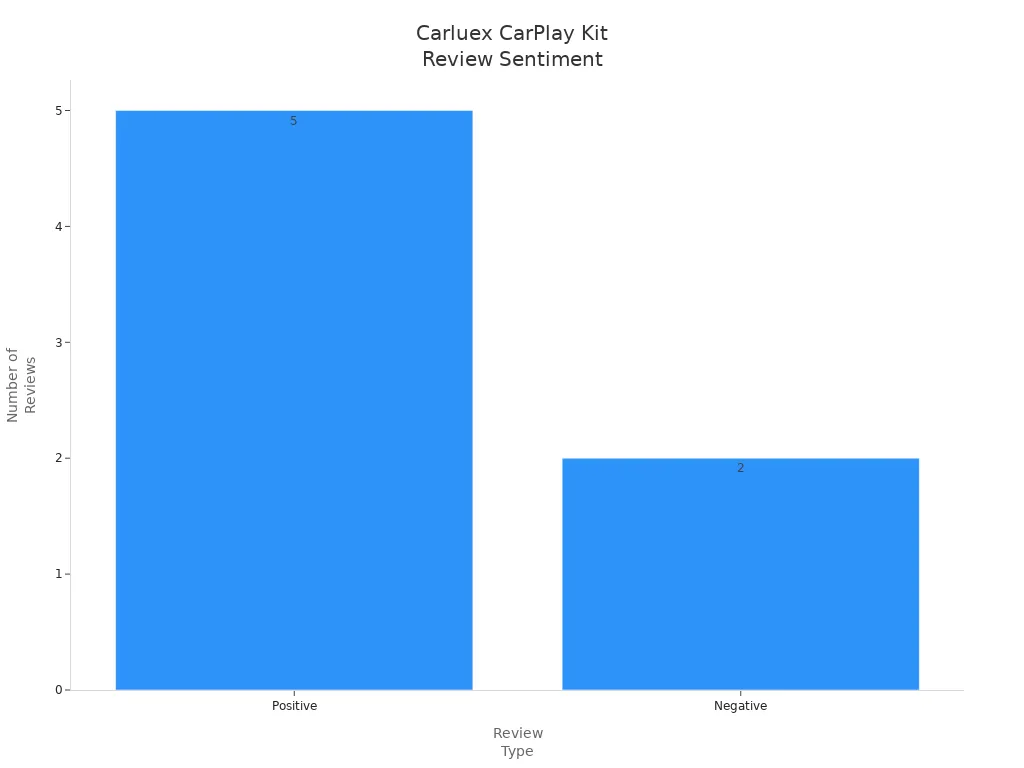
The chart below comes from the original article media and should be treated as a visual compatibility review reminder, not as verified customer-review data. For purchase decisions, use official Lexus/Apple sources and the CARLUEX compatibility page.
Related CARLUEX Guides
- iOS CarPlay Not Working? Fix Apple CarPlay Issues
- iPhone CarPlay Not Working? Fix Disconnects & Setup
- How to Reset Apple CarPlay
- Wireless CarPlay Adapter Guide for First-Time Users
- Browse CarPlay troubleshooting guides
FAQ
Can I add Apple CarPlay to my Lexus RX450h?
No. Compatibility depends on the model year, trim, region, and multimedia system. Check Apple's CarPlay model list, Lexus owner resources, and CARLUEX compatibility before choosing an adapter or retrofit path.
Does a Lexus RX450h need wired CarPlay for a CARLUEX adapter?
Many CARLUEX adapters require factory wired CarPlay to create a wireless CarPlay experience. If your RX450h does not have factory CarPlay, confirm compatibility before buying.
Will steering wheel controls and the backup camera still work?
Factory controls and cameras usually depend on the Lexus multimedia system and how CarPlay is integrated. If you use retrofit hardware or an aftermarket head unit, confirm control and camera behavior with the installer or product support.
Is wireless CarPlay the same as factory CarPlay?
No. Factory CarPlay is the vehicle's built-in CarPlay support. Wireless CarPlay is a connection method. Some Lexus vehicles support wired CarPlay only, while some newer systems may support wireless CarPlay.
Which CARLUEX product should Lexus RX450h owners check first?
If your Lexus RX450h has factory wired CarPlay and you mainly want wireless CarPlay, start with CARLUEX LINK. If you want multimedia features, compare AIR, GO, and PRO+ 2.0, then confirm compatibility before purchase.


Hinterlasse einen Kommentar
Diese Website ist durch hCaptcha geschützt und es gelten die allgemeinen Geschäftsbedingungen und Datenschutzbestimmungen von hCaptcha.