

Which AI Chatbot Apps Work in Apple CarPlay? ChatGPT and Copilot Explained
People searching for CarPlay AI chatbot apps usually want a simple answer: can they talk to an AI assistant through the car screen? The careful answer is that Apple supports a voice-based conversational app category in CarPlay, but that does not make every chatbot available automatically. The app, iPhone, iOS version, permissions, vehicle, and the developer's own support all matter.
For this guide, first-party documentation supports two named paths: ChatGPT and Microsoft 365 Copilot. It does not let us claim official Apple CarPlay support for Claude or Gemini. This is an app-availability guide, not a promise that a particular vehicle, account, or accessory will work.
What “AI chatbot apps in CarPlay” actually means
Apple's CarPlay developer information lists voice-based conversational apps as a supported app category. That category is a framework for eligible apps; it is not a directory showing that every AI chatbot has CarPlay access. An app needs its own CarPlay implementation and may have separate account, region, device, or app-version requirements.

In practical terms, use a voice-first conversational app while you are parked to set it up, then use only the interaction mode that the app and vehicle make available. A phone screen showing an AI app does not by itself prove that the app has a CarPlay experience.
Why voice-first use matters
CarPlay is designed to reduce attention on the phone while driving. Use voice controls only when they are available, safe, and legal where you drive. This article does not recommend reading long responses, entering prompts, or changing settings while the vehicle is moving.
ChatGPT in Apple CarPlay: what OpenAI documents
OpenAI's ChatGPT CarPlay guidance describes a voice-first experience for supported setups. Before treating it as available, confirm the supported iPhone, iOS version, installed ChatGPT app, the vehicle's CarPlay connection, and any prompts or permissions the app requires. A successful sign-in on the phone is not the same thing as a confirmed CarPlay setup.

OpenAI's documentation is the source for ChatGPT's app-side availability. It does not verify your vehicle model, head unit, region, account, cellular coverage, or an aftermarket accessory. If one of those pieces differs, treat the outcome as setup-specific rather than assuming the app is unsupported everywhere.
What this does not mean
It does not mean ChatGPT replaces Siri, works in every country or vehicle, or can safely handle every task while driving. It also does not mean that connecting a different cable or adapter will add ChatGPT to a CarPlay system that the app or vehicle does not support.
Microsoft 365 Copilot in Apple CarPlay: what Microsoft documents
Microsoft's Apple CarPlay voice guidance for Microsoft 365 Copilot documents a voice-use path with named setup requirements. Check the exact Microsoft 365 Copilot app, a compatible iPhone and iOS version, a CarPlay-enabled vehicle, and the voice-access settings described by Microsoft before expecting it to appear.

Work or school account policies can affect what a Microsoft app can do. If your organization manages the account, availability may depend on its own settings as well as the phone and car. That is why this article treats Copilot as a documented app path, not a universal feature claim.
Check the named app, not just the word “Copilot”
Microsoft uses the Copilot name across multiple products. Follow the product-specific Microsoft guidance and confirm the installed app, account, and version. Do not rely on a screenshot, a similarly named app, or an old forum post as proof that the current CarPlay experience is available to you.
Claude and Gemini: do not assume support
This evidence set has no verified first-party source establishing Apple CarPlay support for Claude or Gemini. That is not proof that support can never exist; it means we should not say that it does. Product announcements, App Store listings, and the official help pages for the exact app are the right places to verify a future change.
When checking an app, look for a current statement from its developer that explicitly names Apple CarPlay. If the wording only mentions iPhone, Siri Shortcuts, Bluetooth audio, or a car dashboard in general, it does not establish a native CarPlay chatbot experience.
A safe checklist before trying an AI app in CarPlay
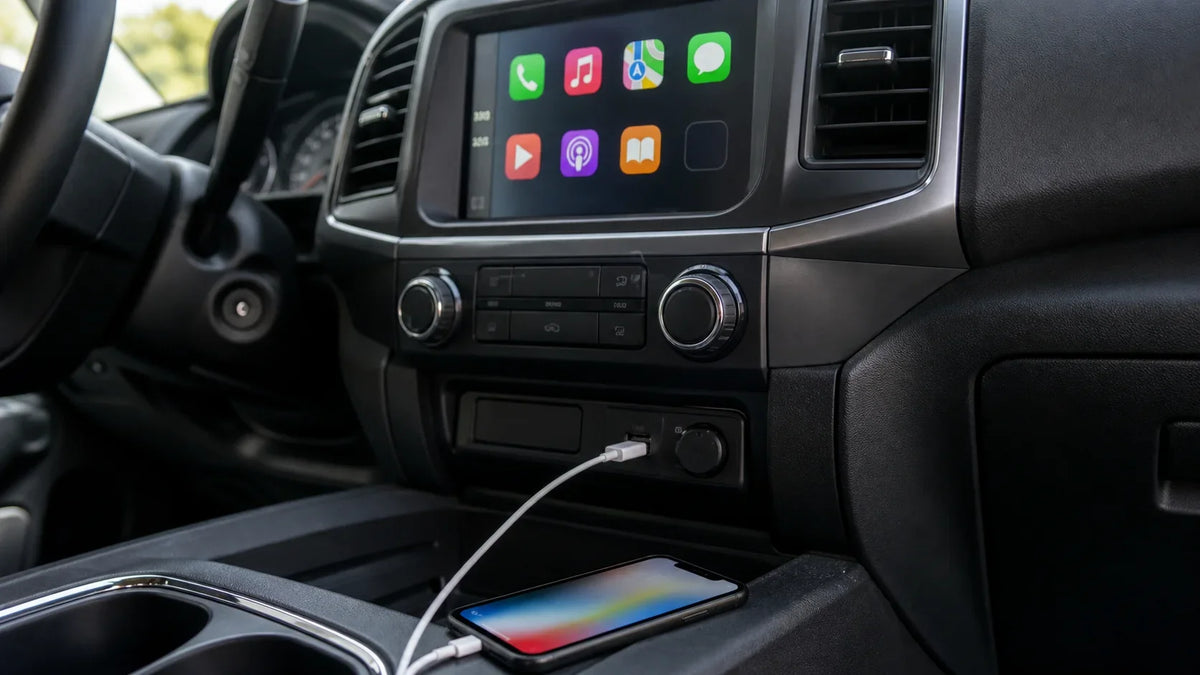
Start while parked. Update the iPhone and the specific app if the developer requires it, open the app once on the phone, sign in, and review the app's own CarPlay and voice instructions. Then connect the phone to a vehicle that already supports Apple CarPlay, accept any prompts, and check the CarPlay app view. Change one item at a time so you can tell whether the app, phone, vehicle, or account is the limiting factor.

If the app does not appear, do not jump straight to a hardware conclusion. Recheck the developer's requirements, the app version, iOS version, account status, CarPlay permissions, and the vehicle's existing CarPlay connection. The correct next step depends on which of those checks fails.
Use a safety boundary
A voice answer can still be distracting. Keep prompts short, avoid sensitive work or personal information, and pull over before reading, troubleshooting, or changing settings. Local laws and the vehicle manual remain the authority for safe use in your location.
Hardware and app availability are separate questions
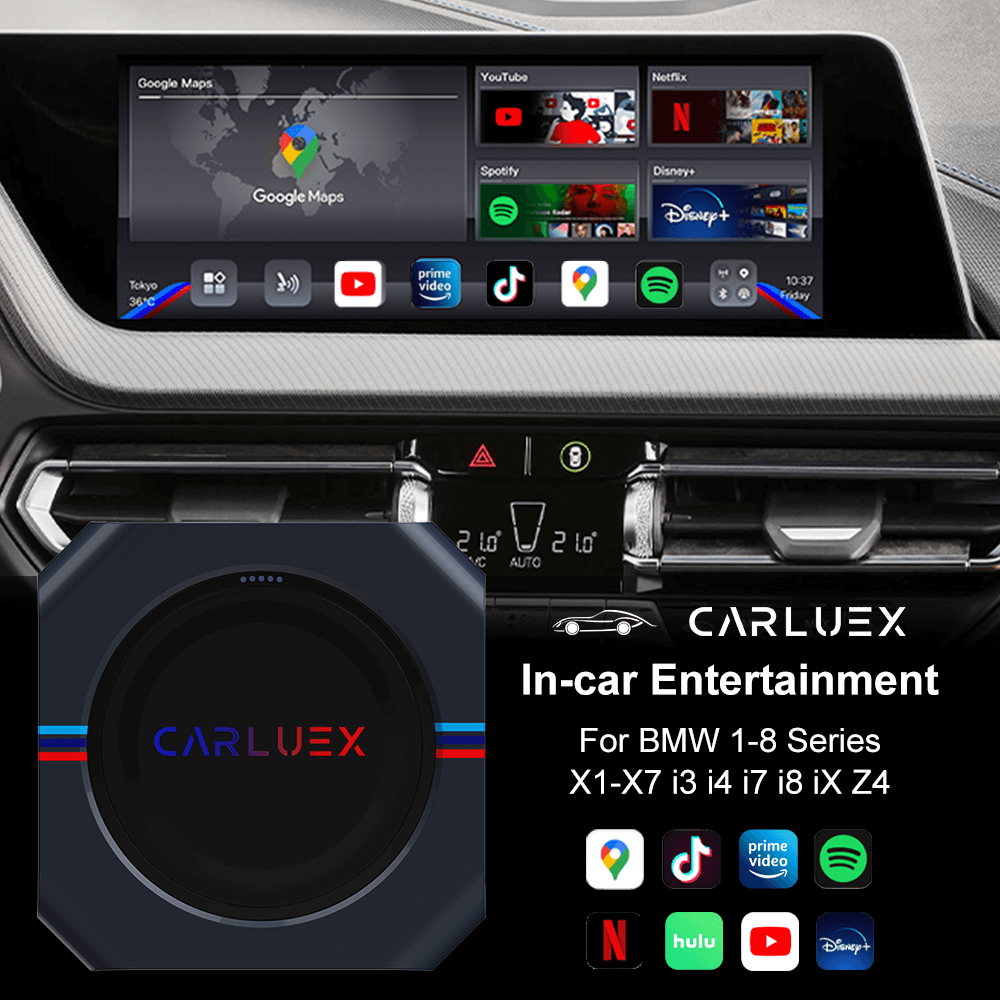
A wireless CarPlay adapter can be relevant only after the vehicle already has the required factory CarPlay path and the exact hardware is eligible. It does not establish that ChatGPT, Microsoft 365 Copilot, or any other app has native CarPlay support. App availability comes from the app developer and Apple platform requirements; vehicle and accessory compatibility are separate checks.
If you are comparing hardware after completing those checks, use the CARLUEX compatibility page, Help Center, and wireless CarPlay adapter collection as reference paths. The CARLUEX LINK product page is a conditional specifications reference only, not a recommendation and not evidence that it adds an AI app to your vehicle. Only consider any hardware after verifying its exact eligibility and the separate app requirements.
Related CARLUEX reading
For adjacent platform context, see the guide to iOS 27 CarPlay apps and video availability and the overview of CarPlay widgets and Live Activities in iOS 27. Those articles are related reading, not evidence that a particular AI chatbot is supported.
Frequently asked questions
Which AI chatbot apps work in Apple CarPlay?
In this verified evidence set, ChatGPT and Microsoft 365 Copilot have first-party documentation for Apple CarPlay voice use on supported setups. Apple also documents the relevant conversational-app category. Your own availability still depends on the app, phone, iOS, account, vehicle, and permissions.
Can a wireless adapter add ChatGPT to CarPlay?
No such claim is supported here. An adapter and an app solve different problems. Verify the vehicle's factory CarPlay path and hardware eligibility separately, then follow the app developer's current Apple CarPlay requirements.
Why might an AI app be unavailable in my car?
The app may not support CarPlay, the phone or app version may not meet its requirements, the account or region may differ, permissions may be missing, or the vehicle's CarPlay connection may not be ready. Check the first-party app instructions before treating the issue as a hardware fault.
Do Claude or Gemini work in Apple CarPlay?
We did not verify a first-party source for native Apple CarPlay support for either app in this run. Treat that as NEEDS_SOURCE, and check the developer's current official documentation before relying on it.


Efterlad en kommentar
Denne side er beskyttet af hCaptcha, og hCaptchas Politik om beskyttelse af persondata og Servicevilkår er gældende.