

Voice-Based Conversational Apps in Apple CarPlay: What iOS 27 Changes
Apple now identifies voice-based conversational apps as a CarPlay app category, and its iOS 27 materials describe a Voice Control template for CarPlay apps. That is useful platform context, but it is not a promise that every AI assistant, every iPhone, or every vehicle will show the same app experience.
The practical answer is to separate four questions: what Apple supports at the framework level, what the individual app developer has implemented, what your iPhone and account can use, and what your vehicle's CarPlay connection supports. This guide stays with Apple's documented boundaries and does not turn a platform category into a universal compatibility claim.
What voice-based conversational apps in CarPlay actually means
Apple's CarPlay developer page lists voice-based conversational apps among the categories developers can build for CarPlay. A category is a framework and design path, not an automatic directory of every app with “AI” in its name. The app still needs its own CarPlay implementation, permissions, and eligibility.

That distinction matters because a conversational app on an iPhone is not automatically a native CarPlay app. The app may offer a phone-only voice mode, a Siri integration, a CarPlay interface, or no in-car interface at all. Check the developer's current documentation for the exact app instead of inferring support from an App Store icon or a screenshot.
Why voice-first interaction changes the setup question
CarPlay is meant to make selected phone functions available through a vehicle display and supported controls. Voice interaction can reduce the need to handle the phone, but it does not remove the need for a safe driving decision. Set up the app while parked, keep prompts short, and avoid reading long answers or changing settings while the vehicle is moving.
What iOS 27 changes for CarPlay voice apps
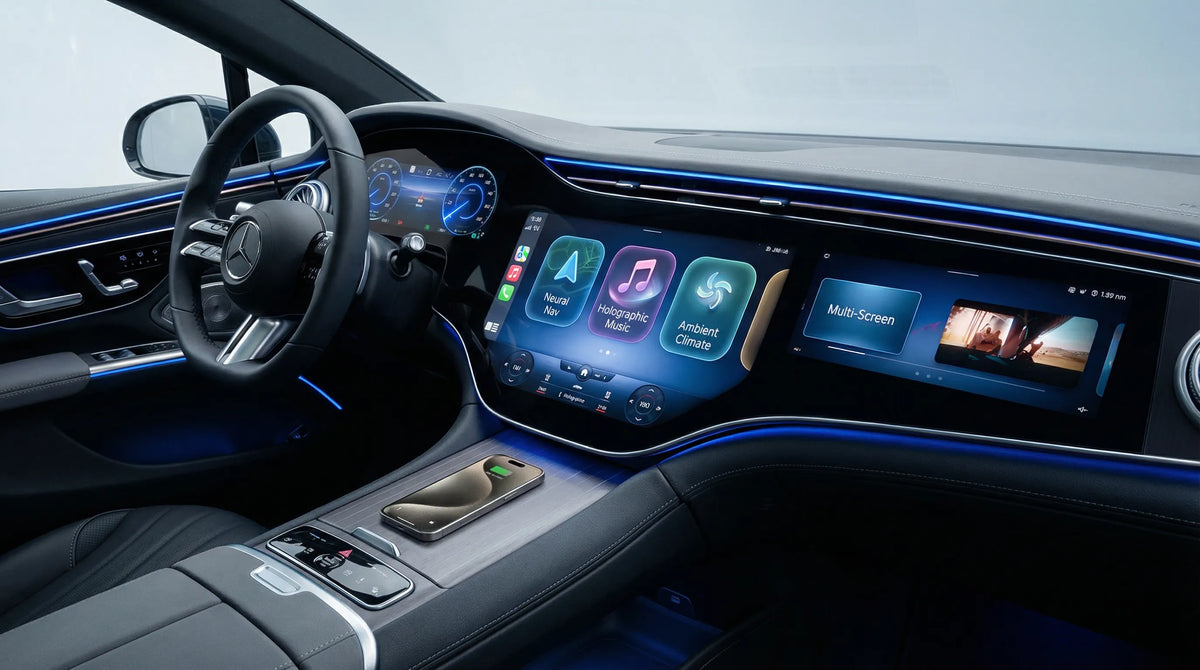
In its WWDC26 CarPlay session, Apple describes new support for voice-based conversational apps and says the iOS 27 Voice Control template is available for all CarPlay app categories. Apple presents the template as a way to show conversation status and controls in the CarPlay interface.

The important word is template. A template gives developers a supported interaction pattern; it does not certify a particular app, account, language, region, vehicle, or use case. iOS 27 can make the platform path clearer for developers while leaving app-side availability and device eligibility separate.
What the new template does not guarantee
It does not prove that ChatGPT, Claude, Gemini, Copilot, or another named assistant is available in your car. It also does not promise identical controls across apps. The app developer decides whether and how to implement the category, while Apple and the vehicle determine the surrounding platform and connection requirements.
What remains app-specific and vehicle-specific
Apple's CarPlay documentation describes an integration that depends on the app implementation, entitlements, supported device, and an appropriately equipped vehicle context. That means two users can see different results even when they use the same general iPhone model: the app version, iOS release, account, language, region, permissions, and vehicle system can all matter.

A phone app that answers voice prompts is therefore not enough evidence by itself. Look for a current statement from the app's developer that explicitly names Apple CarPlay, then check the named operating-system, device, account, region, and vehicle requirements. If the source only mentions Bluetooth audio, a phone widget, or general voice control, treat native CarPlay support as unverified.
Use first-party wording for individual apps
App names and features change quickly. This article verifies Apple's platform category and iOS 27 materials; it does not verify universal support for any specific third-party assistant. For an individual app, the developer's current help page or release documentation should be the source of truth. If that source is missing, label the claim NEEDS_SOURCE rather than filling the gap with a forum post or a product screenshot.
A safety-first checklist before trying a voice AI app
Start while parked. Check the iPhone model and iOS version, update the exact app if required, sign in, review its voice and CarPlay instructions, and confirm that the vehicle already has a working CarPlay connection. Then check whether the app appears in the CarPlay app view and whether its documented controls are available in your language and region.

If the app does not appear, change one variable at a time. Recheck the developer's requirements, the app and iOS versions, account policy, permissions, language or region, and the vehicle's existing CarPlay connection. This sequence helps distinguish an app-availability issue from a phone, account, or vehicle-connection issue.
Keep the driving boundary explicit
Apple Support's Voice Control guidance explains that Voice Control can navigate CarPlay and apps, while also noting supported language and region limits. A voice command being technically available does not mean every task is safe while driving. Pull over before troubleshooting, reading a long response, entering sensitive information, or changing settings.
Why hardware and app availability are separate questions
An adapter or other accessory cannot, by itself, establish that an app has a native CarPlay implementation. First verify the vehicle's factory CarPlay path and the app developer's requirements; only then is it useful to evaluate a specific hardware setup. App availability, vehicle eligibility, and accessory behavior are separate evidence questions.
CARLUEX does not recommend hardware in this informational article. If you are separately checking an existing setup, the CARLUEX compatible-vehicles page, Help Center, and wireless CarPlay adapter collection are conditional reference paths only. They are not evidence that a particular voice app works in a particular vehicle. Only consider any hardware after verifying its exact eligibility and the separate app requirements.
Related CARLUEX reading
For adjacent platform context, see the guide to iOS 27 CarPlay apps and video availability and the overview of CarPlay widgets and Live Activities in iOS 27. Those articles are related reading, not proof that a particular AI assistant is supported.
Frequently asked questions
What are voice-based conversational apps in CarPlay?
They are a CarPlay app category for voice-oriented conversational experiences. Apple documents the category and the related iOS 27 Voice Control template, but each app still needs its own implementation and must meet the relevant device, vehicle, account, language, and region requirements.
Does iOS 27 make every AI assistant available in CarPlay?
No. iOS 27 gives developers a clearer platform path and a Voice Control template, but it does not turn every phone-based AI assistant into a native CarPlay app. Verify the exact app developer's current documentation.
Can hardware add a voice AI app to CarPlay?
No such universal claim is supported here. Hardware compatibility and app support are separate questions. Confirm that the vehicle already supports the required CarPlay path, then check the app's own official requirements.
Why might a voice app be unavailable in my car?
The app may not implement CarPlay, the phone or app version may not meet its requirements, the account or region may differ, permissions may be missing, or the vehicle connection may not be ready. Check the first-party source for the exact app before treating the problem as an accessory fault.


Efterlad en kommentar
Denne side er beskyttet af hCaptcha, og hCaptchas Politik om beskyttelse af persondata og Servicevilkår er gældende.