

Filtry
8 produktů
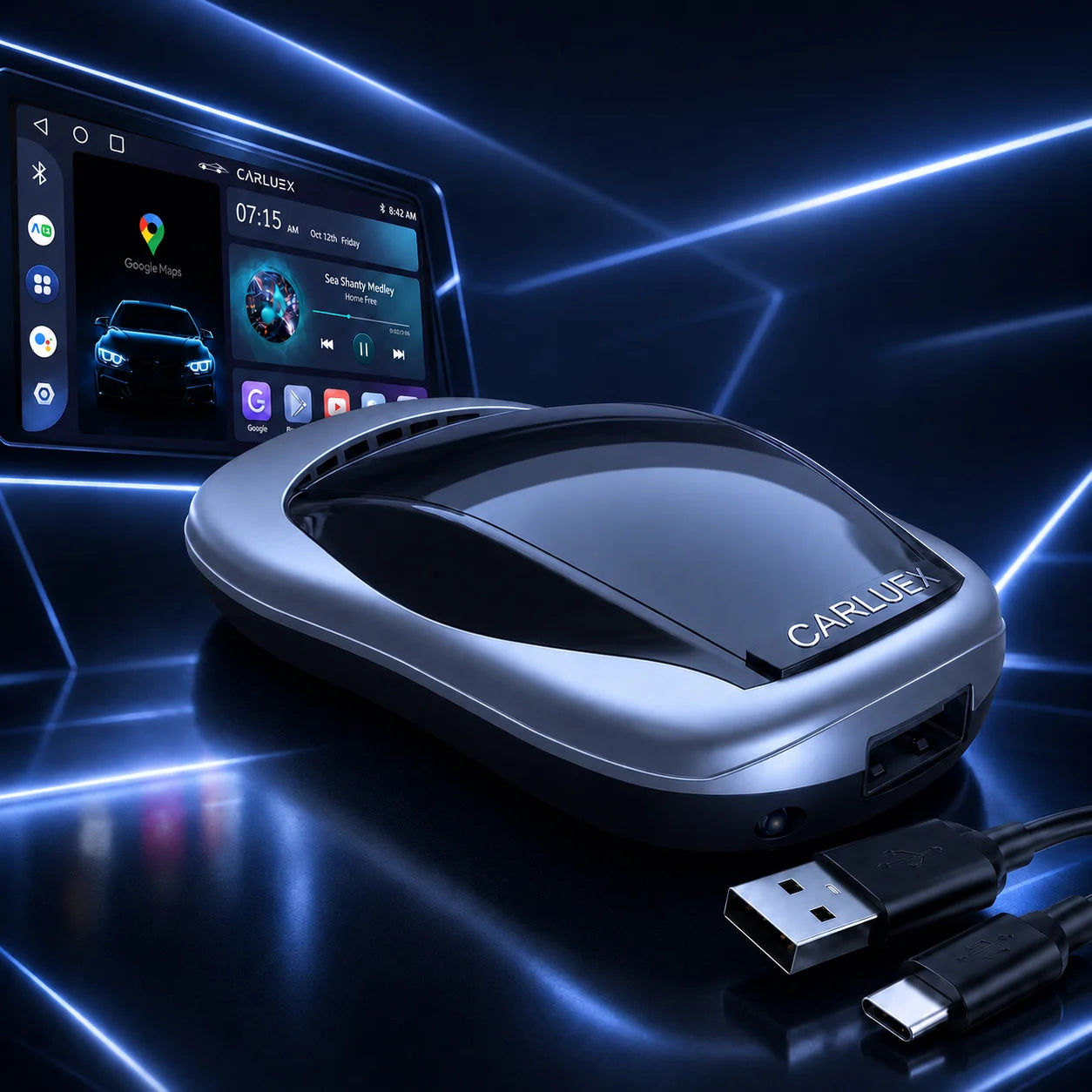
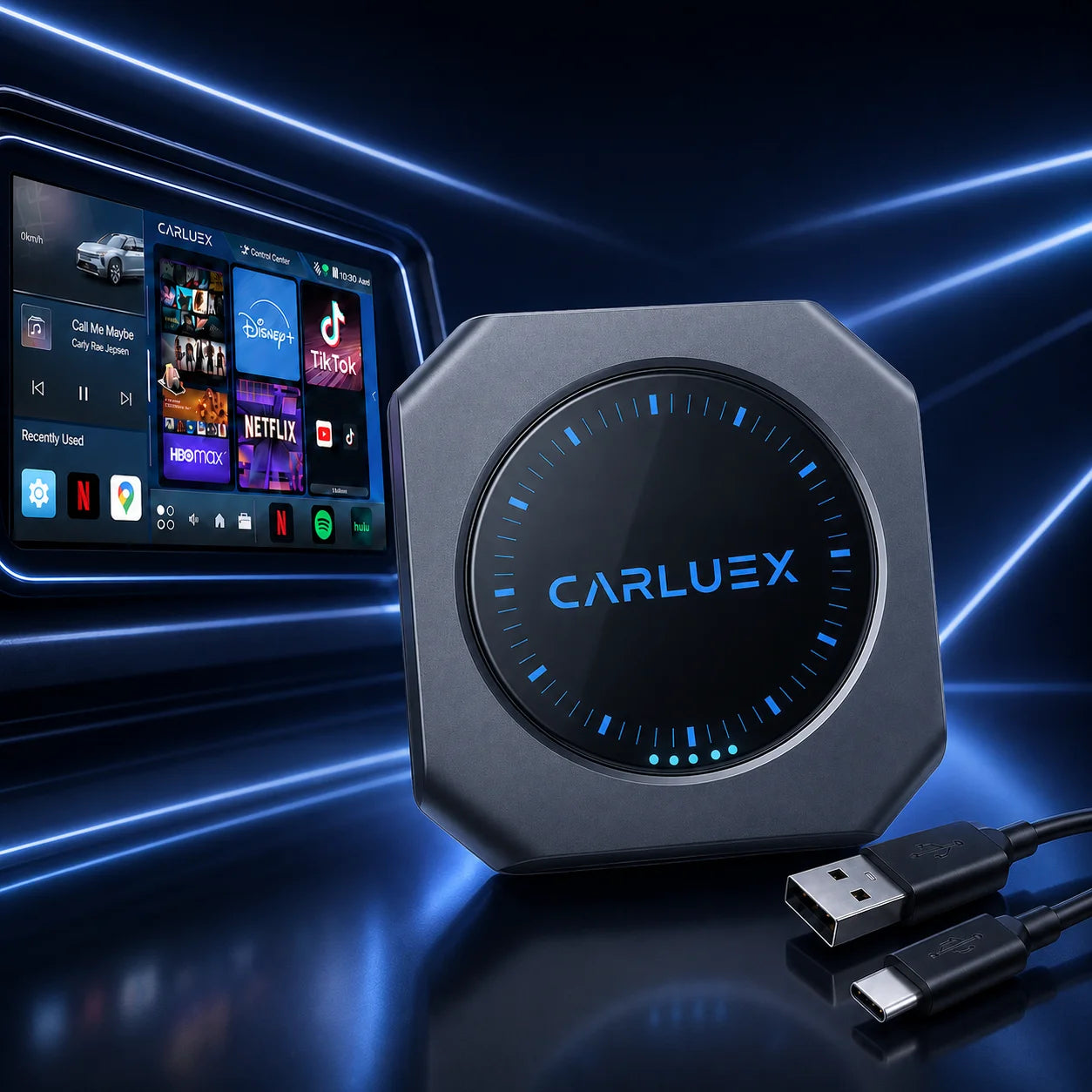
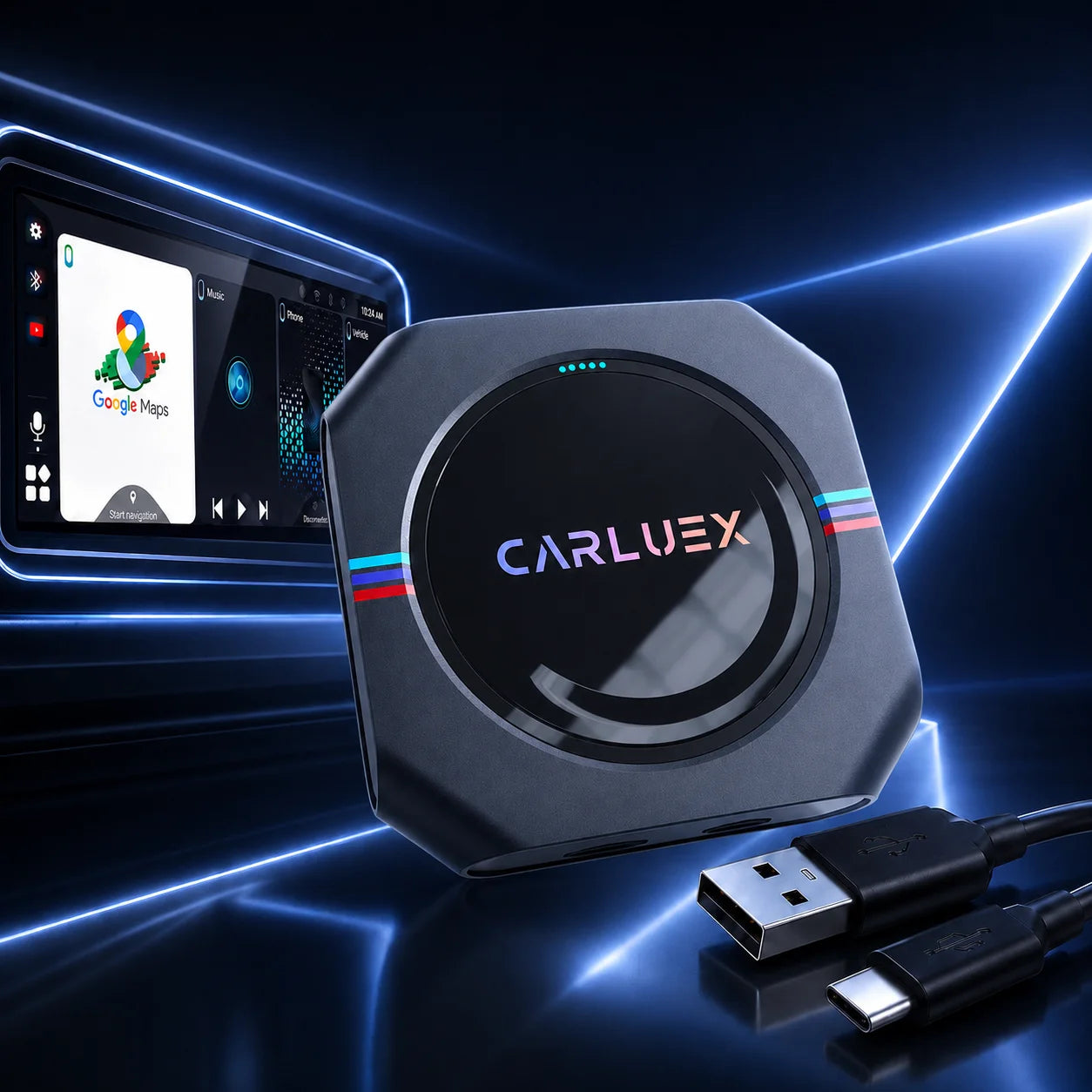
Wireless Android Auto enhances your driving experience in vehicles like the Cupra Formentor, allowing cable-free access to navigation, music, and calls. However, connection issues can arise with the Android Auto wireless kit for Cupra Formentor. This guide covers common problems and fixes, focusing on VW Group systems.
Understanding Common Connection Issues with Android Auto Wireless Kit for Cupra Formentor
Wireless setups in VW Group cars, including the Formentor, rely on stable Wi-Fi and Bluetooth. Issues often stem from software mismatches or interference.
Identifying Frequent Connection Drops in VW Group Infotainment Systems
Connection drops happen due to weak signals, overcrowded Wi-Fi channels, or outdated firmware. In the Cupra Formentor, this manifests as intermittent disconnections during drives, especially in urban areas with high interference.
Compatibility Challenges with Android 11+ Devices and Cupra Formentor MIB3 Upgrade
Android 11+ phones require specific protocols for wireless connectivity. The Cupra Formentor MIB3 upgrade may not fully support older adapters, leading to pairing failures or app crashes. Ensure your device runs the latest Android Auto app version.
Basic Troubleshooting Steps for Android Auto Wireless Retrofit
Start simple: Restart your phone and car infotainment. Forget and re-pair the Bluetooth connection. For Android Auto wireless retrofit, check USB port cleanliness and use a high-quality cable during initial setup.
Key Tip: Always verify your phone's Wi-Fi is set to auto-connect to the adapter's network for quicker reconnections.
Advanced Fixes and Firmware Updates for Seamless Performance
For persistent issues, delve into deeper solutions to optimize your setup.
Updating Infotainment Firmware in VW Group Cars
VW Group vehicles like the Formentor receive over-the-air updates. Visit your dealer or use the car's menu to check for MIB3 firmware updates, which often resolve compatibility glitches with VW Group infotainment adapter.
Optimizing Phone Settings for VW Group Infotainment Adapter Stability
Disable battery optimization for Android Auto in your phone settings. Turn off VPNs and ensure developer options allow wireless debugging. This stabilizes the connection.
Addressing Latency and Interference in Wireless Connections
Latency can be fixed by switching Wi-Fi channels in adapter settings or reducing nearby device interference. Use a dedicated 5GHz band if supported.
Key Tip: Position your phone away from metal objects in the car to minimize signal disruption.
Why Choose CARLUEX for Reliable Wireless Solutions in Your Formentor
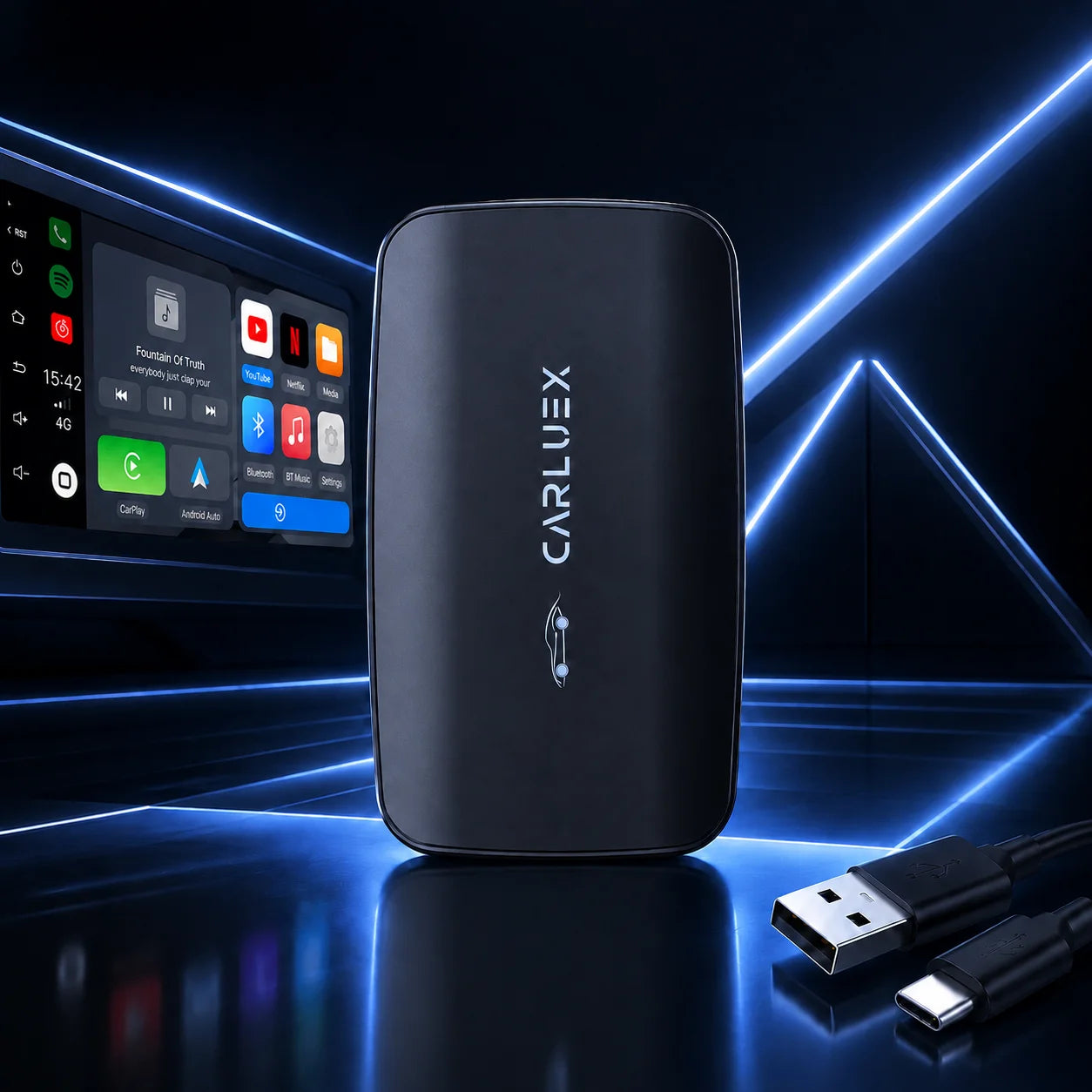
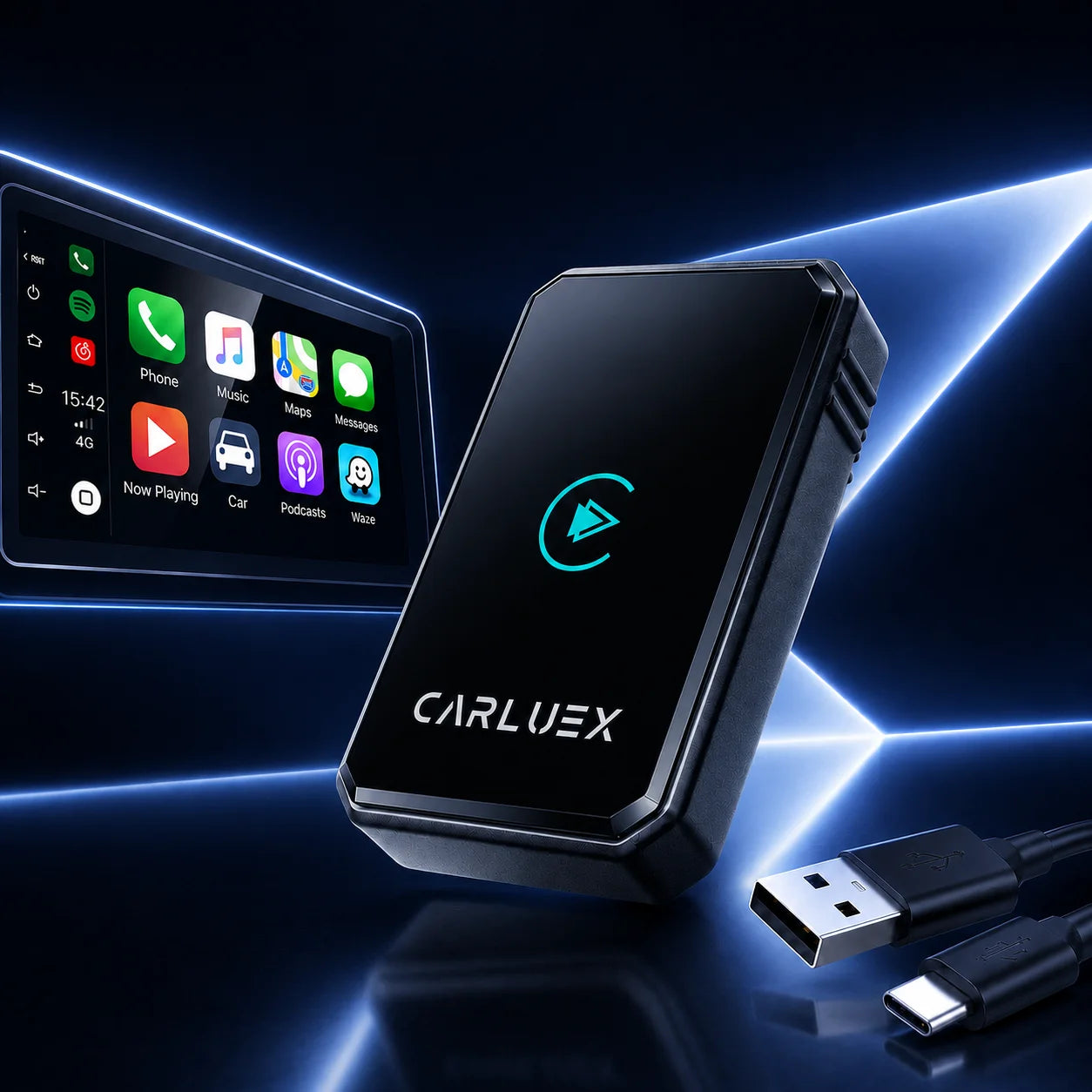
Imagine cruising through city traffic, your favorite playlist flowing seamlessly without a single drop, or stepping out for a quick coffee run—only to return and find your navigation route waiting exactly where you left it, like a trusted co-pilot. CARLUEX adapters make this reality, offering tailored solutions for seamless integration in your Cupra Formentor. With low-latency performance, multi-device support, and 5G Wi-Fi connectivity (though not SIM 5G), they ensure stable connections without voiding warranties. Plus, enjoy 1-year warranty, 30-day returns, and free shipping. Check out the full range on the CARLUEX HOMEPAGE.
Benefits of Upgrading with a Proven Adapter
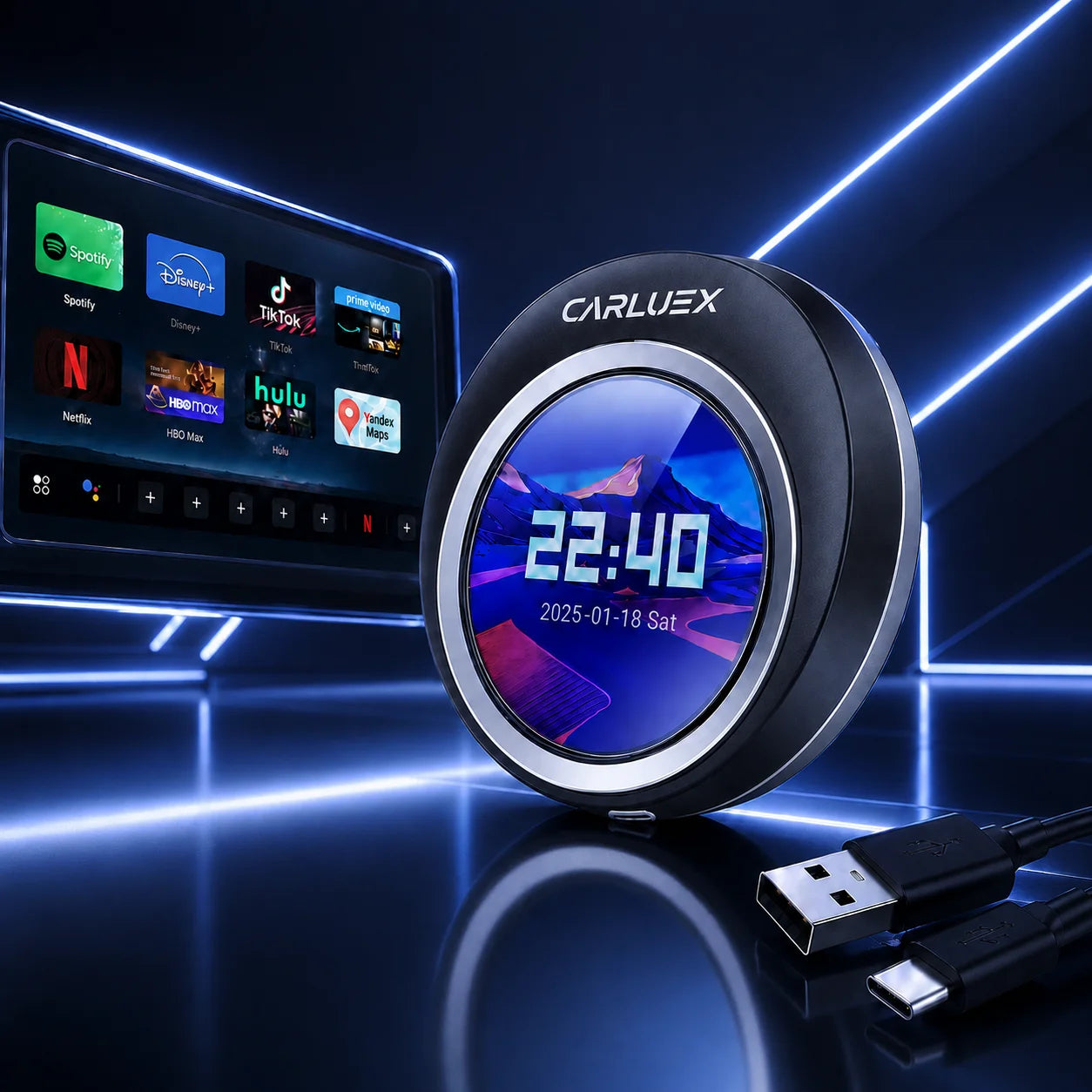
Picture a long family road trip: the kids in the back getting restless, but with a quick tap, Disney+ streams on the screen, turning chaos into calm while you focus on the road. CARLUEX provides that peace, with adapters like the AIR (equipped with Android system for app downloads like YouTube or Netflix) bridging compatibility gaps effortlessly.
Easy Installation and Setup Guide
Plug the CARLUEX AIR into your Formentor's USB port, pair via Bluetooth, and enable wireless mode. It's plug-and-play for most VW models, transforming waiting time in parking lots into a private cinema—your partner hops in, amazed at the smart setup, sparking envy over your upgraded ride.
Long-Term Maintenance and Support Tips
Regularly update firmware via the CARLUEX app. For advanced features like OTA upgrades and high-performance multitasking (e.g., split-screen navigation and music without interruptions), explore the CARLUEX PRO+2.0—perfect for those moments when you and your co-driver seamlessly switch tunes mid-drive, keeping the vibe alive.
Key Tip: Visit the CARLUEX HOMEPAGE for compatibility checks before purchase.
Articles Recommended
For more on music streaming, read Best Music Player Apps for Android Auto in 2025. It highlights top apps for seamless playback.
Discover setup tips in Bluetooth Android Auto Dongles with Quick Setup Make Driving Easier Instantly. This guide simplifies initial connections.
Learn about dynamic features via Android Auto Adapter with Dynamic App Switching. It covers app transitions without lag.
Explore entertainment options in How You Can Watch Videos on Android Auto Without Hassle. Get hassle-free video tips for long drives.
FAQ
Why does my Android Auto drop connections in my Formentor?
Often due to Wi-Fi interference; try changing channels or updating firmware.
Is the Cupra Formentor MIB3 upgrade necessary?
It helps with Android 11+ compatibility, but a quality adapter like CARLUEX can bridge gaps.
How do I fix latency?
Optimize phone settings and ensure a clear signal path.
Can I use CARLUEX with multiple phones?
Yes, models support multi-device sync for family use.


