

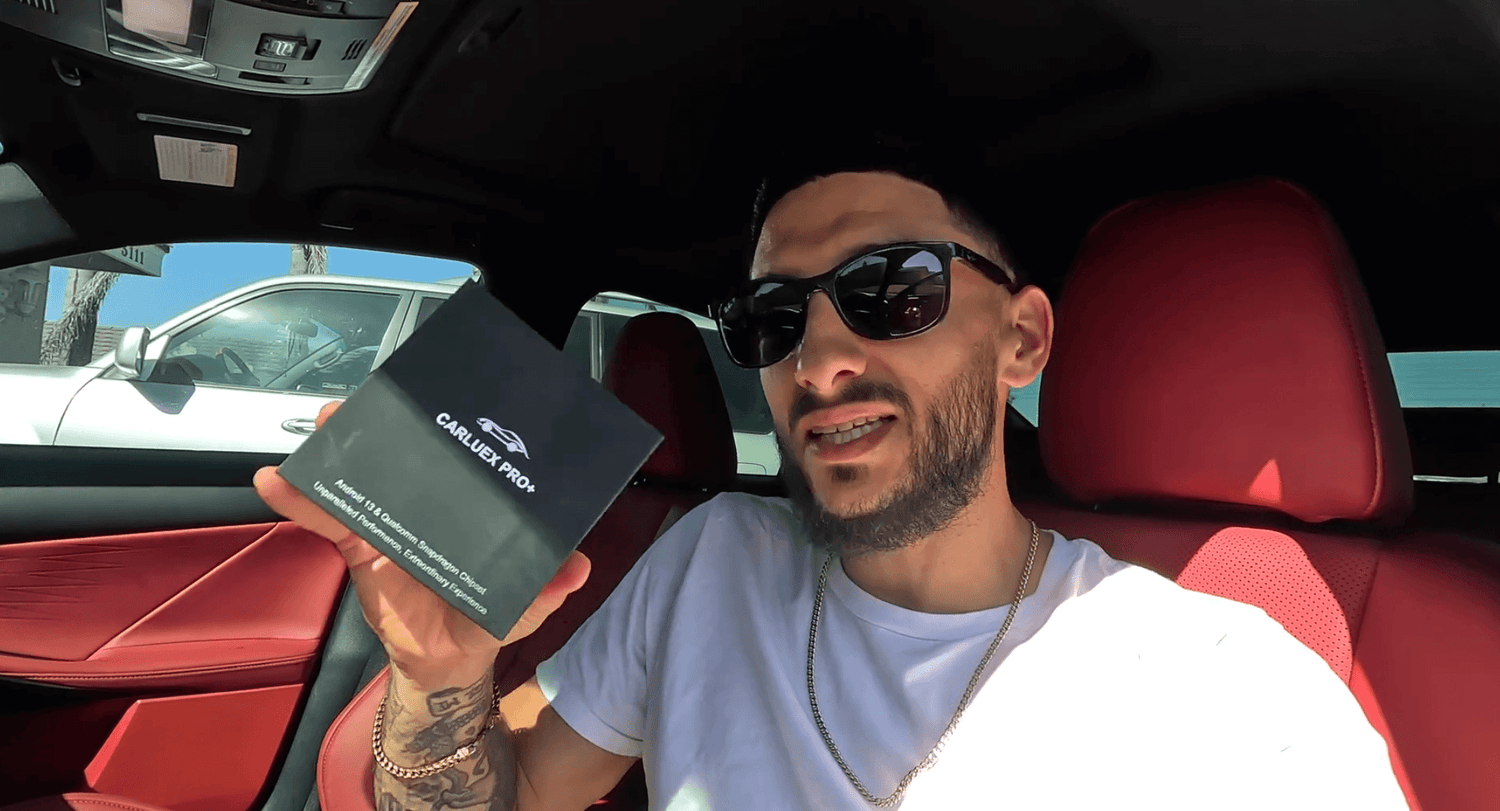
2023 Lexus IS350 F Sport Wireless CarPlay Review: What the Video Shows
Quick answer: This article is based on Who Is LouieXIII's video about using a CARLUEX adapter to make CarPlay wireless in a 2023 Lexus IS350 F Sport. The point of the video is simple: the car already feels enjoyable, but dealing with a cable every time makes CarPlay feel less modern. A wireless adapter can make the connection cleaner and more convenient when the vehicle and adapter are compatible.
This update keeps the original meaning of the review. It does not turn the video into a new claim that every Lexus, every IS350 trim, or every USB port will work the same way. Before buying any adapter, check your exact model year, factory infotainment system, and CARLUEX compatibility information.
Watch the original video from Who Is LouieXIII on YouTube.
What the Video Is Really About
The video starts from a very relatable Lexus owner complaint: the 2023 Lexus IS350 F Sport has a nice cabin and a strong daily driving feel, but the wired CarPlay setup can feel dated when you are used to wireless convenience. LouieXIII makes it clear that he likes the car overall; the cable is the part he wants to fix.
"I don't like wired CarPlay."
That is the heart of the review. The goal is not to change the Lexus infotainment system, replace the car's screen, or make a broad promise about every Lexus model. The goal is to remove the cable from the everyday CarPlay routine.

Why Wireless CarPlay Matters in the 2023 Lexus IS350 F Sport
For many drivers, wired CarPlay works well enough. The frustration is the small routine around it: plugging in the phone, dealing with a loose cable, removing the phone again, and watching the center console become cluttered. In a sporty sedan like the IS350 F Sport, that cable can feel out of place because the rest of the car feels clean and intentional.
LouieXIII's reaction fits that exact use case. He is not saying the Lexus is a bad car. He is saying the CarPlay experience would feel more current if it connected wirelessly.
Apple's own CarPlay guidance separates cable-based CarPlay from wireless CarPlay setup. If a car supports CarPlay with a USB cable, Apple says to connect the iPhone to the vehicle's USB port. If a car supports wireless CarPlay, pairing can happen wirelessly through the vehicle's supported setup flow. That difference is why a wired-to-wireless adapter can be useful for drivers whose factory CarPlay works by cable.
What LouieXIII Shows During Setup
The setup section of the video keeps the same practical tone as the original article: open the package, confirm the included cable and adapter, plug it into the vehicle, and follow the pairing flow. The review presents the process as approachable, even for someone trying the device without overthinking it.
"Simple as that."
The important point is not that every vehicle will behave identically. The point is that, in the review vehicle, the adapter was shown turning a wired CarPlay routine into a wireless CarPlay experience.


Compatibility Checks Before You Try This on a Lexus IS
The safer way to read this review is: if your Lexus already supports factory wired CarPlay, a compatible wireless adapter may help you remove the phone cable from daily use. It should not be treated as a fix for a car that does not support CarPlay, a damaged USB port, or an infotainment system problem.
Apple's current CarPlay available models list includes Lexus IS for model years 2021-2025. CARLUEX's compatible vehicles page also lists Lexus IS for 2021-2025. That supports the general direction of this article, but the exact result still depends on the vehicle's region, trim, factory head unit, USB behavior, and adapter model.
Before purchasing, check these points:
- Your vehicle is a 2023 Lexus IS / IS350 F Sport or another confirmed compatible Lexus model.
- Factory wired CarPlay works normally before adding an adapter.
- The USB port used for CarPlay is the same port you use for the adapter.
- Your iPhone, iOS version, Bluetooth, Wi-Fi, and Siri settings are ready for CarPlay pairing.
- You have reviewed the CARLUEX compatible vehicles page or contacted support with your exact vehicle details.

Which CARLUEX Option Fits This Kind of Review?
For the use case shown in this video, the first product to compare is CARLUEX AIR, because the article is centered on making CarPlay wireless and reducing cable clutter. CARLUEX states that AIR works with most vehicles from 2016+ equipped with factory wired CarPlay, and the product page asks users to check compatibility if they are unsure.
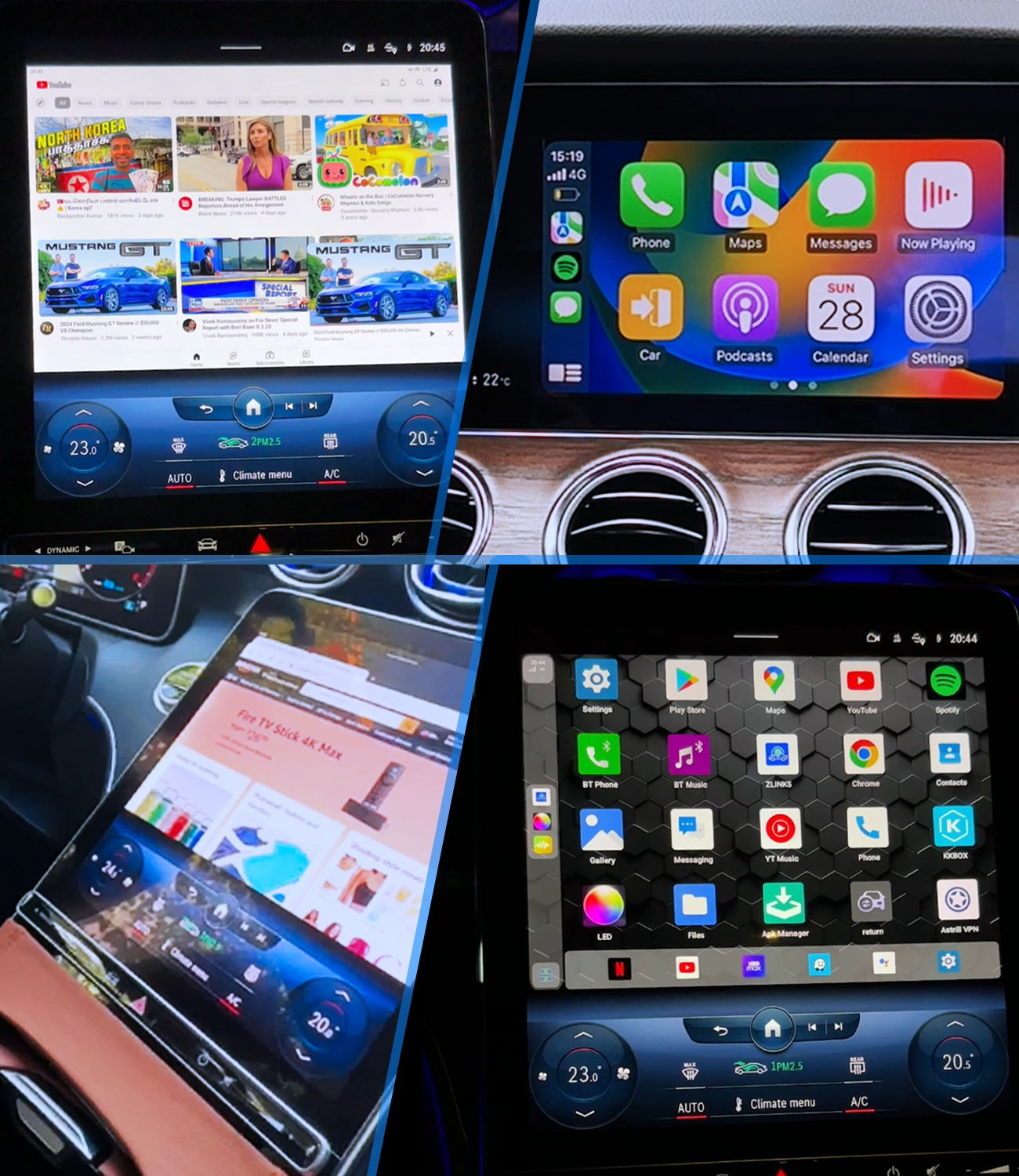
If you want a richer multimedia upgrade rather than only a simpler wireless CarPlay routine, compare CARLUEX PRO+ 2.0. That product has different compatibility requirements and is not compatible with BMW models, so it should only be recommended after the vehicle fit is verified.
For Lexus IS350 owners, the practical recommendation is conservative: start by confirming wired CarPlay works in your car, then compare AIR and PRO+ 2.0 based on what you actually want from the upgrade.
| Goal | Option to compare | Compatibility note |
|---|---|---|
| Remove the phone cable from CarPlay | CARLUEX AIR | Check factory wired CarPlay and vehicle compatibility first. |
| Add a broader multimedia box experience | CARLUEX PRO+ 2.0 | Designed for cars with built-in wired CarPlay; not for BMW models. |
| Confirm whether your Lexus appears in the list | Compatible Vehicles | Use your exact model, year, and factory infotainment setup. |
What the Result Looks Like
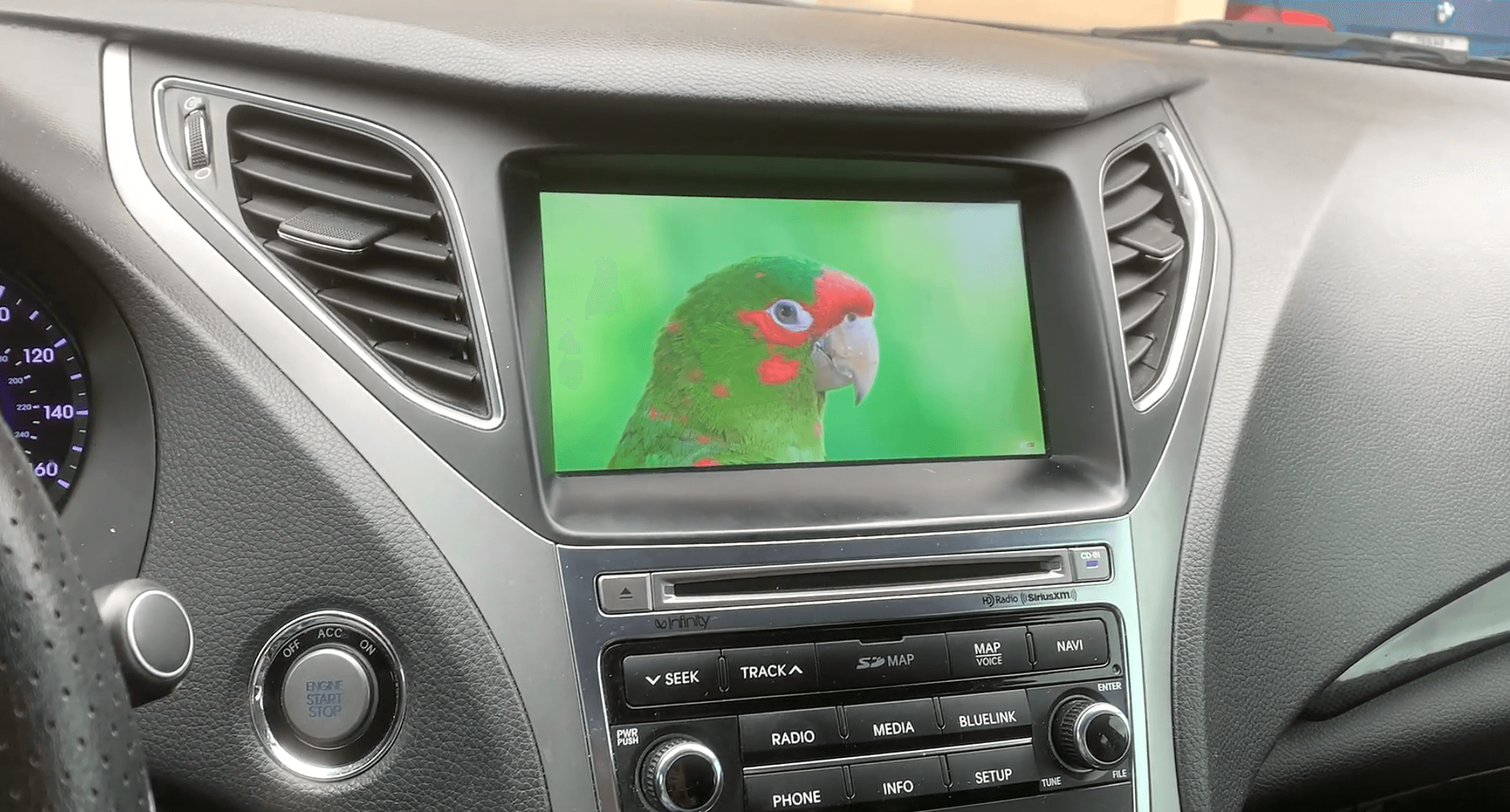
After setup, the video shows the Lexus display using wireless CarPlay with maps visible on the screen. This is the main payoff: the phone no longer has to stay plugged in for the CarPlay session shown in the review.
That result is why the original article's enthusiasm makes sense. The driver keeps the Lexus cabin experience, but the everyday phone connection feels cleaner.

Important Limits to Keep in Mind
A wireless adapter is a convenience upgrade, not a repair tool. It does not fix unsupported vehicles, damaged USB ports, disabled iPhone settings, vehicle software bugs, or app-specific notification settings. If wired CarPlay is not working first, troubleshoot the original wired connection before adding an adapter.
Change settings only when the vehicle is parked. Do not adjust phone or infotainment settings while driving.
If pairing does not work on the first try, check the USB port, remove old Bluetooth pairings if needed, restart the phone and vehicle infotainment system, and confirm that CarPlay is allowed in iPhone settings. Apple also recommends checking CarPlay setup and connection basics when CarPlay does not work as expected.
Related CARLUEX Guides
- Lexus RX450h CarPlay compatibility and upgrade guide
- Wireless CarPlay adapter troubleshooting checklist
- CARLUEX compatible vehicles
FAQ
Does the 2023 Lexus IS350 F Sport support Apple CarPlay?
Apple's available models list includes Lexus IS for 2021-2025, and CARLUEX's compatibility page lists Lexus IS for 2021-2025. Still, check your exact trim, region, and factory infotainment system before buying an adapter.
Does this mean every 2023 Lexus IS350 has wireless CarPlay?
No. This article is based on a video where the owner wanted to get rid of wired CarPlay. Treat the video as a review of that setup, not a universal statement about every Lexus IS350 configuration.
Do I need factory wired CarPlay first?
For this type of wired-to-wireless adapter use case, yes: wired CarPlay should work normally first. If wired CarPlay does not work, solve that issue before adding a wireless adapter.
Which CARLUEX adapter should Lexus IS350 owners compare?
For a simple wireless CarPlay upgrade, compare CARLUEX AIR first. If you want a broader multimedia box experience, compare CARLUEX PRO+ 2.0 after checking compatibility.
Will this change the original meaning of LouieXIII's video?
No. The meaning remains the same: the Lexus is enjoyable, the cable is inconvenient, and the adapter shown in the video makes the CarPlay experience wireless in that review setup.



Napsat komentář
Všechny komentáře jsou před zveřejněním moderovány.
Tento web je chráněn službou hCaptcha a vztahují se na něj Zásady ochrany osobních údajů a Podmínky služby společnosti hCaptcha.