
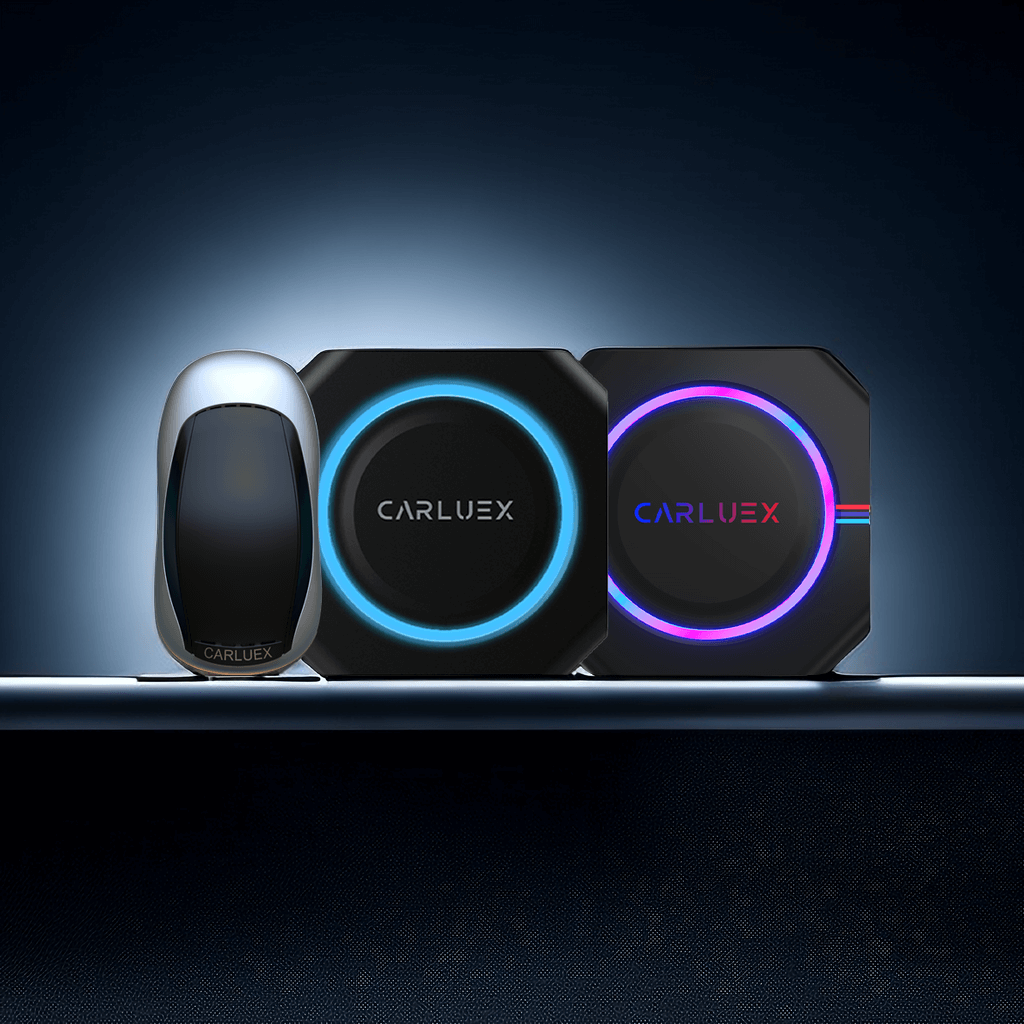
How to Perform Online Upgrades and Retrieve Issue Logs
Updating Firmware for Cars in Normal Operation 1. How to Perform Online Upgrades?: Connect the CARLUEX Smart CarPlay box to the internet (via WiFi or mobile hotspot). Click on the "Updater" applica...
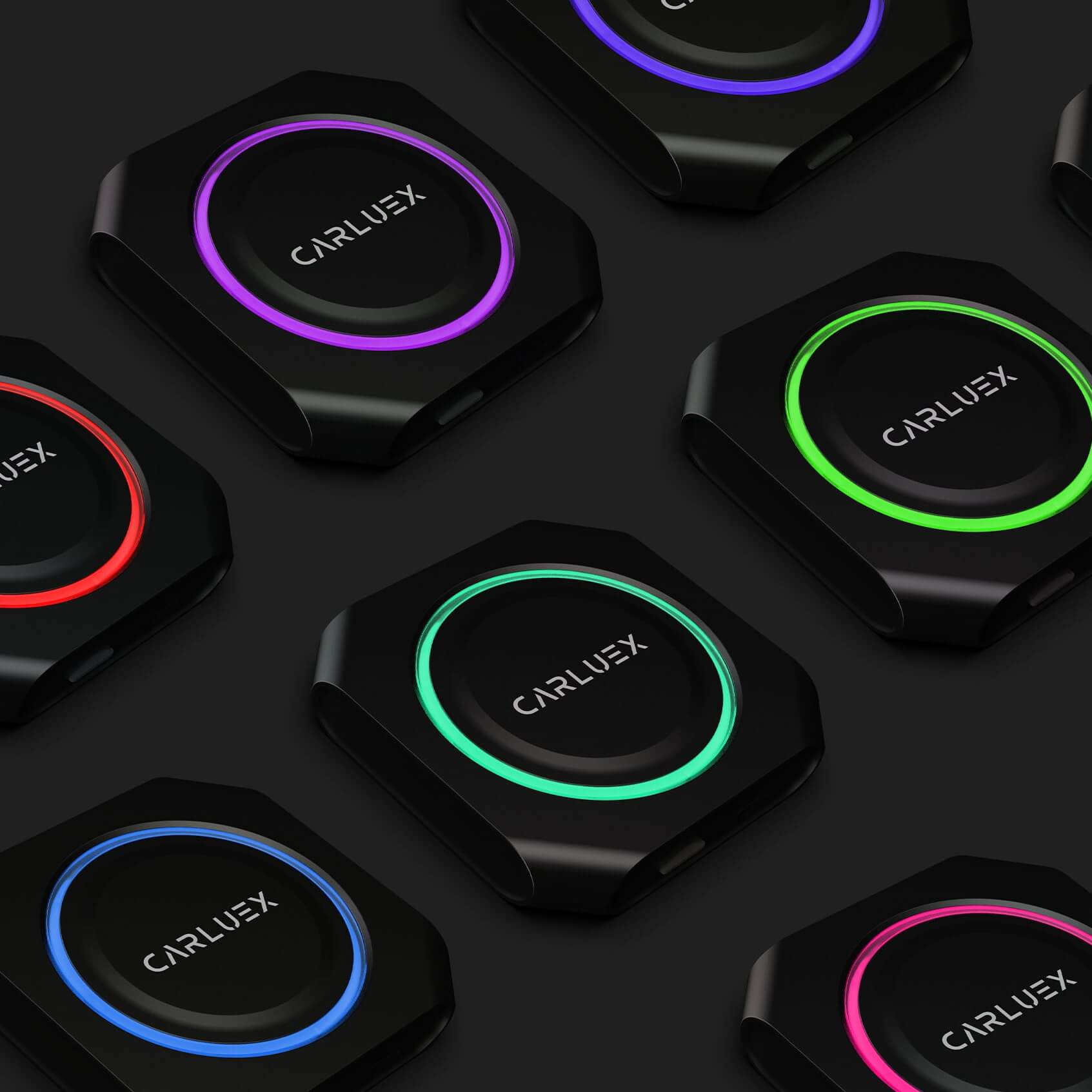
How to Customize the Lighting Settings
Personalize your driving experience by customizing the LED lighting on your CARLUEX PRO+. This guide walks you through the simple steps to adjust your device's lighting settings. How to Access the...
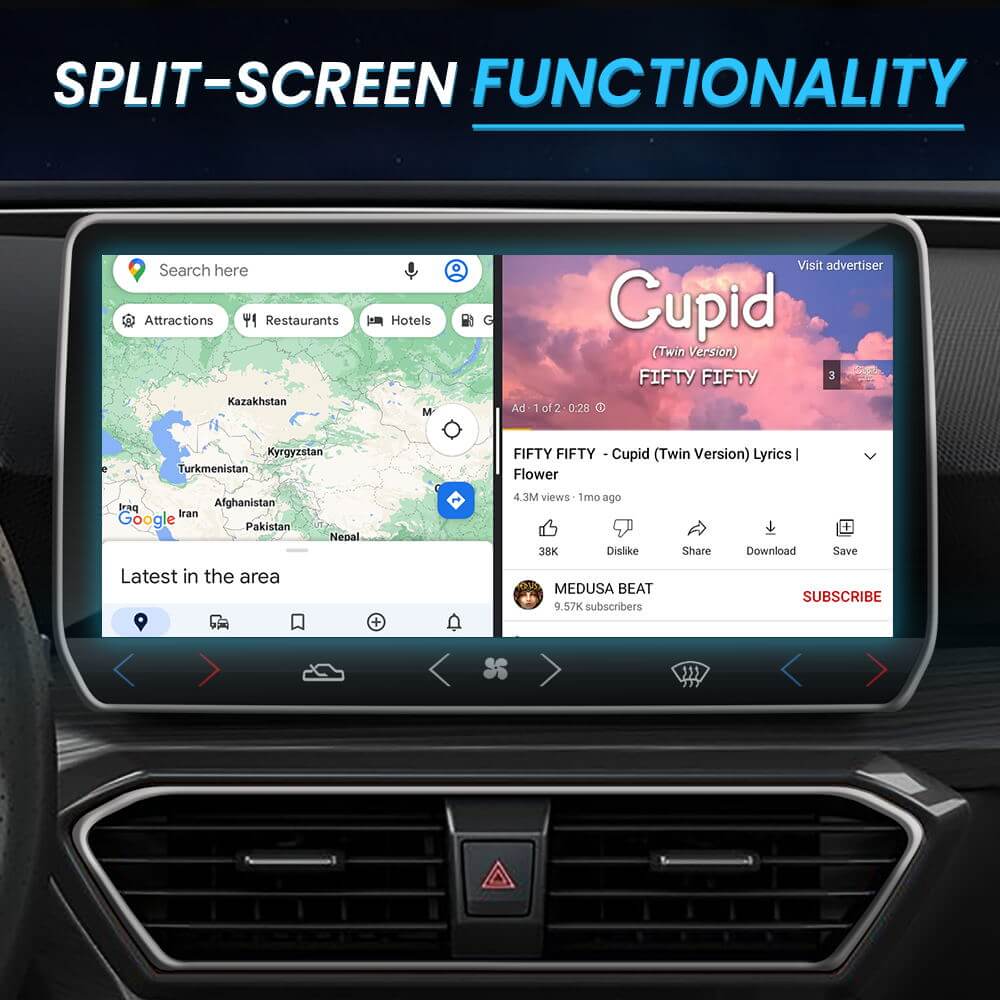
How to Use Screen Mirroring and Enjoy Streaming Apps with CARLUEX PRO+
CARLUEX PRO+ allows you to mirror your smartphone's screen to your car's display, enabling you to use your favorite apps, navigation, and streaming services on a larger screen. This guide explains ...
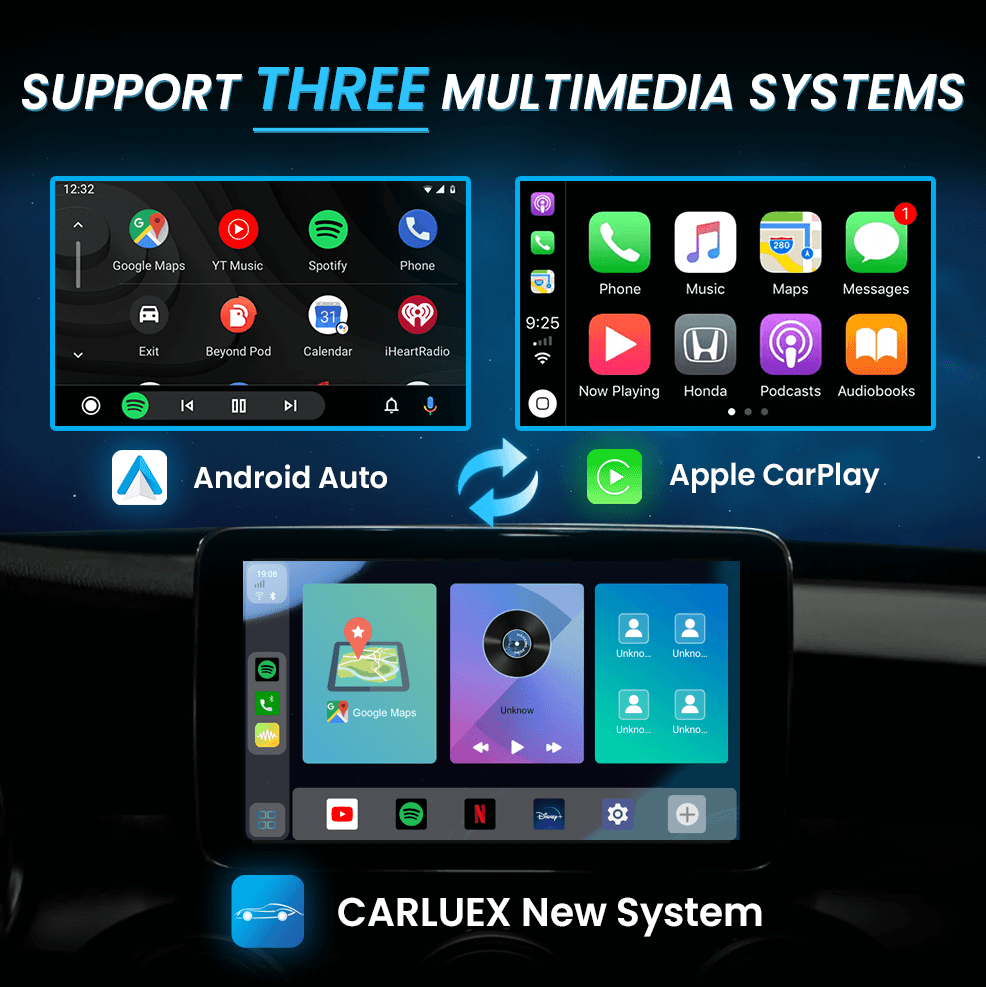
How to Use CARLUEX PRO+ with Apple CarPlay/Android Auto
CARLUEX PRO+ brings Apple CarPlay and Android Auto to virtually any car, allowing you to enjoy the convenience of smartphone integration on your vehicle's display. This guide explains what CarPlay ...
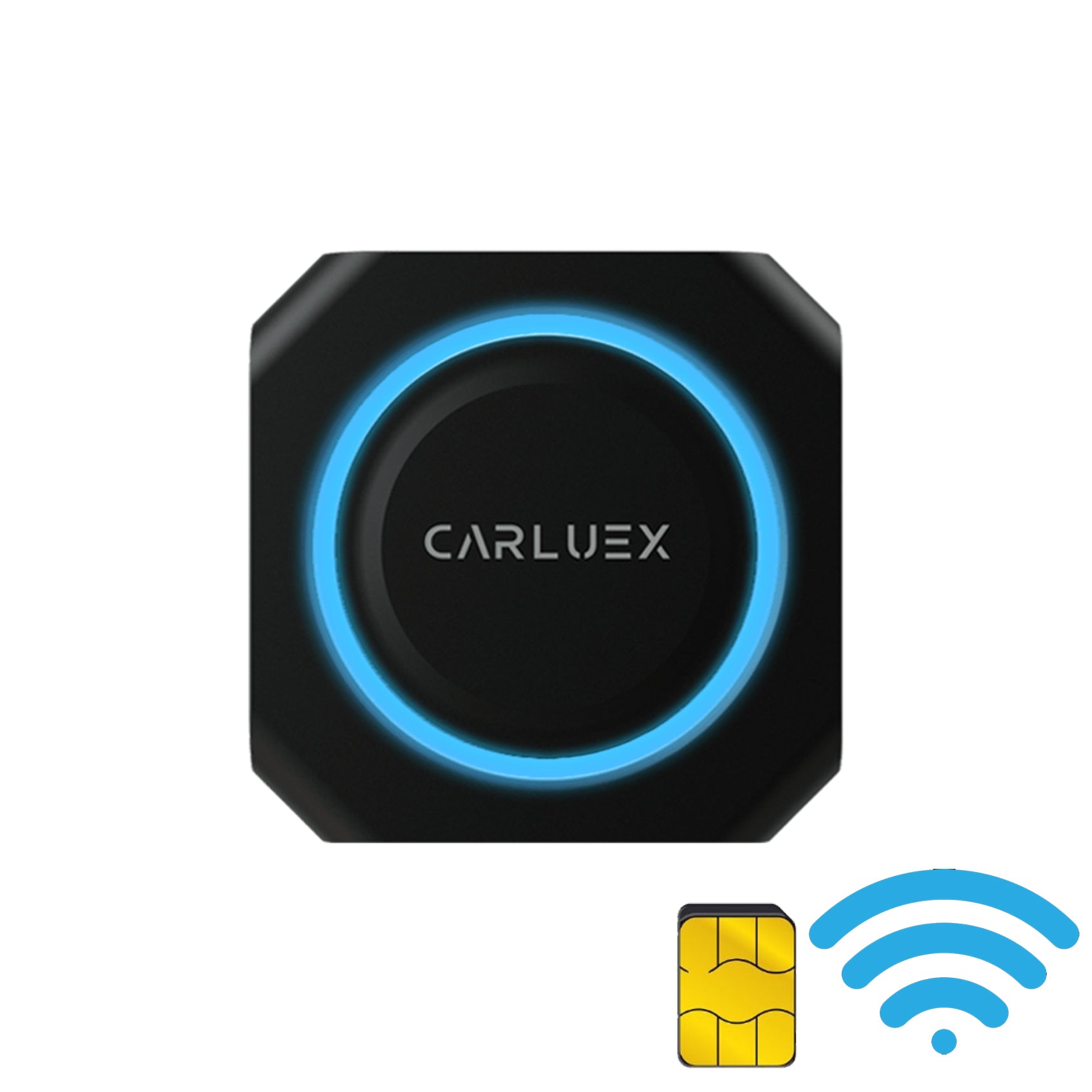
How to Connect CARLUEX PRO+ to the Internet via WiFi or SIM Card:
CARLUEX PRO+ requires an internet connection for navigation, streaming, and real-time features. This guide explains how to connect your device to the internet using WiFi hotspot or a SIM card, incl...
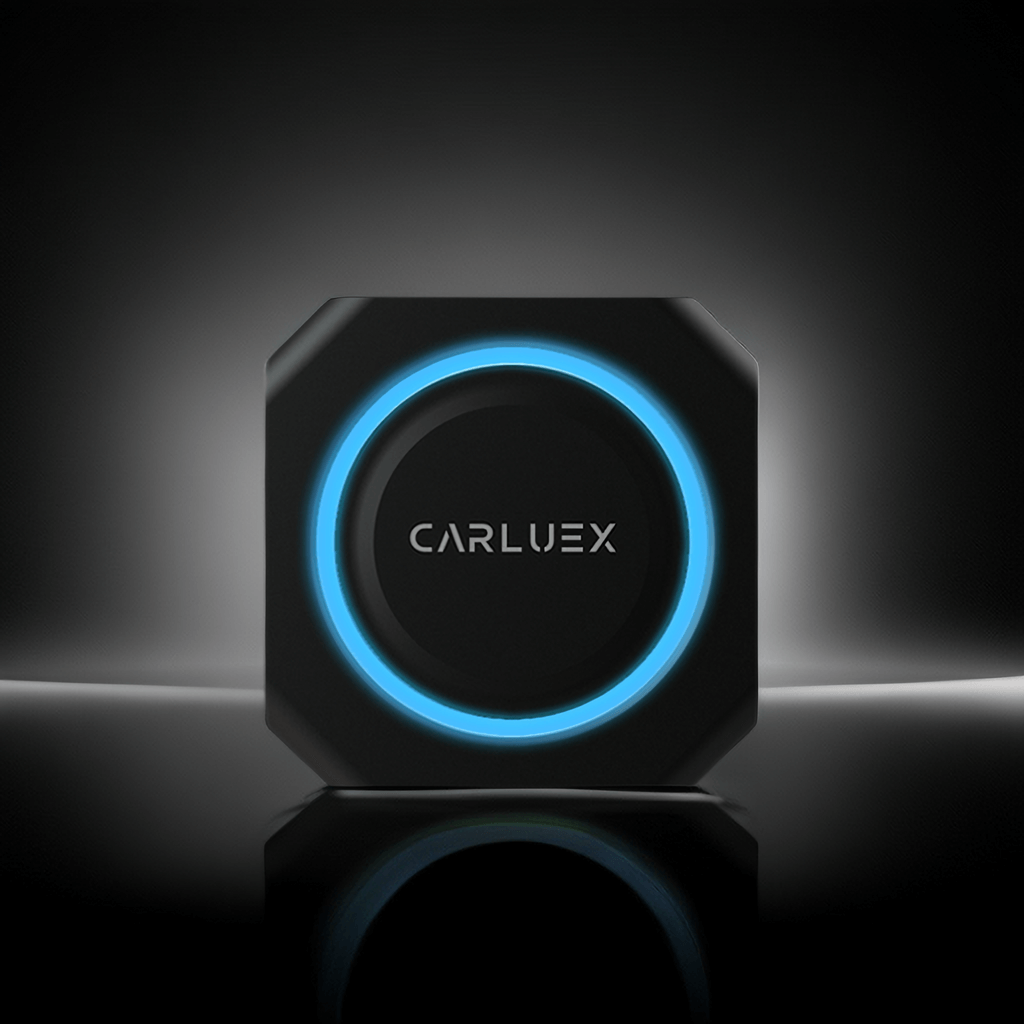
How to Connect Your CARLUEX PRO+
What You'll Need Before Starting Before setting up your CARLUEX PRO+, make sure you have the following: CARLUEX PRO+ adapter USB-A or USB-C cable (adapter included) Vehicle with Apple CarPlay supp...


