

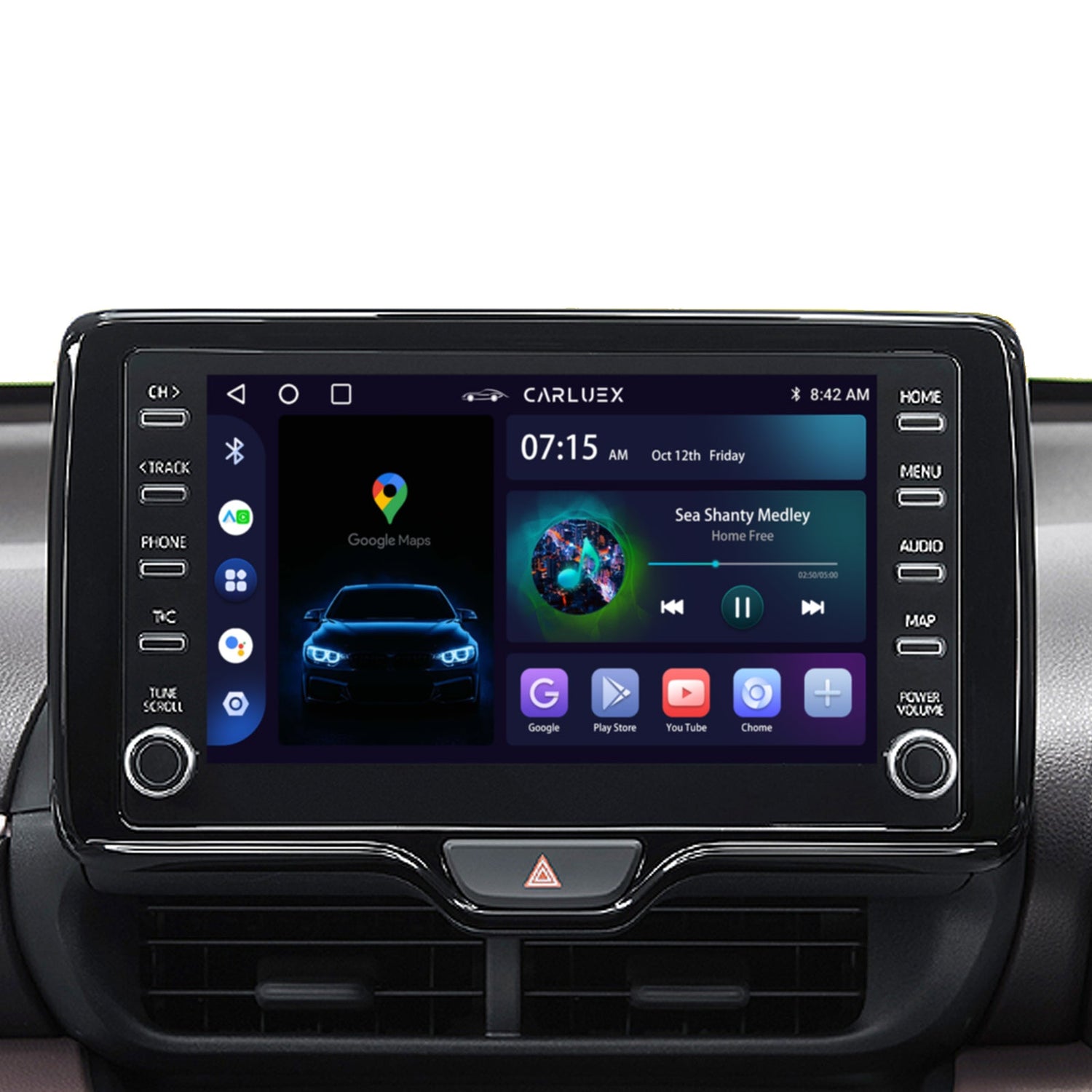
A wireless CarPlay adapter can work in a Toyota RAV4 only when the vehicle already has a compatible, working factory wired Apple CarPlay connection. Before buying an adapter, connect an iPhone to the RAV4's designated USB data port and confirm that CarPlay opens reliably. If factory wired CarPlay does not work—or the vehicle never had it—a standard wired-to-wireless adapter is not the correct repair or retrofit.
Safety: Park in a safe place before connecting hardware, pairing a phone, changing CarPlay or Siri settings, or troubleshooting the multimedia system. Procedures can vary by RAV4 model year, trim, market, head unit, USB port, and software, so the manual for the exact vehicle takes priority.
Will a Wireless CarPlay Adapter Work in Your Toyota RAV4?
Apple's current CarPlay available-models list includes the Toyota RAV4 for model years 2019–2026. That list confirms CarPlay availability at the model-family level; it does not prove that every trim, market, or factory system has the same connection method, and it does not mean every listed RAV4 has native wireless CarPlay.
Use this three-part compatibility check:
- Identify the exact vehicle: Record the year, trim, sales market, and factory multimedia system. Use Toyota's RAV4 manuals portal as a starting point, then select the correct year.
- Test factory wired CarPlay: Enable Siri, use a data-capable cable, and connect the iPhone to the RAV4's CarPlay-capable USB port. Charging alone is not proof of a working data connection.
- Check the adapter requirements: Confirm support for factory wired CarPlay, the original head unit, the USB connection, and the intended iPhone before purchase.
| What happens in the RAV4? | What it suggests | Best next step |
|---|---|---|
| CarPlay already starts without a cable | The RAV4 appears to have native wireless CarPlay. | Use the factory setup; a converter may be unnecessary. |
| CarPlay works reliably through USB | The vehicle may be eligible for a wired-to-wireless adapter. | Confirm the exact head unit and adapter requirements. |
| The phone charges but CarPlay does not open | The port may be charge-only, the cable may not carry data, or CarPlay may be disabled or unsupported. | Fix or confirm the factory wired path first. |
| The vehicle has an aftermarket or retrofitted radio | Factory-system compatibility rules may not apply. | Follow the head-unit manufacturer's instructions. |
What RAV4 Model Years Have Apple CarPlay?
Toyota's official announcement for the 2019 RAV4 states that every 2019 model included Apple CarPlay compatibility. Apple's current list begins with the 2019 RAV4 and extends through 2026.
Those sources answer whether CarPlay was offered, not whether the connection is wired or wireless in every vehicle. A used vehicle may also have a different radio, software state, or USB hardware. The practical test is still simple: check the exact manual and confirm that factory CarPlay works through the designated data port before selecting a converter.
For a pre-2019 RAV4 without factory CarPlay, a wired-to-wireless adapter cannot add the missing CarPlay platform by itself. That situation requires a vehicle-specific Toyota, dealer, or head-unit upgrade path rather than a simple converter.
Choose the Right Toyota RAV4 Wireless CarPlay Upgrade
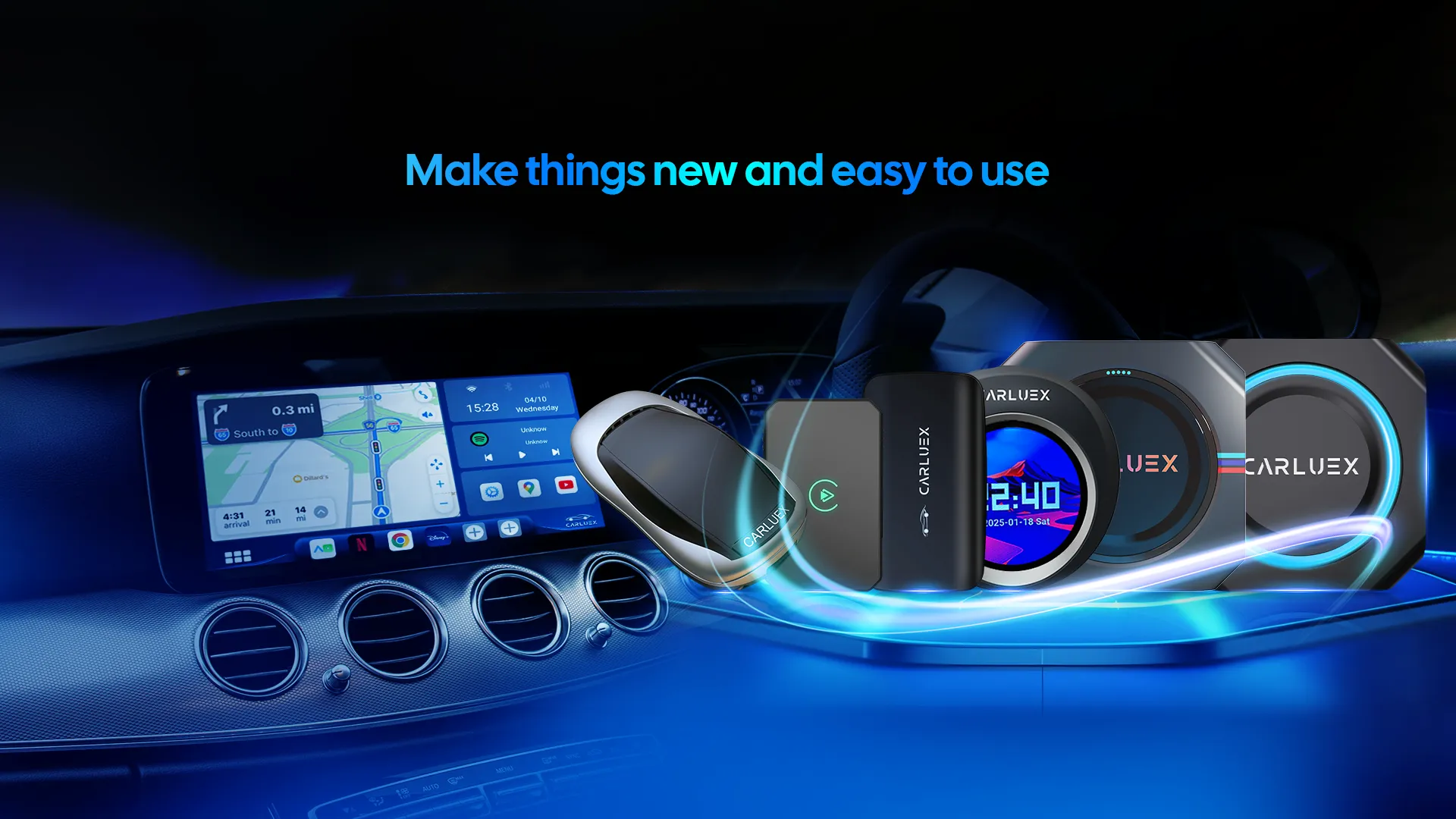
Products sold as “wireless CarPlay adapters” can serve very different purposes. Choose the category that matches the verified factory system and the actual goal.
Simple Wired-to-Wireless Adapter
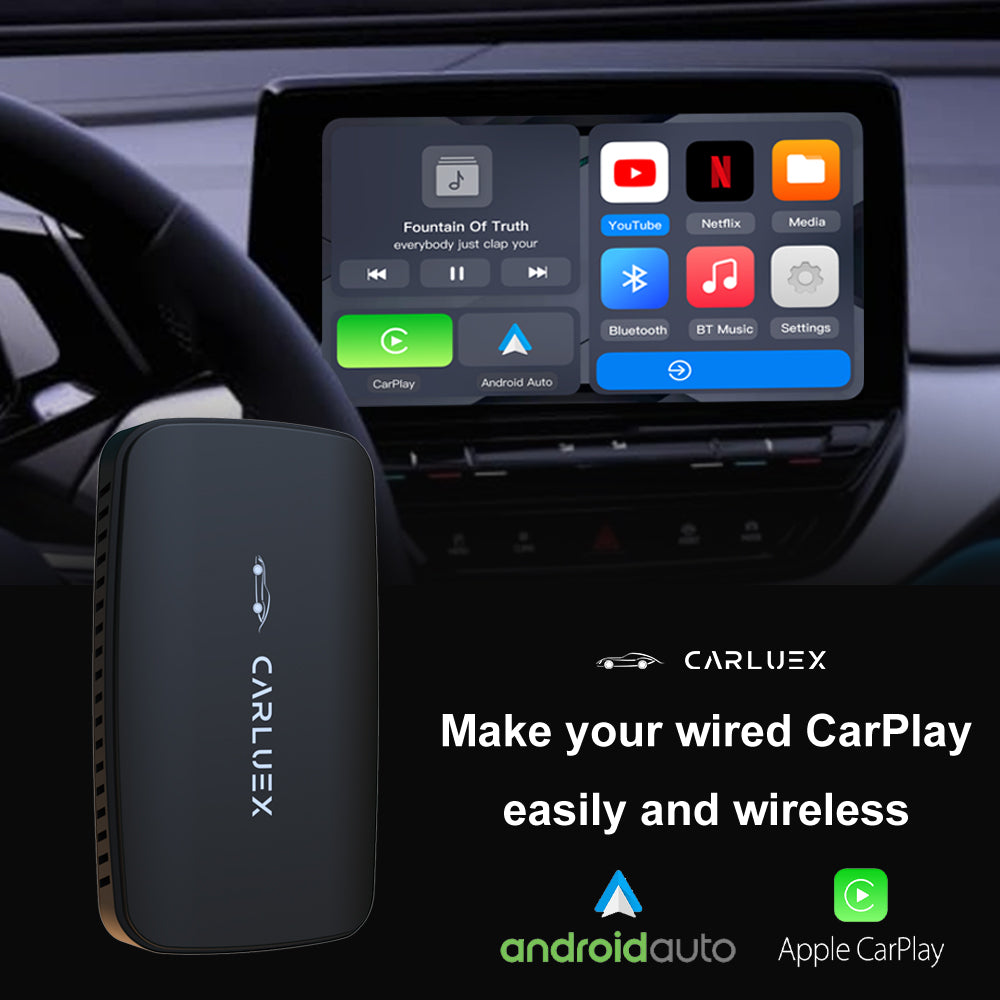
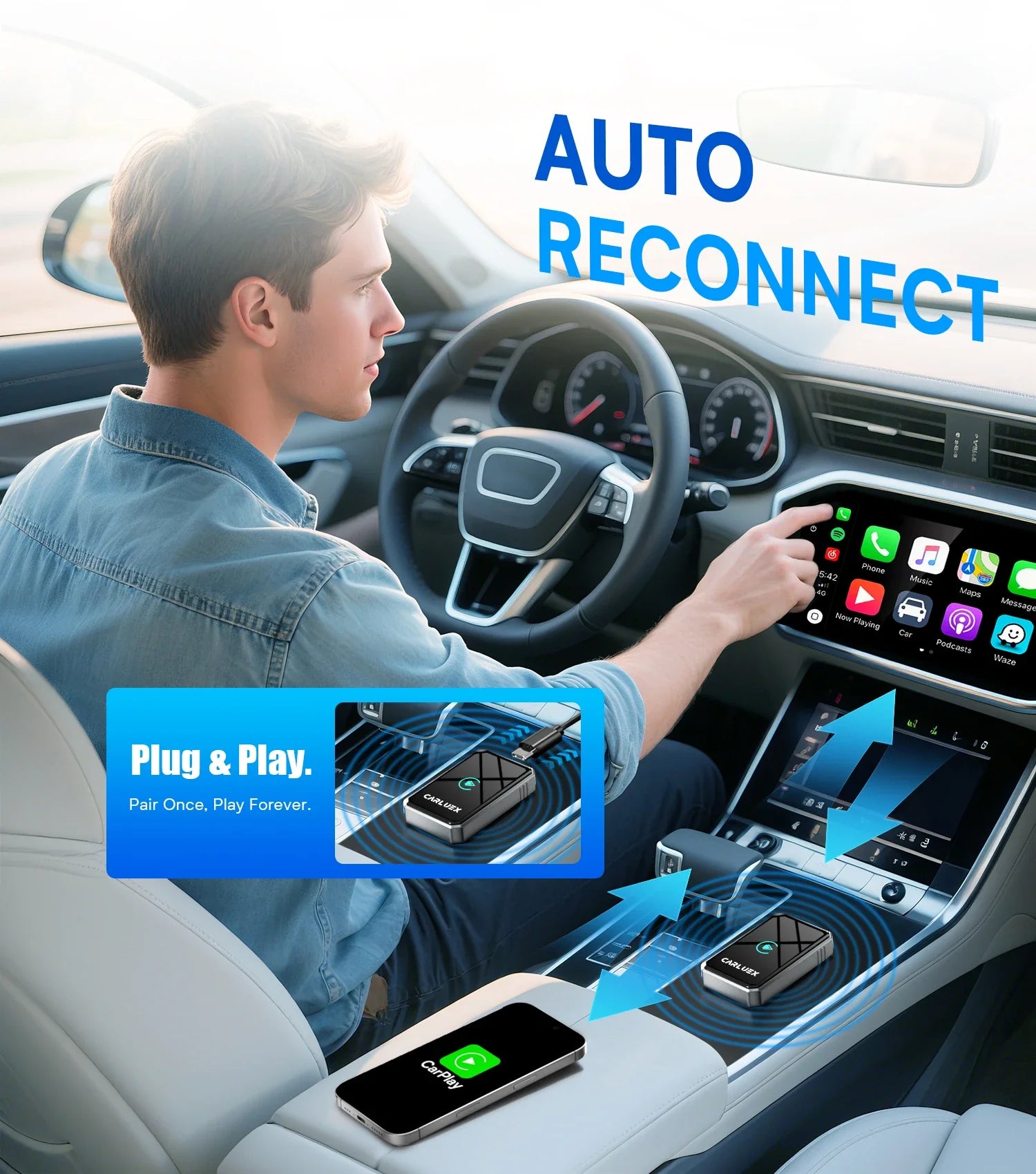
This is the focused option when factory wired CarPlay already works and the goal is cable-free phone projection. The adapter uses the RAV4's existing CarPlay interface; it does not repair a damaged USB data path or add CarPlay to an unsupported radio.
CARLUEX LINK is the relevant CARLUEX category to evaluate for this use case. Its current page states that wireless CarPlay requires factory wired CarPlay and excludes aftermarket or retrofitted head units. Confirm the exact RAV4 on the compatible-vehicles page before purchase.
CarPlay AI Box
An AI box is a broader category for drivers who want supported standalone apps or an additional Android-based interface. More features do not automatically make it the better RAV4 choice. If the only goal is wireless CarPlay, a simple converter is usually the more focused category. Drivers considering broader functions can compare current requirements in the Toyota wireless CarPlay collection, then verify the exact product separately.
How to Install a Wireless CarPlay Adapter in a Toyota RAV4
The adapter's current instructions control the exact pairing name, lights, buttons, and update steps. Use this sequence as a safe framework:
- Park the RAV4 and start it, or place it in the multimedia system's required accessory mode.
- Enable Siri and confirm factory wired CarPlay with the iPhone, a data-capable cable, and the designated USB data port.
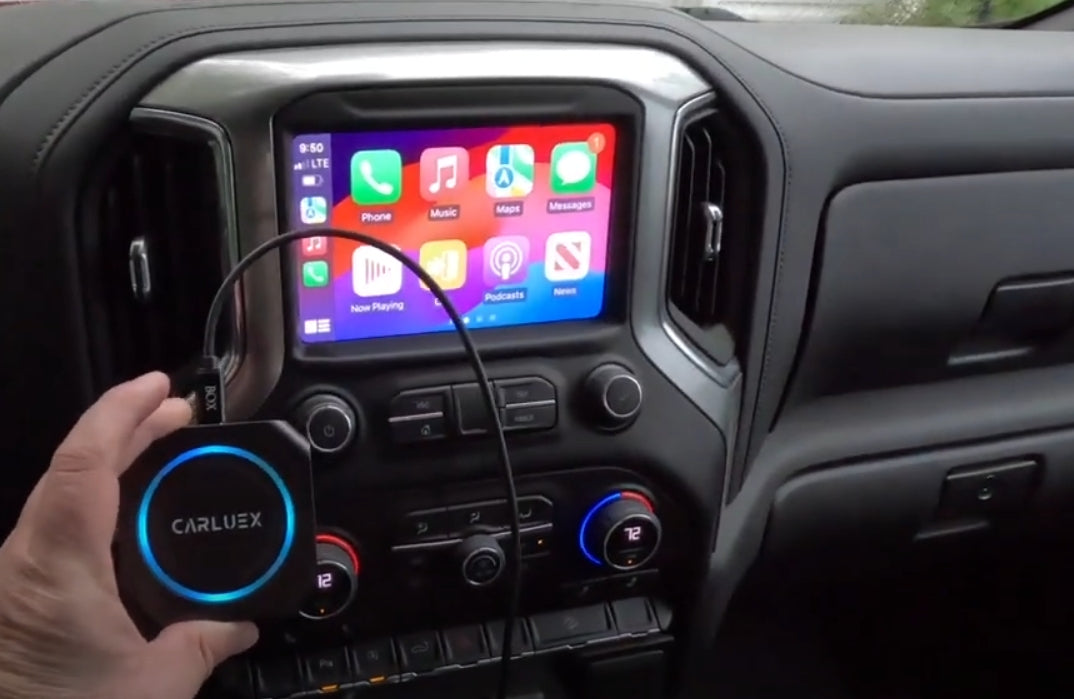
- Disconnect the iPhone and plug the adapter into that same port using the supplied or approved cable.
- Turn on Bluetooth and Wi-Fi on the iPhone.
- Select the adapter's displayed pairing name and approve the CarPlay prompts on the phone and vehicle screen.
- Wait for the CarPlay dashboard to load before moving the vehicle.
- On the next parked start, verify automatic reconnection before relying on it for navigation or calls.
Apple's CarPlay setup guide separates USB, combined USB/wireless, and wireless-only vehicle paths and requires Siri during setup. An adapter adds its own conversion and pairing steps, so follow both the Apple/Toyota requirements and the adapter instructions.
Toyota RAV4 Wireless CarPlay Adapter Not Connecting?
Apple's official CarPlay troubleshooting guide recommends checking permissions, restarting the iPhone and vehicle, confirming Siri, forgetting the car, and reviewing stereo firmware where applicable. With an adapter, first separate a factory CarPlay problem from an adapter problem:
- Remove the adapter and retest wired CarPlay. If it fails, check the iPhone, cable, USB data port, RAV4 settings, and factory multimedia system first.
- If wired CarPlay works, reconnect the adapter. Restart it using its official instructions and remove stale Bluetooth or Wi-Fi profiles before pairing again.
- Check other paired phones. A family member's phone may reconnect first. Temporarily disable its Bluetooth/Wi-Fi or use a preferred-device setting if the adapter provides one.
- Check power and cable placement. Use the intended data port and approved adapter cable; do not assume every console USB port carries CarPlay data.
- Review software from official sources. Check iOS, Toyota multimedia, and adapter firmware instructions separately. Do not install an update from an unverified link.
- Record the pattern. Note whether the problem happens only at startup, during calls, after switching drivers, or in a specific location.
A factory reset should not be the first step. It may erase saved phones and preferences without resolving an unsupported head unit, charge-only port, or compatibility problem.
RAV4 Wireless CarPlay Adapter Buying Checklist
- Factory wired CarPlay works reliably before the adapter is connected.
- The exact RAV4 year, trim, market, original head unit, and USB data port have been checked.
- The vehicle does not already provide satisfactory native wireless CarPlay.
- The product supports the intended iPhone and current iOS version.
- The adapter includes the connector required by the RAV4's data port.
- Firmware-update and support instructions are available from the seller.
- The return and warranty terms have been reviewed before purchase.
- The chosen category matches the goal: simple wireless conversion or a broader AI-box experience.
Frequently Asked Questions
Does a 2019 Toyota RAV4 have Apple CarPlay?
Toyota states that every 2019 RAV4 model included Apple CarPlay compatibility. For an adapter purchase, still verify the original head unit and confirm that wired CarPlay works through the designated USB data port.
Does a 2022 Toyota RAV4 have wireless CarPlay?
Do not infer native wireless capability from a general CarPlay model list. Check the manual and multimedia system for the exact 2022 RAV4. If CarPlay works only through USB, a compatible wired-to-wireless adapter may be an option.
Can an adapter add CarPlay to a 2018 or older RAV4?
Not by itself. A standard wireless adapter converts an existing factory wired CarPlay connection; it does not install CarPlay into a vehicle that lacks it. Check a vehicle-specific retrofit or head-unit path instead.
Why does my iPhone charge but CarPlay not start?
The USB port may be charge-only, the cable may not support data, CarPlay may be restricted, or the factory system may not support it. Resolve the factory wired connection before adding an adapter.
Will the RAV4 steering-wheel controls and Siri still work?
They may work through CarPlay when the factory system, adapter, iPhone settings, and supported app cooperate. Confirm the exact vehicle instructions and test while parked. An adapter cannot guarantee every control or third-party app.
Can one adapter switch between two iPhones?
Many products remember more than one phone but may reconnect to the most recent or preferred device. Check the adapter's instructions, remove stale pairings, and test driver switching while parked.
Bottom Line
The best wireless CarPlay adapter for a Toyota RAV4 is not automatically the product with the longest feature list. It is the category that matches a verified factory system. If wired CarPlay works and the goal is cable-free startup, evaluate a simple wired-to-wireless adapter. If wired CarPlay fails, the vehicle already has native wireless CarPlay, or the head unit is aftermarket, resolve that path before buying.
Leading with this compatibility check makes the RAV4 upgrade easier to choose, install, and troubleshoot—and avoids paying for hardware that cannot solve the underlying problem.


Leave a comment
This site is protected by hCaptcha and the hCaptcha Privacy Policy and Terms of Service apply.