
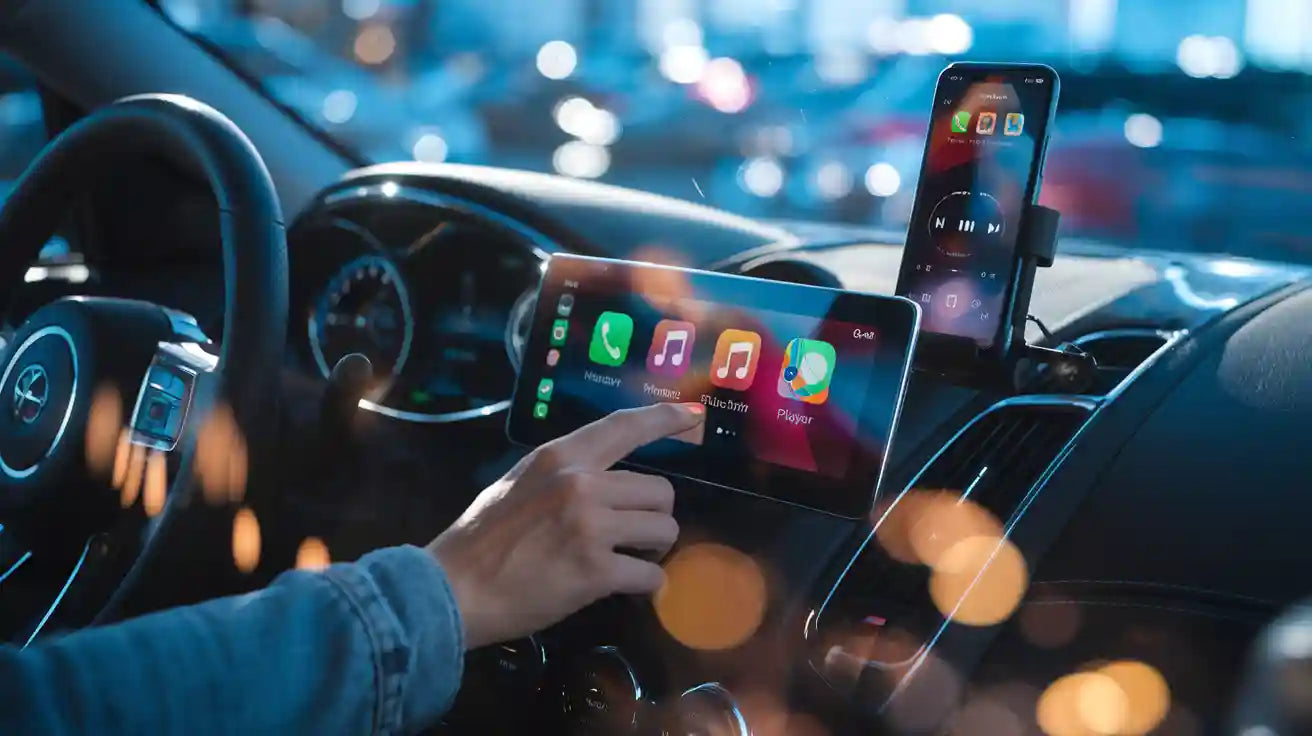
The best music player for Android Auto depends on how you listen. Spotify and YouTube Music are strong choices for streaming, Pandora and SiriusXM work well for radio-style listening, and local music players such as Poweramp, AIMP, Musicolet, GoneMAD, and Rocket Player can be useful if you keep music files on your phone. The important check is not whether an app plays music on Android, but whether it supports Android Auto on your phone and in your region.
Google's official Android Auto Help explains that Android Auto supports compatible apps for music, messaging, news, and more, and that users can download apps for Android Auto from supported app sources. App availability, features, voice actions, subscriptions, and regional support can change, so treat app lists as starting points rather than permanent guarantees.
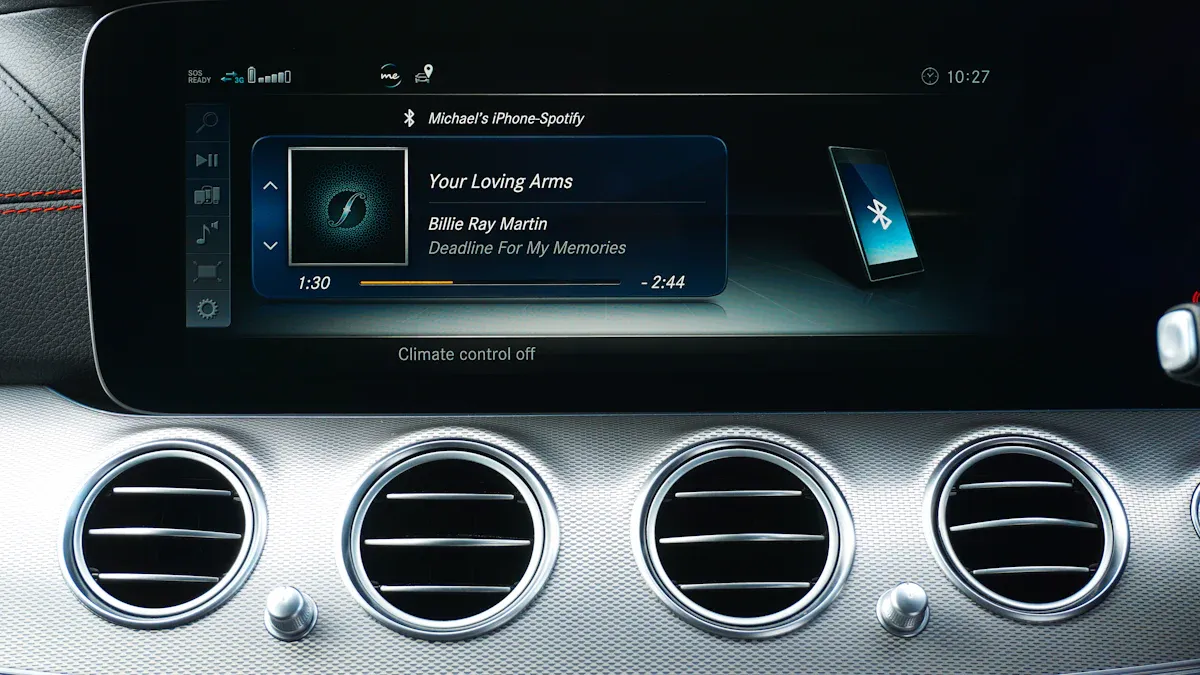
Quick Answer: What Music Players Work with Android Auto?
Common Android Auto music app categories include streaming services, radio apps, podcast apps, audiobook apps, and local-file music players. Popular examples include:
- Streaming: Spotify, YouTube Music, Deezer, and other supported subscription or free-tier apps.
- Radio-style listening: Pandora, SiriusXM, and similar supported radio or channel-based apps.
- Local files: Poweramp, AIMP, Musicolet, GoneMAD, Rocket Player, and other apps that may support Android Auto depending on version and device.
- Podcasts and audiobooks: supported podcast and audiobook apps where available in Android Auto.
Before a drive, install the app, sign in, download offline content if needed, and check whether it appears in the Android Auto launcher. Do not browse long lists or build playlists while driving.
How to Choose the Right Android Auto Music App
| Listening need | Good app type | What to check |
|---|---|---|
| Huge music library and playlists | Streaming music app | Subscription, offline mode, voice search, Android Auto visibility |
| Radio stations or channels | Radio or satellite-style app | Region, account plan, data use, channel controls |
| Owned MP3 or local files | Offline/local music player | File format, folder browsing, Android Auto support, playlist setup |
| Podcasts or audiobooks | Podcast/audiobook app | Downloads, queue controls, resume behavior, app permissions |
The best choice is the one that appears reliably in Android Auto, supports simple controls, and lets you prepare playlists before you drive.
Popular Android Auto Music Apps
The apps below are common options people test with Android Auto. Availability and features can vary, so use each app's current Play Store listing, in-app settings, and Android Auto launcher visibility as the final check.
Spotify
Spotify is often a first test app because it offers playlists, podcasts, voice-friendly music search, and offline downloads for eligible plans. If it does not appear in Android Auto, update Spotify, update Android Auto and Google, then check launcher customization.
YouTube Music

YouTube Music can be useful for Google account users, playlists, albums, and recommendations. If voice commands do not start the right music, check your default music service, app login state, and whether the command wording matches the artist, album, or playlist name.
Pandora

Pandora is useful for station-based listening. It can be simpler than searching for albums while driving, because you can start a station before the trip and use basic playback controls on the road.
Poweramp
Poweramp is popular with listeners who manage local music files and want more control over playback and sound settings. Prepare folders and playlists before driving so you are not searching through a library from the car screen.
AIMP
AIMP can be a lightweight choice for local files. As with any offline player, confirm that the installed version appears in Android Auto and that your files are stored in a location the app can read.
GoneMAD
GoneMAD is another option for users who prefer local-library playback and customization. Test it while parked, because deeper customization can be harder to manage from a driving interface.
Musicolet
Musicolet is often chosen by people who want offline playback and queue control. Confirm Android Auto support on your phone before relying on it for a long trip.
SiriusXM

SiriusXM can be useful for channels, talk, sports, and radio-style listening. Account plan, region, and connection quality can affect what you can play.
Deezer
Deezer is a streaming option for playlists, albums, podcasts, and recommendations in supported regions. If it does not behave as expected in Android Auto, check app updates and account status first.
Rocket Player
Rocket Player may fit users who prefer local music files and a simpler library experience. As with other local players, set up playlists and folder access before driving.
Android Auto Music App Comparison
| App type | Best fit | Main risk to check |
|---|---|---|
| Spotify / YouTube Music / Deezer | Streaming libraries, playlists, recommendations | Subscription, login, data use, offline downloads |
| Pandora / SiriusXM | Stations, channels, radio-style listening | Region, account plan, channel availability |
| Poweramp / AIMP / Musicolet / GoneMAD / Rocket Player | Local music files and offline libraries | Android Auto visibility, file access, playlist setup |
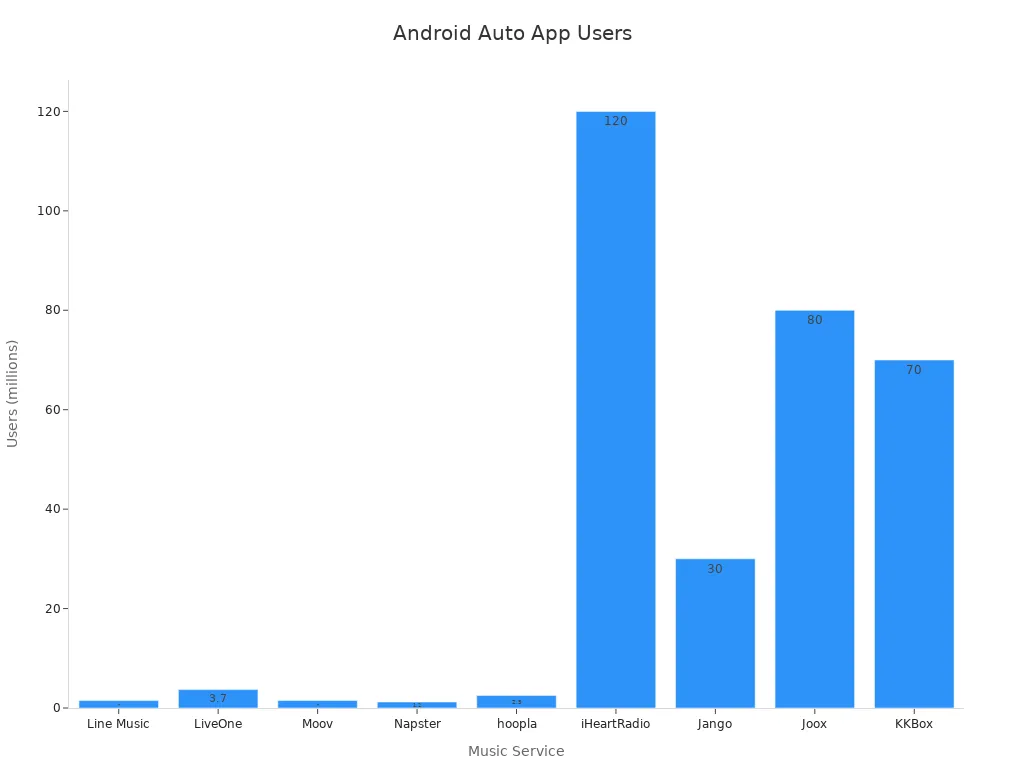
Use any popularity chart as directional context only. App availability, rankings, and user counts change often, and this article does not rely on those numbers as product claims.
How to Add or Find Music Apps in Android Auto
Google's download apps for Android Auto guidance is the safest place to start. On many phones, you can also open Android Auto settings and customize which apps appear in the launcher. The exact path may vary by phone brand and Android version, so open Settings and search for Android Auto if you do not see it.
- Install or update the music app on your phone.
- Open the app, sign in, and accept any required permissions.
- Open Android Auto settings and check whether the app appears in the launcher.
- Prepare playlists, stations, albums, or downloads before driving.
- Connect to Android Auto and test the app while parked.
Why a Music App Does Not Show in Android Auto
If a music app works on your phone but not in Android Auto, the app may not support Android Auto, may be hidden from the launcher, or may need an update. Google also offers general Android Auto setup guidance for connecting your phone and car.
- The app is missing: update the app, then check Android Auto launcher customization.
- The app opens but will not play: check login, subscription, mobile data, and media permission.
- Audio cuts out: test wired Android Auto, cable quality, phone battery settings, and wireless signal.
- Voice commands choose the wrong app: check default music service and use clearer app names in commands.
- Only one app fails: the problem is likely app-specific, not the car or adapter.
Voice Control and Safer Listening
For safer driving, use simple voice commands and prepare your queue before you start moving. Google's Android Auto Help explains how to talk to Gemini or Google Assistant in Android Auto. Voice features and labels can vary as Google updates Android Auto and assistant experiences.
Good commands are short: "Play my driving playlist," "Play Spotify," "Next song," or "Pause music." If the assistant misunderstands you, wait until parked before changing settings or browsing the app.
Will a CARLUEX Adapter Make Music Apps Work Better?
A wireless adapter can make Android Auto more convenient after Android Auto already works in your vehicle. It does not directly fix unsupported music apps, app subscriptions, phone permissions, Google account issues, app bugs, or vehicle software faults.
If factory wired Android Auto works reliably and you want a cleaner wireless setup, start by checking CARLUEX LINK. If you want additional multimedia or adapter features for a compatible vehicle, compare CARLUEX AIR, CARLUEX GO, and CARLUEX PRO+ 2.0. Before purchasing, check CARLUEX compatible vehicles and confirm your car, model year, factory wired Android Auto or CarPlay support, and infotainment system.
Related CARLUEX Guides
- Why Android Auto Is Not Working and How to Fix It
- Android Auto Voice Commands: Best Uses and Fixes
- Stop Spotify from Auto-Playing on Android Auto
- How to Stop Android Auto from Auto-Launching or Reconnecting
- Browse CarPlay and Android Auto troubleshooting guides
FAQ
Can I use any music app with Android Auto?
No. Android Auto only shows compatible apps. If an app plays music on your phone but does not appear in Android Auto, check the app's current Android Auto support, updates, and launcher settings.
Why is Spotify not showing in Android Auto?
Update Spotify, update Android Auto and Google, open Spotify once on the phone, sign in, then check Android Auto launcher customization. If other music apps appear, the issue is likely Spotify-specific.
Can Android Auto play offline music files?
Yes, if you use a compatible local music player and your files are accessible on the phone. Prepare folders, playlists, and permissions before driving.
Does wireless Android Auto reduce music quality?
Audio quality depends on the app, connection, car system, phone, and streaming settings. If wireless playback cuts out, test wired Android Auto to separate app issues from wireless connection issues.
Can CARLUEX fix a music app that does not support Android Auto?
No. A CARLUEX adapter can help with wireless convenience in compatible vehicles after Android Auto already works, but it cannot make an unsupported music app Android Auto-compatible or fix app account problems.
Final Takeaway
Choose an Android Auto music app based on how you listen: streaming, radio, podcasts, audiobooks, or local files. Confirm the app appears in Android Auto, prepare your playlists while parked, and troubleshoot app-specific issues before blaming the car. If wired Android Auto already works and you want fewer cables, compare CARLUEX adapter options after checking compatibility.


Leave a comment
This site is protected by hCaptcha and the hCaptcha Privacy Policy and Terms of Service apply.