
Quick answer: To use Waze with CarPlay or Android Auto, first make sure Waze is installed and updated on your phone. Then connect your phone to a compatible vehicle by cable, factory wireless CarPlay/Android Auto, or a compatible wireless adapter. Open Waze from the car display, start navigation while parked, and check app permissions if Waze does not appear.
Safety note: Set up Waze, CarPlay, Android Auto, and adapter pairing only while the vehicle is parked. Do not type destinations, change app settings, or adjust the car display while driving.
| Goal | Where to check | Common fix |
|---|---|---|
| Use Waze on Apple CarPlay | iPhone CarPlay screen and Waze app | Install/update Waze, connect CarPlay, then open Waze on the car display |
| Use Waze on Android Auto | Android Auto launcher and Waze app | Open Waze from Android Auto and use voice or parked-screen search |
| Use Waze through a wireless adapter | Phone, vehicle, and adapter pairing | Confirm wired CarPlay or Android Auto works before troubleshooting the adapter |
| Fix Waze not showing | App install, permissions, launcher, and phone compatibility | Update Waze and check whether it is hidden from the car display launcher |
How Do You Use Waze with CarPlay or Android Auto?
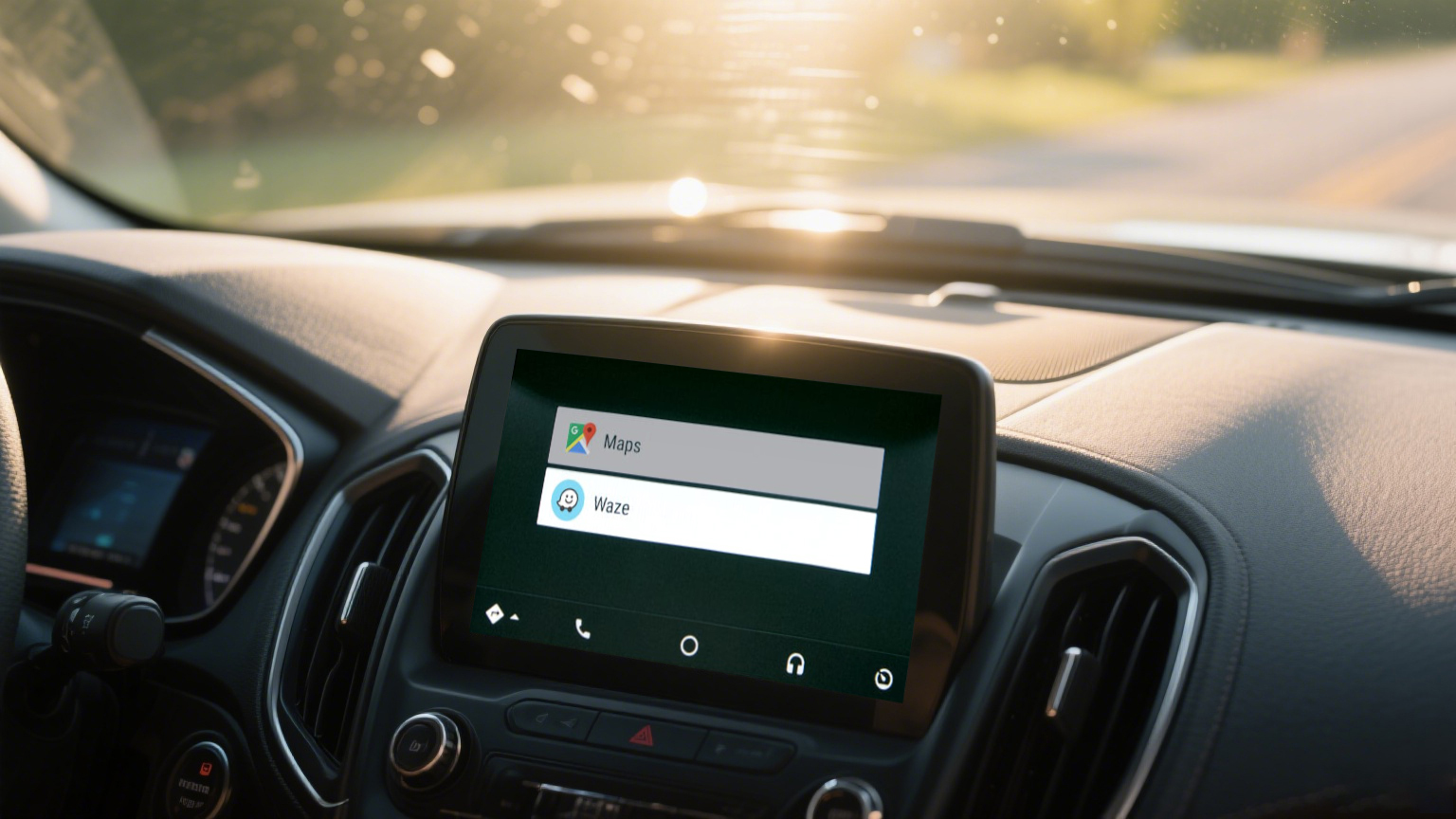
Waze can run on supported in-car displays through Apple CarPlay or Android Auto. Waze's official Apple CarPlay guide says you need a compatible iOS device and a car that supports CarPlay. Google's Android Auto help says Waze can be opened from the Android Auto car display after connecting the phone by USB cable or wirelessly.
Waze on CarPlay vs Android Auto vs a Wireless Adapter
Before troubleshooting, confirm which setup you use. Waze is the navigation app, CarPlay or Android Auto is the phone-to-car platform, and a wireless adapter only changes how a compatible phone connects to a compatible vehicle.
| Setup | What Waze depends on | What an adapter can and cannot do |
|---|---|---|
| Apple CarPlay | iPhone, Waze app, CarPlay-compatible vehicle | Adapter may reduce cable use if the vehicle supports wired CarPlay |
| Android Auto | Android phone, Waze app, Android Auto-compatible vehicle | Adapter may help only if the vehicle and adapter support the needed Android Auto path |
| Wireless adapter | Existing wired CarPlay or Android Auto baseline plus adapter pairing | Adapter does not control Waze app settings, permissions, map data, or traffic alerts |
Set Up Waze on Apple CarPlay
Use this path if you have an iPhone and a CarPlay-compatible vehicle or adapter setup. Waze's official guide explains how to use Waze on Apple CarPlay, while Apple explains how to connect iPhone to CarPlay.
- Install or update Waze on your iPhone.
- Connect the iPhone to the vehicle by USB cable, factory wireless CarPlay, or a compatible adapter.
- Open Waze from the CarPlay display.
- If Waze does not appear, check Settings > General > CarPlay on the iPhone and make sure Waze is not hidden from the CarPlay screen.
- Start navigation while parked, then begin driving after the route is ready.
The exact iPhone and CarPlay labels can vary by iOS version. If you cannot find Waze, search iPhone Settings for CarPlay and check the Waze app permissions.
Set Up Waze on Android Auto
Use this path if you have an Android phone and a vehicle or adapter setup that supports Android Auto. Google explains how to use Waze on Android Auto after connecting your phone to the car display.
- Install or update Waze on your Android phone.
- Connect the phone to the car display with a USB cable or wirelessly.
- Open Waze from the Android Auto display.
- Use Google Assistant voice commands or select a saved place while parked.
- If Waze does not appear, check Android Auto launcher settings and Waze permissions on the phone.
Google notes that destination typing on the car display may require the vehicle to be in park with the handbrake up. This is an important safety boundary, not just a software inconvenience.
On some Android phones, Android Auto settings may appear under Settings > Connected devices, Settings > Google > Android Auto, or inside the Android Auto app settings. The exact labels can vary by phone brand and Android version.
For broader navigation safety and voice-command context, see Google's Android Auto turn-by-turn navigation guidance.
Use Waze Through a CARLUEX Adapter
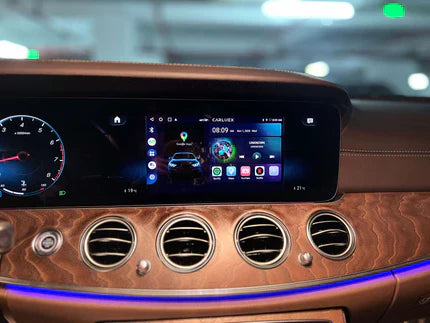
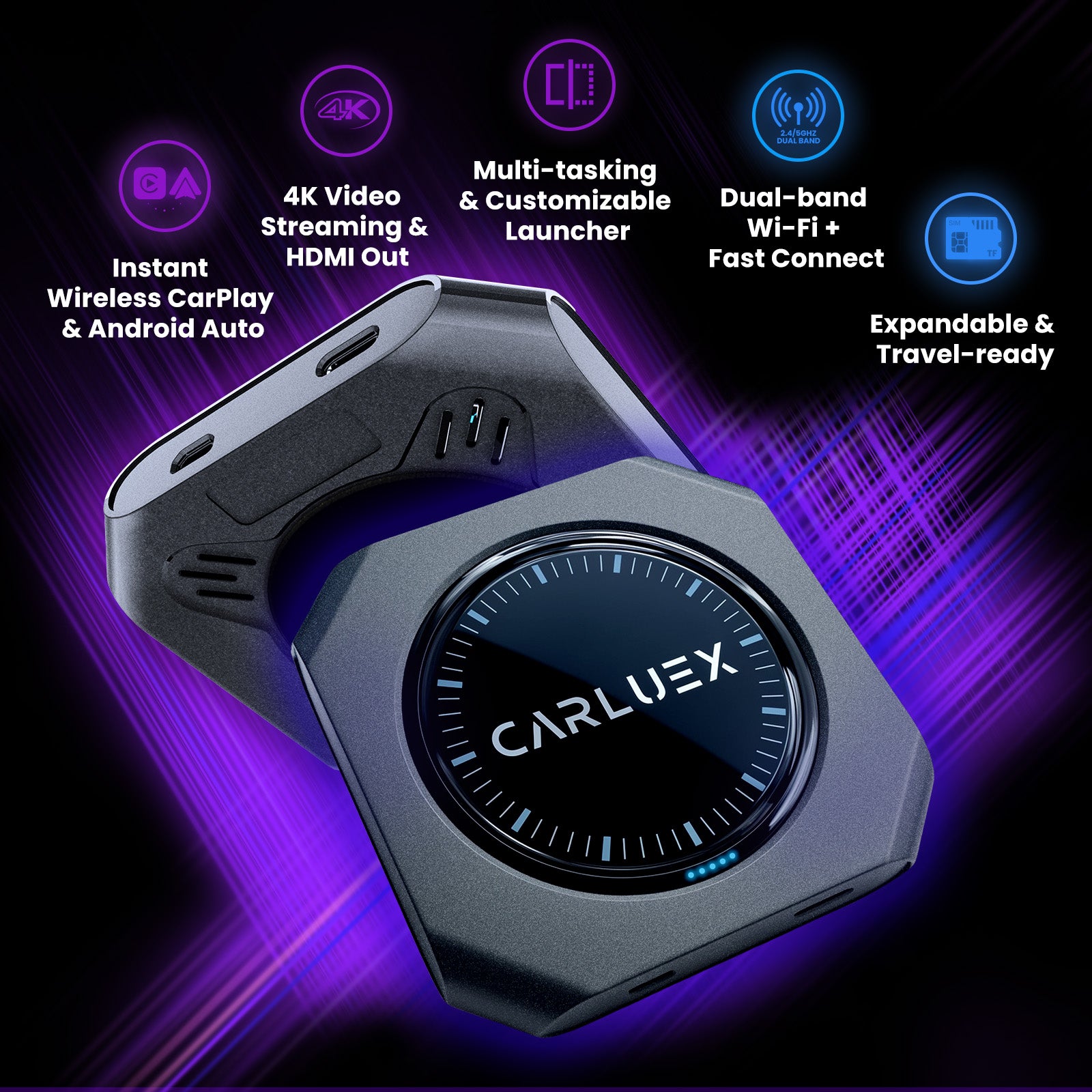
If your vehicle already supports factory wired CarPlay or factory wired Android Auto, the right CARLUEX adapter may help your phone connect wirelessly so you can open supported apps such as Waze on the car display. First confirm that the wired connection works directly with your phone before troubleshooting or buying an adapter.
CARLUEX compatibility depends on the adapter model and your vehicle's factory infotainment system. Many CARLUEX adapters require factory wired CarPlay, while wireless Android Auto support may require factory wired Android Auto on selected models. Before buying, check the product page and compatibility page for your vehicle's year, make, and model.
- Check CARLUEX LINK if you mainly want a compact wireless CarPlay / Android Auto adapter and your vehicle meets the product requirements.
- Check CARLUEX PRO+ 2.0 if you want a multimedia AI box for a compatible factory wired CarPlay vehicle.
- Check CARLUEX compatible vehicles before purchasing.
If you drive a BMW, check the dedicated CARLUEX for BMW version instead of assuming a general adapter recommendation applies.
Why Is Waze Not Showing on CarPlay or Android Auto?
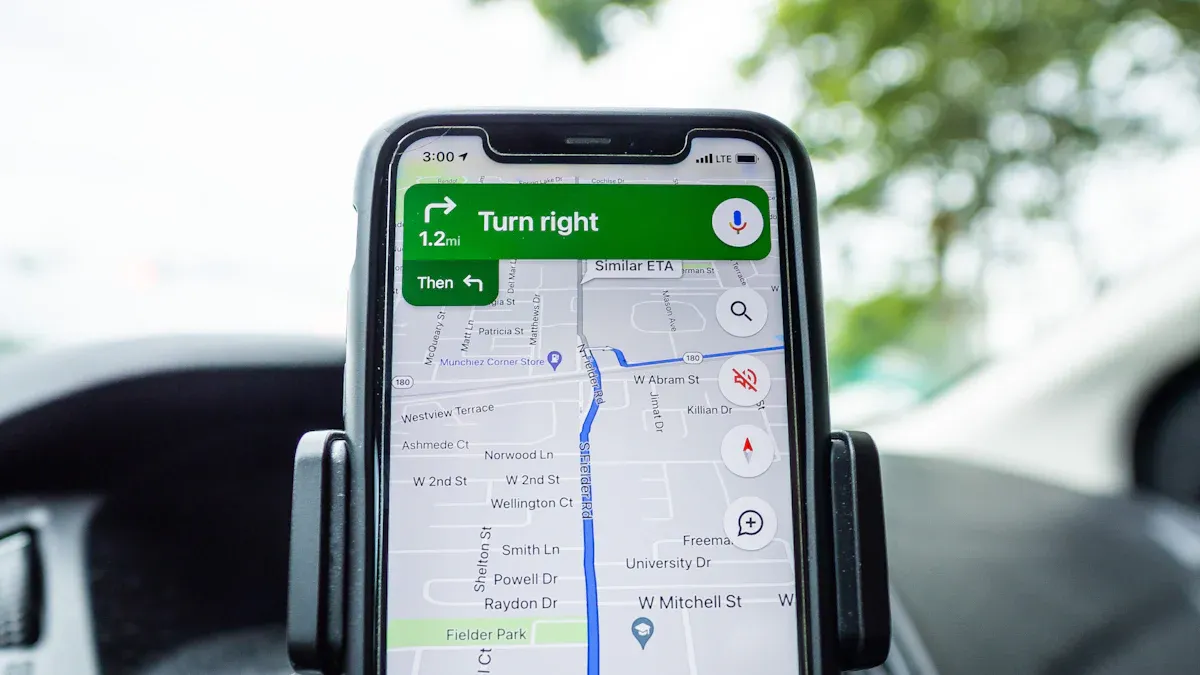
If Waze does not appear on the car display, the issue is usually app visibility, phone permissions, platform compatibility, or the connection path.
- Update Waze on your phone.
- Make sure the vehicle supports CarPlay or Android Auto.
- Check whether Waze is hidden from the CarPlay or Android Auto launcher.
- Restart the phone and reconnect the car display.
- For adapter setups, confirm the wired baseline works before blaming the adapter.
- Check whether the phone OS, Waze app, and vehicle system need updates.
Fix Waze Audio, Voice, and Alert Problems
Waze audio problems can come from the phone, the app, CarPlay or Android Auto, the vehicle audio source, or the adapter connection.
- Check Waze voice and sound settings on the phone.
- Check the vehicle volume while Waze is speaking.
- Make sure the car is using the correct audio source.
- For Android Auto, test Google Assistant voice navigation commands if available.
- Restart Waze and reconnect the phone if alerts stop playing.
Do not assume a wireless adapter can fix every Waze audio issue. If Waze audio is muted or app permissions are blocked on the phone, fix the phone/app settings first.
Troubleshooting: Waze and CarPlay Adapter Issues
| Problem | Possible cause | What to try |
|---|---|---|
| Waze does not appear | App hidden, outdated app, or incompatible platform | Update Waze and check CarPlay / Android Auto launcher settings |
| Waze opens but navigation will not start | Destination entry restricted while driving or missing app permissions | Enter the destination while parked and check location permissions |
| Waze audio is missing | App sound setting, vehicle volume, or wrong audio source | Check Waze sound, vehicle volume, and phone output |
| Wireless adapter drops connection | Phone-to-car baseline, adapter pairing, or vehicle compatibility issue | Test wired CarPlay or Android Auto first, then re-pair the adapter |
| Waze lags or crashes | Outdated app, phone memory, weak GPS, or software conflict | Update Waze, restart the phone, and test without other apps running |
Related CARLUEX Guides
- Why Your Apple CarPlay Isn't Working and How to Fix It
- Jeep Wrangler CarPlay Not Connecting? Fix It Fast
- Remove Phone from CarPlay and Stop Auto-Reconnect
- Browse CarPlay troubleshooting guides
FAQ
Can I use Waze with Apple CarPlay?
Yes, Waze can run on Apple CarPlay when you have a compatible iPhone, the Waze app, and a vehicle or adapter setup that supports CarPlay.
Can I use Waze with Android Auto?
Yes, Waze can run on Android Auto through a compatible Android phone and car display. Open Waze from the Android Auto display after connecting the phone.
Why is Waze not showing on my car screen?
Waze may be outdated, hidden from the CarPlay or Android Auto launcher, missing permissions, or blocked by a compatibility issue. Update Waze and check the launcher settings first.
Can a CARLUEX adapter control Waze settings?
No. A CARLUEX adapter may help your phone connect wirelessly in a compatible setup, but Waze settings, permissions, routes, alerts, and map data are controlled by the Waze app and your phone.
Should I set up Waze while driving?
No. Set up Waze, enter destinations, change launcher settings, and adjust adapter pairing only while parked. Do not type or change settings while driving.
Bottom line: Waze works best when the phone app, CarPlay or Android Auto platform, vehicle system, and adapter setup all match. Start with the Waze app and phone settings, confirm the wired or factory connection, then troubleshoot the wireless adapter if you use one.


Leave a comment
This site is protected by hCaptcha and the hCaptcha Privacy Policy and Terms of Service apply.