

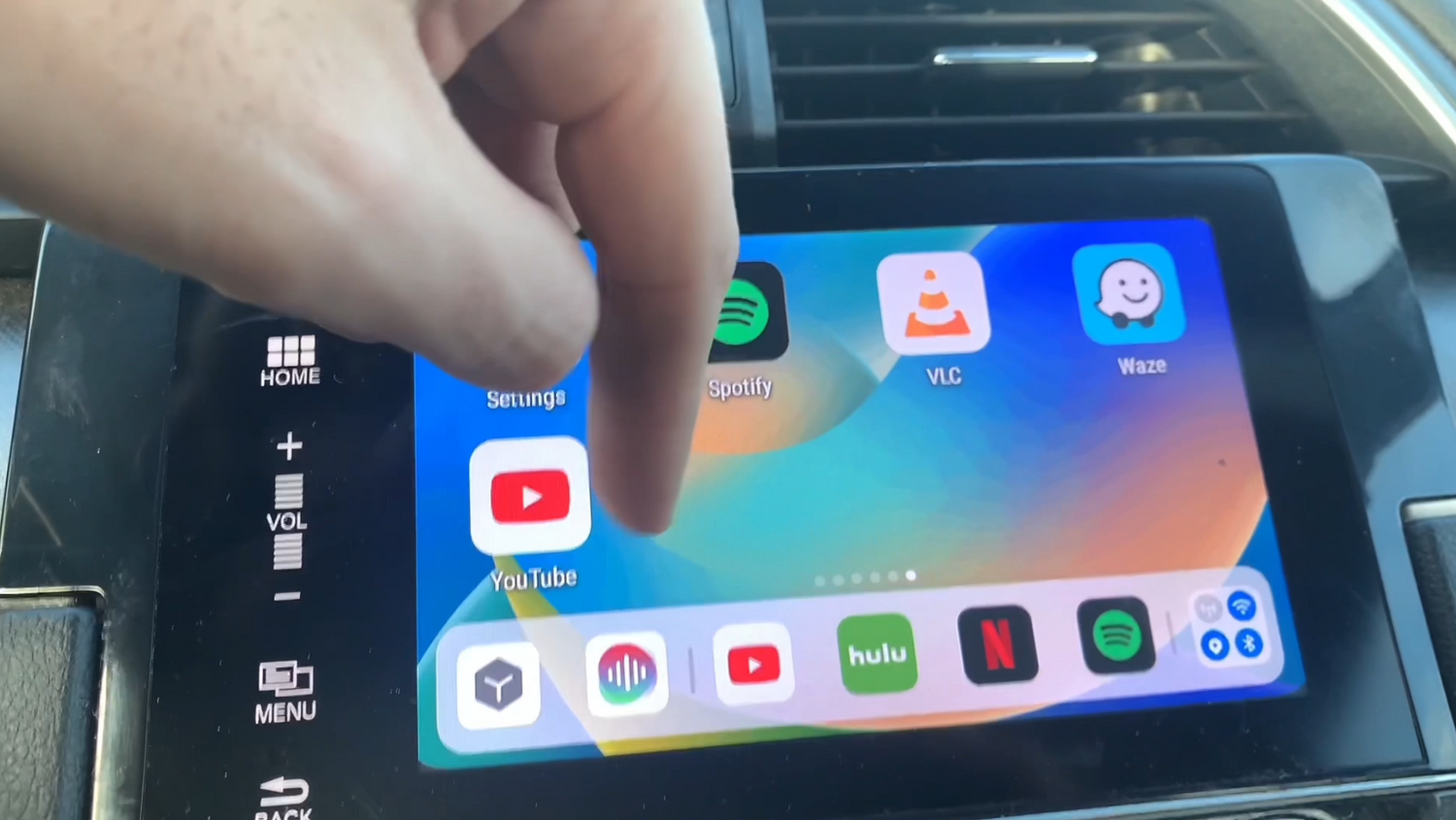
If your car was made before 2016, it probably doesn't have Apple CarPlay built in. The good news: you don't need to buy a new car to get CarPlay. A wireless CarPlay adapter — like CARLUEX AIR — plugs into your car's USB port and adds full wireless CarPlay in minutes. No wiring, no installation, no professional help needed. Here's how to add CarPlay to older cars and what your options are.
What Are Your Options for Adding CarPlay to an Older Car?
Option 1: Wireless CarPlay Adapter
A wireless CarPlay adapter is the easiest and most affordable way to add CarPlay to an older car. These small devices plug into your car's existing USB port (the one that supports CarPlay or USB audio). Once set up, your iPhone connects automatically every time you start the car — no plugging in needed. The CARLUEX PRO+ 2.0 is one popular option, supporting both wireless CarPlay and wireless Android Auto. Expect to pay between $50 and $300 depending on the brand and features.
Option 2: Aftermarket Head Unit
Replacing your car's factory stereo with an aftermarket head unit that supports CarPlay gives you a dedicated screen and often better audio quality. Brands like Pioneer, Kenwood, and Sony offer CarPlay-compatible units. Downsides: professional installation is usually required, and costs can easily reach $500–$1,500 including parts and labor.
Option 3: OEM Retrofit
Some car manufacturers offer official CarPlay retrofit kits for specific models. These are installed by a dealership and are the most integrated option — but also the most expensive and slowest to get. Check with your car's brand to see what's available for your make and model.
How Do You Install a Wireless CarPlay Adapter in an Older Car?
Step 1: Check CarPlay Compatibility
Before buying an adapter, make sure your car's stereo actually supports CarPlay. Most cars made from 2016 onward have at least a USB port that enables wired CarPlay. If your car has a USB port but doesn't support CarPlay, an adapter won't work. Check your car's manual or search for "[your car model] CarPlay compatibility" on Apple's website.
Step 2: Choose the Right Adapter
Pick an adapter that matches your setup. CARLUEX AIR works with cars that already have wired CarPlay — just plug it in and pair your iPhone once. The CARLUEX PRO+ 2.0 adds both wireless CarPlay and Android Auto if you want flexibility across phone types.
Step 3: Connect and Pair
Plug the adapter into your car's USB port. On your iPhone, go to Settings > Bluetooth and pair with the adapter's name. Once paired, CarPlay will appear on your car's screen. The next time you start the car, it should connect automatically.
Step 4: Update Your iPhone
Make sure your iPhone is running iOS 7.1 or higher — this is the minimum requirement for CarPlay. Also check that Siri is enabled, as CarPlay relies on it for voice commands.
Step 5: Explore CarPlay Features
Once connected, you can use Siri to send messages, make calls, play Apple Music, and get turn-by-turn directions through Apple Maps or Google Maps. The interface is designed to minimize distraction, with large icons and voice control at its core.
What Are the Best CarPlay Adapters for Older Cars in 2025?
Here are the top options ranked by ease of use and value:
- CARLUEX AIR — Best for cars with wired CarPlay that want a clean wireless upgrade. Simple setup, reliable connection.
- CARLUEX PRO+ 2.0 — Best for users who want both wireless CarPlay and Android Auto in one device.
- CarlinBox 3rd Gen — Popular third-party option with solid compatibility across car brands.
- OTTOCAST U2-Air — Supports wireless CarPlay and Android Auto; good middle-ground price.
Conclusion
You don't need a new car to get Apple CarPlay. A wireless adapter like CARLUEX AIR can add full wireless CarPlay to most cars with a USB port in under 10 minutes. If you want a bigger screen or more features, an aftermarket head unit or OEM retrofit are worth considering — but at a significantly higher cost. Browse the full range of CarPlay adapters at CARLUEX to find the right fit for your vehicle.
Frequently Asked Questions
Can I put Apple CarPlay in an older car?
Yes. A wireless CarPlay adapter like CARLUEX AIR adds CarPlay to any car with a compatible USB port — no installation or modifications needed. Aftermarket head units and OEM retrofits are also options for a more permanent upgrade.
Will the new CarPlay work in older cars?
CarPlay itself hasn't changed dramatically — the latest features mostly run on your iPhone, not your car's hardware. As long as your car has a wired CarPlay USB port (or you add one via adapter), newer CarPlay features will work through your iPhone's connection.
How much does it cost to install Apple CarPlay in an old car?
A wireless CarPlay adapter costs $50–$300. An aftermarket head unit with installation runs $500–$1,500 depending on the brand and whether you need professional fitting.
What is the oldest car that has CarPlay?
Apple CarPlay launched in 2014 and became standard in many brands from 2016 onward. Cars from 2016 model year and newer are most likely to support CarPlay. Some manufacturers offer retrofits for older models — check with your dealer.


Leave a comment
This site is protected by hCaptcha and the hCaptcha Privacy Policy and Terms of Service apply.