


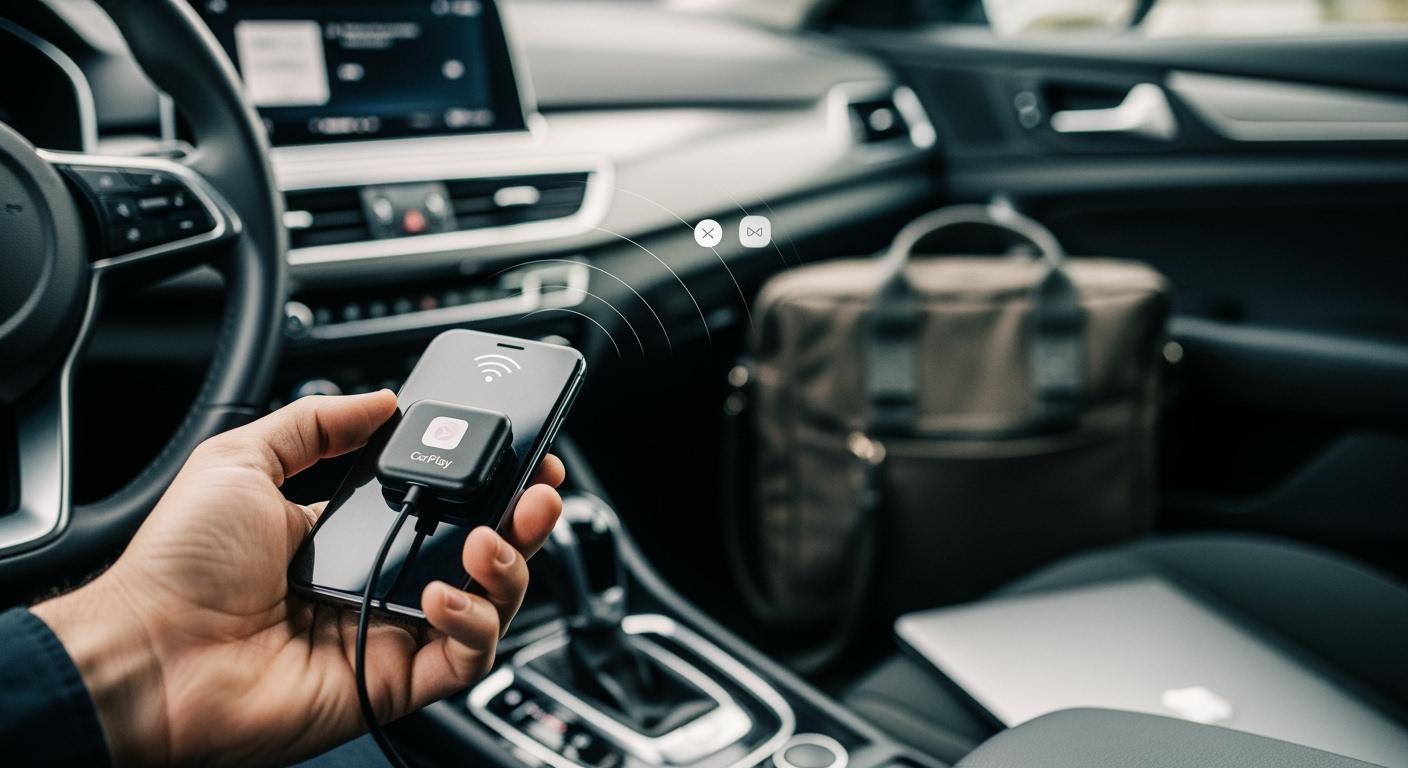
You want your drive to be easy and simple, and the top 3 Apple CarPlay adapter wireless solutions for SUVs in 2026 help with that. These wireless adapters let you use CarPlay without any cables. You get CarPlay right away when you start your Honda CR-V. Many drivers say it only takes a few seconds to set up. CARLUEX AIR is one of the easiest ways to add wireless CarPlay. Browse CARLUEX wireless adapters to find the right fit for your car.
You can use maps and send messages without using your hands. Wireless charging keeps your phone full of battery. The adapter also helps keep your car neat, so driving is safer and easier.
What About Key Takeaways?
-
Wireless CarPlay adapters let you use CarPlay without cables. This makes driving easier and safer.
-
Pick an adapter that works with your SUV's infotainment system. This helps everything work well and connect quickly.
-
Find features like fast charging and steady navigation. These keep your phone charged and your directions correct while you drive.
-
Read user reviews and expert tips before you buy. This helps you pick an adapter that works well for you.
-
Always check for after-sales support and warranty choices. This makes sure you can get help if something goes wrong.
Which Apple CarPlay Adapter Wireless Models Lead for SUVs?
Top 3 Adapter Picks
You want CarPlay to work well in your SUV. In 2026, three wireless adapters are the best for this. These adapters work with many SUVs, like the Honda CR-V. The table below shows the top choices:

|
Adapter Model |
Recommendation Type |
|---|---|
|
PRO + 2.0 Wireless CarPlay Adapter |
Advanced Features |
|
CarlinKit 4.0 Wireless CarPlay Adapter |
|
|
Ottocast U2-Air Wireless CarPlay Adapter |
Each adapter gives you a strong CarPlay link. You can use maps, music, and calls without wires. The wireless setup keeps your dashboard neat and safe.
Selection Criteria
You should know what makes a wireless CarPlay adapter good for your SUV. Here are the most important things to check:
-
Works well with your phone and car system
-
Fast charging, at least 10W, to keep your phone ready
-
Stays in place while you drive
-
Has safety features like overcharge and heat control
-
Simple design so you can use CarPlay with one hand
The Honda CR-V is a good example. It has a modern screen and lots of room. You want an adapter that connects fast and works every day. A wireless CarPlay adapter should help you get directions, play music, and send messages right away. You can trust these top models to work well when you drive.
How Does the PRO + 2.0 Wireless CarPlay Adapter Perform in SUVs?

Key Features & Specs
The PRO + 2.0 is a strong apple carplay adapter wireless solution. It uses a Snapdragon 6125 chip and has 8GB RAM. This makes carplay run fast and smooth. Dual-band Wi-Fi helps you get a steady wireless connection. You can use split-screen mode for maps and music at once. The adapter works with both carplay and Android Auto.
You can add more storage with a MicroSD card. You can also use a SIM card for internet. The infotainment system acts like a tablet. You can download apps and watch 4K videos.
Wireless Charging & Navigation

Wireless charging keeps your phone ready for trips. You do not need to use any cables, so your dashboard stays tidy. Maps load fast, and you can switch between Google Maps and other apps quickly. The adapter uses GPS, BeiDou, and Galileo for better directions. You get clear sound and quick menu changes. The wireless carplay adapter features make your Honda CR-V feel new.
Installation & Usability
You install the adapter with the USB-C port. The steps are easy, and the user manual guides you. SUV drivers have different opinions:
-
Some people say the adapter works well most of the time.
-
Others notice problems with sound when playing music.
-
A few drivers say there are delays during calls.
-
Some users see their iPhone battery drain faster.
-
Sometimes, you need to unplug and plug the adapter back in if it stops working.
Check if your infotainment system works with the adapter before you start.
Pros & Cons
|
Pros |
Cons |
|---|---|
|
Fast carplay connection |
Some people hear audio issues |
|
Works with two platforms |
Sometimes battery drains |
|
Split-screen for infotainment |
Sometimes it stops working |
|
Simple to install |
Calls may have delays |
You get cool carplay features and wireless use. Try the adapter in your SUV to see if it works for you.
What Sets Adapter #2 Apart for SUV Drivers?
Features & Specs
You want a carplay adapter that works every time you drive. The CarlinKit 4.0 stands out because it supports both Apple and Android phones. You get a compact design that fits in any SUV. The adapter uses the latest wireless technology for a stable carplay connection. You can enjoy plug-and-play setup, which means you do not need extra apps or tools. The adapter supports fast boot-up, so carplay starts quickly when you turn on your car.
Tip: Always check if your car’s infotainment system supports carplay before you buy any adapter.
Charging & Navigation
You need your phone to stay charged and ready for long trips. The CarlinKit 4.0 adapter supports wireless charging, so you do not have to worry about cables. You get fast charging speeds that keep your phone battery full. Carplay navigation loads quickly, and you can switch between maps and music with ease. The wireless carplay adapter helps you avoid delays, so you reach your destination on time.
Installation & Use
You want a process that is simple. The CarlinKit 4.0 offers true plug-and-play installation. You just connect the adapter to your car’s USB port. Carplay starts without extra steps. You do not need to change settings or download apps. The adapter stays out of the way, so you keep your dashboard neat. You can use carplay features with ease, even if you have never used a wireless adapter before.
Pros & Cons
|
Pros |
Cons |
|---|---|
|
May not support all cars |
|
|
Some users report lag |
|
|
Supports both Apple and Android |
Limited advanced features |
|
Keeps dashboard tidy |
No split-screen option |
|
Reliable charging and navigation |
You can try the CarlinKit 4.0 if you want a plug-and-play apple carplay adapter wireless solution that brings ease to your daily drive.
Why Consider Adapter #3 for Your SUV?
Features & Specs
You want your carplay experience to be smooth and reliable. The Ottocast U2-Air adapter gives you that. This adapter supports wireless carplay in most SUVs. You get a compact device that fits easily in your car. The adapter uses advanced wireless technology to keep your carplay connection stable. You can use your favorite apps, listen to music, and get directions without plugging in your phone.
The adapter works with many car models, so you do not need to worry about compatibility.
Charging & Navigation
You need your phone to stay charged during long drives. The Ottocast U2-Air adapter supports wireless charging. You can keep your phone on the charging pad and focus on the road. Carplay navigation loads quickly, so you do not have to wait for maps. You can switch between music and directions with just a tap. The wireless carplay adapter helps you avoid delays and keeps your trip on track.
Tip: Always check if your SUV has a built-in wireless charging pad before using this adapter for the best results.
Installation & Use
You want an easy setup. The Ottocast U2-Air adapter offers a simple plug-and-play installation. You just connect the adapter to your car’s USB port. Carplay starts automatically. You do not need to download extra apps or change settings. The adapter stays out of sight, so your dashboard looks clean. You can use carplay features like voice commands, music, and maps right away.
Pros & Cons
|
Pros |
Cons |
|---|---|
|
Simple plug-and-play setup |
May not support all models |
|
Fast wireless carplay connection |
Some users report lag |
|
Compact and easy to store |
No split-screen feature |
|
Reliable charging and navigation |
Limited advanced options |
You can try the Ottocast U2-Air if you want a wireless carplay adapter that is easy to use and keeps your drive simple.
What About Wireless CarPlay Adapter Comparison for SUVs?
Specs & Performance Table
You want to find the best wireless CarPlay adapter for your SUV. The table below shows the top three models. It helps you see how each adapter works in real driving, especially in a Honda CR-V.
|
Adapter Model |
Hardware & OS |
Charging Efficiency |
Navigation Speed |
Honda CR-V Compatibility |
Unique Features |
After-Sales Support |
|---|---|---|---|---|---|---|
|
PRO + 2.0 |
Snapdragon 6125, 8GB RAM, CARLUEX OS 2.0 |
Fast wireless charging |
Very quick, triple-constellation GPS |
Excellent |
Split-screen, 4K video, SIM/MicroSD |
OTA updates, remote log upload |
|
CarlinKit 4.0 |
Standard chip, Plug-and-play |
Fast wireless charging |
Quick, stable connection |
Very good |
Apple & Android support, compact |
1-year warranty, online support |
|
Ottocast U2-Air |
Advanced chip, Plug-and-play |
Fast wireless charging |
Quick, stable connection |
Very good |
Compact, easy install |
1-year warranty, online support |
All three adapters charge your phone fast. This keeps your phone ready for long drives. The PRO + 2.0 has strong hardware and split-screen. You can switch apps quickly and use smooth navigation. CarlinKit 4.0 and Ottocast U2-Air are easy to set up and work well.
You do not want slow maps or music. The table shows each adapter gives fast navigation. The PRO + 2.0 uses triple-constellation GPS for accurate directions in your Honda CR-V. The other two adapters also have stable connections. This helps you get where you need to go on time.
You might think about support and warranty. Many adapters, like the iHeylinkit Wireless CarPlay Adapter, get high ratings for being reliable and good value. Users like fast connection and strong build. You feel safe with after-sales support and warranty. This helps if you have problems.
Tip: Always check your SUV’s infotainment system before buying. Make sure the wireless adapter fits your car’s features for the best results.
How to Choose the Best Wireless CarPlay Adapter for Your SUV?
Key Factors for SUV Drivers
You want wireless CarPlay to work every time you drive. First, check if your SUV’s infotainment system has wireless CarPlay. Find an adapter that fits your car’s model and year. Make sure the wireless connection is strong and quick. Charging speed is important, too. You need your phone to stay charged on long drives. Navigation speed matters. You want maps to load fast and directions to update right away.
Many drivers have problems with wireless CarPlay adapters. Some common issues are:
-
Sound can get bad during calls or music
-
The connection can stop or slow down
-
The screen can freeze or get slow
-
GPS and maps might not update fast
-
Devices can get hot after a long time
You should read reviews from other SUV drivers. Real stories help you know what to expect.
Expert Tips
You can make a good choice by using these tips:
-
Try the wireless CarPlay adapter in your SUV before you buy it.
-
Pick an adapter with good support and software updates.
-
Keep your phone’s software updated for better wireless use.
-
Put the adapter where air can flow to keep it cool.
-
If you see lag or lost connections, restart your phone and the adapter.
Tip: Always look for compatibility lists on the maker’s website. This helps you find the best adapter for your SUV.
You can have a smooth wireless CarPlay drive if you follow these key steps and tips.
You want to pick the best adapter for your SUV. Many people who drive a Honda CR-V say the Motorola MA1 is great for wireless CarPlay, as you can see here:
|
Adapter Name |
User Experience |
|---|---|
|
Motorola MA1 |
Works very well for wireless CarPlay |
You should look at what each adapter can do and think about what you need when you drive. Check the table and the buying guide to help you choose. If you like cool tech, the PRO + 2.0 Product is a good choice because it works fast and has extra features.
FAQ
How do you know if your SUV supports wireless CarPlay adapters?
Check your owner’s manual or look at the infotainment screen. Most 2026 Honda CR-Vs have wireless CarPlay. You can also check the Honda website for more info. Try plugging in an adapter to see if CarPlay shows up. If you need help, ask your dealer for advice.
Can you use wireless CarPlay adapters with Android phones?
Some adapters, like the PRO + 2.0, work with both Apple CarPlay and Android Auto. Always check the product specs before you buy. Look for “dual-platform support” in the details. Go to the maker’s website to see if your phone is listed. Try connecting your Android phone to make sure it works.
What should you do if your adapter stops working during a drive?
Unplug the adapter and plug it back in. Restart your phone and the car’s infotainment system. Check if there are any software updates. If it still does not work, contact customer support or look at the troubleshooting guide. Keep your adapter’s firmware updated for the best results.
How can you improve wireless charging speed in your SUV?
Use a good charging pad and adapter. Make sure your phone can do fast wireless charging. Clean the charging area to get rid of dust. Check your phone’s settings for battery help. Look in your SUV’s manual for more tips. Try other charging pads if you need to.
Is it safe to use wireless CarPlay adapters in all weather conditions?
You can use wireless CarPlay adapters in most weather. Keep the adapter dry and away from very hot places. Watch for signs of overheating. Most adapters have safety features like heat control. Read your adapter’s manual for more safety tips. If you see anything strange, contact support.


Leave a comment
All comments are moderated before being published.
This site is protected by hCaptcha and the hCaptcha Privacy Policy and Terms of Service apply.