


Quick answer: A wireless CarPlay adapter can be useful for a rental-car road trip only if the rental vehicle already supports factory wired CarPlay. It will not add CarPlay to a car that does not have CarPlay support, and it will not repair a damaged USB port or blocked phone setting. Before you travel, pack the right USB cable or adapter, confirm the rental class is likely to include CarPlay, and check your exact CARLUEX model on the CARLUEX compatible vehicles page.
The original version of this guide tried to solve a real travel problem: rental cars are unpredictable. One counter may hand you a newer SUV with CarPlay. Another may hand you a base-trim sedan with only one data USB port. This updated guide keeps the road-trip angle, but makes the answer more practical: what works, what does not, and how to prepare before you land.
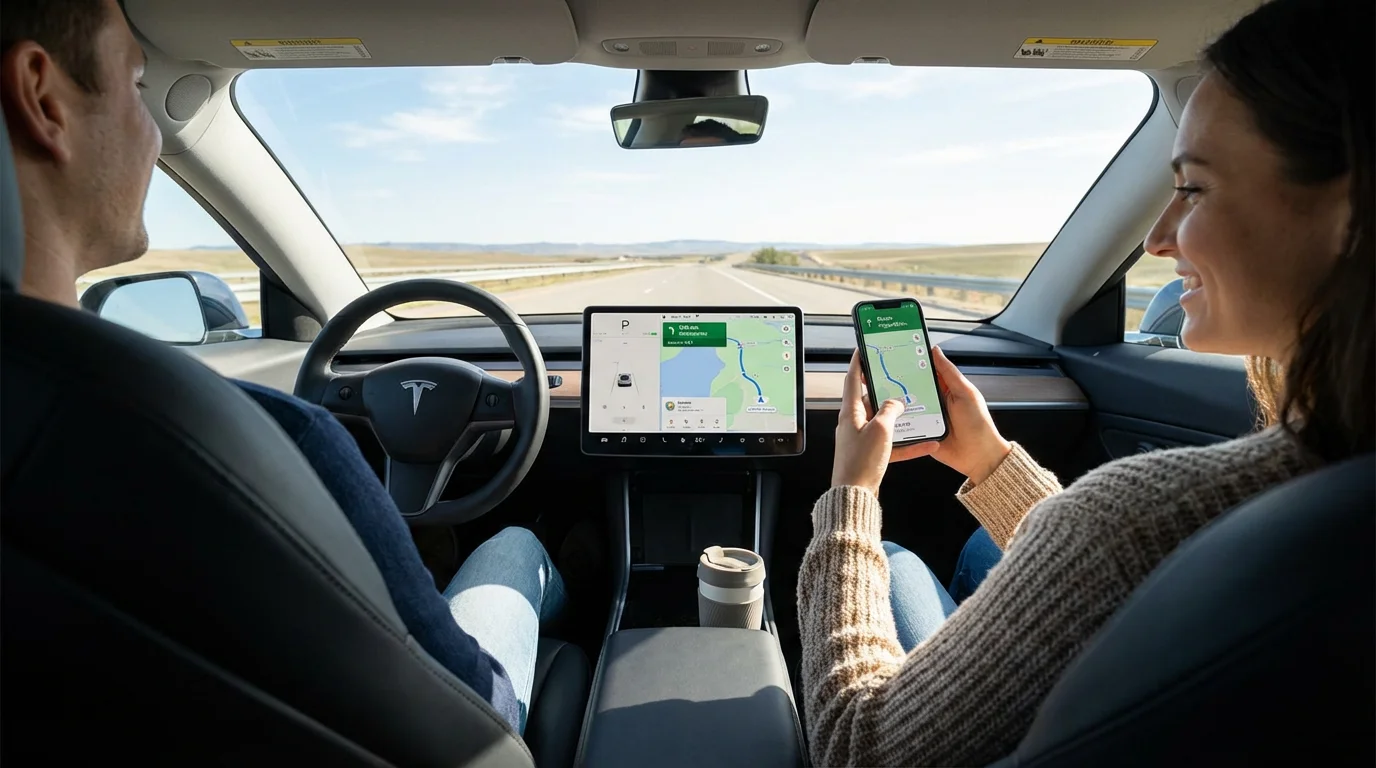
Can You Use a Wireless CarPlay Adapter in a Rental Car?
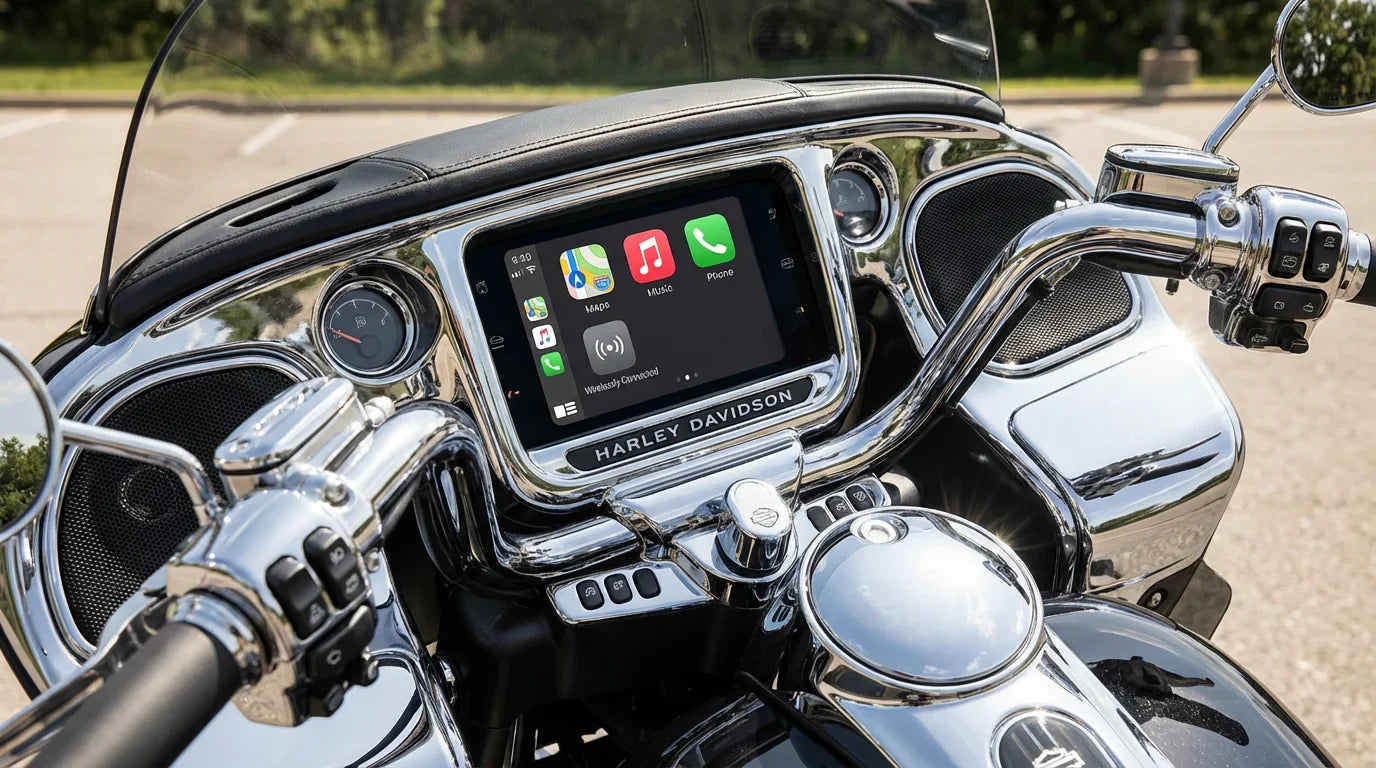
Yes, in the right rental car. The key condition is simple: the vehicle must already support CarPlay through a USB cable. Apple explains that CarPlay can connect through USB on supported cars, and the USB port may show a CarPlay or smartphone icon. Apple also maintains a public CarPlay available models list, but rental fleets can vary by model year, trim, region, and the exact car assigned at pickup.
That means a portable adapter is best understood as a cable-free upgrade for a compatible vehicle, not a universal compatibility fix. If the rental car cannot launch wired CarPlay first, a wireless adapter should not be expected to make CarPlay appear.
What to Check Before Your Road Trip
Use this checklist before you pack an adapter for a trip:
| Check | Why it matters | What to do |
|---|---|---|
| Factory wired CarPlay | Most wireless adapters need wired CarPlay to work first | Check the rental class, Apple model list, and the car's USB port at pickup |
| Data-capable USB port | Some ports charge only and do not launch CarPlay | Try the port marked with a phone or CarPlay icon if available |
| USB-A vs USB-C | Rental cars may use different port types | Pack a short cable and a small USB-A/USB-C adapter |
| Phone settings | CarPlay may be blocked by Siri, Screen Time, Bluetooth, Wi-Fi, or permissions | Review settings while parked before leaving the rental lot |
| Vehicle compatibility | CARLUEX compatibility depends on adapter model and vehicle system | Check the CARLUEX compatibility page before purchase |
Why a Portable Adapter Helps Travelers
On a road trip, the biggest benefit is familiarity. Your phone already has your maps, saved places, music, messages, and preferred voice assistant setup. Apple describes CarPlay as a way to get directions, make calls, send and receive messages, and listen to music while staying focused on the road through CarPlay on iPhone.
A wireless adapter can reduce cable handling after setup. Your phone can stay in a pocket, bag, or charging cradle while CarPlay runs on the dashboard. That is especially useful when several drivers share one rental car, when the gear area is tight, or when the USB port is awkward to reach.
Change settings only when the vehicle is parked. Do not adjust phone or infotainment settings while driving.
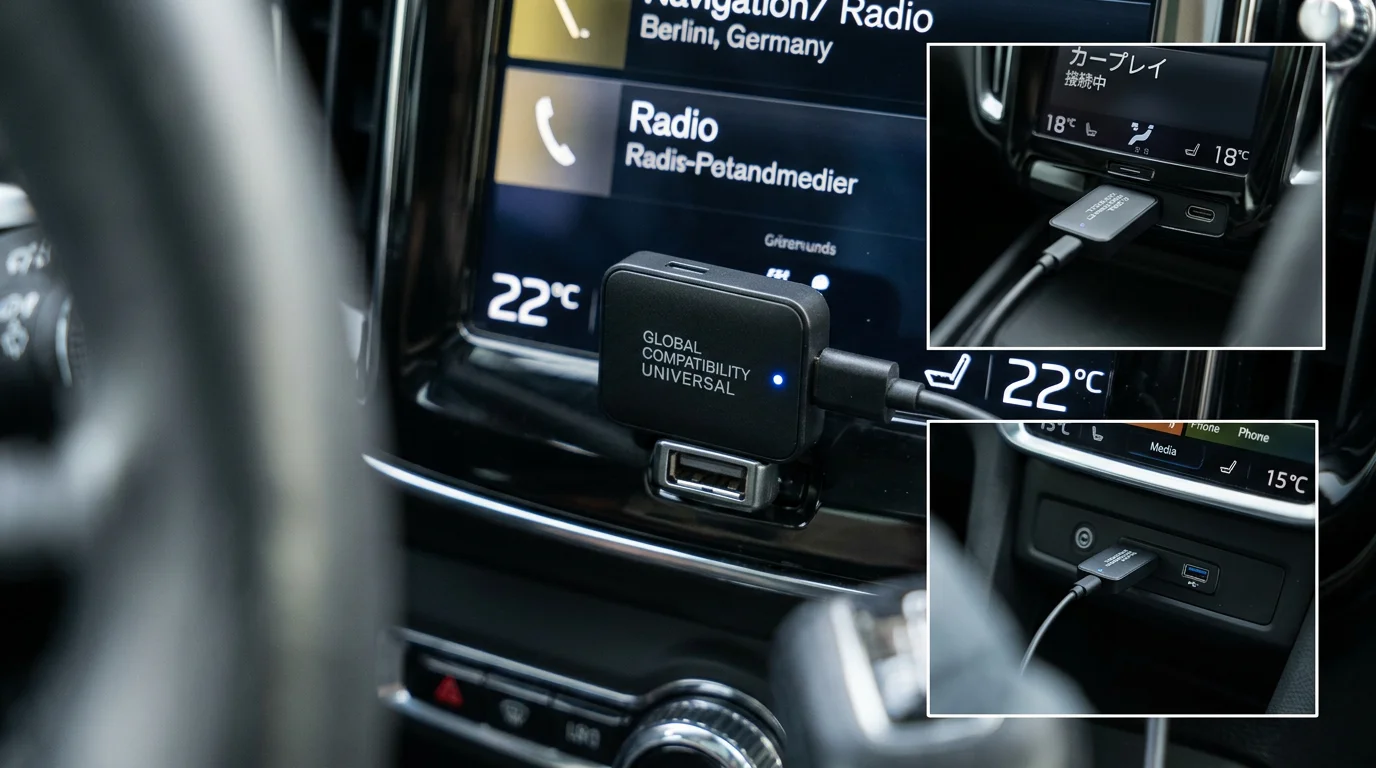
Which CARLUEX Adapter Should You Pack?
Different CARLUEX devices fit different travel needs. Do not assume every adapter has the same app access or the same compatibility rule.
| Travel need | CARLUEX option to compare | Important limit |
|---|---|---|
| Simple wireless CarPlay or Android Auto | CARLUEX LINK | Wireless CarPlay requires factory wired CarPlay. Wireless Android Auto requires factory wired Android Auto. |
| Compact travel adapter with Android-based app access | CARLUEX AIR | Vehicle compatibility and third-party app behavior still need confirmation. |
| Phone mirroring and local media in supported use cases | CARLUEX GO | Use entertainment features only when parked or by passengers where local law and vehicle safety allow. |
| Higher-spec multimedia box with HDMI and Android app access | CARLUEX PRO+ 2.0 | For built-in wired CarPlay vehicles; not compatible with BMW models. It does not support phone mirroring. |
| BMW vehicle use | CARLUEX for BMW | BMW users should start with the BMW version and confirm exact model compatibility. |
For a typical rental-car trip, CARLUEX AIR is worth comparing when you want a compact adapter with wireless CarPlay, wireless Android Auto, and Android-based app access where available. If you only need to remove the daily iPhone cable in a compatible vehicle, CARLUEX LINK may be the simpler match.
How to Set It Up at the Rental Lot
- Park before setup. Finish pairing before leaving the rental counter or parking area.
- Test wired CarPlay first. Plug your iPhone into the rental car's data USB port and confirm CarPlay launches.
- Connect the adapter. Unplug the phone, connect the CARLUEX adapter to the same USB port, and follow the pairing prompt.
- Allow CarPlay on your iPhone. The exact label can vary by iOS version, so search Settings for CarPlay if needed.
- Check audio and navigation before moving. Test one route and one audio app while parked.
If you use Android Auto on the trip, Google says Android Auto brings apps to the car display for navigation, maps, calls, messages, and music, and wireless Android Auto depends on a compatible phone and a compatible car or stereo. Google's Android Auto setup guidance is a good reference before travel.
What a CarPlay Adapter Will Not Fix
A wireless adapter is convenient, but it has clear limits. It does not fix every rental-car technology issue. If wired CarPlay does not work because the USB port is damaged, the cable is charge-only, the vehicle software blocks CarPlay, or the car does not support CarPlay at all, start with the car and phone connection first.
It also does not make every phone app appear on the dashboard. Apple controls which iPhone apps appear in CarPlay. Google says media apps must be compatible with Android Auto, and some apps may require sign-in or a subscription according to its Android Auto media app guidance.
Returning the Rental Car: Privacy Checklist
Before you return the car, take one minute to clean up the connection:
- Unplug and take your CARLUEX adapter.
- Remove your phone from the car's Bluetooth device list if you paired directly with the vehicle.
- Delete the rental car from your iPhone CarPlay list if you do not want it saved.
- Confirm no cable, adapter, mount, or memory card is left behind.
The adapter itself should travel with you. The rental car should not need your personal device left in the cabin after the trip.
Related CARLUEX Guides
- How to reset Apple CarPlay on iPhone
- How to use Apple CarPlay: setup, connect, and customize
- Wireless CarPlay lag: how to reduce delay
- Wireless CarPlay adapter troubleshooting checklist
FAQ
Will a CarPlay adapter work in every rental car?
No. It should only be considered for compatible rental vehicles that already support wired CarPlay through USB. If the car does not support CarPlay, or wired CarPlay will not launch, the adapter is not the first fix.
Should I change this article's URL to remove "any car"?
Not without a separate redirect decision. The current optimization keeps the existing URL/handle to avoid redirect risk. The visible title and body can use safer wording while the old URL remains unchanged.
Can I use Android Auto on the same road trip?
Yes, if your phone, vehicle, and CARLUEX model support the required Android Auto path. For example, LINK requires factory wired Android Auto for wireless Android Auto. Check the product page and compatibility page before purchase.
Can passengers watch video during a trip?
Some CARLUEX smart-box models support entertainment apps where available, but video and entertainment features should only be used when parked or by passengers where local law and vehicle safety allow. The driver should stay focused on the road.
What should I pack with the adapter?
Pack the adapter, a short reliable cable, a USB-A/USB-C converter if needed, and enough time at pickup to test wired CarPlay before you leave the rental lot.
Bottom Line
A CARLUEX adapter can make a compatible rental-car road trip feel more familiar and less cable-dependent. The safest buying rule is also the simplest: confirm the vehicle can run wired CarPlay or wired Android Auto first, then choose the CARLUEX model that matches your app, media, and compatibility needs.
Start with the CARLUEX compatibility page, then compare AIR, LINK, GO, PRO+ 2.0, and the BMW version before you buy.


اترك تعليقًا
تخضع جميع التعليقات للإشراف قبل نشرها.
This site is protected by hCaptcha and the hCaptcha Privacy Policy and Terms of Service apply.