

篩選條件
10 件產品
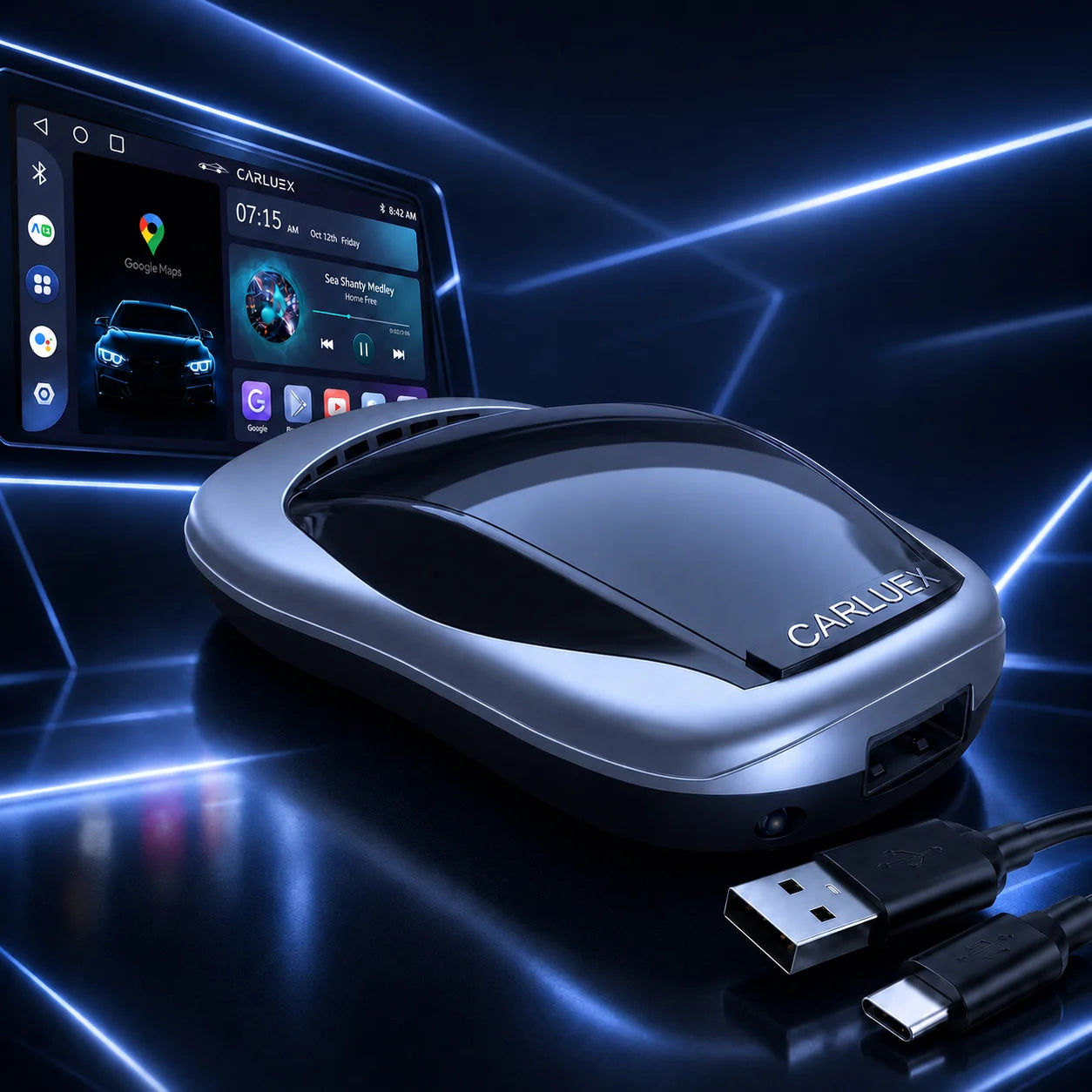
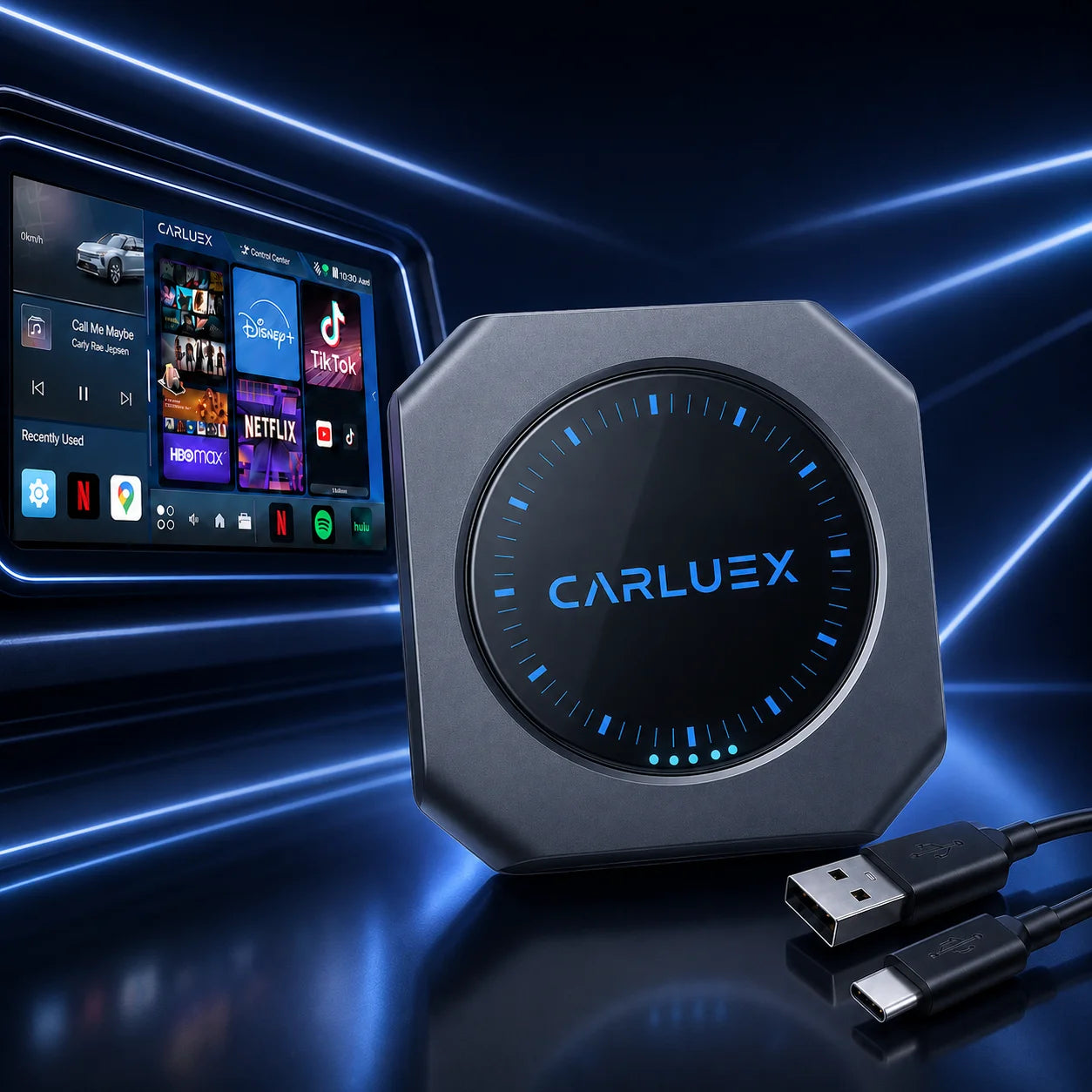
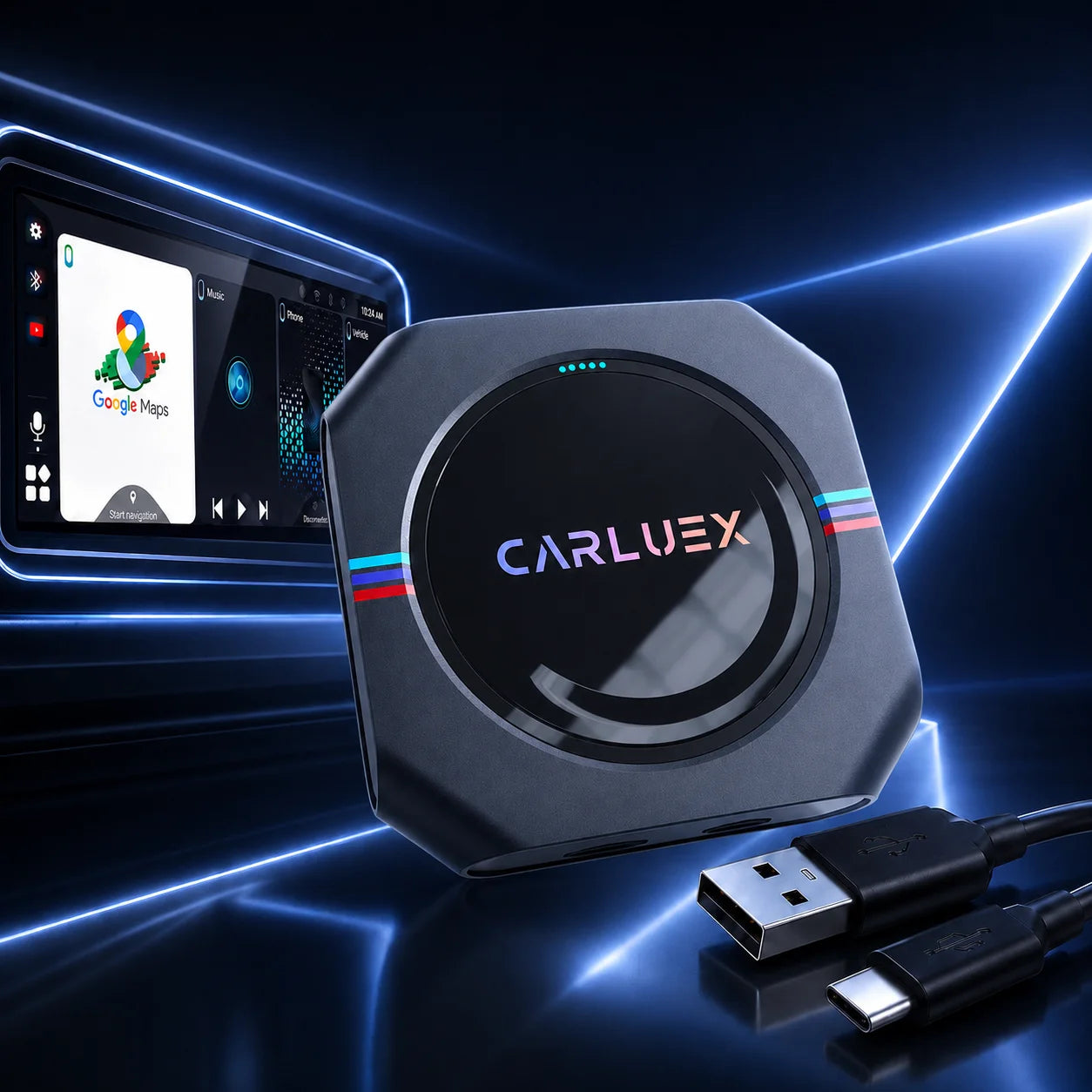
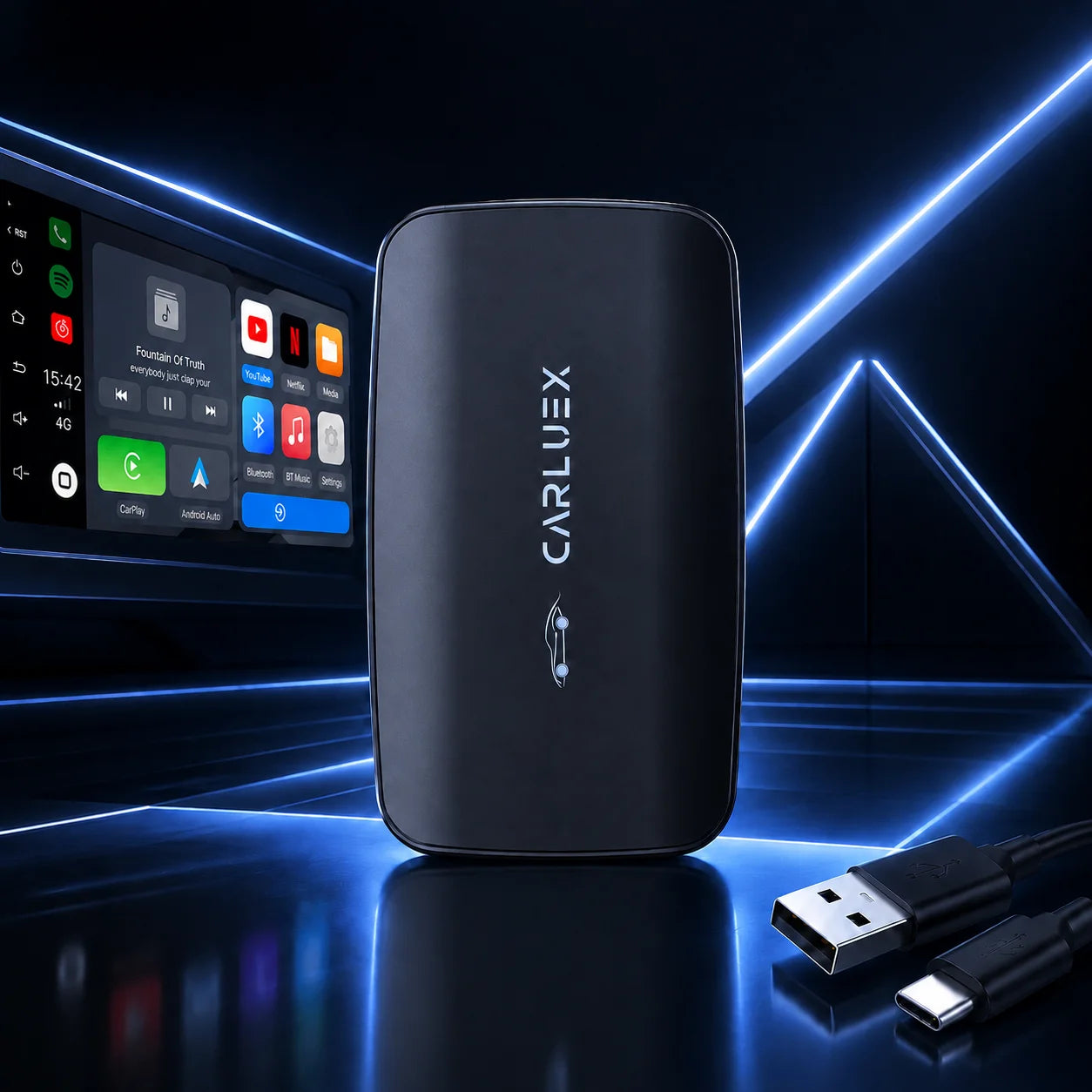
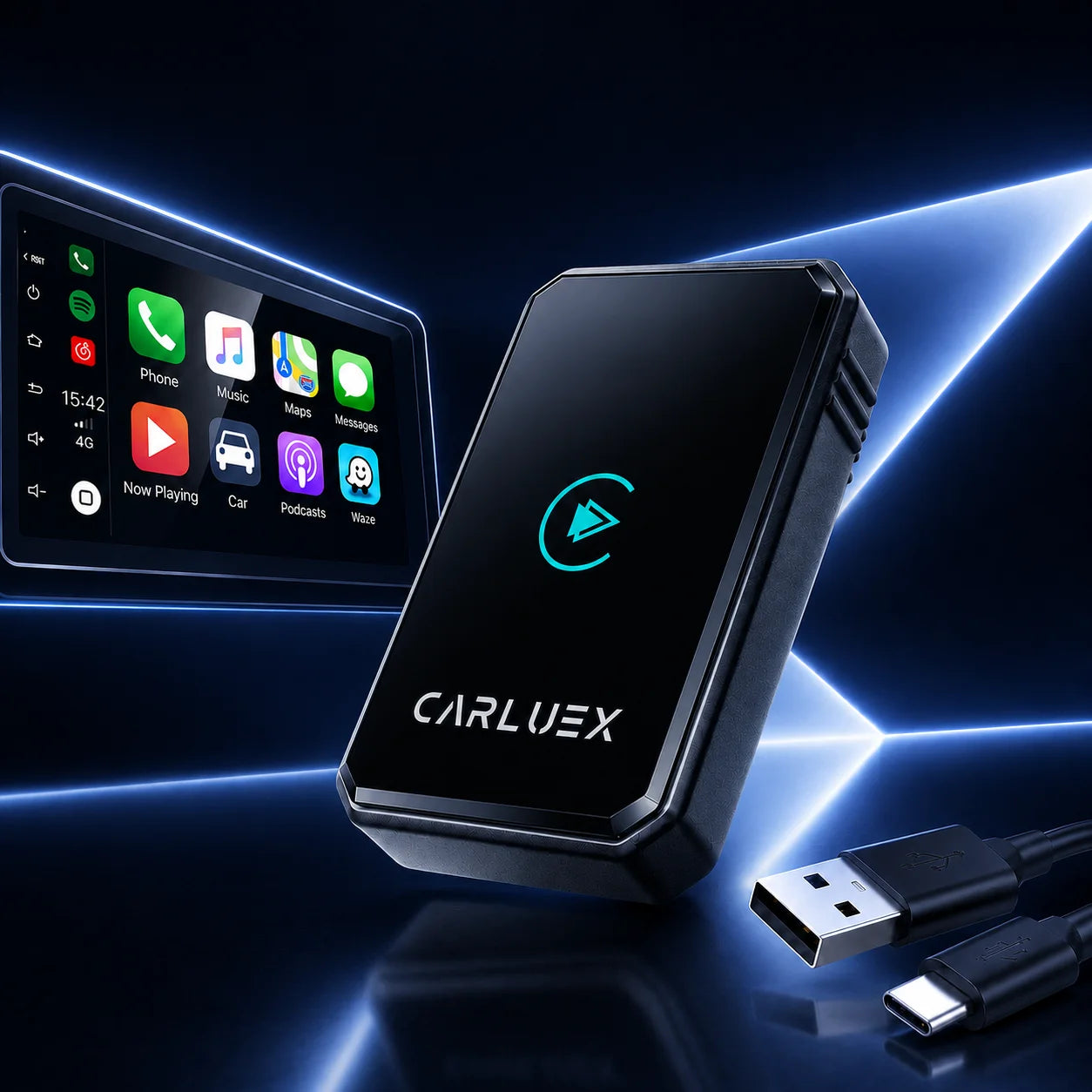
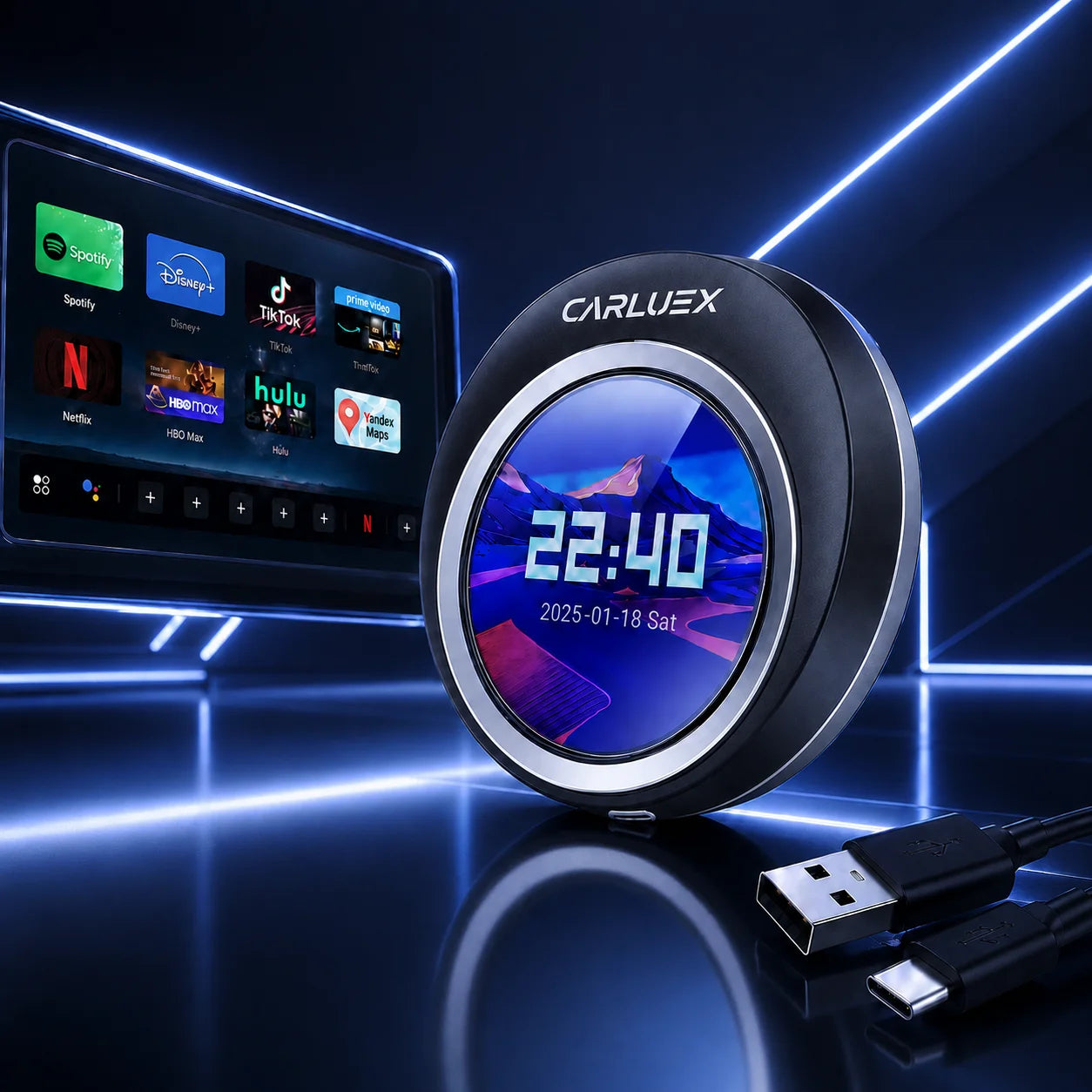
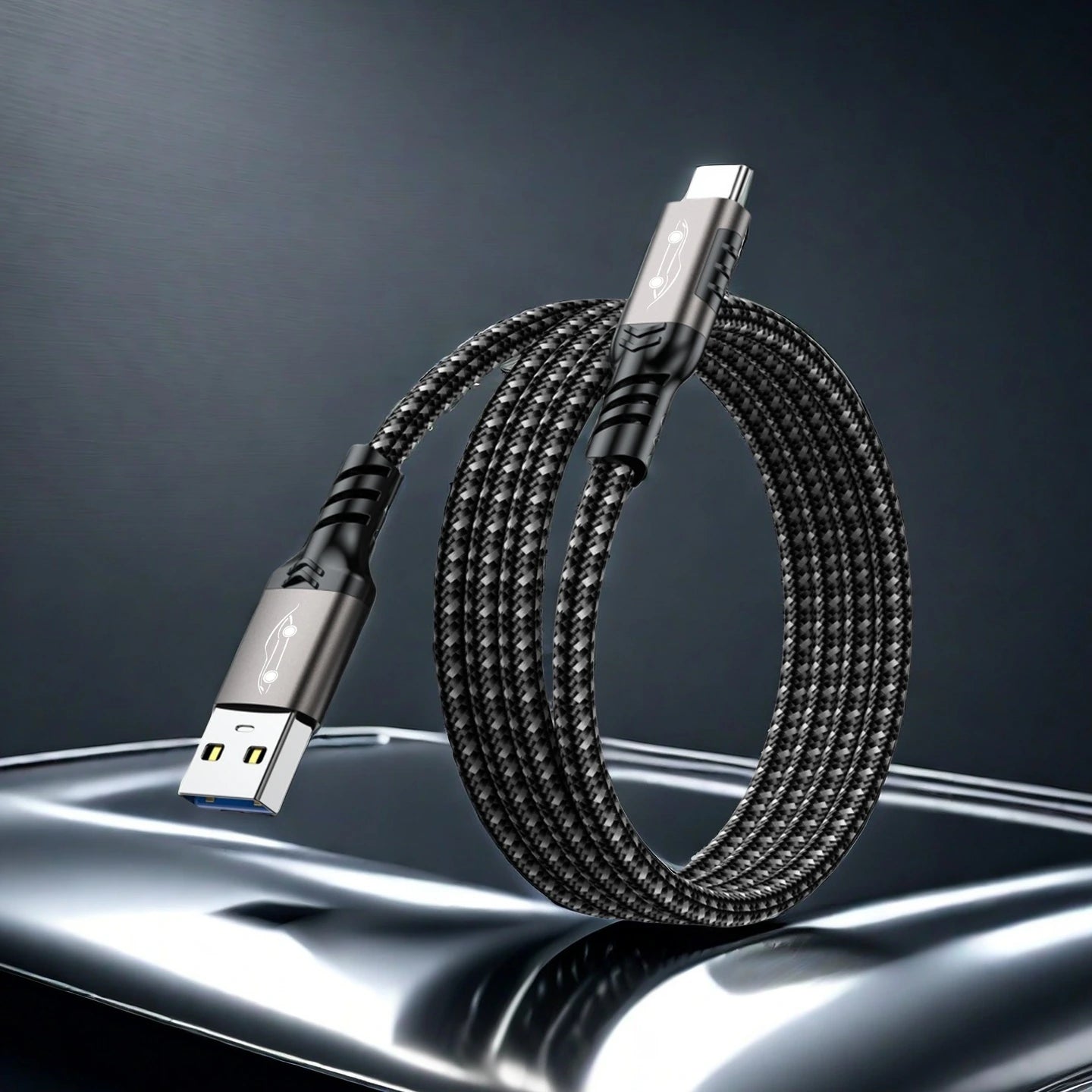
CARLUEX Android Auto Video Adapter Collection
How to Watch Video on Android Auto with CARLUEX Adapters
Looking for a safer way to enjoy video, streaming apps, and in-car multimedia when your vehicle is parked? This CARLUEX collection helps you compare wireless CarPlay and Android Auto adapters for YouTube, Netflix, local files, app access, BMW-specific setups, and screen-control use cases.
Buying note: Video should only be used when parked, where local law allows it, and when your vehicle, app, and adapter setup support it. Before buying, confirm your vehicle compatibility and choose the CARLUEX model that matches your screen, app, and control needs.
Which Wireless CarPlay Adapter Should You Choose?
- Choose CARLUEX GO if you want a lower-priced CARLUEX adapter with Netflix, YouTube, local files, Bluetooth music, and phone mirroring listed in the product data.
- Choose CARLUEX AIR if you want a wireless CarPlay / Android Auto adapter positioned for entertainment, voice commands, and steering wheel control use cases.
- Choose CARLUEX PRO+ if you want a higher-end adapter with YouTube, Netflix, Hulu, wireless CarPlay / Android Auto, voice commands, and steering wheel functions listed in the product data.
- Choose CARLUEX PRO+ 2.0 if you want a multimedia AI box with wireless CarPlay, Android Auto, app access, free software updates, and Cloud SIM listed in the product data.
- Choose CARLUEX VISION if you want a wireless CarPlay adapter with screen control and integrated Apple CarPlay / Android Auto.
- Choose CARLUEX Multimedia Streaming Box for BMW if you drive a BMW and need the BMW-specific CARLUEX model.
- Choose CARLUEX LINK if your priority is simple wireless CarPlay and Android Auto access for navigation, music, calls, and messages rather than a video-focused setup.
Product Grid Recommendation
| Product | One-Sentence Card Copy | Best For | Product URL |
|---|---|---|---|
| CARLUEX GO Wireless CarPlay/Android Auto Adapter | A wireless adapter with Netflix, YouTube, local files, Bluetooth music, and phone mirroring listed in product data. | Entry multimedia use | View product |
| CARLUEX AIR Wireless CarPlay/Android Auto Adapter | A wireless CarPlay / Android Auto adapter for entertainment, voice commands, and steering wheel control use cases. | Balanced entertainment upgrade | View product |
| CARLUEX PRO+ Wireless CarPlay/Android Auto Adapter | A premium adapter with YouTube, Netflix, Hulu, wireless CarPlay / Android Auto, voice commands, and steering wheel controls. | Higher-end video and app setup | View product |
| CARLUEX PRO+ 2.0 Multimedia AI Box | A multimedia AI box with wireless CarPlay, Android Auto, app access, software updates, and Cloud SIM listed in product data. | Advanced app access | View product |
| CARLUEX VISION Wireless CarPlay Adapter with Screen Control | A wireless CarPlay adapter with screen control and integrated Apple CarPlay / Android Auto. | Screen-control users | View product |
| CARLUEX Multimedia Streaming Box for BMW | A BMW-specific multimedia streaming box with Netflix, Spotify, Google Play / APK app access, wireless CarPlay, and Android Auto listed in product data. | BMW drivers | View product |
| CARLUEX LINK Wireless CarPlay and Android Auto Adapter | A simple wireless adapter for CarPlay and Android Auto access to navigation, music, calls, and messages. | Basic wireless connectivity | View product |
Compare CARLUEX Adapters for Parked Video and In-Car Multimedia
| Model | Best For | Key Features | Requirement / Compatibility | Recommended User | Product URL |
|---|---|---|---|---|---|
| GO | Entry multimedia use | Netflix, YouTube, local files, Bluetooth music, phone mirroring, wireless CarPlay / Android Auto | Confirm vehicle compatibility before purchase | Users who want app and media access at a lower price point | View |
| AIR | Balanced entertainment upgrade | Wireless CarPlay / Android Auto, entertainment, voice commands, steering wheel controls | Confirm vehicle compatibility before purchase | Daily drivers wanting app and control features | View |
| PRO+ | Higher-end multimedia | YouTube, Netflix, Hulu, wireless CarPlay / Android Auto, voice commands, steering wheel functions | Confirm vehicle compatibility before purchase | Users wanting more video and app options | View |
| PRO+ 2.0 | Advanced app access | Wireless CarPlay / Android Auto, app access, free software updates, Cloud SIM | Confirm vehicle fitment; BMW users should choose the BMW version | Users wanting a multimedia AI box | View |
| VISION | Screen control | Screen control, integrated Apple CarPlay / Android Auto, supported streaming apps | Confirm vehicle compatibility before purchase | Users who want more control from the car screen | View |
| BMW Box | BMW-specific setup | BMW-focused multimedia box, Netflix, Spotify, Google Play / APK app access | For BMW drivers; exact fitment should be confirmed | BMW owners | View |
| LINK | Basic wireless connection | Wireless CarPlay, Android Auto, navigation, music, calls, messages | Confirm vehicle compatibility before purchase | Drivers who mainly need cable-free smartphone connection | View |
Check These Details Before You Watch Video on Android Auto
- Use video only when parked and where local law allows it.
- Confirm your vehicle supports the required factory wired CarPlay or Android Auto connection.
- If you drive a BMW, choose the CARLUEX Multimedia Streaming Box for BMW.
- Confirm whether you need YouTube, Netflix, Hulu, local files, app access, screen control, or only basic wireless connectivity.
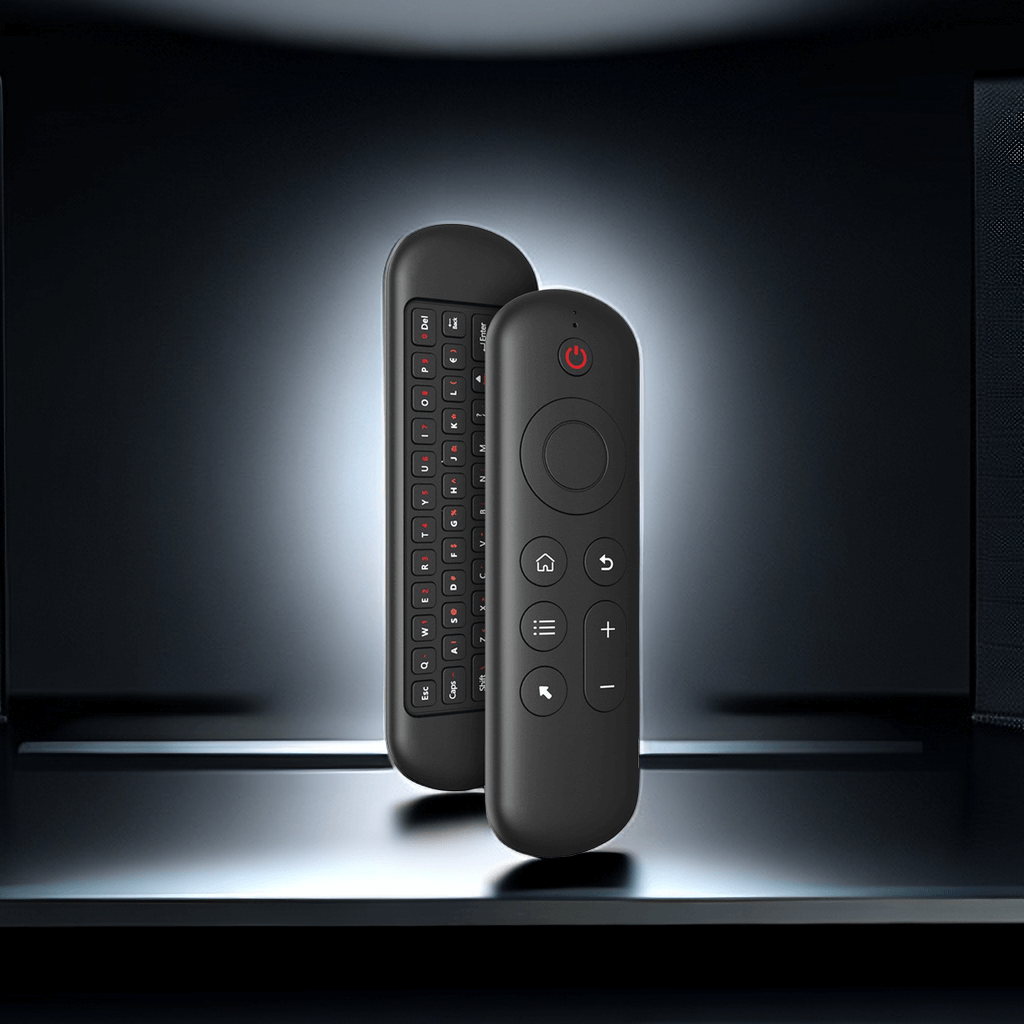
- Check whether your car screen is touchscreen; non-touchscreen users may need CARLUEX Remote+.
- Remember that third-party app availability may depend on the app provider, vehicle setup, and connection environment.
- Review shipping, return, and warranty information before ordering.
Why Choose CARLUEX Wireless CarPlay Adapter?
Compare multiple CARLUEX models in one place
Compare which adapter supports the video, app, or multimedia use case you need before you visit the product page.
Choose the right type of in-car multimedia setup
Choose from basic wireless connectivity, parked video use, app access, BMW-specific setup, screen control, and accessory-supported control options.
Use product-data-backed feature claims
Use listed features such as YouTube, Netflix, Hulu, local files, Bluetooth music, Google Play / APK app access, Cloud SIM, and screen control only where they appear for specific CARLUEX models.
Build a cleaner setup with accessories
Add Remote+, CLIP, CABLE+, or the Complete Accessories Bundle when your setup needs extra control, mounting, cable, or storage support.
Android Auto Video, Car Video Playback, and In-Car Multimedia Use Cases
Parked video streaming
Choose a CARLUEX model that lists YouTube, Netflix, Hulu, or streaming-related app support in the product data.
Road trip downtime
Use supported apps, local files, or Bluetooth music while parked or during passenger downtime where allowed.
BMW-specific multimedia setup
Choose the CARLUEX Multimedia Streaming Box for BMW if your vehicle requires the BMW-focused model.
How to Set Up a CARLUEX Adapter for In-Car Multimedia
- Confirm that your vehicle and factory system meet the required CarPlay or Android Auto connection needs.
- Choose the CARLUEX model that matches your video, app, screen-control, or BMW setup.
- Connect the adapter using the required in-car connection method.
- Pair your phone and use supported apps through your car display when parked and where permitted.
Recommended Accessories
- CARLUEX Remote+: Recommended for vehicles without touchscreen displays or for users who want easier point-and-click control.
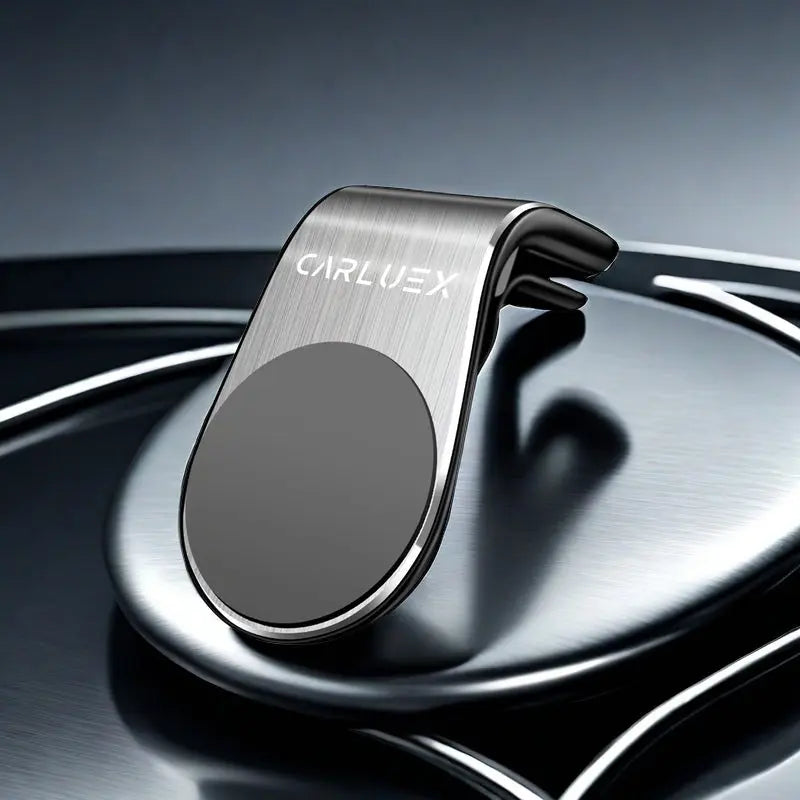
- CARLUEX CLIP: Recommended for securing a CARLUEX device in a fixed position.
- CARLUEX CABLE+: Recommended when you need a replacement or upgraded USB-C cable for your in-car setup.
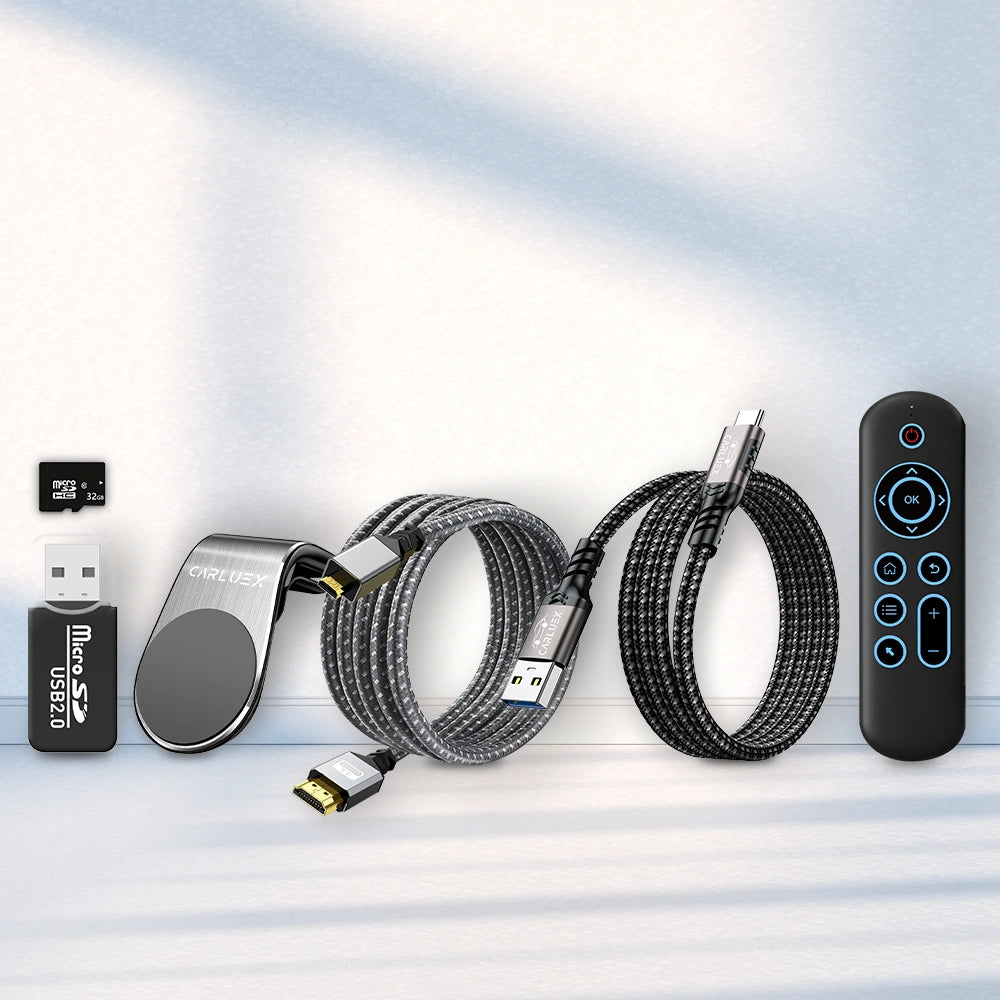
- CARLUEX Complete Accessories Bundle: Recommended if you want Remote+, CLIP, cable, reader / micro card, and micro HDMI cable in one package.
FAQ
Can I watch video on Android Auto while driving?
No. Video should only be used when parked, where local law allows it, and when your vehicle, app, and adapter setup support it.
Which CARLUEX models are more relevant for video or streaming apps?
GO, AIR, PRO+, PRO+ 2.0, VISION, and the BMW Box include entertainment, video, app, or streaming-related features in their Shopify product data.
Which product should BMW drivers choose?
BMW drivers should choose the CARLUEX Multimedia Streaming Box for BMW. Do not assume the regular PRO+ or PRO+ 2.0 is the right BMW fit without confirmation.
Does CARLUEX LINK focus on video playback?
LINK is better positioned as a simple wireless CarPlay and Android Auto adapter for navigation, music, calls, and messages. For video or multimedia use, compare GO, AIR, PRO+, PRO+ 2.0, VISION, or the BMW Box.
Do all video apps always work?
No. Third-party app availability and performance may depend on the app provider, vehicle setup, connection environment, and local rules.
Do I need a touchscreen?
Some users can benefit from CARLUEX Remote+ if the vehicle does not have a touchscreen display. Exact setup should be confirmed before purchase.
What should I confirm before ordering?
Confirm vehicle compatibility, BMW fitment if applicable, video/app expectations, touchscreen needs, and shipping / return / warranty terms.
Helpful Guides and Related Pages
Shipping, Returns, Warranty, and Support
- Shipping: For U.S. orders, the Shipping policy states local warehouse shipping from Los Angeles / Atlanta, estimated delivery time of 2-5 business days, free shipping on orders $50 and above, and a $9.99 shipping fee for orders from $0-$49. Please review the full policy before ordering.
- Returns: The Refund policy states that returns are accepted within 30 days of the order delivery date, subject to eligibility, original condition, and component return requirements. Review the full policy before ordering.
- Warranty: Dedicated warranty policy URL was not returned by the Shopify policy query. Please contact CARLUEX support to confirm current warranty terms before purchase.
- Support: Contact information is available through the CARLUEX contact policy.


