

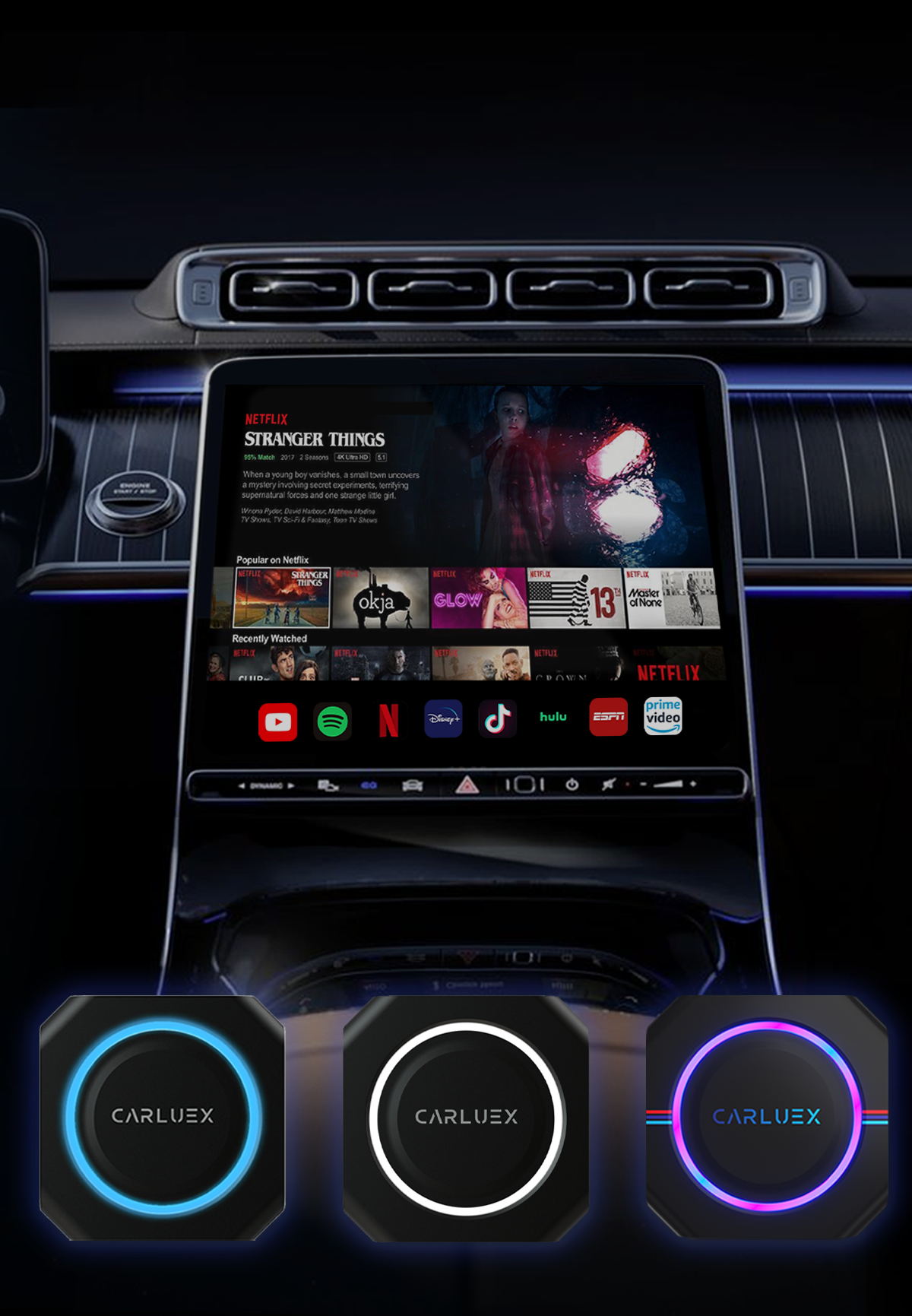
The CARLUEX GO/PRO/PRO+ work on the vehicles listed below. If you prefer to search your specific year, make, model, you can do so on our Compatibility Quiz.
Audi 2016-2023
Buick 2018-2023
Cadillac 2016-2023
Chevrolet 2016-2023
Chrysler 2017-2023
Dodge 2017-2023
Fiat 2017-2023
Ford 2017-2023
Genesis 2018-2023
GMC 2017-2023
Honda 2018-2023
Hyundai 2016-2023
Jaguar 2019-2023
Jeep 2018-2023
Kia 2017-2023
Land Rover 2019-2023
Lincoln 2017-2023
Mazda 2018-2023
Mini 2018-2023
Mercedes Benz 2016-2023
Nissan 2018-2023
Peugeot 2017-2023
Porsche 2017-2023
Ram 2018-2023
Seat 2017-2023
Skoda 2018-2023
Toyota 2019-2023
Volkswagen 2016-2023
Volvo 2019-2023
*Vehicle must have WIRED CarPlay*
*If you own a BMW vehicle, please check out our CARLUEX for BMW version.
How to Check If CARLUEX Works in Your Vehicle
Before purchasing a CARLUEX adapter, it's essential to verify compatibility with your specific vehicle and head unit. CARLUEX products are designed to work with vehicles that have factory-installed CarPlay or Android Auto functionality.
Compatible Vehicle Requirements
Your vehicle must meet the following requirements for CARLUEX to work:
- Factory CarPlay: If your car came with wired CarPlay, CARLUEX can make it wireless
- Factory Android Auto: Similarly, wired Android Auto can be made wireless
- USB Connection: A functional USB port that supports data transfer
- Aftermarket Units: Many aftermarket head units from Pioneer, Kenwood, Alpine, Sony, and others are compatible
Supported Car Brands
CARLUEX is compatible with vehicles from major manufacturers including:
- American: Ford, Chevrolet, GMC, Dodge, Jeep, Ram, Cadillac, Buick, Lincoln
- European: BMW, Mercedes-Benz, Audi, Volkswagen, Volvo, Porsche, MINI, Jaguar, Land Rover
- Japanese: Toyota, Honda, Nissan, Mazda, Subaru, Lexus, Acura, Infiniti
- Korean: Hyundai, Kia, Genesis
How to Verify Your Specific Model
To confirm compatibility with your vehicle:
- Check if your car has CarPlay or Android Auto (look for the icon on your infotainment screen)
- Locate the USB port in your vehicle (usually in the center console or dashboard)
- Try connecting your iPhone or Android phone with a cable to test
- If CarPlay/Android Auto appears on screen, your vehicle is compatible
Troubleshooting Compatibility Issues
If CARLUEX doesn't work after setup:
- Ensure your phone's operating system is up to date
- Check that Bluetooth and Wi-Fi are enabled on your phone
- Verify the CARLUEX adapter is properly connected to the USB port
- Some vehicles may require a firmware update for wireless functionality
Last Updated: 2026-05-08 | This article was updated to provide the most comprehensive and accurate information for CARLUEX users.
How to Check If CARLUEX Works in Your Vehicle
Before purchasing a CARLUEX adapter, it's essential to verify compatibility with your specific vehicle and head unit. CARLUEX products are designed to work with vehicles that have factory-installed CarPlay or Android Auto functionality.
Compatible Vehicle Requirements
Your vehicle must meet the following requirements for CARLUEX to work:
- Factory CarPlay: If your car came with wired CarPlay, CARLUEX can make it wireless
- Factory Android Auto: Similarly, wired Android Auto can be made wireless
- USB Connection: A functional USB port that supports data transfer
- Aftermarket Units: Many aftermarket head units from Pioneer, Kenwood, Alpine, Sony, and others are compatible
Supported Car Brands
CARLUEX is compatible with vehicles from major manufacturers including:
- American: Ford, Chevrolet, GMC, Dodge, Jeep, Ram, Cadillac, Buick, Lincoln
- European: BMW, Mercedes-Benz, Audi, Volkswagen, Volvo, Porsche, MINI, Jaguar, Land Rover
- Japanese: Toyota, Honda, Nissan, Mazda, Subaru, Lexus, Acura, Infiniti
- Korean: Hyundai, Kia, Genesis
How to Verify Your Specific Model
To confirm compatibility with your vehicle:
- Check if your car has CarPlay or Android Auto (look for the icon on your infotainment screen)
- Locate the USB port in your vehicle (usually in the center console or dashboard)
- Try connecting your iPhone or Android phone with a cable to test
- If CarPlay/Android Auto appears on screen, your vehicle is compatible
Troubleshooting Compatibility Issues
If CARLUEX doesn't work after setup:
- Ensure your phone's operating system is up to date
- Check that Bluetooth and Wi-Fi are enabled on your phone
- Verify the CARLUEX adapter is properly connected to the USB port
- Some vehicles may require a firmware update for wireless functionality
Last Updated: 2026-05-08 | This article was updated to provide the most comprehensive and accurate information for CARLUEX users.


留言
所有留言在發布前都會經過審核。
此網站已受到 hCaptcha 保護,且適用 hCaptcha 隱私政策以及服務條款。