


How to Verify Your Car Model Supports CarPlay and Our Wireless Adapter
Not sure if your car works with Apple CarPlay or Android Auto? The good news is that as long as your vehicle supports Wireless CarPlay or Wireless Android Auto from the factory, our adapter will work seamlessly with it. Here's everything you need to know to confirm compatibility before you buy.
Step 1: Check the Official Compatible Vehicle List
The fastest way to verify your car model is on our Compatible Vehicle Models list. We maintain a comprehensive compatibility spreadsheet that covers hundreds of supported models across major manufacturers including BMW, Mercedes-Benz, Audi, Toyota, Honda, Ford, Chevrolet, and more.
If your car model appears on that list, you are good to go — no further verification needed.
Step 2: Verify CarPlay or Android Auto on Your Vehicle
If your car is not on the compatibility list, or if you want to double-check yourself, here is how to confirm your car supports smartphone mirroring:
- For most vehicles (non-BMW): Use a Lightning cable (iPhone) or USB-C cable (Android) to connect your phone directly to the car's USB port labeled with a CarPlay or Android Auto icon. If the infotainment screen prompts you to enable CarPlay or Android Auto, your car supports it.
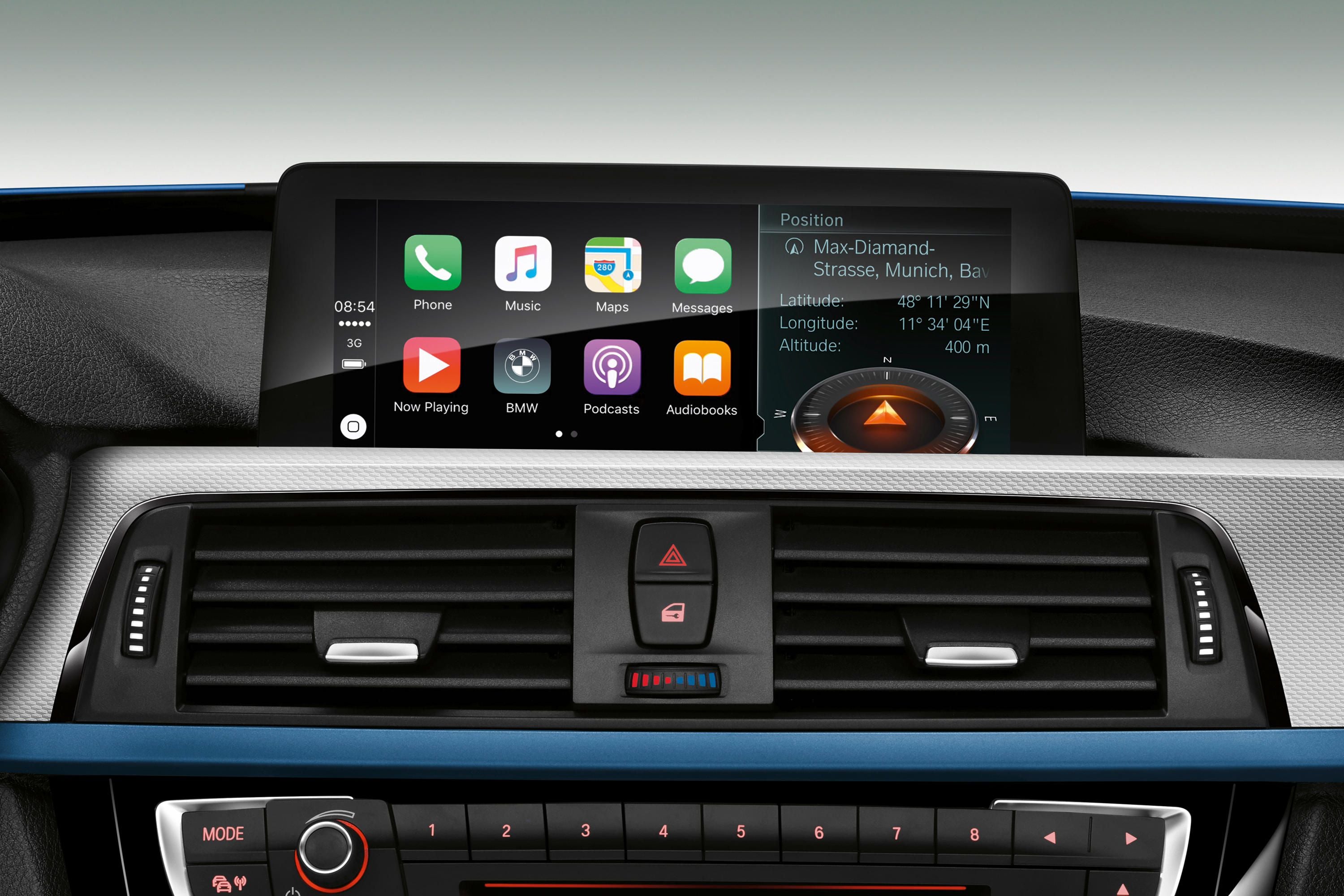
- For BMW models: BMW vehicles with the BMW Operating System 7 or later support Wireless CarPlay. You can check by navigating to Communications > Mobile Devices in your iDrive settings. If Wireless CarPlay is listed as an option, your BMW is compatible.
- For Audi models: Check your MMI infotainment system under Settings > Connections > Mobile Devices. If CarPlay or Android Auto appears, your vehicle supports it.
Step 3: Understand the Difference Between Wired and Wireless CarPlay
Many vehicles from 2017 onwards support both wired and wireless CarPlay — meaning you can use a USB cable or connect wirelessly via Bluetooth and WiFi. Our adapter converts the wired connection into a wireless one, so you can enjoy the full CarPlay experience without plugging in your phone every time you drive.
Key distinction: if your car has a USB port labeled with a smartphone icon, it almost certainly supports CarPlay or Android Auto. The presence of that icon is your visual confirmation.
Step 4: Common Compatibility Questions
Does my car need a specific infotainment system version?
Most vehicles with factory-installed CarPlay or Android Auto from 2016 onwards are compatible. The infotainment system must be the original factory system — aftermarket stereos may or may not be compatible with our adapter depending on their firmware.
What if my car only supports wired CarPlay?
That is exactly what our adapter is designed for. It bridges the gap between your car's wired CarPlay/Android Auto and wireless connectivity, giving you the freedom to start driving without fumbling for cables.
My car has Bluetooth but no CarPlay. Can I use the adapter?
No. The adapter requires your vehicle to have a factory-installed CarPlay or Android Auto system. Bluetooth alone is not sufficient — the car's infotainment system must specifically support smartphone mirroring protocols.
Step 5: What to Do If You Are Still Unsure
If you have checked the compatibility list and tried the verification steps but still have questions, contact our support team with your car's make, model, and year. We can confirm compatibility before you place your order, ensuring you never waste money on an incompatible product.
Final Checklist Before You Buy
- Check our Compatible Vehicle Models list
- Confirm CarPlay or Android Auto appears in your infotainment settings
- Verify your car uses the factory infotainment system (not aftermarket)
- For BMW: confirm BMW Operating System 7 or later
Following these steps will save you time and ensure a smooth setup experience. Our adapter works with any vehicle that supports factory Wireless CarPlay or Wireless Android Auto — once you confirm your car has it, you are ready to go.


留言
所有留言在發布前都會經過審核。
此網站已受到 hCaptcha 保護,且適用 hCaptcha 隱私政策以及服務條款。